How to Choose the Right Windows Digital Signage in Singapore for 2026
Shenzhen TopAdkiosk Display Technology Co., Ltd.
Add.: 2F, Bldg 10, Changfeng Industrial Park, Dongkeng, Fenghuang, Guangming, Shenzhen, China 518132
Mobile/WHATSAPP: 86-138 25769658
Email: marketing@topadkiosk.com topadkiosk@gmail.com
Skype: pghenry1
Wechat: adkioskhenry
English Web.: https://www.topkioskdisplay.com/
http://www.ad-kiosk.com/
https://www.toplcddisplay.com/
http://www.multitouchdigitalsignage.com/
https://www.youtube.com/channel/UCYVYNJHxLVEcQD8fuUxXNTA/videos?view_as=subscriber
https://www.facebook.com/TOPADKIOSKSHENZHEN/?ref=bookmarks
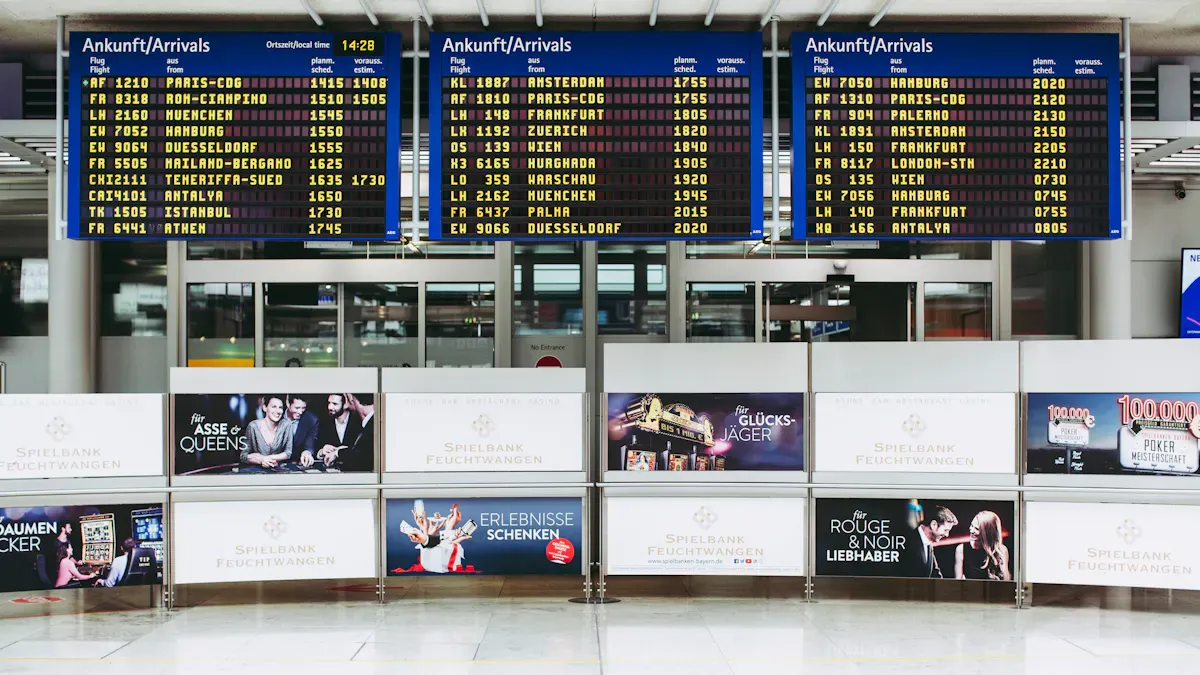
To pick the right windows digital signage singapore for 2026, you need to make sure it works with your current systems. It should be able to grow with your business in the future. You also need local support in Singapore. Windows digital signage lets you show moving content. It helps you get people’s attention and connect with customers. Find options that follow local rules. They should work well with your business tools. When you look at choices, read reviews and check prices. Look for features that will last in the future. This guide gives you easy steps to pick the best digital signage for you.
Key Takeaways
Make sure your digital signage works with your current systems. This makes it easier to manage and update.
Pick displays that can grow with your needs. They should last 5 to 10 years. This helps cut down on waste and helps your business grow.
Follow the rules in your area to keep things safe. This also helps people trust your business. Check if you need any special certifications.
Choose a provider who gives good local support. This means you can get help fast and keep your signage working well.
Use cloud-based content management systems. This lets you control and update your displays from anywhere quickly.
Key Factors for Windows Digital Signage Singapore
Compatibility and Integration
Your windows digital signage singapore should work well with what you already use. It runs on the Windows operating system, so it connects with many business tools. This helps you manage content and update screens easily. You can also link it with other software you have. Make sure it supports your favorite file types and works with your network. Pick options that let you add new features later. This way, your displays stay useful and keep people interested for a long time.
Scalability and Sustainability
Your digital signage should grow as your business gets bigger. The best ones let you add more screens or places without starting over. You can control many screens from one spot, which saves time. In singapore, it is important to think about the environment. Look for displays that last a long time, at least 5 to 10 years. Some vendors help you recycle old screens or take them back. Choosing products with good sustainability certifications shows you care about the earth. Here is a table of a common certification in singapore:
Certification | Description |
|---|---|
Shows the product is good for the environment. It uses less harmful materials and saves energy. |
Pick displays that last a long time to make less waste.
Choose models that work for at least 5 to 10 years.
Make sure vendors help you recycle or take back old screens.
Compliance with Local Regulations
You must follow the rules when setting up digital signage in singapore. The best solutions meet safety and privacy standards. Check if your screens have the right certifications and follow the rules. This keeps your business safe and builds trust with customers. Some digital signage needs special permits, so ask your provider about local rules.
Local Support and Service
Good support is very important. Choose windows digital signage singapore from a provider with strong local help. Local teams fix problems fast and keep your screens working. You get quick answers and help at your place if needed. The best providers give training, updates, and regular checks. This support helps you keep people interested and makes sure your screens work every day.
Essential Features of Digital Signage
Hardware: LCD vs. LED
You have to pick between LCD and LED displays. LED displays are good for outside. They can get very bright, up to 8000 nits. LCD displays are better for inside because they are not as bright. LED displays last longer and use less power. If an LCD display breaks, you might need to replace the whole thing. LED displays are easier to fix because you can just change one part. Here is a table to help you see the differences:
Feature | LED Displays | LCD Displays |
|---|---|---|
Brightness | Up to 8000 nits (ideal for outdoor) | 400–700 nits (suitable for indoor) |
Color & Contrast | Richer color saturation, higher contrast | Limited under direct sunlight |
Viewing Angles | Maintains clarity at sharp angles | Loses brightness and accuracy |
Energy Efficiency | Up to 50% more efficient | Less efficient |
Lifespan | Up to 100,000 hours | 30,000–50,000 hours |
Environmental Tolerance | Better in heat, humidity, rain | Prone to burn-in or ghosting |
Repairs | Modular for quick servicing | Often requires complete replacement |
Brightness and Display Quality
You should match the screen’s brightness to where you put it. Indoor screens work best with 300–500 nits. Outdoor screens need to be brighter. If the sun shines right on the screen, you need over 2,500 nits. Here is a simple chart:
Environment | Recommended Nits |
|---|---|
Indoor (standard lighting) | 300–500 |
Outdoor (shaded) | 1,500–2,000 |
Outdoor (indirect daylight) | 2,000–2,500 |
Outdoor (direct sunlight) | 2,500+ |
Good pictures and videos make people look at your signs. Moving images, bright colors, and touch screens make signs more fun. Your digital signage works all day and night, like a salesperson.
Tip: Pick screens with bright colors and clear pictures. This helps people pay attention to your signs.
Compute Architecture Options
You can choose different ways to run your digital signage. Some screens have computers inside them. Others use a separate media player. Built-in computers save space and need fewer wires. External players are easier to change or upgrade. Pick what works best for your business and lets you update easily.
Security and Remote Management
Keeping your digital signage safe is important. You need tools to watch and control your screens from far away. Remote tools let you see what is on your screens without going there. You can fix problems from your computer. Analytics show you how many people look at your signs and what works best. Hardware management tools, like Scala, help you check if your screens are working. Content tools let you change what is on your screens from anywhere.
Check your digital signage often to keep it working well.
Use analytics to make your signs better.
Digital Signage Companies in Singapore
Leading Providers Overview
There are many digital signage companies in singapore. Some companies are better because they have more displays and good support. Digital Signage Singapore has small screens and big video walls. Their displays work with windows-based systems. You can use them in stores, offices, or public places. Ascenstar makes special interactive displays and kiosks. They help schools, offices, and shops. These companies help you talk to customers and make your business look new.
When you pick a provider, check their experience and if they are local. Companies with three to five years in business are more reliable. A support team in singapore can fix problems fast. If they have displays in stock, you get them quicker. You should also check if their displays work with your systems. Good support means clear plans for setup and fixing problems. Warranty is important too. You want a warranty that lasts and protects your money.
Tip: Read what other customers say and ask about local help. This helps you find digital signage companies in singapore that are right for you.
Pricing and Configuration Insights
You need to know how pricing works before you choose. The price depends on the screen quality, media players, and software. Harder setups cost more money. If you pick the right setup, you save money later. Strong displays need less fixing. Good solutions help your business run better. Ask about hardware details. Outdoor screens need to be IP56+ and very bright. Indoor screens can be less bright but must show clear pictures.
Here is a table to help you compare when you look at digital signage companies in singapore:
Criteria | Description |
|---|---|
Production Capacity | Check factory size and staff count to see if they can meet your demand. |
Industry Tenure | Choose suppliers with at least 5 years of operation for reliability and experience. |
Compliance with Regulations | Make sure they follow IMDA guidelines for brightness and PDPA rules for interactive displays. |
Hardware Specifications | Outdoor screens must be IP56+ rated and bright enough for Singapore’s weather. |
Remote Management | Look for Southeast Asia-based cloud infrastructure for easy management. |
Integration with Local Systems | Make sure displays work with local payment and queue systems. |
Verification | Ask for ISO 9001, RoHS, and cybersecurity benchmarks for data security. |
You should also see if you can control displays from far away. Connecting with local systems helps your business work better. Warranty and support deals keep your money safe.
Market Trends and Opportunities
Digital signage in singapore is growing fast. There are more high-quality LED displays and smooth setups. Interactive screens are getting popular. Many businesses use displays to change content quickly and talk to customers. Linking with digital marketing helps you reach more people. Cool LED designs make buildings look special.
Stores use digital signage to show prices and deals. Electronic shelf labels help workers do their jobs faster. Schools use displays for news and learning. More industries are using digital signage now. The market is busy, especially in stores. Businesses want to look modern and update signs easily. Singapore is becoming a smart city, so digital signage companies in singapore offer new solutions.
The world digital signage market could reach USD 41.4 billion by 2036. It will grow by 5.8% each year from 2026 to 2036. Videowalls will be the most used product. Stores will use them the most. Most signs will be inside. Asia-Pacific, including singapore, will have the biggest share.
Note: Look for digital signage companies in singapore that have windows digital signage and solutions for your business. This helps you keep up with trends and get the best displays.
Windows Digital Signage Software
Cloud CMS Options
You can use cloud digital signage platforms to control your screens. These tools let you change displays from anywhere. You do not need to be at the store or office. Cloud digital signage helps you update screens right away. You can show news, ads, or business info fast. Many businesses in Singapore like cloud digital signage. It saves time and helps you reach people quickly.
Here is a table of popular cloud CMS options for digital signage software:
CMS Option | Description | Compatibility |
|---|---|---|
Fugo | Streams live data across networks for real-time business information. | Not specified |
Viewneo | Offers media-rich displays and a web dashboard for remote management. | Not specified |
SignCloud | Supports Android-based displays for simple setups. | Not specified |
VizanSign | Provides end-to-end solutions with web-based CMS and remote tools. | Not specified |
Tip: Cloud digital signage lets you control screens from your phone or computer. You can change what shows on your screens very quickly.
Content Management Tools
Digital signage software gives you ways to organize and plan content. You can choose what shows on each screen and when it shows up. Windows digital signage works with many file types and connects to other business tools. You can make displays look like your brand or share important news.
Here is a comparison of content management tools for digital signage:
Feature | Windows Digital Signage | Alternatives (Android, Raspberry Pi) |
|---|---|---|
Remote Management | Easy deployment and maintenance | Varies by platform |
Compatibility | Works with many software/hardware | May have limited compatibility |
Customization | Highly customizable | Customization options may vary |
Security | Offers strong security features | Security depends on platform |
Cost-effectiveness | Higher cost | Often more affordable |
Ease of Use | Setup can be complex | Usually easier to set up |
You can use digital signage software to plan videos, pictures, or live feeds. You can also see how well your screens work and make changes to get better results.
User Interface and Maintenance
A good user interface makes digital signage easy to use. You can drag and drop content, see previews, and set times for displays. Maintenance tools help you check if screens work and fix problems fast. You can update digital signage software without turning off your screens. This keeps your business running well.
Note: Windows digital signage helps Singapore businesses with strong displays, easy updates, and good security. You can reach more people and keep your screens working every day.
Implementation Strategies
Installation Best Practices
Follow simple steps to set up digital signage. Pick displays that fit your space. Use weatherproof screens outside. Choose bright screens for sunny spots. Make sure your windows digital signage has strong internet. Set up media players and power so everything works well. Local teams help you install and fix problems fast.
Pick displays for each place.
Use an easy CMS to manage screens.
Check internet and power before starting.
Get help from local experts when needed.
Content Creation and Scheduling
Good content makes your digital signage stand out. Add videos, pictures, and news to your screens. Plan when each message will show. Use a CMS to set times and check how displays do. Dynamic content lets you change screens anytime. Automated schedules save time and keep things new.
Feature | Traditional Signage | Blupepper Digital Signage |
|---|---|---|
Cost | High printing costs | Low yearly fees |
Flexibility | Only one display | Change messages anytime |
Scheduling | No schedule | Set times for messages |
Tip: Plan your messages early. Set displays for busy times and special days.
Training and Onboarding
Teach your team how to use digital signage. Show them how to add and schedule content. Teach them to fix simple problems, like restarting screens. Test the setup to make sure it works. Give trusted staff special access to change displays. Keep helping your team so they feel ready.
Show how to fix common problems.
Use reports to see how screens do.
Give safe access to trusted staff.
Ensuring Reliability
Check your digital signage often to keep it working. Watch screens to find problems early. Use analytics to see which screens get noticed most. Update software to keep screens safe. Local support helps you fix things fast. Pick displays that last long and are easy to fix. Choose screens that can upgrade as your business grows in Singapore.
Note: Reliable digital signage means your screens always show the right message. Local support keeps your business running well.
Cost and ROI for Digital Signage
Upfront vs. Ongoing Costs
When you pick digital signage, think about all costs. You pay some costs at the start. These are for displays, media players, and setup. You also pay for software and getting everything ready. After that, you have to pay for other things over time. These are for fixing screens, updating software, and making new content. You might pay for cloud services or help from local teams. If you buy strong displays, you will fix them less. Windows digital signage costs more at first, but it works well and is easy to update.
Upfront costs: hardware, installation, software
Ongoing costs: maintenance, support, content, cloud services
Tip: Think about both types of costs so you do not get surprised later.
Value and ROI Analysis
ROI means how much your business gets back from digital signage. Good displays can help you sell more and give better service. They can also make your brand stronger. In singapore, businesses use windows digital signage to show deals, update lines, and share news. You can check if displays help sales and make customers happy. Here is a table with ways digital signage helps:
Metric | How Digital Signage Improves It |
|---|---|
Shows offers at the right time to help people buy | |
Service Efficiency | Gives updates about lines and wait times |
Brand Recall & NPS | Uses LED and moving images to make people remember your brand |
You get good results when you use displays to share messages fast. Digital signage helps you reach more people and keeps your business up to date.
Budgeting Tips
Make a budget before you buy digital signage. Write down every cost, like displays, software, and help. Look at prices from different companies. Some bundles give you hardware and cloud services together. Pick displays that last a long time to save money. Ask about warranties and recycling old screens. If you plan early, you get better deals and avoid extra costs.
List all your costs
Compare companies and what they offer
Choose displays with long warranties
Plan for upgrades as your business grows
Note: A smart budget helps you get the most from your digital signage.
You can pick windows digital signage singapore by doing a few things. First, make sure it fits what your business needs. Next, see if it follows singapore’s rules. Then, look at reviews and prices. Check if the provider knows a lot about digital signage. Ask companies to show you how their digital signage works. > Windows digital signage lets you talk to customers and change screens fast. You also get good help and tools that work for the future.
What Is Windows Digital Signage and How Does It Benefit Singapore Businesses?
Windows digital signage is, simply put, using familiar Windows‑based devices (PCs, tablets, etc.) together with specialised content management software to drive TVs or screens for information publishing and advertising.
Its core value lies in seamlessly integrating into an organisation's existing IT environment, providing enterprise‑grade performance and reliability while leveraging the technical skills your team already has.
💡 What Is Windows Digital Signage?
Unlike digital signage driven by Android, Windows digital signage specifically refers to solutions that use devices running Windows (PCs, mini‑PCs, tablets, or kiosks) as the hardware platform for playback. Its system architecture and operational logic give it a distinct positioning:
Pure information display – It is primarily used for one‑way, long‑term content display (e.g., advertising, menus), distinguishing it from interactive kiosks designed for user interaction.
Cloud‑based smart management – With internet connectivity, you can remotely update and manage content on all screens from anywhere via a cloud platform, enabling real‑time synchronisation and precise scheduling.
Strong security & monitoring – Enterprise‑grade security capabilities and regular security updates are a hallmark. The system also provides real‑time analytics and reporting tools to evaluate content effectiveness.
🚀 Why Windows Is Preferred – Six Core Advantages
For businesses that value stability, security, and integration, Windows digital signage offers compelling benefits. Although hardware costs are higher compared to Android, the following advantages make it the first choice for mission‑critical applications:
Advantage Dimension | Core Value & Explanation |
|---|---|
Seamless IT integration | Works perfectly with existing enterprise systems such as Active Directory (AD), Microsoft Teams, and Office 365, lowering deployment costs. |
Strong performance | Powerful hardware supports 4K/8K ultra‑HD content, video wall splicing, and complex GPU‑accelerated graphics tasks. |
Enterprise security & compliance | Regular security updates from Microsoft, plus enterprise‑grade compliance features – ideal for finance, government, and other sectors with strict data security requirements. |
Familiar operating environment | IT teams need no additional training – they can use their existing Windows device management experience for deployment and maintenance, reducing operational costs. |
Broad software ecosystem | Can run both professional signage CMS software and enterprise‑developed .exe applications – extremely extensible. |
Rich interactivity possibilities | Supports advanced applications like touchscreens and AI integration – easily creating everything from information displays to interactive experiences. |
🎯 Six Industry Use Cases
Windows digital signage, thanks to its flexibility and power, can be widely applied across many business scenarios:
🏢 Corporate offices – Internal announcements, KPI dashboards, meeting room bookings – improving internal communication.
🛍️ Retail stores – In‑store promotions, new product highlights, window digital posters – attracting customers.
🍽️ Food & beverage / hotels – Dynamic digital menu boards, welcome signs, wayfinding in hotel lobbies.
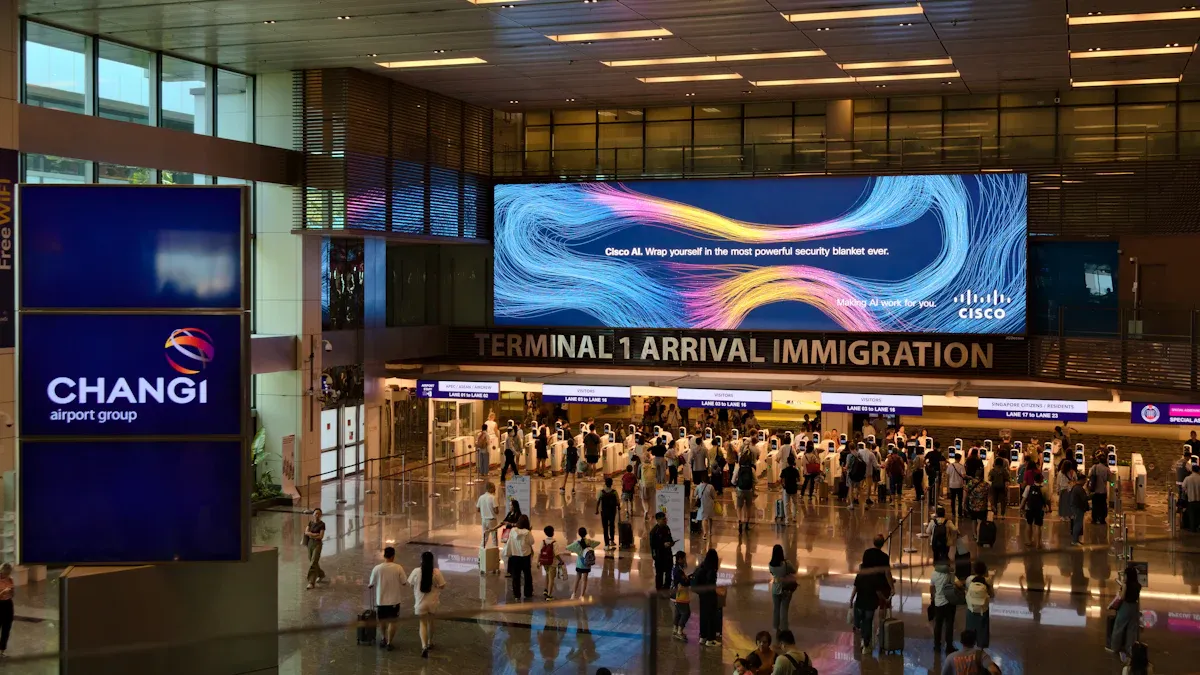
🚉 Public transport – Flight/train information display systems (FIDS) at airports and subway stations – real‑time, accurate information.
🏥 Healthcare – Outpatient queuing, department wayfinding, health education – optimising patient flow.
🏦 Financial services – Bank branches displaying interest rates, wealth management products, interactive services.
🌏 Singapore Use Case: Why It Suits Local Businesses Particularly Well
In Singapore's highly developed business environment, Windows digital signage offers unique value:
Reliability & integration – Singaporean enterprises, especially multinationals, widely use the Microsoft ecosystem. Windows signage seamlessly integrates with existing IT architectures, enabling unified authentication and system integration, reducing deployment and operational costs. Its superior performance also ensures smooth operation of high‑end applications like video walls and 8K ultra‑HD.
Cloud management & flexibility – As a regional business hub, Singaporean companies often operate across multiple locations. Cloud‑based Windows digital signage lets you manage thousands of screens across different countries and regions from a single dashboard – efficient, unified content management.
Local support & services – Fortunately, Singapore has a mature network of local service providers. You can obtain comprehensive services (consulting, hardware, software, installation, maintenance) from vendors such as Simplified Technology, Uniconnect Systems, DS Visual, Zoom Visual, SkyMedia, Scala, and others.
🚦 How to Get Started
Deploying a Windows digital signage system typically involves the following steps:
Plan & design – Define your goals, content strategy, and budget.
Choose a supplier – Compare local providers; select one that offers end‑to‑end service.
Select hardware – Choose Windows devices (PC, mini‑PC, etc.) with performance matched to your application.
Deploy & install – Professional team handles screen mounting, network configuration, and system setup.
Create & manage content – Use the CMS platform to create, schedule, and publish content.
Monitor & maintain – Use the cloud platform to monitor device status and ensure stable operation.
💎 Summary
Windows digital signage delivers enterprise‑grade technology and ecosystems to solve enterprise‑grade problems. The promises it makes in performance, security, integration, and extensibility make it a strategic investment worth serious consideration for many serious business scenarios.
If you are willing to share your specific use case and budget, I can provide more targeted supplier recommendations.please contact Shenzhen TopAdkiosk Display Technology Co.
FAQ
What is Windows digital signage and how does it benefit Singapore businesses?
Windows digital signage shows messages, ads, or news on screens. You can change what is on the screen very fast. Many businesses in Singapore use it to get more customers. They also use it to share news and help people faster.
How do I choose the right screen for my location?
Pick a screen that is bright enough for your space. Indoor screens do not need to be very bright. Outdoor screens must be much brighter. Ask your provider which screen is best for your place.
Can I control my digital signage remotely?
You can use cloud software to control your screens from anywhere. You can change what shows, check if screens work, and fix problems without going there. This saves you time and keeps your screens up to date.
What should I look for in a local provider?
Choose a provider that has good local support. Make sure they give fast help and training. They should have good service and offer warranties. Read reviews and ask questions. Local teams can fix problems quickly.
How do I keep my digital signage secure?
Use software that has strong security tools. Update your system often to stay safe. Only let trusted staff use the system. Watch your screens for anything strange. Good security keeps your business and customers safe.
See Also
Selecting Top Video Wall Digital Signage Solutions in Singapore 2026
Finding Ideal Outdoor Digital Signage Options for Your Business
Evaluating Digital Signage Options in Singapore: Features and Costs
