What Makes an Outdoor Kiosk IP66 and Why It Matters
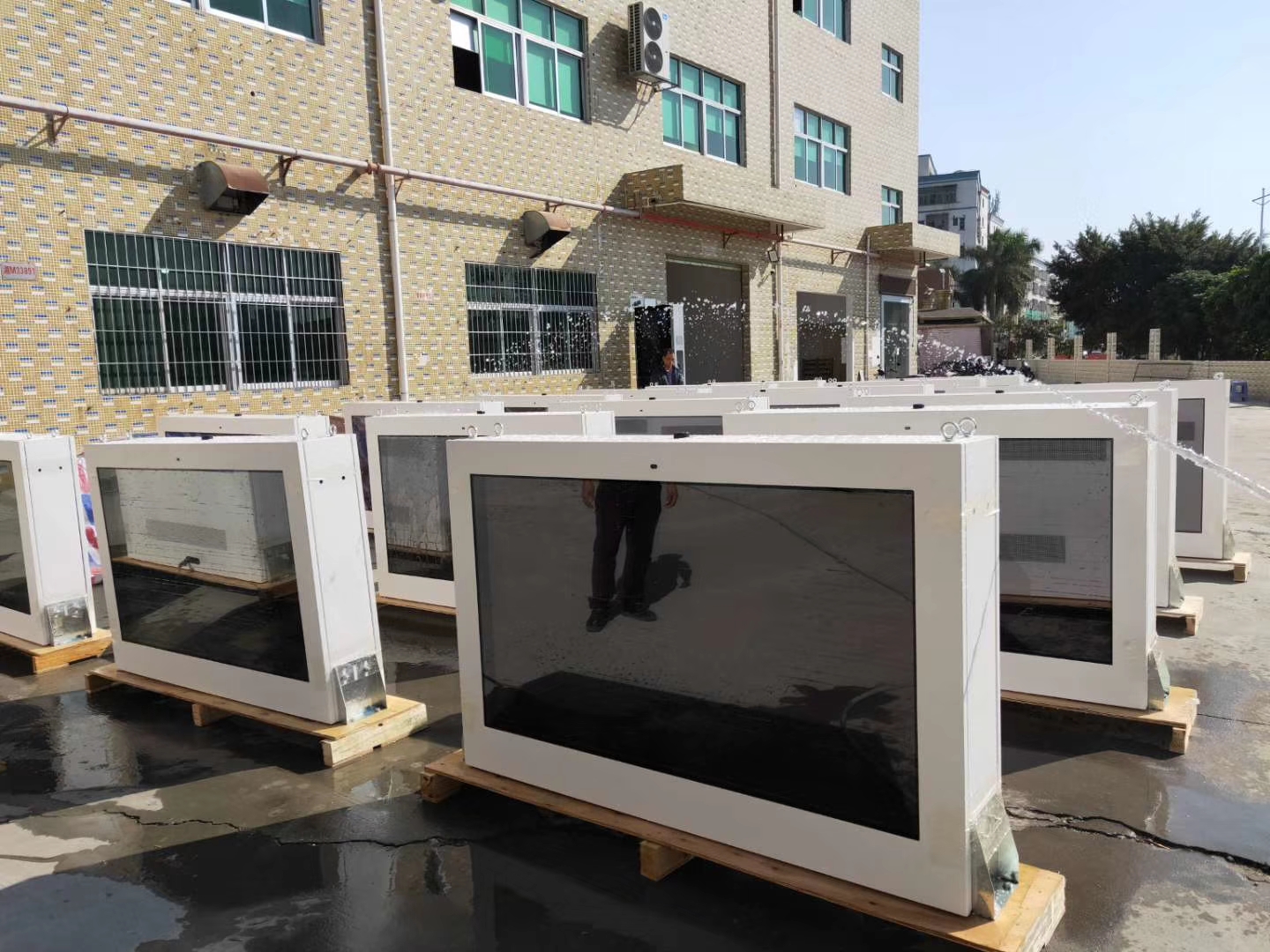
When you choose an outdoor kiosk ip66, you pick a solution built for tough environments. The ip66 rating means your kiosk stands strong against dust and powerful water jets. This level of protection helps prevent damage from heavy rain or dust storms, which can often cause failures in less protected kiosks. You want your IP66 LCD OUTDOOR KIOSK to work reliably no matter the weather, so selecting the right IP rating is essential for outdoor use.
Shields your kiosk from dust and dirt
Defends against strong water jets and heavy rain
Key Takeaways
IP66 kiosks can handle dust and strong water jets. They work well outside even when the weather is tough.
Picking an IP66-rated kiosk can help it last up to 10 years. This means you will not need to fix or replace it often.
These kiosks do not need much care because they are built strong. This saves you time and makes things easier for you.
IP66 protection is very important for outdoor digital signs. It works well in busy places like parks and bus stations.
Buying an IP66 kiosk gives you better value as time goes on. It keeps things working and makes people happy when they use it.
IP Rating Explained
What Is IP66?
You might see "IP66" when you look for an outdoor kiosk ip66 or digital signage. The "IP" in ip ratings means "Ingress Protection." This system tells you how well a device keeps out dust and water. Groups like the IEC make the rules for these ratings. The rating uses two numbers. The first number shows how well the case stops solid things like dust. The second number shows how well it stops water.
Here is an easy table to show what IP66 means:
Protection Level | Description |
|---|---|
Dust Protection | Dust-tight |
Water Protection | Protected against powerful water jets (12.5 mm nozzle) from any direction for at least 3 minutes |
This means your IP66 LCD OUTDOOR KIOSK will not let in any dust. It can also handle strong water jets from all sides. You can count on it to work outside, even in bad weather.
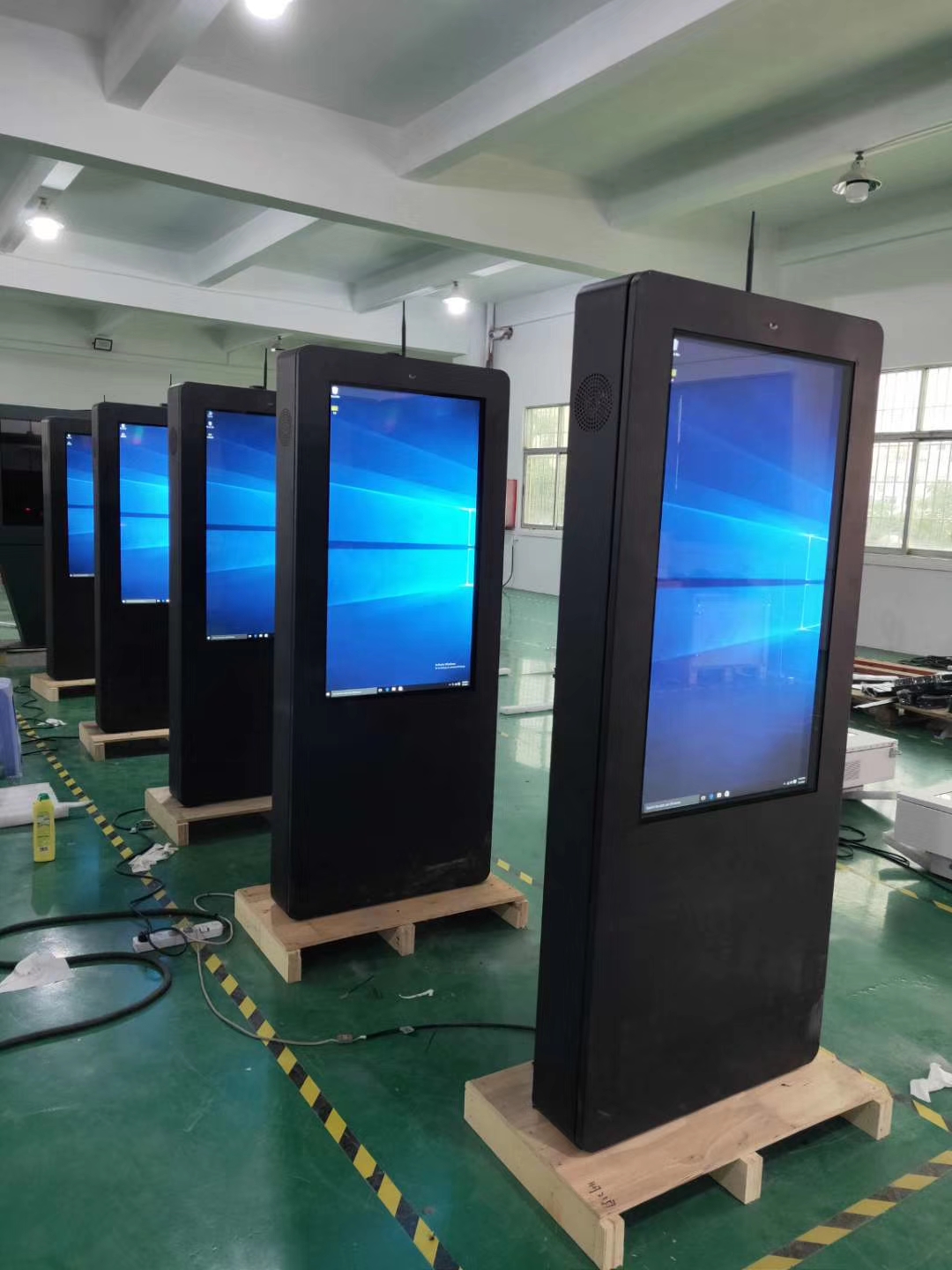
IP66 vs Other Ratings
You will see many ip ratings when you shop for outdoor kiosks. Each rating gives a different level of safety. The table below shows some common ip protection ratings:
IP Rating | Dust Protection | Water Protection | Typical Use Cases |
|---|---|---|---|
IP65 | Fully dust-tight | Resists low-pressure water jets | Outdoor lighting, signage, control boxes |
IP66 | Fully dust-tight | Resists powerful water jets | Industrial machines, warehouses |
IP67 | Fully dust-tight | Withstands temporary water submersion | Outdoor gear, marine equipment |
IP65 keeps out dust and stops low-pressure water jets. It works well for most outdoor jobs. IP66 gives even better water safety. It is best for places with heavy rain or cleaning. IP67 can go underwater for a short time. But you do not always need this for outdoor kiosks.
Tip: Always look at the ingress protection rating before you buy outdoor digital signage. The right ip rating keeps your equipment safe and working longer.
When you know about ip ratings, you can pick the best one for your outdoor kiosk ip66. This helps your kiosk last in any kind of weather.
Outdoor Kiosk IP66 Protection
Dust and Particle Defense
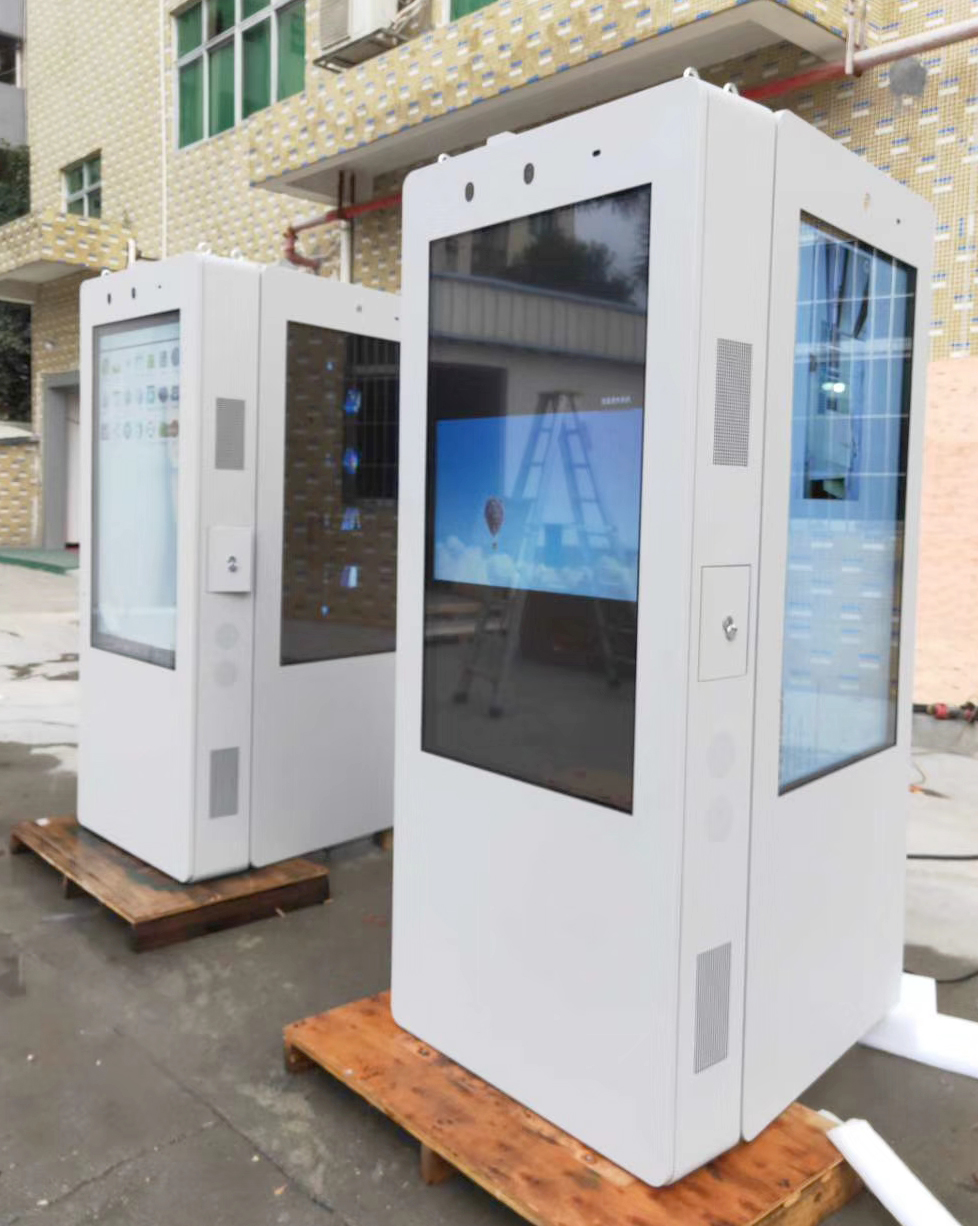
You want your outdoor kiosk ip66 to last outside. Dust and tiny bits can cause big trouble for screens. These small things can get inside and break the touch panels or electronics. The IP66 LCD OUTDOOR KIOSK uses special cases to block all dust. This means dust cannot get in at all. You do not need to worry about sand, dirt, or pollen. The top level of dust and water safety keeps your kiosk safe.
Many outdoor places need this kind of shield. If you put a kiosk by a busy road or in a park, dust and trash are always there. Without strong cases, small holes can let in dust. Over time, these bits can make the machine stop working. You stop these problems when you pick ip66 cases for your outdoor screens.
Water Resistance Features
Water is also a big danger for outdoor kiosk ip66. Rain, snow, or even washing with a hose can hurt the electronics. The waterproof build of IP66 LCD OUTDOOR KIOSK keeps water out. This rating means your kiosk can take strong water jets from any side. It is not just water-resistant; it is really waterproof.
IP66 gives strong safety from water, so it works in heavy rain.
It can take high-pressure water jets from any side, which is important outside.
This rating is needed for places with hard rain or strong water spray, stopping damage inside.
You can trust waterproof ip ratings like IP66 for outdoor screens. These kiosks keep working in storms or when you wash them. Higher ip ratings help you feel sure your kiosk will last.
Our IP66 certification is not just words; it is a real test. The display gets sprayed with a 12.5mm nozzle, shooting water at 100 kN/m² (about 14.5 PSI) from 3 meters away. This is not soft rain; it is like a fake storm, checking every seal and part.
Weatherproofing for Outdoor Use
Outside can be tough. You might have very hot, cold, or wet weather. Outdoor kiosk ip66 uses strong stuff and smart designs to handle these things. Here are some examples:
Product | Protection Rating | Material | Features |
|---|---|---|---|
DiamondVue | IP66 | Stainless Steel | Tough design for outdoor use |
ToughStation | IP66 | Stainless Steel | Weatherproof and strong |
WeighStation | IP66 | Stainless Steel | Made for outdoor places |
These outdoor screens work in many places, like city streets or far-away stations. The waterproof and weatherproof build helps kiosks live through rain, snow, and even saltwater spray. You get good use in every season.
Outdoor kiosk ip66 also means fewer break-downs. Kiosks without IP66 often break at keypads, screens, and touch panels. Small holes let in dust and water, which can wreck the electronics. Parts can bend over time, breaking seals and making the kiosk stop. When you pick ip66 cases, you stop these problems and your screens last longer.
New tech has made ip66 cases even better. New seals, nanotechnology, and better waterproof stuff help protect your kiosk. These new things make sure your outdoor screens stay safe and last longer.
You need this kind of safety for outdoor digital signs to work well. If your kiosk breaks, you might need cranes, permits, and costly fixes. Picking a waterproof, weatherproof kiosk saves time and money. Outdoor kiosk ip66 lets you know your kiosk will work, no matter the weather.
Benefits of IP66 for Outdoor Digital Signage
Durability and Longevity
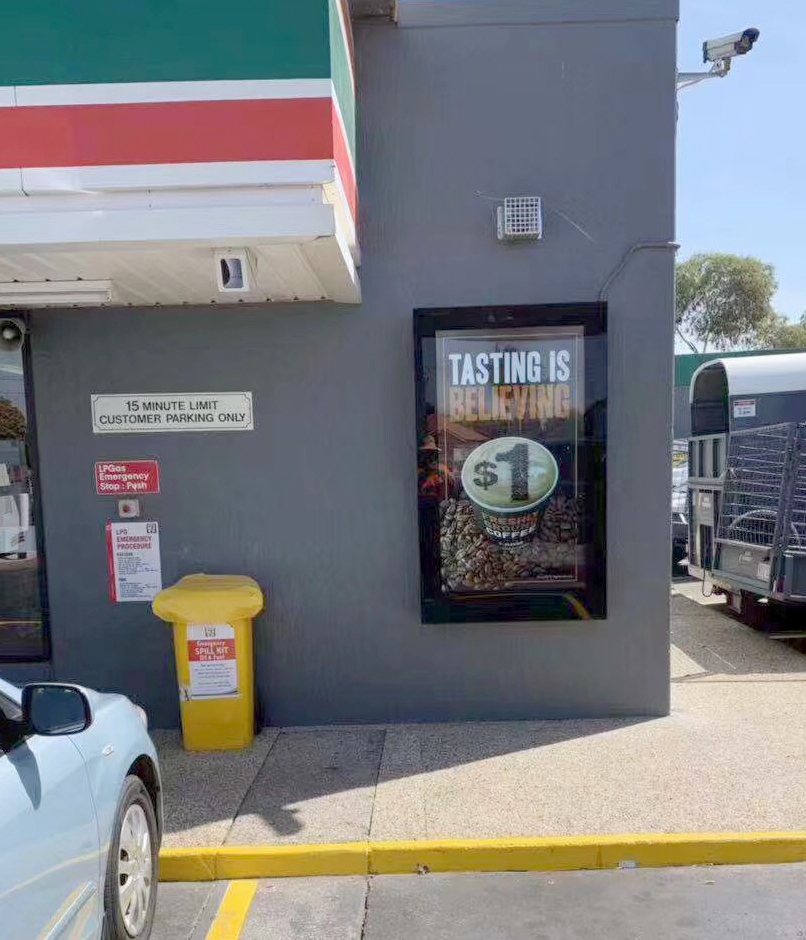
When you choose an IP66 LCD OUTDOOR KIOSK, you invest in a product that lasts. The strong enclosure keeps out dust, dirt, and water. This protection helps your kiosk work for many years, even in tough outdoor places. You want your outdoor digital signage to stay bright and clear, not break down after a few seasons.
IP66-rated displays often last up to 10 years.
Most regular outdoor kiosks last only 5 to 8 years.
You save money over time because you do not need to replace your kiosk as often. The tough design means fewer repairs and less worry about sudden failures. You can trust your outdoor kiosk to keep working, even when the weather changes or the environment gets rough.
Note: IP66 enclosures may cost more at first, but the longer lifespan and lower repair needs make them a smart choice for outdoor use.
Reliable Performance Outdoors
You need your outdoor digital signage to work every day, no matter what happens outside. IP66 protection keeps your kiosk running in rain, dust storms, or heat waves. The sealed case blocks water jets and tiny particles. This means your screen stays safe from damage.
Here is a table that shows how IP66 kiosks keep working in harsh outdoor conditions:
Feature | How It Helps You |
|---|---|
Sealed against air, dust, dirt, and moisture | Stops failures from weather and pollution |
Handles extreme temperatures (-20 to 60°C) | Works in hot summers and cold winters |
No air filters or coolants needed | Needs less maintenance and fewer service calls |
Withstands direct sunlight and humidity | Keeps your display clear and readable all year |
Expected lifespan of 5–10 years | Gives you long-term value and peace of mind |
You do not have to worry about sudden breakdowns or costly downtime. The strong build and smart design help your outdoor kiosk work smoothly, even when the weather is at its worst.
IP66 protection lowers the risk of damage from dust and water.
You spend less on repairs and maintenance.
Your digital signage stays on, so people always see your message.
Applications in Public Spaces
You see outdoor digital signage in many places. IP66-rated kiosks work well in busy city centers, parks, and transportation hubs. They also fit in remote areas where weather can change quickly. Here are some common uses:
Public information displays at bus stops and train stations
Self-service ticketing kiosks in outdoor venues
Wayfinding screens in parks and campuses
Advertising displays on city streets
Emergency alert stations in public squares
These outdoor kiosks help people find information, buy tickets, or get help. The IP66 rating means you do not have to worry about rain, dust, or vandalism stopping your service. You keep your screens working and your visitors happy.
Tip: If your kiosk sits in a place with heavy rain, dust, or lots of people, IP66 protection gives you the best chance for long-term success.
You may pay more for an IP66 LCD OUTDOOR KIOSK, but you get a product that stands up to the real world. You avoid hidden costs from repairs and downtime. Your outdoor digital signage keeps working, giving you better value and less stress.
You get more value when you pick IP66 for your outdoor kiosk. This rating keeps your screen safe from dust and water. It helps your kiosk work well in tough places. If you upgrade to IP66, you will need less maintenance. People will have a better time using your kiosk. Check the table below to see how IP ratings compare:
IP Rating | Dust Protection | Water Protection |
|---|---|---|
IP55 | Partial dust protection | Water jets up to 6.3 mm, light rain |
IP65 | Fully dust-tight | Water jets up to 12.5 mm, heavy rain |
Upgrading to IP66 lowers display problems by almost half.
Transaction times get shorter by 12%, so things go faster.
Pick the best IP rating to keep your kiosk running and protect your money.
FAQ
What does IP66 mean for outdoor kiosks?
IP66 means your kiosk can handle dust and strong water jets. You can use it in outdoor places with rain, wind, or dust. This rating helps your kiosk last longer outside.
Why should I choose an IP66 LCD OUTDOOR KIOSK for outdoor use?
You should pick this kiosk for outdoor spots because it keeps out dust and water. You get a screen that works well in parks, streets, or bus stops. It stays safe in harsh weather.
How do I clean an outdoor IP66 kiosk?
You can clean your outdoor kiosk with a hose or wet cloth. The IP66 rating protects it from water. You do not need to worry about rain or splashes during cleaning.
Where can I use an outdoor IP66 kiosk?
You can use these kiosks in many outdoor places. They work well at train stations, playgrounds, shopping centers, and public squares. You get reliable service in busy or remote areas.
Does an outdoor IP66 kiosk need special maintenance?
You do not need special care for your outdoor kiosk. The strong case keeps out dirt and water. You only need to check the screen and clean it sometimes.
How to make IP66 LCD KIOSKS AND how does it works
Making an IP66-rated kiosk is a significant step up from a standard indoor kiosk. While a standard kiosk focuses on user-friendliness, an IP66 kiosk is an industrial-grade survivalist. It is designed to operate reliably where others fail: in driving rain, in dusty warehouses, or under a high-pressure hose.
Here is the guide on how they are built, how they work, and how to make one.
🛡️ Part 1: What "IP66" Actually Means (The Short Version)
The "IP" (Ingress Protection) rating tells you exactly what a device can withstand .
The First Digit (6): Totally Dust-Tight. This is the highest rating for solids. It means no dust or sand can get inside the enclosure, even in a desert or a grain silo.
The Second Digit (6): Protected Against Powerful Water Jets. This means the kiosk can survive being blasted with water from a nozzle (e.g., a pressure washer or a heavy storm) from any direction without leaking.
Crucial Distinction: IP66 is different from IP67 or IP69K. IP67 can be submerged in water, while IP69K can withstand high-temperature, high-pressure steam cleaning (common in food plants) . For most outdoor kiosks, IP66 is the gold standard.
⚙️ Part 2: How an IP66 Kiosk Works (The Engineering)
A standard PC relies on airflow to cool down (fans). An IP66 kiosk relies on total isolation. It is hermetically sealed from the outside world. This presents two major engineering challenges:
The Heat Problem: Since you can't use fans to blow outside air over hot components (because that would suck in dust/water), the kiosk uses a fanless design. The CPU is bonded directly to the metal chassis, which acts as a giant heat sink, pulling heat away from the components and radiating it out through the sealed walls .
The Connection Problem: Standard USB or Ethernet ports (like the ones on your laptop) have tiny gaps that water can penetrate. IP66 kiosks use M12 connectors. These are circular, threaded, screw-lock connectors that seal tight against moisture, dust, and vibration .
🏗️ Part 3: How to Make One (The 5-Step Build Process)
You cannot build a true IP66 kiosk by buying a standard monitor and putting a plastic cover over it. The enclosure is the device.
Step 1: The Chassis (Body)
Forget plastic. You need 304 Stainless Steel (or 316 for marine environments). Stainless steel is non-porous, resists corrosion from salt/chemicals, and is easy to sanitize . The seams of the case must be laser-welded, not just screwed together, to eliminate gaps .
Step 2: The Screen & Glass
The LCD: You need High Brightness (1,500 to 5,000 nits) . A standard 250-nit monitor looks black in sunlight. For direct sun, aim for 2,500+ nits .
The Glass: Standard glass shatters and creates sharp edges. You need Optically Bonded, Chemically Strengthened Glass (like Gorilla Glass). "Optical Bonding" fills the air gap between the glass and the LCD with resin, preventing condensation (fogging) and improving sunlight readability .
Step 3: The Touch Technology
Resistive touch (pressure-based) is old tech but works with gloves. Projected Capacitive (PCAP) is the modern choice. It supports multi-touch (pinch to zoom) and works through thick, vandal-proof glass. Ensure the firmware is set to "glove mode" if operators wear PPE .
Step 4: Sealing (The Critical Part)
This is where most DIY attempts fail.
Gaskets: Use closed-cell silicone or EPDM rubber gaskets between the glass and the chassis. These must be compressed to a specific pressure.
Ports: All I/O (USB, Ethernet, Power) must exit via M12 waterproof connectors, not standard barrel jacks .
Coating: The internal circuit boards are sprayed with Conformal Coating (a thin lacquer) to prevent corrosion if any microscopic moisture gets in .
Step 5: Thermal Management (Passive Cooling)
The CPU must be physically bolted to the rear chassis using thermal paste/pads. The back of the stainless steel case acts as the cooling fins. The kiosk should be rated for -20°C to +70°C operating temperature .
📊 Part 4: Critical Comparison Table
Feature | Standard Indoor Kiosk | IP66 Outdoor/Harsh Environment Kiosk |
|---|---|---|
Enclosure | Plastic or Painted Steel | 304/316 Stainless Steel |
Brightness | 250 - 400 nits | 1,500 - 5,000+ nits |
Ingress Protection | None (IP20) | IP66 (Dust-tight & Heavy Jets) |
Connectivity | Standard USB / RJ45 | M12 Screw-lock Connectors |
Cooling | Active (Fans) | Fanless (Passive Heatsink) |
Glass | Standard Soda-lime | Chemically Strengthened / Anti-glare |
Operating Temp | 0°C to 35°C | -20°C to 60°C+ |
💡 Pro Tips for Sourcing
Don't build, integrate: Unless you have a metal fabrication shop and a thermal engineering degree, buy a pre-certified IP66 panel PC (Look for brands like Maple Systems, CDS, or ITD) and build your stand around it .
Check the fine print: Some screens are "IP66 front bezel only" (meaning the back is exposed). You want "Full IP66" (fully sealed enclosure).
Look for IK10: If placed in public (bus stops, parks), ensure the glass has an IK10 vandalism rating (resists hammer blows).
If you are placing this in direct sunlight (e.g., a desert or a beach), the brightness requirement jumps significantly. Do you need help calculating the specific nits required for your location's average sunlight intensity?
See Also
How Outdoor Digital Signage Can Elevate Your Brand Visibility
Top Outdoor Kiosk Innovations to Watch in 2025
The Role of Outdoor Digital Signage in Today's Enterprises
Selecting The Ideal Outdoor Digital Signage For Your Company
Key Guidelines For Setting Up Outdoor Digital Signage In 2026
