What Are the Characteristic Features of an OLED Display
Shenzhen TopAdkiosk Display Technology Co., Ltd.
Add.: 2F, Bldg 10, Changfeng Industrial Park, Dongkeng, Fenghuang, Guangming, Shenzhen, China 518132
Mobile/WHATSAPP: 86-138 25769658
Email: marketing@topadkiosk.com topadkiosk@gmail.com
Skype: pghenry1
Wechat: adkioskhenry
English Web.: https://www.topkioskdisplay.com/
http://www.ad-kiosk.com/
https://www.toplcddisplay.com/
http://www.multitouchdigitalsignage.com/
https://www.youtube.com/channel/UCYVYNJHxLVEcQD8fuUxXNTA/videos?view_as=subscriber
https://www.facebook.com/TOPADKIOSKSHENZHEN/?ref=bookmarks
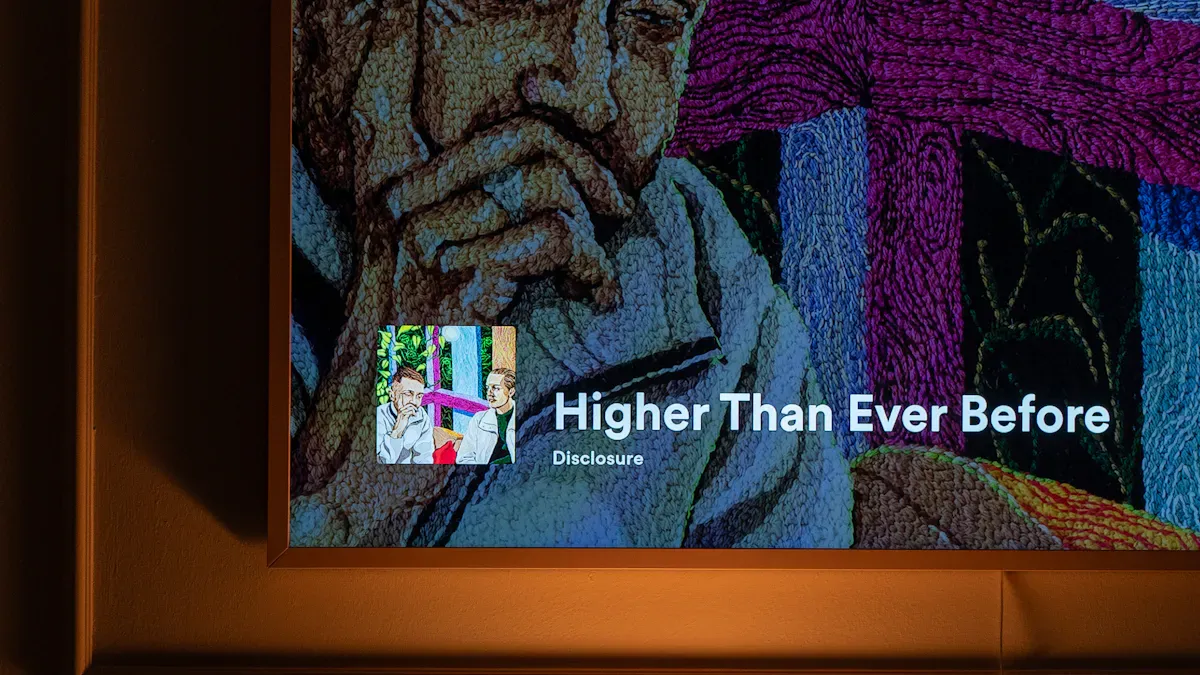
You can notice the characteristic features of an OLED display by checking a few main things. OLED screens have self-emissive pixels, so each pixel makes its own light and color. You see true blacks because the pixels can turn off all the way, which gives high contrast. Wide viewing angles let you see clear pictures from almost any spot. Fast response times help moving images look sharp and smooth. This technology lets screens be thin and flexible, so they can bend or fold. OLED displays use less power when showing dark images. Colors stay bright and correct, so you see bold and exact shades.
Here’s a quick comparison showing what are the characteristic features of an OLED display that makes it stand out:
Feature | OLED Displays | LED Displays |
|---|---|---|
Picture Quality | Deep blacks and vibrant colors | Good, but not as deep |
Flexibility | Thin and bendable | Stays flat and stiff |
Response Time | Very fast | Slower |
Viewing Angles | Excellent from almost any angle | Can lose brightness at angles |
Heat Emission | Stays cool | Gets warmer |
Durability | Can wear out faster | Lasts longer |
Cost | Usually more expensive | More affordable |
Key Takeaways
OLED displays have pixels that make their own light. This lets them show true blacks and bright colors. It makes watching shows or movies look better.
You can see the screen clearly from many angles. This means everyone gets the same good picture. OLED screens are great for watching with friends or family.
OLED displays react very fast. This helps stop motion blur. They are good for watching sports or playing video games.
OLED technology lets screens be very thin and bendy. This helps make cool things like foldable phones and TVs that roll up.
OLED screens save energy. They use less power, especially with dark pictures. This is a big advantage.
What Are the Characteristic Features of an OLED Display
Self-Emissive Pixels
An OLED display works differently from other screens. Each pixel makes its own light. This is called an emissive display. It does not need a backlight like LCDs. Self-emissive pixels are a main feature of OLED displays. You can turn off each pixel by itself. This makes dark parts look really black. This also helps save energy. The display uses less power for dark scenes. LCD screens use more energy for their backlight, even when the picture is dark. OLED technology lets you use less energy and see better images. Pictures look sharp and colors are bright because each pixel works alone. Organic light emitting diodes make this happen. You get displays that look clear and bold.
OLED pixels turn off for pure black.
LCDs need backlighting, which can leak light.
OLED screens use less power in dark scenes.
True Blacks & High Contrast
You see true blacks and high contrast on an OLED display. This is a main feature of OLED displays. OLED displays can turn off each pixel. Black areas have no light at all. You see perfect blacks, not dark gray like on LCD screens. This gives OLED displays an endless contrast ratio. LCDs have contrast ratios between 1,000 and 4,000. They cannot block the backlight all the way. OLED technology lets you see deep black levels. This makes the contrast much better. You see more detail in dark scenes. Watching is more exciting and real. The organic light-emitting diode design helps make high contrast. Images look real and full of depth.
OLED displays have endless contrast ratios.
LCD displays show dark grays, not true blacks.
OLED screens are best for dark rooms, where contrast is important.
Wide Viewing Angles
You can sit almost anywhere and still see a clear picture. Wide viewing angles are another feature of OLED displays. OLED technology spreads light in all directions. You see the right colors and brightness from the side. Colors do not fade or get dim, even at wide angles. LCD screens, especially VA panels, lose color and brightness from the side. OLED displays keep their quality. You get the same picture no matter where you sit. This is good for rooms with lots of seats.
OLED displays keep colors and brightness at wide angles, so they are great for watching with friends.
Feature | OLED Panels | Traditional LCD Panels |
|---|---|---|
Viewing Angles | Up to ~84 degrees with no change | Picture gets worse from the side |
Color Accuracy | Stays good at wide angles | Colors can fade |
Luminance Retention | Almost no change | More change, especially with VA panels |
You get high quality displays with wide viewing angles. Everyone can enjoy the same picture. This is a big part of what makes OLED displays special.
OLED Response Time & Motion Clarity
Fast Pixel Response
OLED screens react much faster than other screens. Each pixel can change color almost right away. This is easy to see when you watch sports or play games. OLED pixels respond in about 0.01 milliseconds. LCD screens take longer, between 3 and 10 milliseconds. Because of this, images look sharp and do not lag.
Tip: Fast pixel response lets you see details in fast scenes. The picture stays clear even when things move fast.
Here is a simple table that shows the response times:
Technology | Response Time (ms) |
|---|---|
LCD | 10 |
OLED | 0.001 |
OLED screens react much quicker than LCD screens. LG says OLED displays can reach 0.1 milliseconds. This is more than ten times faster than LCDs. That is why OLED is great for fast action.
Reduced Motion Blur
OLED screens have less motion blur. Motion blur happens when pixels cannot change fast enough. Moving things can look smeared. OLED pixels change almost right away, so you see smooth movement. LCD screens can show smears and image trails during fast motion. OLED technology keeps the picture sharp.
OLED screens show clear motion in sports and games.
LCD screens can blur fast-moving objects.
OLED displays help you enjoy action scenes without distraction.
Fast pixel response and less motion blur are big benefits. These features make OLED displays great for fast shows and games. You see every detail and enjoy watching more.
OLED Design: Thin, Flexible, and Efficient
Flexible Screen Technology
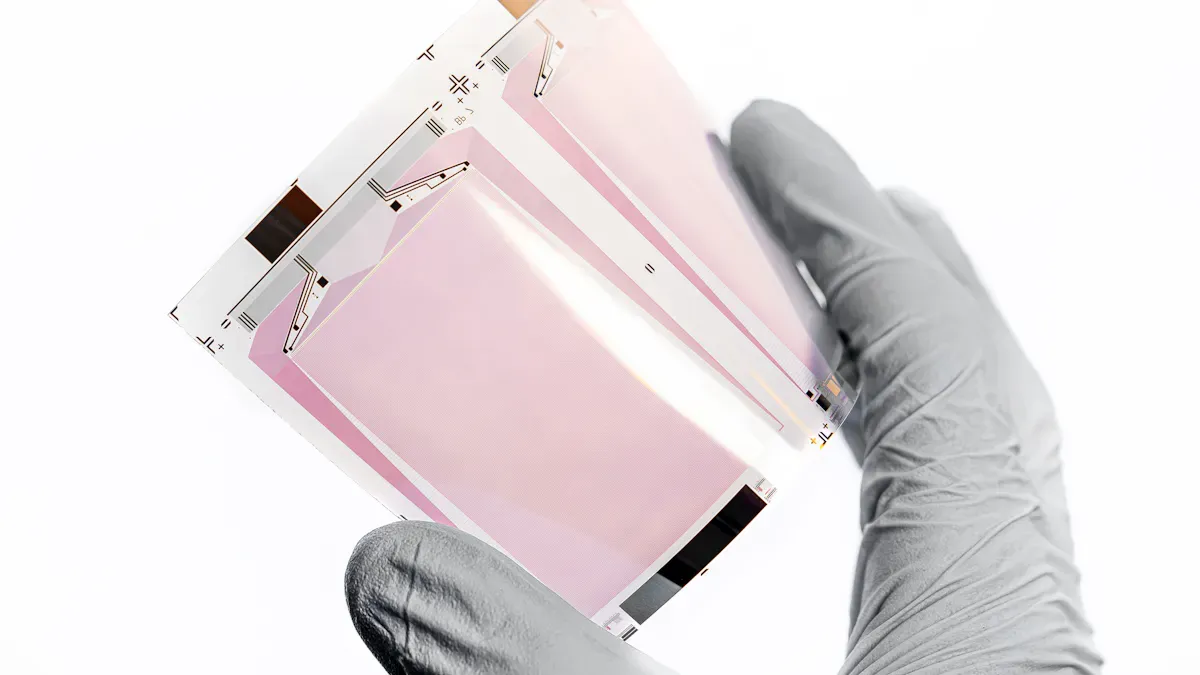
Flexible screens show how oled design is special. You can bend, fold, or roll these displays. This happens because makers use smart materials and clever ideas. They use polymers like polyimide or PET for the base. These materials bend but do not break. Thin-film transistors help pixels change fast. You see clear pictures even when the screen moves. Oled panels do not need a backlight. This keeps them thin and light.
Tip: Flexible oled screens let us have new devices, like foldable phones and rollable TVs.
Here is a table that shows what makes flexible oled screens work:
Component | Description |
|---|---|
Flexible Substrate | Made from polymers that allow bending and folding. |
Thin-Film Transistors (TFT) | Help pixels change fast for clear visuals. |
Organic Light-Emitting Diodes | Give off their own light, so no backlight is needed. |
Island-Bridge Design | Rigid parts sit on islands, connected by elastic bridges for strength and flexibility. |
Multi-layer Composite | Protects the screen from air and water, making it last longer. |
Self-healing Coatings | Add extra protection and keep the screen flexible. |
You can use screens that fit in your pocket or wrap around walls. Oled technology gives you new ways to use displays every day.
Energy Efficiency Compared to LCD
Oled screens use energy in a smart way. They use less power, especially with dark scenes or dark mode. Each pixel turns on or off by itself. Black pixels use no power at all. LCD screens always keep their backlight on. They use most of their energy for the backlight, no matter what is on the screen.
Oled screens save energy by turning off pixels for black areas.
LCD screens use the same power, even for dark images.
Oled power use changes with brightness. Darker images use less energy.
Research shows oled displays are more efficient than plasma screens. They do not need a backlight or constant electrical discharge. Using dark mode can cut power use by about half. When you make the screen brighter, oled screens use more energy. But they still use less power than other types.
Factor | OLED Displays | Other Technologies (LCD/Plasma) |
|---|---|---|
Emissive Technology | Each pixel emits its own light, saving energy. | Needs a backlight, uses more power. |
Power Use with Dark Images | Very low | Stays high |
Overall Efficiency | Best with dark content | Less efficient |
You get a display that saves energy and looks great. Oled technology gives you style and lower power use.
Color Accuracy & Brightness in OLED TVs
Precise Color Reproduction
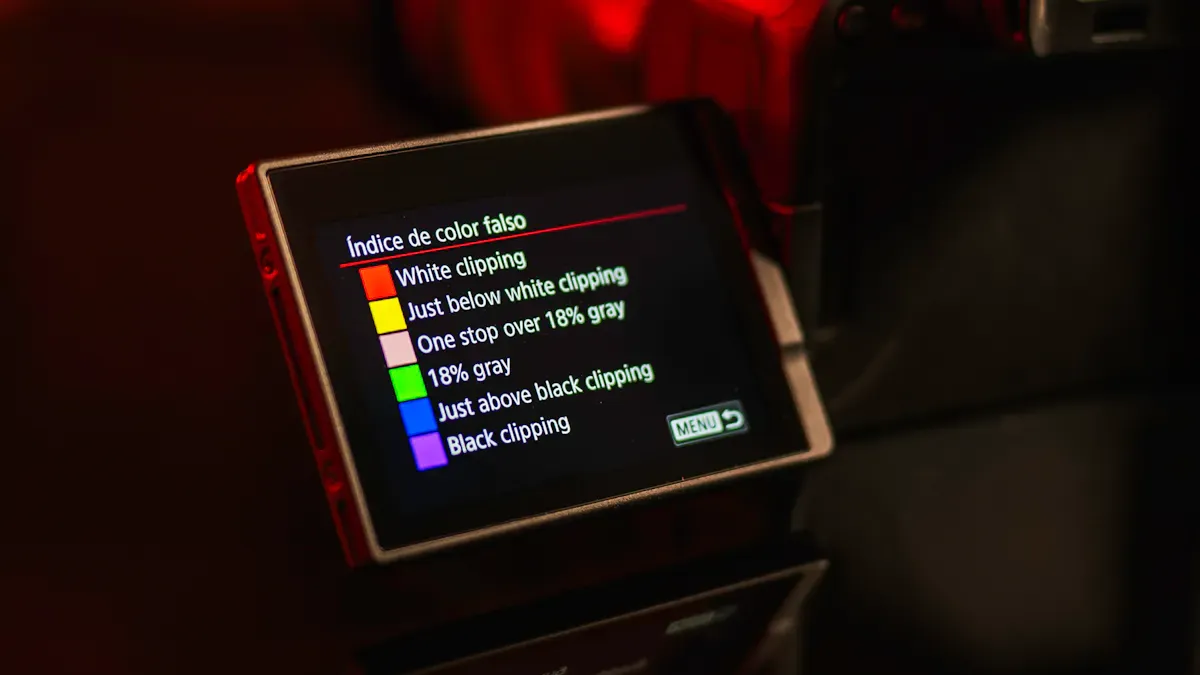
You see bright colors on OLED TVs because each pixel lights up by itself. This helps you see more colors and shades that look real. OLED displays show almost all the colors in sRGB and DCI-P3. You get strong reds, greens, and blues. The colors are very close to perfect, so they look just like real life. Most OLED TVs show over 93% of the DCI-P3 colors. This means you watch movies and shows the way the makers wanted.
Metric | OLED TVs | Other Display Types (e.g., LCD) |
|---|---|---|
Color Gamut | 106% of sRGB / Rec.709 Standard | Varies, often lower than OLED |
Average Color Error | 1.8 JNCD (visually indistinguishable from perfect) | Typically higher than OLED |
Maximum Color Errors | Larger than average | Varies, often larger than OLED |
Tip: OLED TVs show colors that look real and bright, so your favorite shows look great.
Brightness Strengths & Limitations
OLED screens give you deep blacks and strong contrast. But they do not get as bright as QLED or LCD TVs. Most OLED TVs can get up to 800 nits at their brightest. QLED TVs can get much brighter than that. OLED TVs work best in darker rooms. They might not look as good in bright sunlight. You can see how bright different TVs get in the table below.
TV Type | Peak Brightness (cd/m²) |
|---|---|
OLED | Up to 800 |
QLED | 1,000 - 2,000 |
LCD | Varies, often similar to QLED |
TV Model | Mode | Brightness (nits) |
|---|---|---|
LG OLED TV | Cinema | 242 |
Vivid | 428 | |
Samsung LCD TV | Movie | 203 |
Dynamic | 415 |
OLED TVs can reach about 744 to 772 nits at their brightest.
QLED TVs can get between 1,000 and 2,000 nits.
OLED TVs show more colors, but QLED TVs are brighter.
Potential Drawbacks (Burn-In, Lifespan)
There are some things you should know about OLED TVs. If you leave the same picture, like a logo or game menu, on the screen for a long time, you might see burn-in. Burn-in happens when some pixels wear out faster and leave marks. Using high brightness makes burn-in happen faster. You can stop this by changing what you watch and keeping the brightness lower.
Factor | Impact on Burn-in Risk |
|---|---|
Brightness Level | Higher brightness accelerates pixel degradation |
Static Content Duration | Longer static image display increases risk |
Screen Usage Frequency | Constant use without breaks worsens burn-in |
Material Quality | Better OLED materials lower degradation |
Display Design | Uniform pixel driving reduces uneven wear |
OLED TVs last about 8 to 13 years before you see less brightness or color. LCD TVs last about 7 to 11 years. You get great pictures, but you need to take care of your OLED TV to keep it looking good.
Note: You can use your OLED TV for many years if you do not leave still images on and keep the brightness at a normal level.
Oled screens give you a special viewing experience. You see deep blacks and bright colors on the display. The screen looks good from many angles. Oled technology lets screens be thin and bendy. This makes them look cool and fit new devices. Fast response times help movies and games look smooth. Some problems can happen, like burn-in or lower brightness. These issues might make you think before buying. Still, many people like oled for its great picture and style.
Feature | Impact on You |
|---|---|
Deep blacks, vivid colors | |
Design | Thin, flexible, modern |
Drawbacks | Burn-in, brightness limits |
What Are the Characteristic Features of an OLED Display?
OLED (Organic Light Emitting Diode) displays have several defining characteristics that set them apart from LCDs. Here's a comprehensive breakdown.
💡 Core Principle: Self-Emissive Pixels
Unlike LCDs, which require a backlight, each pixel in an OLED display emits its own light. This means a pixel can be turned completely off to display true black. This self-emissive nature is the foundation for all of OLED's picture quality advantages.
✨ Key Strengths
Feature | What It Means |
|---|---|
Infinite contrast ratio | Black pixels are completely off (not just dimmed), producing true black. Contrast ratios can reach 1,000,000:1 or higher. |
Perfect viewing angles | Colors and brightness remain accurate even at extreme angles (up to 90 degrees). No color shift or contrast loss. |
Extremely fast response time | Microsecond response (typically 0.01ms vs. LCD's 1-10ms). Eliminates motion blur entirely – ideal for fast-paced gaming and sports. |
Vibrant, saturated colors | Wide color gamut (often 100%+ of DCI-P3) and high color volume. |
Ultra-thin & lightweight | No backlight unit means less thickness and weight. |
Flexible & foldable | Can be manufactured on plastic substrates, enabling curved, bendable, rollable, and foldable displays (e.g., foldable phones, curved monitors). |
Power efficient for dark content | Dark pixels use little to no power. Black-themed UIs save significant battery life. |
Wide temperature tolerance | Operates reliably from -40°C to +70°C. More robust than LCD in extreme environments (military, automotive, outdoor). |
Excellent vibration/shock resistance | Solid-state construction – no liquid crystal fluid to leak or misalign. |
⚠️ Key Limitations
Limitation | Explanation |
|---|---|
Burn-in (image retention) | Organic materials degrade over time. Static elements (logos, HUDs, taskbars) may "burn in" as permanent ghost images. This is OLED's biggest weakness. |
Shorter lifespan (especially blue) | Blue OLED pixels have a shorter lifespan than red or green. Manufacturers compensate with larger blue pixels or RGBW designs, but lifespan remains lower than LCD. |
Higher cost | Complex manufacturing, lower yields, and expensive materials make OLED panels more expensive than equivalent LCDs. |
Lower peak brightness (often) | While improving, many OLEDs struggle to match high-end LCDs (e.g., Mini-LED) in full-screen brightness for HDR highlights or outdoor visibility. |
PWM dimming & eye strain | To control brightness at low levels, many OLEDs use PWM (Pulse Width Modulation) – rapidly flickering pixels on/off. Some users experience eye fatigue or headaches. |
Susceptibility to moisture & oxygen | Organic materials degrade when exposed to air. Requires rigorous encapsulation (sealing). Poor sealing leads to dark spots or complete failure. |
Potential color/white uniformity issues | Manufacturing variations can cause color shifts or uneven brightness across large panels, especially at low brightness. |
🔬 Technology Branches
Type | Description | Typical Use |
|---|---|---|
AMOLED (Active-Matrix) | Each pixel has its own TFT (thin-film transistor) for precise, independent control. High resolution, low power. | Smartphones, TVs, smartwatches, laptops. |
PMOLED (Passive-Matrix) | Simpler, row/column driving. Lower resolution, higher power draw, cheaper. | Small, simple displays (fitness trackers, medical devices, small indicators). |
📊 OLED vs. LCD: At a Glance
Feature | OLED | LCD (Typical) |
|---|---|---|
Black level | True black (pixel off) | Grayish (backlight bleed) |
Contrast ratio | Infinite (~1M:1) | 1,000:1 to 5,000:1 |
Response time | ~0.01 ms | 1–10 ms (slower) |
Viewing angle | Excellent (no shift) | Poor to fair (color/contrast degrade) |
Burn-in risk | Yes (permanent possible) | No |
Peak brightness | Moderate (500–1000 nits typical) | High (1000–2000+ nits possible) |
Power consumption | Varies (low for dark, high for bright) | Constant (backlight always on) |
Lifespan | ~30k–100k hours (depends on usage) | ~60k–100k+ hours |
Manufacturing cost | Higher | Lower |
Flexibility | Bendable, foldable, rollable | Rigid (few flexible options) |
🎯 When to Choose OLED vs. When to Be Cautious
Highly Recommended | Why | Use with Caution | Why |
|---|---|---|---|
Home theater / movies | True black, infinite contrast, immersive | PC monitor with static UI | Burn-in risk (taskbar, icons, windows) |
Fast-paced gaming | No motion blur, fast response | Digital signage / kiosks (24/7 static content) | Accelerated pixel aging, burn-in |
Smartphones & wearables | Thin, power-efficient for dark mode, vibrant colors | Outdoor / direct sunlight use | Brightness may be insufficient |
Foldable devices | Enables flexible form factors | Medical / critical monitoring (long fixed patterns) | Burn-in could be safety issue |
Extreme environments | Wide temp. range, shock resistant | Users sensitive to flicker | PWM dimming may cause eye strain |
🔧 Mitigating Burn-in (Modern OLEDs)
Manufacturers have introduced several techniques to reduce burn-in risk:
Pixel shifting – shifts static content by a few pixels periodically.
Pixel refresh / compensation cycles – measures and evens out pixel degradation.
Logo detection dimming – reduces brightness of static logos.
Screen savers & automatic brightness limiting (ABL) – protects against prolonged static display.
With normal mixed usage (movies, games, web browsing), modern OLEDs can last 5+ years without noticeable burn-in. However, they are still not ideal for static, 24/7 operation.
Bottom Line
Choose OLED if you prioritize: ultimate contrast, perfect blacks, fast motion handling, wide viewing angles, and vibrant colors – for movies, gaming, or premium mobile use – and you vary your content (not static all day).
Avoid OLED if you need: long-term static image display (monitoring, digital signage), very high bright-room luminance, or you are sensitive to PWM flicker – or you want a budget option.
If you tell me your specific use case (e.g., gaming monitor, TV for movies, office work, outdoor display), I can give more tailored advice.
FAQ
What makes OLED displays different from regular LED screens?
You see a big difference because OLED displays use pixels that create their own light. Regular LED screens need a backlight. This means OLED screens show deeper blacks and brighter colors.
Can you bend or fold an OLED screen?
Yes, you can bend or fold some OLED screens. Manufacturers use special materials that let the screen stay strong and flexible. This feature helps create new devices like foldable phones.
Do OLED displays save energy?
You save energy with OLED displays, especially when you watch dark scenes. Each pixel turns off to show black, so the screen uses less power. This makes OLED a smart choice for saving electricity.
Will an OLED screen last a long time?
You can use an OLED screen for many years. If you avoid leaving the same image on for hours, you lower the risk of burn-in. Most OLED TVs last about 8 to 13 years with normal use.
