Transparent LCD Video Wall cabinet
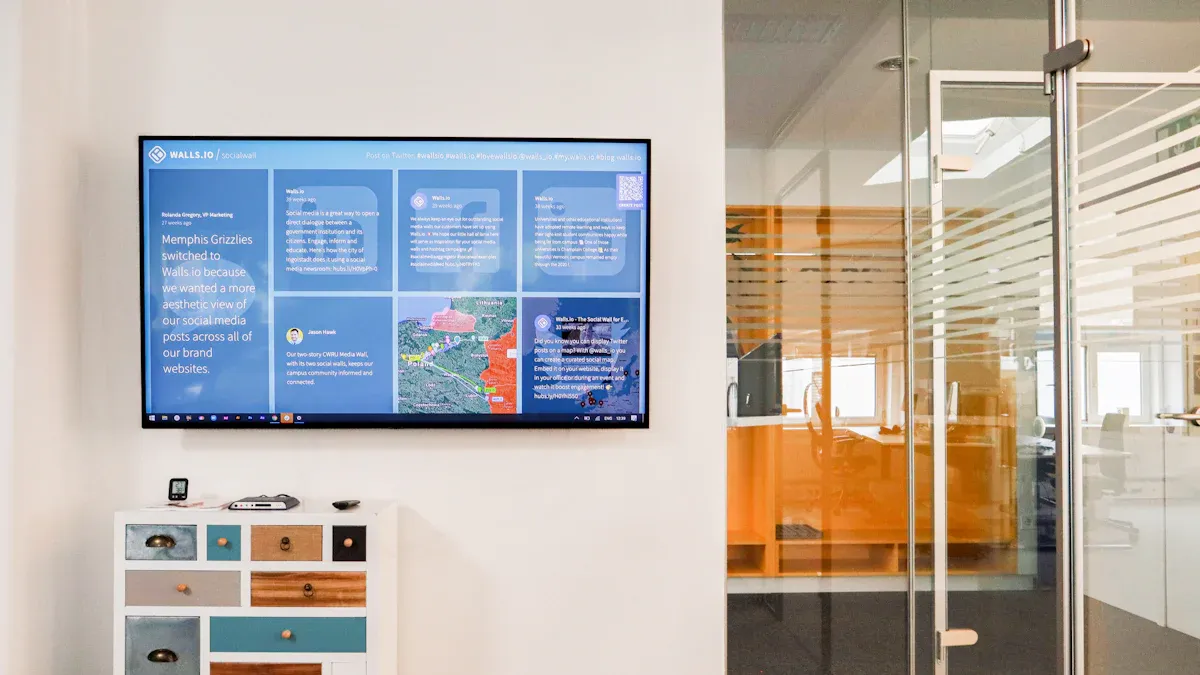
A Transparent LCD Video Wall cabinet lets you show digital content. You can still see through the screen. You can use it to show products, ads, or information. It works well in stores and public places. This technology comes in many sizes. It also has interactive touch options. Many businesses pick it because it looks modern. It also makes a strong impression. The market for transparent displays is growing fast. This is true for retail and advertising. You can see the numbers in the table below.
Transparent LCD Video Wall cabinet
Shenzhen TopAdkiosk Display Technology Co., Ltd.
Add.: 2F, Bldg 10, Changfeng Industrial Park, Dongkeng, Fenghuang, Guangming, Shenzhen, China 518132
Mobile/WHATSAPP: 86-138 25769658
Email: marketing@topadkiosk.com topadkiosk@gmail.com
Skype: pghenry1
Wechat: adkioskhenry
English Web.: http://www.topadkiosk.com/
https://www.topkioskdisplay.com/
http://www.ad-kiosk.com/
https://www.toplcddisplay.com/
http://www.multitouchdigitalsignage.com/
https://www.youtube.com/channel/UCYVYNJHxLVEcQD8fuUxXNTA/videos?view_as=subscriber
https://www.facebook.com/TOPADKIOSKSHENZHEN/?ref=bookmarks
Metric | Value |
|---|---|
Global Transparent Display Market | |
Projected Market Value | USD 6.5 billion by 2030 |
CAGR | 25.4% |
Retail & Advertising Share | 38% (USD 0.46 billion in 2024) |
Retailers Share | 36% (USD 0.43 billion in 2024) |
Key Takeaways
Transparent LCD Video Wall cabinets let you show digital content. You can still see through the screen. This makes them great for stores and ads.
These cabinets come in many sizes, from 15.6 to 70 inches. You can set them up in different ways to fit your space and needs.
Interactive touch options make people want to use the display more. Customers can touch or use gestures to interact with it.
Cleaning and checking connections helps keep your display working well. This makes sure it stays in good shape and keeps getting attention.
Think about size, resolution, and brightness before you buy a Transparent LCD Video Wall cabinet. This helps you pick one that fits what you need.
Features of Transparent LCD Video Wall cabinet

Panel Structure and Sizes
You can pick from many panel sizes. The smallest size is 15.6 inches. The largest size is 70 inches. This lets you fit the display to your space. You can use a small panel or a big wall. The cabinet is modular. You can connect panels together. You can make a smooth wall. You can also arrange panels in fun ways.
Here is a table with the main features and benefits of modular cabinet designs:
Feature/Advantage | Description |
|---|---|
High Transparency | Gives over 80% see-through clarity. You can see objects behind the screen. |
Ultra-Slim Bezels | Designs have thin frames. The display looks smooth and modern. |
Multi-Panel Splicing | Lets you build layouts for synced or separate content. |
Interactive Touch Options | IR touch overlays let customers use the display. |
Built-in Media Playback | Systems play images and videos from many sources. |
Centralized Cabling | Cuts clutter and keeps your setup neat and stylish. |
Many models have touch options. This lets customers use the display by touching it. The modular design makes setup and upgrades easy. You can add more panels as your needs change.
Technology Components
A Transparent LCD Video Wall cabinet uses advanced parts. The main part is the transparent screen. You can see digital content and real things behind it. A computer or media player controls what shows up. The touch frame, if there, senses your gestures. It lets you use the display.
The backlight cabinet sits behind the screen. It gives light for clear images and videos. Special software manages the content. It helps you update or schedule new media. Some models use digital film for extra effects.
All parts work together as a system. The computer, screen, touch frame, backlight, software, and film all help. This setup is great for getting customers interested and sharing information.
Transparency and Resolution
Transparency is important for Transparent LCD Video Wall cabinets. The amount depends on the display type. Transparent OLED panels can reach 40–80% transparency. You can see through most of the screen. You still get bright and colorful images. Transparent LCD panels offer 8–15% transparency. They use backlighting. This can make things less clear than OLED.
Here is a table that compares transparency levels and display quality:
Display Type | Transparency Level | Impact on Quality |
|---|---|---|
Transparent LCD | 8–15% | Uses backlighting. This can lower clarity. |
Transparent OLED | 40–80% | Self-emissive. It has better contrast and color accuracy. |
Transparent OLED gives more transparency and better images. You get sharp colors and strong contrast. Each pixel lights up by itself. Transparent LCDs still show clear visuals. The backlight can make it harder to see objects behind.
Both types have high-resolution displays. You can show detailed images, videos, and animations. This grabs attention. Transparent LCD Video Wall cabinets are good for places where you want to mix real products with digital content.
How Transparent LCD Video Wall cabinet Works
Operating Principles
You may wonder how this cabinet shows pictures and videos. You can still see what is behind it. The cabinet uses smart design and new technology. It has special transparent materials. These let light go through. At the same time, digital content appears on the screen.
Here is a table that lists the main parts and how they work:
Component | Description |
|---|---|
Transparent Substrates | Let light pass so you see things behind the screen. |
LED Pixel Arrays | Make colorful images with red, green, and blue lights. |
PWM Dimming | Changes brightness and mixes colors for clear pictures. |
Multiplexing | Makes wiring simple and gives better control of the display. |
Shutter/Grille Design | Helps more light pass and keeps the cabinet cool. |
Transparent substrates act like a window. LED pixel arrays light up to show pictures and videos. PWM dimming controls how bright and colorful the images are. Multiplexing keeps the system neat and easy to use. The shutter or grille design lets more light pass and keeps the cabinet working well.
You get a display that is bright and clear. You can see both digital content and real objects behind the screen. This makes the cabinet great for showing products and information at the same time.
User Interaction
You can do more than just look at the display. Many cabinets let you interact with the content. You can touch the screen or use gestures to control what you see.
Here is a table that explains the main ways you can interact:
Touch Interactivity Options | Description |
|---|---|
IR | Uses infrared light to sense your touch on the screen. |
PCAP | Uses projected capacitive tech for fast and smooth touch response. |
You can tap, swipe, or drag items on the screen with your finger. This makes using the display fun and easy. Some cabinets let you use gestures without touching the screen.
Managing what shows on the display is simple. You can use different systems to control the content. These systems let you update videos, images, or information from your computer or even from the cloud.
Compatible Systems |
|---|
Mainstream video processors |
Media players |
Remote content management systems |
Wi-Fi, LAN, or cloud platforms |
You can change the content quickly. You can use a remote system to update the display from anywhere. This helps you keep your messages fresh and interesting.
Tip: Interactive video walls grab attention. They let you show dynamic content that you can update often. Large, high-definition screens make a big impact. You can use many types of content, including interactive elements, to keep people interested.
A Transparent LCD Video Wall cabinet helps you connect with your audience. You can show products, share information, and let people interact with your display. This makes your space modern and exciting.
Benefits and Applications

Visual Impact
When you see a Transparent LCD Video Wall cabinet, it looks amazing. The screen shows digital content and you can see real things behind it. This makes people look at your display. Bright colors and clear images help show off products or messages. Traditional LED screens are also bright and show colors well. These screens are good for places where you need people to see things clearly. You can make displays that catch people’s eyes and keep them interested.
Space Efficiency
This technology helps you use your space better. You can show products behind the screen and show digital content at the same time. You do not lose any space. Every part of the display can tell a story or show an ad. You can turn surfaces into tools that get people involved. The table below shows how Transparent LCD Video Wall cabinets are different from regular video walls:
Feature | Transparent LCD Video Walls | Conventional Video Walls |
|---|---|---|
Space Utilization | Maximizes visibility of products behind the screen | Blocks visual access to products |
Engagement Potential | Turns surfaces into active engagement tools | Limits customer engagement |
Showcase Real Estate Efficiency | Every inch can be utilized for digital storytelling | Wastes valuable space |
Use Cases
You can use Transparent LCD Video Wall cabinets in lots of places. Stores use them to get customers’ attention and make shopping more fun. Museums use them to show artifacts and give information. Advertising companies use them to make cool ads that people can interact with. Offices use them for meetings and to show off their brand.
Here are some ways you can use this technology:
Get customers to look at your store
Make shopping more fun with cool displays
Let people interact with your brand
Show ads and deals in stores
Show how products work and tell stories
Make spaces that are exciting and get people involved
You can change the content to fit your marketing ideas. You can make spaces that people want to visit and interact with. The cabinet lets you set up the panels in different ways. The thin frames and clear screens help you make displays that fit what you need.
Installation and Buying Considerations
Setup Process
You must plan before you install a Transparent LCD Video Wall cabinet. First, check the site to see if it fits the display. Make sure the area is safe. Pick a spot where people can see the display easily. Decide how you want to set up the panels. Check if you have enough power for the display. Look at things like temperature and humidity. These help you choose the best screen for your space.
Pick a spot where people can see it
Set up panels for the best look
Make sure you have enough power
Think about temperature and humidity
Tip: Good planning makes setup easier. It helps your display work well.
Maintenance Tips
You can keep your Transparent LCD Video Wall cabinet working well with regular care. Look at the display to check for dirt or loose parts. Clean the screen with a soft cloth and gentle cleaner. Do not use strong chemicals. Check cables and connectors for damage. Watch the temperature and keep fans or vents clear. Replace broken parts quickly.
Clean with gentle tools
Look at cables and connectors
Watch the temperature and fans
Fix problems right away
Purchase Factors
Think about a few things before you buy a Transparent LCD Video Wall cabinet. Pick a size that fits your space. Choose a resolution that shows clear pictures. Make sure the screen is bright enough for your room. Look at the building and how people will see the display. Standard sizes are easier to fix. The cabinet size changes how fast you can install and fix it.
Transparency is important. High transparency lets people see products and digital content at the same time. This helps people pay attention and can help sales. Studies show digital signs get more views and help people decide what to buy.
Here is a table with the average price range:
Item | Details |
|---|---|
$600 – $2,500/ m² |
Note: Make sure the cabinet works with your other systems. Think about your budget before you buy.
You get a new way to show things with Transparent LCD Video Wall cabinets. These screens are very clear and show bright pictures. They also let you touch and use them. You can put them in stores, at events, or in buildings to make cool displays.
Transparent LED screens let light go through and show moving pictures. Small pixels make the images look sharp.
Industry/Application | Benefits |
|---|---|
Commercial & Retail Environment | |
Events & Entertainment Venues | Fun pictures, easy to see, keeps the mood |
Architectural & Media Integration | Shows digital media, strong ads |
You should think about what you need. Pick the best size, picture quality, and brightness for your place.
FAQ
What is a Transparent LCD Video Wall cabinet?
A Transparent LCD Video Wall cabinet is a special display. It shows digital pictures and videos. You can still see things behind the screen. People use it in stores, museums, and offices. It helps make displays more interesting.
How do you control the content on the cabinet?
You use software or a remote to control the display. You can add pictures, videos, or information from your computer. It is easy to change what shows on the screen.
Can you interact with the screen?
You can touch the screen or use hand movements. Many cabinets have IR or PCAP touch options. You can tap, swipe, or drag things to look at content.
What sizes are available?
You can pick sizes from 15.6 inches to 70 inches. You choose the size that works for your space. You can also connect panels to make a bigger display.
Where can you use Transparent LCD Video Wall cabinets?
You can put these cabinets in stores, museums, offices, or event places. You use them to show products, give information, or let people interact.
See Also
Selecting The Perfect LCD Video Wall For Your 2026 Space
Exploring The Main Distinctions Between LED And LCD Video Walls
Best Ten Digital Signage Solutions For Video Walls In 2026
