Top Types of Digital Displays for Businesses in 2026
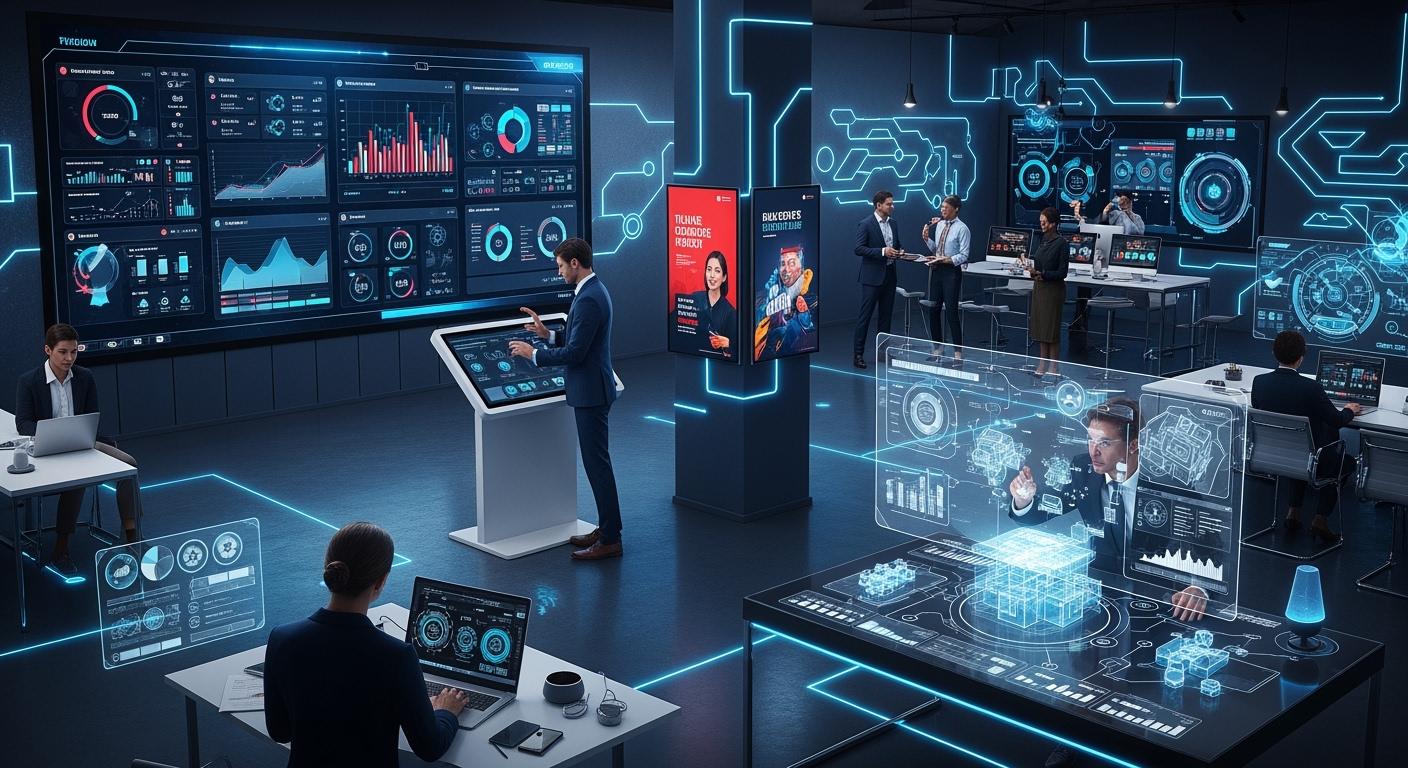
Here are the main digital display types for businesses in 2026:
Display Type | Insights |
|---|---|
Digital Signage | Had the most revenue in 2025. It will stay popular because more stores use it. |
Flat Panel Displays | Led the market in 2025. Many people used them, and they cost less. |
LCD Technology | Will grow a lot. More businesses use commercial TVs with this technology. |
You use Digital Displays to show messages. They help you get customers and work better. AI, interactive tools, and cloud management make content easy to control. These features help you reach your audience. Think about what your business needs and where you will use the display before you pick one.
Key Takeaways
Digital displays help people talk and connect better. They let businesses share news fast and clearly. Picking the right display, like digital signage or interactive touchscreens, can make customers happier. It also helps work get done faster. Energy-efficient displays use less power and save money. They are good for the planet and smart for businesses today. Cloud management makes it easy to control many displays at once. It helps keep messages the same everywhere and saves time. Buying good displays, like OLED or MicroLED, helps people see better. It can also make customers want to come back.
Why Digital Displays Matter in 2026
Business Communication
You need to talk to your team quickly and clearly. Digital displays help you share important news with everyone. Many companies use digital signage for updates inside the business.
More than half of communication teams want to buy digital signage.
Half of communication workers already use digital signage as their main tool.
Businesses get 25% more work done when they use digital displays.
Digital displays are now interactive tools. You can use them to share news, safety alerts, or company goals. This helps your team feel connected and know what is happening.
Customer Engagement
You want customers to see your brand. Digital displays catch people’s eyes better than posters or flyers. They show moving pictures and videos that make people stop and look.
Digital displays let you use animations and videos to tell your story.
Customers can touch screens to learn more about your products.
People get information fast, which helps them decide what to buy.
Digital displays make your business fun and modern. Customers remember your brand and want to visit again.
Operational Efficiency
Digital displays help you save time and money. AI checks if your screens are working well. They warn you before something breaks. You can control many screens from one place, even if your stores are far apart.
You do not need to print posters or change signs by hand.
Cloud-based systems let you update all your screens at once.
Predictive tools help you fix problems before they cause downtime.
Digital displays help your business run smoothly. Your team and customers stay happy with new information.
Key Features of 2026 Digital Displays
High Brightness and Visibility
You want your message to be easy to see. High brightness displays are much brighter than old screens. They can reach over 2,000 nits. Older indoor screens only had 250-350 nits. This makes your content clear in sunlight or outside. Samsung 8K QLED and LG G-Series are examples of bright displays. These models show sharp images and keep your ads looking good all day.
High brightness helps people see your message anywhere.
Bright screens grab attention and get more people interested.
You can use these displays in lobbies, stores, or outside.
AI and Smart Integration
Modern Digital Displays use AI to make things easier. You can automate jobs and study customer data. This helps you improve your marketing. Here are ways AI helps you:
Benefit | Description |
|---|---|
AI-Powered Automation | Does simple tasks and lowers mistakes. |
Advanced Data Analytics | Watches what customers do and guesses trends. |
Enhanced Customer Experience | Gives chatbots and personal tips. |
Predictive Maintenance | Tells you before a screen needs fixing. |
AI in Decision-Making | Helps you plan by guessing demand and risks. |
Energy Efficiency
Energy-efficient displays help you save money and protect the planet. New LED and LCD screens, like Philips 4000 Series, use up to 70% less power. Using less energy means lower bills and less heat. This also cuts air conditioning costs.
Energy-efficient displays lower your energy bills by half or more.
Screens last longer and need fewer replacements.
These displays help your business be more eco-friendly.
Cloud Management
Cloud management lets you control all screens from one place. You can update content and check how screens work. You can connect to apps like loyalty programs or social media. This makes it easy to keep your messages new and the same everywhere.
Advantage | Description |
|---|---|
Remote Management | Change content everywhere from one dashboard. |
Analytics Features | See what works best and measure your results. |
App Integration | Add features like e-commerce or social media feeds. |
Respond quickly to new promotions or events. |
Durability
You need displays that last in busy places. Professional models like E Ink Kaleido are made for long use. They can run 16/7 or 24/7. These displays resist dust, water, and scratches. Strong builds mean fewer problems and longer warranties.
Feature | Description |
|---|---|
Operation Time | Works all day, every day if needed. |
Warranty | Comes with extra protection. |
Construction Quality | Built strong for busy areas. |
Tip: Pick displays with anti-glare coatings for better visibility and reliability.
Types of Digital Displays for Business
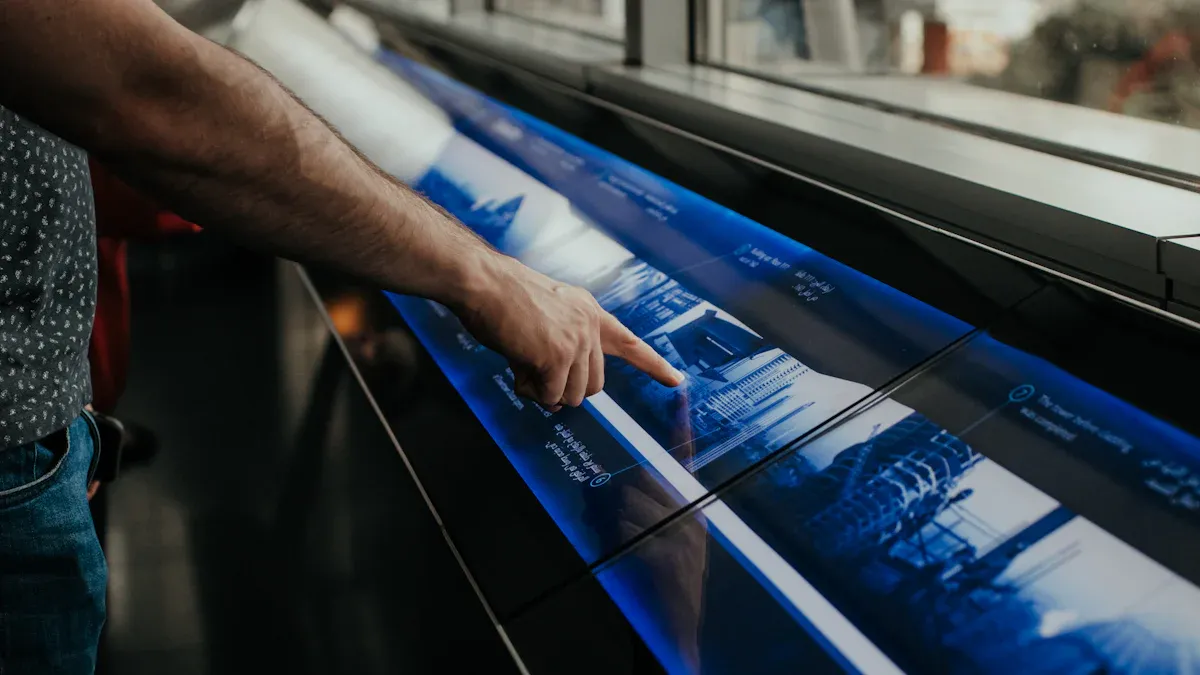
MicroLED Displays
MicroLED displays use very small lights to make bright pictures. You can find these displays in fancy TVs, phones, and car dashboards. MicroLED is special because it is bright, lasts a long time, and does not use much power. Businesses pick MicroLED for things like medical tools and car screens because it is tough and shows clear images.
Aspect | Details |
|---|---|
Technical Specs | Uses new chip making and backplane tech for great results. |
Application Areas | TVs, phones, car HUDs, AR/VR, medical gear, and data centers. |
Business Benefits | Works well for special markets and regular products. |
Competitive Dynamics | Competes strongly because of good quality and new ways to make it. |
Manufacturing Challenges | Needs smart steps to keep prices low and quality high. |
Tip: MicroLED displays are good when you need sharp pictures and screens that last.
OLED Displays
OLED displays show bright colors and dark blacks. Each pixel lights up by itself, so you get real black and strong contrast. OLED screens use less power, especially with dark images. This helps businesses save energy and show great pictures.
OLED displays give you better colors and brightness.
They use less power by turning off pixels for black spots.
You can use OLED displays in meeting rooms, stores, and places where picture quality is important.
LCD Displays
LCD displays are still used a lot in business. They have sharp pictures and react fast. You can count on them to last long and save energy. But some simple LCD screens do not look good from the side or may change color in tough places.
Advantages | Limitations |
|---|---|
Basic TN screens have small viewing angles | |
Fast Response | Backlight can change over time |
Longevity | Colors may shift in hard conditions |
Energy Efficiency | |
Durability |
You can use LCD displays for signs, menus, and office screens. They give you good value for the price.
E Ink Displays
E Ink displays look like paper and use almost no power when not changing. You can read them in sunlight, and they do not shine in your eyes. Businesses use E Ink for shelf tags, train boards, and meeting room signs. These displays are light, bendy, and good for the planet.
Industry | Application Example |
|---|---|
Retail | |
Transportation | Real-time arrival boards at stations |
Healthcare | Room signage, status displays |
Education | Classroom schedules, e-bulletin boards |
Corporate | Meeting room signage, directories |
QSR/Restaurants | Dynamic menu boards (indoor/outdoor) |
E Ink displays use no power when not changing.
You can read them in sunlight and they do not glare.
In 2026, you will see full-color ePaper and more CMS features.
Note: E Ink displays help you use less energy and make smart spaces.
Interactive Touchscreens
Interactive touchscreens let you and customers pick what shows on the screen. You can use them for talks, showing products, or self-checkout. These screens make learning and shopping more fun.
Feature | Description |
|---|---|
Enhanced User Interaction | Touchscreens make jobs faster and less confusing. |
Gamification | Games make learning fun and keep people happy. |
Data-Driven Insights | Touchscreens watch what users do to help you improve. |
Personalized Experiences | Content changes for each person, making them happier and buy more. |
Games keep customers busy for longer.
Data helps you see what works best.
Personal content helps you sell more.
Video Walls
Video walls put many screens together to make one big display. You can use them in offices, stores, events, and control rooms. Video walls show big pictures and live data, which is good for teamwork and getting customers interested.
Sector | Use Case |
|---|---|
Corporate Offices | |
Retail Stores | Promotions, product displays, customer engagement |
Events & Exhibitions | Cool experiences for big crowds |
Control Rooms | Watching live data and running things |
Tip: Video walls help you get attention and share news with big groups.
Outdoor DOOH Displays
Outdoor DOOH displays show ads and messages outside. You can count on these displays to work in rain, sun, or dust. They use very bright screens and stop glare, so your message is clear in any weather. You can change what shows from anywhere using cloud tools, which saves time and money.
Outdoor displays are safe from water, dust, and sun.
Bright and anti-glare screens keep ads easy to see.
Cloud tools cut costs and help you earn more from ads.
Transparent Displays
Transparent displays let you see both digital content and what is behind the screen. You can use them as smart windows or on glass. Stores use them to show info about products without blocking the view. Offices use them to make meeting rooms look cool.
Application Type | Description |
|---|---|
Smart Windows | Used in windows for saving energy and looking modern. |
Display Glass Overlays | Add touch to glass you already have. |
Market Forecasts | More people will use these by 2025 and later. |
Note: Transparent displays give you new ways to share info and get noticed.
Projection Displays
Projection displays use projectors to show pictures on walls or screens. You can use them for big meetings, events, or creative spaces. You can make the display bigger or smaller easily. Projection displays are good when you need a big and flexible screen.
You can use projection displays in conference rooms or big halls.
They help you share ideas with lots of people.
Digital Displays now give you more choices than ever. You can pick what fits your business, from energy-saving E Ink to big video walls.
Comparing Display Types
Pros and Cons
You should know what each display type does well and not so well. Here is a table that shows how digital signage and print signage are different:
Feature | Digital Signage | Print Signage |
|---|---|---|
Content Flexibility | You can change what shows right away for new deals or news. | The message stays the same until you print a new sign. |
Durability | Works for 50,000 to 100,000 hours, but sometimes needs fixing. | Good prints last for years and do not need much care. |
Environmental Impact | Makes less trash from printing, but adds to e-waste. | Uses paper and ink, which can fill up landfills. |
Cost | Costs more at first, but saves money if you change signs a lot. | Cheaper at first, but gets expensive if you print many signs. |
Tip: Digital signage lets you update messages fast and gives you more control.
Best Use Cases
You want to pick the best display for your business. Here are some examples:
Retail stores use digital signage to change prices and help customers with screens.
Offices use displays for meetings and boards in lobbies to show directions.
Hotels and restaurants use menu boards and kiosks to guide guests and show food.
Touchscreens in stores help shoppers check out faster and find things easily. Digital kiosks in hotels help guests find their rooms. Big displays in offices make meetings easier to follow.
Retail: Digital posters and touchscreens get shoppers interested.
Corporate: Welcome boards and meeting signs keep teams updated.
Hospitality: Menu boards and event signs help guests and show services.
Cost and ROI
You should think about the price and what you get back. Digital Displays cost more at first, but you save money if you change messages often. You do not need to print new signs every time you want something new. Bright screens and moving pictures help you reach more people. This can bring in more customers and sales.
Note: If you need to update messages a lot or have many stores, digital displays are a better deal over time.
Leading Brands and Solutions
LG G-Series
The LG G-Series works well for outdoor business. These displays are very bright, from 2,000 to over 10,000 nits. You can see clear pictures even in sunlight. People can read your message from many angles. This makes LG G-Series good for stores, outdoor menus, and public places. Your content will stand out all day.
Samsung QLED
“I have both QLED 8K (Q800T) and the S89C 77 inch OLED…. I can tell you that the 8K is absolutely incredible. You’ll get sharper and more crisp images than normal 4k sets… and the colors are outstanding.”
Samsung QLED displays show sharp pictures and bright colors. You can use them where you want your brand to look great. These displays are good for lobbies, meeting rooms, and stores. High resolution and strong colors make your content stand out and get noticed.
Philips 4000 Series
Philips 4000 Series displays save energy and last a long time. You can use these screens for many hours without problems. They use less power, so you save money and help the planet. These displays are good for offices, schools, and hospitals where you need them to work every day.
E Ink Kaleido
Feature | Benefit |
|---|---|
Reflective Display | Uses light around it, so your eyes do not get tired. |
Energy Efficiency | Does not need a backlight, so it saves energy. |
Sunlight Readability | Stays clear even in sunlight. |
Low Power Consumption | Only uses power when you change what is on the screen. |
Compatibility with Solar | Works with solar power, so it is better for the planet. |
E Ink Kaleido displays help you make green signs. You can use them outside in different weather. These displays use little energy and are easy to read in sunlight. Businesses that want to save energy and help the planet pick E Ink Kaleido.
Many top brands also let you control your content easily. You can use tools like NowSignage, Scala, and Yodeck to manage your Digital Displays in many places.
Pick digital displays that help your business and fit your space. Check if they are safe, can grow with your business, and work most of the time. Make sure your displays work with your marketing and POS systems. Fast software lets you try new things quickly.
Choose a display that fits your space and what you need
Learn about new technology often
Try out displays before you buy them
Tip: Begin with a small setup. Add more as you find out what works best for your business.
FAQ
What is the main benefit of using digital displays in my business?
You can share updates fast and catch attention. Digital displays help you show new deals, news, or safety tips. You make your space look modern and keep customers interested.
How do I choose the right digital display for my business?
Think about where you will use the display and what you want to show. Check for brightness, size, and energy use. Ask your team what features matter most.
Are digital displays hard to manage?
No, you can control many screens from one place using cloud tools. You update content with a few clicks. Some systems even check for problems and send alerts.
Do digital displays save money over time?
Yes. You do not need to print new signs often. You can change messages anytime. This saves money and helps you reach more people.
See Also
Best Digital Signage Solutions for Retailers in 2026
Key Factors That Make Digital Signage Essential for Success in 2026
Latest Innovations in Digital Signage Technology for 2026
Selecting the Perfect LCD Digital Signage for Your Business in 2026
