Top Strategies for Effective Lobby Digital Signage in 2026
Shenzhen TopAdkiosk Display Technology Co., Ltd.
Add.: 2F, Bldg 10, Changfeng Industrial Park, Dongkeng, Fenghuang, Guangming, Shenzhen, China 518132
Mobile/WHATSAPP: 86-138 25769658
Email: marketing@topadkiosk.com topadkiosk@gmail.com
Skype: pghenry1
Wechat: adkioskhenry
English Web.: https://www.topkioskdisplay.com/
http://www.ad-kiosk.com/
https://www.toplcddisplay.com/
http://www.multitouchdigitalsignage.com/
https://www.youtube.com/channel/UCYVYNJHxLVEcQD8fuUxXNTA/videos?view_as=subscriber
https://www.facebook.com/TOPADKIOSKSHENZHEN/?ref=bookmarks
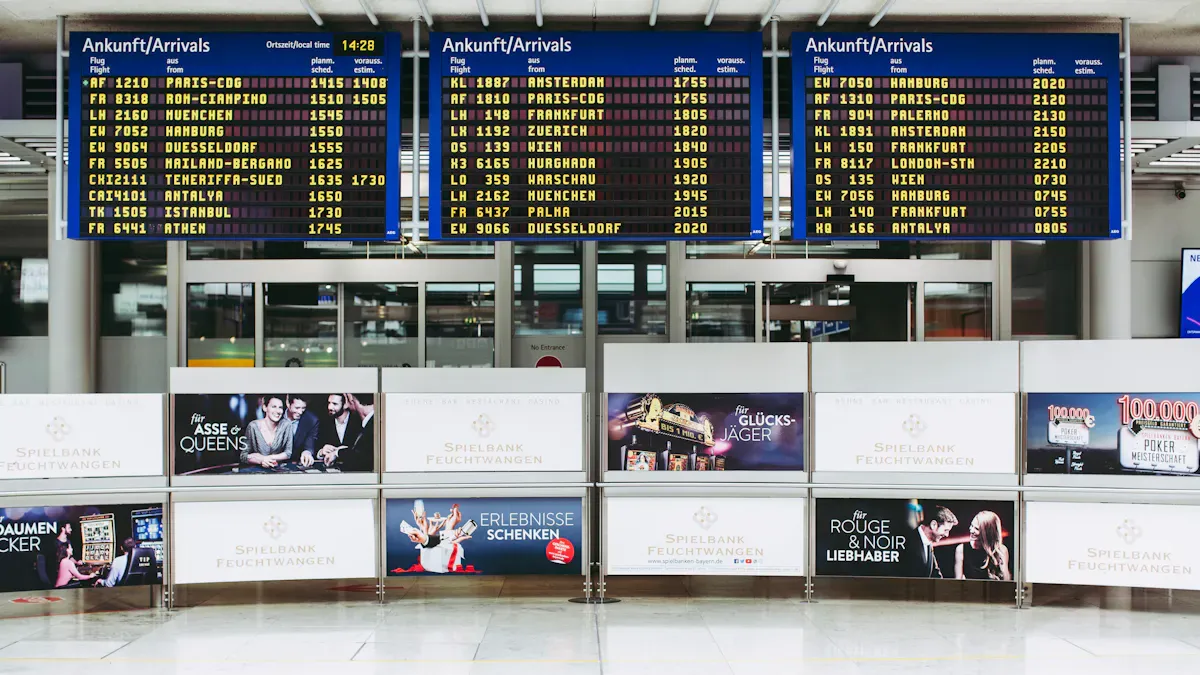
You see lobby digital signage changing how visitors act in 2026. More than 60% of hotels now use digital signage. They use it to share news and make a strong first impression. Clear pictures help people pay attention and remember more, by 42%. Moving images grab people’s eyes and make them interact 30% more. Colors are important—red makes things feel urgent, and blue makes people trust you. Social proof on lobby digital signage helps people believe in your brand. This is because 92% of people trust what others say. You can use these ideas to talk better and make your lobby fun and interesting.
Key Takeaways
Set clear goals for your digital signage. This helps customers have a better experience and can help you sell more.
Learn about your audience. Change your messages based on the time and place. This helps people pay more attention.
Use good displays and smart software. This makes your digital signage work well and easy to use.
Add things people can interact with. Give real-time updates. This makes visitors feel excited and interested.
Check how your digital signage is doing often. Ask for feedback. This helps you make your digital signage better all the time.
Setting Objectives for Lobby Digital Signage
Defining Clear Goals
You should decide what you want before using lobby digital signage. Think about your main purpose. Do you want people to pay more attention, help them find places, or sell more? Many groups use digital signage to make customers happy, share new info, and talk better with visitors. You can also save money by not printing signs and using screens instead.
Here are some usual goals for lobby digital signage:
Make customers happier with quick messages.
Sell more by showing special deals.
Spend less on ads by using screens.
Share news with messages made for each person.
Your goals should be easy to understand and check. The table below gives examples of clear goals:
Goal Type | Example Goal |
|---|---|
Sales goal | Sell 15% more during sales by showing deals on screens. |
Internal communication goal | Make company news faster by 30% with digital boards. |
Customer experience goal | Get people to stay 20% longer by showing product news and event timers. |
Understanding Your Audience
You need to know who will see your screens. Split your visitors by time, place, or what they need. For example, show one message in the morning and another in the afternoon. You can also use screen location to help people find their way or see event news near meeting rooms.
Method | Description | Benefits |
|---|---|---|
Scheduled Content | Changes messages by time or day. | Makes messages matter more and keeps people interested. |
Location-Based Content Targeting | Shows messages based on where the screen is. | Helps people find things and keeps them involved. |
This way, you help people pay more attention and get the right info at the right time.
Aligning with Business Outcomes
You need to link your signage goals to business results. First, pick what you want to measure, like making more money or getting more people to watch. Use data from your system and sales to see how you are doing. Try out your ideas with different groups and change your messages if needed.
Step | Description |
|---|---|
1 | Pick what you want to measure, like sales or engagement. |
2 | Connect your data to see results. |
3 | Try your ideas with test groups. |
4 | Use models to find what works best. |
5 | Use what you learn to make your next plan better. |
If you do these steps, your lobby digital signage will help your business and keep people interested.
Lobby Digital Signage Technology
Choosing Displays and Hardware
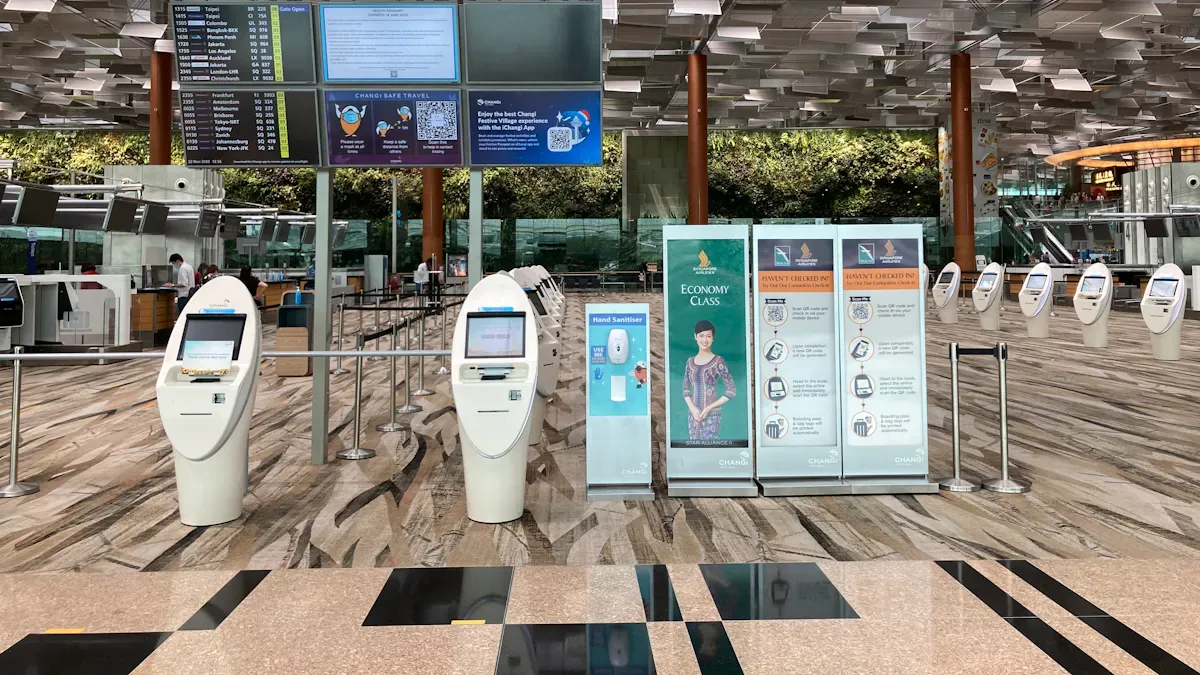
You need good displays to make your lobby look great. Different displays work better in different places. The table below shows the main choices for digital signage displays in 2026:
Technology | Best for | Main advantage | Key limitation |
|---|---|---|---|
LCD | Standard indoor | Cost-effective, 4K, wide viewing | Not bright enough for outdoors |
Direct View LED | Large venues, outdoor | Very bright, no bezels, modular | Expensive, lower close-up resolution |
OLED | Luxury indoor | Thin, deep contrast | Burn-in risk, not for outdoors |
E-Ink | Low-power, transit | Uses little power | Slow refresh, less color |
You should use commercial-grade displays in busy lobbies. These displays last longer and stay bright. For big spaces, video walls or mirror TV systems with 4K look nice. Waterproof displays and media units are good for wet or crowded spots. Special media players help your digital signage work well.
Advanced Software Solutions
You need strong software to control your digital signage displays. The best options in 2026 are:
Yodeck
Rise Vision
TelemetryTV
OptiSigns
These platforms let you control many screens at once. You can set up schedules, make layouts, and play media even offline. Central control helps you update info fast. Automatic scheduling and managing many screens saves time and gets people interested.
Integration and Security
Modern lobby digital signage works with many systems. You can add touchscreen self-service for visitors. This lets people find directories or ask for help without staff. Mobile device connections let visitors scan QR codes and get info on their phones. You can link your displays to visitor management for easy check-in and safety. Emergency alerts send messages to all screens during safety events.
Tip: Always update your software and use safe networks. This keeps your displays safe and your messages private.
You should pick technology that can grow with your needs. This helps your lobby stay up-to-date and keeps visitors interested.
Digital Signage Content Strategy
A good digital signage content strategy helps you make fun and useful content. This content grabs people’s attention and gives them the right info. You can use this plan to talk better, get more people involved, and make your lobby friendly for everyone. Here are the best ways to use lobby digital signage in 2026.
VIP Welcome Experience
You can help VIP guests feel important when they walk in. Digital signage lets you greet VIPs by name and show special messages. You can change these greetings right away, so every guest feels seen. The screens can also help VIPs find where to go and share info about check-in or events. This makes the lobby feel special and shows you care about each person.
Show special greetings for VIP guests.
Give real-time updates about check-in and rooms.
Use cool pictures to make a great first impression.
When you use digital signage to tell stories, you help people remember your brand and set the mood for their visit.
Dynamic Directories & Wayfinding
You help people find their way with dynamic directories and wayfinding tools. A good content plan uses easy layouts, simple words, and big, clear letters. You should keep colors, logos, and styles the same on all screens. Good pictures and clear icons make it easier to get around.
Use touchscreens for better interaction.
Offer different languages for all visitors.
Update info right away to keep directions correct.
A neat and easy-to-read design helps everyone, even people with disabilities, move through the lobby with confidence.
Visual Case Studies & Testimonials
You can build trust by showing visual case studies and testimonials on your screens. Digital lobby displays keep people interested longer than regular signs. You can show good reviews, customer stories, and business wins. This helps visitors see real results and makes them want to learn more about your brand.
Change testimonials and case studies often to keep things new.
Use photos and short videos to make stories easy to understand.
Show customer feedback to build trust.
Social Media Walls
Social media walls connect your online world with your real lobby. You can show live posts from customers, staff, or people in your community. This helps sell your brand and makes new visitors excited.
Show posts from users to build trust.
Highlight community events and wins.
Ask visitors to share their own stories online.
Social media walls also save time because they bring in new posts by themselves.
Team Spotlights
You can use digital signage to thank your team and celebrate what they do. Regular updates about employee wins and team events help everyone feel good. This helps break down walls between groups and makes everyone feel important.
Show team events and group successes.
Support a friendly and connected workplace.
When you highlight your team, you make people happier and help them want to stay.
Product & Service Upsells
A smart content plan helps you show off products and services in the lobby. You can suggest extra items or special deals. Good pictures and videos catch people’s eyes and help them decide fast.
Show changing menus or product choices based on time or weather.
Use quick deals to boost sales when it’s busy.
Show bright pictures to highlight special offers.
This helps you sell more and lets visitors find new things you offer.
Real-Time News & Metrics
You keep your content fresh by sharing real-time news and key numbers. Digital signage lets you update info right away, so everyone knows what’s going on.
Content Type | Description |
|---|---|
Real-time updates | Show key numbers and news to keep everyone in the loop. |
High-utility content | Show transit times, news, weather, and local events in the lobby. |
Instant updates | Share company news and alerts as soon as they happen. |
Real-time management | Change deals and alerts to keep info up to date. |
This keeps your lobby feeling new and helpful.
Community & Philanthropy Highlights
You can show your community work and giving back with digital signage. Interactive donor walls and stories with pictures and videos get people interested and show your impact.
Best Practice | Description |
|---|---|
Digital Technology | Use tech for fun stories and quick updates. |
Thoughtful Design | Make screens look nice and thank supporters. |
Strategic Placement | Put screens where lots of people will see them. |
Show live donor profiles and stories about your impact.
Use videos and photos to show community projects.
Thank supporters and ask others to join in.
A good digital signage content plan makes your lobby a place for info, fun, and brand stories. You make everyone feel welcome by using easy designs, clear words, and the same branding. When you focus on new and useful content, your lobby digital signage gives value to every visitor.
Enhanced Visitor Experience
Optimal Screen Placement
You can get more people to look at your screens by putting them in smart places. Studies say that if you put digital signs in the right spots, more people will pay attention—up to 33% more. Put screens where people wait, like at the front desk or in the lounge. These are places where visitors spend more time, so they notice your messages. It is important that everyone can see the screens. If a screen is hidden, people will miss the information. Use big screens if people are far away. Use small screens if people are close. Put screens at eye level if you want people to touch or use them. For screens that just show things, put them a little higher. When you put screens in busy places, more people will see them and your lobby digital signage will work better.
Put screens where people wait to get more attention.
Place screens at eye level if people will touch them.
Pick the right screen size for how far people stand.
Adapting to Environment
You should make sure your digital signage fits the space around it. Putting screens in the right place helps stop glare from windows or bright lights. You can use sensors to check things like air and temperature. This makes your screens smarter and more useful. Using digital signs is better for the planet because you use less paper and plastic. Screens like LED or e-ink save energy and last longer. This helps your lobby be more eco-friendly and saves money. You also make less trash because you do not have to change signs all the time.
Use sensors to check the air and temperature.
Pick screens that save energy to help the planet.
Use digital screens instead of paper to make less waste.
Personalization & Interactivity
You can make visits better by letting people interact with your screens. If you put interactive screens in good spots, visitors can find what they need fast. Touchscreen kiosks help people get directions or answers without asking staff. AI helpers can give special help and show people around. Screens can show news, weather, or flight times as they happen. Welcome messages with names make guests feel important. Maps on screens help everyone find events or places nearby.
Method | Description |
|---|---|
Interactive Displays | Touchscreens give info and help people find their way. |
AI-driven Virtual Concierges | These helpers answer questions and guide visitors. |
Real-time Content | Screens show news and updates so visitors know what’s new. |
These ideas help you make your lobby fun and helpful. People will want to come back because they feel welcome and know what is going on.
Measuring and Optimizing Digital Signage Strategies
Key Performance Metrics
You need to check the right numbers to see if your digital signage works. These numbers show what visitors do and how they react to your screens. The table below lists the most important metrics:
Metric | Description |
|---|---|
Shows how many people act after seeing your screen. | |
Engagement Rate | Measures how much visitors use your content. |
Recall Rate | Checks if people remember your information later. |
Foot Traffic | Counts how many people walk by your screens. |
Content Update Frequency | Tells how often you change your content to keep it fresh. |
System Uptime | Shows if your screens work when you need them. |
Network Performance | Checks if your system runs smoothly. |
Response to Alerts | Measures how fast you fix problems with your screens. |
You can also count views and see how often people use your content. These numbers help you know if your messages reach the right people.
Gathering Feedback
You should get feedback from visitors to make their experience better. You can ask for feedback right on touchscreen kiosks. You can watch how people use the screens and see where they get stuck. You can also check analytics to find problems with navigation. Usability tests with real users give you more ideas about what works and what needs to change. This helps you make your information easier to find and your screens more helpful.
Tip: Try different ways to get feedback, like short surveys or quick polls, to learn what visitors like best.
Continuous Improvement
You need to keep making your digital signage better. You can update your content often by using a content calendar. Scheduling tools help you change messages at the right time. Mixing different types of content keeps your screens interesting. You should ask for ideas from different teams to make your content fresh. Regular maintenance, like cleaning screens and checking software, keeps everything running well. Test your content and network often to avoid problems. Always look for new technology to make your engagement stronger and your visitor experience better.
Update content on a schedule.
Use feedback to fix problems fast.
Try new ideas to keep visitors interested.
You can make your lobby a place where people get the information they need and enjoy their visit.
Future Trends in Lobby Digital Signage
AI and Personalization
Artificial intelligence will change how you use digital signage. AI can look at data as things happen and learn what visitors like. It can show messages that fit each person’s interests. For example, AI can say hello to guests by name or suggest events they might enjoy. This makes every visitor feel special and helps them pay more attention. You can use AI to see which messages work best and change your content fast. AI also helps you see how people react to your screens, so you can keep making your plan better.
You can make fun, special experiences for everyone.
IoT and Smart Integrations
IoT means the Internet of Things. It connects your digital signage to other smart devices in your building. This lets your screens change when things in the lobby change. For example, your screens can change the lights or temperature if more people come in. You can use IoT to control air and heat and share news with visitors. These smart tools help you run your building better and make the lobby nicer for everyone. Your screens do more than show pictures—they become a main spot for news and comfort.
Sustainability and Energy Efficiency
You can help the planet with new digital signage technology. Many companies now use solar-powered signs that last a long time and need little care. E-paper displays, like the Philips Tableaux, work without power and are good for places with little electricity. Samsung’s E-Paper lets you change what is on the screen without printing new signs, so you save paper and energy. Some screens use recycled parts and need less power but still look bright and clear.
The Philips Tableaux display is the first ePaper sign that works with no plug, so it is a green choice for digital signage in hotels.
If you pick these options, you help the earth and save money. You also show visitors you care about the environment.
You can change your lobby with digital signage strategies. These strategies help people pay attention and make your brand stronger. Put screens in good places so more people see them. Update what is on the screens often to keep things fresh. Use new technology to make your displays better. Always try to make your screens work well and ask visitors what they think. Be ready to try new ideas and follow trends. If you use these tips, your lobby will be special and welcome every guest. Digital signage in lobbies will have cool new things in the future.
Effective Strategies for Lobby Digital Signage in 2026
The lobby is the first impression of any business. In 2026, lobby digital signage is no longer just a welcome screen or corporate video loop. It has evolved into an intelligent, interactive, and data‑driven brand experience hub. Below are the most effective strategies to maximize impact.
1. Personalize at Scale with AI
Static “Welcome to our company” messages are forgettable. Use AI to personalize the lobby experience.
Facial recognition (opt‑in) – Recognize returning employees or VIP visitors and display personalized greetings, wayfinding, or meeting reminders.
Calendar integration – Pull data from Outlook or Google Calendar. Show “Welcome John Smith – your 10:30 meeting is in Conference Room B on the 2nd floor.”
Language detection – Automatically switch displayed content to the preferred language of the person standing in front of the screen (e.g., English, Mandarin, Spanish).
Why it works: Personalization increases engagement and makes visitors feel valued.
2. Create ‘Phygital’ Wayfinding
Static building maps are frustrating. Digital wayfinding in 2026 is seamless and mobile‑connected.
Interactive touchscreen maps – Show “You are here” automatically via Bluetooth beacons or QR code scanning.
Send‑to‑phone routing – Visitors scan a QR code, and the route to their destination (e.g., HR office, meeting room, clinic) is sent directly to their smartphone.
Real‑time occupancy – Display “Conference Room A – occupied until 11:30 AM” or “Restroom – 3 stalls available” to manage expectations.
Why it works: Reduces visitor anxiety and front‑desk interruptions.
3. Integrate Real‑Time Operational Data
Lobby signage that shows live business metrics builds trust and transparency.
For corporate lobbies: Display live metrics like customer satisfaction scores, production output, sustainability achievements, or stock performance.
For healthcare lobbies: Show real‑time ER wait times, clinic schedules, or health alerts.
For retail/ hospitality: Display weather, flight status, local event countdowns, or limited‑time offers.
Why it works: Real‑time data signals an agile, responsive organization.
4. Embrace Immersive Visuals (LED & MicroLED)
In 2026, lobby displays are architectural features, not just rectangles on walls.
Direct‑view LED walls – Seamless, ultra‑bright, and can be curved or shaped to fit lobby columns and ceilings.
MicroLED – Superior contrast, longer life, and modular repair – ideal for high‑traffic lobbies.
Transparent OLED – Create “floating” content on glass partitions or windows without blocking the view.
Why it works: Stunning visuals create a memorable “wow” moment and reinforce brand premium.
5. Make Content Interactive (But Simple)
Touch is expected, but 2026 adds voice and gesture.
Voice‑activated kiosks – “Where is the restroom?” The screen shows the route without requiring touch (hygienic and accessible).
Gesture control – Wave to flip between lobby news, event schedules, and company highlights.
QR code engagement – Scan to download digital brochures, join loyalty programs, or leave instant feedback.
Why it works: Interactive content increases dwell time and data capture.
6. Schedule Content by Time and Audience
A lobby that shows the same content all day is wasted potential.
Morning mode (8‑10 AM) – Welcome employees, show daily stand‑up times, cafeteria breakfast menu.
Visitor mode (10 AM‑4 PM) – Wayfinding, corporate overview, wayfinding, visitor policies.
Evening mode (4‑7 PM) – Upcoming evening events, after‑hours access instructions, shuttle schedules.
Weekend/holiday mode – Reduced hours, special event announcements.
Why it works: Relevant content at the right time increases utility and reduces annoyance.
7. Prioritize Accessibility and Compliance
Inclusive design is not optional in 2026.
High contrast & large fonts – Minimum 24pt for body text, 48pt for headings.
Voice‑over capability – Screen reader support for visually impaired visitors.
Height‑appropriate touchscreens – Ensure interactive kiosks are reachable from a wheelchair (lower edge at 15‑48 inches / 38‑122 cm).
Color‑blind safe palettes – Avoid red/green only alerts; use symbols and text.
Why it works: Legal compliance (ADA, accessibility laws) and a better experience for all.
8. Measure Performance, Not Just Playlist
Don’t guess what works – use analytics.
Dwell time sensors – How long do people look at each screen?
Touch heatmaps – Which menu items are most clicked on wayfinding kiosks?
Conversion tracking – QR code scans to brochure downloads or meeting bookings.
A/B testing – Try two versions of a welcome message and see which increases engagement.
Why it works: Data‑driven optimization maximizes ROI.
Quick Strategy Recap Table
Strategy | Key Technology | Primary Benefit |
|---|---|---|
Personalized welcome | AI + facial/calendar integration | Makes visitors feel valued |
Phygital wayfinding | QR codes, beacons, interactive maps | Reduces front‑desk questions |
Real‑time data | API feeds from internal systems | Builds transparency and trust |
Immersive visuals | LED, MicroLED, transparent OLED | Creates wow factor |
Simple interactivity | Voice, gesture, QR | Increases engagement |
Time‑based scheduling | Dayparting in CMS | Keeps content relevant |
Accessibility | High contrast, voice‑over | Inclusive design |
Performance analytics | Sensors, heatmaps | Optimizes content ROI |
Conclusion
In 2026, effective lobby digital signage is personal, helpful, visually stunning, and data‑informed. It transforms the entrance from a waiting area into a smart, welcoming, and efficient brand ambassador. Start by identifying your top three visitor pain points (e.g., confusion about directions, long front‑desk queues, outdated messaging) and apply the strategies above to solve them.
FAQ
What content works best for lobby digital signage in 2026?
You should use different types of content. Show real-time updates and welcome messages. Add interactive directories to help people find things. Put social media feeds and team spotlights on your screens. This keeps your screens new and helps visitors pay attention.
How do you keep digital signage content updated?
Make a plan for when to change your content. Use software that lets you update messages fast. Try automatic updates for news, weather, and events. This way, your lobby always has the latest information.
How can you measure the success of your lobby digital signage?
Watch numbers like engagement rate and foot traffic. Check recall rate to see if people remember your info. Ask visitors for feedback. See how often people use your screens. This shows what works and what you should fix.
What are the best ways to make digital signage accessible?
Use big fonts and colors that stand out. Write in simple words. Add audio or touch features for people with disabilities. Put screens at eye level. This makes sure everyone can use your signage.
How can you future-proof your lobby digital signage?
Pick hardware that works with new software. Choose displays that save energy. Use AI and IoT features for smart updates. Keep learning about new trends. This helps your signage stay modern and useful.
See Also
Exploring Digital Signage Innovations Impacting 2026 Today
Key Factors That Make Digital Signage Essential For 2026
Latest Developments in Digital Signage Technology for 2026
Enhancing Restaurant Efficiency With Digital Signage in 2026
