Top digital signage platforms for easy content management

If you're looking for software for managing display content that is easy to use, consider top options like Bizplay, BrightSign, Korbyt, and Look Digital Signage in 2026. Each of these solutions allows you to control screens from the cloud, providing real-time data and straightforward scheduling of content. You can update what displays on screens from anywhere, gaining valuable insights to enhance your ROI. These tools incorporate automation and integrate with other systems, which means you can spend less time managing content. Whether you need digital signage for your business, school, or store, be sure to visit http://www.topadkiosk.com/ for more choices. Selecting the right software helps you maintain organization and improve efficiency.
Key Takeaways
Pick a digital signage platform that lets you update content easily from any place. This helps you work faster and gives you more options.
Find features that are simple to use, like drag-and-drop editors and templates. These tools make creating content easier, even if you are new to it.
Choose software that works well with other tools. This lets you make updates right away and show changing content to keep people interested.
Think about cloud-based solutions for managing your screens from far away. This means you can update displays without being there in person.
Look at platforms based on what you need, like your industry and how much money you have. This helps you pick the best one for your group.
What Makes Digital Signage Software Easy to Use
User Interface and Experience
When you use digital signage software, it should feel easy. The best platforms have tools that help you make content, even if you are new. Here are some features you might see:
Feature | Description |
|---|---|
Drag-and-drop editors and templates let you make displays fast. | |
Content Scheduling | You can plan what shows on your screens and save time. |
Intuitive Tools | The interface helps you change content quickly without special skills. |
You do not need to be a designer to make your screens look good. Simple editors and ready-made templates help you start right away.
Content Scheduling and Automation
Scheduling and automation are important for good content management. You can set your digital signage to update at certain times or for events. This way, your screens always show the right message.
You can plan content for events or business hours.
Automation keeps your displays new and interesting.
You spend less time updating and more time on your business.
Integrations and Analytics
Good digital signage software works with other tools you use. Many platforms let you get content from apps like YouTube or Canva. Some even mix live TV with ads, which is great for busy places.
Feature | Description |
|---|---|
Get content from many apps to keep your screens fun. | |
Centralized Device Management | Control all your screens from one spot, good for big setups. |
Built-in Analytics | See how your content does and learn what works best. |
You can also use live data feeds or connect with systems like ERP or POS for smart messages.
Cloud-Based Management
A cloud-based solution lets you manage your screens from anywhere. You do not have to be in the office to change your displays. With cloud control, you can handle updates from your phone or laptop. This makes your system flexible and easy to grow as you need.
Tip: Pick a digital signage platform with a cloud-based solution for the easiest time.
Top Digital Signage Software for Managing Display Content
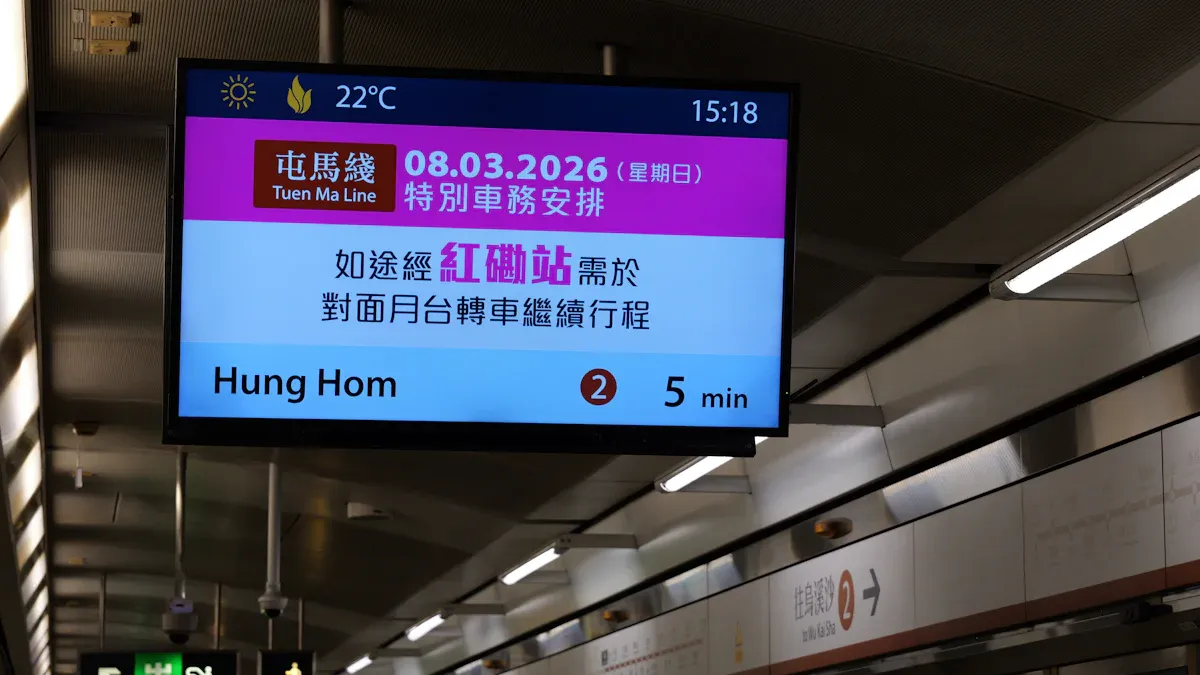
Picking the right software can make things much easier. You want a platform that lets you update screens quickly. It should help you plan content and keep things working well. Here are some top digital signage company choices for 2026. Each one has something special. You can see why you might choose it.
ScreenCloud
ScreenCloud gives you lots of choices. You can use design tools in your web browser. It supports animations and transitions, so your screens look fun. ScreenCloud works with smart TVs and streaming devices. You do not need to worry about what hardware you have. The app marketplace connects with Google Workspace and Microsoft 365. You can show live data without building anything new.
Unique Selling Point | Description |
|---|---|
Connects with Google Workspace, Microsoft 365, and more for live data display. | |
Browser-Based Design Tools | Create and schedule content directly in your browser. |
Device-Agnostic Approach | Works with smart TVs, streaming devices, and other hardware. |
If you want software that works in many ways and lets you manage content from anywhere, ScreenCloud is a good pick.
Rise Vision
Rise Vision makes it easy to manage content. You can upload videos and pictures for screens in different places. The platform lets you set playlists for different times. You can make user roles so your team can help. Rise Vision tracks how your content does and gives you analytics. You can check device health and send updates to screens from far away. The software works with many backend systems, like inventory or ERP tools.
Feature Type | CMS Tasks | Full Software Tasks |
|---|---|---|
Upload videos and images for screens across locations | Manage media player software and compatibility | |
Scheduling | Set playlists for different times | Monitor device health and connectivity |
User Roles | Create user roles for content management | Distribute updates to players and screens |
Analytics | Track content reception and performance | Integrate with backend systems for dynamic content |
You get a full package for managing content, especially if you have screens in many places.
Yodeck
Yodeck helps you make digital signs fast. You do not need special skills. The platform lets you plan when content shows up. Yodeck works even if the internet goes out. You can connect with apps like social media and calendars. You can manage content from anywhere using a web browser. Yodeck also has user management and security features like two-factor authentication.
Feature | Benefit |
|---|---|
Make digital signs fast without technical skills. | |
Content scheduling | Plan and automate when content displays. |
Offline playback | Keep screens running even without internet. |
Seamless integrations | Connect with social media, calendars, and more. |
Remote management | Update content from anywhere using a browser. |
User management | Manage roles and permissions for your team. |
Security features | Protect content with two-factor authentication and encryption. |
If you want software that is simple and keeps your screens working, Yodeck is a great choice.
OptiSigns
OptiSigns is easy to use. You can make changes from your computer or phone right away. The app is reliable and does not cost much. Many people say it is easy to use from the start. You can set up rotating menus and schedules to get more customers. OptiSigns also has good customer support.
Very user friendly, reliable, and cost effective. You can make instant changes from your computer or phone.
Easy to use right out of the box.
Easy to implement. Rotating menus and schedules help bring in more customers. Great customer support.
OptiSigns makes managing display content simple, so you can focus on your business.
Xibo
Xibo gives you a flexible platform for digital signage. You can manage content from the cloud or use local servers. The software supports many media types and layouts. You can plan content and set updates to happen automatically. Xibo lets you control who can help manage screens. The platform is good for groups that want control and options.
If you want software that fits your setup and lets you manage content your way, Xibo is a good choice.
Signagelive
Signagelive supports automation and works with other tools. You can use templates from Adobe After Effects and set things like text and images. The platform connects with Google Docs for easy updates. You can tag content for certain screens and set up automatic video delivery. Signagelive helps you manage lots of screens and keep content new.
Step | Description |
|---|---|
1 | Open a template in Adobe After Effects and set dynamic parameters. |
2 | Upload the template to Plainly and integrate with Google Doc. |
3 | Create tags for specific Digital Signage screens. |
4 |
Signagelive helps you automate content and connect with other tools.
NoviSign
NoviSign is stable and works well. The system lets you play content offline, so screens work without internet. The interface is easy and does not need hard setups. You get over 200 templates to make fun content. The design studio is like PowerPoint, so you can add widgets easily. NoviSign lets you check screens from far away and make sub-user accounts for your team. You can update content fast and send it to screens right away.
Advantage | Description |
|---|---|
Supports offline play and smooth media playback. | |
Simple setup, no expensive equipment needed. | |
Variety of templates | Over 200 customizable templates for easy content creation. |
Easy design studio | Add and customize widgets like PowerPoint. |
Remote monitoring | Monitor screens and content status. |
Sub-user accounts | Team members can update content easily. |
Instant updates | Send content to screens immediately. |
NoviSign makes managing display content easy for any group.
Kitcast
Kitcast is simple to use. The interface is easy and helps you manage content and schedules. You can control everything from one cloud dashboard. Drag-and-drop lets you make playlists fast. Kitcast has automated scheduling, so you can set start and end dates or repeat schedules. Content caching keeps screens working even if the internet stops. Multi-zone layouts let you show different content at the same time.
User-friendly interface for easy content management and scheduling.
Manage all platforms from one cloud dashboard.
Drag-and-drop for quick playlist creation.
Automated scheduling with start/end dates and recurring schedules.
Content caching for reliability during connectivity issues.
Multi-zone layouts for diverse content.
Kitcast is a good pick if you want software that is simple and works well.
Skykit Beam
Skykit Beam gives you room to grow and change. The multi-tenant setup lets you share content in many places. Local teams can manage their own content, so messages fit each place. Corporate teams can update content once and share it everywhere. This keeps the brand the same. Skykit supports big networks for digital signage and kiosks. You get hardware, app environments, and remote device management. This setup helps you grow without problems.
If you need software for many sites, Skykit Beam helps you stay organized and work better.
Bizplay
Bizplay is cloud-based digital signage software. You can make, plan, and update content from anywhere. The platform has drag-and-drop editing and ready-made templates. Bizplay works with many devices, so you do not need special hardware. You can manage user roles and check screens from far away. Bizplay is a good choice for businesses that want easy content management and flexibility.
If you want a digital signage company for easy updates and remote control, Bizplay is a strong pick.
Visix
Visix has analytics and reporting built in. The AxisTV Signage Suite lets you check content playback and manage approval steps. You can track user submissions and see real-time data. This helps you see how your content does and make smart choices. Visix gives you tools to manage display content and improve your messages.
If you want software with strong analytics, Visix helps you measure and improve your screens.
Poppulo
Poppulo makes content management easy for big companies. You can plan and publish on many channels and keep your brand the same. The platform lets you target and personalize content for different groups. Automation helps you send messages without doing it by hand. You get dashboards to check how things are going and make better plans. Poppulo gives you control for big groups and lets local teams act fast.
Feature | Description |
|---|---|
Plan and publish across channels for consistent branding. | |
Targeting and personalisation | Deliver tailored content to specific audiences. |
Automation and journeys | Automate communications and standardize user experiences. |
Measurement and analytics | Use dashboards to assess performance and improve strategies. |
Governance and enterprise scale | Control for large organizations, empower local teams. |
Poppulo is a top pick if you need software for managing display content at a big scale.
You have many choices for digital signage software. Each platform has special features to help you manage content easily. Pick the best digital signage company for your needs and enjoy a smoother workflow.
Key Features of Leading Digital Signage Platforms
Automation and Scheduling
You want your screens to show the right message. Leading digital signage software helps you do this easily. Automation and scheduling tools let you plan when things appear. You can make playlists for special events. Rules help you set what shows up on each screen. Many platforms let you send emergency alerts fast. Proof-of-play reports show what was displayed. You can organize content with advanced orchestration. Omnichannel experiences let you reach people in many ways. Here are some common features:
Feature | Description |
|---|---|
Advanced content orchestration | Manage and organize content well. |
Data-driven personalization | Change content based on audience data. |
Scheduling and playlists | Plan when content shows up. |
Emergency alerts | Send urgent messages right away. |
Rules-based content automation | Use rules to automate displays. |
Proof-of-play reporting | Check if content was shown. |
Tip: Automation saves time and keeps screens new.
Integration Capabilities
You need your digital signage software to work with other tools. Integration makes your system stronger. You can connect to apps like Weather, RSS Feeds, Slack, Zoom, Power BI, and Tableau. This lets you show real-time information. You can sync messages with business tools. Screens update instantly. Here are some important integration features:
Dynamic content integrations give real-time updates.
Many content apps and integrations help manage content.
Interoperability with business tools helps schedule and target audiences.
Analytics and Reporting
You want to know how your screens are doing. Analytics and reporting tools help you measure ROI. You can track impressions, dwell time, and engagement. Some platforms connect to POS systems or use heat mapping. These tools show customer movement. Dashboards show how your signage works in different places. Surveys and A/B testing help you find what content works best.
Tool | Contribution to ROI Measurement |
|---|---|
POS System Integration | Tracks how campaigns affect buying in real time. |
Heat Mapping & Sensors | Measures customer movement and engagement. |
Centralized Analytics Dashboards | Shows signage performance in all locations. |
Ad Impression Trackers | Counts how often content is seen. |
A/B Testing Platforms | Compares campaign versions to improve ROI. |
Note: Analytics help you make smart choices and get better results.
Scalability and Flexibility
You want your digital signage to grow with your needs. Top platforms offer scalability and flexibility. You can manage many screens from one dashboard. Platforms like NowSignage, Yodeck, and ScreenCloud support global networks. You can use browser-based CMS and cloud infrastructure. Custom playlists help you show different things. Some systems let you use on-premise or cloud setups. You can assign content by region or use nested channels.
Platform | Scalability Options | Flexibility Features |
|---|---|---|
NowSignage | Corporate communication across global networks | Browser-based CMS, cross-platform support |
Yodeck | Centralized dashboard for device management | Cloud infrastructure, layered playlists |
ScreenCloud | Integration with third-party applications | API-centric environment, distributed control |
NoviSign | Drag and drop design structure | Region-based content assignment, continuous sync |
Callout: Flexible platforms help your system grow as your business grows.
Best Digital Signage Solutions by Use Case
Small Business
If you have a small business, you need digital signage that is fast and simple. You do not want to waste time on hard systems. Here are some good choices:
OptiSigns: You can set it up in less than 10 minutes. The template library helps you start right away.
NoviSign: The drag-and-drop tools and cloud access make updates easy.
Xibo: This platform gives you more control and is open-source. It is also good for saving money.
Platform | Key Features | Why It's Great |
|---|---|---|
NoviSign | Drag-and-drop, templates, cloud-based | Good for beginners and small businesses. |
OptiSigns | Fast setup, template library | Easy to use and manage quickly. |
Xibo | Open-source, low cost, community help | Best for people who want more options and control. |
Enterprise
Big companies need digital signage with strong management tools. These platforms have good security, remote control, and user controls.
User controls help you set who can do what.
Security keeps your data safe.
Feature | Description |
|---|---|
Easy CMS | Drag-and-drop tools and templates for simple content creation. |
Security | Certifications like SOC2 and ISO 27001 keep data safe. |
Mobile Management | Use mobile apps to manage screens anywhere. |
Multi-User Management | Set roles for teams in different places. |
Offline Playback | Content keeps playing even if internet is down. |
Education
Schools and colleges use digital signage to share news and celebrate wins. You can plan displays to show student awards and build school pride. Start with clear goals, like showing events or sharing info, to make your screens work best.
Retail
Stores need digital signage that staff can use easily. You want a simple system for fast updates. Cloud-based tools help you manage many stores. Connecting with your current tools makes things easier. Security and the ability to grow are important as your store gets bigger.
Simple system for staff
Cloud-based for remote updates
Works with your other tools
Strong security
Can grow with your business
Hospitality
Hotels and restaurants use digital signage to help guests. You can share real-time info, promote events, and help guests find things. Digital signage grabs attention and helps guests see what you offer.
Benefit | How It Helps Hospitality Businesses |
|---|---|
Real-time information | Keeps guests updated about events and amenities |
Interactive content | Gets guests involved and makes their stay better |
Marketing support | Shows hotel services and special deals |
Corporate Communications
You can use digital signage to keep workers updated with news and alerts. This tool helps you share daily news, meeting times, and important updates fast.
Digital signage is a flexible and strong tool to quickly share news, meeting times, and other important information.
Shares info with staff
Keeps workers interested
Is faster than emails and memos
Comparison of Digital Signage Software Options
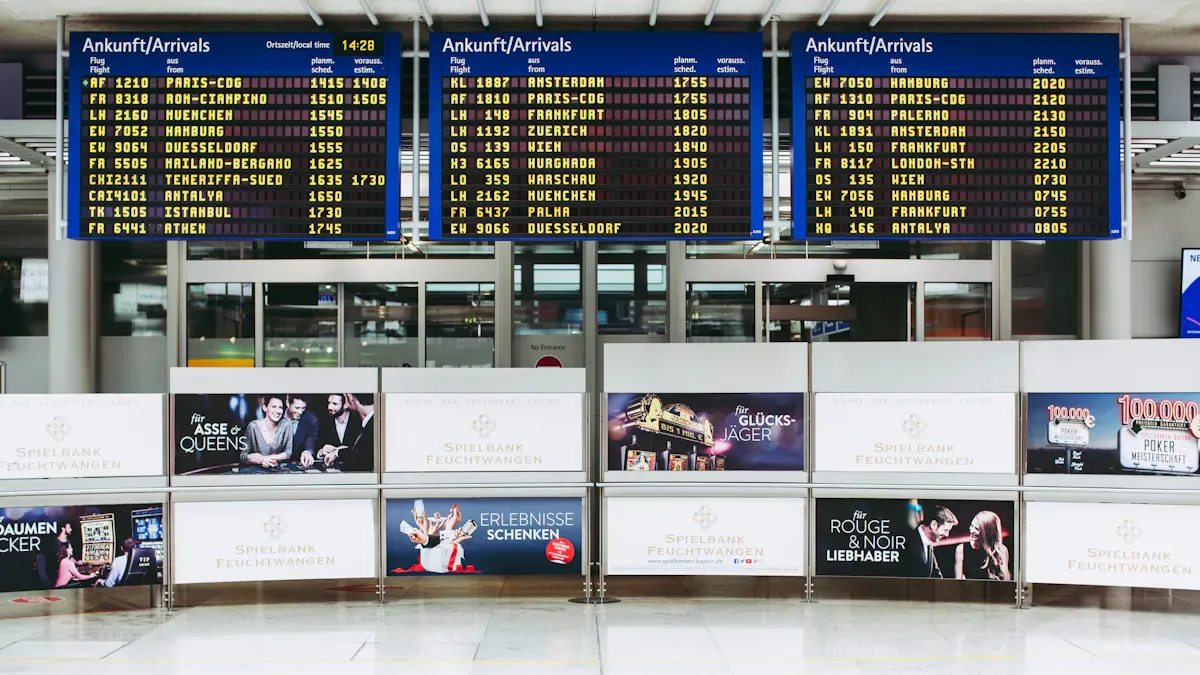
Picking the best digital signage software can be hard. You want something simple that fits what you need. Let’s look at the top choices to help you decide.
Ease of Use
You do not want to spend hours learning a hard system. Most top platforms have drag-and-drop editors and easy menus. NoviSign and OptiSigns let you make content right away. Yodeck and Kitcast are also simple, so updating screens is not stressful.
Tip: Try a free demo to see if you like how it works.
Feature Set
Every platform has its own tools. Some focus on automation and scheduling. Others are good at analytics or connecting with other apps. ScreenCloud and Signagelive have lots of apps and data tools. Poppulo is great for big companies with targeting and automation. If you want many templates, NoviSign and Bizplay are good choices.
Device Compatibility
You want your digital signage to work with your screens. Most platforms support smart TVs, media players, and tablets. ScreenCloud and OptiSigns work with almost any device. Xibo and Rise Vision also support many types of hardware, so you do not need to buy new screens.
Pricing Models
Prices can be very different. Some charge for each screen. Others use monthly or yearly plans. OptiSigns and Yodeck are good for small businesses because they cost less. Poppulo and Skykit Beam have prices for big companies. Always check if updates and support are included in the price.
Here’s a quick comparison table to help you choose:
Platform | Ease of Use | Features | Device Support | Pricing |
|---|---|---|---|---|
ScreenCloud | Easy | Advanced | Broad | Per screen |
Yodeck | Very Easy | Good | Broad | Low/monthly |
OptiSigns | Very Easy | Basic/Good | Broad | Low/monthly |
Poppulo | Moderate | Enterprise-level | Broad | Enterprise |
NoviSign | Easy | Good | Broad | Per screen |
Note: Make sure the platform matches what you need before you pick one.
How to Choose the Right Software for Managing Display Content
Assessing Your Needs
Start by thinking about what you want your digital signage to do. Do you need to show menus, share news, or display ads? Make a list of your goals. Count how many screens you have. Think about where you will put them. Write down if you want to control everything from one place or let others help. When you know what you need, you can find software that fits.
Tip: Make a checklist of your must-have features before you start looking at options.
Industry Requirements
Every industry has different needs. Schools often need to share schedules and alerts. Retail stores want to show sales and new products. Hotels use screens to help guests find their way. If you work in healthcare, you may need to share health tips or wait times. Look for software that has templates or features for your industry. This will save you time and make your screens more useful.
Industry | Common Needs |
|---|---|
Education | Announcements, events |
Retail | Promotions, product info |
Hospitality | Directions, event listings |
Healthcare | Health tips, wait times |
Budget Considerations
You want good software, but you also need to watch your budget. Some platforms charge by the screen. Others use a monthly or yearly fee. Check if the price includes updates and support. Free trials can help you test before you buy. Always ask if there are extra costs for new features or more users.
Note: Pick a plan that fits your budget now and can grow with you later.
Support and Training
Good support makes your life easier. Look for companies that offer help by phone, chat, or email. Training videos and guides can help you learn fast. Some platforms have online communities where you can ask questions. If you get stuck, you want answers quickly. Strong support means less stress for you.
Remember: Great support and training help you get the most from your digital signage.
You have lots of great digital signage platforms to pick from. Each one makes content management simple and fast. Think about what you need most—easy updates, strong analytics, or flexible scheduling. Try a free trial or ask for a demo before you decide.
Choosing the right software helps you save time, boost your ROI, and keep your screens fresh. Take the next step and find the best fit for your business!
Henry Fang
General Manager
Shenzhen TopAdkiosk Display Technology Co., Ltd.
Add.: 2F, Bldg 10, Changfeng Industrial Park, Dongkeng, Fenghuang, Guangming, Shenzhen, China 518132
Mobile/WHATSAPP: 86-138 25769658
Email: marketing@topadkiosk.com topadkiosk@gmail.com
Skype: pghenry1
Wechat: adkioskhenry
English Web.: http://www.topadkiosk.com/
FAQ
What is digital signage software?
You use digital signage software to control what shows up on screens. It helps you create, schedule, and update content. You can manage everything from your computer or phone.
Can I use digital signage for interactive signage?
Yes, you can! Many platforms let you add touch screens or QR codes. You make your displays more engaging and fun for customers.
How do I update content on my screens?
You log in to your software dashboard. You pick the screen and upload new content. Most platforms let you change things from anywhere, even on your phone.
Is digital signage expensive?
You find options for every budget. Some platforms charge per screen. Others use monthly plans. You can start small and grow as you need.
Do I need special hardware for digital signage?
No, you don’t always need special hardware. Many platforms work with smart TVs, tablets, or media players you already have.
See Also
Easily Install and Set Up Digital Signage Software
Understanding Digital Signage and Its Benefits
In-Store Digital Signage Solutions: A Detailed Comparison
