Top Custom-Branded LCD Display Kiosk Providers for 2026
Add.: 2F, Bldg 10, Changfeng Industrial Park, Dongkeng, Fenghuang, Guangming, Shenzhen, China 518132
Mobile/WHATSAPP: 86-138 25769658
Email: marketing@topadkiosk.com topadkiosk@gmail.com
Skype: pghenry1
Wechat: adkioskhenry
English Web.: https://www.topkioskdisplay.com/
http://www.ad-kiosk.com/
https://www.toplcddisplay.com/
http://www.multitouchdigitalsignage.com/
https://www.youtube.com/channel/UCYVYNJHxLVEcQD8fuUxXNTA/videos?view_as=subscriber
https://www.facebook.com/TOPADKIOSKSHENZHEN/?ref=bookmarks
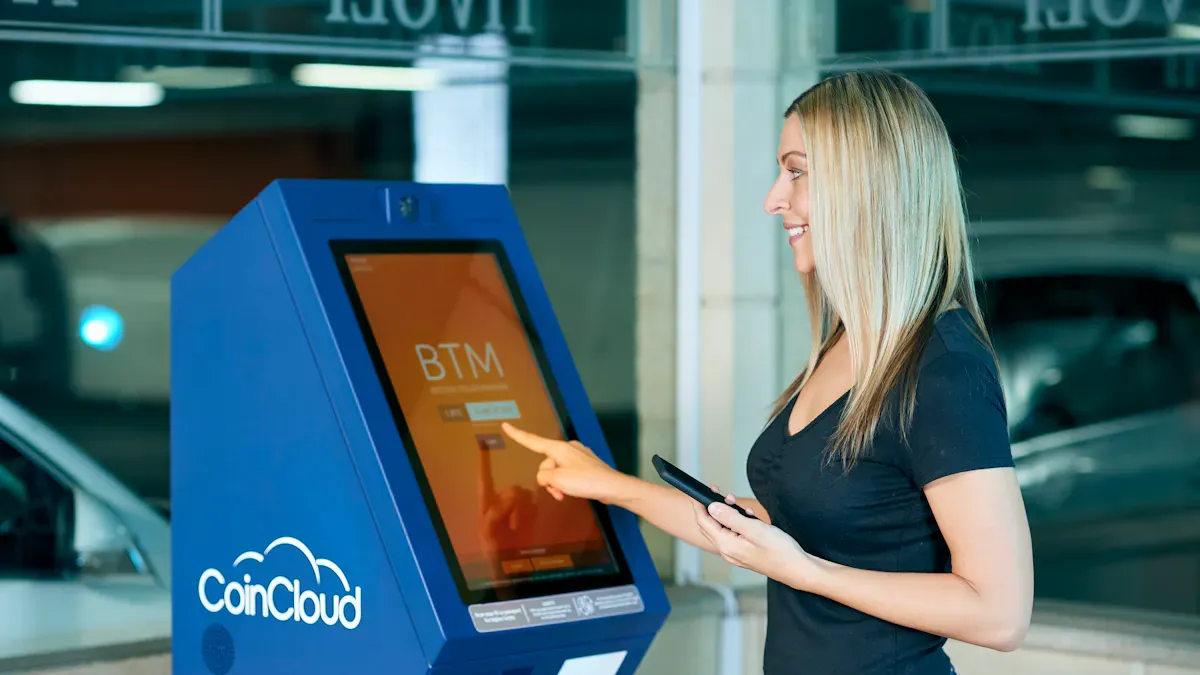
Are you searching for the best options for custom-branded LCDdisplay kiosks in 2026? Choosing the right provider can help your business grow and keep your customers satisfied. Digital displays are eye-catching and engaging, making them a smart investment. They can help reduce wait times and increase sales. The market for these solutions is expanding rapidly, as shown below:
Year | Market Size (USD Billion) | Projected Growth Rate (CAGR) |
|---|---|---|
2025 | 9.7% | |
2034 | 125.48 | N/A |
Industries like retail, restaurants, hospitality, and public services are all adopting custom-branded LCDdisplay kiosks to improve service and efficiency. To explore your options for custom-branded LCDdisplay kiosks, visit https://www.topkioskdisplay.com/.
Key Takeaways
Picking the best custom-branded LCD display kiosk provider can help your business get noticed and make customers happier.
Customization lets you change kiosks to fit your brand, which helps people use them more and can help you earn more money.
It is important that your kiosk can work with your other systems, so everything runs smoothly.
Think about all the costs, like setup, fixing, and help, before you choose a kiosk provider.
Always make sure your kiosks follow accessibility rules so every customer can use them well.
Best Kiosk Companies for 2026
Leading Providers Overview
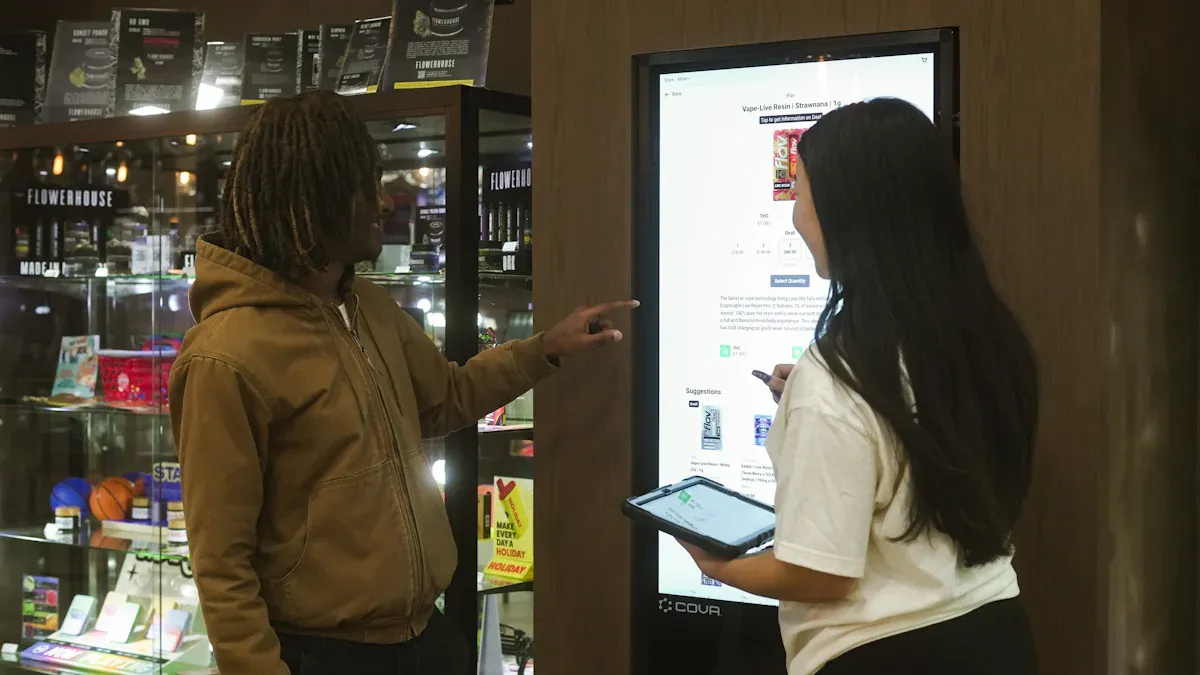
If you want a great kiosk company in 2026, you have many choices. Some kiosk manufacturers are better than others. The best kiosk companies make custom-branded LCD display kiosks. These kiosks help your business look good. Some top names are KIOSK Information Systems, Olea Kiosks, Pyramid Computer, ACRELEC, REDYREF, eKiosk GmbH, Meridian Kiosks, NCR Corporation, Diebold Nixdorf, and Frank Mayer & Associates. Each kiosk manufacturer has something unique to offer. They care about quality, design, and customer support. The best kiosk companies also help you make a kiosk that matches your brand.
You may ask why these kiosk manufacturers are the best. They do more than just build kiosks. They help you from the start to the end. The best kiosk companies can make software, connect systems, and set up your kiosk. You also get help with repairs, support, and remote checks. Some kiosk manufacturers give advice and tips. They help you follow rules and use your kiosks in smart ways.
Criteria for Selection
Experts use clear rules to pick the best kiosk companies. They look at what each kiosk manufacturer can do. Here is a table that shows what matters most:
Criteria | Description |
|---|---|
Customization Capabilities | Can the kiosk manufacturers change materials, screen sizes, or add features while keeping the kiosk strong and nice-looking? |
Lifecycle Support & Service | Do the best kiosk companies give good warranties, spare parts, remote checks, and plans to keep your kiosk working? |
Scalability & Production Capacity | Can the kiosk manufacturers make lots of kiosks fast without losing quality? |
Regulatory Compliance & Certifications | Do the best kiosk companies have the right safety and environmental certificates for your industry? |
Innovation & R&D Alignment | Do the kiosk manufacturers try new ideas, work with tech partners, and plan for the future of kiosks? |
When you pick the best kiosk companies, you get more than a kiosk. You get a partner who helps your business grow and keeps your customers happy.
Options for Custom-Branded LCDDisplay Kiosks
Customization Features
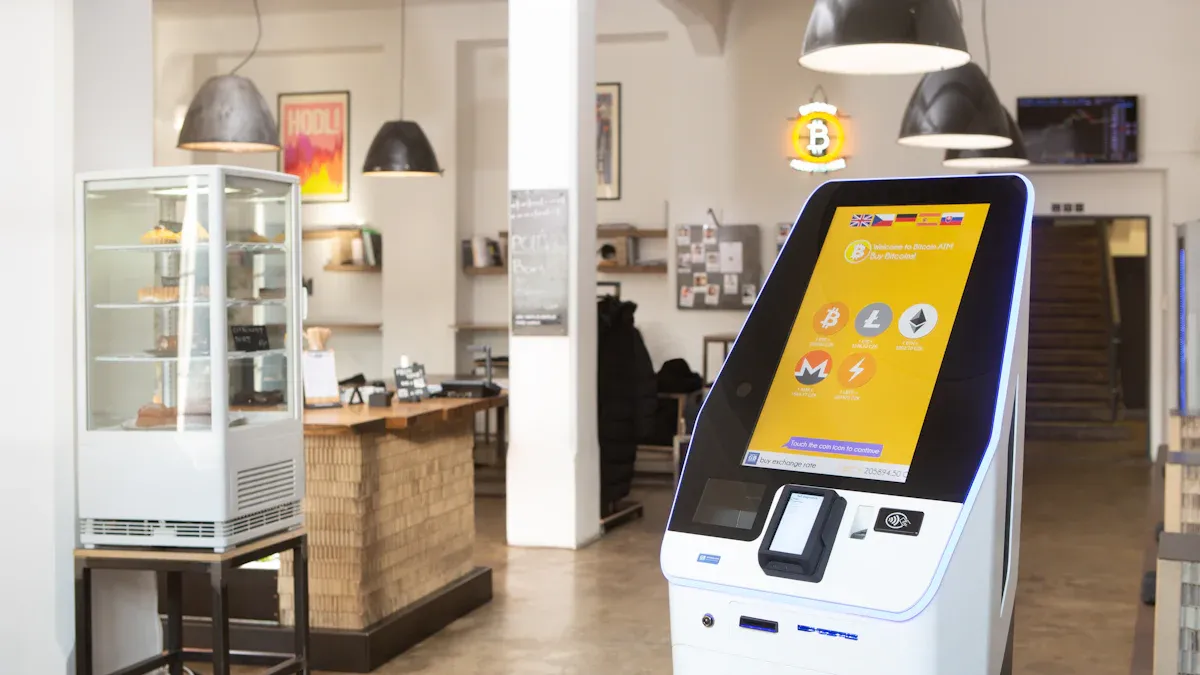
When you look at the options for custom-branded lcddisplay kiosks, you will see many ways to make your kiosk stand out. You can pick the size, shape, and color that match your brand. Some providers let you add printers, scanners, or cameras. Others offer floor-standing, desktop, or wall-mounted kiosks. Here is a quick look at what some top providers offer:
Provider | Customization Options | Configurations |
|---|---|---|
Adhaiwell | Modular kiosks, add-on modules (printers, scanners) | Floor-standing, desktop, wall-mounted |
You might want a kiosk that works with gloves or one that comes in many sizes. TouchWo gives you fast prototyping and supports small orders. Elo Touch Solutions has a strong product line and works well in many places. DMC Co., Ltd. makes kiosks that last a long time and work even if you wear gloves.
The right customization can boost your brand and make people want to use your kiosk. Features like dynamic content and personalized messages help you connect with users. For example, you can show messages based on the time of day or what a person likes. This can make people interact more and remember your brand. Personalization can even lift your revenue by up to 30%.
Integration and Technology
You need to think about integration capability when you choose options for custom-branded lcddisplay kiosks. Good integration lets your kiosk work with your other systems, like payment, inventory, or customer data. Some kiosks use AI to suggest products or send messages at the best time. This makes your kiosk smarter and more helpful.
Many options for custom-branded lcddisplay kiosks now support touch screens, cameras, and even voice commands. You can pick a kiosk that fits your tech needs and grows with your business. When you choose a provider, ask about their integration capability and how they keep your data safe. The best kiosks make it easy to add new features as your needs change.
Tip: Always check if your kiosk can connect with your current software. This saves time and money later.
You have many options for custom-branded lcddisplay kiosks. With the right customization and technology, your kiosk can help your business stand out and serve your customers better.
Top Provider Profiles
KIOSK Information Systems
You want a kiosk machine manufacturer that does a good job. KIOSK Information Systems is known for being reliable. They design, build, and support custom-branded LCD display kiosks. They help many different industries. You can trust them for hardware and software. Their team helps with design and testing. They also help set up your kiosk. They offer remote checks and repairs. This kiosk machine supplier works fast and listens to you. They give you solutions made just for you. Many businesses pick them for big and hard projects.
Olea Kiosks
Olea Kiosks makes modern kiosks. This kiosk machine manufacturer builds strong and stylish kiosks. You can pick from many models or ask for a special one. Olea lets you add things like printers or cameras. They make kiosks that look nice and work well in busy places. Their team helps you from start to finish. Olea is a full-service provider with great support. You get a kiosk machine supplier that cares about your project.
Pyramid Computer
Pyramid Computer is a top kiosk hardware manufacturer from Europe. They have many custom-branded LCD display kiosks for different jobs. You can see what they offer in the table below:
Product Offering | Description |
|---|---|
Custom-branded LCD kiosks | Special kiosks for retail, healthcare, and public transport. |
POS & Kiosk Terminals | New hardware for many types of businesses. |
OEM and ODM Services | Custom solutions based on your ideas. |
You get lots of choices with this kiosk machine supplier. They listen to your ideas and make them real. Pyramid Computer helps with design, building, and support. Their kiosks are smart and well-made.
ACRELEC
ACRELEC is a global kiosk machine manufacturer that likes new ideas. They make custom-branded LCD display kiosks for restaurants and stores. You can get features like AI and touchless use. They also have mobile options. ACRELEC helps you get more customers and faster service. Their team helps from design to setup. They also give you software and reports. This kiosk machine supplier is known for its technology.
REDYREF
REDYREF is a kiosk machine manufacturer with lots of experience. They make custom-branded LCD display kiosks for banks and hospitals. You can pick a standard model or ask for a custom one. REDYREF does everything from building to installing. They focus on making strong and safe kiosks. Their kiosks work well in busy places. You get a kiosk machine supplier that cares about quality and support.
eKiosk GmbH
eKiosk GmbH is a top kiosk hardware manufacturer from Germany. They make custom-branded LCD display kiosks for stores and public places. You can choose from many models or ask for a special design. eKiosk GmbH uses good materials and new technology. Their team helps with planning and after-sales service. This kiosk machine supplier pays attention to details. You get a partner who changes to fit your needs.
Meridian Kiosks
Meridian Kiosks knows how to help different industries. You can see their strengths here:
Meridian Kiosks makes special kiosks for many jobs.
Their kiosks help in travel, healthcare, and cars.
For travel, kiosks make check-in faster and lines shorter.
This kiosk machine manufacturer helps from design to setup. You get a kiosk machine supplier who knows your industry.
NCR Corporation
NCR Corporation uses advanced technology. This kiosk machine manufacturer adds POS systems and cloud tools to their custom-branded LCD display kiosks. You get kiosks that follow rules and work well. NCR has a big support team in many cities. They make setup and repairs easy. This kiosk machine supplier is known for technology and support. You get a full-service provider for busy places like stores and banks.
Diebold Nixdorf
Diebold Nixdorf is a trusted kiosk company. They make custom-branded LCD display kiosks for banks and stores. You get safe and strong kiosks from this kiosk machine manufacturer. They help from design to support. Diebold Nixdorf helps with setup and updates. Their kiosks are made for lots of use and safety. You get a kiosk machine supplier that cares about security.
Frank Mayer & Associates
Frank Mayer & Associates works closely with clients. You can see what they do in the table below:
Service Type | Description |
|---|---|
Frank Mayer works with clients to make special kiosks. | |
Custom Design Capabilities | They offer ready-made and custom projects. |
Comprehensive Logistics Services | They help set up kiosks in many places. |
This kiosk machine manufacturer helps you every step of the way. You get a kiosk machine supplier that listens and delivers. Their custom solutions help you make customers happy and engaged.
Custom vs Standard Kiosk Solutions
Benefits of Custom-Branded Kiosks
Many businesses pick custom kiosk manufacturer options instead of standard kiosks. Custom-branded LCD display kiosks let you control how your self-service systems look and work. You can use your brand colors, logo, and style on your signage. This makes your business easy to spot and gives users a special experience.
Here’s a simple look at what you get with custom kiosks and standard self-service solutions:
Benefit | Description |
|---|---|
You can change designs, features, and software to match your brand. | |
Enhanced Customer Experience | Easy-to-use screens help people wait less and enjoy using your kiosk. |
Operational Efficiency | People can use kiosks any time and pay without touching money. |
Custom kiosk manufacturer teams help you make self-service solutions that fit your needs. You can add things like printers, scanners, or cameras. You can also use signage that changes for different times or events. This makes the customer experience and user experience better. Your customers feel important, and your business works better.
Tip: Custom kiosks let you change signs and messages fast. You can follow trends or run sales without waiting for new machines.
Tradeoffs and Considerations
Custom kiosks have many good points, but there are tradeoffs too. Custom kiosk manufacturer projects usually cost more than standard kiosks. You might need more time for design and testing. Standard self-service systems are faster to get and cost less.
Here are some things to think about:
Custom kiosks need planning and teamwork with your provider.
Standard kiosks are quick to set up and have simple signage.
Custom self-service solutions have more features but may need more care.
If you want your self-service systems to match your brand and give a better customer experience, custom kiosks are a good choice. If you need something fast or have a small budget, standard kiosks may be better.
Note: Always make sure your signage and self-service solutions follow accessibility rules. This helps keep your business safe and friendly for everyone.
You can talk to a custom kiosk manufacturer to help you choose. They can help you decide if custom or standard kiosks are best for your goals.
Choosing the Right Provider
Assessing Business Needs
You want your self-service kiosk project to do well. First, think about what you want to achieve. Do you want more sales or happier customers? Write down your main goals for the self-service kiosk. Next, decide how much money you can spend. Remember to plan for updates and repairs. Look at different hardware choices. Pick the one that fits your needs and budget. Choose software that is easy for you to use. Make sure it shows what you want on the screen. Think about who will use the self-service kiosk. Decide where you will put it. Check if the spot is busy and easy to see. These steps help you find providers who know what you need.
Set your main goals
Plan your spending
Choose the best hardware
Pick easy software
Learn about your users
Find the best place
Tip: If you skip these steps, you could waste money or pick the wrong provider.
Deployment and Integration
You want your self-service kiosk to work right away. Good setup means you check brightness and touch speed. Make sure the kiosk fits in your space. The best providers help you pick screens for inside or outside. They offer anti-glare screens so you can see better. Your kiosk should react fast when touched. Ask about ways to mount the kiosk. Open frame monitors are simple to install. Strong kiosks last longer. Look for IP65 and IK08-10 ratings. You should be able to change hardware and software. Remote tools help you manage many kiosks easily.
Best Practice | Key Considerations |
|---|---|
Brightness and Visibility | Match screen brightness to the room. Use anti-glare for clear views. |
Touch Technology and Responsiveness | Multi-touch is important. Make sure it feels smooth and quick. |
Mounting and Mechanical Integration | Open frame monitors fit many places. They are easy to set up. |
Rugged Durability | Pick kiosks that block dust, water, and bumps. |
Customization Options | Providers should let you change hardware and software. |
Remote Management | Ask for tools to control kiosks from anywhere. |
Compliance and Accessibility
You must follow rules to keep your self-service kiosk safe and easy for all. Providers should know about ADA, EN 301 549, EAA, and WCAG. These rules cover things like screen height and button size. They also say how the screen should work. Accessibility helps everyone, even people with disabilities. Following these rules is not just a law. It helps you reach more people and avoid trouble. Ask providers if their kiosks meet these rules.
Standard | Description |
|---|---|
ADA | U.S. law for accessibility |
EN 301 549 | EU rules for accessibility |
EAA | European market access |
WCAG | Interface behavior guidelines |
Note: If you forget about accessibility, you could get fined or upset customers. Make sure you follow these rules from the start.
Budget and Ownership
You have different ways to pay for your self-service kiosk. Providers let you buy, lease, or rent. Each way has good and bad points.
Option | How It Works | Pros | Cons |
|---|---|---|---|
Purchase (Outright) | Pay once and own the kiosk. | Cheapest in the long run, full control. | Costs a lot at first, may get old. |
Lease (24–60 months) | Pay monthly, own later. | Keeps cash free, easy to upgrade. | Costs more over time, need good credit. |
Rent / KaaS | Pay one fee for everything. | No big payment, always get new tech. | Highest monthly cost, never own it. |
Think about the total cost, not just the price you see. Ask about warranties and help plans. Some big providers have strong service plans. Do not just pick the cheapest or skip accessibility. The best providers help you plan ahead and keep your kiosk working well.
Tip: Always ask about accessibility, setup help, and long-term costs before you choose a provider.
You have many choices for custom-branded LCD display kiosks. The top providers stand out for their tech, support, and design. Here’s a quick look at what matters most:
Key Takeaway | Description |
|---|---|
AI and new displays make kiosks smarter and sharper. | |
Sustainability Focus | Eco-friendly kiosks are winning more fans. |
User Privacy | Data safety is a growing concern for everyone. |
To pick the right provider, list your needs, check support, and ask about new features. Looking ahead, you’ll see more kiosks with smart content, flexible designs, and better data tools. The future looks bright for businesses ready to stand out!
🎨 What You Can Customize
Customization Area | What's Possible | Why It Matters |
|---|---|---|
Enclosure & Shape | Custom metal/plastic enclosures, unique profiles, size/configuration, optional LED lighting. | Makes your kiosk a distinctive part of your brand identity. |
Materials | Cold-rolled steel, stainless steel, aluminum alloy, antimicrobial polymers, tempered glass, finishes. | Impacts durability, hygiene, and visual feel; select materials based on indoor/outdoor use. |
Colors & Finishes | Brand-specific colors, matte/gloss finishes, powder coating, black/white, or custom shades. | Allows perfect alignment with your brand palette. |
Branding Elements | Custom logos on enclosure, printed bezels, laser-etched or screen-printed logos, custom branded "startup" animations. | Turns every interaction into a brand touchpoint. |
Hardware | Custom screen sizes (e.g., 7–110 inches), touch technology, OS (Windows/Android), processor/RAM/SSD, peripherals (printer, scanner, NFC reader, camera, biometrics, payment terminal). | Tailors the kiosk to your exact operational needs. |
Software & UI | Custom UI/UX design, branded menus, animations, colors, custom integrations via API/SDK with your POS, ERP, or CMS. | Aligns digital experience with your brand identity. |
🏭 Top Custom Kiosk Manufacturers
Company | Specialties & Key Capabilities | Customization Level | Notable Features |
|---|---|---|---|
TouchWo | Purpose-built solutions; 15+ years experience; IP54–IP65 rated; ADA/UL/CE/FCC certified. | Full enclosure, hardware, software, peripherals. | Antimicrobial polymers for healthcare, US-based engineering. |
Netoptouch | 21+ years OEM/ODM; full metal enclosure in-house; IP65 optional; CE/FCC/ROHS/IEC certified. | Full enclosure, branding, functional add-ons, 24‑hour engineering drawings. | Very low 1% repair rate over 20 years; ships to 60+ countries. |
Qtenboard | 330,000 m² facility; 20+ years; full in-house manufacturing (plastic, sheet metal, glass). | Full OEM, CKD, SKD, bespoke frame branding, luxury finishes. | 48‑hour aging test; 14‑hour battery life for mobile units; 200‑unit daily capacity. |
Chipsee | Low-volume specialist; based on Raspberry Pi CM4; 21.5" industrial touch display (500 nit, 1920×1080). | Simple branding to complex hardware modifications. | Minimal order requirement (even single units possible). |
PRIMA | OEM/ODM across digital signage, kiosks, video walls; CE/FCC/BIS/ETL/CCC support; API/SDK integration. | Hardware, casing, branding, firmware, UI/UX, CMS, APIs. | Supports SKD/CKD for local assembly (lower logistics cost). |
Layson Optoelectronics | Shenzhen-based (10+ years); SGS/BV audited; 21.5–110 inches; 500–700 nit brightness. | Size, OS (Android/Windows), touch (IR/capacitive), peripherals. | Price starts from $1,000; low entry cost. |
TouchView Technologies | Full custom hardware; powder-coated steel enclosures (1.5–2mm), extreme harsh environment ready. | Full OEM; 3D modeling, prototyping, large‑scale rollouts. | Specializes in vandal‑resistant builds for public spaces. |
Beetronics | Europe-based (Netherlands); custom monitors, touchscreens, complete kiosks. | Connectivity, branding, mounting, complete enclosure design. | Strong fit for European certifications (CE, RoHS, etc.). |
CBM Metal | US-based metal fabrication specialist; custom metal enclosures. | LED lighting, branding, various retail and freestanding configurations. | Good for North American clients needing metalwork expertise. |
Partner Tech | 27" self‑ordering kiosk; color/shape customization for larger volumes; fanless, modular design. | Color, shape, integrated peripherals. | Modular components for easy maintenance and upgrades. |
BestKiosk | Full enclosure + logo customization; builds for wayfinding, order entry, information. | Custom display, keyboard, cooling system, peripherals. | Focus on affordable custom builds. |
SpacePole | QSR-focused; modular design; custom branding, hardware configuration, mounting options. | Color finishes, orientation, mounting, peripherals. | Future‑proof modular platform (easy component upgrades). |
EAZYTECH | Canada-based; custom body branding, interactive wayfinding, integrates with BMS (emergency exit routing). | Full kiosk body branding. | Wayfinding that integrates with building management systems. |
💰 Cost & Ordering Essentials
Parameter | Typical Values |
|---|---|
Price per unit | $1,000 – $15,000+ depending on size, customization, and features |
Minimum Order Quantity (MOQ) | Standard: 1–5 units; full custom OEM: typically 50+ units; some B2B platforms offer 1‑unit MOQ |
Lead time (sample) | 7–15 days (standard), 3–5 weeks for mass production |
Warranty | Typically 12 months (hardware + remote support) |
Certifications | CE, FCC, RoHS, BIS, ETL, CCC, SASO, FORM E, etc. |
📦 Sample Custom Projects by Industry
Industry | Example Customization | Outcome |
|---|---|---|
Healthcare | Antimicrobial polymer enclosure; glove-compatible touch; integrated insurance card reader; custom UI for check‑in. | Branded self‑service check‑in reinforces professionalism; reduces staff workload. |
Retail | Custom curved enclosure in brand colors; integrated barcode scanner and receipt printer; promotional video loop. | Drives foot traffic to promotions; extends brand presence to the sales floor. |
Hospitality / QSR | Sleek modular kiosk with custom color finish, side‑mount payment terminal, double‑sided operation (front/rear). | Reduces wait times; branded hardware builds brand confidence. |
Transportation / Wayfinding | Outdoor‑rated (IP65) enclosure; 4K map display; integrated NFC tap‑to‑send directions to phone. | Reinforces modern, tech‑forward brand identity; reduces staff direction‑giving time. |
✅ How to Choose a Custom Kiosk Partner
Step 1 – Define your core requirements.
Environment: Indoor / outdoor / semi‑outdoor → dictates materials, IP rating, brightness.
Function: Pure information display, ordering, check‑in, payment, wayfinding.
Volume: Small pilot (1–10 units) or large rollout (50–500+ units).
Step 2 – Evaluate customization needs.
Do you need a unique shape and custom enclosure design, or is a standard shape with a logo and custom color enough?
Do you require API/SDK for integration with your existing systems (POS, ERP, CMS)?
Are certifications like ADA compliance or UL required?
Step 3 – Shortlist suppliers based on:
Experience with your specific industry (e.g., healthcare, retail, QSR).
Ability to handle your required volume (MOQ).
Their manufacturing location and logistics capabilities (China-based vs. US/Europe-based).
Availability of prototyping and engineering support.
Certifications (CE, FCC, RoHS, etc.) for your target market.
Step 4 – Request a design proposal.
Ask for 3D renderings and a functional prototype.
Confirm timeline from sample approval to mass production.
Step 5 – Plan for the long term.
Understand the warranty, spare parts availability, and ongoing technical support.
Consider modular designs that allow easy hardware upgrades (payment terminal, scanner, etc.) to avoid replacing the entire enclosure.
💎 Summary
Custom-branded LCD kiosks are an investment that can yield higher customer engagement, stronger brand recall, and more efficient operations. They allow you to differentiate your business in a way that generic off‑the‑shelf kiosks cannot.
FAQ
What can you customize on an LCD display kiosk?
You can change the color, size, and shape. You can add your logo or graphics. Some providers let you pick extra features like printers, cameras, or scanners. You can even choose how the screen works.
How long does it take to get a custom kiosk?
Most projects take 8 to 16 weeks. The time depends on your design and how many kiosks you need. Ask your provider for a timeline before you start.
Is a custom kiosk more expensive than a standard one?
Yes, custom kiosks usually cost more. You pay for special design, features, and branding. Standard kiosks are cheaper but offer fewer options. Custom kiosks give you a unique look and better fit for your business.
What kind of support do you get after buying a kiosk?
You get help with setup, repairs, and software updates. Many providers offer remote checks and phone support. Some even send technicians if you need on-site help.
See Also
Top LCD Kiosks For Retail Spaces In 2026
Leading Manufacturers Of LCD Kiosks For 2026
Best Outdoor LCD Kiosk Providers To Consider
LCD Kiosks With Touch Screen Features Available In 2026
Selecting Long-Lasting LCD Kiosks For Shopping Malls In 2026
