Top LCD Display Kiosks with Multilingual Support for 2026
Add.: 2F, Bldg 10, Changfeng Industrial Park, Dongkeng, Fenghuang, Guangming, Shenzhen, China 518132
Mobile/WHATSAPP: 86-138 25769658
Email: marketing@topadkiosk.com topadkiosk@gmail.com
Skype: pghenry1
Wechat: adkioskhenry
English Web.: https://www.topkioskdisplay.com/
http://www.ad-kiosk.com/
https://www.toplcddisplay.com/
http://www.multitouchdigitalsignage.com/
https://www.youtube.com/channel/UCYVYNJHxLVEcQD8fuUxXNTA/videos?view_as=subscriber
https://www.facebook.com/TOPADKIOSKSHENZHEN/?ref=bookmarks
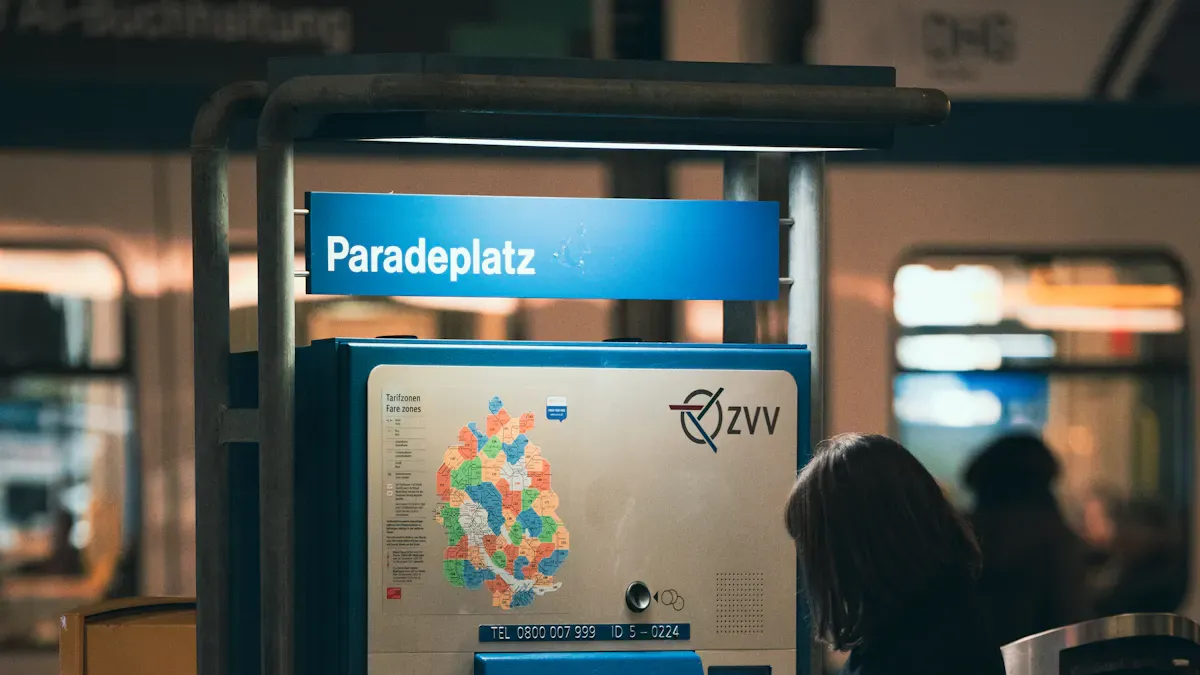
You want the best technology for your business. The top lcd display kiosks with multilingual support for 2026 have advanced IPS panels. They also have 4K resolution and wide viewing angles. These kiosks help everyone use digital services. They can switch between languages fast. Studies show that multilingual support makes things easier for more people. It also makes the user experience better for different groups. Many new models use AI to change content for each person. You can find more details at https://www.topkioskdisplay.com/.
Key Takeaways
Pick kiosks that have multilingual support to help many users.
Find models with IPS panels and 4K resolution for sharp pictures and wide views.
Choose software that lets you change languages fast and works with other systems for better use.
Make sure kiosks follow accessibility rules to help people with disabilities.
Check and fix kiosks often to make sure they work well and help users.
Top LCD Display Kiosks with Multilingual Support
Leading Models and Brands
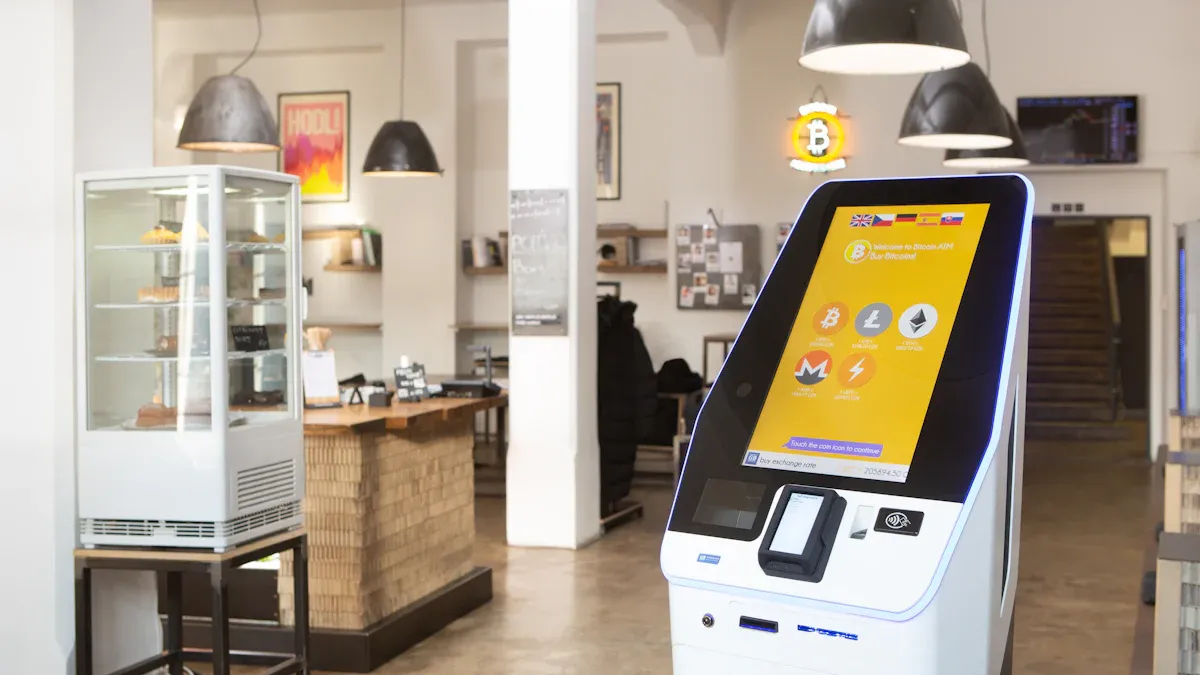
You might wonder which brands are best for top lcd display kiosks with multilingual support. Many companies now make kiosks that help people from many cultures. You can find these kiosks in airports, malls, and hospitals. They make it simple for everyone to get information.
Here are some trusted brands and models for 2026:
Samsung Kiosk Series 4K
Samsung gives you bright screens and strong parts. Their kiosks support many languages. They work well with touchscreen kiosk software. You see them in airports and stores.LG Smart Touch Pro
LG has top lcd display kiosks with multilingual support. Their models use advanced IPS panels and 4K displays. You can use them for digital signage or self-service in public places.Elo Interactive Kiosk G3
Elo makes kiosks that focus on user experience. Their touchscreen kiosk software lets you change languages fast. You see these kiosks in hospitals and government buildings.Advantech UTC Series
Advantech builds tough kiosks for inside and outside. Their models support digital signage and have strong multilingual features. You can use them in train stations and city centers.
Tip:
When picking a kiosk, check if the brand gives updates for touchscreen kiosk software. This keeps your digital signage safe and new.
The table below shows a quick look at these top models:
Brand & Model | Display Type | Resolution | Multilingual Support | Main Use Case |
|---|---|---|---|---|
Samsung Kiosk Series 4K | IPS | 4K | Yes | Retail, Airports |
LG Smart Touch Pro | IPS | 4K | Yes | Digital Signage, Malls |
Elo Interactive Kiosk G3 | IPS | 4K | Yes | Healthcare, Public |
Advantech UTC Series | IPS | 4K | Yes | Outdoor, Transport |
Key Hardware Features: IPS Panels, 4K, Durability
You want your kiosk to work well everywhere. The top lcd display kiosks with multilingual support use IPS panels. These panels show clear images and real colors. You can see the screen from the side and it still looks good. This helps people who walk up from any angle.
High brightness makes your digital signage easy to read in sunlight. You do not want users to have trouble with glare or faded words. Wide viewing angles keep the image sharp for everyone. This is important for kiosks in busy places like train stations or malls.
Here are some key hardware features to look for:
IPS Panels: Show bright and real colors. Let people see the screen from many sides.
4K Resolution: Give you sharp words and pictures. Make digital signage look great.
High Brightness: Keep screens easy to read in sunlight or bright rooms.
Durability: Protect kiosks from dust, spills, and bumps. Make sure your kiosk lasts a long time.
Touchscreen Technology: Work with smart touchscreen kiosk software for easy language changes.
You can use top lcd display kiosks with multilingual support for many things. These include wayfinding, ticketing, and digital signage. When you mix strong hardware with smart touchscreen kiosk software, you help more people get the info they need.
Note:
Good hardware and software together make your digital signage work better. You reach more people and give them a better time.
Multilingual Features in Interactive Touchscreen Kiosks
Language Support and Accessibility
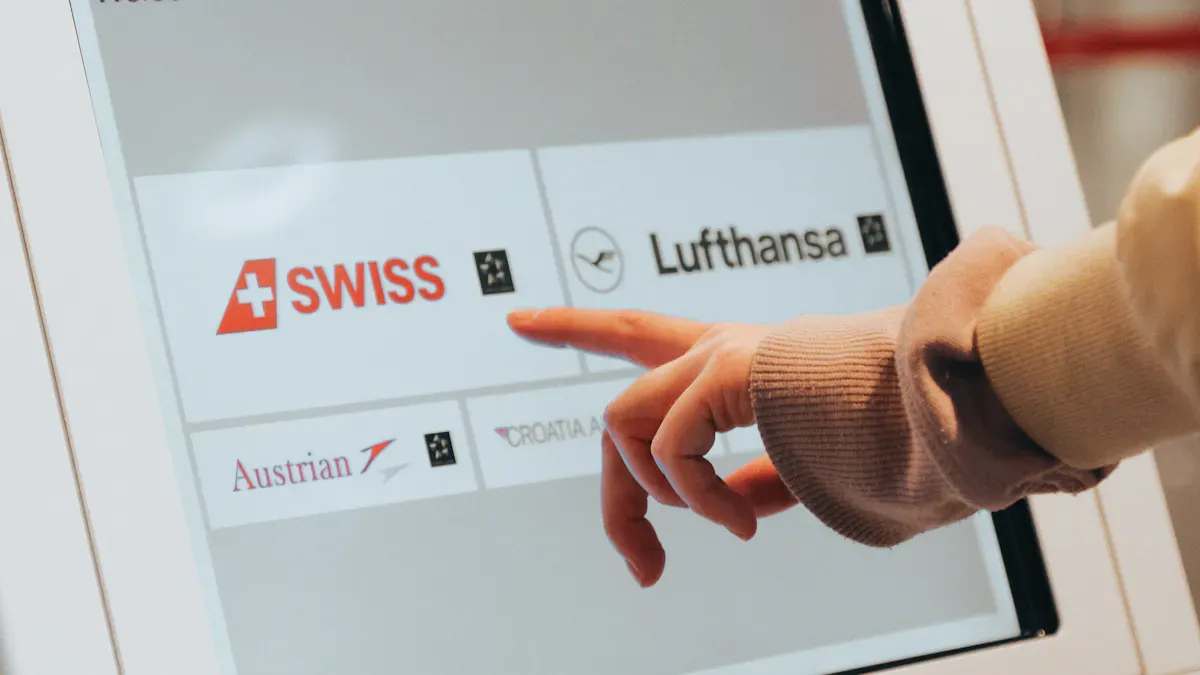
You want everyone to use your interactive touchscreen kiosk easily. Multilingual support lets people pick their language before starting. Most kiosks in 2026 have English, Spanish, French, German, Chinese, and Japanese. Some kiosks use AI to add more languages if needed. The table below shows how each language is used:
Language | Implementation Method |
|---|---|
English | Text-based options, audio assistance |
Spanish | Text-based options, audio assistance |
French | Text-based options, audio assistance |
German | Text-based options, audio assistance |
Chinese | Text-based options, audio assistance |
Japanese | Text-based options, audio assistance |
Others | AI-driven translation tools |
You choose your language from a list on the screen. The kiosk can speak directions in different languages. This helps people who have trouble reading or seeing. Some interactive touchscreen kiosk models use screen readers and voice navigation. These features help people with disabilities. High-contrast displays make digital signage easy to see for everyone. Tactile controls help users who cannot see the screen.
Tip:
Pick kiosks that follow ADA and Section 508 rules. These rules make sure your digital signage works for all people.
AI-Powered and Customizable Solutions
AI makes your interactive touchscreen kiosk smarter. It can find your language and change the display right away. AI avatars say hello by name if you used the kiosk before. They can suggest products or services you might like. This makes the user experience better and more personal.
Here are some advanced AI features you might see:
Natural language processing understands what you say in many languages.
Personalization engines give you real-time recommendations.
AI translation tools change text and speech into your language.
Self-learning systems get better each time you use the kiosk.
Many digital signage kiosks now use contactless interfaces. You can pay or get information without touching the screen. Customizable solutions let you change how your kiosk looks and feels. This helps your business stand out and keeps users happy.
AI-powered interactive touchscreen kiosk solutions help more people and make your digital signage work for everyone.
Interactive Touchscreen Kiosk Software Overview
Multilingual Software Capabilities
You want software that helps everyone feel welcome. The best platforms show content in many languages. This lets you reach people from different places. You can use these kiosks in airports, malls, and hospitals. Most touchscreen kiosk software supports more than 25 languages. This makes your digital signage easier for everyone to use. It also follows important rules for including all people.
Here is a table with the main features you should look for:
Feature | Description |
|---|---|
Multilingual Support | Content can be shown in many languages. This helps different groups use it. |
Multi-language Support | Supports over 25 languages. Makes sure everyone can use it. |
Interactive touchscreen kiosk software lets users change languages quickly. For example, Zamok lets you switch languages with one tap. This helps users get clear instructions fast. They can find what they need easily. You can also use pictures and sounds in many languages. This makes digital signage simple for travelers and visitors from all over.
Integration and User Experience
You want your kiosk software to work with other systems. Many platforms connect to payment gateways and POS systems. They also link to CRM tools. This helps you manage sales and customer records in one place. You can also handle appointments easily. The table below shows common ways to connect:
Integration Type | Description |
|---|---|
POS Systems | Used for buying things and getting receipts. |
CRM Systems | Used for keeping track of customers. |
ERP Platforms | Used for managing work behind the scenes. |
Payment Gateways | Used for paying with cards or online. |
Identity Systems | Used for checking who people are. |
Queue Platforms | Used for handling lines and appointments. |
You get a better user experience with clear instructions and fast answers. Many kiosk software solutions have modes for people with disabilities. You can use touch-free options like voice or gesture controls. This helps more people use the kiosks. Good design also thinks about lighting and space. This keeps your digital signage looking good.
Tip: Pick kiosk software that lets you update content fast. This keeps your digital signage new and useful for everyone.
Kiosk Comparison
Samsung Kiosk Series 4K: Strengths and Use Cases
The Samsung Kiosk Series 4K gives you a bright screen. The display is clear and easy to see. It uses IPS panels and 4K resolution for sharp images. You can read text from any side. This interactive touchscreen kiosk works well in busy places. Airports and stores use it a lot. The hardware is strong and lasts a long time. Samsung’s AI lets you change languages quickly. It also shows custom content for each person.
But there are some problems. The machine learning models can break easily. They do not always make smart choices. They depend a lot on their training data. If many people use the kiosk at once, it can get slow. You should also think about data privacy. The kiosk handles personal information.
Strengths:
Bright 4K IPS display
Fast language switching
Durable for high-traffic areas
Limitations:
AI can show bias if trained on limited data.
Data privacy risks may appear.
Scaling for many users can be hard.
LG Smart Touch Pro: Strengths and Use Cases
The LG Smart Touch Pro is good for digital signage. It is also great for self-service. This interactive touchscreen kiosk works in malls and public spaces. The display stays clear even when it is sunny. LG’s software supports more than 25 languages. This makes it easy for everyone to use. You can change the interface to fit your brand.
Some advanced AI features are not as strong as others. Some people say new languages take longer to add. Still, the kiosk gives a smooth user experience. The hardware is strong and reliable.
Strengths:
High brightness for sunlight readability
Wide language support
Customizable interface
Limitations:
Fewer advanced AI features
Slower language updates
Elo Interactive Kiosk G3: Strengths and Use Cases
You find the Elo Interactive Kiosk G3 in hospitals. It is also in government buildings. This interactive touchscreen kiosk helps people with disabilities. It has screen readers and voice navigation. Tactile controls help users too. The hardware is tough and lasts for years. You can switch languages fast. This helps many different users.
Some people have seen technical problems. The touchscreen can glitch sometimes. Sensors may not work right. Driver-assist errors can happen. Cold weather can make the kiosk work poorly. Repairs can also take longer.
Strengths:
Excellent accessibility features
Durable build
Fast language switching
Limitations:
Touchscreen glitches can happen
Cold weather may affect performance
Repairs can take time
Tip: Pick the interactive touchscreen kiosk that fits your place and users. Each model has its own strengths and some limits.
Selection Criteria for Touchscreen Kiosk Software
Multilingual Capabilities
You want software that lets people use many languages. This helps people from different places use your kiosk. The software should work with lots of files and videos. It should also work offline if the internet is weak. Good support and quick help are important. Training helps your team learn fast. Ask about new features and updates. Some companies let you help pick new features. Old versions should still get help. You can check how many times the software is used. Look at reviews from other groups like yours. If the company is growing, it is likely reliable.
Multilingual support is very important for natural language processing. It helps everyone use the kiosk more easily.
User Experience and Accessibility
The software should be easy for everyone to use. Multi-language support lets people order or get info in their own language. ADA rules help people with disabilities use the kiosk. Voice and audio help people who cannot see well. Big, bold text helps older people and those with vision problems. Simple menus make it easy to find things. Touch-free and gesture controls help people who cannot touch the screen. Sounds and pictures show users what is happening and help them feel sure.
Multi-language support helps everyone
ADA rules make kiosks easier for all
Voice and audio help people with vision problems
Big, bold text is easy to read
Touch-free and gesture controls help more people
Sounds and pictures give feedback
Technical Specs and Integration
You need to check the tech details before picking software. Good touchscreens make sure every tap works right. Big screens are good for maps. Small screens work for simple kiosks. Fast computers help run big apps. Your kiosk should work with printers and card readers. The menu should be clear and easy to use. Accessibility tools like screen readers and keyboard help more people. Important features are auto-language, voice help, mobile sync, document help, and usage tracking.
Specification Type | Details |
|---|---|
Touchscreen Quality | Good touchscreens make sure every tap works right. |
Screen Size | Big screens for maps; small screens for simple kiosks. |
Computing Power | Fast computers help run big apps and videos. |
Peripheral Integration | Works with printers, card readers, and scanners. |
Interface Design | Easy menus with big buttons and clear steps. |
Accessibility Configuration | Tools like screen readers and keyboard help more people. |
Must-Have Features | Auto-language, voice help, mobile sync, document help, and usage tracking. |
Picking the right software makes your kiosk better for everyone. This helps all users have a good experience.
Implementation Best Practices
Content Strategy for Multilingual Kiosks
You want your interactive touchscreen kiosk to be easy to use. Use short sentences and simple words so everyone understands. Add arrows or icons to show what to do next. Make important messages bigger so they stand out. Keep your brand colors and fonts the same on every screen. Leave space between buttons and text so the screen is not crowded. Use strong contrast so words are easy to read. Add audio prompts and voice navigation to help all users, even people with disabilities. These steps make your kiosk fun to use and help you change content easily.
Hardware Deployment and Maintenance
You need your interactive touchscreen kiosk to work every day. Start with remote monitoring tools to check kiosks from anywhere. Do monthly checks at each kiosk. Clean the screens, test the touch, and check all parts. Have support contracts with local technicians for quick help. Keep extra parts ready for fast repairs. This plan keeps your kiosks working well and helps them last longer.
Staff Training and User Education
Your team should know how to help users with the interactive touchscreen kiosk. Use guides in many languages so everyone can follow the steps. Train some staff to speak more than one language. They can help visitors who do not speak English. Show how to use the kiosk during busy times. This helps users learn the touch interface. Good training helps your team answer questions and fix problems quickly.
Training Method | Description |
|---|---|
Help users from different backgrounds use the kiosk easily. | |
Bilingual Staff Assistance | Give direct help to non-native speakers. |
Hands-on Demonstrations | Show users how to use the kiosk during busy times. |
Measuring Success
You want to know if your interactive touchscreen kiosk is working well. Track where users stop or leave a task. Check how many people finish what they start. Watch for mistakes like wrong touches or error messages. Look at how many people use your kiosk. Measure how long people use the kiosk to see if your content is interesting. Track how many people finish check-outs or forms. These numbers help you make your kiosk better and add new features.
Metric | Description |
|---|---|
Drop-off points | Where users stop or leave a task. |
Completion rates | How many users finish their tasks. |
Error rates | How often users make mistakes. |
Interactions divided by impressions. | |
Average Session Duration | Shows if content is interesting. |
Conversion Rate | Number of completed actions. |
Tip: Check these numbers often. You can change your kiosk and content to help more people and get better results.
You now know the best LCD display kiosks with multilingual support for 2026. These kiosks give you real-time updates, instant language options, and interactive maps. You should match kiosk features to your needs. Start by listing your main goals and checking which models fit best. Look for AI and 5G features to stay ahead. Keep learning about new trends. This helps you give users a better experience and reduce staff workload.
Top LCD Display Kiosks with Multilingual Support for 2026
For businesses looking to serve an international customer base in 2026, multilingual LCD touchscreen kiosks are quickly becoming a standard requirement. From simple interface switching to next‑generation AI‑powered translation, these solutions make your services more inclusive and convenient. This guide highlights the leading options on the market to help you make an informed decision.
🌐 Leading Multilingual LCD Kiosks for 2026
🏢 Major Global & Regional Suppliers
Company | Type / Region | Key Features / Technology | Target Applications |
|---|---|---|---|
Hongzhou Smart (Hongzhou Kiosk) | Manufacturer / China | Multilingual interface switching; high‑brightness anti‑glare touchscreen; integrated AI recommendation engine to increase average order value; reduces wait time by 47% and order errors by 36%. | QSR, retail |
GUCCI SYSTEM TECHNOLOGY | Manufacturer / Taiwan | 27‑inch dual‑screen design; multilingual UI (Chinese, English, Japanese, Korean, Vietnamese, etc.); supports QR code payments, loyalty points, and other payment methods. | Food service, ticketing |
Rife Technologies | Solution provider / India | AI‑driven kiosk with virtual avatar; supports 20+ languages (including Cantonese, Mandarin, Hindi, Arabic); functions as a smart form assistant or interactive guide. | Government, banking, judiciary |
Elpro Technologies | Manufacturer / India | Industrial‑grade, rugged touchscreen kiosks with built‑in multilingual UI options; designed for high‑traffic public environments. | Hospitals, shopping malls, government |
LCDSLD | Supplier / Qatar | High‑brightness (up to 3,000 nits) 4K displays; IP65 rated; supports RTL (right‑to‑left) interfaces for Arabic/English. | Retail, transportation, healthcare |
Envoy | Software platform / USA | Translates visitor check‑in flows into 17 languages; visitors choose their language directly on the welcome screen. | Enterprise visitor management |
🔧 Specialised Solutions for Specific Functions or Scenarios
Company / Solution | Type | Key Technology & Language Support | Target Applications |
|---|---|---|---|
KT 'Hi‑Order' | Self‑order kiosk | Supports 13 foreign languages with one‑tap switching; visual food‑focused UI reduces ordering difficulty. | Restaurants, tourist areas in South Korea |
LKS Kiosk (Lean Kiosk Systems) | Integrated solution | Multilingual UI and localised payment systems for DIY phone case vending machines, lowering overseas deployment barriers; payment terminals also support multiple languages. | New retail, payments |
Everyware 'Caterlord Checkout' | Self‑checkout kiosk | Step‑by‑step multilingual UI to help customers complete bill payment quickly and independently. | Hong Kong food & beverage |
Touch Dynamic Pavilion Kiosk | General‑purpose kiosk | English and Spanish multilingual support for technical help; 27‑inch PCAP touchscreen. | Retail, hospitality |
Lien (Lean Kiosk Systems) Museum Kiosk | Museum information kiosk | Supports 8 languages (English, French, German, Spanish, Chinese, Japanese, etc.) for exhibit descriptions and wayfinding. | Museums, exhibitions |
Aiyos | Digital signage | 43″–85″ multimedia advertising displays with multilingual menu support. | Advertising, retail |
🔍 Understanding the Layers of Multilingual Support
Multilingual support is no longer just about switching interface text. In 2026, solutions generally fall into several tiers:
Basic: Multilingual UI switching
Users select a language from a dropdown, and the entire UI switches accordingly.
Examples: GUCCI SYSTEM TECHNOLOGY, Lien Museum Kiosk, KT 'Hi‑Order'.Advanced: AI‑driven intelligent interaction
Uses AI and large language models (LLMs) for voice recognition, real‑time translation, and virtual avatar guidance, creating a more natural and accessible experience.
Example: Rife Technologies – AI avatar supports 20+ languages.Specialised: Deep adaptation for specific regions or user groups
Optimises interface layout and experience for particular regions or audiences.
Examples: LCDSLD – RTL interface for Arabic (Middle East); Envoy – 17 languages for global enterprise environments.
💡 Application Scenarios: How to Find the Right Fit for You
The key is to clarify your core needs first, then match them to the right supplier.
Scenario | Core Needs & Recommended Solutions |
|---|---|
Restaurants / Cafés | Increase table turnover; support fast food and coffee shops. Hongzhou Smart or KT 'Hi‑Order' – both improve ordering efficiency through AI recommendations and multilingual UI. |
Retail stores / Malls | Combine checkout with advertising to enhance customer experience. LKS Kiosk – dual‑screen design maximises payment and ad revenue. |
Hospitals / Airports | High reliability, rugged durability, and data security are critical. Elpro Technologies or LCDSLD – purpose‑built for high‑traffic environments. |
Hotels / Tourism | Serve tourists in multiple languages; integrate with hotel PMS. Nonius Check‑in Kiosk – designed specifically for global hotel chains. |
Museums / Exhibitions | Provide multilingual guided tours to enhance visitor experience. Lien Museum Kiosk – 8 languages, museum‑focused features. |
Corporate offices | Convenient check‑in for global employees and visitors. Envoy – 17 languages, easy to install. |
💰 Price Reference: What Budget Should You Expect?
Kiosk prices vary significantly based on customisation, features, and brand. The following are rough estimates:
Entry‑level / basic signage – Aiyos advertising display, starting around $579. Good for budget‑constrained display needs.
Industrial‑grade / professional – LKS Kiosk museum terminal: minimum order quantity 10 units; Touch Dynamic Pavilion custom kiosks typically start above $1,500.
Note: These are approximate ranges. Always request a formal quote directly from the supplier.
🚀 Future Trends: What’s New in 2026
Multilingual kiosks are becoming increasingly intelligent:
Deep AI integration – AI not only translates but also analyses customer preferences to offer personalised recommendations (e.g., Hongzhou Smart’s AI algorithm).
Voice interaction – Voice ordering and real‑time translation are emerging trends (e.g., KT’s voice assistant), greatly improving user experience.
Multi‑modal experiences – Advanced kiosks combine visual, auditory, and other sensory inputs (e.g., Qtalk’s dual‑sided touchscreen with real‑time voice translation).
I hope this structured overview helps you identify the right multilingual kiosk for your 2026 needs. If you have a specific scenario or region in mind, feel free to share more details for tailored recommendations.
FAQ
What is a multilingual LCD kiosk?
A multilingual LCD kiosk is a touchscreen device. You can use it in public places. It lets you pick your language. You get information or services in the language you understand best.
How do I switch languages on a kiosk?
You tap the language menu on the screen. You choose your language from the list. The kiosk changes all text and voice prompts to your choice.
Why should I use a kiosk with AI features?
AI features help you get faster answers. The kiosk can suggest options based on your needs. You get a more personal experience.
Are these kiosks easy for people with disabilities?
Yes. Many kiosks have voice help, screen readers, and big buttons. You can use them even if you have vision or hearing problems.
How do I keep kiosk software up to date?
You set up automatic updates. The kiosk downloads new features and security fixes. You can also check for updates in the settings menu.
See Also
Top LCD Kiosks For Retail Spaces In 2026
LCD Display Kiosks With Touch Screen Features In 2026
Leading LCD Kiosk Manufacturers To Watch In 2026
Selecting Long-Lasting LCD Kiosks For Shopping Malls In 2026
