Top Self-Service Kiosk Providers for Businesses in 2026
Shenzhen TopAdkiosk Display Technology Co., Ltd.
Add.: 2F, Bldg 10, Changfeng Industrial Park, Dongkeng, Fenghuang, Guangming, Shenzhen, China 518132
Mobile/WHATSAPP: 86-138 25769658
Email: marketing@topadkiosk.com topadkiosk@gmail.com
Skype: pghenry1
Wechat: adkioskhenry
English Web.: http://www.topadkiosk.com/
https://www.topkioskdisplay.com/
http://www.ad-kiosk.com/
https://www.toplcddisplay.com/
http://www.multitouchdigitalsignage.com/
https://www.youtube.com/channel/UCYVYNJHxLVEcQD8fuUxXNTA/videos?view_as=subscriber
https://www.facebook.com/TOPADKIOSKSHENZHEN/?ref=bookmarks
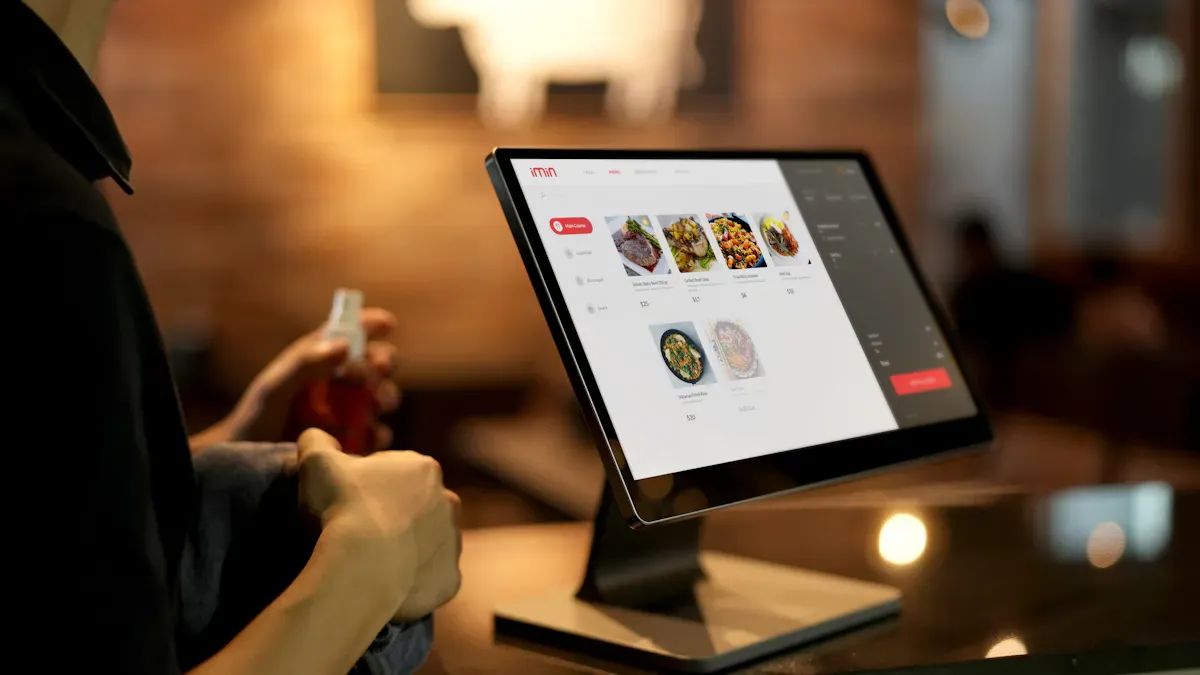
A self-service kiosk is a touchscreen machine. It lets you order, pay, or check in by yourself. You do not need to wait for staff. You can find these in restaurants, hotels, stores, and healthcare places. In 2026, top providers like KIOSK Information Systems, Olea Kiosks, Pyramid Computer, ACRELEC, and REDYREF lead the market. Choosing the right partner helps your business work better. It also makes customers happier. New things like AI and contactless payments make kiosks smarter and quicker. The number of self-service kiosk units is rising fast. Most customers like to use them.
Key Takeaways
Self-service kiosks make things easier for customers. People can order and pay fast without help from workers. Top companies like KIOSK Information Systems and Olea Kiosks have good and flexible options for many businesses. When you pick a kiosk company, think about what your business needs. Also, think about how customers will use it and if it can grow with your business. Safety is very important. Pick kiosks that follow the rules and keep customer information safe with encryption. Watch for new things like AI and contactless payments. These can help your kiosks stay up to date.
Best Kiosk Companies for 2026
Top 5 Providers Overview
If you want the best kiosk companies in 2026, you need a partner. They help your business work better and make customers happy. There are many choices, but five companies are the most important. These companies are leaders in self service kiosk technology and service. You can find their machines in stores, restaurants, hotels, and hospitals.
Here are the top five best kiosk companies you should know:
KIOSK Information Systems
Their self service kiosk solutions are reliable and can grow with you. They work in retail, government, healthcare, and more. Their systems do things like bill payments and border security.Olea Kiosks
This company makes custom designs and uses advanced tech. Their award-winning self service kiosk units are in many industries. They help you give your customers a special experience.Pyramid Computer
Pyramid Computer has strong hardware and software that can change. They offer digital signage and self service kiosk systems for many needs.ACRELEC
ACRELEC builds interactive kiosks that are easy to use. They help restaurants and retail brands give better service with smart machines.REDYREF
REDYREF is known for new payment solutions and digital signage. You can use their self service kiosk products for building directories and custom software.
You might also hear about imageHOLDERS, Advanced Kiosks, KT Group, and Peerless-AV. But these five best kiosk companies are the top ones in 2026.
Tip: Picking one of these best kiosk companies means you get more than a machine. You get a partner who helps your business grow.
Quick Comparison Table
Let’s make it simple to compare the best kiosk companies. Here is a table that shows what each one does best, where they work, and what makes them special:
Company | ||
|---|---|---|
KIOSK Information Systems | Reliable, scalable systems for many uses. Great for retail and healthcare. | Retail, bill payment, lockers, government, border security, gaming |
Olea Kiosks | Custom designs, advanced tech, award-winning solutions. | Many industries (customized for your needs) |
Pyramid Computer | Strong hardware, flexible software, digital signage expertise. | Kiosks and digital signage |
ACRELEC | User-friendly, interactive kiosks for better customer experience. | Restaurants, retail brands |
REDYREF | Innovative payment options, digital signage, custom software. | Touchscreen kiosks, building directories, various uses |
Each of these best kiosk companies is good at something different. Some focus on hardware, others on software or design. All of them help you give your customers a better self service kiosk experience.
If you want to do well in 2026, start with these best kiosk companies. They know what works and keep making their self service kiosk solutions better every year.
Selection Criteria and Methodology
Evaluation Factors
When you look for the right partner in the kiosk industry, you want to know what matters most. You do not just pick the first company you see. You need to check a few key things. Here is a table that shows the main criteria businesses use to compare kiosk providers:
Criteria | Description |
|---|---|
Operational Needs | See where kiosks can cut down mistakes and make service faster. |
Customer Experience | Think about who your customers are and if they like using digital screens. |
Physical Space | Check how much room you have for a kiosk and what size fits best. |
Scalability | Make sure your kiosk can grow with your business and work in more places. |
ROI | Look at how much you get back for what you spend, not just the price tag. |
You want to make sure your choice fits your business goals. Here’s a quick checklist you can use:
Assess your operational needs.
Consider your customer experience.
Evaluate your physical space.
Factor in scalability.
Compare ROI, not just price.
The kiosk industry keeps changing, so these factors help you stay ahead. If you focus on these points, you will find a provider that matches your needs and helps you stand out in the kiosk industry.
Research Approach
You might wonder how we picked the top companies in the kiosk industry. We started by looking at many providers from around the world. We read customer reviews, checked case studies, and talked to industry experts. We also looked at awards and new technology trends. We compared how each company supports their clients and how easy it is to add new features. This way, you get a list that is fair and up-to-date.
Tip: Always ask for a demo before you decide. You want to see how the kiosk works in real life.
Provider Profiles
KIOSK Information Systems
You want a self service kiosk that works every time. KIOSK Information Systems gives you that. They have a long history in the industry. You can find their kiosks in airports, stores, and hospitals. They focus on making machines that last. If you need local support, they have teams ready to help you. You can call them when you need fast answers. Their self service kiosk options fit many uses, like bill pay or ticketing. You get strong hardware and software that grows with your business.
Olea Kiosks
Olea Kiosks stands out as a self service kiosk supplier that listens to you. They design kiosks that match your brand and space. You can ask for custom shapes, colors, and features. Their team works with you from start to finish. If you need local support, they respond quickly. You get help with setup, training, and repairs. Olea’s kiosks work in many places, like restaurants, hotels, and offices. They focus on making the customer experience smooth and easy.
Pyramid Computer
Pyramid Computer brings you smart self service kiosk solutions. Their kiosks look modern and work fast. You can use them for digital signage or ordering food. Pyramid offers strong security and easy updates. If you need local support, their network covers many regions. You can trust them to fix problems fast. They help you keep your kiosks running with little downtime.
ACRELEC
ACRELEC helps you serve your customers better. Their self service kiosk designs are simple to use. You can find them in fast food spots and big retail stores. They use smart technology to speed up service. You get tools that help you track orders and manage lines. If you want to grow, ACRELEC’s kiosks can scale with you. Their team offers local support to keep your business moving.
REDYREF
REDYREF gives you a self service kiosk with features that make life easier. Here’s what you get:
User-friendly interface with a touchscreen and support for many languages.
Real-time queue management for live updates and visitor tracking.
Enhanced security with role-based access control.
Customizable branding to match your business style.
Seamless integration with APIs and hardware for more options.
Comprehensive reporting with detailed visitor stats and insights.
You can use REDYREF kiosks for directories, payments, or check-ins. Their team helps you set up and supports you locally.
Self Service Kiosk Features
Hardware Capabilities
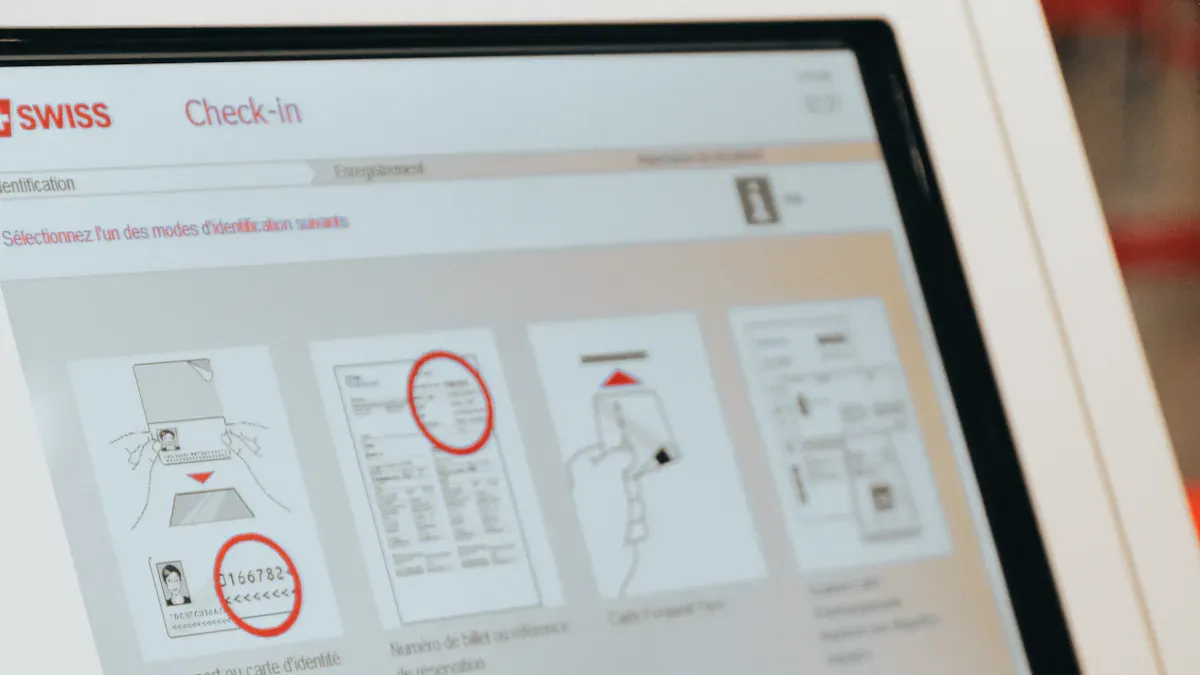
A self service kiosk is more than a screen. These machines have strong hardware that works all day. The touchscreen displays last a long time, over 50,000 hours. You can pick a size from 32 inches to over 65 inches. Choose Windows if you want it to work with many programs. Pick Android if you want to save money. Some kiosks have all-in-one systems that put everything together. Most kiosks come with printers for receipts. They also have card readers for safe payments. Barcode scanners and speakers are included too. Here’s a quick look:
Feature | Description |
|---|---|
Touchscreen Displays | 50,000+ hour lifespan, 32–65+ inch sizes, 24/7 use |
Computer Hardware | Windows, Android, or SoC for different needs |
Peripheral Device Integration | Printers, card readers, barcode scanners, speakers |
Software and Integration
You want your self service kiosk to work with your business tools. Top providers make sure kiosks connect with your databases and CRM. IT experts and kiosk developers build custom solutions for you. This keeps your data up to date and saves your team time. Real-time updates help you track sales and inventory. You get ready-to-use solutions that fit your daily work.
Tip: Always check if your kiosk connects with your current systems before you buy.
Security and Compliance
Security is important when you use a self service kiosk. You need to keep your customers and business safe. Top providers follow strict rules for safe payments and privacy. They use end-to-end encryption and tokenization to protect payment info. Here’s how they meet the main standards:
Regulation | Requirement | Description |
|---|---|---|
Explicit Consent | You must get clear permission before collecting personal data. | |
CCPA | Inform Users | You must tell users what data you collect and let them opt out of sales. |
PCI DSS | Secure Payment | You must use strong security for all payments, including encryption. |
You can trust these kiosks to keep payments safe every time.
AI and Automation
AI makes your self service kiosk smarter. Kiosks can suggest items you might like. They use data to speed up orders and cut wait times. AI helps you save money by doing jobs staff used to do. It also helps fix kiosks before they break. Many places, like stores and hospitals, use AI to give better service and save money. More businesses want automation, so the market keeps growing.
Note: AI-powered kiosks give you a personal experience and help your business run better.
Industry Use Cases
Retail
You can find self-service kiosks in many stores now. They help you shop faster and easier. You scan your items, pay, and leave without waiting long. Stores use these kiosks to save money on workers. Service is quicker because the screens show you what to do. Many stores let you pay by tapping your card or phone. More stores and banks use kiosks each year as technology improves. Banks use kiosks to help people do quick transactions.
Self-checkout kiosks make shopping better for you.
Automation means stores need fewer workers.
Digital screens make things fast and easy.
Contactless payments are used a lot.
More kiosks show up in retail and banking every year.
Fast Food & QSRs
When you go to a fast food place, you often see kiosks near the entrance. You can order food, pay, and get your meal faster. These kiosks help cut wait times by almost 40%. Restaurants say people buy more because kiosks suggest extra food. Kiosks help make sure your order is right and reduce mistakes. Staff can spend more time cooking and helping you.
Evidence Type | Statistic/Fact | Implication |
|---|---|---|
Wait Time Reduction | Order time drops by almost 40% | Service is faster and customers are happier. |
Increased Check Size | 67% of restaurants see bigger orders | Kiosks are good at upselling. |
Order Accuracy | 69% report fewer mistakes | Guests have better visits and there is less waste. |
Staff Redeployment | Staff focus on food and service | Staff can help you more and add value to the business. |
PDQ Chicken saw a 25% rise in average order size after using kiosks. You get more choices and your food comes out faster.
Hospitality
Hotels and resorts use kiosks so you can check in, book things, and pay by yourself. You do not have to wait at the front desk. Kiosks handle simple jobs, so staff can help with special needs. You spend less time waiting and more time having fun. Kiosks help hotels make more money by suggesting upgrades.
Benefit | Description |
|---|---|
Increased Efficiency | Kiosks do simple jobs, so staff are free. |
Enhanced Customer Experience | You wait less and have more control. |
Revenue Growth | Kiosks help sell more upgrades and extras. |
Cost Optimization | Hotels save money by needing fewer workers. |
Data-Driven Decision Making | Real-time reports help hotels get better. |
Brand Image Enhancement | Modern kiosks make hotels look high-tech. |
Healthcare
You see kiosks in clinics and hospitals today. They help you check in, check insurance, and fill out forms. You do these things yourself, which saves time and keeps your info private. Kiosks let you skip lines and get care faster. Staff spend less time on paperwork and more time with patients. You can use kiosks any time, even late at night, and in different languages.
Kiosks help with checking in and insurance.
You fill out forms by yourself.
Kiosks make things run smoother.
You get privacy and fewer mistakes.
Kiosks work all day and support many languages.
Self-service kiosks also help in government offices. They make things faster and easier for everyone.
Pricing and Cost Factors
Pricing Models
When you check out self-service kiosks, you will see different ways to pay. Each way works for a certain type of business. Some people want a simple kiosk for easy jobs. Others need a special kiosk for busy places. Here are the main choices:
Kiosk Type | Typical Use Case | Hardware & Software Scope | |
|---|---|---|---|
Entry-Level Self-Service Kiosk | Basic ordering, check-in, info | Standard touchscreen, basic POS software, limited payments | Lower initial investment |
Mid-Range Commercial Kiosk | Restaurants, retail stores | High-performance touchscreen, full POS integration, card & QR payments | Moderate investment range |
High-End / Custom Kiosk | High-traffic venues, branded experience | Custom enclosure, advanced software, ERP & system integrations | Higher investment based on requirements |
You can pick a kiosk that fits your money plan and needs. Entry-level kiosks cost less and do simple things. Mid-range kiosks have more tools for stores and restaurants. High-end kiosks give you special looks and smart software. These cost more, but you get something unique.
Tip: Always ask what comes with the price. Some deals include hardware, software, and help. Others might charge more for updates or special features.
Cost Drivers
The total price for a kiosk depends on many things. You should look at more than just the first price you see. Here are the main things that change what you pay:
Factor | Description |
|---|---|
Hardware | Physical parts like screens, printers, and payment devices. |
Software | Programs that run the kiosk, including custom apps and security tools. |
Customization | Changes to fit your brand or workflow, which can raise costs. |
Installation | Setting up the kiosk in your space, including wiring and network setup. |
Maintenance | Repairs and support to keep your kiosk running smoothly. |
Compliance | Meeting rules for payments, privacy, or accessibility. |
You may pay more if you want special features or extra safety. Fixing and following rules can make the price go up over time. If you plan ahead, you can avoid extra costs and get the best deal.
Note: Picking the right way to pay and knowing what costs more helps you stay on budget and get the most from your kiosk.
Choosing the Right Provider
Assessing Needs
You want a kiosk that fits your business. Start by asking yourself a few questions. What do you need the kiosk to do? Do you want it for ordering, payments, or check-ins? Think about where you will put the kiosk. Will it be in a busy store or a quiet office? Make a list of your must-have features. You can use this checklist:
What tasks should the kiosk handle?
How many kiosks do you need?
Where will you place them?
Who will use them?
Tip: Write down your goals before you talk to any provider. This helps you get the right solution.
Customization & Scalability
Every business is different. You might want your kiosk to match your brand colors or logo. Some providers let you change the look and feel. Others offer special software for your needs. If your business grows, you want kiosks that can grow with you. Look for enterprise kiosk solutions that let you add more units or new features easily.
Customization Option | Benefit |
|---|---|
Branding | Makes your kiosk stand out |
Software tweaks | Fits your workflow |
Modular hardware | Easy to upgrade |
You can ask for demos to see how flexible the kiosks are.
Support & Maintenance
You need help when things go wrong. Good providers offer fast support and easy repairs. Ask if they have local teams or remote help. Find out how often they update the software. You want a provider who answers your calls and keeps your kiosks running.
24/7 support is best for busy places.
Regular updates keep your kiosks safe.
Training helps your staff use the kiosks.
Note: Reliable support means less downtime and happier customers.
Kiosk Samoobsługowy and Global Trends
International Market Insights
You see self-service kiosk machines in many places now. People like them because they make things simple. In 2026, more businesses will use self-service kiosk. The market is getting bigger every year. Look at this table:
Year | Market Size (in billion USD) | CAGR (%) |
|---|---|---|
2025 | 28.27 | N/A |
2026 | 31.14 | 10.2 |
Many companies want self-service kiosk for different reasons. Here are some popular trends:
Contactless and touchless screens
Multi-language and accessibility options
Personalized experiences for each user
Mobile phone connections and remote control
Modular designs that grow with your needs
Kiosk samoobsługowy helps businesses stay ahead of others.
Accessibility & Inclusivity
Everyone should be able to use self-service kiosk. Top providers make sure kiosks are easy for all people. They test kiosks with people who have disabilities. They add special tools for vision or movement help. Here is what they do:
Feature/Standard | Description |
|---|---|
Usability Testing | Real people with disabilities try the self-service kiosk. |
Assistive Technologies | Tools like screen readers and voice commands help users. |
ADA Compliance | Kiosks follow the Americans with Disabilities Act. |
Physical Accessibility | Designs work for wheelchairs and scooters. |
User-Friendly Interfaces | Simple screens make it easy for everyone. |
ACA Section 1557 Compliance | Healthcare kiosks support all patients. |
Kiosk samoobsługowy welcomes everyone and makes things fair.
Omnichannel Integration
You want self-service kiosk to work with your other tools. Now, kiosks can connect to your website, app, and phone. You can start an order on your phone and finish at the self-service kiosk. You can check in at hotels or pay for food without waiting. Businesses can update kiosks from far away. You get a smooth and easy experience every time.
Tip: When you choose a self-service kiosk, ask how it connects to your other systems. This helps you give better service to your customers.
You want your kiosk solution to match your business goals and make customers happy. Use the comparison table and checklist to pick the best provider for your needs. Try reaching out to vendors for demos or consultations. Stay curious about new kiosk trends and features. If you keep learning, you can future-proof your investment and stay ahead of your competition.
Tip: Shortlist providers and ask questions before you decide. This helps you find the right fit.
🤔 What Is It Exactly?
A self-service kiosk is an "interactive terminal" with a touchscreen that guides customers through a specific process. Unlike a cash register managed by an employee, this power is directly placed in the hands of the customer.
⚙️ How Does It Work?
While you might only see the screen, a kiosk is actually a small, purpose-built computer system. Here’s a look at what’s generally inside:
Hardware: The physical parts that make up the machine. This includes the touchscreen interface for user interaction, a built-in computer "brain," and often specific peripherals like a printer, barcode scanner, card reader, bill/cash acceptor, and a camera depending on its function.
Software & Network: The programs and internet connection that power the experience. Kiosks run on dedicated management software that locks the device into a single application and allows features like remote monitoring and management, so staff can oversee and update the entire network from one location. Crucially, the kiosk must be connected to the business's central network and its other systems (POS, inventory, etc.) to update the database in real-time.
🛠️ Behind the Scenes: The Core Components
To better understand a kiosk's makeup, here is a table summarizing the key hardware components:
Component | Description | Examples |
|---|---|---|
User Interface | The primary way a customer interacts with the kiosk, usually a large, sturdy panel. | HD/FHD touchscreens ranging from 15.6" to 27" or larger |
Computer & OS | The internal guts that run everything, including the processor and operating system. | Intel processors running Windows IoT or Android operating systems |
Peripherals | Attached devices that expand the kiosk's functionality for specific tasks. | Barcode scanners, thermal receipt/ticket printers, EMV card readers, contactless/NFC readers, bill acceptors, and cameras |
Connectivity | How the kiosk communicates with the business's central servers. | Wired Ethernet is standard, often with Wi-Fi or 4G/LTE cellular as backups |
Sensors & Enclosure | Additional technology and the physical case that houses everything. | Proximity sensors to wake the screen, status indicators (e.g., an RGB LED light), and a durable, anti-vandal casing |
🚀 Where You'll Find Self-Service Kiosks
Self-service kiosks are now common across many industries, each solving a different problem.
Restaurants & Fast Food: Customers place orders and pay directly at a self-ordering kiosk. This lets staff focus on cooking and food prep.
Retail & Stores: Self-checkout stands allow shoppers to scan, bag, and pay for items without a cashier.
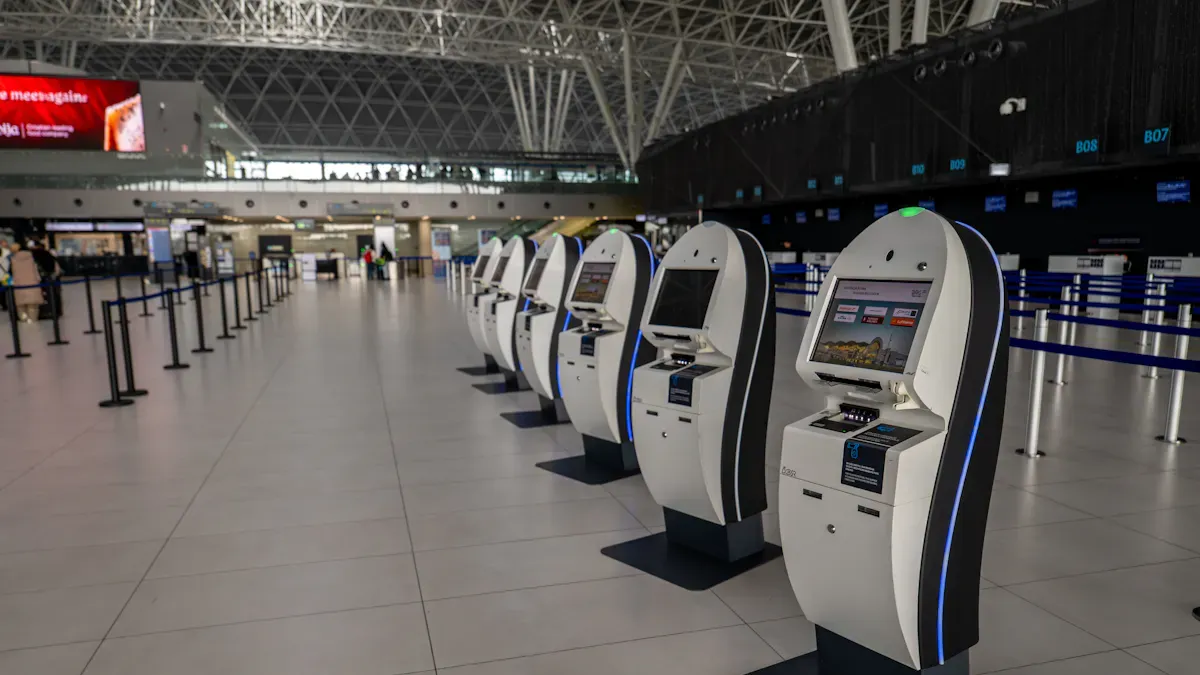
Airports & Travel: Automated check-in stands and bag-drop units let passengers print boarding passes, tag luggage, and select seats.
Hotels & Hospitality: Guests can use kiosks for a fast, independent check-in and check-out process.
Healthcare & Government: Patients can check in for appointments, and people can use terminals to upload documents or process simple payments.
✨ Why Do Businesses Use Them?
There are several clear advantages to using self-service kiosks for both the business and the customer.
💨 Increased Efficiency & Reduced Wait Times: Kiosks process transactions faster, which shortens queues and significantly improves customer flow during busy periods.
💰 Reduced Labor Costs & Higher Sales: By offloading simple, repetitive tasks to kiosks, employees can focus on more valuable work. Additionally, kiosks often increase sales through "guided upselling," where the software prompts customers to add items.
😊 Enhanced Customer Satisfaction & Accuracy: Most customers appreciate the speed and control. Orders placed on a kiosk are also more accurate, as there's no miscommunication with a cashier.
🕒 Extended Service Hours: A kiosk can operate 24/7, providing service outside of normal business hours without costing extra in labor.
🔧 Challenges and Considerations: The main challenges are the significant upfront investment in hardware and software, ensuring network reliability, performing regular maintenance, and making sure the kiosks are accessible to all users.
💎 The Future of Kiosks
The technology is evolving. The future points towards more contactless payments, integration with mobile apps for a seamless service, and AI-powered systems that offer personalized recommendations based on past purchases.
If you have a specific industry in mind, I can dive deeper into the options available for that use case
FAQ
What is a self-service kiosk and how does it work?
A self-service kiosk is a touchscreen machine. You use it to order, pay, or check in by yourself. Just follow the on-screen steps. The kiosk guides you and completes your request without staff.
How do I choose the right kiosk provider?
Start by listing your needs. Think about what you want the kiosk to do. Compare providers based on features, support, and price. Ask for a demo before you decide.
Are self-service kiosks secure?
Yes, top kiosks use strong security. They protect your data with encryption and follow rules like PCI DSS. Always ask your provider about their safety features.
Can I customize my kiosk for my business?
You can! Many providers let you change colors, logos, and software. Custom options help your kiosk match your brand and workflow.
What happens if my kiosk stops working?
Most providers offer support and repairs. You can call or message them for help. Some companies have local teams for quick fixes.
See Also
Leading Touchscreen Kiosk Providers You Should Know in 2026
Top LCD Display Kiosks Perfect for Retail Spaces in 2026
Seven Leading Companies for Event Kiosk Rentals in 2026
Ten Leading Manufacturers of LCD Display Kiosks in 2026
Discover 10 Unexpected Applications for Touch Screen Kiosks in 2026
