Top 10 Video Wall Digital Signage Solutions for 2026
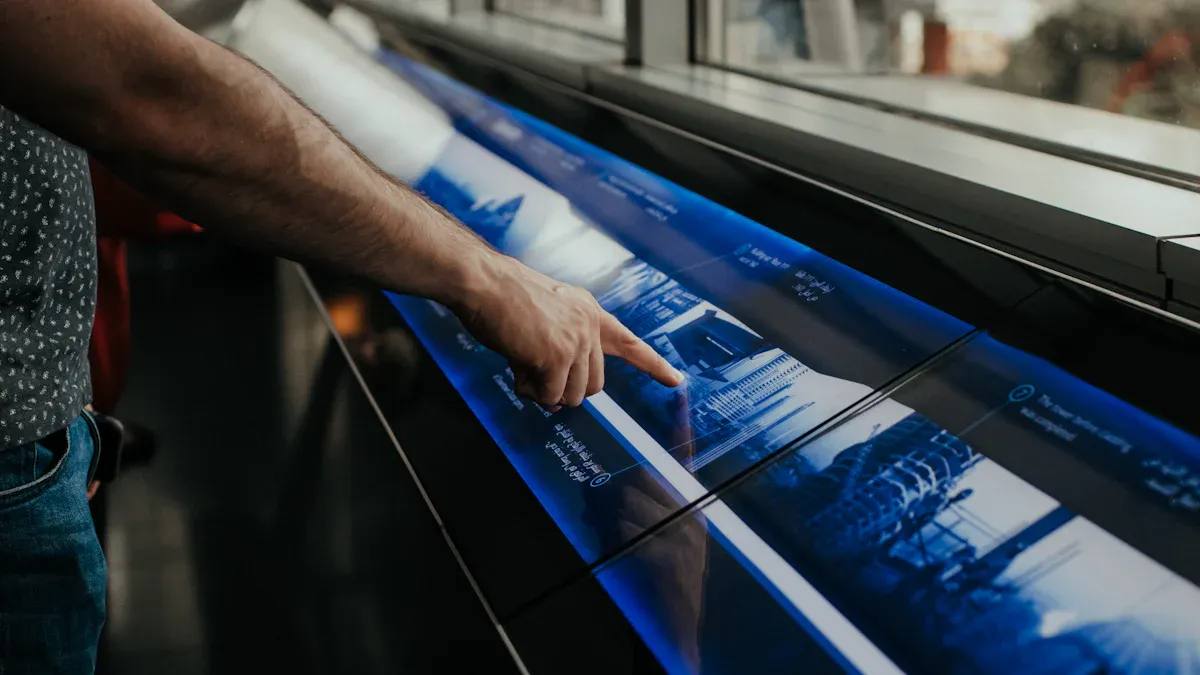
You want your business to be noticed and get bigger. The right video wall digital signage solution is a strong tool for showing content right away. It lets you share messages that fit each person. With video wall digital signage, you can make fun messages and show moving content that gets attention. People see digital signage—80% of shoppers go into stores because of it, and most buy more when they see moving content. Good digital signage lets you change messages for your audience and make their visit better. This list mixes hardware and software, looking at things like how easy it is to use and how well it can grow. You get ideas from new tech, what users say, and expert opinions, so you can compare and pick the best signage for you.
Key Takeaways
Video wall digital signage helps businesses get noticed. It brings in customers and makes them want to buy things. The moving content grabs attention and keeps people interested.
Pick signage that fits what you need. Think about the kind of display, how you manage content, and where you put it. These choices help your audience have a better experience.
Find solutions that let you update content quickly. Make sure it is easy to change what shows on the screen. This helps your messages stay new and important.
Choose signage with good support and training. Helpful customer service lets you use and take care of your signage well.
Try interactive options to get people more involved. Touchscreens and live data can make your signage more fun and useful.
Selection Criteria
Evaluation Metrics
You want digital signage that is strong and simple to use. You look for features that help you make and change content quickly. Displays should work well in many places and grow with your business. Check out the main factors in the table below:
Factor | Key Components |
|---|---|
Content Management | Easy interface, customization, flexible scheduling, real-time updates, analytics, templates |
Scalability | Remote management, compatibility, supports many systems, flexible pricing, reliability, security |
Support and Training | 24/7 technical support, software updates, guides, online community, helpful customer service |
You want to control lots of screens from one spot. Real-time updates and easy templates are important. Analytics help you see how your signage works. Good support and training help you use your signage better.
Business Needs
Each business needs different signage. You might want a video wall for a conference room or a network for a campus. Here’s how the selection criteria fit different places:
Meeting rooms need signage that makes presentations fun and simple.
Elevators use small screens to show quick messages and keep people interested.
Patient rooms in hospitals use signage to share health tips and make waiting nicer.
Campuses use signage in cafeterias, libraries, labs, and shuttle stops to guide and inform students.
Think about the display type, size, content management system, and where you put your signage. These choices help you make the best experience for your audience. The right solutions make your signage flexible and ready to grow in the future.
Top 10 Video Wall Digital Signage Solutions
Samsung IF Series
You want a video display that stands out in bright places. Samsung IF Series gives you very bright screens, up to 2,500 nits. These displays are tough, so you can use them in busy areas. You get many connectors and inputs, which makes setup simple.
Advantages | Disadvantages |
|---|---|
Higher brightness levels (up to 2,500 nits) | Not as consumer-friendly as regular TVs |
Rugged design for commercial use | |
Broad connectors and inputs |
Ideal Use Cases:
You can use Samsung IF Series in stores, airports, and conference centers. These walls work well where you need strong screens for digital signage in tough places.
Unique Selling Points:
You get reliable screens and clear visuals. The displays are made for busy spots, so your signage always looks good.
LG MAGNIT
LG MAGNIT uses advanced technology for video walls. You get smart image processing with the Alpha 7 processor. It uses AI to make your content sharp and clear. The displays support HDR10 and HDR10 Pro, so colors look bright and contrast is strong. You can install these walls without messy cables because they use cable-less signal transmission.
Feature | Description |
|---|---|
Intelligent Image Processing | AI-powered clarity and sharpness |
Vivid visuals and wide color spectrum | |
Durable Design | Protection against dust and impacts |
Cable-less Installation | Easy setup without extensive cabling |
Energy Efficiency | Smart power management |
Seamless AV Integration | Works with AV control systems |
Easy Maintenance | Remote management and fault diagnosis |
Superior Visual Experience | Vibrant colors and contrast |
Color Uniformity | Consistent display from all angles |
Ideal Use Cases:
You can use LG MAGNIT in stores, hotels, offices, video sets, and luxury homes.
Environment/Application | Description |
|---|---|
Show products and promotions | |
Hospitality | Enhance guest experiences |
Presentations and branding | |
Video Production | Backdrops for extended reality |
Digital Art | Showcase art |
Residential | High-end entertainment |
Unique Selling Points:
You get easy setup, simple maintenance, and great visuals. These displays are perfect for creative and professional spaces.
Absen KL Series
Absen KL Series lets you build video walls in many ways. You get high performance and flexibility, so you can make displays in different shapes and sizes. Maintenance is easy because you can fix modules from the front.
High performance and flexibility for creative setups
Endless extension and scalability
Easy front maintenance for quick fixes
Ideal Use Cases:
You can use Absen KL Series in malls, control rooms, and event spaces. These solutions fit businesses that want flexible and scalable signage.
Unique Selling Points:
You get displays that grow with your needs. The walls are easy to fix, so you spend less time on repairs.
ViewSonic All-in-One LED
ViewSonic All-in-One LED gives you a smooth viewing experience. You see no bezels, so your content looks full and immersive. The displays come ready for color consistency. You can pick standard or custom sizes and layouts.
Feature | Description |
|---|---|
No bezels, immersive look | |
Flexible Sizing | Custom resolutions and aspect ratios |
Low Maintenance | No bulb or motor replacements |
All-in-One Design | Easy installation and operation |
Indoor-Rated | Built for high-traffic spaces |
Cost-Effective | Reduces installation time and costs |
Pros | Cons |
|---|---|
Rapid deployment | |
Simplified purchase and support | |
Clean, bezel-free design | |
No external cabling needed | |
Optimized for collaboration | |
High reliability | |
Ideal for multiple locations | |
Works for users with limited technical expertise |
Ideal Use Cases:
You can use ViewSonic All-in-One LED in schools, meeting rooms, and stores. These displays are great for businesses that want fast setup and reliable signage.
Unique Selling Points:
You get easy setup, bold visuals, and low maintenance. The displays work well in busy places.
Monitors AnyWhere
Monitors AnyWhere helps you control many screens from one place. You can manage content across video walls without extra hardware. The platform supports remote updates, so you change signage quickly.
Key Features:
Central control for many screens
Easy content scheduling
Works with different display types
Real-time updates
Pros:
You save time managing screens. You can update signage from anywhere.
Cons:
You need a strong network for best results.
Ideal Use Cases:
You can use Monitors AnyWhere in schools, offices, and hotels. These solutions fit businesses that want simple control over many screens.
Unique Selling Points:
You get flexible management and easy updates. The platform makes signage simple for everyone.
NowSignage
NowSignage gives you central content management. You can update screens in real time from your phone. The platform works with LED, LCD, and OLED screens, so you have choices for your walls.
Functionality/Feature | Description |
|---|---|
Manage content from one dashboard | |
Real-Time Updates | Change content instantly |
Compatibility | Works with many display types |
User-Friendly Interface | Easy for non-technical users |
Security | Strong security measures |
Integration | Connects with third-party platforms |
Ideal Use Cases:
You can use NowSignage in offices, stores, schools, hotels, hospitals, gyms, transport, and factories. These solutions help you change spaces and keep teams informed.
Unique Selling Points:
You get easy-to-use screens and fast updates. The platform keeps your signage safe and connected.
ScreenCloud
ScreenCloud listens to what users want. You can ask for custom apps, features, or integrations. The platform lets you send feedback straight to the product team. You can explain your needs, so ScreenCloud can improve its solutions.
Key Features:
Custom app requests
Direct feedback to product team
Flexible integrations
Pros:
You get signage that fits your needs. The platform grows with your business.
Cons:
You may need to wait for new features.
Ideal Use Cases:
You can use ScreenCloud in offices, stores, and schools. These displays fit businesses that want flexible and responsive signage.
Unique Selling Points:
You get a platform that values your ideas. The displays are easy to use and get better over time.
TelemetryTV
TelemetryTV focuses on signage. You get a platform made for stability. The device management tools help you control big networks of screens. You can build interactive touch screen kiosks for fun experiences.
Strengths | Weaknesses |
|---|---|
Limited hardware ecosystem | |
High stability | Proprietary platform |
Robust device management | |
Locked-down environment |
Feature | Description |
|---|---|
Content Creation | Access over 70 apps and custom uploads |
Device Management | Program content based on data attributes |
Interactive Experiences | Build touch screen displays |
Scalable Control | Unified control across the network |
Engage audiences with interactive kiosks
Use flexible scheduling and auto-expiring rules
Access a 360° control hub for enterprise management
Ideal Use Cases:
You can use TelemetryTV in hospitals, airports, and big campuses. These solutions fit businesses that need secure, scalable, and interactive signage.
Unique Selling Points:
You get strong control and interactive screens. The platform is stable and easy to manage.
Carousel Digital Signage
Carousel Digital Signage gives you powerful software for screens of all sizes. You can make beautiful displays and keep people informed and safe. The platform works for offices, schools, government, stores, and hospitals.
Feature | Rating | Pros | Cons |
|---|---|---|---|
10 | Beautiful displays, flexible creativity | Activating physical components is tricky | |
Value for money | 8 | Easy to use, quick adaptation | Needs more features and modern templates |
Customer Support | 8 | ||
Functionality | 8 |
Powerful software for all screens
Designed for information and safety
Solutions for many industries
Industry | Description |
|---|---|
Corporate | Tools for effective communication |
Education | Engagement and information sharing |
Government | Public sector communication |
Retail | Customer engagement and promotion |
Healthcare | Patient communication |
Ideal Use Cases:
You can use Carousel Digital Signage in schools, offices, hospitals, and stores. These displays fit businesses that want creative and flexible signage.
Unique Selling Points:
You get easy-to-use software and strong support. The displays help you inform and engage your audience.
Navori
Navori digital signage software lets you show dynamic and targeted content. You can display messages based on audience and real-time triggers. The platform supports interactive things like touchscreens and QR codes. You get central content management and cloud-based software for fast performance.
Feature/Benefit | Description |
|---|---|
Tailored messages for audiences | |
Brand Awareness | Consistent high-quality content |
Real-Time Updates | Up-to-date information |
Interactive Elements | Touchscreens and QR codes |
Centralized Management | Efficient content distribution |
Cloud-Based | Manage signage from anywhere |
Feature | Description |
|---|---|
Scalability | Deploy on one screen or thousands |
Flexibility | Modular design for customization |
Continuous Evolution | Software keeps up with new tech |
Navori invests in research and development
Expert engineers develop software in-house
Innovation is a core principle
Ideal Use Cases:
You can use Navori in transport hubs, stores, and offices. These solutions fit businesses that want future-proof and interactive signage.
Unique Selling Points:
You get scalable, flexible screens and software that changes. The platform supports new technologies.
You have many choices for video walls and signage. Each solution has special features and strengths. You can pick the best screens for digital signage based on your needs, place, and goals. These displays help you make fun experiences and grow your business.
Best Digital Signage Solutions Comparison
Feature Overview
You want to know how each digital signage solution compares. Here is a table that shows what each screen can do:
Solution | Hardware/Software | Interactivity | Scalability | Ease of Use | Unique Features |
|---|---|---|---|---|---|
Samsung IF Series | Hardware | Limited | High | Moderate | Ultra-bright displays |
LG MAGNIT | Hardware | Moderate | High | Easy | Cable-less setup, HDR |
Absen KL Series | Hardware | Moderate | High | Easy | Flexible shapes, front maintenance |
ViewSonic All-in-One LED | Hardware | Limited | Moderate | Very Easy | Bezel-free, all-in-one design |
Monitors AnyWhere | Software | Moderate | High | Easy | Central control, remote updates |
NowSignage | Software | High | High | Very Easy | Real-time updates, mobile control |
ScreenCloud | Software | High | High | Very Easy | Custom apps, direct feedback |
TelemetryTV | Software | High | High | Easy | Touchscreen kiosks, device management |
Carousel Digital Signage | Software | Moderate | High | Very Easy | Creative displays, safety tools |
Navori | Software | High | High | Easy | Interactive content, cloud-based |
You can use this table to see which screen is best for you. Some screens are hardware, and some use software for managing content.
Pricing and Support
You want to know how much you will pay and what help you get. Most companies have different price levels. You pick a plan based on how many screens you need and what features you want.
Tier | Features | |
|---|---|---|
Basic | $3-10 | Core playback, scheduling, remote management |
Standard | $10-20 | Templates, data feeds, multi-zone layouts |
Professional | $20-35 | Analytics, interactive, API access |
Enterprise | $35-50+ | White-label, AD integration, SLA |
Support is different for each plan. You get free help from the community with basic plans. Email help comes with standard plans. Phone and special help are for enterprise plans. Some companies give training at your place for an extra cost.
Support Level | Typical Cost |
|---|---|
Community/self-service | Free |
Email support | Basic tiers |
Priority email | Standard tiers |
Phone support | Enterprise |
Dedicated support | Enterprise+ |
On-site training | Additional fee |
Tip: If you want quick help or need setup, choose a solution with strong support. This saves you time and keeps your screens working well.
You can use this guide to choose the best digital signage for your business. Think about what content you want, how many screens you need, and what help you want. The right solution helps your business grow and keeps your screens up to date.
Choosing the Right Digital Signage Solution
Key Considerations
You want to find signage that works for your business. First, think about what kind of screens you need. The type and quality of the screen are important. LED, LCD, and OLED displays each have their own good points. If your screen has higher resolution, your pictures and videos look better. The video wall processor helps your screens show content smoothly. It also lets you plan when things show up. Good digital signage software makes changing content simple. It also helps you run campaigns easily. How you put up your screens matters too. You need to make sure your screens are safe and strong, especially inside. Taking care of your screens is important. Cleaning, replacing parts, and updating software help your screens last longer.
Here’s a quick table to help you compare:
Consideration | Description |
|---|---|
Screen Type and Resolution | Pick screens that fit your space and content. |
Video Wall Processor | Choose a processor that shows content well and can be adjusted. |
Digital Signage Software | Get software that matches how you want to manage content. |
Mounting and Installation | Make sure screens are put up safely and lined up right. |
Maintenance and Support | Plan to clean and update your screens so they keep working. |
Tip: If you want to change content easily, pick signage with good software and support.
Matching Solutions to Business Goals
You want signage that helps your business and meets your goals. Video wall digital signage lets you talk to your audience. You can use screens to show ads, news, or art. The right signage can change how people see your business. If you have a store, use signage to show off products and get people interested. In schools, screens help students find their way and learn new things. In offices, signage keeps workers updated and excited.
You can make cool presentations on many screens at once.
Signage is good for ads, sharing news, and showing art.
Pick a partner who knows what you need. Find someone who can help you use more screens as you grow. Make sure your signage can change as your business gets bigger. Choose screens that work with new types of content and are easy to connect.
Note: The best signage fits your business, works indoors, and keeps your content new.
Digital Signage Displays Overview
Trends for 2026
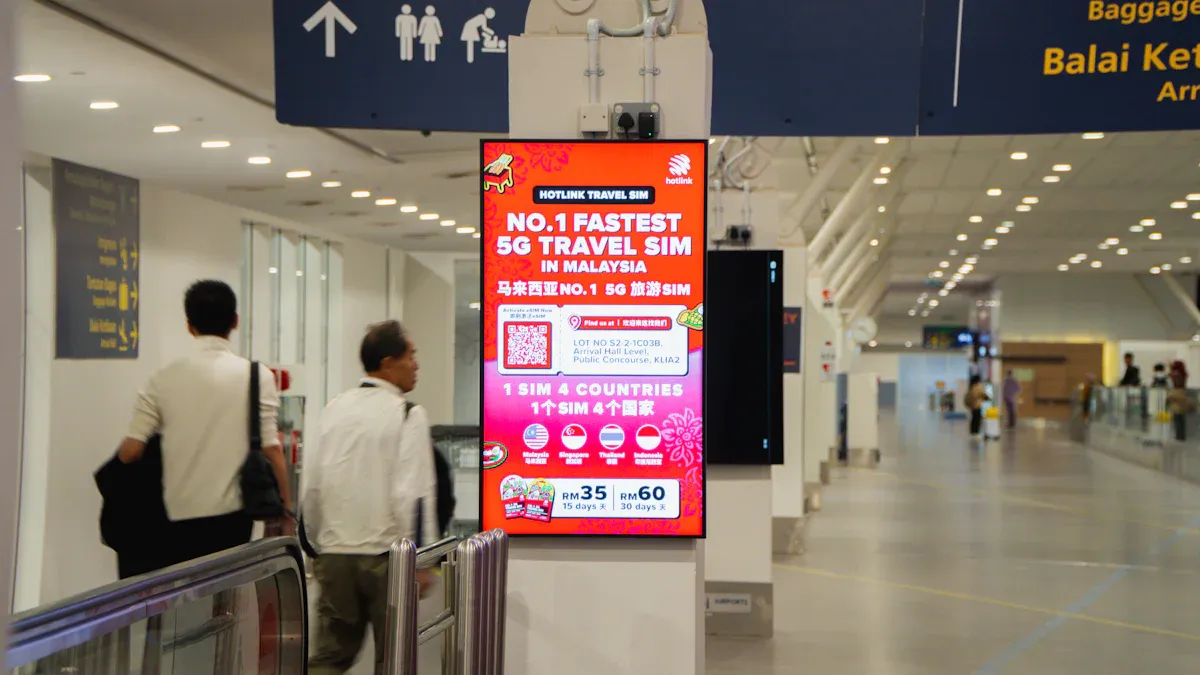
Digital signage displays are changing quickly. In 2026, they do more than just show pictures or videos. Mixed reality and IoT features are showing up in fun places. These displays mix real life with virtual things. This makes using them more fun and interesting. Some displays use real-time data to change what they show. They can react to the weather or how many people are there. AI helps choose the best content to show. This keeps people looking at the screens. Saving energy is important now. Many displays are made to use less power and last longer. Outdoor digital signage is getting smarter too. Some have weatherproof cases and use solar power. 5G and edge computing help send content fast and without delays. Accessibility features make sure everyone can use the signage. It does not matter what abilities they have. Cross-platform support means your content looks good on any device.
Interactivity is common now. You can use your voice or hand movements to control displays.
Augmented and virtual reality make signage feel more real and exciting.
Commercial-grade displays are tough and work inside or outside.
Countries like South Korea, the United States, and China lead these changes. They spend money on smart cities and better digital tools. You see more digital signage in busy places and fun spots.
Interactive and Touchscreen Options
You want signage that does more than just show things. Interactive digital signage lets you touch, swipe, or talk to the screen. In schools and meeting rooms, these displays take the place of old projectors. You can use your own device to share things on the video wall. Software makes it easy to connect and use. BYOD support means anyone can join in and share.
Interactive features help people get involved and pay attention.
Touchscreen displays are great for outdoor use in bus stations and malls.
Outdoor displays can handle bad weather and bright sun.
Signage helps people find their way, order food, or learn new things. The displays react to what you do, so each visit feels special. Businesses pick interactive signage to stand out and connect with people. Picking the right display means thinking about what you want to show, how people will use it, and where it will go. Outdoor signage needs to be strong and work well all the time. Commercial-grade displays are good for busy places and give you less to worry about.
Tip: If you want your signage to stand out, pick displays that let people interact and work well outside.
You have many choices for video wall digital signage. Each signage solution gives you unique features. You can pick signage that fits your business and helps you share content. Some signage works best for interactive content. Other signage makes content easy to manage. You should look at your goals and decide which signage matches your needs. Try a demo or talk to vendors. You want signage that grows with your business. Strong support and new ideas help your signage stay fresh. Good signage lets you show content that grabs attention. You can use signage to make your content stand out. Your signage should help you reach more people. You can use signage to change your content fast. You want signage that keeps your content safe. You can use signage to share content in many places. Pick signage that makes your content easy to update. You can use signage to make your content look great. You want signage that helps your content shine. You can use signage to build your brand with strong content.
FAQ
What is video wall digital signage?
Video wall digital signage shows content on many screens. It helps you get people’s attention in big places. You can use it for ads, news, or directions. Businesses use signage to make their messages stand out.
How do I update content on my signage?
You use simple software to update your signage. Pick what you want to show and send it to the screens. You can change content from your phone or computer. This keeps your signage flexible and your content new.
Can I use interactive content with video wall digital signage?
Yes, you can use interactive content on your signage. Touchscreens and QR codes let people swipe, tap, or scan. This helps you connect with your audience and makes your content more fun.
What are the best places to install signage?
Install signage in stores, schools, airports, and offices. Use signage where lots of people gather. Video wall digital signage works well in busy places. Show content for promotions, directions, or safety.
How does signage help my business grow?
Signage helps you attract customers with good content. You can share messages fast and change them for events. Signage helps your brand reach more people. Modern signage makes your business look fresh.
