Top 10 Digital Signage Monitors for 2026
Shenzhen TopAdkiosk Display Technology Co., Ltd.
Add.: 2F, Bldg 10, Changfeng Industrial Park, Dongkeng, Fenghuang, Guangming, Shenzhen, China 518132
Mobile/WHATSAPP: 86-138 25769658
Email: marketing@topadkiosk.com topadkiosk@gmail.com
Wechat: adkioskhenry
English Web.: http://www.topadkiosk.com/
https://www.topkioskdisplay.com/
http://www.ad-kiosk.com/
https://www.toplcddisplay.com/
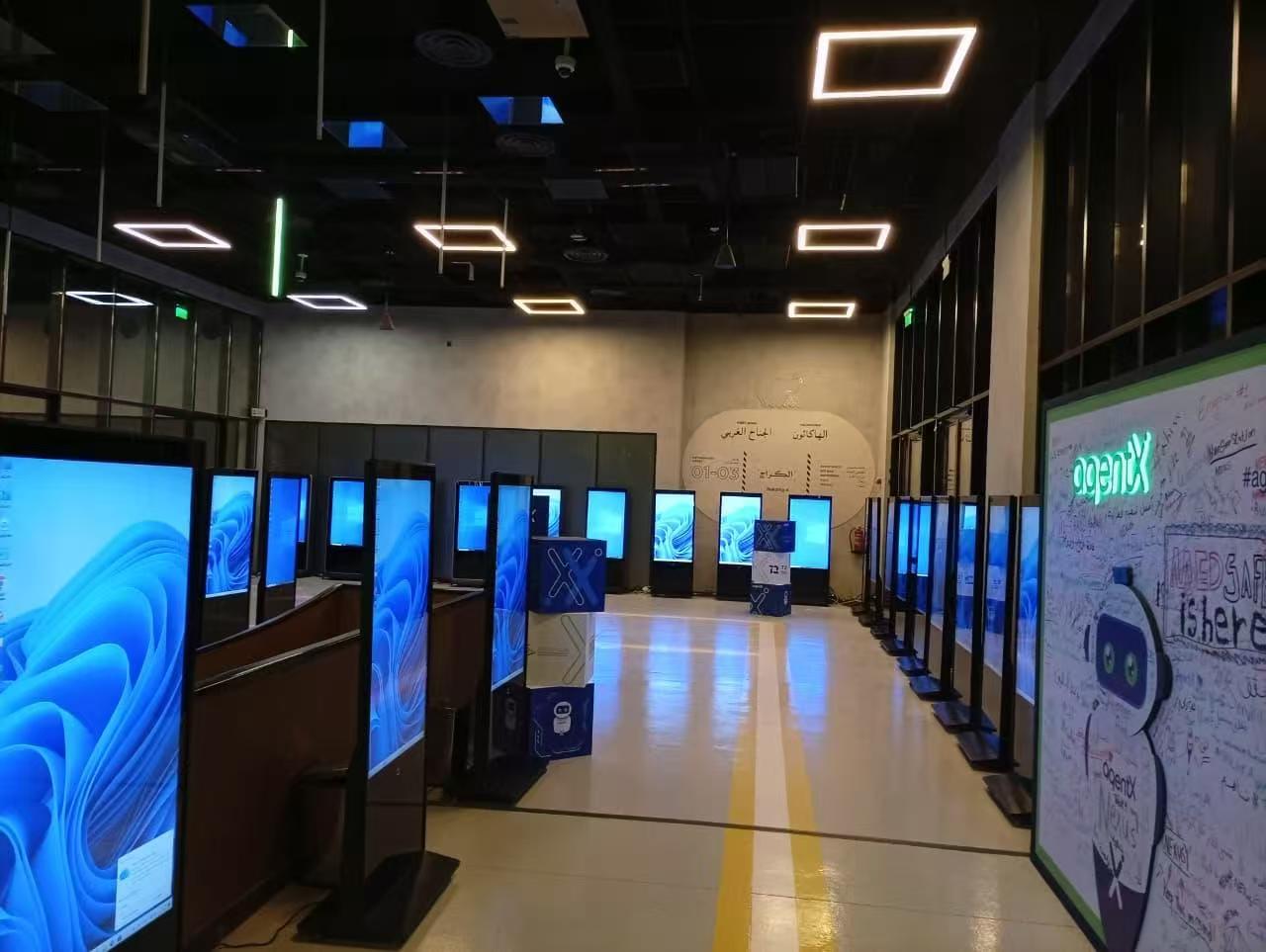
You want the best digital signage monitor for your business in 2026. The right monitor does more than just look nice. It can help customers pay attention. It can help you sell more things. It can also help your workers do their jobs better. Here is how digital signage helps your business:
Impact Example | |
|---|---|
Interactions | More people stop and look at your content. |
Conversion Metrics | Signs help customers buy more things. |
Wait Time Reduction | Customers feel like lines move faster. |
Brand Awareness | More people notice your brand online and offline. |
You can find new technology, good brands, and great deals at https://www.topkioskdisplay.com/.
Key Takeaways
Pick the best digital signage monitor for your business. Think about where you will put it, how bright it is, the resolution, and the screen size. These things help you meet your business needs.
Commercial displays last longer than regular TVs. They are made for long use and have better features. This makes them a smart choice for your business.
Keep up with new technology in digital signage. Look for things like built-in software and cloud connectivity. These can help more people see your business.
Check how bright your display is. For inside, get at least 350 nits. For outside, you need 1,000 nits or more. This helps people see the screen clearly.
Make a good plan for your budget. Think about the cost of hardware, software, installation, and maintenance. This helps you get the most out of your digital signage.
Digital Signage Monitor Selection Criteria
Key Features to Compare
When you pick a digital signage monitor, you want to make sure it fits your space and your goals. Here are some things you should look at:
Placement: Think about where you will put the screen. Will it be in a busy hallway or behind the counter for your staff?
Brightness: Check how much light is in the area. If you have a lot of sunlight, you need a screen with high brightness. For indoor spots, you can use a lower brightness.
Resolution: Decide how clear you want your images and videos. If you want to grab attention or show detailed content, go for a higher resolution.
Screen Size: Look at how far people will stand from the screen. Bigger rooms need bigger screens so everyone can see the message.
These features help you find the best screens for digital signage in your business.
Commercial vs. Consumer Screens
You might wonder if you can use a regular TV as a digital signage screen. Here’s what you need to know:
Commercial displays are made to run all day, sometimes up to 24 hours. They last longer and work better for businesses.
Consumer TVs are not built for long hours. If you use them for digital signage, they might break down after a few years.
Commercial displays have special features. You can lock the settings, turn off menus, and keep your content safe from tampering.
Consumer screens may cost less at first, but they do not offer the same value for business use. You could end up spending more on repairs or replacements.
If you want reliable digital signage displays, commercial displays are the smart choice.
2026 Technology Trends
Digital signage keeps getting better every year. In 2026, you will see new trends that make your screens smarter and more useful. Many monitors now have built-in software for easy updates. Some use sensors to change brightness based on the room. Others connect to the cloud, so you can control your content from anywhere. These trends help you save time and make your digital signage more powerful.
Tip: Stay updated with the latest technology. It helps your business stand out and keeps your digital signage running smoothly.
Top 10 Digital Signage Monitors List
Samsung QM Series
If you want a digital signage monitor that stands out, try the Samsung QM Series. This screen shows clear 4K UHD pictures and is very bright at 4000 NIT. You can use it in sunny lobbies, shop windows, or outside. The screen changes its brightness with an ambient light sensor. Your content always looks good. It comes with Samsung’s MagicINFO Player, so you can update content easily. The QM Series works all day and keeps dust out. You do not need to worry about it stopping.
Feature | Specification/Description |
|---|---|
Brightness | 4000 NIT, sunlight readable |
Resolution | 4K UHD |
Contrast Ratio | 1200:1 |
Operation | 24/7 reliable performance |
Ambient Light Sensor | Yes |
Embedded Software | MagicINFO Player |
Durability | Overheat mitigation, IP5X dust resistance |
Orientation | Portrait or landscape |
Best for: Large conference rooms, retail windows, and places with lots of sunlight.
Pros: Great picture, smart tools, works all day.
Cons: Costs more than most digital signage displays.
If you need the best screens for digital signage in tough places, the QM Series is a smart choice.
LG UH5F Series
The LG UH5F Series gives you a digital signage monitor that works well in bright places. You see sharp 4K images and a thin design that fits almost anywhere. The anti-glare coating helps your content look good, even with many windows. LG’s webOS lets you control content right from the screen. You do not need extra devices. This model is a top pick for digital signage in 2026. It is great for businesses that want style and good performance.
Best for: Bright offices, hotel lobbies, and public spaces.
Pros: Works well in sunlight, easy to use, modern style.
Cons: Not as bright as Samsung’s QM Series, but still good for most indoor uses.
Sony BRAVIA Professional
Sony BRAVIA Professional screens give you many choices. You can pick energy-saving models for small spaces. You can also choose super-bright, big screens for large places. The BZ30L is good for waiting rooms and small businesses. The BZ35L is slim and fits in offices or schools. The BZ40L and BZ50L are very bright and have wide viewing angles. These are perfect for busy, bright areas.
Series | Advantages | Disadvantages | Ideal Use Cases |
|---|---|---|---|
BZ30L | Energy-efficient, cost-effective, 24/7 operation | N/A | Small businesses, waiting rooms |
BZ35L | Slim, easy integration, 24/7, higher brightness | N/A | Offices, educational venues |
BZ40L | High brightness, wide angles, non-glare coating | N/A | Brightly lit environments |
BZ50L | Super-size, very high brightness, 24/7 operation | N/A | Large commercial displays |
Best for: Offices, schools, and places with lots of light.
Pros: Many sizes, saves energy, always on.
Cons: Some models cost more, but you get good features.
Philips D-Line
If you want a digital signage monitor that is reliable and not too expensive, try the Philips D-Line. It runs on Android, so you can play content without extra hardware. The FailOver feature keeps your content running if one source stops. The D-Line is not as bright as some others, but it works all day. You also get CMND software for remote updates.
Good for schools and offices.
Android SoC makes playback easy.
FailOver keeps your content on the screen.
Lower brightness (~400 nits) than NEC or Samsung.
24/7 operation.
Best for: Schools, offices, and places that need steady digital signage displays.
Pros: Easy to manage, affordable, always on.
Cons: Not the brightest, but works well indoors.
ViewSonic CDE Series
The ViewSonic CDE Series gives you a digital signage monitor that works all the time. You get bright, clear pictures and a quad-core processor for smooth use. The USB-C port makes connecting devices easy. You can cast screens wirelessly with Airplay or Chromecast. The myViewBoard Manager lets you update content from anywhere. You can put up to nine screens together for a big video wall.
Feature | Description |
|---|---|
Quad Core SoC | Handles many tasks at once. |
USB-C one-cable solution | Easy device connection. |
Multimedia playback | Runs content without stopping. |
Wireless screen casting | Airplay, Chromecast, vCast supported. |
Remote management | myViewBoard Manager for updates and broadcasts. |
Screen sizes | 43" to 98" |
HDMI input/output | Tile up to 9 screens together. |
Great for meeting rooms, lobbies, and stores.
Works well in schools for announcements.
Helps you advertise in shops.
Best for: Businesses that want flexible digital signage solutions.
Pros: Versatile, easy to use, many sizes.
Cons: Not as bright as top outdoor models.
NEC MultiSync M Series
If you need a digital signage monitor that lasts, try the NEC MultiSync M Series. It has a strong metal body and a brightness of 500 cd/m². You can use it in bright rooms or hallways. It supports daisy chaining, so you can connect many screens. The 4K UHD resolution makes your message clear. You can set it up in portrait or landscape mode. It is ready for upgrades with Intel and Raspberry Pi modules. The Multi Picture Mode lets you show more than one image at once.
Feature | Description |
|---|---|
Robust Design | Metal chassis for durability. |
High Brightness | 500 cd/m² |
Advanced Connectivity | Daisy chaining, many inputs. |
4K UHD Resolution | Sharp images. |
Wide Color Gamut | Rich colors. |
Orientation | Portrait or landscape. |
Future Proofing | Intel SDM, Raspberry Pi ready. |
Multi Picture Mode | Show multiple images at once. |
Failover | Switches to backup sources. |
Energy Efficiency | Energy Star 8.0 certified. |
Warranty | 3-year commercial warranty. |
Best for: Offices, airports, and places that need strong digital signage displays.
Pros: Durable, flexible, saves energy.
Cons: May cost more, but you get a long-lasting screen.
Sharp PN-HB Series
The Sharp PN-HB Series makes digital signage simple. You get a built-in controller, so you can start fast. The screen works well in malls, transport hubs, and conference halls. You can manage content without extra software. The brightness is 350 nits, good for indoor spaces with lots of light. Wireless LAN and Bluetooth make updates easy. You can use third-party apps for custom signs.
Feature | Description |
|---|---|
Built-in Digital Signage | System-on-a-chip controller for instant use. |
Installation Options | Fits malls, transport hubs, conference halls. |
Content Management | Make playlists and schedules easily. |
Brightness | 350 nits, good for indoor light. |
Wireless Connectivity | Bluetooth and wireless LAN. |
Custom Apps | Supports third-party software. |
Content Distribution | Sharp software for easy updates. |
Best for: Busy public spaces and businesses that want simple digital signage solutions.
Pros: Easy setup, wireless updates, flexible use.
Cons: Not for outdoor or very bright spots.
BenQ SL Series
The BenQ SL Series gives you a digital signage monitor made for nonstop use. You get 24/7 operation and strong durability. The screen connects with HDMI, USB, or LAN, so you have choices. This model works well in restaurants and shops where you need the best screens for digital signage that run all day.
Feature | Description |
|---|---|
Durability | 24/7 operation, long-lasting. |
Connectivity | HDMI, USB, LAN for many uses. |
Best for: Restaurants, shops, and places that need digital signage tvs running all day.
Pros: Tough, reliable, many ways to connect.
Cons: Not as bright as outdoor models.
Dell C Series
Dell’s C Series gives you a digital signage monitor that is easy to use and set up. You get clear images and a simple interface. These screens work well in meeting rooms, classrooms, and small shops. Dell gives good support and warranty, so you can trust your buy.
Best for: Small businesses, schools, and offices.
Pros: User-friendly, good support, affordable.
Cons: Not for large or very bright spaces.
Panasonic SQ1 Series
The Panasonic SQ1 Series gives you a digital signage screen with high brightness and a slim look. You get 4K resolution and many sizes. The screen works well in airports, malls, and control rooms. It can run all day and has a failover feature to keep your content on.
Best for: Airports, malls, and control centers.
Pros: High brightness, always-on, many sizes.
Cons: Higher price, but strong performance.
Tip: When you pick a digital signage monitor, think about where you will use it and how bright the space is. The right choice helps your message stand out and keeps your business running well.
Digital Signage Displays Comparison
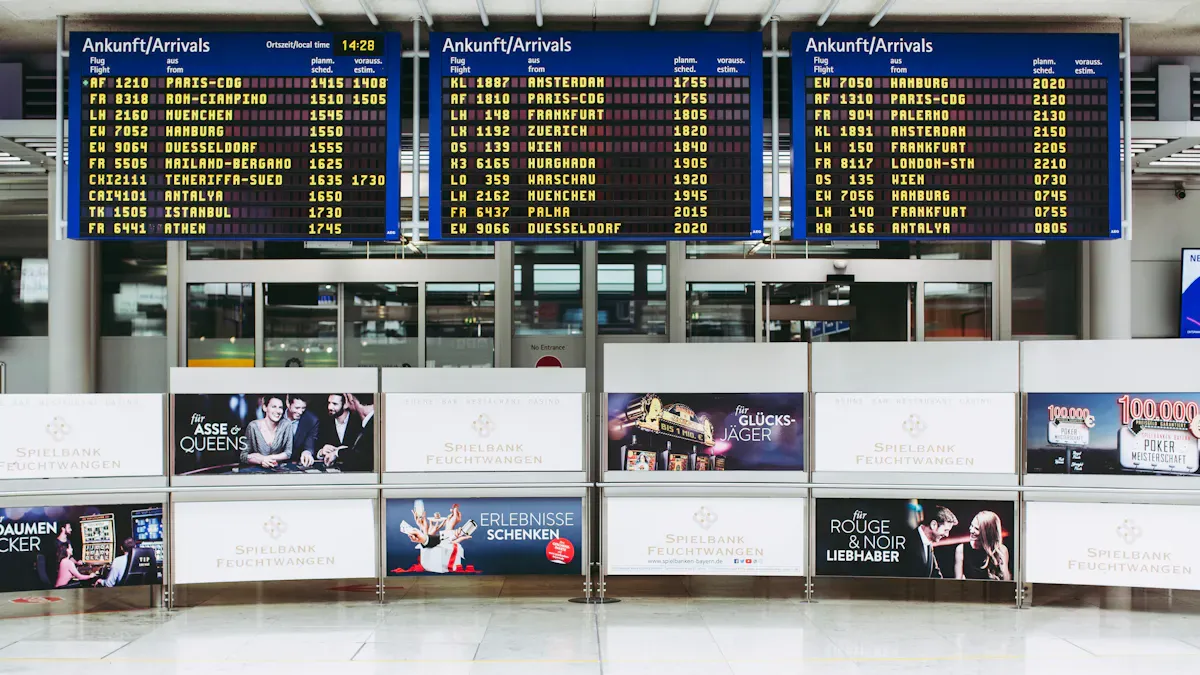
Quick Comparison Table
You want to know how the top digital signage displays compare. This table shows the main features side by side. It helps you choose the best digital signage screen for your business.
Model | Brightness (nits) | Resolution | Durability | Software/OS | Sizes (inches) | 24/7 Use | Special Features | Price Range |
|---|---|---|---|---|---|---|---|---|
Samsung QM Series | 4000 | 4K UHD | IP5X, Overheat | MagicINFO | 49-98 | Yes | Ambient sensor, high brightness | $2,000-$5,000 |
LG UH5F Series | 500 | 4K UHD | Commercial-grade | webOS | 43-98 | Yes | Anti-glare, slim design | $1,500-$4,000 |
Sony BRAVIA Pro | 440-700 | 4K UHD | Energy-saving | Android | 43-98 | Yes | Wide viewing, many sizes | $1,200-$4,500 |
Philips D-Line | 400 | 4K UHD | FailOver | Android/CMND | 43-86 | Yes | Easy remote updates | $1,000-$3,500 |
ViewSonic CDE Series | 350-500 | 4K UHD | Quad-core SoC | myViewBoard | 43-98 | Yes | Wireless casting, video wall | $1,200-$3,800 |
NEC MultiSync M | 500 | 4K UHD | Metal chassis | Intel/RPi ready | 43-86 | Yes | Multi Picture, daisy chain | $1,800-$4,200 |
Sharp PN-HB Series | 350 | 4K UHD | Built-in controller | Sharp software | 43-86 | Yes | Wireless, easy setup | $1,100-$3,200 |
BenQ SL Series | 450 | 4K UHD | 24/7 operation | X-Sign | 43-75 | Yes | Multiple inputs | $1,000-$2,800 |
Dell C Series | 350 | 4K UHD | User-friendly | Dell Display | 43-86 | Yes | Simple interface | $900-$2,500 |
Panasonic SQ1 Series | 500 | 4K UHD | Slim, robust | Android | 49-98 | Yes | Failover, high brightness | $2,000-$4,800 |
Tip: Check brightness and durability first. These are important for digital signage displays in busy or bright places.
Pricing Overview
You want to know how much digital signage solutions cost. Most digital signage tvs are between $1,000 and $5,000 each. The price changes with size, brightness, and extra features. Commercial displays with more brightness and better durability cost more. They last longer and need less fixing.
Here’s a quick list of what you might pay:
Hardware: $500 to $5,000 per display (screen, media player, mounts)
Software: $100 to $1,000 per screen each year (content management tools)
Installation: $200 to $1,000 per display (professional setup)
Maintenance: $100 to $500 per screen each year (updates, repairs)
You may have extra costs, like internet or training. To get the best deal, pick a digital signage monitor that fits your needs and lasts a long time. You save money when you choose the right digital signage solutions from the start.
Best Outdoor Digital Signage Displays
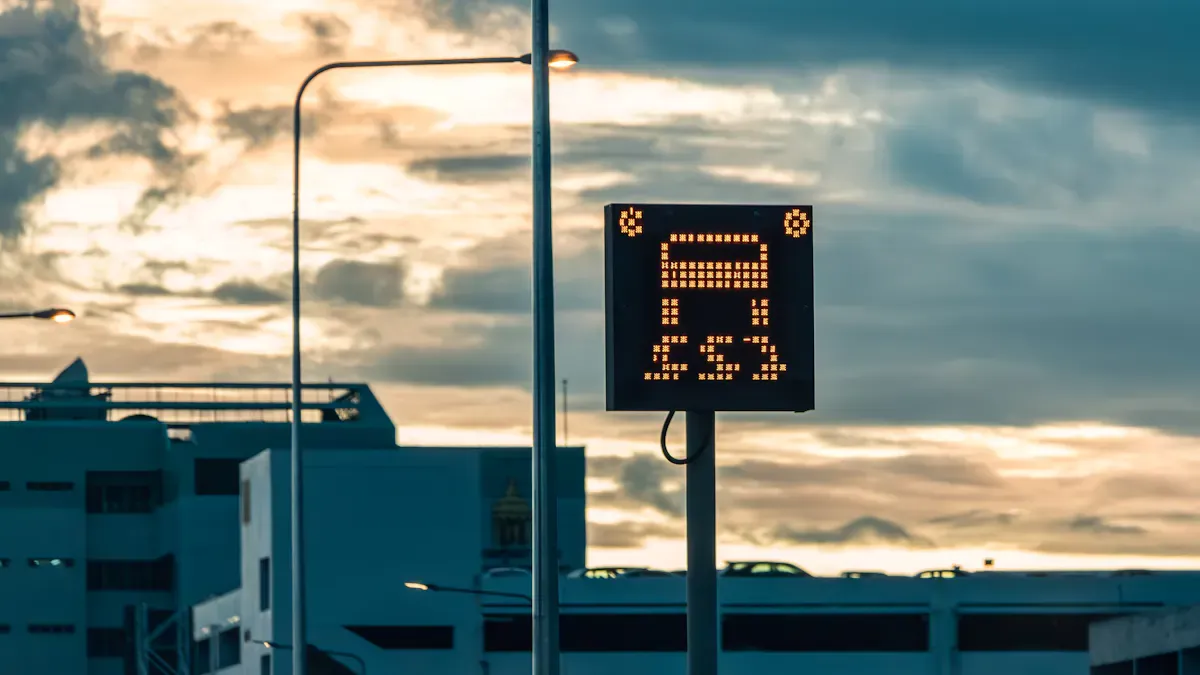
Top Outdoor Models
You want your message to shine outside, even in bright sunlight or rain. Outdoor digital signage makes this possible. In 2026, you have some great choices for outdoor displays. These models stand out for their high brightness and tough design.
Display | Brightness (nits) | 24/7 Rated | Size Range | Best For |
|---|---|---|---|---|
2,000–10,000+ | Yes | Custom modular segments | Storefronts, stadiums, transportation hubs | |
3,000–3,500 | Yes | 46–85 | Bus stops, outdoor kiosks, drive-thrus | |
LG XS4F Series | 4,000 | Yes | 49–55 | Outdoor menu boards, retail windows |
NEC MultiSync XHB Series | 3,000 | Yes | 55–75 | Outdoor malls, public spaces |
LED displays work best for outdoor digital signage. You can build them in custom sizes. They last a long time and stay bright, even in direct sunlight. You see these screens at stadiums, busy streets, and transportation centers.
Tip: If you need a display for a window or a menu board, look for models with at least 1,000 nits of brightness. This keeps your content clear, even on sunny days.
Weatherproof Features
Outdoor digital signage displays face rain, dust, and heat. You want a screen that keeps working, no matter the weather. Here are features you should look for:
Weatherproof design with IP56 rating for dust and water resistance.
Protective glass that stands up to wind, rain, and even snow.
Anti-glare screens for easy reading in sunlight.
Automatic brightness adjustment for changing light.
Built-in cooling and heating systems for hot or cold days.
You see these features in top models like the Samsung OHF Series and LG XS4F Series. These displays keep your message visible and your investment safe.
Outdoor digital signage works well for bus stops, drive-thrus, stadiums, and outdoor malls. You can use them for advertising, directions, or menus. When you compare pricing, remember that outdoor models cost more than indoor screens. You pay for extra protection and higher brightness, but you get a display that lasts and performs in any weather.
Digital Signage Software & Platforms
Platform Compatibility
You want your digital signage to work with any screen. Most top software in 2026 works with all big brands and models. You can use them with Samsung, LG, Sony, Philips, and more. This means you do not need to change screens if your business grows. Many platforms let you control content from your phone or computer. You can update one screen or many at the same time. Some software works for both indoor and outdoor displays. This flexibility helps you save time and money, no matter what kind of digital signage you use.
Tip: Always check if your software works with the screens you want to buy. This helps you avoid problems later.
Leading Software Options
You have lots of choices for digital signage software in 2026. Here are some of the best options:
NowSignage: Works with all digital board displays and professional signage models. People like its easy setup and strong support. Gartner Peer Insights gives it high marks for being reliable.
OptiSigns: Works with most commercial screens and makes content scheduling simple.
Yodeck: Lets you manage many screens from one dashboard. It works with different digital signage screens.
Scala: Gives you advanced control and features for big networks.
Pickcel: Lets you manage screens through a web app. You can use it from anywhere.
ScreenCloud: Works with both digital signage TVs and professional displays. It is known for being easy to use.
AppSpace: Focuses on meeting rooms and talking to your team.
Poster Booking: Good for basic remote control of screens.
Navori: Uses QL Player software to support many hardware types.
NoviSign: Great for smaller networks and easy online management.
You can compare these platforms by features, price, and user reviews. Gartner Peer Insights is a good place to see what other businesses think. Some platforms let you try them for free before you decide.
Note: Look for software that fits your budget and business needs. The right choice makes managing your digital signage much easier.
How to Choose a Digital Signage Screen
Assessing Business Needs
You want your digital signage to help your business. First, think about what you want to show. Also, think about who will see your screens. Ask yourself if you need indoor screens for menus. Or maybe you want touchscreens to help people find their way. If you want people to interact, touchscreens and interactive displays are important.
Here is a simple table to match your needs with the right tools:
Description | |
|---|---|
Digital Signage Software | Lets you design, schedule, and manage your screens. Costs can be one-time or subscription. |
Digital Signage Hardware | Includes screens, media players, and mounts. Quality affects price and performance. |
Content Creation Tools | Use free tools or pro apps like Canva or Photoshop to make your content pop. |
Installation and Maintenance Costs | Plan for setup and regular care. Costs range from $100 to $500 for install. |
You should set clear goals for your digital signage content. Do you want to inform, advertise, or entertain people? Check your messages often to keep them new. If you need a kiosk or want touchscreens, make sure you have enough space.
Tip: Think about bright places. If your screens face sunlight, pick high-brightness models so people can see them.
Budget and Maintenance
You want your screens to last a long time. Commercial-grade displays cost more than digital signage tvs, but they last longer and work better. If you need screens on all day, pick 24/7 models. For shorter hours, 16/7 screens save money. High-brightness screens cost more, but they work well in bright spots.
Here are some ways to save money:
Pick the right operation time for your business.
Compare prices for hardware, software, and installation.
Choose commercial-grade displays for better color and strength.
Plan to clean and update your screens often.
Use remote monitoring to find problems early.
You can follow these steps for easy care:
Clean screens and vents every month.
Check your touchscreen and interactive touchscreens to make sure they work well.
Update software every few months to keep your digital signage solutions safe.
If you take care of your screens, they last longer. Good care means fewer repairs and better results.
Note: The right digital signage screen helps your business grow and keeps your message clear, even in busy or bright places.
You want the best results from your digital signage. Match your screen to your goals and budget. Check this table for quick tips:
Budget Level | Best Choice |
|---|---|
Low | Tablets or basic monitors |
Mid-Range | Commercial-grade TVs |
High | Pro signage displays for tough locations |
Next, follow these steps:
Review the comparison table and expert reviews.
Talk with vendors to find the right fit.
Keep your messages simple and use high-quality visuals for the best impact.
Professional vs Consumer Digital Signage Monitors
The choice between a professional‑grade commercial display and a consumer TV is critical for the long‑term success of any digital signage project. Although they may look similar on the outside, they differ fundamentally in design standards, durability, and commercial features.
📊 Core Differences at a Glance
Feature | Commercial Display | Consumer TV |
|---|---|---|
Designed run time | 16/7 or 24/7 continuous operation | 4–8 hours per day (occasional extended use) |
Typical brightness | 350–700+ nits (high‑brightness models up to 3,000+ nits) | 250–400 nits – not suitable for bright environments |
Expected lifespan (MTBF) | 50,000 – 100,000 hours | Approximately 15,000 – 30,000 hours |
Operating temperature range | Wider, typically -20°C to 50°C | Narrow, typically 5°C to 35°C |
Burn‑in / image retention protection | Advanced anti‑image retention technologies (pixel shift, screen refresh, etc.) | Very limited or none |
Mounting orientation | Natively supports landscape and portrait | Landscape only – portrait operation leads to overheating and failure |
Remote management | Supports RS‑232, LAN, IP remote management | Usually not supported or very limited |
Physical design | Metal enclosure – rugged, VESA mount compatible | Mostly plastic housing – easily damaged |
Connectivity | Rich: HDMI, DP, DVI, RS‑232, USB, etc. | Limited: usually only HDMI and USB |
Commercial warranty | 3–5 years – explicitly covers commercial use | 1–2 years – commercial use may void warranty |
💰 Key 2026 Consideration: Total Cost of Ownership (TCO)
Looking only at upfront price is a classic mistake. In 2026, purchasing decisions must be based on a 3–5 year TCO model.
A $400 consumer TV may need to be replaced multiple times over 3–5 years due to failure. Including opportunity costs from downtime, dimming, and IT repairs, the TCO can exceed $2,000.
A $1,200 commercial display typically requires only one upfront investment. The 3–5 year TCO is often lower than using consumer TVs.
⚙️ 2026 Core Selection Criteria
To make the right choice, focus on these key criteria:
💡 1. Brightness (Nits) – Based on Environment
Standard indoor (office, corridor) → 350–500 nits
Bright indoor (window‑facing, retail store) → 700–1,000 nits
Window‑facing / semi‑outdoor → 1,500–2,500 nits
Outdoor direct sunlight → 2,500–5,000+ nits
🕒 2. Required Run Time
>12 hours per day → Consider commercial display
24/7 continuous operation → Must use commercial display
Portrait orientation → Must use commercial display
📜 3. Warranty Details
Ensure the warranty explicitly covers commercial use and 24/7 operation.
Look for coverage of burn‑in / image retention.
Minimum 3 years warranty recommended.
📋 Use Case Decision Guide
Scenario | Recommendation |
|---|---|
Large chain stores, high‑brand retail | Commercial display – essential investment for professional performance and reliability. |
Temporary / short‑term events, office break rooms, small home studios | Consumer TV – acceptable with understanding of risks. |
Outdoor, window‑facing, QSR with complex lighting | High‑brightness commercial display – mandatory. |
Small to medium business entry‑level projects | Consider entry‑level commercial series (e.g., Sharp MultiSync® E Series) – balance of cost and professional features. |
💎 Summary & Final Checklist
Choosing a commercial display is a strategic investment in long‑term stability and lower operating costs. In 2026, decisions are more complex due to varying scenarios. Use this 5‑question checklist before you decide:
How many hours per day will the screen run?
→ Over 12 hours → CommercialWill the screen be mounted in portrait orientation?
→ Yes → CommercialWill the screen face direct sunlight or strong ambient light?
→ Yes → High‑brightness commercialIf the screen fails, will it severely impact your business?
→ Yes → Commercial + strong service contractDoes the warranty explicitly cover commercial use (24/7, burn‑in, etc.)?
→ Must confirm, otherwise you assume the risk.
Would you like a printable one‑page comparison chart or a TCO calculator template for your next digital signage project?
FAQ
What is the difference between a digital signage monitor and a regular TV?
You get a digital signage monitor built for long hours and tough use. Regular TVs are for home use. Monitors for signage last longer and have features for business needs.
How bright should my digital signage display be?
You want at least 350 nits for most indoor spaces. For bright windows or outdoor spots, pick a screen with 1,000 nits or more. Brightness helps your message stand out.
Can I use any software with my digital signage monitor?
Most commercial monitors work with many software platforms. Always check compatibility before you buy. Some brands have built-in apps, but you can often choose your favorite.
How do I keep my digital signage running smoothly?
Clean your screens often. Update your software when you can. Use remote monitoring if possible. These steps help your displays last longer and work better.
What size screen should I choose?
Think about how far people stand from your screen. For small rooms, 43 inches works well. For large spaces, go bigger. Measure your space before you decide.
See Also
Best Video Wall Digital Signage Options to Consider in 2026
Leading Digital Signage Solutions for Retail in 2026
Latest Innovations in Digital Signage Technology for 2026
Selecting The Perfect LCD Digital Signage For Your Business in 2026
