TFT vs LCD vs LED Monitors Which Display Is Right for You in 2026
Shenzhen TopAdkiosk Display Technology Co., Ltd.
Add.: 2F, Bldg 10, Changfeng Industrial Park, Dongkeng, Fenghuang, Guangming, Shenzhen, China 518132
Mobile/WHATSAPP: 86-138 25769658
Email: marketing@topadkiosk.com topadkiosk@gmail.com
Wechat: adkioskhenry
English Web.: http://www.topadkiosk.com/
https://www.topkioskdisplay.com/
http://www.ad-kiosk.com/
https://www.toplcddisplay.com/
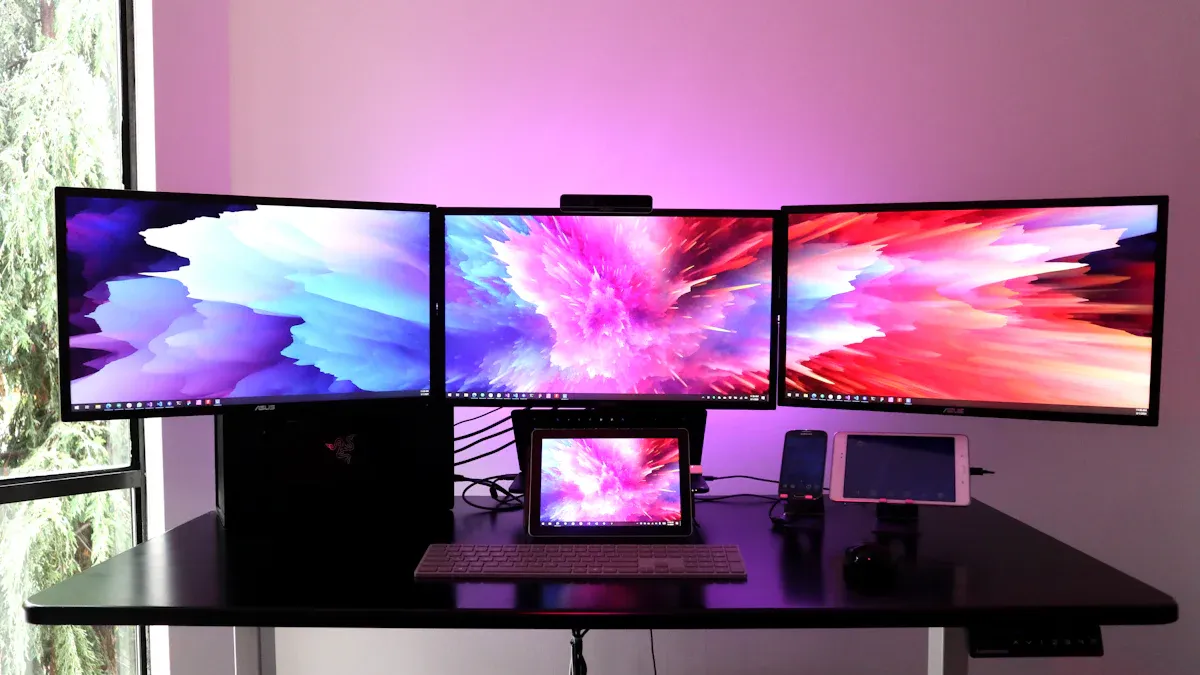
You see display technology in many places. A tft lcd monitor shows clear pictures on your computer, in your car, or at the hospital. The market for these screens is growing quickly. You can see this in the table below.
Market Segment | Projected CAGR | Timeframe |
|---|---|---|
TFT LCD Display | 2026 - 2033 | |
TFT LCD Panel | 5.8% | 2024 - 2030 |
You can find these monitors in lots of things. They are in smartphones, medical tools, and big digital signs. You can learn more at https://www.topkioskdisplay.com/.
Key Takeaways
TFT LCD monitors show bright colors. They react quickly. This makes them good for gaming and design.
LED monitors are thin and light. They use less energy. They are brighter and show colors more accurately.
Think about what you need when picking a monitor. You may want speed for gaming. You may want good colors for design. You may want to save energy for daily use.
For gaming, look for high refresh rates. Also, look for low response times. For work, choose high resolution.
Check the panel type and backlight technology. This helps you get the best performance. It also helps your monitor last longer.
What Is a TFT LCD Monitor?
TFT Technology Explained
When you use a tft lcd monitor, you see clear pictures and bright colors. This happens because of tft technology. TFT means thin-film transistor display. Every pixel has its own transistor and capacitor. This lets you control each pixel by itself. You get faster response times and sharper images than old lcd screens. The pixels are in a grid. Each pixel has three subpixels: red, green, and blue. The transistors change the voltage. This moves the liquid crystals and controls the light. You get exact color and brightness.
TFT LCD Monitor | Standard LCD Monitor | |
|---|---|---|
Technology | Uses thin-film transistors for pixel control | May use passive matrix technology |
Image Quality | Better clarity and color accuracy | Usually lower image quality |
Response Time | Faster because of active matrix design | Slower response times |
Pixel Control | Each pixel has its own transistor and capacitor | Pixels share control |
LCD and LED: How They Relate
You may wonder how tft, lcd, and led work together. An lcd uses liquid crystals to make pictures. A tft lcd uses tft technology to control the crystals. Most tft-lcd monitors use an led backlight. The led lights are behind the lcd panel. They shine through the liquid crystals. This makes the screen brighter and saves energy. You get a thinner and lighter monitor with better color and contrast.
Feature | TFT Display Monitor | LED Monitor |
|---|---|---|
Core Technology | LCD panel with thin-film transistors | LCD panel with LED backlight |
Brightness | Standard | Higher brightness |
Power Usage | Moderate | Lower power usage |
Thickness | A bit thicker | Thinner and lighter |
Color Quality | Great accuracy | Bright, high contrast |
Durability | Good for tough jobs | More fragile in rough places |
Key Features of TFT LCD Monitors
A tft lcd monitor gives you many good things:
Bright colors and a wide color range
Handles graphics and animations very well
Wide viewing angles with true color
Fast response times for smooth motion
High resolution for sharp pictures
Works well for a long time
Most tft lcd monitors in 2026 have Full HD resolution (1920x1080), great color accuracy, and wide 178° viewing angles. You can use a tft lcd for gaming, design, or daily tasks. You will see clear and steady images every time.
Display Comparison: TFT LCD vs LED Monitors
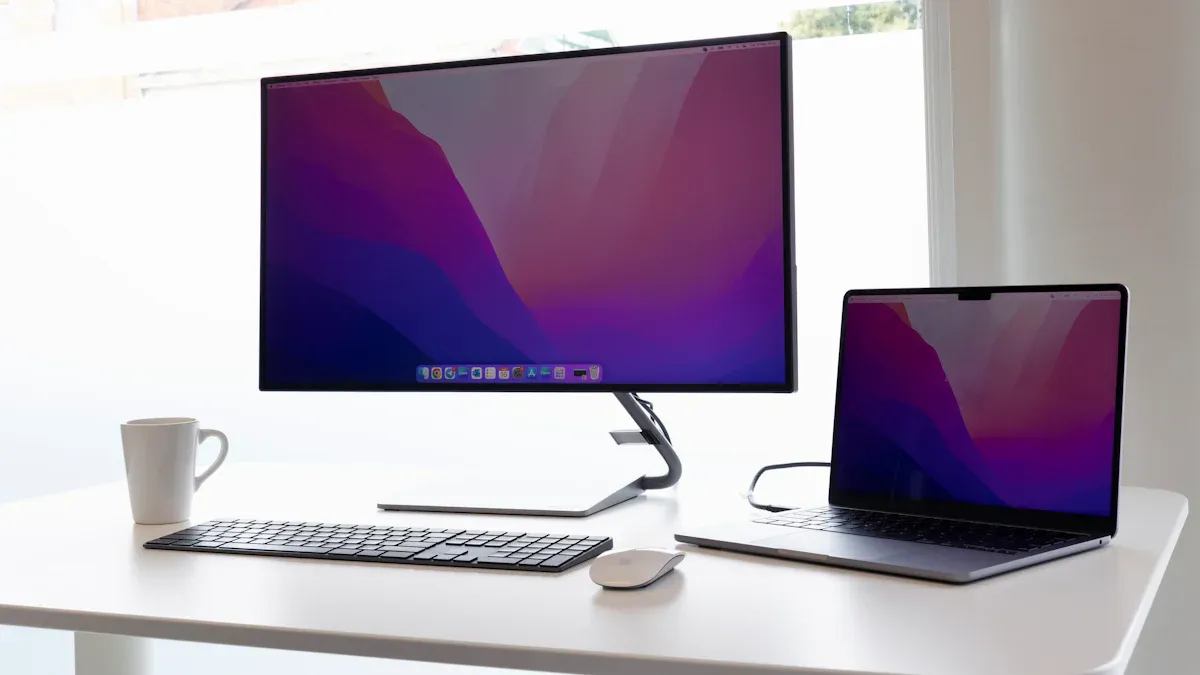
Choosing the right monitor can feel confusing. You see many terms like tft lcd, lcd, and led. You want to know which one gives you the best image quality, uses less energy, and lasts longer. This display comparison will help you understand the differences and make a smart choice.
Image Quality and Color
You care about image quality when you watch movies, play games, or work on photos. The color range and contrast matter a lot. In this comparison, tft lcd monitors with quantum dot technology cover over 100% of the DCI-P3 color space. This means you see more colors and richer shades. Standard tft lcd monitors with CCFL backlights cover about 72% of the NTSC color space. WOLED displays also show over 95% of the DCI-P3 color space and have excellent contrast.
Technology | Color Gamut Coverage | Contrast Ratio |
|---|---|---|
WOLED | Excellent | |
TFT (Quantum Dot) | Over 100% DCI-P3 | Enhanced |
TFT (CCFL) | Around 72% NTSC | Standard |
You see that tft lcd monitors with quantum dots give you the widest color range. They show bright reds, deep blues, and true greens. Led monitors use an lcd panel with an led backlight. This setup boosts brightness and contrast. You get sharper images and better color accuracy. In this display comparison, both tft lcd and led monitors offer great image quality, but quantum dot tft lcd stands out for color.
Brightness and Energy Efficiency
Brightness makes your screen easy to see in any light. Energy efficiency helps you save power and money. In this comparison, tft lcd and led monitors show different results based on their backlight. Monitors with led backlights reach up to 2000 nits of brightness. They use about 8 watts or more. Standard tft lcd monitors reach 400 nits and use about 2.5 watts. Some high-end models reach 1000 nits and use 4 to 6 watts.
Brightness (nits) | Power Consumption (W) |
|---|---|
400 | ~2.5 |
1000 | ~4–6 |
2000 | 8 or higher |
You notice that led monitors shine brighter and use more power at higher settings. Tft lcd monitors with led backlights balance brightness and energy use. You get a bright screen without wasting energy. This comparison shows that led backlights make lcd monitors thinner and lighter too.
Tip: If you want a bright screen for sunny rooms, choose a monitor with a high brightness rating. For lower energy bills, look for energy-saving tft lcd models.
Response Time and Performance
Fast response time means less blur when you play games or watch sports. In this comparison, tft lcd monitors with TN panels reach 1ms response time. This speed is perfect for competitive gaming. IPS panels in tft lcd monitors give you better color but usually have 4ms to 5ms response time. VA panels show deeper blacks but can be slower, sometimes over 6ms.
Response Times for Monitors:
1ms – 3ms: Excellent for competitive gaming.
4ms – 5ms: Great for casual gaming and general use.
6ms – 10ms+: Fine for basic tasks like web browsing or office work.
You want low input lag for quick actions. Tft lcd monitors with fast panels reduce motion blur and keep images sharp. Led monitors use the same lcd technology with led backlights. You get the same fast response if the panel is TN. IPS and VA panels in both tft lcd and led monitors offer a balance between speed and color.
TN panels: Fastest, best for gaming.
IPS panels: Good color, decent speed.
VA panels: Deep blacks, slower response.
This comparison shows that tft lcd and led monitors can both deliver top performance if you pick the right panel.
Lifespan and Durability
You want your monitor to last for years. In this comparison, tft lcd panels last between 30,000 and 60,000 hours. Led backlights last 50,000 hours or more. Some tft lcd monitors have metal casings and glued glass covers for extra protection. They work in tough places, from -20°C to +70°C, and sometimes even wider ranges.
Display Technology | Average Lifespan (hours) |
|---|---|
TFT LCD Panels | 30,000 to 60,000 |
LED Backlights | 50,000 or more |
Feature | TFT LCD | LED Monitor |
|---|---|---|
-20°C to +70°C (up to -40°C to 110°C) | Not specified | |
Protective Features | Metal casing, glued glass cover | Not specified |
Backlight Lifespan | 50,000-100,000 hours | Typically lower than 50,000 hours |
Typical Consumer Lifespan | 20,000 hours (2.5 years) | Not specified |
You see that tft lcd monitors are built for long life and tough jobs. Led monitors, which use lcd panels with led backlights, also last a long time. This comparison shows that both types give you years of use, but tft lcd monitors may offer more durability in harsh settings.
Note: All modern lcd monitors use tft technology. Led monitors are really lcd monitors with led backlights. When you compare them, you look at the backlight and panel type, not just the name.
This display comparison helps you see the strengths of each type. You can now choose the best monitor for your needs, whether you want top image quality, high brightness, fast performance, or long life.
Pros and Cons of TFT Display Monitors
Advantages of TFT LCD
There are many good things about tft lcd monitors. These screens show sharp pictures and bright colors. You get clear images and true colors. This is great for watching videos or playing games. The fast response time helps stop motion blur. Fast scenes look smooth and easy to watch. Tft technology has gotten better over time. Now, these screens cost less than before. You can buy high-quality monitors for a lower price. Here are the main good points of tft lcd:
Great image quality with true colors and strong contrast.
Quick response times help stop motion blur.
Prices are lower because they are cheaper to make.
They work well for games, design, and daily tasks.
You can trust a tft display monitor for work or fun. These advantages make tft lcd a top pick for many people.
Disadvantages of TFT LCD
Tft display monitors have some downsides too. Some tft lcd screens do not look good from the side. Colors and brightness can fade if you are not in front. Older models use more power than other screens. This can drain batteries faster. Sometimes, the backlight is not even. You may see light spots or dark areas. The table below lists the main problems with tft lcd:
Disadvantage | Description |
|---|---|
Viewing Angles | Colors and brightness drop when viewed off-center. |
Power Consumption | Needs continuous power, which can drain batteries in portable devices. |
Backlight Issues | Some panels show uneven lighting or backlight bleeding. |
Black Levels | Struggles to show true blacks, leading to lower contrast than OLED screens. |
Think about these problems before you pick a tft display monitor.
Pros and Cons of LED Monitors
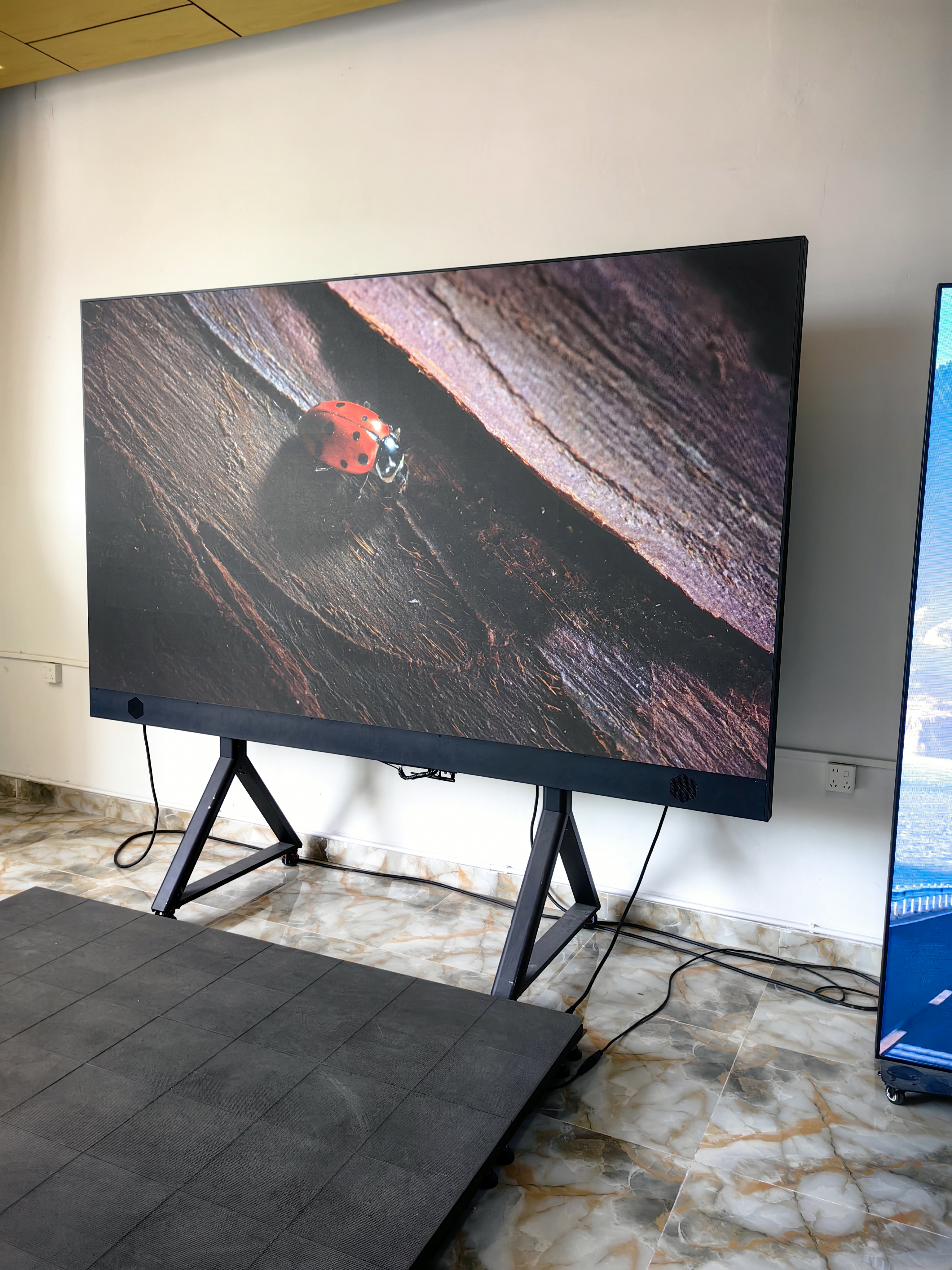
A led monitor uses an lcd panel with an led backlight. This setup gives you some nice benefits. The screen is brighter and colors look better. Led monitors last longer and use less energy. This helps save power and is good for the planet. They are thinner and lighter than most tft lcd screens. Over time, led monitors can save you money. But, they can cost more when you first buy them. Some people see uneven light in dark scenes on led monitors.
Tip: Pick a led monitor if you want to save energy and have a screen that lasts a long time.
Feature | LED Monitor | TFT LCD Monitor |
|---|---|---|
Brightness and Color | Higher brightness, better color accuracy | Good brightness, strong color accuracy |
Energy Consumption | Lower, more eco-friendly | Higher, especially with older backlights |
Lifespan | Longer (~100,000 hours) | Shorter (~50,000 hours) |
Physical Design | Thinner, lighter | Bulkier, heavier |
Cost Comparison | Higher initial cost, lower long-term cost | Lower initial cost, higher energy use |
Both tft lcd and led monitors have good and bad points. Think about what matters most to you before you choose.
Recommendations by Use Case
Gaming and Fast Action
You want a monitor that keeps up with your fast moves in games. A tft display with a TN panel gives you the best speed. TN panels reach response times as low as 1ms. They also support refresh rates up to 240Hz. This means you see every frame and react quickly. Fast response time helps you avoid blur in first-person shooter games. While IPS panels offer better colors, TN panels in tft monitors win for speed. If you play games where every millisecond counts, choose a tft monitor with a TN panel.
TN panels: Fastest response, best for reflex-based gaming.
IPS panels: Better color, but slower response.
VA panels: Good blacks, but not as fast.
Tip: For the smoothest action, look for a tft monitor with a high refresh rate and low response time.
Professional Work and Design
You need sharp images and true colors for design or editing. A tft monitor with an IPS panel works well for this. Many professionals now use 4K or even 8K tft displays. These screens show more detail and help you see your work clearly. Curved and ultra-wide tft monitors are also popular in studios. They give you more space to work and make multitasking easier.
Display Technology | Description |
|---|---|
4K Resolution | Used for ultra-high-definition content and immersive experiences. |
8K Resolution | Offers sharpness and depth for advanced design work. |
Curved/Ultra-wide | Great for multitasking and wide projects. |
A tft monitor with high resolution and wide color range helps you do your best work.
Everyday and Office Use
You want a monitor that balances price and performance for daily tasks. A tft monitor with an IPS panel gives you good color and wide viewing angles. Models like the Asus ProArt Display PA278CGV offer 2560×1440 resolution and a 27-inch screen. You get features like a USB-C port, fast refresh rate, and a KVM switch. These tft monitors work well for office work, web browsing, and video calls. You get clear text and smooth images without spending too much.
Good color accuracy
Fast refresh rate
Easy input management
Budget-Friendly Choices
You want a monitor that fits your budget. Affordable tft and led monitors in 2026 cost between $150 and $350. Monitors under $200 often have full HD resolution and a 60Hz refresh rate. Most budget tft monitors use TN or IPS panels. TN panels cost less but have lower color quality. IPS panels cost a bit more but show better colors. Low-cost led monitors may have issues like backlight bleed or dead pixels. Features like adjustable stands or built-in speakers are rare in this price range.
Price range: $150–$350
Full HD resolution common
Basic features, but good for simple tasks
Note: If you want the best value, compare tft and led monitors for the features you need most.
Future Trends for TFT LCD and LED Monitors
Technology Advancements in 2026
You will see new features in TFT LCD and LED monitors by 2026. Companies want to make screens better and smarter. The table below shows some big changes you can expect:
Description | |
|---|---|
Mini LED Technology | Makes screens brighter and clearer. |
Flexible Displays | Lets you bend or curve screens for comfort. |
Sustainability Initiatives | Uses safer materials and greener ways to help the planet. |
High Refresh Rates | Makes games and videos smoother and faster. |
Integration with AI | Adds smart tools that change settings for you. |
You will see brighter colors and sharper pictures. Screens will be smarter and easier to use. Flexible screens will fit better on your desk or wall. AI will help your monitor change brightness and color for you.
Sustainability and Energy Use
You care about the planet. Monitor makers do, too. They use safer materials and greener ways to build screens. You will see these trends in new monitors:
Companies use parts that can be recycled to cut waste.
Factories use less energy and safer chemicals.
New TFT displays use less power but still show bright images.
You can help the planet by picking a monitor that saves energy and uses green parts.
Longevity and Upgrade Paths
You want your monitor to last a long time. New TFT LCD and LED monitors are made to work for years. Energy-saving features help your screen stay cool and last longer. Many new models let you update software or add smart tools. This means you can keep your monitor up-to-date without buying a new one soon.
Tip: When you shop for a monitor, check for energy ratings and upgrade choices. This helps you save money and keeps your tech ready for the future.
You now know the key differences between TFT, LCD, and LED monitors. Think about what you need most—speed, color, price, or energy savings. Each display type has strengths for different uses. You can pick the best monitor for gaming, work, or daily tasks.
Tip: Check the panel type and backlight before you buy. This helps you get the right screen for your needs.
What Is a TFT LCD Monitor and How Does It Work?
A TFT LCD (Thin‑Film Transistor Liquid Crystal Display) is the most common type of LCD monitor used today. The term “TFT” refers to the active‑matrix technology that controls each pixel individually, resulting in sharper images, faster response times, and better colour reproduction compared to older passive‑matrix LCDs.
In simple terms, a TFT LCD is a flat‑panel display where every pixel has its own tiny transistor switch. These switches are arranged in a grid and control the voltage applied to the liquid crystal at each pixel, allowing precise and fast image updates.
🧠 Core Components of a TFT LCD
A TFT LCD consists of several layers sandwiched together:
Layer | Function |
|---|---|
Backlight | Usually a set of LEDs that produces white light. |
Polarisers (two) | Cross‑oriented filters that control the direction of light passing through. |
TFT glass substrate | Contains the thin‑film transistor array – one transistor per sub‑pixel. |
Liquid crystal layer | Twisted nematic (TN), in‑plane switching (IPS), or vertical alignment (VA) crystals that rotate polarised light when a voltage is applied. |
Colour filter glass | Red, green, and blue (RGB) colour filters aligned with each sub‑pixel. |
Common electrode | Completes the electric circuit across the liquid crystal. |
⚙️ How It Works – Step by Step
Backlight generates white light – The LED backlight shines light through the first polariser, which only allows light waves vibrating in one direction to pass.
TFT array controls each pixel – Each sub‑pixel has a TFT that acts as a switch. When a voltage is applied to the transistor, it creates an electric field across the liquid crystal layer.
Liquid crystals twist or align – Depending on the voltage, the liquid crystal molecules rotate. This rotation changes the polarisation direction of the light passing through them.
Second polariser blocks or passes light – The second polariser is oriented perpendicular to the first. Only light whose polarisation has been rotated by the liquid crystals can pass through. By varying the voltage, the TFT controls how much light reaches each sub‑pixel.
Colour filter creates the image – The light then passes through red, green, or blue colour filters. By combining different brightness levels of the three sub‑pixels, the screen produces millions of colours.
✅ Why TFT Technology Is Superior
Feature | Benefit |
|---|---|
Fast response time | Each pixel updates independently, eliminating ghosting and blur in moving images. |
High contrast and brightness | Direct control over pixel voltage enables deep blacks (for VA) and high brightness. |
Wide viewing angles (IPS/VA) | Advanced liquid crystal alignments preserve colour and contrast even from extreme angles. |
Excellent colour accuracy | Precise voltage control allows fine‑tuned colour reproduction. |
Scalability | TFT arrays can be manufactured for tiny phone screens up to 85″+ TVs. |
🔬 Common TFT LCD Panel Types
Type | Strengths | Weaknesses | Typical Use |
|---|---|---|---|
TN | Very fast response, low cost | Poor viewing angles, mediocre colour | Entry‑level gaming, budget monitors |
IPS | Excellent colour, wide viewing angles | Slightly slower response (still <5ms), moderate contrast | Professional design, office, everyday use |
VA | High native contrast, deep blacks | Slower response (some dark‑level smearing) | Home theatre, immersive gaming |
🆚 TFT LCD vs. Older Passive‑Matrix LCD
Feature | Passive Matrix (e.g., STN) | Active Matrix (TFT) |
|---|---|---|
Pixel control | Row and column drivers, slow response | Individual transistor per pixel, fast |
Crosstalk | High – adjacent pixels interfere | Very low |
Response time | 150–300 ms | 1–10 ms |
Viewing angle | Narrow (<60°) | Wide (up to 178°) |
Image quality | Poor, ghosting | Sharp, clear |
💡 Summary
A TFT LCD monitor uses an active matrix of thin‑film transistors to individually control each pixel’s liquid crystal alignment, modulating light from a backlight to create images. This technology enables fast response, high contrast, accurate colours, and wide viewing angles, making TFT LCD the dominant display technology for computer monitors, TVs, smartphones, and industrial panels.
TFT LCD vs. OLED: A Use‑Case Comparison for Gaming, Design & Outdoor Signage
While OLED is highly regarded in the consumer space, TFT LCD (especially IPS and VA panels) remains indispensable in professional and commercial applications due to its unique strengths. Below is a detailed breakdown across three key scenarios.
🎮 1. Gaming
Aspect | TFT LCD (e.g., Fast IPS or TN) | OLED |
|---|---|---|
Response time | 1ms GTG is mainstream; high‑end Fast IPS can reach 0.5ms. | ~0.03ms – virtually instantaneous, no motion blur. |
Refresh rate | 360Hz, 540Hz and beyond – the choice for professional eSports. | Typically 120Hz–240Hz; models above 240Hz are rare and expensive. |
Burn‑in risk | None. Displaying static HUDs, health bars, or mini‑maps for thousands of hours is fine. | High risk. Static UI elements can cause permanent image retention. |
Dark detail | VA panels offer high contrast (~3000:1) and excellent shadow detail; IPS is slightly weaker. | Infinite contrast, perfect blacks, but may crush near‑black details (“black crush”). |
Price | Excellent value – a good 27″ 1440p 170Hz IPS can be found under $300. | 2–3× the price of comparable LCDs. |
Recommendation | Best for competitive gaming (CS2, Valorant, COD) and any long gaming session. | Great for immersive single‑player AAA titles, but be mindful of burn‑in – avoid static HUDs for many hours. |
Verdict: Hardcore eSports → TFT LCD (high‑refresh Fast IPS/TN). For visual immersion and varied game genres → OLED, but use pixel refresh features.
🎨 2. Professional Design / Content Creation
Aspect | TFT LCD (high‑end IPS) | OLED |
|---|---|---|
Colour accuracy | Hardware‑calibrated IPS can achieve ΔE < 1 and remain stable over years. | Excellent out‑of‑box accuracy, but organic materials age, leading to potential colour drift. |
White uniformity | Very good; consistent across full white screen. | Full‑screen white brightness is lower; power consumption spikes, and colour temperature may be uneven. |
Burn‑in risk | None. Ideal for static toolbars, timelines, guidelines. | High risk. Fixed interfaces (timeline, tool panels) will cause burn‑in over long‑term use. |
Viewing angle & brightness | IPS offers wide 178° angles; high‑brightness models reach 600 nits. | Perfect viewing angles, but brightness is lower (500–800 nits) and high brightness accelerates degradation. |
Lifespan & depreciation | 5–10 years of stable work – a solid long‑term productivity investment. | After 3–5 years, noticeable burn‑in or colour degradation may appear; poor resale value. |
Recommendation | First choice for graphic design, print production, industrial design, UI/UX work. | Suitable for video colour grading / HDR content creation (needs infinite contrast to evaluate blacks), but must vary content frequently to avoid burn‑in. |
Verdict: For static‑UI creative work (80% of design scenarios), TFT LCD is more reliable and cost‑effective. OLED is only recommended for colourists who strictly need to judge black levels and HDR, and they must use pixel shifting and screen savers.
☀️ 3. Outdoor Digital Signage
Aspect | TFT LCD (high‑brightness commercial models) | OLED |
|---|---|---|
Brightness | Outdoor requires 2,500 – 5,000+ nits. TFT LCD achieves this easily. | Mainstream OLED: 500–800 nits; high‑brightness models under 1,500 nits – unreadable in direct sunlight. |
Lifespan & reliability | 50,000 – 100,000 hours; can run 24/7 for years with no burn‑in. | Organic materials degrade quickly under high brightness and heat; static content (ads, info) causes severe burn‑in. |
Operating temperature | -30°C to 70°C; can include heating/cooling systems for extreme climates. | Temperature‑sensitive – high heat accelerates degradation, low temperatures slow response. |
Power consumption | High at peak brightness (e.g., 55″ 3,000 nits ~500W), but auto‑brightness sensors help. | At full‑screen high brightness, power consumption can exceed LCD, plus higher cooling demands. |
Cost | Mature, stable, low cost per nit. | Extremely expensive for outdoor‑rated models; very few options available. |
Recommendation | The only reasonable choice for outdoor billboards, bus stop displays, gas station screens, QSR drive‑thru menu boards. | Essentially unsuitable for outdoor signage. Rare indoor luxury retail windows (no direct sun, frequently changing content) might consider, but not recommended. |
Verdict: Outdoor digital signage must use high‑brightness TFT LCD (or direct‑view LED video walls). OLED has virtually no place here.
💎 Final Summary Table
Use Case | Recommended Technology | Key Reasons | Pitfall to Avoid |
|---|---|---|---|
Competitive eSports / high‑refresh gaming | TFT LCD (Fast IPS / TN) | No burn‑in, refresh rates up to 540Hz, reasonable price. | Avoid using OLED for static‑HUD eSports titles – quick burn‑in. |
AAA / cinematic gaming | OLED | Infinite contrast, immersive experience. | Enable pixel refresh; don't leave static images on screen for long. |
Graphic design / print / UI design | TFT LCD (hardware‑calibrated IPS) | No burn‑in from static interfaces, colour stability, good white uniformity. | OLED timeline/toolbar burn‑in risk is very high – unsuitable. |
Video colour grading / HDR creation | OLED (as reference monitor) | Perfect blacks, essential for evaluating HDR. | Use alongside a TFT LCD for everyday UI work to avoid burn‑in. |
Outdoor digital signage | High‑brightness TFT LCD | 5,000 nits achievable, heat resistant, no burn‑in, long life. | Never use OLED outdoors – invisible in sunlight and rapidly destroyed. |
Indoor signage (mostly static content) | TFT LCD | No burn‑in, low cost, sufficient brightness. | OLED will burn in from static logos/information. |
Indoor signage (mostly dynamic video) | OLED (optional) | Better image quality for premium retail displays. | Only if budget allows and content changes often; still watch for static logos. |
One‑sentence summary: TFT LCD is the versatile, reliable choice for gaming, design, outdoor signage, and most scenarios. OLED is a picture‑quality specialist – recommend only for users with sufficient budget, frequently changing content, and who can accept burn‑in risk.
FAQ
What is the main difference between TFT, LCD, and LED monitors?
You see TFT as a type of LCD technology. LED refers to the backlight used in LCD monitors. Most modern monitors use TFT LCD panels with LED backlights.
Are LED monitors better for your eyes?
You get less eye strain with LED monitors because they offer higher brightness and flicker-free technology. Always use blue light filters for extra comfort.
Which monitor type lasts the longest?
You can expect LED monitors to last longer. They use energy-saving backlights that often work for over 50,000 hours.
Can you use a TFT LCD monitor for gaming?
You can use a TFT LCD monitor for gaming. Choose one with a fast response time and high refresh rate for the best experience.
Do TFT LCD monitors use more power than LED monitors?
You may notice older TFT LCD monitors use more power. Newer models with LED backlights use less energy and save you money.
See Also
Selecting The Perfect LCD Video Wall For Your 2026 Needs
Top LCD Display Kiosks Ideal For Retail Spaces In 2026
Essential LCD Display Innovations To Watch For In 2026
Selecting The Optimal LCD Round Display For Your 2025 Project
