Top Square LCD Screens for Touch and Non-Touch Use in 2026
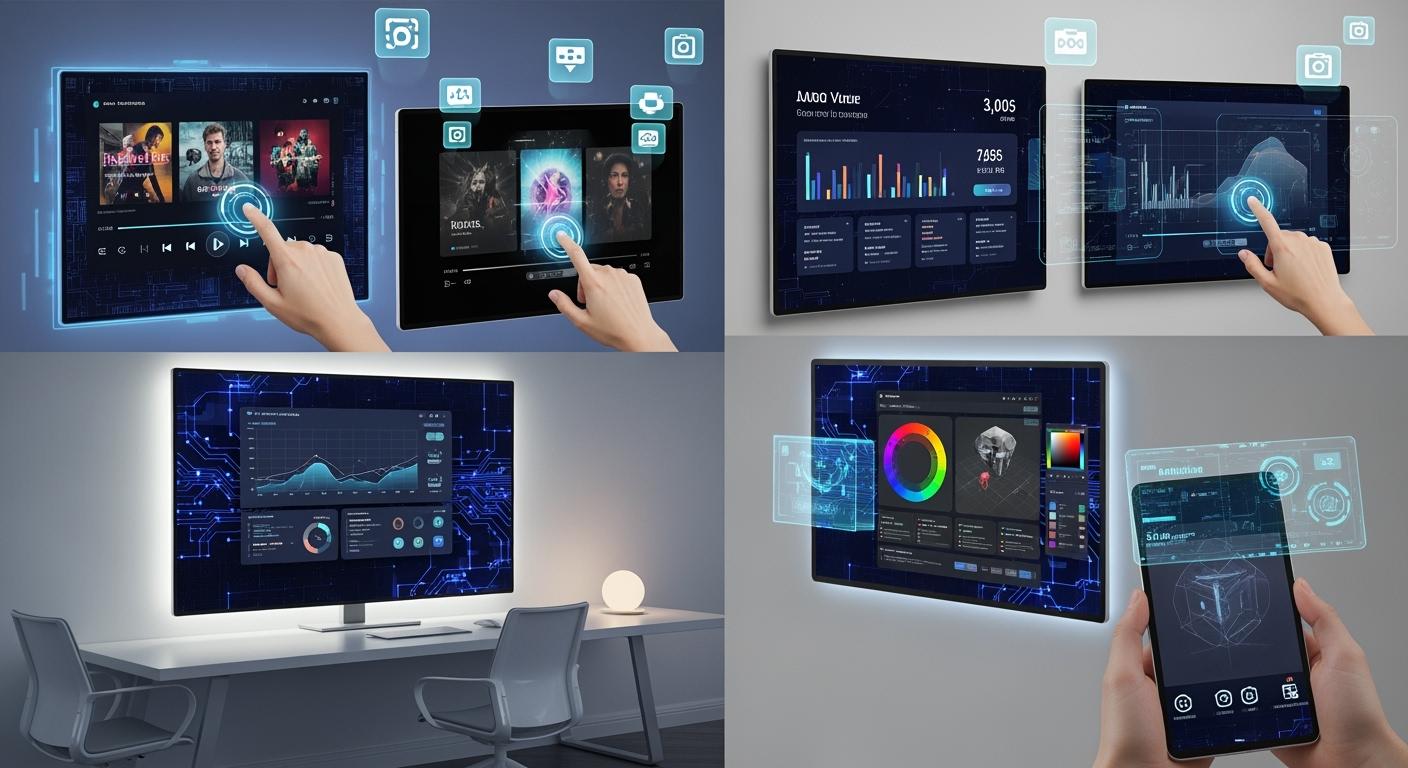
If you want the best square LCD screen touch and non touch choices in 2026, look at the newest models from LG, BOE, and Samsung. Choosing the right screen is important for what you need. You might use it to control smart devices, work with medical tools, or handle audio gear. Here are the main places you will see them:
Shenzhen TopAdkiosk Display Technology Co., Ltd.
Add.: 2F, Bldg 10, Changfeng Industrial Park, Dongkeng, Fenghuang, Guangming, Shenzhen, China 518132
Mobile/WHATSAPP: 86-138 25769658
Email: marketing@topadkiosk.com topadkiosk@gmail.com
Skype: pghenry1
Wechat: adkioskhenry
English Web.: http://www.topadkiosk.com/
https://www.topkioskdisplay.com/
http://www.ad-kiosk.com/
https://www.toplcddisplay.com/
http://www.multitouchdigitalsignage.com/
https://www.youtube.com/channel/UCYVYNJHxLVEcQD8fuUxXNTA/videos?view_as=subscriber
https://www.facebook.com/TOPADKIOSKSHENZHEN/?ref=bookmarks
Sector | Use Cases |
|---|---|
Smart Devices & IoT | smart thermostats, home hubs, locks, IoT pads |
Test & Measurement | waveform viewers, analyzers, meters, diagnostic tools |
Audio Equipment | equalizer layouts, level meters, touchscreen menus |
Industrial HMI | organized menus, icon controls, real-time data, alarms |
Medical & Laboratory | clear icons, grid readouts, color accuracy, compact setups |
Consumer Electronics | media interfaces, icon grids, app menus, visual indicators |
Key Takeaways
Pick the best square LCD screen for what you need. You might use it for smart devices, medical tools, or creative jobs. Think about the resolution and how good the screen looks. A higher resolution gives you sharper pictures. This helps you work better and enjoy using it more. Check if the screen is tough and made well. Good brands like LG, BOE, and Samsung make strong screens. These screens last longer and work better.
Selection Criteria for Square LCD Screen Touch and Non Touch
When you choose a square lcd screen touch or non touch monitor, you need to make sure it works for you. Let’s look at what is most important.
Resolution & Display Quality
You want pictures and words to look sharp. Higher resolution makes images smooth and helps your eyes. If you use your monitor for medical or lab work, you need colors to be right and the display to be clear. Check how many pixels are packed in and the shape of the screen. LG, BOE, and Samsung have IPS screens with high resolution that help you get more done.
Tip: Good resolution makes your screen easy to see, which helps with gaming or office tasks.
Aspect | Description |
|---|---|
Resolution | Higher resolutions make visuals clearer and help your eyes. |
Image Clarity | Sharp images and clear text depend on pixel count. |
User Experience | The right screen shape and resolution make you happier and more productive. |
Durability & Build
You want your monitor to last a long time. Look for screens that are strong and from trusted brands. LG, BOE, and Samsung are known for good products. Pick screens with good color, brightness, and wide viewing angles. Touch screens can get scratched, so strong build is important.
Brand reputation matters
High resolution and color accuracy
Good brightness and contrast
Wide viewing angle
Responsiveness for Touch Screens
Touch screen monitors should react quickly. You want taps and swipes to work right away. Tests check how well taps and swipes work and how fast the screen responds. If you use touch screens for smart devices or controls, fast response is very important.
Test Type | What It Measures |
|---|---|
Tap Tests | How well taps work and repeat |
Swipe Tests | How well swipes work and if they shake |
Reporting Rate Tests | How fast the screen responds |
First Contact Latency | The longest time allowed for a response |
Price & Value
You want to get the most for your money. Big brands like LG, BOE, and Samsung have good quality but may cost more. Compare price, warranty, and service after you buy. Touch screens usually cost more than non-touch screens, but you get more features.
Note: Non-touch monitors often last longer and cost less, but touch screens let you do more.
Compatibility & Connectivity
Check if your monitor connects easily to your devices. Look for HDMI, USB, and wireless options. Make sure your screen works with your system. LG, BOE, and Samsung monitors support many ways to connect, so you can use them for smart devices, audio gear, or industrial setups.
HDMI, USB, wireless support
Works with smart devices and computers
Easy setup for both touch and non-touch screens
Touch screens let you control things directly, but they can scratch and do not give you a physical feel. Non-touch screens are stronger and last longer. You need to pick the monitor that fits your needs, whether you want a touch screen for interactive controls or a non-touch screen for clear display and good color.
Touch Screen Monitors
LG DualUp Square Monitor Review
If you want a monitor that stands out, the LG DualUp square touch screen is a top pick in 2026. You get a 27.6-inch screen with a unique 16:18 aspect ratio. This shape gives you more vertical space, which helps when you work with long documents or need to see more data at once. The resolution is 2560 x 2880 pixels, so everything looks sharp and clear. You will notice the color accuracy right away, thanks to the 98% DCI-P3 color gamut. This means your photos, videos, and graphics pop with true-to-life colors.
Here’s a quick look at the main features:
Feature | Specification |
|---|---|
Size | 27.6-inch |
Resolution | 2560 x 2880 pixels |
Aspect Ratio | 16:18 |
Display Type | IPS LCD |
Color Gamut | 98% DCI-P3 |
Brightness | 300 nits |
Response Time | 5ms |
Speakers | Built-in 7W stereo speakers |
HDMI Ports | 2 |
DisplayPort | 1 |
USB-C Ports | 3 (1 input, 2 output) |
Power Delivery | Up to 96W |
Ergonomic Features | Pivot, Height, Tilt, Swivel |
Special Features | Vertical split view function |
Design | 3-Side Virtually Borderless Design |
You can split the screen vertically, which makes multitasking easy. The ergonomic stand lets you adjust the height, tilt, and swivel, so you stay comfortable all day. The built-in speakers sound great for calls or music. You also get lots of ports, including USB-C, HDMI, and DisplayPort. This monitor supports HDR10, so you see better contrast and brighter colors. If you care about color accuracy and need a flexible workspace, the LG DualUp is a smart choice.
BOE Touch Screen Model Review
BOE’s touch screen monitors have become popular for their high performance and strong build. You will notice the smoothness right away, especially if you use the 16-inch Ultra-S model. This monitor has a 240 Hz refresh rate, which means fast-moving images look clear and smooth. If you like gaming or need quick response for design work, this display will impress you.
BOE focuses on durability and energy efficiency. Their touch screens last a long time and use less power, which saves you money. You get reliable color accuracy, so your work looks just right. These monitors work well in labs, offices, and even for creative projects. You can trust the build quality, and the integration with other devices is simple.
High refresh rate for smooth motion
Strong build for long-term use
Energy efficient to lower costs
Accurate colors for design and research
Easy to connect with other devices
If you want a monitor that keeps up with fast tasks and stays reliable, BOE’s touch screen models are a great pick.
Samsung Touch Screen Model Review
Samsung’s square touch screen monitors give you a bright, clear display with strong color accuracy. You get a screen that works well for both work and play. The resolution is high, so text and images look sharp. Samsung uses advanced IPS LCD panels, which means you see true colors from any angle.
You will find these monitors easy to set up. They come with HDMI, USB, and wireless options, so you can connect to almost any device. The touch response feels quick and smooth, which helps when you use apps or control smart devices. Samsung also designs their monitors to look modern, with slim borders and a clean finish.
High resolution for sharp images
Fast touch response for smooth use
Wide viewing angles for group work
Modern design fits any space
Multiple ports for easy connections
If you want a monitor that looks good and works fast, Samsung’s touch screen models are a solid choice.
Pros & Cons of Touch Screens
Touch screens make your work feel more interactive. You can tap, swipe, and drag right on the screen. This makes tasks like drawing, editing, or controlling devices much easier. You do not need a mouse for many actions.
Pros:
Direct control with your fingers
Faster for some tasks
Great for creative work and smart devices
Easy to use for kids and new users
Saves desk space by removing extra devices
Cons:
Can get fingerprints and smudges
May scratch if not careful
No physical feedback like buttons
Sometimes cost more than non-touch screens
Can be tiring for long use
You need to think about how you will use your monitor. Touch screens are fun and flexible, but they need care to stay clean and scratch-free.
Best Use Cases for Touch Monitors
You will see square touch screen monitors in many places. Labs and research centers use them for data entry and experiments. These monitors help you work faster and make fewer mistakes. In schools and universities, touch screens make learning more interactive. You can move things around, draw, and explore ideas right on the screen.
Touch screens also work well in smart homes. You can control lights, locks, and thermostats with a tap. In music studios, you can adjust levels and effects quickly. If you like gaming, a touch screen gives you new ways to play. You can tap and swipe for fast moves.
Tip: Touch screens help you save space and keep your desk tidy. You do not need a mouse or extra buttons.
You get the most out of a square lcd screen touch and non touch setup when you match the monitor to your needs. Touch screens shine in creative, scientific, and smart device settings. They make your work faster, your games more fun, and your space more modern.
Non-Touch Monitors
LG Square LCD Non-Touch Review
You want a monitor that shows clear pictures and works well. The LG square LCD non-touch monitor is a top choice in 2026. It has sharp resolution and a strong build. LG uses an IPS LCD panel for wide viewing angles and steady color. The screen is 24 inches and square. It has a 1920 x 1920 resolution, so words and images look clear. This monitor is good for office work, coding, and some photo editing.
LG’s non-touch model is simple to use. You do not worry about fingerprints or scratches. The matte finish cuts down glare, so your eyes do not get tired. You get HDMI, DisplayPort, and USB-C ports. It is easy to connect to your laptop or desktop. The monitor uses little power, so you save on electricity. LG is known for quality, so this screen should last for years.
Tip: If you read, use spreadsheets, or design, LG’s square LCD non-touch model gives you a comfy and steady display.
BOE Non-Touch Model Review
BOE’s non-touch monitors are liked by people who want high resolution and low energy use. The 22-inch BOE square LCD screen has a 2048 x 2048 resolution. You see every detail in your work. BOE cares about color accuracy, which helps with graphics or seeing true colors. The screen uses advanced LCD tech to keep images sharp and colors bright.
BOE’s non-touch monitor stays cool and uses less power than many others. This is good for long work times or when you use more than one monitor. The display works right away with Windows, macOS, and Linux. You do not need to install extra drivers. The strong frame and matte coating help the monitor last, but clean it with a microfiber cloth to keep it nice.
High resolution for clear images
Low power use saves energy
Good color for design and research
Easy to set up with most computers
If you want a monitor that works well and saves power, BOE’s non-touch model is a good choice.
Samsung Non-Touch Model Review
Samsung’s non-touch square LCD monitor gives you a bright, clear screen and a modern look. The 21.5-inch screen has a 1920 x 1920 resolution. It is great for work and fun. Samsung’s LCD panel gives good color and quick response, so you can use it for video, spreadsheets, or light gaming.
The design is slim and fits any desk. The monitor has HDMI and USB-C ports. You can connect it to almost any device. Samsung’s non-touch model uses little power, so your laptop battery lasts longer if you use it as a second screen. The matte finish keeps glare low, so you can see the screen in bright rooms.
Sharp resolution for clear text and pictures
Wide viewing angles for group work
Modern look with slim borders
Works with many devices
Samsung’s non-touch monitor gives you a steady and stylish screen for daily use.
Pros & Cons of Non-Touch Screens
You may wonder why many people pick non-touch monitors. They are simple and work well for many jobs. Here is what people like and do not like about non-touch square LCD screens:
Pros | Cons |
|---|---|
Pixel density is limited: even 1920×1200 on 10.1″ is sharp, but not retina-level for lots of text; | |
No extra work for your laptop’s display controller; | Not many models have HDR, adaptive sync, or hardware calibration; |
Low power use (about 3–6W), so your laptop battery lasts longer; | Built-in speakers are not great—good for alerts, not music or movies; |
Works with Windows, macOS, ChromeOS, Linux, and Android (with USB-C DP Alt Mode). | Matte coatings wear out faster than glass; clean with microfiber only. |
These monitors are easy to set up and work with almost any system. Low power use helps if you want two screens. You do not worry about GPU strain or tricky drivers. But some screens do not have the best pixel density or features like HDR. Built-in speakers are just for alerts, not for music or movies.
Best Use Cases for Non-Touch Monitors
Non-touch monitors are great in many places. You might use them for office work, coding, or reading. The square shape gives you more space up and down, which helps with spreadsheets and documents. If you need a second monitor for your laptop, a non-touch screen is easy to set up and does not use much battery.
You will see these monitors in test labs, audio studios, and control rooms. The clear screen and good color help with editing and data work. Non-touch screens are also good in schools and libraries. They are simple and strong, so anyone can use them.
Note: If you want a monitor that lasts, uses little power, and shows a clear picture, a non-touch square LCD screen is a smart pick.
You get the most when you pick a monitor that fits your needs. Non-touch models give you a steady, easy-to-use screen for work, study, and creative projects. If you want both touch and non-touch, you can mix them to get the best of both.
Square LCD Screen Touch and Non Touch Comparison
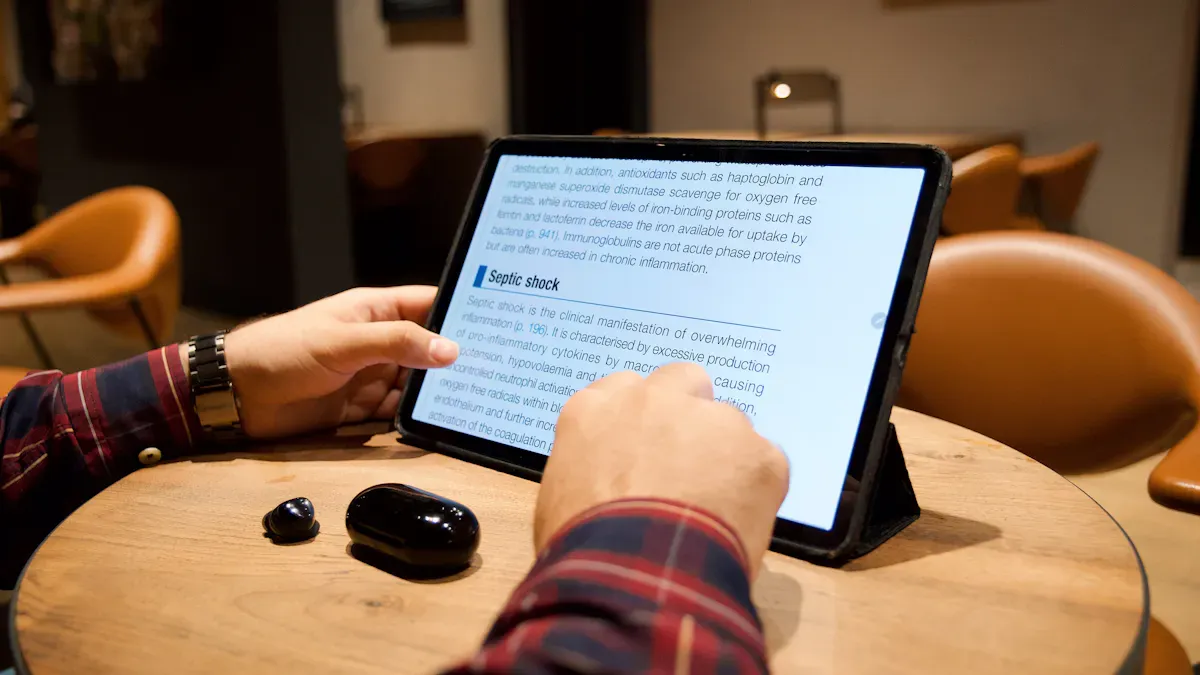
Specs Table
You want to see how each monitor stacks up. Here’s a quick table that shows the main specs for all the square LCD screen touch and non touch models we reviewed:
Monitor | Type | Size | Resolution | Display Type | Color Accuracy | Ports | Special Features |
|---|---|---|---|---|---|---|---|
LG DualUp | Touch | 27.6" | 2560 x 2880 | IPS LCD | 98% DCI-P3 | HDMI, USB-C, DP | Vertical split, HDR10 |
BOE Ultra-S | Touch | 16" | 2560 x 2560 | IPS LCD | 95% sRGB | HDMI, USB | 240Hz refresh, durable |
Samsung Touch | Touch | 21.5" | 1920 x 1920 | IPS LCD | 99% sRGB | HDMI, USB, Wireless | Slim design, fast touch |
LG Square LCD | Non-Touch | 24" | 1920 x 1920 | IPS LCD | 96% sRGB | HDMI, USB-C, DP | Matte finish, low power |
BOE Non-Touch | Non-Touch | 22" | 2048 x 2048 | IPS LCD | 97% sRGB | HDMI, USB | Energy efficient |
Samsung Non-Touch | Non-Touch | 21.5" | 1920 x 1920 | IPS LCD | 98% sRGB | HDMI, USB-C | Slim, wide angles |
Performance & Value
You want a monitor that fits your daily needs. Touch screens give you fast control for smart devices, creative work, and gaming. You can tap, swipe, and drag with ease. Non-touch screens work best for reading, coding, and long work sessions. They last longer and need less cleaning.
If you care about color accuracy, the LG DualUp and Samsung models stand out. These screens show true colors for photos, videos, and design. BOE’s monitors shine with high refresh rates, which help with gaming and fast-moving tasks. You get smooth motion and sharp images.
For value, non-touch monitors cost less and use less power. They make sense if you want a simple display for work or study. Touch monitors cost more, but you get more ways to interact with your screen. If you want a modern setup, mix both types. You can use a touch monitor for creative tasks and a non-touch monitor for steady work.
Tip: Think about how you use your monitor every day. Pick the screen that matches your style, whether you love gaming, design, or just want a clear display for reading.
Monitor Buying Guide
Choosing Between Touch and Non-Touch
Think about how you will use your monitor each day. First, look at what you do most. If you want to touch the screen, pick a touch monitor. You can tap, swipe, and drag things on the display. This is good for smart home controls and creative work. It also helps if you like a hands-on user interface.
If you do not need to touch the screen, get a non-touch monitor. These monitors last longer and are easier to keep clean. Always check the aspect ratio so you do not lose screen space. Make sure your monitor has a real industrial label for good performance. Do not use post-factory touch overlays. They can make the screen less clear and slower to use. Think about where you will use your monitor. Dust, sunlight, and shaking can change how well your monitor works.
Application-Based Recommendations
You need the right monitor for your work. Here is a simple guide:
Application | Recommended Monitor Type | Key Features |
|---|---|---|
Gaming | Touch or Non-Touch | High resolution, fast response, wide interface |
Design/Creative | Touch | Accurate color, smooth user interface, IPS panel |
Business/Office | Non-Touch | Sharp text, low power, simple interface |
Public Spaces | Touch | Bright display, strong durability, easy interface |
Labs/Industrial | Non-Touch | Reliable, easy to clean, strong durability |
Monitors like the Squarepixel series are bright and save power. They are good for digital signs, buses, and big halls. IPS technology gives you wide angles and true colors. This helps with design and group work.
Tips for Getting the Best Deal
You want to save money and get a good monitor. Try these tips:
Measure your desk before you buy a monitor.
Check if your device works with the monitor’s resolution and interface.
Look for sales or bundles from brands you trust.
Compare the warranty and after-sales service.
Try the user interface in the store if you can.
Pick a monitor with the right ports, like HDMI or USB-C, for easy setup.
Tip: Match the monitor’s features to what you do every day. A good user interface and strong build help you work better and keep your monitor working longer.
You have great options for square LCD screens in 2026.
For creative work or smart controls, try LG DualUp or BOE Ultra-S touch screens.
For steady office tasks, LG and Samsung non-touch models shine.
Always check specs, brand trust, and your needs before you buy!
FAQ
What is the main difference between touch and non-touch square LCD screens?
Touch screens let you tap and swipe right on the display. Non-touch screens only show images. You use a mouse or keyboard to control them.
Can I use a square LCD monitor for gaming?
Yes! You can use both touch and non-touch square LCD monitors for gaming. Touch screens give you new ways to play. Non-touch screens work great for classic games.
How do I clean my square LCD screen safely?
Use a soft microfiber cloth. Gently wipe the screen. Avoid using harsh cleaners or too much water. This keeps your screen clear and scratch-free.
See Also
Top Touch Screen LCD Kiosks Available in 2026
Leading LCD Kiosks for Retail Spaces in 2026
New Developments in Interactive Display Technology for 2026
