8 Key Benefits of Selfservice Kiosks for Modern Businesses
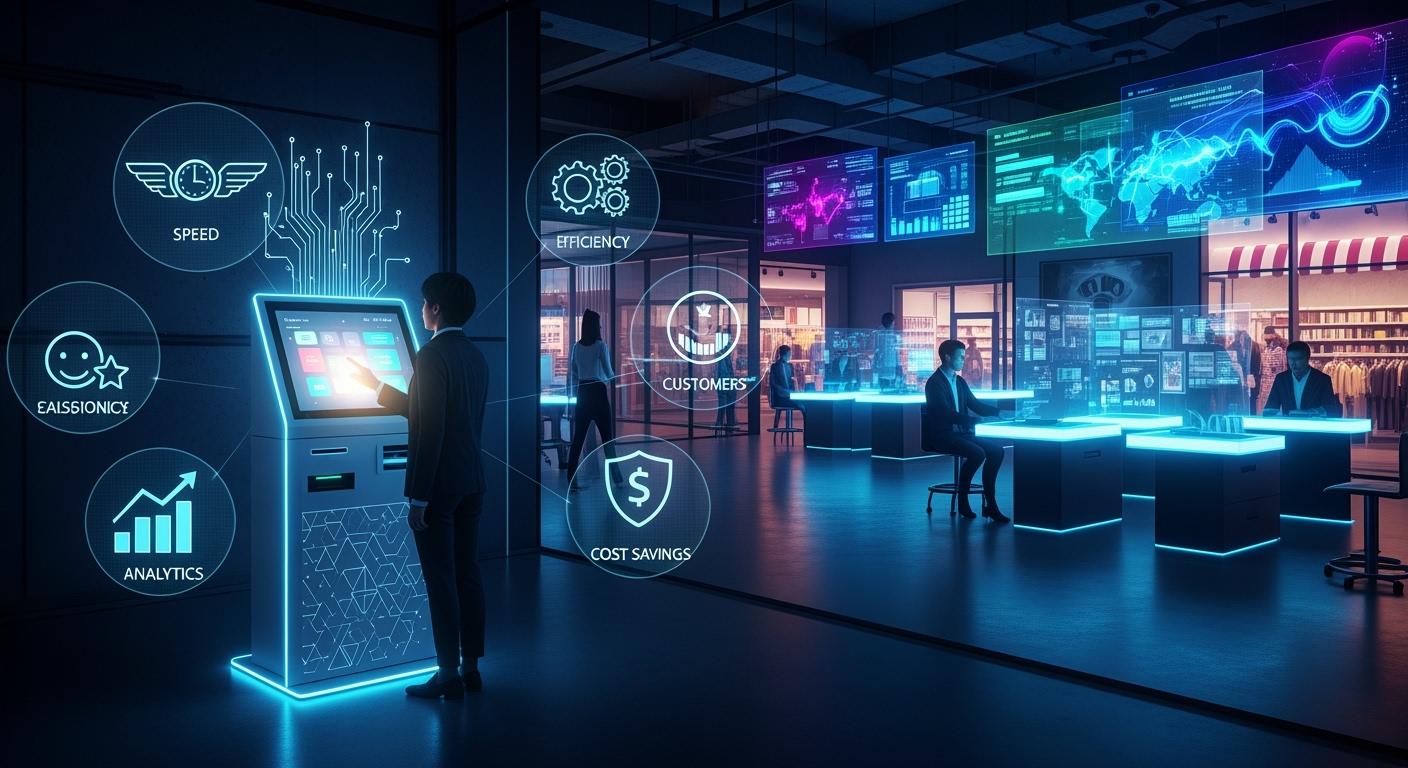
You get strong business benefits when you use self-service kiosks in your store or restaurant. A self-service kiosk is a digital spot where customers can order, pay, or get information without help from staff. These tools help you serve more people at the same time. They also help lower mistakes and increase sales. Many companies make more money because kiosks make service faster and easier. Selfservice Kiosk solutions bring in tech-savvy customers and let your team give better customer care.
Shenzhen TopAdkiosk Display Technology Co., Ltd.
Add.: 2F, Bldg 10, Changfeng Industrial Park, Dongkeng, Fenghuang, Guangming, Shenzhen, China 518132
Mobile/WHATSAPP: 86-138 25769658
Email: marketing@topadkiosk.com topadkiosk@gmail.com
Skype: pghenry1
Wechat: adkioskhenry
English Web.: http://www.topadkiosk.com/
https://www.topkioskdisplay.com/
http://www.ad-kiosk.com/
https://www.toplcddisplay.com/
http://www.multitouchdigitalsignage.com/
https://www.youtube.com/channel/UCYVYNJHxLVEcQD8fuUxXNTA/videos?view_as=subscriber
https://www.facebook.com/TOPADKIOSKSHENZHEN/?ref=bookmarks
Key Takeaways
Self-service kiosks make transactions faster. They cut wait times by up to 40%. This helps businesses serve more people quickly.
Kiosks help make orders more accurate. Customers enter their choices themselves. This means fewer mistakes and less food wasted.
Using kiosks can lower labor costs. Fewer workers are needed. Employees can do harder jobs and help customers more.
Kiosks make things better for customers. They give convenience and let people order how they want. Customers do not feel rushed.
Kiosks give real-time data to businesses. This helps them make smart choices. They can change menus and improve service for customers.
Benefits of Self-Service Kiosks: Efficiency
Faster Transactions
You want your restaurant to be fast. Self-service kiosks help you serve people quicker. Customers can order right away on the kiosk. They do not need to wait for a worker. This makes service faster and lines shorter.
A study in the UK found wait times dropped by 21% in three months when restaurants used self-service kiosks.
Self-ordering can make order time up to 50% shorter.
Kiosks help stop long lines, even when it is busy.
Customers can look at the menu as long as they want, so things keep moving.
With self-ordering kiosks, you can help more people in less time. Your restaurant can handle busy times without making people wait.
Streamlined Operations
Self-service kiosks do more than make things fast. They help your restaurant work better. When you use self-ordering, customers control their own orders. This means fewer mistakes and your team can do other important jobs.
Benefit | Explanation |
|---|---|
Reduced Wait Times | Many kiosks let guests order at once, so you do not get stuck during busy times. |
Improved Order Accuracy | Guests choose their own food, so orders are right and clear. |
Staff Reallocation | Staff can help with special needs or work in the kitchen instead of taking every order. |
Enhanced Guest Control | Guests can change their meals, which makes them happy. |
Consistent Upselling | Kiosks always suggest extras, so you can sell more. |
Valuable Data Collection | Kiosks keep track of what guests like, so you can make your menu and ads better. |
Self-ordering kiosks help your restaurant run smoother. Staff can cook or help guests, not just take orders. You get better flow, fewer mistakes, and happier customers. Self-service kiosks make your business ready for busy times and more efficient.
Lower Labor Costs with Selfservice Kiosk
Reduced Staffing Needs
You want to keep your business running smoothly while saving money. A selfservice kiosk helps you lower labor costs by reducing the number of staff you need. Many restaurants and stores have seen big savings after adding kiosks. For example:
A ramen restaurant with three locations cut one job at each site and saved $1,050 every week.
A burger restaurant saved $499 each week by using kiosks.
You can use fewer employees during busy times because kiosks handle many orders at once.
When you use kiosks, you do not need as many people to take orders or answer simple questions. This means you can lower labor costs and still serve your customers well.
Staff Focus on High-Value Tasks
Kiosks do more than just save money. They let your team focus on important jobs. When kiosks handle routine tasks like check-in or filling out forms, your staff can help customers with special needs or solve problems. This makes your service better and helps your team feel more valued.
Kiosks take care of simple jobs, so staff can spend time on complex requests.
Your employees do not have to watch the front desk all the time, which means fewer interruptions.
In a busy clinic, kiosks cut front-desk work by 30%. Staff could then help older patients and fix appointment issues faster.
By using kiosks, you lower labor costs and make your team more effective. Your staff can focus on what matters most—helping customers and growing your business.
Order Accuracy and Privacy
Fewer Errors
You want every order to be correct. Self-service kiosks help with this. Customers put in their own choices. This means fewer mistakes happen. Sometimes staff mishear what people want. Kiosks let customers pick exactly what they want. This stops confusion.
Customers enter their own orders, so there is less chance for mistakes.
When people choose items themselves, staff do not write down the wrong thing.
There are fewer errors, so less food gets wasted and less time is spent fixing problems.
Kiosks let customers check their choices before finishing, so they can spot any issues.
Note: Accurate orders make customers happy and help your team do a better job. You save money and time because you do not have to fix orders or throw away food.
Enhanced Customer Control
Self-service kiosks give customers more control. People can look at the menu as long as they want. They can check details and change their order before paying. This makes them feel comfortable and sure about their choices.
Customers can ask for extra toppings or no onions without feeling rushed.
They can check and change their order as many times as they want.
Privacy gets better because customers do not have to say their choices out loud.
Kiosks also help keep customer privacy safe. People feel better entering private information or making special requests. This gives them a nicer experience and helps them trust your business.
Customer Experience Enhancement
Convenience and Personalization
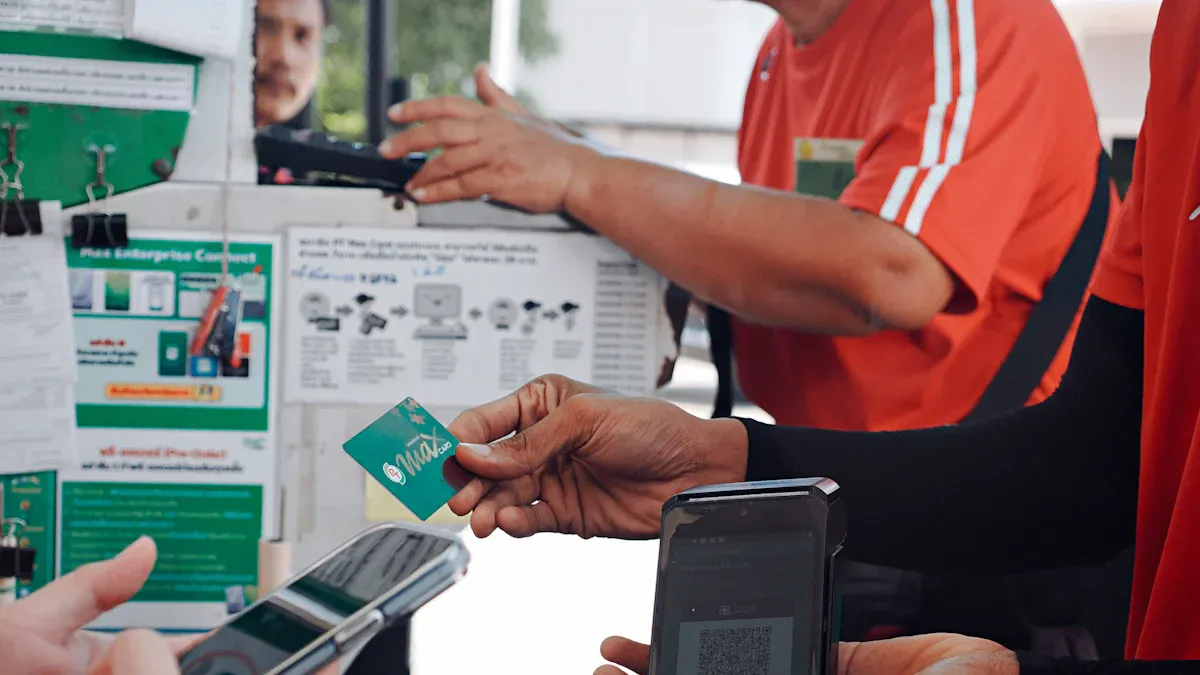
You want your visit to be easy and special. Self-service kiosks help make this happen. You can order at your own speed. There is no need to wait for staff. You do not feel rushed. You can look at the menu and see all the choices. You can change your order before you pay. This gives you more control over what you pick.
Modern kiosks use data to improve your visit. They remember what you like to order. Kiosks can suggest things you might enjoy. Some kiosks work with mobile apps. You can start your order on your phone. Then you finish it at the kiosk. This makes your visit smooth and personal.
Tip: Kiosks give you ideas based on what you ordered before. This helps you find new things you like and saves time.
Here is how kiosks make your visit personal:
Feature | Benefit |
|---|---|
Personalized recommendations | You see items you might like |
Kiosks show your favorite things | |
Seamless app integration | You can order from anywhere |
Shorter Wait Times
No one likes to wait in long lines. Self-service kiosks help you get what you want faster. You can order right away, even if it is busy. This means you wait less and enjoy your food or shopping more.
Studies show kiosks can make order times up to 40% faster. Restaurants can help more people when it is busy. Faster service makes customers happy. It also helps the business serve more guests. You get your food quicker, and the restaurant can seat more people.
Metric | Improvement |
|---|---|
Order time reduction | Up to 40% faster |
Service capacity | More customers served during busy times |
Customer happiness | More people are happy and come back |
Self-service kiosks make your visit fast and easy. You leave happy because you get quick, correct service every time. This extra speed and control make your visit better.
Upselling and Increased Revenue
Automated Upsell Prompts
You want your restaurant to make more money. Self-ordering kiosks help with this. They use automated upsell prompts. These prompts show customers extra items or upgrades. The kiosk always suggests a side, drink, or dessert. This gives every order a chance to earn more.
Tip: Automated suggestions work well. They match what the customer already wants. People are more likely to add items when they see them at the right time.
Here is how these features help your restaurant:
Feature | Benefit |
|---|---|
Automated suggestions | Kiosks suggest add-ons based on what customers pick. This increases the chance of extra purchases. |
Your staff may forget to upsell when it is busy. A self-ordering kiosk always shows the right options. This means you get more chances to make extra money with every order.
Higher Average Sales
Self-ordering kiosks do more than speed up service. They help your restaurant grow by raising the average sale per customer. When you use a kiosk, every guest gets the same upsell experience. This leads to more consistent results.
Evidence | Description |
|---|---|
Kiosks can lead to a big increase in upsell volume. This happens because they always show upgrade choices. | |
Automated upselling through kiosks can raise the average order value. This helps your sales go up. |
Restaurants that use self-ordering kiosks often see customers spend 20-30% more. Improved customer flow means you can serve more people in less time. Faster table turnaround helps your restaurant welcome more guests each day.
Benefit | Impact on Revenue |
|---|---|
Improved customer flow | Lets you serve more people |
Upselling prompts | Customers spend 20-30% more on average |
Reduced wait times | Tables turn over faster |
You can see how self-ordering makes a difference. Your restaurant earns more, serves more people, and gives every guest a better experience. These results show why many restaurants now use self-ordering kiosks to boost their business.
Data Collection and Insights
Real-Time Analytics
You can use Selfservice Kiosk systems to collect data every minute. These kiosks track what customers do, what they buy, and how long they spend at each step. This information helps you see patterns in customer behavior. You can spot which menu items sell best and which times are busiest.
Here is how real-time analytics from kiosks help your business:
What You Track | How It Helps Your Business |
|---|---|
You learn what people like and how they use the kiosk. | |
Service times | You see how long each order takes, so you can speed things up. |
Peak ordering times | You know when to add more staff or prepare more food. |
Popular menu items | You can change your menu to fit what customers want. |
You can use this data to make quick changes. For example, if you see a long wait time, you can add more staff. If one item sells out fast, you can order more for next time. Real-time insights let you fix problems before they grow.
Tip: Use Selfservice Kiosk data to adjust your promotions. You can show special deals during slow hours to boost sales.
Informed Decision-Making
Selfservice Kiosk data gives you the facts you need to make smart choices. You do not have to guess what works. You can see the results right away. This helps you plan better and save money.
Data Insight | Business Benefit |
|---|---|
Menu optimization | You keep the best-selling items and remove slow ones. |
Staffing and scheduling | You match staff levels to busy times, cutting costs. |
Inventory planning | You order the right amount of food or products. |
You offer what people want, making them happier. |
When you use data from Selfservice Kiosk systems, you can improve your service every day. You can test new ideas and see what works best. This leads to better customer experiences and higher profits.
Note: Real-time data helps you stay ahead of problems and spot new trends before your competitors do.
Scalability of Self-Service Kiosks
Easy Expansion
You want your business to grow without slowing down. Selfservice Kiosk systems make it simple to expand. You can add new kiosks quickly when you open a new location or see more customers. This helps you keep up with demand and avoid long lines.
Kiosks improve customer flow and reduce pressure on your staff in busy areas.
You can deploy kiosks fast in new locations, which is perfect when your business needs to scale up.
Many businesses move kiosks from inside to outside to support online delivery and takeout. This flexibility helps you meet changing needs.
During busy times, like holidays, you can add more kiosks to handle extra customers.
Tip: Selfservice Kiosk solutions let you grow at your own pace. You do not need to make big changes to your store or hire lots of new staff.
A table can help you see how easy expansion works:
Scenario | How Kiosks Help |
|---|---|
New store opening | Quick setup for instant service |
Holiday rush | Add kiosks to manage more orders |
Outdoor service |
Adaptable to Growth
Your business changes as you grow. Self-service kiosks adapt with you. They help you serve more people at once by letting many customers use the system together. This removes bottlenecks and keeps lines moving.
Kiosks allow parallel processing, so several customers can order at the same time.
Starbucks saw a 40% drop in wait times after adding mobile order and kiosk systems in busy cities.
A survey found that 73% of people would use self-service if available, and 59% might switch brands for a better self-service experience.
Customers now prefer digital channels for simple tasks. Many people want self-service more than talking to staff.
Note: Selfservice Kiosk systems help you keep up with customer trends. You can update menus, add new features, or change the look of your kiosks as your business grows.
You stay flexible and ready for the future. Self-service kiosks give you the tools to meet new challenges and keep your customers happy.
Competitive Advantage
Meeting Modern Expectations
You want your business to be noticed. The world changes fast. Customers want quick service and choices. Selfservice Kiosk systems help you meet these needs. Customers get more control over what they do. They can order, pay, or find info without waiting for staff.
Selfservice Kiosks give customers more choices and make visits better.
You can use kiosks for new things, like delivery or takeout.
Many businesses use kiosks to show they like new ideas.
Using Selfservice Kiosks shows you care about your customers. You keep up with what people want today. This helps you earn trust and keep customers coming back. People see your business as modern and smart.
Tip: People notice when you use new tech. They often pick places that are easy and fast.
Differentiation
You want your business to stand out from others. Selfservice Kiosks help you do this in many ways. You can help customers faster and make fewer mistakes. People do not have to wait in long lines. They can finish what they need without help, which makes them happy.
Selfservice Kiosks make lines shorter and service faster.
Customers like doing orders or paying by themselves.
This makes the whole visit better for everyone.
You can let your staff do more important jobs. Kiosks take care of simple tasks, so your team can help with special needs. This helps your business run better and saves money.
Kiosks let you use fewer workers for simple jobs.
When you use Selfservice Kiosks, your business is different. You show you care about your customers’ time and comfort. This gives you an advantage over places that do not use kiosks.
Note: Businesses that use Selfservice Kiosks early often get happier customers and more loyalty. You can become a leader by using these tools.
Common Challenges and Solutions
Technical Issues
Sometimes, Selfservice Kiosk systems have technical problems. These problems can be things like the system not working, touchscreens not responding, payment devices having errors, printers getting jammed, or trouble with the internet connection. If a kiosk stops working, customers cannot order or pay. This makes people upset and can cause your business to lose money.
Doing regular maintenance stops most technical problems. Clean screens often, check wires, and look at printers to make sure they work.
Here are some usual problems and ways to fix them:
Problem | Solution |
|---|---|
System downtime | Use backup systems and watch kiosks all the time. Keep extra parts close for fast repairs. |
Clean the screen, restart the kiosk, recalibrate, or change it if needed. | |
Payment device errors | Check wires and error messages. Call support if the problem does not go away. |
Printer jams | Take out stuck paper and put new rolls in the right way. |
Connectivity problems | Check the internet and look at firewall settings. |
You can use special software to check kiosks from far away and update them. Teams at the store can fix problems quickly. A regular maintenance plan keeps kiosks working well.
Customer Adoption
Some customers do not want to use Selfservice Kiosk systems. Many people find new technology hard. If the kiosk is not simple, customers may feel lost or annoyed.
Staff training matters a lot. Teach your workers to help customers and show them how to use the kiosk.
Here are ways to help customers use kiosks:
Make easy screens that show each step.
Use clear pictures and simple words.
Design steps that feel normal for new users.
Strategy | Description |
|---|---|
Match kiosk to business use case | Pick the best kiosk for your store or restaurant. |
Staff training | Teach workers to help customers and answer their questions. |
Provide nearby staff support | Put workers near kiosks to help customers when they try it for the first time. |
Selfservice Kiosk systems make service faster and cut down mistakes. They let workers help with special needs. Teach customers about kiosk benefits and help them when they are learning.
Note: Shoplifting happens more at self-checkout kiosks than at regular lanes. You can stop theft by watching kiosks and training workers to look for strange behavior.
Doing regular maintenance, training staff, and teaching customers helps fix most problems. When you solve these issues, your Selfservice Kiosk system works better and customers feel happier.
You get lots of good things when you use Selfservice Kiosk systems. These tools help you serve people faster. They also help you spend less money and make more sales. Here is how kiosks help your business:
Benefit | Result |
|---|---|
Shorter wait times | |
Improved accuracy | Fewer mistakes |
Lower labor costs | More savings |
Personalization | Better customer experience |
Data insights | Smarter decisions |
Upselling | Higher revenue |
Scalability | Easy growth |
Competitive edge | Stand out in your market |
Think about these things before you buy:
Check if you can get help and repairs.
See if the technology works for you.
Look for custom design choices.
Make sure you can get enough kiosks.
Check if the kiosk follows all rules.
To start using kiosks:
Look at how many customers you have.
Think about how kiosks help your business.
Find a good company to buy kiosks from.
Plan for all the costs.
Selfservice Kiosk solutions can help your business grow and do well.
FAQ
What is a Selfservice Kiosk?
A Selfservice Kiosk is a digital machine. You use it to order, pay, or get information without help from staff. Many stores and restaurants use these kiosks to make service faster.
How do Selfservice Kiosks improve customer experience?
You get faster service and more control over your order. You can choose what you want and pay easily. Selfservice Kiosks help you avoid long lines and mistakes.
Are Selfservice Kiosks easy to use?
Most Selfservice Kiosks have simple screens. You follow clear steps. Staff can help if you need support. You can finish your order quickly.
Can Selfservice Kiosks help my business save money?
Yes. You need fewer staff to take orders. Your team can focus on important jobs. Selfservice Kiosks help you lower labor costs and serve more customers.
What happens if a Selfservice Kiosk stops working?
You can fix most problems with regular maintenance. Staff can help customers if a kiosk has issues. Many businesses use backup systems to keep service running.
See Also
6 Essential Guidelines for Selecting Interactive Kiosks
Key Characteristics of Contemporary Touch Screen Kiosks
Understanding Self-Service Kiosks and Their Functionality
Evaluating Business Touch Screen Kiosks for Efficiency and Cost
Discover 10 Unexpected Applications of Touch Screen Kiosks in 2026
