Self Service Terminal with Metal Keyboard and Mouse
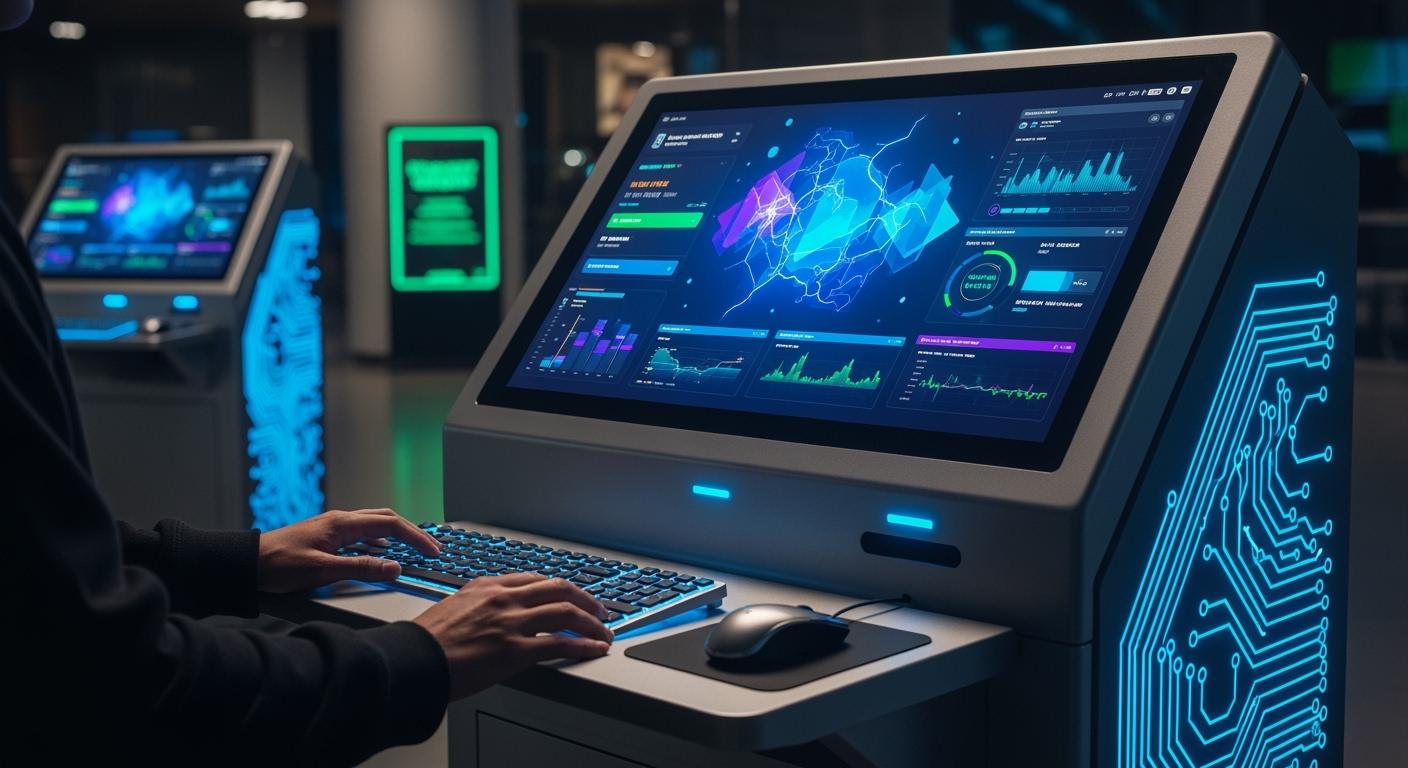
A Self Service Terminal gives you a quick and secure way to handle tasks on your own. When you use a Self Service Terminal With Metal Key Board and mou, you get a device built for busy places. These terminals stand out for their strength, safety, and speed. You can count on them in airports, hospitals, or shopping centers.
Shenzhen TopAdkiosk Display Technology Co., Ltd.
Add.: 2F, Bldg 10, Changfeng Industrial Park, Dongkeng, Fenghuang, Guangming, Shenzhen, China 518132
Mobile/WHATSAPP: 86-138 25769658
Email: marketing@topadkiosk.com topadkiosk@gmail.com
Skype: pghenry1
Wechat: adkioskhenry
English Web.: http://www.topadkiosk.com/
https://www.topkioskdisplay.com/
http://www.ad-kiosk.com/
https://www.toplcddisplay.com/
http://www.multitouchdigitalsignage.com/
https://www.youtube.com/channel/UCYVYNJHxLVEcQD8fuUxXNTA/videos?view_as=subscriber
https://www.facebook.com/TOPADKIOSKSHENZHEN/?ref=bookmarks
Businesses choose these terminals for their tough design, easy use, and long-lasting value.
Key Takeaways
Self Service Terminals with metal keyboards and mice let people do things fast and safely in busy places like airports and hospitals. These terminals are strong and waterproof. They work well even when used a lot or in tough conditions. Using a Self Service Terminal helps you do your tasks by yourself. This means you wait less and have a better time. Metal keyboards and mice are simple to clean. This keeps things clean in public places where many people touch the same device. Picking the right terminal with accessibility features helps everyone use it easily. This makes users happier.
Self Service Terminal Overview
Definition and Purpose
A Self Service Terminal with a metal keyboard and mouse lets you do things by yourself. You can find these machines in airports, hospitals, and stores. The main goal is to help you buy tickets, pay bills, or check in without waiting for help. The metal keyboard and mouse make the terminal strong and good for lots of use. This device works well in busy places and keeps working even when many people use it every day.
You have more control over what you do. You do not need to wait in long lines or ask someone for help. This makes your visit quicker and easier.
How It Works
When you go to a Self Service Terminal, you see a screen, a metal keyboard, and a mouse or touchpad. You follow easy steps on the screen. The keyboard and mouse help you type or pick choices. The terminal shows you what to do next, so you do not get confused.
Here’s how these terminals help you and businesses:
You finish things like buying or paying much faster.
You get a safer, contactless way to do things, which many people like now.
You make fewer mistakes because you enter your own details.
You feel happier because you are in charge.
You also help businesses work better. The metal keyboard and mouse help the terminal last, even in hard places. See how these features help:
Feature | Benefit |
|---|---|
Durability | Handles tough conditions, so it works all the time |
Reliability | Has less downtime, so work goes smoother |
Corrosion Resistance | Works in rough places, so it needs less fixing |
A Self Service Terminal with a metal keyboard and mouse gives you speed, safety, and control. Businesses get a tool that lasts and keeps customers happy.
Metal Keyboard and Mouse Features
Durability and Waterproof Design
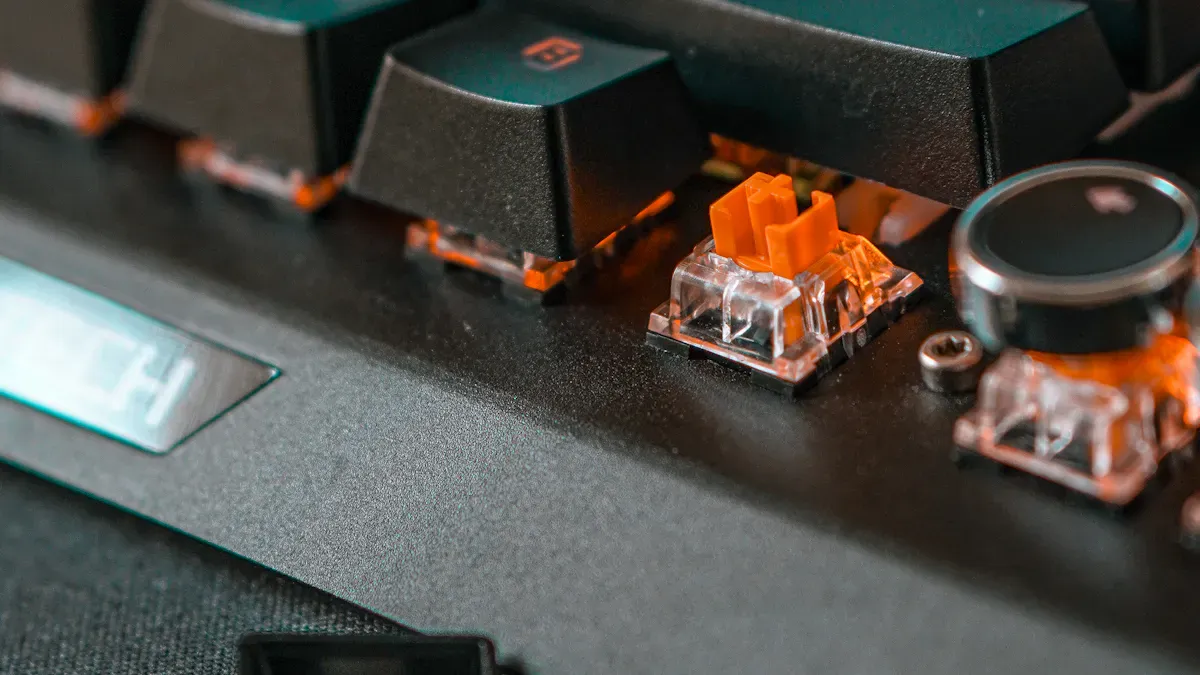
You want a terminal that can handle anything. That’s why these metal keyboards and mice use stainless steel. They stand up to heavy use, spills, and even rough weather. Many models come with an IP65 rating, which means they keep out dust and water. Some, like the Grayhill CAN Keypad, go even further with an IP67 rating. Take a look at how different products compare:
Product Name | IP Rating | Features |
|---|---|---|
Grayhill CAN Keypad | IP67 | CAN Bus Interface, Backlit Keys, Sealed |
D-8607 | IP65 | Waterproof, Industrial Use, Full Functionality |
Industrial Keyboards | N/A | Complies with NEMA and IP standards |
You can use these terminals indoors or outdoors. Rain, spills, or dust won’t slow them down. The tough metal build also means you don’t have to worry about scratches or dents. Your Self Service Terminal keeps working, no matter what the day brings.
Tip: If you need a terminal for a busy train station or a windy outdoor kiosk, look for one with a high IP rating.
Touchpad and OS Compatibility
You get more than just a keyboard. Many Self Service Terminals include a built-in touchpad. This makes it easy for you to move the cursor and select options, even if you don’t have a mouse. The touchpad works smoothly, so you can finish your tasks fast.
These terminals support both Windows and Linux operating systems. You don’t have to worry about software issues. Just plug in the terminal, and it works right away. Some models even offer backlit keys, so you can see what you’re typing in low light. That’s great for places like parking garages or late-night airports.
Touchpad lets you control everything with your fingertips.
Works with Windows and Linux, so you have more choices.
Backlit keys help you see in the dark.
Security and Vandal Resistance
Security matters, especially in public spaces. Metal keyboards and mice help protect your information. The strong stainless steel design stops people from breaking or tampering with the terminal. Some models offer privacy screens, so others can’t see what you type.
You can trust these terminals in busy places. They resist scratches, prying, and even spills. That means your Self Service Terminal stays safe and keeps your data private.
Vandal-resistant design keeps your terminal working.
Privacy screens protect your information.
Easy to clean, so you keep things hygienic.
With these features, you get a terminal that lasts, keeps your data safe, and works in any setting.
Benefits for Businesses and Users
Hygiene and Easy Maintenance
You want to use a terminal that is clean and safe. Metal keyboards and mice are easy to clean. You can wipe them fast to keep germs away. This matters in places where many people use the same device.
Cleaning a keyboard takes more steps than cleaning a mouse, but it is still simple. For mechanical keyboards, take off the keycaps with a wire puller. After you remove the keys, turn the keyboard upside-down and shake it. Loose dirt will fall out. Use a can of air and a brush to get rid of bits inside. If you spill something, use a damp cloth with alcohol or soap to clean it. Do not put liquid right on the keyboard. Cleaning a mouse is easier. You can usually just wipe it down.
You do not need special tools or cleaners. A soft cloth and gentle cleaner work well. Staff can keep the Self Service Terminal ready for everyone.
Longevity and Cost Savings
Metal keyboards and mice last longer than plastic ones. You do not need to replace them often. This saves money over time. The strong build handles heavy use and rough treatment. You spend less on repairs and new parts.
You also avoid downtime. Your terminal keeps working, so your business runs smoothly. You get more value from your investment.
Accessibility and User Experience
Everyone should feel good using a Self Service Terminal. Metal keyboards and mice have features for people with different needs. Here are some helpful options:
Description | |
|---|---|
Non-Slip Keyboard Key Add-Ons | Stop slipping, so key presses are more accurate. |
Textured Keys for Sensory Feedback | Give better feel for easier typing. |
Keyboard Keyguards | Help users with limited movement avoid pressing wrong keys. |
Color Coded Key Zones | Make it easier to find the right keys fast. |
Ergonomic Computer Mice | Fit the hand’s shape for more comfort. |
Trackballs | Need less arm movement, good for limited mobility. |
Joysticks | Give precise control with less effort. |
You get a better experience. Everyone can use the terminal with confidence. This helps your business serve more people and keeps users happy.
Applications of Self Service Terminals
Transportation and Ticketing
You can find self service terminals in airports and train stations. They help you buy tickets and check times. You can also print your boarding pass. The metal keyboard and mouse are very strong. They do not break when many people use them. Spills or hard presses do not hurt them. Even when it is busy, the terminal keeps working. You get your ticket fast and keep going.
When you travel, you will see how simple these machines are. The metal parts help them work well, even when it is crowded.
Retail and Payment Kiosks
You see self service terminals in malls, hotels, and stores. They help you pay bills or check in. You can also get information from them. The metal keyboard and mouse make the kiosks last longer. They work well in busy places like internet cafes. Many people use them every day. The terminal still works if someone tries to break it. The keys do not wear out fast. The mouse is always smooth and easy to move.
You get fast service when you pay.
You can check in at a hotel without waiting.
You find what you need quickly in a mall.
These things help stores and hotels help you better. The machines also last longer.
Healthcare and Public Services
Hospitals and clinics use self service terminals too. You can check in, pay, or get information. The metal keyboard and mouse are very tough. They do not break if bumped or dropped. In hospitals, things must be clean. The metal is easy to wipe and keep safe. This helps stop germs from spreading.
The terminal does not rust, so it works in wet places.
Staff can clean the keyboard and mouse fast.
You get quick and safe service every time.
A Self Service Terminal with a metal keyboard and mouse is great for busy places like these.
Choosing the Right Terminal
Environmental Factors
You want your self service terminal to work everywhere. Maybe you need it outside in the rain or inside a busy station. Metal keyboards and mice are strong. They keep working in hot or cold weather. They also block water and dust. Look at what these terminals can handle:
Feature | Specification |
|---|---|
-20°C to +60°C | |
Waterproof Rating | IP67 |
Dustproof Rating | IP67 |
Material | Stainless Steel |
Vandal Resistance | IK09 |
You do not have to worry about spills or sand. Even if someone presses the keys too hard, the terminal keeps working. These features help your terminal last longer and work better anywhere.
Tip: If you want to put your terminal outside or in a factory, check the temperature and waterproof ratings first.
Accessibility Needs
You want everyone to use your terminal easily. Good design helps people with different needs. When you pick a self service terminal with a metal keyboard and mouse, look for these features:
CE marking shows safety and quality.
EU Declaration of Conformity with EAA and EN 301 549.
All controls need less than 22.2 N of force.
Tactile marks and high-contrast labels help you find keys.
Audio output with user volume control and a 3.5 mm jack.
All steps can be done without time limits.
These features help everyone, even people with vision or movement challenges. You make your service open to more users.
Maintenance and Support
You want your terminal to stay clean and work well. Metal keyboards and mice are easy to wipe down. You can use a soft cloth and gentle cleaner. Staff can clean them fast, so your terminal is always ready. If you ever need help, pick a supplier who offers good support. Quick help means less downtime for your business.
Note: Regular cleaning and fast support keep your terminal running smoothly and your users happy.
You want a solution that lasts, keeps things safe, and works for everyone. A Self Service Terminal with a metal keyboard and mouse gives you all that. You save time, cut down on repairs, and make life easier for your customers. Think about your needs. If you want better security and less hassle, this is a smart choice for your business or public space.
FAQ
What makes a Self Service Terminal With Metal Key Board and mouse different from regular kiosks?
You get a terminal built for tough spots. The metal keyboard and mouse handle heavy use, spills, and even rough weather. Regular kiosks often use plastic parts that wear out faster.
Can I use these terminals outdoors?
Yes! You can place a Self Service Terminal With Metal Key Board and mouse outside. The stainless steel parts and waterproof design keep it working in rain, dust, or heat.
Are these terminals easy to clean?
Absolutely. You just wipe the metal keyboard and mouse with a soft cloth. No special tools needed. This helps keep things hygienic, even in busy places.
Do these terminals work with different operating systems?
Yes, they do. You can use them with Windows or Linux. The terminal connects easily and starts working right away.
How do these terminals help people with disabilities?
You find features like tactile keys, audio output, and easy-to-press buttons. These make the terminal simple for everyone to use, no matter their needs.
See Also
Exploring Essential Features of Today's Touch Screen Kiosks
Evaluating Performance and Value of Business Touch Screen Kiosks
A Comprehensive Guide for Installing Touch Screen Kiosks
Understanding Self-Service Kiosks: Functionality and Operation Explained
