Affordable LCD Display Kiosk Rental Options for Trade Show Exhibitors
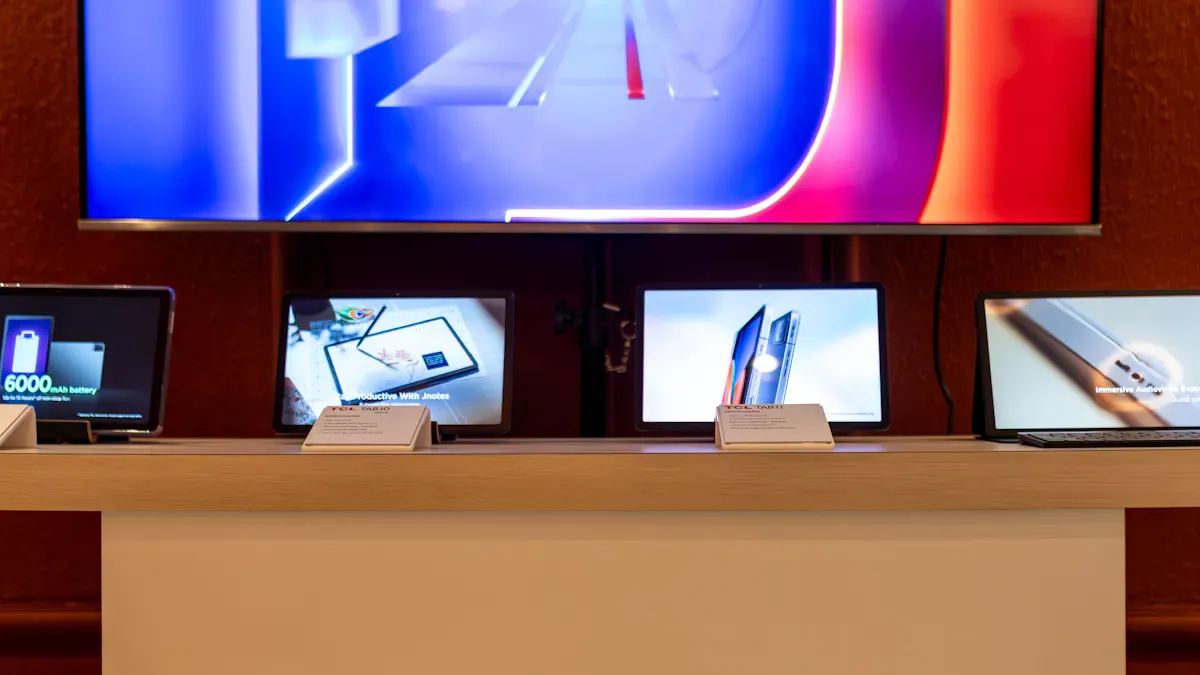
You can choose from leading companies such as Meeting Tomorrow, Cloud Touch, Popshap, Classic Exhibits, Ideum, SpeedPro, Aria AV, Orbus, Rentacomputer.com, and http://www.topadkiosk.com/. Each of these companies offers various rental options for LCD display kiosks at trade shows. Renting provides the flexibility to adjust your plans, helps you save money, and simplifies the setup process.
Key Takeaways
Choose a rental company with clear pricing to avoid surprise costs. Always ask for a full quote before booking.
Look for companies that offer strong support, including setup and on-site tech help. This allows you to focus on engaging with visitors.
Book your rental early to secure better prices and more options. Planning ahead can save you money and ensure you get the equipment you want.
Selection Criteria
When you look for LCD display kiosk rentals, you want a good deal. You also want a great experience at your trade show. Here are some things to check before you pick a company:
Pricing Transparency
You do not want surprise costs on your bill. Clear prices help you plan your money. Some companies show all costs right away. Others add extra charges later. Always ask for a full quote. This way, you know what you are paying for.
Service Coverage
Think about where your event will be. Some companies work all over the country. Others only work in a few cities. If you go to many trade shows, pick a company that can help you everywhere. This saves you time and makes things easier.
Support & Setup
Good support helps your event go well. Here is what top service gives you:
The company sets up, takes down, and ships the kiosk.
You can talk to visitors instead of worrying about setup.
The team handles union rules and venue needs, so you avoid problems.
On-site tech help means less stress and fewer delays.
With these services, you can meet more people and worry less about setup.
Equipment Quality
You want your booth to look great. Good equipment helps you stand out. Here is what to look for:
Equipment Type | Quality Standard | Description |
|---|---|---|
LCD Screens | High Resolution | Makes your pictures look sharp and bright. |
Touch Screens | Ruggedness | Can handle lots of use at busy shows. |
LED Screens | High Transparency | Gives you bright displays for any booth. |
Setup Tools | Proper Setup Tools | Makes sure everything works and looks good. |
Picking the right rental for LCD display kiosks means you get good gear, clear prices, and helpful support.
Best Rental Options for LCD Display Kiosks at Trade Shows
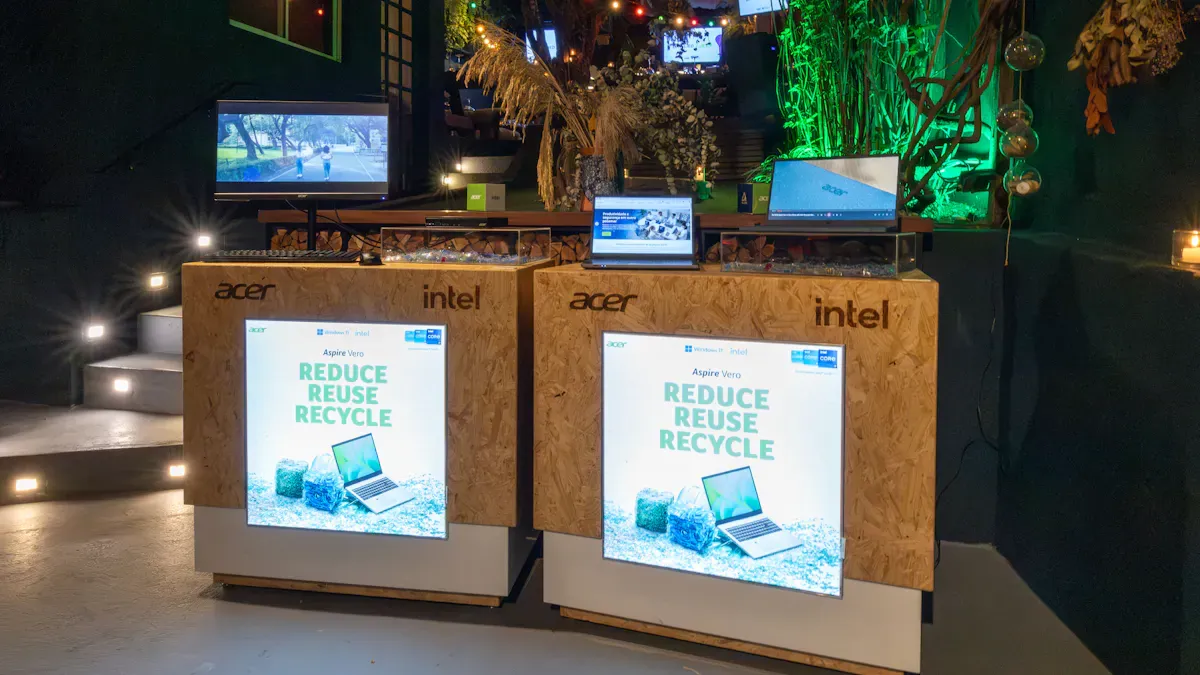
Meeting Tomorrow
Meeting Tomorrow is a trusted company.
They give fast quotes and clear prices.
Their team brings and sets up your kiosk.
You can call for help anytime during your event.
They work in all big cities in the U.S.
Pros: Reliable service, easy ordering, strong support.
Cons: Prices may be higher in small cities.
Best for: Exhibitors who want less stress and need help everywhere.
Cloud Touch
Cloud Touch helps you stand out at busy trade shows. Their kiosks use interactive touchscreen technology. You can show your products with bright screens. The screens are easy to use. These kiosks let you share lots of information. You can collect leads from visitors. You also get analytics to see how people use your booth. This helps you make your marketing better. Cloud Touch is good for manufacturers and anyone who wants to be noticed in a crowded hall.
Pros: Fun displays, analytics for lead tracking, modern look.
Cons: Custom content may take more setup time.
Best for: Companies that want more visitor engagement and want to measure results.
Popshap
Popshap makes custom kiosk designs for your brand.
You can pick from many screen sizes and shapes.
Their team helps with setup and uploads your content.
They have touch and non-touch options.
Pros: Custom branding, flexible rental options, good support.
Cons: Custom designs may take longer to get ready.
Best for: Exhibitors who want a special booth and custom content.
Classic Exhibits
Classic Exhibits gives you strong kiosks with a classic style.
You can rent or buy their kiosks.
Their team helps with booth design and layout.
You can add shelves, lights, and graphics.
Pros: Durable equipment, flexible booth layouts, helpful design team.
Cons: Not as many high-tech features as others.
Best for: Exhibitors who want a traditional booth with reliable kiosks.
Ideum
Ideum makes high-end touch tables and kiosks.
Their screens are bright and respond quickly.
You can use their kiosks for demos and games.
They offer custom software for your needs.
Pros: Premium displays, custom software, great for interactive content.
Cons: Higher price, not always available everywhere.
Best for: Exhibitors who want to impress visitors with technology.
SpeedPro
SpeedPro has kiosks with bold graphics and clear screens.
You can get help with hardware and graphic design.
Their team delivers and sets up your kiosk.
They offer short and long rentals.
Pros: Strong visuals, flexible rental times, design support.
Cons: Not as many tech features as others.
Best for: Exhibitors who want bright graphics and easy setup.
Aria AV
Aria AV has many AV products, including kiosks.
You can rent LCD, LED, and touchscreen kiosks.
Their team gives on-site support and fixes problems.
They work in many big convention centers.
Pros: Wide selection, strong technical support, fast response.
Cons: May need bigger orders to rent.
Best for: Exhibitors with large booths or complex AV needs.
Orbus
Orbus makes portable kiosks and modular displays.
You can set up their kiosks fast without tools.
They have digital and print options.
Their team helps with shipping and storage.
Pros: Easy setup, portable designs, good for small spaces.
Cons: Not as many high-tech features, fewer custom choices.
Best for: Exhibitors who need quick setup and easy transport.
Rentacomputer.com
You get many rental choices for LCD display kiosks at trade shows with Rentacomputer.com. Their prices are clear, and you can pick what you need. Here’s a quick look at what they offer:
Service Feature | Description |
|---|---|
Exhibitor Services & Event Production | Audio visual assets, staging, lighting, and sound for events. |
Software Services | Custom software installation and solutions for various projects. |
Presentation Services | Quality camera equipment for event recordings. |
On-site IT Services | Networking, troubleshooting, and system configuration support. |
Video Production Services | Equipment and consulting for video production projects. |
Event Registration & Badge Printing | Services for creating and printing badges for events. |
Developer Services | Equipment rentals for software development testing. |
Exhibitor & Event Engagement Services | Customized marketing software and event-centered mobile apps. |
Testing Center Services | Technology rentals preloaded with testing software. |
Virtual Camp Services | Equipment for virtual tech camps focused on STEM skills. |
Classroom Training Rentals | Temporary classroom setups with preloaded company software. |
Screening and Safety Rentals | Products for temperature screenings and sanitizing belongings. |
Work From Home Rentals | Equipment rentals for remote work tasks. |
Pros: Many service choices, clear prices, strong IT support.
Cons: May need to book early for big events.
Best for: Exhibitors who want all tech needs in one place.
Tip: When you compare rental options for LCD display kiosks at trade shows, think about your booth size, your content, and your support needs. The right company can make your event much easier.
Company Comparison
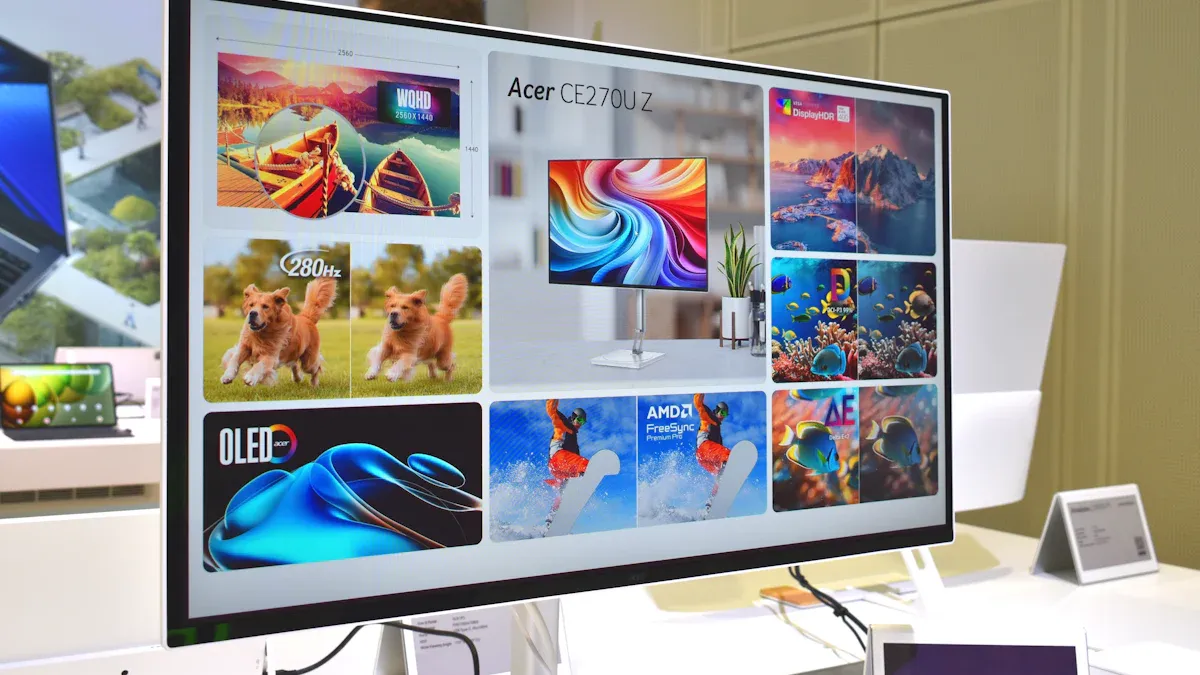
Pricing Overview
You want to know what you will pay. Here is a simple look at prices from top companies:
Company | Price Range | Notes |
|---|---|---|
Meeting Tomorrow | $-$$ | Clear quotes, nationwide |
Cloud Touch | $-$$ | Custom content, setup fees |
Popshap | $-$$ | Custom designs, longer lead |
Classic Exhibits | $-$ | Traditional, flexible options |
Ideum | $$ | Premium tech, limited areas |
SpeedPro | $-$ | Graphics focus, short rentals |
Aria AV | $-$$ | Wide selection, bulk deals |
Orbus | $-$ | Portable, easy setup |
Rentacomputer.com | $-$$ | Many tech services, clear fees |
Meeting Tomorrow and Rentacomputer.com show prices and give full quotes. Classic Exhibits and Orbus have lower prices for simple booths.
Service & Support
You need help before your event starts. You also need help during and after your event. Some companies do everything for you. They ship, set up, and take down the kiosk. You get help with planning and fixing problems. Meeting Tomorrow, Popshap, and Rentacomputer.com make things easy. Their teams handle all the details. You can focus on your trade show goals.
Meeting Tomorrow: Full service, help everywhere
Popshap: Custom booth help, strong support
Rentacomputer.com: IT help, event setup, smooth process
Key Features
You want your booth to be special. Each company has something cool. Here is a quick list:
Cloud Touch: Interactive screens, lead tracking
Popshap: Custom branding, flexible designs
Ideum: High-end touch tables, custom software
SpeedPro: Bold graphics, easy setup
Aria AV: Wide AV selection, fast response
Orbus: Portable kiosks, tool-free setup
Classic Exhibits: Durable, traditional kiosks
If you need LCD display kiosk rentals for trade shows, you can pick by price, tech features, or custom content. Some companies work everywhere. Others make unique booth designs.
Tips for Saving on Rentals
Book Early
You can save money if you book your LCD display kiosk rental early. Rental companies often give better prices to people who plan ahead. When you book early, you avoid late fees. You also make sure you get the equipment you want. You have more choices for booth sizes and styles. If you wait too long, you might pay more or miss out on popular kiosks.
Tip: Make your budget before you book. This helps you control your spending and stops you from spending too much.
Bundle Services
Bundling services helps you get more for your money. Many companies have packages that include setup, delivery, and support. You pay one price for everything you need. This makes planning simple and can lower your costs.
Benefit Type | Description |
|---|---|
Cost Savings | Bundled packages give you a single, lower price. |
Reduced Rates | Renting longer often means you pay less each day. |
Avoid Unexpected Expenses | All-in-one packages help stop surprise fees. |
Negotiate Terms
Always ask about deals or discounts. Rental companies may give you lower prices if you rent for more days or bundle services. You can also ask for extra help or free upgrades. Negotiating helps you get the best deal for your booth.
Portable displays are easy to move and set up, so you save on labor.
Renting instead of buying can help you spend less.
Sharing booth space with another business can lower your costs and help you reach more people.
Avoid Hidden Fees
Hidden fees can surprise you and hurt your budget. Always ask for a full quote before you sign anything. Look for extra charges like delivery, setup, or late return fees. Make sure you know what is included in your rental.
Note: Portable displays like banner stands and pop-up displays can be used again and help you avoid extra costs at future events.
There are many low-cost LCD kiosk rentals you can pick. Meeting Tomorrow is good if you need help in the whole country. Popshap is best if you want your own brand on the kiosk. Use the tips to make your budget and ask about what services you get. Try to get three times more money back than you spend. Rentals that are easy to set up let you talk to visitors more.
When choosing the right LCD display kiosk for your needs, whether for trade shows or other application scenarios, the core is to focus on three key dimensions: scenario requirements, functional adaptation, and cost budget. Follow the detailed guidelines below to select a kiosk that fits your actual needs, with simple and actionable steps:
I. First, Clarify Your Core Usage Scenario (Key Premise)
Different scenarios have vastly different requirements for kiosks. Lock in your scenario first, then screen the parameters:
Trade Shows/Events: Prioritize "rental options" (flexible and cost-effective), focus on portability and plug-and-play functionality. Prefer floor-standing totem kiosks (for high exposure) or countertop models (space-saving), and add interactive touch functionality to enhance the experience if needed.
Transport Hubs (Airports/Stations): Choose industrial-grade durable models with high brightness and wear resistance, supporting real-time data integration (e.g., flight/train information). Prioritize touch-enabled wayfinding kiosks.
Retail/Food & Beverage: Focus on "functional adaptation". For retail, select kiosks that support member inquiries and product displays; for food & beverage, choose self-service ordering/payment kiosks, with sizes matching the store space.
Government/Medical Services: Prioritize self-service kiosks that support ID recognition and ticket printing, comply with industry regulations (e.g., privacy protection), and incorporate accessibility design.
Outdoor Scenarios: Must choose high-brightness (1000+ nits) and IP65 waterproof/dustproof kiosks to resist outdoor glare and harsh environments.
II. Core Parameter Screening (Avoid Pitfalls)
Size & Form Factor: Choose based on space size — for small spaces (within 10㎡), select 10"-21.5" countertop models; for medium spaces (trade show booths, stores), select 32"-55" floor-standing models; for large spaces (airports, shopping malls), select 55"+ totem models.
Touch Functionality: For interaction (e.g., product configurators, self-service operations), choose capacitive (PCAP, smooth multi-touch); for outdoor use or use with gloves, choose infrared (IR); for no interaction, select non-touch models (more cost-effective).
Hardware Durability: For high-frequency use scenarios (trade shows, stations), choose industrial-grade bodies and scratch-resistant glass; for outdoor scenarios, add waterproof, dustproof, and UV-resistant designs.
Software & Connectivity: For real-time content updates (e.g., trade show promotions, flight information), ensure Wi-Fi/Ethernet support; for custom functions (e.g., brand UI, self-service processing), select kiosks that support custom software.
Power Supply & Portability: For temporary scenarios such as trade shows, prioritize easy-to-install and power-convenient models; for fixed scenarios (stores, hospitals), choose wired power fixed models.
III. Balance Cost and Practicality
Short-Term Use (Trade Shows, Temporary Events): Choose "rental", prioritize basic packages (cost-saving), and upgrade to custom branding or technical support as needed.
Long-Term Use (Stores, Hospitals): Choose "purchase", focus on durability and after-sales service to avoid frequent maintenance costs.
Budget Allocation: Prioritize core needs (e.g., high exposure for trade shows, self-service functions for hospitals) and avoid overspending on unnecessary features (e.g., 4K screens for simple information display).
IV. Additional Notes
Compatibility: Ensure the kiosk fits your existing systems (e.g., integration with flight information systems for airports, POS systems for retail).
After-Sales Support: For rental, choose providers with on-site technical support; for purchase, select brands with timely after-sales response and long warranty periods.
Branding Adaptation: For brand promotion scenarios (trade shows, stores), choose kiosks that support custom appearance and UI design to align with your brand image.
By following these guidelines, you can select an LCD display kiosk that perfectly matches your scenario, functions, and budget, avoiding unnecessary costs and ensuring it meets your actual usage needs.
Henry Fang
General Manager
Shenzhen TopAdkiosk Display Technology Co., Ltd.
Add.: 2F, Bldg 10, Changfeng Industrial Park, Dongkeng, Fenghuang, Guangming, Shenzhen, China 518132
Mobile/WHATSAPP: 86-138 25769658
Email: marketing@topadkiosk.com topadkiosk@gmail.com
Skype: pghenry1
Wechat: adkioskhenry
English Web.: http://www.topadkiosk.com/
FAQ
How early should you book an LCD kiosk rental?
You should book at least 4-6 weeks before your event. Early booking gives you better prices and more choices.
Can you customize the content on your rental kiosk?
Yes! Most companies let you upload your own videos, images, or apps. Just ask about setup help if you need it.
What happens if the kiosk stops working during the show?
Call the rental company right away.
Many offer on-site tech support.
You get quick help to fix the problem.
See Also
Top LCD Display Kiosks That Enhance Retail Sales Effectively
Tips for Selecting the Ideal LCD Kiosk Installation Service Nearby
Comparing Pricing of Freestanding LCD Kiosks from Leading Brands
Leading LCD Display Kiosk Manufacturers to Watch in 2026
Loved High-Resolution LCD Display Kiosks for Your Exhibitions
