How to Get the Most from Four Winds Interactive Digital Signage
Shenzhen TopAdkiosk Display Technology Co., Ltd.
Add.: 2F, Bldg 10, Changfeng Industrial Park, Dongkeng, Fenghuang, Guangming, Shenzhen, China 518132
Mobile/WHATSAPP: 86-138 25769658
Email: marketing@topadkiosk.com topadkiosk@gmail.com
Wechat: adkioskhenry
English Web.: http://www.topadkiosk.com/
https://www.topkioskdisplay.com/
http://www.ad-kiosk.com/
https://www.toplcddisplay.com/
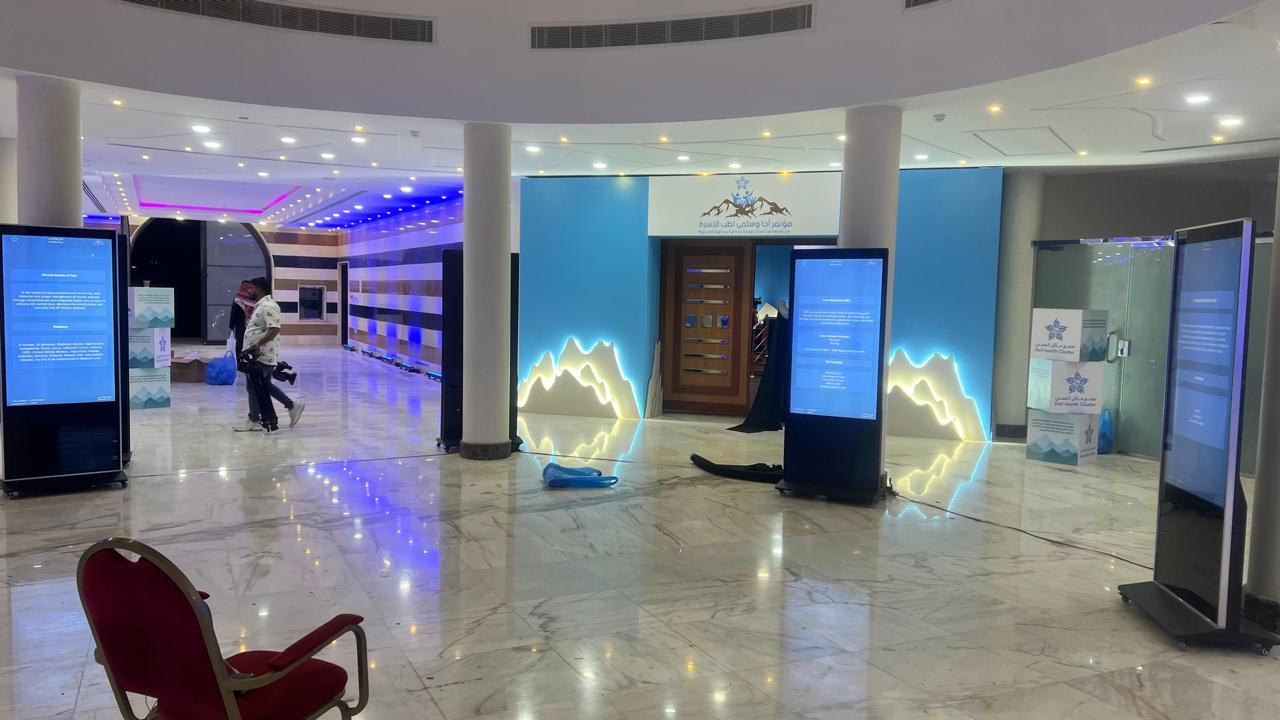
You get the best results from four winds digital signage by using clear messages. Fresh visuals help your screens stand out. Simple navigation makes it easy for people to use. When you show engaging content, people pay more attention. Personalized displays help your audience remember your information. Regular updates keep your screens useful and important. Multimedia elements like videos and animations make your screens stronger. If you want more tips on digital signage, visit https://www.topkioskdisplay.com/.
Key Takeaways
Use clear and simple messages to get attention. Short messages are easy to understand.
Add fun visuals and multimedia. Bright colors and videos help people remember your displays.
Change your content often to keep it new. Update messages every three months or sooner so people stay interested.
Make your design easy to use. Make sure users can find information fast with clear layouts and real-time data.
Personalize content using audience data. Change messages for different groups to get them more interested.
Engaging Content for Four Winds Digital Signage
Four Winds Interactive digital signage lets you share information in a fun way. You can use screens to show messages, help people find their way, and celebrate wins. The system lets you change what is on the screen fast. You can reach lots of people at the same time. When you make your content interesting, your displays work better and people remember them.
Keep Messaging Simple
Short messages are best for interactive digital signage. Use big, easy-to-read fonts and bright colors to get attention. If all your screens look the same, people know it is your brand. Only put one main message on each screen. This makes your message clear and simple to understand.
Delta Airlines uses Four Winds Interactive digital signage to give updates to passengers and workers. They keep their messages short and clear. This helps everyone know what is going on.
You can use many types of content to connect with people. Here is a table that shows common types and what they do:
Content Category | Purpose |
|---|---|
Recognition and Celebration | Makes people feel good by showing their achievements and hard work. |
Wayfinding and Information | Gives helpful info so people can find places and get what they need. |
Storytelling and Heritage | Helps people learn about the group’s history and traditions. |
Engagement and Participation | Gets people involved by letting them interact with the content. |
Use Visuals and Multimedia
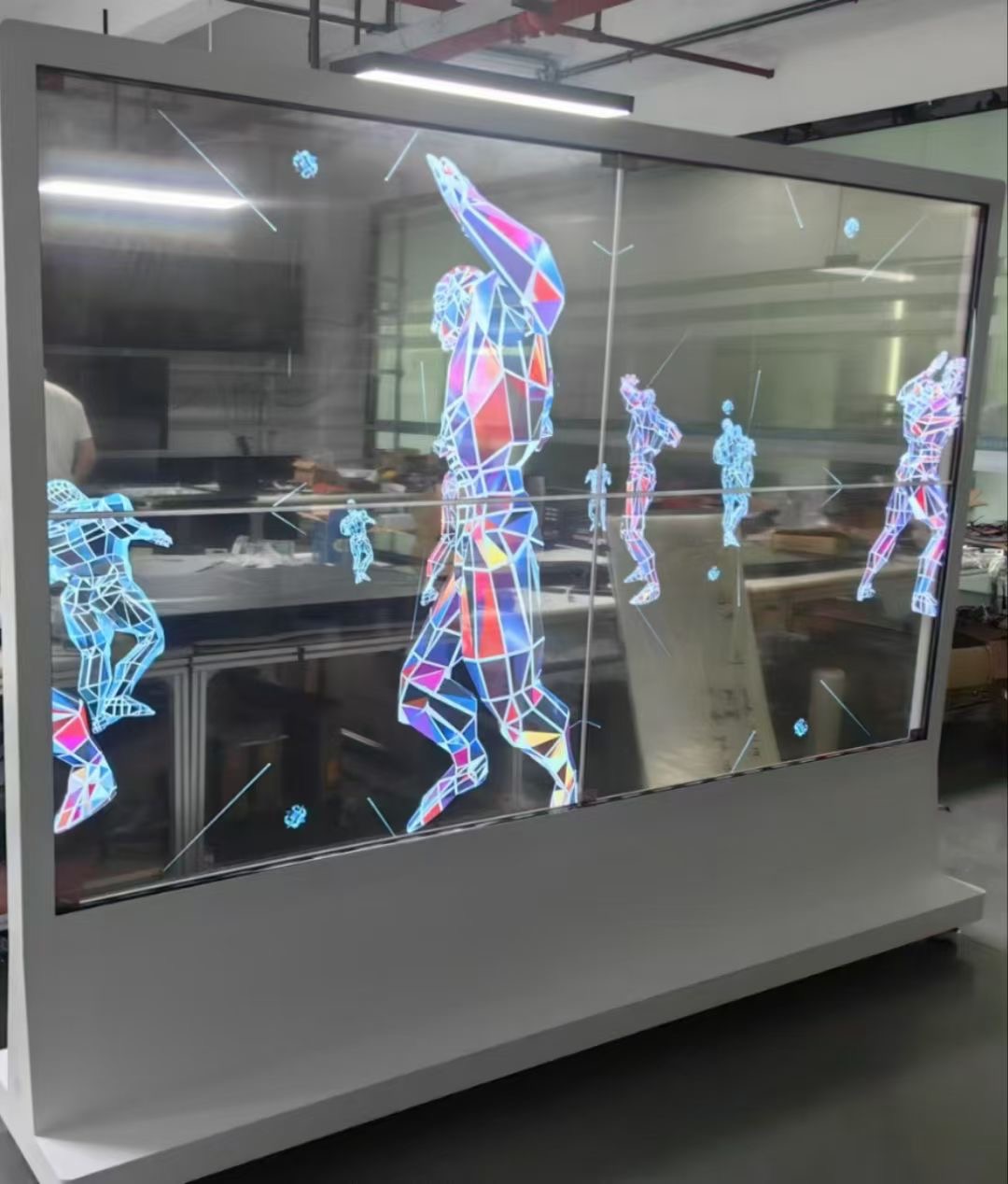
Pictures and videos make your digital signage more fun to watch. You can use videos, moving pictures, and bright colors to grab attention. Cool displays help people remember important news. Bright and bold screens make more people look and pay attention.
Aspect | Impact on Retention and Recall |
|---|---|
Immersive Displays | |
Eye-catching Installations | Get attention with bright colors and cool pictures. |
Engagement Rates | Digital signage helps more people remember messages than old signs. |
You can add photos, drawings, or short videos to your screens. This keeps your displays fun and exciting. Using multimedia helps your messages stand out. People remember what they see better.
Update Content Regularly
You should change your screens often so people stay interested. Try to update your content every three months or sooner. Make different versions of the same message. This keeps your screens looking new and fun. Make a group of messages you can use again and again. If you do not have new things to say, change how your old messages look to keep things fresh.
Make different versions of the same message.
Build a group of messages you can use many times.
Change how old messages look if you do not have new ones.
Using digital signage this way keeps your audience interested. Your screens will always be useful and important.
User Experience and Interactivity
Design for Easy Navigation
You want to find information quickly on four winds digital signage. The system shows live maps, wait times, and schedules using real-time data. Bright graphics and animations make the screens fun and simple to use. Floor plans are easy to read, so you can move through busy places without worry. Directions change right away, so you do not get lost. Accessibility features like audio output and screen magnification help everyone, even people with disabilities. You get information fast, which makes customers happier.
Strategy | Description |
|---|---|
Shows live maps, wait times, and schedules for up-to-date info. | |
Visually appealing design | Uses graphics and animations to engage users and improve ambiance. |
Simplified navigation | Offers easy floor plans and points of interest to reduce stress. |
Real-time directions | Gives immediate directions to help you reach your destination. |
Accessibility features | Includes audio output and screen magnification for all users. |
Engagement and interactivity | Encourages you to interact and feel involved. |
Quick information access | Lets you get info fast, reducing wait times and boosting efficiency. |
Add Interactive Features
Interactive digital signage lets you touch, swipe, and look around. You can pick your language, get directions, or see special deals. Touchscreens and haptic feedback make using the screens more exciting. You feel part of the experience when you use the screens. Multilingual support helps everyone, no matter where they are from. Accessibility options make sure all users can move through the screens easily. Fun content catches your eye and gives you helpful information.
Touchscreens help you check out maps and menus.
Multilingual support lets you find info in your own language.
Accessibility features make it easy for everyone to use.
Interactive displays are good for customers and businesses.
Feature | Contribution to Communication Goals |
|---|---|
Multilingual Support | Helps diverse users navigate easily. |
Accessibility for Disabilities | Makes sure all users can use the signage. |
Engaging Content | Captures attention and provides useful information. |
Optimize for Placement
You see interactive digital signage in places where you need help most. Good placement makes sure you see messages at the right time. Displays in hospitals help you find your way and wait less. Screens in stores show sales and make you want to try new things. Putting screens in smart spots gets your attention and helps you make choices.
Good placement means the right people see the messages.
Hospital signage helps you get information by yourself.
Store displays show deals and make you want to look around.
Sensory Element | Impact on User Experience |
|---|---|
Visual (Sight) | Stunning visuals and motion help you remember information. |
Auditory (Sound) | Audio makes the experience memorable and easy to understand. |
Tactile (Touch) | Touchscreens and haptic feedback increase engagement. |
Four winds digital signage works by using screens, software, and interactive tools together. You get live information, simple navigation, and fun content. The system makes getting information easy and enjoyable for everyone.
Personalization and Audience Targeting
Leverage Data for Relevance
You can use data to make your digital signage better. When you learn about your viewers, you can show messages that match what they want. Personalization works because you can change content for each person or group. Automation lets you update messages without doing it yourself. You also find out how people use your screens and what they like.
Make content special for each viewer or group.
Use automation to keep information new.
Gather data to see what works and what does not.
For example, a hotel can use what guests like to make custom plans. The hotel can greet guests with messages that fit their interests from booking to check-out.
Most people want brands to make things personal for them. About 71% of shoppers expect this, and 76% get upset when it does not happen. You can spot returning customers, suggest products, or give special deals by using data.
Tailor Messages to Viewers
You can change your messages for different groups of people. This keeps your screens fun and helpful. Four winds digital signage gives you smart tools to change what shows up for each viewer. AI-driven systems can use live data and change the schedule for your content. This means your screens can show the right message at the right time.
Method or Feature | Purpose |
|---|---|
Tailored content for audience segments | Makes messages more interesting and useful for each group. |
Changes messages right away based on who is watching and what is happening. | |
Adjusting content for traffic patterns | Shows the best message when more people are around. |
Predictive scheduling with Four Winds Interactive tools | Helps you plan and show the best messages for each group. |
Use Dynamic Content
Dynamic content means your screens can change what they show by place or time. This keeps your messages new and fun. You can control all your screens from one spot, but local teams can still make changes for their viewers. Dynamic content gets more attention than signs that never change. People will look at your screens more often.
Keep your brand message the same everywhere, but let local teams add their own ideas.
Show new and cool content to keep people coming back.
Use automation so you do not show old or wrong information.
Give updates on time so your audience always gets good news.
When you use digital signage this way, your messages reach the right people at the right time. This helps you connect with your audience and keeps your screens important.
Integration and System Connectivity
Four Winds Interactive digital signage lets you share info on many screens. You use both software and hardware to show messages, videos, and directions. The system works with other tools and platforms. This makes your displays smarter and more helpful.
Connect with Data Sources
You can link your digital signage to live data feeds. This helps you show real-time info like weather, schedules, or news. You get data from databases, spreadsheets, or cloud services. When you connect to data sources, your screens update by themselves. You do not have to change messages by hand. This saves time and keeps your content new.
Link screens to calendars for meeting updates.
Show live traffic or weather from online feeds.
Display inventory levels or sales numbers from your business system.
Your signage is more helpful when you use live data. People see the newest info every time they look at the screen.
Sync with Communication Tools
You can connect your signage to tools like Google Workspace or Microsoft Teams. This lets your team control messages from one place. You send updates, alerts, and directions to any screen right away. You can automate check-ins and sync visitor data. You use a main dashboard to manage all screens. This makes your messaging quick and the same everywhere.
Digital signage becomes a big part of how your company shares info and values.
Corporate teams control and schedule messages for all locations, keeping brand standards strong.
Guests always know what to do next with clear, real-time prompts.
You send emergency alerts fast from the dashboard.
Tip: Syncing your signage with communication tools helps you react to changes quickly. You keep everyone updated and safe.
Enable Cross-Platform Campaigns
You can run campaigns on different devices and platforms. You use screens, mobile apps, and websites together. You keep your brand message the same everywhere. You reach more people by using many channels. You track results and change your campaigns to make them better.
Platform | Benefit |
|---|---|
Digital Signage | Shows messages in public areas |
Mobile Apps | Sends alerts to phones |
Websites | Shares info online |
You build stronger campaigns when you connect all your tools. Your audience gets your message no matter where they are.
Ongoing Optimization and Support
Monitor Performance
You need to track how your digital signage performs to make sure it works well. Four Winds Interactive gives you tools to measure what people see and how they react. You can use AI-powered analytics to find out which messages get the most attention. This helps you show the right content to the right people. When you monitor performance, you boost your return on investment. You spend less time guessing and more time improving your screens.
Tip: Automated analytics help you spot trends and fix problems fast. You can change your content quickly to match what your audience likes.
Here are some ways to collect feedback and measure performance:
Feedback Mechanism | Description |
|---|---|
Product Sales | Check if promotions lead to more sales. |
QR Code Scans or Short Link Visits | Count how many people interact with your content. |
Customer or Employee Feedback | See if fewer people ask for help, showing your screens work well. |
Proof-of-Play | Make sure your content actually shows up on the screens. |
Uptime | Watch if screens and media players stay on and working. |
Engagement Analytics | Compare how different screens or messages perform in various places. |
Schedule Maintenance
You must keep your screens and software up to date. Regular maintenance stops problems before they start. You should check your screens for damage and make sure the software runs smoothly. Set a schedule to update your system and fix any issues. This keeps your signage reliable and prevents downtime.
Inspect screens every month for wear and tear.
Update software to get new features and security fixes.
Test all connections and replace broken parts right away.
Keep a log of maintenance tasks and repairs.
Note: Well-maintained signage saves money and keeps your audience happy.
Train Teams and Gather Feedback
You need to train your staff so they know how to use and manage digital signage. Good training helps your team fix problems and update content fast. You should teach them how to use feedback tools and analytics. Encourage your team to ask for feedback from customers and coworkers. This helps you find new ways to improve your screens.
Hold training sessions for new features and updates.
Use feedback forms or surveys to collect ideas.
Review analytics together to spot what works best.
Share tips and best practices with your team.
When you listen to feedback and keep learning, your signage gets better every day.
You get the most out of Four Winds Interactive digital signage by using these steps:
Make your content easy to read and fun to look at.
Set up your screens so people can find things fast.
Change messages to fit who is looking at the screen.
Add videos, pictures, and things people can touch or use.
Change your content often and check how well it works.
Changing your screens when you get new feedback helps customers pay attention and keeps your displays important.
You can begin by letting computers update your content, using customer data, and thinking of every screen as a way to get people to do something. If you want to learn more, look at these resources:
Resource Type | Description | Link |
|---|---|---|
Real customers share their stories and reviews | ||
Stories about how businesses use Four Winds Interactive | ||
Videos that show why businesses picked Four Winds Interactive |
What Is Four Winds Interactive Digital Signage and How Does It Work?
Four Winds Interactive (FWI) has now merged into Poppulo. Its digital signage software is primarily used by large enterprises, universities, and healthcare organisations. Its core strengths are powerful data integration and centralised control.
🧱 System Architecture & How It Works
FWI’s software architecture consists of three core components that work together to manage content publishing.
1. Central Database
Role & location – The central hub, typically deployed on the enterprise’s own on‑premise servers. All configuration and data related to the digital signage network are stored here.
Stored content – Network device information (player locations), content templates, playlists, schedules, user permissions, etc.
2. Content Manager (CM)
Role – A graphical console used by administrators and content designers. It provides a “what‑you‑see‑is‑what‑you‑get” (WYSIWYG) visual interface for creating and managing digital signage content.
Capabilities:
Drag‑and‑drop design tools for quick content creation.
Split the screen into multiple zones to display different content simultaneously.
Create and assign display templates and playlists to individual screens.
Manage user permissions for content and system access.
Monitor the health and status of the entire signage network.
3. Content Player (CP)
Role – Installed on the computer or dedicated hardware connected to the display. It is the executor that renders the content.
How it works:
Actively and periodically pulls the latest playlists and assets from the central database.
Renders the final image on the connected screen according to the predefined templates and schedules.
✨ Core Features & Integration Capabilities
Dynamic content support – Supports images, video, web pages, RSS news feeds, real‑time weather, social media feeds, and dynamic data from shared folders or data warehouses.
Real‑time data integration – Easily integrates with existing enterprise systems, displaying live data from ERP, CRM, POS, etc. (e.g., KPIs, sales figures) directly on screens.
Powerful integration framework – Includes a dedicated integration framework designed to seamlessly fit into existing IT infrastructure, reducing deployment complexity.
Security & customisation – The platform emphasises data security and offers a high degree of customisation to meet specific business needs.
Analytics & personalisation – Provides content performance analytics and supports personalised content delivery based on audience profiles, time of day, and other conditions.
📈 Market Positioning & User Feedback
Target customers – Primarily serves the enterprise segment. Notable clients include Boeing, Bank of America, Marriott International, etc. The product is widely used in hospitality (especially casinos), education, healthcare, and large corporate campuses.
User reviews & NPS – According to publicly available data, its Net Promoter Score (NPS) is -100 (out of 100). This is an extreme score, suggesting that despite its powerful features, users face significant challenges, leading to low willingness to recommend.
Common complaints – Users frequently mention the complex interface and steep learning curve, finding the system difficult to master, along with dissatisfaction regarding customer service and support quality.
💸 Cost Considerations
No public pricing – FWI (now Poppulo) does not publicly disclose pricing. You must contact their sales team for a custom quote.
Cost components – Typically includes hardware procurement, software licensing (likely a high annual subscription), system integration fees, and ongoing maintenance and support costs.
Price reference – One data point suggests that an on‑premise deployment with unlimited players costs approximately $200,000 USD in upfront capital expenditure, plus roughly $33,000 USD per year in operating expenses.
🔄 Brand Status: The Four Winds Interactive & Poppulo Merger
In 2022, Four Winds Interactive merged with Poppulo. The merger aimed to combine FWI’s powerful digital signage capabilities with Poppulo’s expertise in employee communication platforms, creating a more comprehensive enterprise communication solution. After the merger, the combined company now operates under the Poppulo brand, and the Four Winds Interactive (FWI) brand has gradually been phased out. However, FWI’s core technology remains a significant part of the Poppulo platform.
FAQ

What is Four Winds Interactive digital signage and how does it work?
Four Winds Interactive digital signage helps you show messages, videos, and directions on screens. You use a computer to control what shows up. The system changes screens right away when you update them. You can put these screens in offices, stores, or public places.
How often should you update digital signage content?
You need to update your content at least every three months. New messages make your screens more fun to look at. Try out new designs or change old messages to get people’s attention.
Can you use videos and animations on Four Winds Interactive screens?
Yes, you can put videos and animations on your screens. These features make your screens more fun and interesting. People remember moving pictures better than just words.
How do you make digital signage accessible for everyone?
You can use audio output, screen magnification, and touch features. These tools help people with disabilities use the screens. Multilingual support helps more people understand your messages.
What types of data can you connect to your signage?
You can link calendars, weather feeds, sales numbers, and inventory levels. Real-time data keeps your screens helpful and up to date. You show the newest information without changing it by hand.
See Also
7 Strategies to Enhance Customer Interaction Using Digital Signage
Steps for Installing and Configuring Digital Display Signage
An In-Depth Review of In-Store Digital Signage Options
