Maintenance services for LCDdisplay kiosks in public spaces keep screens bright and clear
Add.: 2F, Bldg 10, Changfeng Industrial Park, Dongkeng, Fenghuang, Guangming, Shenzhen, China 518132
Mobile/WHATSAPP: 86-138 25769658
Email: marketing@topadkiosk.com topadkiosk@gmail.com
Skype: pghenry1
Wechat: adkioskhenry
English Web.: https://www.topkioskdisplay.com/
http://www.ad-kiosk.com/
https://www.toplcddisplay.com/
http://www.multitouchdigitalsignage.com/
https://www.youtube.com/channel/UCYVYNJHxLVEcQD8fuUxXNTA/videos?view_as=subscriber
https://www.facebook.com/TOPADKIOSKSHENZHEN/?ref=bookmarks
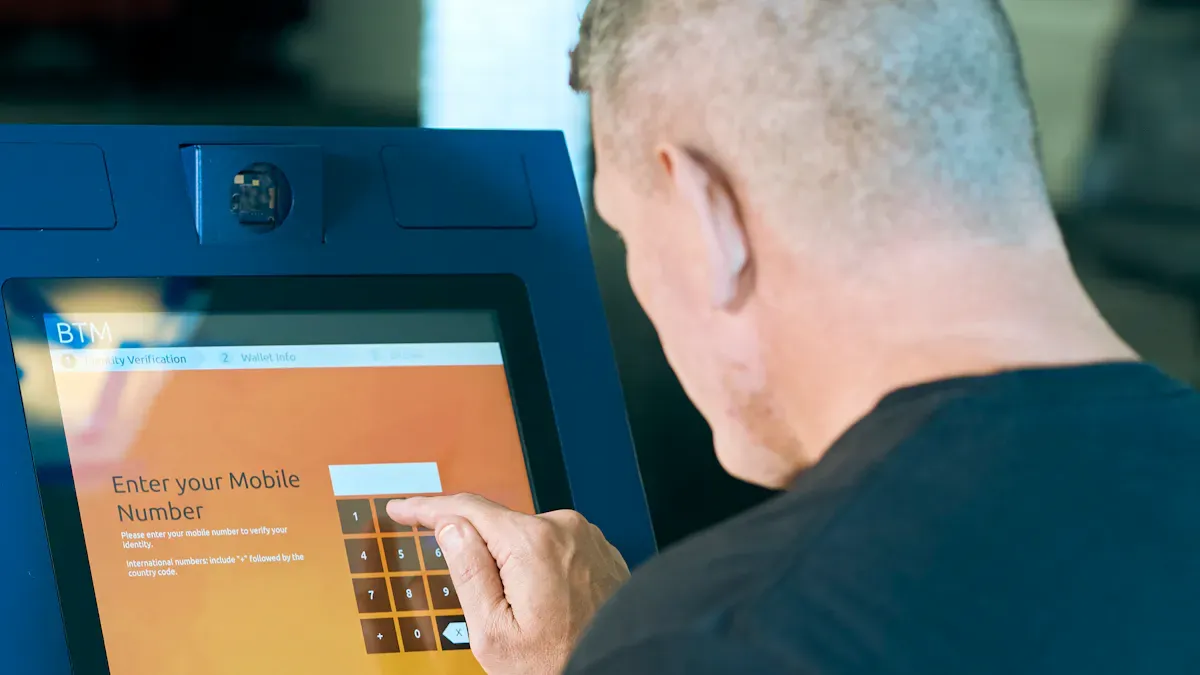
You need regular maintenance services for LCDdisplay kiosks in public spaces to keep screens bright and clear. Maintenance stops dirt, dust, and germs from building up on lcd displays. This keeps them clean and working well. Using the right cleaning methods helps lcd displays avoid problems from dirt and smudges. Public areas expose maintenance services for lcddisplay kiosks in public spaces to harsh weather. This includes rain, sunlight, and extreme temperatures. Without maintenance, you may face expensive repairs and downtime. Your kiosk might not last as long. Choose maintenance services for lcddisplay kiosks in public spaces from trusted providers like https://www.topkioskdisplay.com/. This keeps your kiosks in top shape.
Regular maintenance services for lcddisplay kiosks in public spaces stop dust and dirt buildup.
Maintenance services for lcddisplay kiosks in public spaces help kiosks work well even in tough weather.
Maintenance makes sure lcd displays stay clean and bright for every user.
Key Takeaways
Regular maintenance helps LCD display kiosks stay clean and bright. This makes it easy for people to read information.
Daily cleaning is important for kiosks that many people touch. It stops dirt and smudges from blocking the screen.
Preventive maintenance finds problems early. This lowers the chance of expensive repairs and stops kiosks from breaking.
Routine checks and software updates make kiosks work better and safer. They keep data safe from dangers.
Spending money on maintenance makes kiosks last longer. This saves money and helps smart city plans.
Maintenance for Screen Clarity and Hygiene
Preventing Dirt and Smudges
You see lcd displays in public places all the time. These screens give you news, ads, and updates. Maintenance keeps interactive kiosks clean and easy to see. You need to use the right cleaning steps to stop dirt and smudges. Use distilled water and gentle cleaners made for touchscreens. Do not use strong chemicals unless the maker says it is okay. Soft microfiber cloths or touchscreen wipes clean off fingerprints and dust. They do not scratch the screen. Maintenance helps protect the surface and keeps the display bright.
Tip: Always use soft things like microfiber cloths. Rough items can hurt the protective layer of lcd displays.
Busy places need cleaning every day. You have to clean interactive kiosks often for best performance and hygiene. This lets everyone see public information without smudges or dirt getting in the way.
Ensuring Brightness in Public Spaces
Maintenance helps lcd displays stay bright in busy places. Cleaning often removes things that block light and make screens hard to see. You keep digital signs and transit info easy to read by cleaning screens every day. Good maintenance makes sure all users get the best performance.
Here is a table that shows how often to clean lcd displays in different places:
Environment | Recommended Cleaning Frequency |
|---|---|
High-touch public displays (kiosks, POS) | Daily |
Medical or laboratory touch panels | After each use / shift |
Factory or workshop HMIs | Weekly |
Outdoor rugged displays | Bi-weekly or as needed |
Low-touch internal terminals | Monthly |
You protect your public technology by following these cleaning times. Maintenance keeps screens clear, helps share public information, and makes sure everyone gets the right info. Clean screens help you get the best performance and make lcd displays last longer.
Reducing Failures with Preventive Maintenance
Hardware Checks and Cleaning
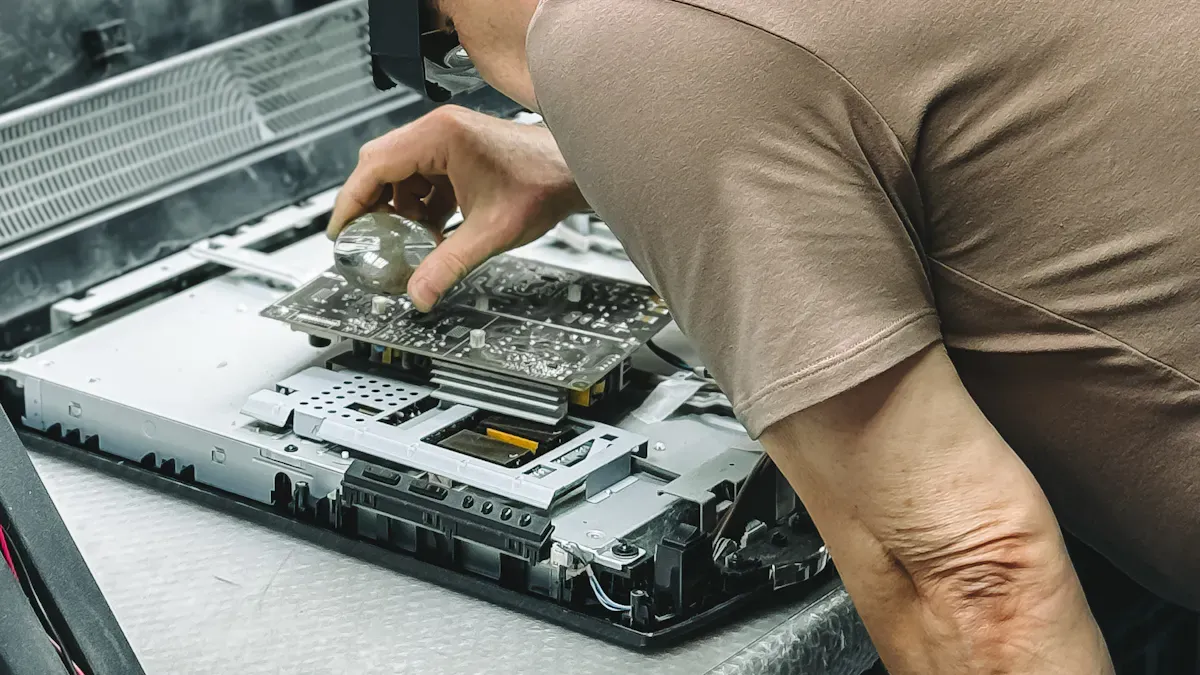
Maintenance helps lcd displays work well in public spaces. Checking screens often lets you find problems early. You look for flickering, dead pixels, or weird colors. You make sure the screen shows information the right way. You check if pictures and videos play without stopping. If you see flicker or blank screens, you can fix them fast. You test power cords, cables, and media players before they break.
You clean vents and fans to stop them from getting too hot. You wipe off fingerprints, dust, and dirt from lcd displays. Microfiber cloths work best for cleaning. If you see dust on screens or vents, you clean more often. You use better filters to keep dust away. You watch the temperature and humidity around the screens. You keep the temperature between 68 and 72 degrees Fahrenheit. You keep humidity between 45 and 55 percent. If you see water drops or static, you use a dehumidifier or humidifier.
Note: Maintenance services for lcd display kiosks in public spaces help you stop downtime and save money. You keep your equipment working well by taking care of it.
Here is a table that shows how you watch the environment for lcd displays:
Environmental Factor | Optimal Range | Warning Signs | Corrective Actions |
|---|---|---|---|
Temperature | Overheating warnings, fan noise | Improve ventilation, adjust HVAC | |
Humidity | 45-55% RH | Condensation, static electricity | Install dehumidifier or humidifier |
Dust Levels | Minimal accumulation | Visible dust on screen/vents | Increase cleaning, improve filtration |
Maintenance keeps lcd displays bright and easy to read. Everyone can see the information clearly in public places. Studies show that cleaning stops hardware from breaking and helps kiosks last longer.
Software Updates and Security
You need maintenance to keep lcd display software up to date. You look for bugs, glitches, and security problems. You install updates to fix issues and keep data safe. You check if the screen shows content the right way. You make sure pictures and videos play without freezing.
You watch for problems so you can fix them early. You test software before you update it. You keep kiosks safe from hackers and malware. You protect data by changing passwords and updating security settings. You plan regular software checks as part of maintenance services for lcd display kiosks in public spaces.
Tip: Maintenance helps you stop downtime and keeps data safe. You help people trust kiosks by making sure they work well.
Preventive maintenance helps you stop failures. You keep lcd displays working in public spaces. You make sure information is clear and easy to find. You protect your equipment and help smart cities by checking and fixing things often.
Extending Lifespan of LCD Kiosks
Protecting Investment in Public Technology
Cities use lcd displays to share news and help people. Maintenance helps protect this important technology. When you plan regular maintenance, kiosks last longer. You do not have to pay for big repairs. Your devices keep working well every day. Screens stay bright and clear for everyone who uses them.
You can see how maintenance helps by looking at this table:
Feature | Benefit |
|---|---|
Stops rain, dust, and humidity from getting in | |
Sealed structure | Makes sure kiosks work in tough weather |
Reduced long-term costs | Saves money on repairs over time |
Maintenance keeps lcd displays safe from bad weather and dirt. This saves money and helps your city get stronger. Your public technology lasts longer and supports smart city plans.
Tip: Clean and check your kiosks often. This keeps them ready for people to use. You protect your investment and help your city stay connected.
Routine Schedules for Smart City Success
Smart cities use technology to make life better. Maintenance is a big part of this. You set up a schedule to clean, check, and update lcd displays. This makes sure kiosks work well every day. People can trust the kiosks in public places.
Here are some ways maintenance helps your city:
Devices last longer and do not need to be replaced soon.
You save money by stopping big problems before they happen.
Information is always easy to read and share.
Smart city projects work better with good kiosks.
Maintenance helps your city become smarter and safer. It keeps lcd displays working for many years. Your city runs better and feels more welcoming for everyone.
Note: Maintenance services for lcd display kiosks in public spaces help your city grow. You build a strong base for smart city success and save money for the future.
Enhancing User Experience and Safety
Reliable Information for All Users
You use LCD display kiosks in public places to get info fast. Maintenance keeps kiosks working all the time. Clean screens and regular checks help you read info easily. This is true even when it is sunny or crowded. When you use a kiosk, you want the info to be clear and right. Maintenance makes sure you get the info you need with no wait.
Kiosks give you info and services all day and night. This makes people happier.
Touchscreens help you move through menus and find info quickly.
In big places, kiosks help you find your way and get updates. This makes your visit better.
Maintenance steps like regular checks keep screens easy to read. You can see info clearly and finish what you need to do. Brightness checks and auto controls change the screen for different light. This helps you always see the best info.
Maintenance Strategy | Effect on Readability |
|---|---|
Regular Calibration | Keeps screens easy to see, which is important outside. |
Systematic Procedures | Makes screens adjust to light changes, so they are easy to read. |
Meeting Accessibility and Safety Standards
Maintenance helps kiosks follow rules for safety and accessibility. You need kiosks to be simple to use, no matter who you are. Maintenance keeps things like raised labels and easy instructions in good shape. You can get info in ways that work for you, like sound or screen readers.
Requirement Type | Details |
|---|---|
Physical Accessibility | Kiosks must be easy to reach and have space for everyone. |
Software Accessibility | Kiosks need to work with screen readers and sound, and follow WCAG rules. |
Common Compliance Failures | Problems like hidden wheelchair mode and missing reports are important to fix. |
You see kiosks with the right height and space for wheelchairs. Maintenance keeps these rules in place so you can use kiosks by yourself. Companies must fix problems after kiosks are set up. There are penalties if they do not follow the rules. Maintenance also helps kiosks follow laws like the European Accessibility Act.
Raised labels help you find buttons and features.
Easy instructions show you how to use special features.
Maintenance keeps kiosks safe and simple for everyone.
You get help from maintenance because it keeps info correct, kiosks easy to use, and public spaces safe. People are happier when they trust kiosks to give info and services with no problems.
You make sure LCD display kiosks stay bright and clear with regular maintenance. Clean screens and new software help keep things clean and working well. Checking kiosks often helps them last longer and saves money. Users get good information and feel safe every day.
Tip: Make maintenance important to protect your kiosks and help smart city plans.
Benefit | How Maintenance Helps in Public Spaces |
|---|---|
Longer Operational Life | Kiosks last longer and need fewer replacements |
Consistent Performance | Screens stay bright and easy to read |
Enhanced Durability | Kiosks resist weather and heavy use |
Cost Savings | You avoid expensive repairs and downtime |
Facility managers and city planners should always focus on maintenance for public kiosks.
Why Public Kiosks Need Specialized Maintenance
Public spaces present unique challenges for electronic equipment. A high-traffic area like a train station creates a harsh environment for a kiosk, leading to specific types of wear and tear:
Physical Stress: Components like thermal printers, card dispensers, and touch panels undergo continuous heavy use, leading to wear.
Environmental Exposure: Outdoor kiosks must withstand extreme temperatures, UV radiation, rain, dust, and pollution.
Vandalism Risk: Public kiosks are susceptible to intentional physical damage, including cracked screens and broken card readers.
Digital Threats: Theft, cybersecurity risks, and software vulnerabilities need constant monitoring and patching.
⚙️ Common Issues & Troubleshooting
Understanding the typical problems can help you anticipate and resolve issues quickly.
Screen & Display Issues: Blank screens, flickering, distorted images, dead pixels, or delamination (the cover glass separating from the LCD panel) are common hardware failures.
Touchscreen Malfunctions: Unresponsive areas, touch inaccuracy, or "ghost touches" are often linked to controller signal issues, electromagnetic interference, or moisture.
Software & Content Problems: Incorrect content display, frozen screens, and system crashes are often caused by misconfigured software or corrupted files.
Connectivity Failures: Network issues can prevent the kiosk from delivering content or processing transactions.
Thermal & Power Issues: Dust buildup can clog filters and cause overheating, leading to performance issues or component failure.
Basic Troubleshooting Steps:
Power Check: Verify the kiosk is receiving power and turned on.
Connection Check: Ensure all cables (HDMI, power, network) are securely connected.
Restart: Rebooting the kiosk can resolve many temporary software glitches.
Software Check: For content issues, verify the content management system (CMS) is correctly configured and the correct files are scheduled.
🏢 Key Maintenance Service Providers
Many companies specialize in managing kiosk fleets. The right partner depends on your budget, geographic scope, and specific needs.
Provider | Primary Service Areas | Key Capabilities |
|---|---|---|
Intersection | US: Cities, transit, airports | Full lifecycle mgmt, field ops, remote monitoring, help desk |
Secur-Serv | US Nationwide | End-to-end, single point of contact, nationwide techs, help desk |
Quest International | US Nationwide | White-labeled services, 24/7 diagnostics, full-stack deployment |
Camco | Canada, Europe | SLA-backed response (2-24h), multi-level helpdesk, remote NOC |
Kodak Moments | NA, LATAM, EU, AU/NZ | Global B2B service, field tech dispatch, multi-lingual call center |
Novoparts | Hungary (local) | Workshop & on-site, preventive plans, spare parts logistics |
TXP | Global (72 countries) | Global deployment, 2,500+ engineers, full lifecycle services |
MetroClick | US | Proactive monitoring, real-time dashboards, hardware/software support |
EMSAR (CSA Service Solutions) | US | Field services for OEMs in kiosk, healthcare, security sectors |
Note: Beyond these specialists, large integrators like Diebold Nixdorf and NCR also provide comprehensive maintenance services. For pure software management, platforms like KioWare and SiteKiosk offer powerful remote administration tools.
💰 Understanding the Cost of Maintenance
The cost of maintaining a kiosk is not a fixed number; it depends on several variables.
Maintenance Plan: Annual maintenance contracts (AMC) provide predictable budgeting, while ad-hoc repairs can be more expensive per incident.
Hardware Type: A simple informational kiosk is cheaper to maintain than a complex transactional one with cash handling, a printer, and a scanner.
Location & Environment: An outdoor kiosk in a harsh climate requires more frequent servicing than an indoor kiosk in a climate-controlled mall.
Service Level Agreement (SLA): The cost is directly tied to your SLA. A premium SLA with 2-hour response times will be more expensive than a standard next-day plan.
Proactive vs. Reactive Approach: The most cost-effective strategy is to invest in a good preventive maintenance plan to avoid costly emergency repairs and downtime.
📝 How to Choose the Right Maintenance Plan
When evaluating maintenance contracts, pay close attention to the Service Level Agreement (SLA). It is the most critical document defining the level of service you will receive.
Guaranteed Uptime: Look for a guaranteed uptime percentage (e.g., 99.9%) and ask about the financial remedies or credits if they fail to meet it.
Response vs. Resolution Times: Clarify the difference. Response time is how quickly they answer your call. Resolution time is how quickly the kiosk is back up and running. Both are important, but resolution is what ultimately matters.
Support Channels: Ensure they offer multiple channels (phone, email, portal) and 24/7 coverage if your kiosks operate outside business hours.
Maintenance Windows: The SLA should specify planned maintenance windows (e.g., 2:00 AM – 4:00 AM) to avoid unexpected disruptions during business hours.
Spare Parts Guarantee: Ask about their spare parts strategy. A good provider will have regional hubs or site kits to ensure rapid availability of critical components.
🔧 Best Practices for Proactive Maintenance
To minimize downtime and extend the life of your kiosks, integrate these best practices into your daily or weekly operations.
Cleaning: Use a soft, lint-free microfiber cloth and a gentle, non-abrasive cleaning solution designed for LCD screens. Always turn off the screen before cleaning, and never spray liquids directly onto the kiosk. For outdoor units, a thorough monthly cleaning is generally recommended, but adjust frequency based on local environmental conditions.
Cooling System: For outdoor kiosks, regularly check that cooling fans are working and that air filters (if present) are clean and free of dust and debris.
Inspect Enclosure: Check the weatherproof seals, gaskets, and mounting hardware for any signs of wear, rust, or water ingress.
Monitor Cables: Inspect power and data cables for corrosion, fraying, or loose connections.
Conduct Diagnostics: Many modern kiosks have built-in diagnostic tools. Run these regularly to proactively identify potential issues before they cause a failure.
Plan for Professional Servicing: Even with diligent in-house care, schedule professional servicing from your provider annually or bi-annually for a comprehensive inspection.
FAQ
How often should you schedule maintenance for LCD display kiosks in public spaces?
You should schedule maintenance for LCD display kiosks in public spaces at least once a month. In busy or outdoor areas, you may need to clean and check them more often. This keeps your smart screens bright and clear.
Why do LCD display kiosks need regular cleaning?
You need to clean LCD display kiosks to remove dirt, dust, and germs. Clean screens help everyone see information clearly. Regular cleaning also keeps your smart kiosks working well and helps them last longer.
What problems can you prevent with maintenance services?
You can stop many problems with maintenance services. You avoid screen dimming, touch issues, and hardware failures. Smart maintenance also protects your kiosks from weather damage and keeps them safe for everyone.
How do software updates help LCD display kiosks?
You need software updates to fix bugs and improve security. Updates make sure your smart kiosks show the right information. They also protect your kiosks from hackers and keep them running smoothly.
Who should perform maintenance on LCD display kiosks?
You should let trained professionals handle maintenance. They know how to clean, check, and update your smart kiosks. This keeps your screens safe and working well in public spaces.
See Also
Top LCD Display Kiosks For Retail Spaces In 2026
Selecting The Right LCD Display Kiosk Installation Service Locally
Leading Providers Of Outdoor LCD Display Kiosks Available
Selecting Sturdy LCD Display Kiosks For Shopping Malls In 2026
Identifying LCD Display Kiosks With Touch Screen Features In 2026
