What Is an LCD Kiosk with Payment Processing and How Does It Work
Ahttps://www.youtube.com/shorts/Vvc1fbNJo70https://www.youtube.com/shorts/3MIyHo2Kxugdhttphttps://www.youtube.com/shorts/kDthu7HVZLAs://www.youtube.com/shorts/_imh3C9DIKcd.: 2F, Bldg 10, Changfeng Industrial Park, Dongkeng, Fenghuang, Guangming, Shenzhen, China 518132
Mobile/WHATSAPP: 86-138 25769658
Email: marketing@topadkiosk.com topadkiosk@gmail.com
Skype: pghenry1
Wechat: adkioskhenry
English Web.: http://www.topadkiosk.com/
https://www.topkioskdisplay.com/
http://www.ad-kiosk.com/
https://www.toplcddisplay.com/
http://www.multitouchdigitalsignage.com/
https://www.youtube.com/channel/UCYVYNJHxLVEcQD8fuUxXNTA/videos?view_as=subscriber
https://www.facebook.com/TOPADKIOSKSHENZHEN/?ref=bookmarks
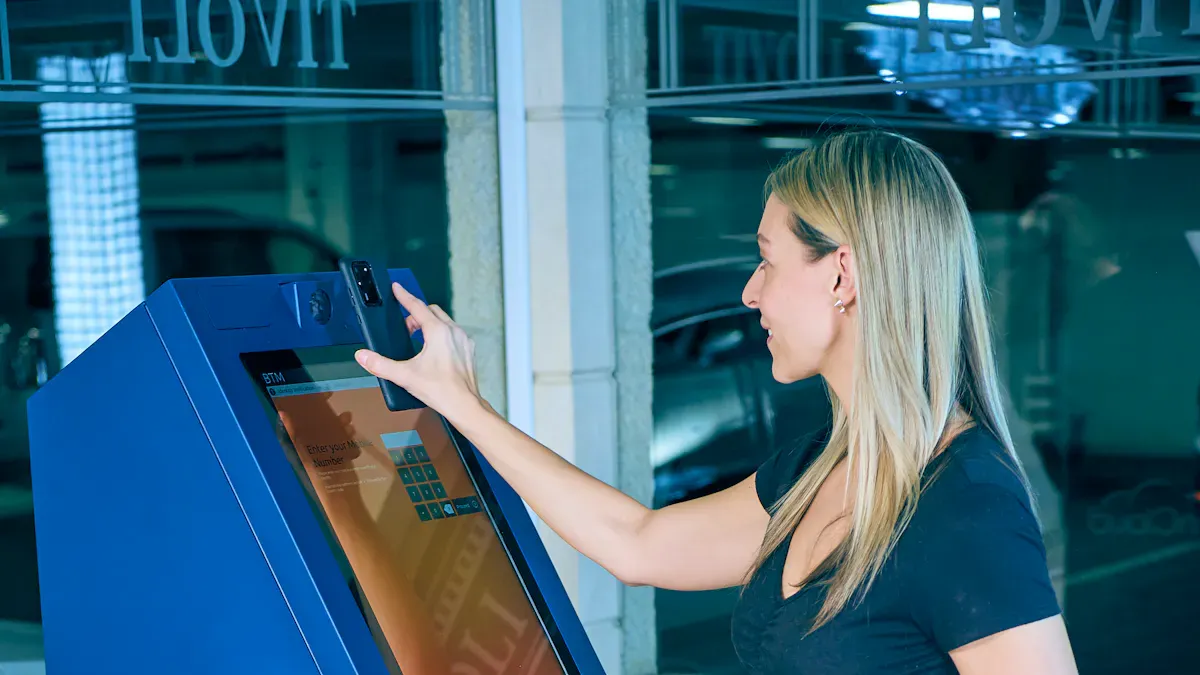
You use an lcd kiosk with payment processing when you want to pay for things by yourself. You do not have to wait for a worker. This self-service payment kiosk lets you look at items, pick what you want, and pay on a touchscreen. Many businesses have these kiosks because they help things go faster and make buying easier. The table below shows how kiosks help customers and businesses:
Evidence Type | Description |
|---|---|
Increased Customer Spending | Customers at McDonald's spent 25% more with kiosks than at the counter. |
Reduced Labor Costs | Kiosk systems mean fewer workers are needed, so businesses save money. |
Improved Order Accuracy | Kiosks help stop mistakes in orders, so there is less waste. |
Enhanced Customer Satisfaction | Self-service kiosks let people change their orders and take their time, so they are happier. |
The global kiosk market could be worth $47.41 Billion by 2035, which means it is growing a lot.
You can learn more about these kiosks at http://www.topadkiosk.com/.
Key Takeaways
LCD kiosks let you pay for things fast. You do not have to wait in line. You control how you pay. This makes it easier and quicker for you.
These kiosks help make orders correct. They lower mistakes and waste. You get what you want with no errors.
Payment kiosks make customers happier. They give you privacy. You can take your time to choose.
Businesses save money on workers with kiosks. Customers may spend more money. This helps businesses work better.
Kiosks use strong safety steps. They use encryption and tokenization. These keep your payment safe and private.
How LCD Kiosk with Payment Processing Works
User Interaction on Self-Service Kiosks
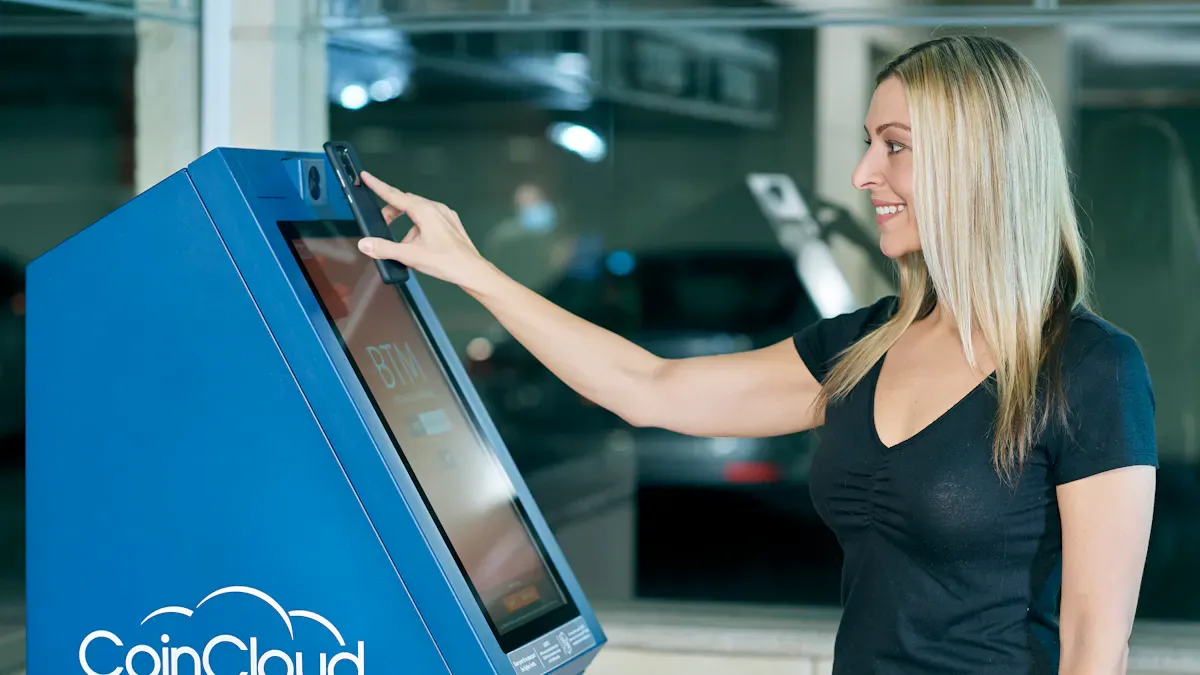
When you use an lcd kiosk with payment processing, you start by facing a large touchscreen. This digital kiosk greets you with a simple menu. You can browse products, select services, or pay bills. The screen shows each step one at a time, so you do not get confused. You always know where you are in the process and how much time you have left.
Here is how your journey usually looks:
You walk up to the kiosk and tap the screen to begin.
You choose what you want, like buying a ticket or paying a bill.
The kiosk shows you a summary of your choices.
You confirm your selection and move to the payment process.
The kiosk guides you to pay and finish your transaction.
Tip: Payment kiosks reduce the number of steps you need to take. This makes your experience faster and less frustrating.
You do not need to wait in line for a cashier. You control the whole process. Many people like using self-service kiosks because they save time and give you privacy. These interactive terminals help you finish tasks quickly, even if you do not have a bank account.
Payment Input and Secure Processing
After you confirm your order, the lcd kiosk with payment processing asks you to pay. You can use cash, a card, or contactless payments. The payment process is safe and fast. The kiosk uses encrypted transactions to protect your information. It follows strict rules, like PCI DSS, to keep your data safe.
Some payment kiosks use multi-factor authentication. This means you might enter a code or use a fingerprint. The kiosk can also have physical security features to stop tampering. Real-time monitoring systems watch for problems and keep your money safe. Tokenization replaces your card details with a special code, so no one can steal your real information. Secure payment gateways check for fraud and make sure you have a secure transaction.
Note: Secure self-service kiosk systems use advanced technology to keep your payments safe. You can trust these automated machines with your money.
Receipt Output and Transaction Completion
Once you finish the payment process, the digital kiosk prints a receipt or sends it to your email. You know your transaction is complete when you see a confirmation message. Some kiosks, like automated drop and pick-up machines or automated ticketing systems, give you a ticket or unlock a locker.
You can leave with proof of your payment. The kiosk makes sure you get what you need before you walk away. Payment kiosks help you finish everything in less than a minute. This is much faster than waiting for a person to help you.
Feature | How It Helps You |
|---|---|
Fast checkout | You spend less time waiting. |
Accurate transactions | You avoid mistakes in your order. |
Privacy and security | Your payment stays safe and private. |
Easy to use | You follow simple steps on the screen. |
You can find interactive information kiosks in many places, like train stations, hospitals, and stores. These self-service machine options make life easier for everyone.
Components of Self-Service Payment Kiosks
LCD Display and Touchscreen Interface
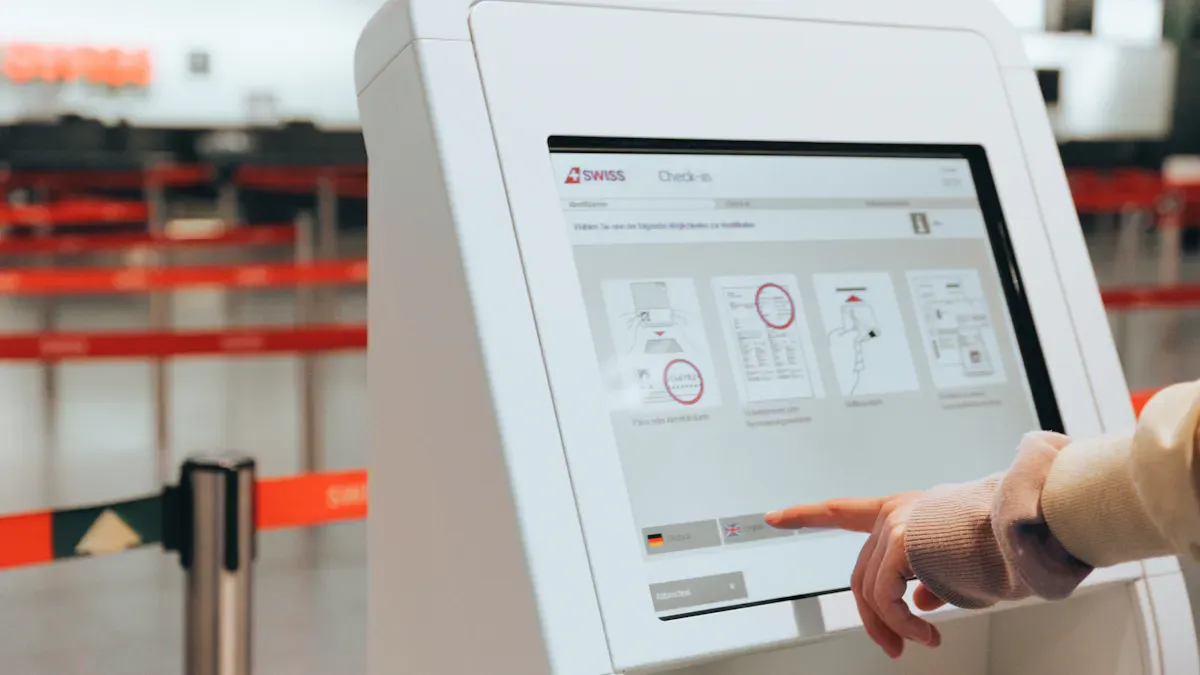
You use the LCD display and touchscreen to talk to the kiosk. The screen shows menus, choices, and steps. The display is strong and can handle lots of touches. You tap, swipe, and pick things fast. This makes using the kiosk simple and quick. The touchscreen helps you go through menus and pay without getting lost.
Touchscreens are easy for most people to use.
You can type in your info fast and save time.
The screen shows clear pictures and helps you step by step.
A touch screen payment kiosk works well in busy places. It is easy to use and clean.
Payment Systems and Hardware
Payment systems let you pay in many ways. You can use cash, cards, or contactless payments. The kiosk has hardware parts that help you pay safely and quickly.
Component Type | Description |
|---|---|
Payment Terminal | Lets you pay in different ways |
Touchscreen Display | Helps you use the kiosk easily |
Mounting Systems | Lets the kiosk sit on a wall or counter |
Printers | Prints your receipt after you pay |
Some kiosks have PIN pads and keyboards for typing. Fixed scanners let you scan barcodes or QR codes. The printer gives you a receipt when you finish paying. All these parts work together to make your payment fast and safe.
Payment terminals for cash and cards
Scanners for barcodes and QR codes
Printers for receipts
Self-service payment kiosks use tough hardware. They last a long time and can handle lots of people each day.
Software Integration and Security Features
The software connects all the hardware and payment systems. It helps you move from one step to the next. The software keeps your information safe. Payment systems use smart security features to protect your data.
Security Feature | Description |
|---|---|
Encryption | Keeps your data safe when you pay |
Tokenization | Changes your card info into a special code |
Continuous Monitoring | Watches for problems and stops bad things |
Secure Server Hosting | Stores your data in a safe place |
Uses strong sign-in steps, like extra codes | |
PCI DSS Compliance | Follows rules to keep payments safe |
Keeping payments safe is very important for every kiosk. End-to-end encryption protects your payment from hackers. The software checks for threats all the time. It follows strict rules to keep your money and data safe.
A kiosk machine uses a closed loop transaction flow. This means you finish your payment right at the kiosk. The software makes sure you have a safe and easy time every time you pay.
Benefits of Payment Kiosks
Efficiency and Reduced Wait Times
Payment kiosks help you finish tasks quickly. You do not have to stand in long lines. You can skip waiting for a cashier. In busy places, kiosks make things faster for everyone. Stores, hotels, and entertainment centers use kiosks to speed up service. The table below shows how businesses got better with kiosks:
Implementation | Outcome | Evidence |
|---|---|---|
Self-service kiosks for Power Card purchases | Wait times went down, staff worked better | |
Polytouch self-service kiosks in retail | Checkout got over 40% faster, lines got shorter | |
KALEA interactive kiosks in hotels | Check-in got faster, front desk was less crowded |
You get quick service. Staff can help with bigger jobs. The whole place works better.
Enhanced Customer Experience
Kiosks make your experience better. You control your order and go at your own speed. Many people like using self checkout kiosks. They are simple and fast. Here are ways kiosks help you:
You get quick service and skip waiting.
Each step is easy to follow.
Staff can help with special needs.
You feel good and sure when you use a lcd kiosk with payment processing. This makes the experience better for everyone.
Business Advantages and Data Analytics
Payment kiosks give businesses many benefits. They save money and make fewer mistakes. Kiosks help companies learn what you like. The table below shows some business benefits:
Advantage | Description |
|---|---|
Kiosks mean fewer cashiers, so businesses save money. | |
Increased Order Accuracy | Kiosks stop mistakes, so there is less waste and cost. |
Scalability and Flexibility | Kiosks can be added anywhere and updated fast, saving money. |
You help businesses grow by using kiosks. Kiosks manage crowds and let staff do important work. Companies use kiosk data to make their services better and smarter.
Common Use Cases for Payment Kiosks
Retail and Bill Payment
You find payment kiosks in stores and malls. These kiosks let you pay for things without waiting. You can scan items and check prices. You pay with cash, card, or contactless ways. Stores use kiosks to make checkout faster and stop mistakes. You can pay your phone or electricity bill. You can also buy gift cards. The lcd kiosk with payment processing helps you shop quickly and safely. You get a receipt right away. You do not need to talk to staff.
Tip: Payment kiosks in stores help you skip long lines and make shopping easier.
Ticketing and Transportation
You use payment kiosks at airports and train stations. These kiosks help you buy tickets and check in for trips. Metro stations use kiosks for recharging smart cards and buying passes. You pick your destination and pay for your ticket. You print your ticket in seconds. This makes travel smoother and faster. Payment kiosks help transportation services work better. You do not need to wait for a ticket agent. You control your trip and save time.
Hospitality and Healthcare
Hotels and clinics use payment kiosks to help you check in and pay bills. In healthcare, kiosks let you register and make appointments by yourself. You can store your patient data and save time. Kiosks automate tasks like registration and data entry. This leads to faster patient check-ins and better use of resources.
Jobs that needed many staff—like registration or appointment handling—are now automated. This means patients check in faster and resources are used better.
You see many benefits in healthcare places:
Benefit | Description |
|---|---|
Reduced Wait Times | Kiosks let many patients check in at once, so you avoid long waits. |
Increased Staff Efficiency | Automation lets staff do more important jobs and feel less tired. |
Improved Data Accuracy | Kiosks stop mistakes in data entry, so records are more correct. |
Enhanced Patient Experience | Kiosks give a smooth check-in, showing care and efficiency. |
Scalability | Kiosk systems can be used in many healthcare locations. |
96% of people were happy with medical kiosks as a way to get care.
Medical kiosks led to 128 fewer face-to-face doctor visits.
You get a smoother experience and better records. Payment kiosks help hotels and clinics serve you well.
Considerations for Self-Service Kiosks
Security and Compliance
You need to keep payment information safe when using an LCD kiosk with payment processing. Kiosks follow strong rules to protect your data. These rules include:
Encrypted Data Transmission: The kiosk scrambles your information from start to finish.
Secure User Authentication: Some kiosks use extra steps to check who you are.
Physical Security and Tamper Control: Locked doors and tough cases stop people from breaking in.
Remote Monitoring and Access Control: IT teams can watch and update kiosks from far away.
Kiosks must also follow important standards:
PCI Level 1 Compliance: Kiosks follow special payment rules and get checked every year.
EMV Compliance: Kiosks use safe chip technology for credit cards.
Adherence to PCI DSS Core Requirements: This means using scrambling, network safety, and firewalls.
These steps help keep your payments safe and private.
Maintenance and Integration
You want your kiosk to work well every day. Good care and smart setup make this happen. Here are some best ways to do this:
Connect kiosks to your IT systems for smooth use.
Use remote tools to update software and fix problems fast.
Train workers often so they know how to help with kiosks.
Clean screens and check wires often.
Update software to stop new risks.
Tip: Modular kiosks let you add new things without buying a new machine.
Cleaning, monthly updates, and yearly checks keep your kiosk working well.
Accessibility and User Support
Everyone should use a payment kiosk easily, even people with disabilities. Kiosks follow ADA rules and have features like:
Accessibility Requirement | Description |
|---|---|
Kiosks must work for people with disabilities. | |
Required Features | Easy-to-reach parts, open space, and simple buttons. |
Usability for Disabilities | Big buttons, bright screens, and sound help. |
WCAG Reference | Software follows web rules for access. |
Staff Assistance | Staff help is not the same as good design. |
Braille and Audio Output | Some kiosks have sound or braille for blind users. |
Many kiosks also have voice control, bigger text, and jacks for headphones. You get help from clear steps, remote watching, and many ways to pay. This makes sure everyone can use LCD kiosks with payment processing safely and easily.
LCD kiosks with payment processing help you get things done faster. You do not have to wait in long lines. You can pay whenever you want. These kiosks let you control your payment and make fewer mistakes. Businesses save money and work better with these machines.
You can check in easily and pay in different ways.
Staff have more time for important jobs.
Key Considerations | Description |
|---|---|
Security | Check for encryption and PCI DSS rules. |
Maintenance | Pick kiosks that are simple to clean and update. |
Integration | Make sure kiosks work with your other systems. |
For more information, visit Kiosk Industry Resources or Meridian Kiosks Resources.
Your Roadmap to a Payment-Enabled Kiosk
Before diving into specific hardware, it's essential to understand the four pillars of a successful payment kiosk.
1. Core Hardware Components: The Building Blocks
A payment kiosk is an ecosystem of integrated hardware, not just a screen and a card reader. Here's what you'll need.
Component | Options & Key Specs | Integration & Cost |
|---|---|---|
LCD Touchscreen | Resolution: FHD/4K | Display: High-brightness (350-1000+ nits) for visibility |
Core Computer | Operating System: Android or Windows IoT | Processor: Intel Core or industrial-grade for 24/7 use |
Card Reader (EMV) | Type: Contact (chip), Contactless (NFC), Magstripe | Certifications: Must be PCI PTS compliant and EMV-certified |
Cash Handling (Optional) | Components: Bill acceptor/recycler, coin dispenser | Use Case: Essential for cash-centric transactions (e.g., parking, vending) |
Receipt Printer | Type: Thermal printer with auto-cutter | Placement: Positioned for easy access with jam prevention |
Additional Peripherals | Barcode Scanner: 2D scanner for QR codes/barcodes |
For a simpler setup, you might consider an all-in-one unattended payment terminal like the XAC AT150U, which combines a 5" touch display, PIN pad, barcode scanner, and built-in 4G into one compact device.
2. Software & Integration: The Brains of the Operation
Your software platform must not only manage content but also securely handle payments and lock down the device. Here are key options:
Dedicated Kiosk Software with Payment Integration:
Intuiface: A no-code platform that has integrated with Stripe Terminal, allowing you to build custom payment flows on Windows, Android, or Samsung Kiosks.
KioWare: This industry-standard kiosk lockdown software excels at securely integrating with a wide range of payment devices and printers.
SiteKiosk: Another robust option for locking down Windows and Android devices, ensuring customers can only access your payment application.
Payment Gateway & Processor Integration: This is the core of your transaction flow. You'll need to integrate with a processor.
Stripe & Zettle: Popular options that offer straightforward integration and work in kiosk mode.
myPOS: Provides a suite of tools for developers, including Android, iOS, and .NET SDKs, to build custom self-service payment applications.
3. Security & Compliance: The Non-Negotiable Foundation
Processing payments means you are handling sensitive customer data. This is where PCI and EMV compliance come in.
PCI Compliance: The Payment Card Industry Data Security Standard (PCI DSS) is a set of security rules for all entities that handle credit card data. Your entire kiosk, network, and software processes must be PCI compliant.
EMV Compliance: EMV (Europay, Mastercard, Visa) refers to the technical standard for smart cards (chips) and the terminals that read them. An EMV-certified card reader is essential for secure chip-and-PIN or chip-and-signature transactions.
Physical Security: The hardware itself must be tamper-proof. This includes features like anti-skimming card readers, secure locking mechanisms, and a rugged chassis.
Look for components that are PCI PTS certified (a specific PCI standard for point-to-point encryption hardware) and EMV Level 1 & 2 certified to ensure the highest level of security.
💡 Leading Solutions for Every Need
Based on your requirements, here are some real-world solutions that combine many of the above elements.
Solution | Best For | Key Features |
|---|---|---|
VisualPay 27 (Cashmatic) | Versatile retail and hospitality | 27" Full HD PCAP multi-touch, compatibility with leading POS systems |
NCR Voyix Self-Checkout | Large-scale retail (supermarkets) | Modular design, integrates with store systems, award-winning design |
SPS-30A (PayComplete) | Compact, countertop cash & cashless | All-in-one cash recycling & digital payments, reduces hardware costs |
KIOSK Self-Checkout | Retailers needing guided workflows | Simple "scan → review → pay" workflow, flexible software |
Touch Dynamic Summit Kiosk | Next-gen retail (contactless focus) | Supports MSR, 2D scanners, printers; frictionless contactless payments |
Meiding Modular Kiosk | Global restaurant ordering | 23.6" curved touchscreen, multi-language support, custom branding |
If you're looking for a more customized solution, consider reaching out to a specialized vendor or manufacturer. Platforms like Alibaba also list manufacturers that offer integrated hardware and software security features.
🔧 Planning Your Build: A Step-by-Step Approach
Define Your Core Use Case: Will it be for ordering, check-in, retail checkout, or bill payment? This decides the necessary peripherals.
Decide on a Path: Choose between an all-in-one solution (faster to deploy) or a build-your-own path (more control over components).
Prioritize Security from Day One: Select PCI-certified readers, EMV-certified terminals, and a tamper-proof physical design.
Select Your Software Platform: Choose between no-code platforms (like Intuiface) for flexibility or dedicated kiosk software (like KioWare) for robust lockdown and peripheral support.
Plan for Unattended Operations: Your kiosk needs auto-recovery features (to restart after a crash), remote monitoring (to check status), and durable hardware built for 24/7 use.
Test and Certify: Before full deployment, thoroughly test the payment flow, security, and user experience in a real-world scenario. Ensure your setup passes any required PCI audits.
Building a payment-enabled LCD kiosk is a rewarding project that can streamline your operations and improve customer experience. If you have a specific use case in mind, feel free to share more details for more tailored advice.
FAQ
What is an LCD kiosk with payment processing?
You use an LCD kiosk with payment processing to pay for things by yourself. The kiosk has a touchscreen and lets you finish your payment without help from staff.
Is it safe to use a payment kiosk?
Yes. The LCD kiosk with payment processing uses strong security like encryption and secure codes. Your payment information stays private and safe.
What types of payments can I make at a kiosk?
You can pay with cash, credit cards, or contactless methods like your phone. The LCD kiosk with payment processing accepts many ways to pay.
Where can I find these kiosks?
You find LCD kiosks with payment processing in stores, hospitals, airports, and hotels. They help you check out, pay bills, or buy tickets quickly.
See Also
Understanding Self-Service Kiosks: Functionality and Operation Explained
Selecting the Top LCD Display Kiosk Installation Service Locally
Touch Screen LCD Display Kiosks Available in 2026: A Guide
Top LCD Display Kiosks for Retail Spaces in 2026
Essential Features of Contemporary Touch Screen Kiosks Explained
