The Science of LCD Display Panels and Their Applications
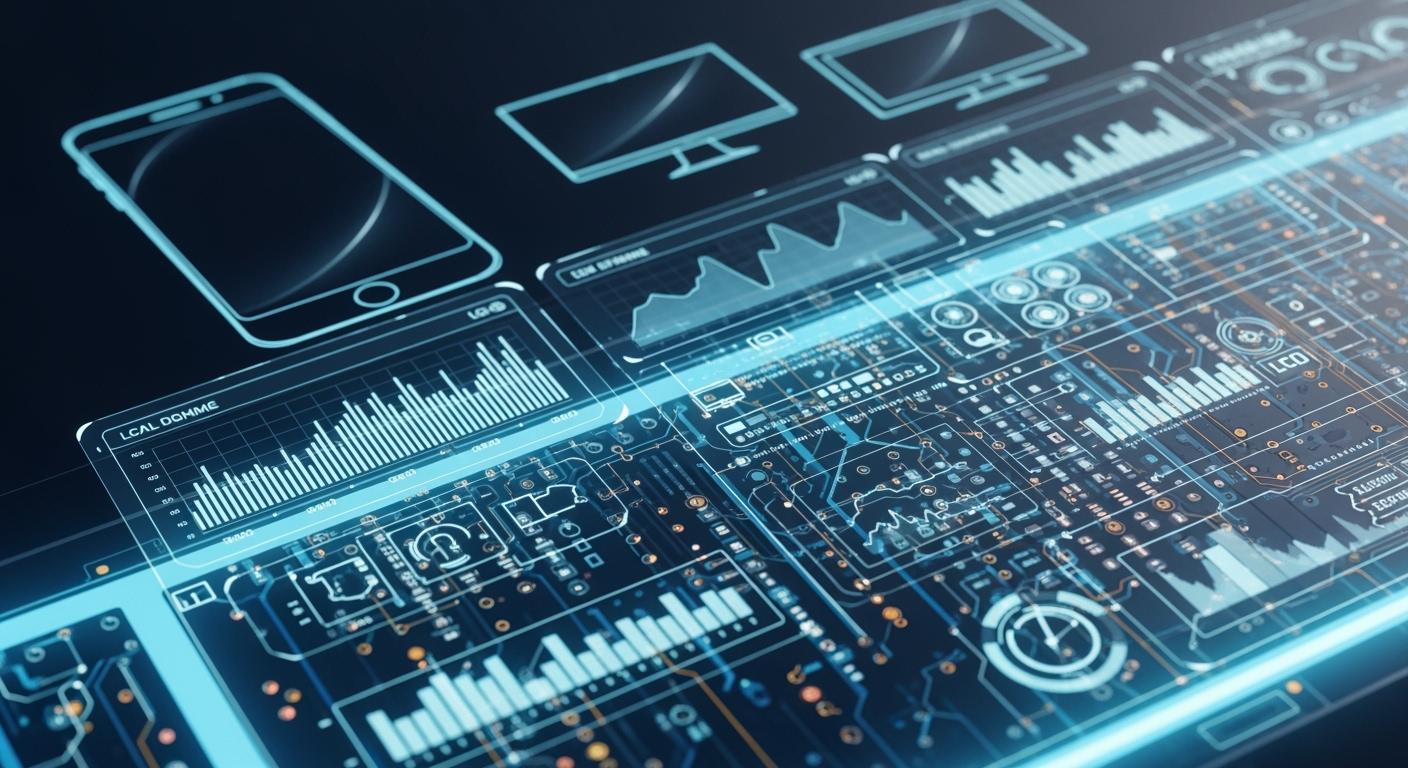
An LCD display panel lets you see sharp images and bright colors on devices you use every day. You might look at your smartphone, TV, or even a car dashboard and notice how clear the display appears. Understanding how an LCD works helps you make better choices when you buy new technology. Have you ever wondered what makes these screens so popular? The answer connects to their science, components, and real-world value.
Shenzhen TopAdkiosk Display Technology Co., Ltd.
Add.: 2F, Bldg 10, Changfeng Industrial Park, Dongkeng, Fenghuang, Guangming, Shenzhen, China 518132
Mobile/WHATSAPP: 86-138 25769658
Email: marketing@topadkiosk.com topadkiosk@gmail.com
Skype: pghenry1
Wechat: adkioskhenry
English Web.: http://www.topadkiosk.com/
https://www.topkioskdisplay.com/
http://www.ad-kiosk.com/
https://www.toplcddisplay.com/
http://www.multitouchdigitalsignage.com/
https://www.youtube.com/channel/UCYVYNJHxLVEcQD8fuUxXNTA/videos?view_as=subscriber
https://www.facebook.com/TOPADKIOSKSHENZHEN/?ref=bookmarks
The LCD market keeps growing worldwide.
Year | Market Size (USD Billion) |
|---|---|
2024 | |
2034 | 160.2 |
2035 | 239.47 |
Key Takeaways
LCD means liquid crystal display. It uses liquid crystals to change light and make pictures on screens.
There are three main kinds of LCD panels. TN is good for fast response. IPS is best for color accuracy. VA gives high contrast.
LCDs save energy and last a long time. This makes them a top pick for things like smartphones and TVs.
To keep your LCD screen nice, clean it gently. Do not let water touch it. Turn it off when you are not using it.
Knowing about LCD technology helps you pick the right screen. This is important for gaming, design, or everyday use.
What Is an LCD Display Panel
LCD Display Panel Definition
You use an lcd display panel when you look at your phone, computer, or TV. LCD stands for liquid crystal display. It uses liquid crystals to control light and make pictures. An lcd display panel has many thin layers. The backlight shines through these layers. The liquid crystals move when electricity is added. This movement helps the panel show colors and shapes.
There are three main types of lcd display panel:
Panel Type | Advantages | Disadvantages | Common Applications |
|---|---|---|---|
Twisted Nematic (TN) | Fast response, high refresh rates | Not as good color, narrow viewing | Budget gaming monitors |
In-Plane Switching (IPS) | Wide viewing, great color accuracy | Slower refresh and response | Creative work, everyday use |
Vertical Alignment (VA) | High contrast, deep blacks | Slower response, motion blur | Multimedia displays |
Each lcd display panel has its own strengths. They save energy, cost less, last long, and are thin and light. Some panels may have lower contrast or motion blur. Most people see clear images and good performance.
Brief History and Evolution
LCD display panels started in the early 1970s. Scientists like John L. Janning helped make them for big production. In 1971, inventors made the twisted nematic lcd. This became the base for screens today. By 1973, lcds were used in digital calculators. The technology moved to portable TVs in 1984 and notebook computers in 1991.
Here are some important events:
Year | Milestone Description |
|---|---|
1971 | Twisted nematic (TN) LCDs invented |
1984 | Portable LCD TVs introduced |
2001 | LCD TVs appear |
2007 | Smartphones with LCD technology |
Now, lcd display panels are in almost every digital device. Liquid crystal displays changed how you use and see technology.
How Does an LCD Work

Liquid Crystal Display Science
You see bright pictures on your lcd because of how liquid crystals work. These materials are special because they act like both liquids and solids. They can change the way light moves through them. When you use a device, the lcd display panel uses electricity to line up the liquid crystal molecules. This lining up controls the light and makes the pictures you see.
Here is a table that shows the main science ideas:
Principle | Description |
|---|---|
Liquid Crystals | Act like liquids and solids, letting them change light direction. |
Electric Field | Moves liquid crystal molecules to control light. |
Polarization | Light passes through polarizers and changes direction in the crystal layer. |
Provides the light needed since lcds do not make their own light. |
Liquid crystals have special ways they work with light and electricity. They twist and untwist to let more or less light through. This helps the lcd show different brightness and colors.
There are different ways lcds work, like twisted nematic, vertical alignment, in-plane switching, and fringe-field switching. Each way changes how the liquid crystals move and how the screen looks.
Main Components of LCDs
An lcd display panel has many important parts. Each part helps make the pictures clear and colorful.
Backlight Unit (BLU): This part shines light behind the lcd. Without it, you would not see anything on the screen.
Polarizer: This filter turns normal light into polarized light. It helps control which light goes through the panel.
Liquid Crystal Layer: This layer holds the liquid crystals. When you add electricity, the crystals move and change the light.
Color Filters: These filters give color to the pictures. They split the light into red, green, and blue.
Integrated Circuit (IC): This chip controls the signals and makes the electric field for the screen.
Flexible Printed Circuit: This connects the lcd panel to the device’s motherboard.
Here is a table that shows the main parts and what they do:
Component | Function |
|---|---|
Backlight Unit (BLU) | Supplies brightness and spreads light evenly across the lcd panel. |
Polarizer | Turns natural light into polarized light and controls light patterns. |
Integrated Circuit (IC) | Controls signals and creates the electric field for the display. |
Flexible Printed Circuit | Connects the lcd panel to the device’s motherboard. |
Liquid Crystal Layer | Changes light passing through to create images, with color filters for RGB display. |
The backlight system is very important. It helps you see the lcd. Sometimes, the backlight is not even, and this can cause brightness problems or "backlight bleed." This can change the colors and how you see the screen from different angles.
Step-by-Step Operation
You might wonder how an lcd works to show pictures. The process happens in steps:
The backlight shines light through the lcd display panel.
The first polarizer filters the light and makes it polarized.
The liquid crystal layer is between two glass panels. Before you add electricity, the molecules twist and turn the light’s direction.
Each pixel has three subpixels: red, green, and blue. The thin-film transistor array is like a grid of switches. It controls the voltage sent to each subpixel.
When you add voltage, the liquid crystals untwist. This blocks the polarized light at the second filter. The screen gets darker or brighter for each subpixel based on the electric input.
Color filters add color to the light that goes through each subpixel.
The integrated circuit manages the signals and controls the electric field.
The flexible printed circuit connects everything to the device’s motherboard.
The cool thing about an lcd is how it twists light between two crossed polarizers. When it is off, the liquid crystal layer twists the light so it goes through both filters. When you add voltage, the crystals untwist and block the light at the second filter. This lets the screen control brightness and color for each pixel.
You see pictures because the lcd controls how much light goes through each pixel. The screen uses electric fields to line up the liquid crystals. This lets you see sharp pictures and bright colors on your device.
LCD Advantages and Disadvantages
Benefits of LCD Panels
You can find many good things about using an lcd. These panels changed how people look at screens. Here are some reasons you might pick an lcd:
They are thinner and lighter than old screens. This makes your devices easier to carry.
They use less energy, so your device lasts longer on one charge.
They do not get as hot, which keeps your device cool.
They show sharp pictures and bright colors for better image quality.
You can see the screen clearly from more angles.
Tip: New lcd panels have smart features like dynamic backlight control and local dimming. These features save energy by only lighting up the parts of the screen that need it.
Drawbacks and Limitations
Lcd panels have many good points, but they also have some problems. Some things can make your viewing experience worse:
Old or cheap lcds may not look good from the side. Colors and brightness can change if you do not look straight at the screen.
Sometimes, the backlight is not even. This can make the edges look brighter or darker.
The black parts may not look very dark. The liquid crystals cannot block all the backlight.
Some lcds show motion blur when things move fast.
PWM backlighting can make the screen flicker. This can make your eyes feel tired.
Each lcd has one main resolution. If you use a different one, the picture can look blurry.
Cheaper lcds may not show as many colors because of fixed bit depth.
Input lag can happen because the panel waits for a full frame before showing the picture.
Environmental Factor | Effect on Performance and Longevity |
|---|---|
Temperature | Too much heat can make the lcd not last as long. Good cooling helps. |
Humidity | Water in the air can hurt the circuits. Moisture-proofing is important. |
Corrosive Gases | Salty air can damage metal parts. Using special materials helps stop this. |
LCD vs CRT and OLED
You might want to know how lcd panels are different from other types. The table below shows the main differences:
Display Type | Image Quality | Durability | Cost Level |
|---|---|---|---|
LCD | Lower contrast; viewing angle issues; some motion blur | Sensitive to UV light; color shift over time | Cheapest |
CRT | High quality but bulky and heavy | Durable but outdated | Obsolete |
OLED | Best quality with true blacks; great color | Can burn in; more expensive | Expensive |
lcd is the cheapest choice. Some models cost less than $100.
CRT screens are not used much anymore.
OLED gives the best picture but costs more and can have burn-in problems.
Applications and Maintenance
Common Uses of LCDs
You see lcd screen technology in many devices you use every day. These screens help you read, watch, and interact with information. Here are some of the most common places you find lcds:
Smartphones let you text, play games, and watch videos with bright lcd screens.
Televisions use lcd panels to show clear pictures and vivid colors.
Smart home devices, like thermostats and smart displays, use lcds for easy control.
Laptops and tablets rely on lcd monitors for work and school.
Digital cameras and car dashboards often use lcd monitors for clear displays.
Lcd monitors have become a standard in homes, schools, and offices. You depend on them for both entertainment and learning.
Energy Efficiency and Durability
Lcd monitors use less power than older screens. Modern lcds have features that help save energy. Dynamic backlight control and advanced power management systems lower power use. When you watch bright images, lcds can be more energy-efficient than other types like OLEDs. This means your devices last longer on a single charge.
Lcds also last a long time. They do not burn in like some other screens. You can use lcd monitors for years if you take care of them. Their strong design makes them a good choice for many devices.
Care and Maintenance Tips
You can keep your lcd display panel working well with a few simple steps:
Clean the screen with a soft, dry cloth. Do not use harsh cleaners.
Keep your device away from water and high humidity.
Avoid pressing hard on the screen. This can damage the lcd layer.
Turn off your device when you do not use it. This saves energy and extends the life of the lcd.
Use a screen protector to guard against scratches.
Tip: Place your lcd monitors in a cool, dry place. Heat and moisture can shorten their lifespan.
If you follow these tips, you help your lcd screen technology last longer and look better.
You now know how an lcd display panel works and why it matters in your daily life. You see lcds in phones, TVs, and computers. Each type fits a different need:
Use Case | Benefits | |
|---|---|---|
IPS | Graphic Design | Color accuracy |
TN | Gaming | Fast response time |
VA | General Use | Good balance |
When you understand lcd technology, you can choose the best screen for your needs. Stay curious about new display advances!
FAQ
What does LCD stand for?
LCD stands for "liquid crystal display." You see this technology in many screens, like your phone, TV, or computer monitor.
How long does an LCD display panel usually last?
You can expect an LCD display panel to last between 30,000 and 60,000 hours. This means you can use your device for many years with proper care.
Why do some LCD screens look brighter than others?
The backlight inside the LCD display panel controls brightness. Newer panels use advanced backlights, which make screens look brighter and colors more vivid.
Can you fix a broken LCD display panel?
You cannot usually fix a cracked or damaged LCD display panel at home. You should contact a professional repair service or replace the screen.
Is an LCD display panel safe for your eyes?
LCD display panels are safe for your eyes when you use them correctly. You should take breaks and adjust brightness to a comfortable level.
See Also
Exploring LCD Display Screens: Functionality and Features Explained
Pros and Cons of Using LCD Display Screens Today
Upcoming Innovations in LCD Displays for 2026 Revealed
Key Insights on LCD Display Screens: Benefits and Drawbacks
Comparing LED and LCD Video Walls: Key Differences Explained
