Which LCD display kiosks support touch screen functionality
Add.: 2F, Bldg 10, Changfeng Industrial Park, Dongkeng, Fenghuang, Guangming, Shenzhen, China 518132
Mobile/WHATSAPP: 86-138 25769658
Email: marketing@topadkiosk.com topadkiosk@gmail.com
Skype: pghenry1
Wechat: adkioskhenry
English Web.: http://www.topadkiosk.com/
https://www.topkioskdisplay.com/
http://www.ad-kiosk.com/
https://www.toplcddisplay.com/
http://www.multitouchdigitalsignage.com/
https://www.youtube.com/channel/UCYVYNJHxLVEcQD8fuUxXNTA/videos?view_as=subscriber
https://www.facebook.com/TOPADKIOSKSHENZHEN/?ref=bookmarks
Many modern LCD display kiosks support touch screen functionality. You see these kiosks in banks, hotels, retail stores, restaurants, and hospitals. Brands like Elo Touch Solutions, LG, topadkiosk, Displays2Go, Advanced Kiosks, and MWE 65 Inch 4K Touchscreen Kiosk offer reliable options. You can find touch screen kiosks in many industries:
Industry | Applications |
|---|---|
Banks | Self-service transactions and document scanning |
Entertainment | Wayfinding, ticketing, and information in museums and parks |
Hotels | Check-in kiosks for guests |
Retail | Interactive shopping experiences |
Restaurant/QSR | Streamlined ordering |
Healthcare | Patient communication and navigation |
Education | Student information and engagement |
Key Takeaways
LCD display kiosks are widely used in various industries, including banks, hotels, and retail, enhancing customer interaction and service efficiency.
Different types of kiosks, such as self-service and information kiosks, utilize touch screen technology to provide intuitive user experiences.
Key features of touch screen kiosks include multi-touch capability, user-friendly designs, and customization options to fit specific business needs.
When choosing a kiosk, consider application needs, screen size, touch technology, and compatibility with existing systems for optimal performance.
Leading brands like Elo Touch Solutions and LG offer reliable kiosks with advanced touch features, ensuring durability and high-quality user experiences.
Types of LCD display kiosks with touch screens
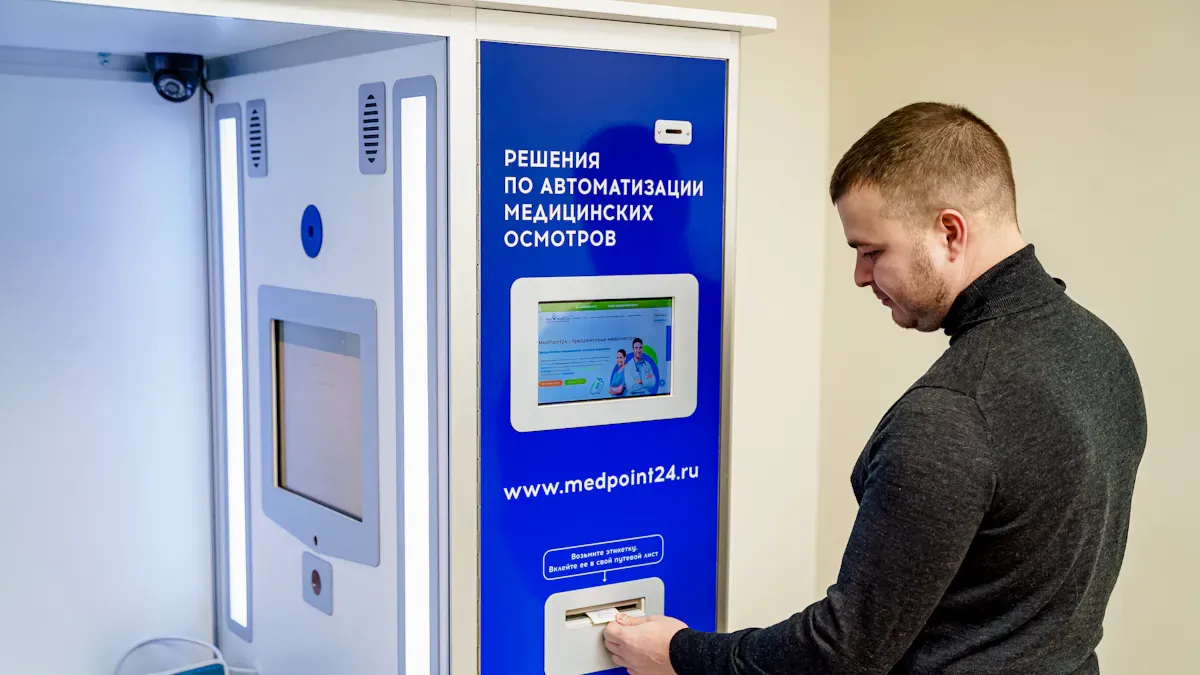
LCD display kiosks come in several types. Each type serves a unique purpose and uses touch screen technology to make your experience interactive and efficient. You can find kiosks with projected capacitive (PCAP) or infrared (IR) touch screens. These technologies help you interact with the kiosk easily.
Self-service kiosks
Self-service kiosks let you complete tasks without help from staff. You can check in at hotels, place orders at restaurants, or manage banking transactions. These kiosks often feature multi-touch screens. You can use gestures like pinch, swipe, or tap. Multi-touch capability makes the process faster and more intuitive.
Tip: Self-service kiosks often support custom screen sizes. You might see displays ranging from 19" to 55", but some kiosks offer screens up to 100".
Information kiosks
Information kiosks help you find answers quickly. You can access maps, schedules, or product details. Touch screens allow you to search, scroll, and select options. These kiosks often use capacitive touch screens for smooth and accurate responses.
Information kiosks are common in museums, airports, and shopping malls.
You can interact with the kiosk using simple touch gestures.
Wayfinding kiosks
Wayfinding kiosks guide you through large spaces. You can locate stores, offices, or departments in malls, hospitals, or campuses. Touch screens let you zoom in, search, and get directions. Multi-touch support helps you explore maps with ease.
Payment and ticketing kiosks
Payment and ticketing kiosks make transactions simple. You can buy tickets, pay bills, or print receipts. Touch screens let you enter information, select options, and confirm payments. These kiosks often use durable screens to handle frequent use.
LCD display kiosks can be configured in many ways. You can choose the screen size, touch technology, and layout to fit your needs. Custom dimensions are available if you need a unique solution.
Key features of touch screen LCD display kiosks
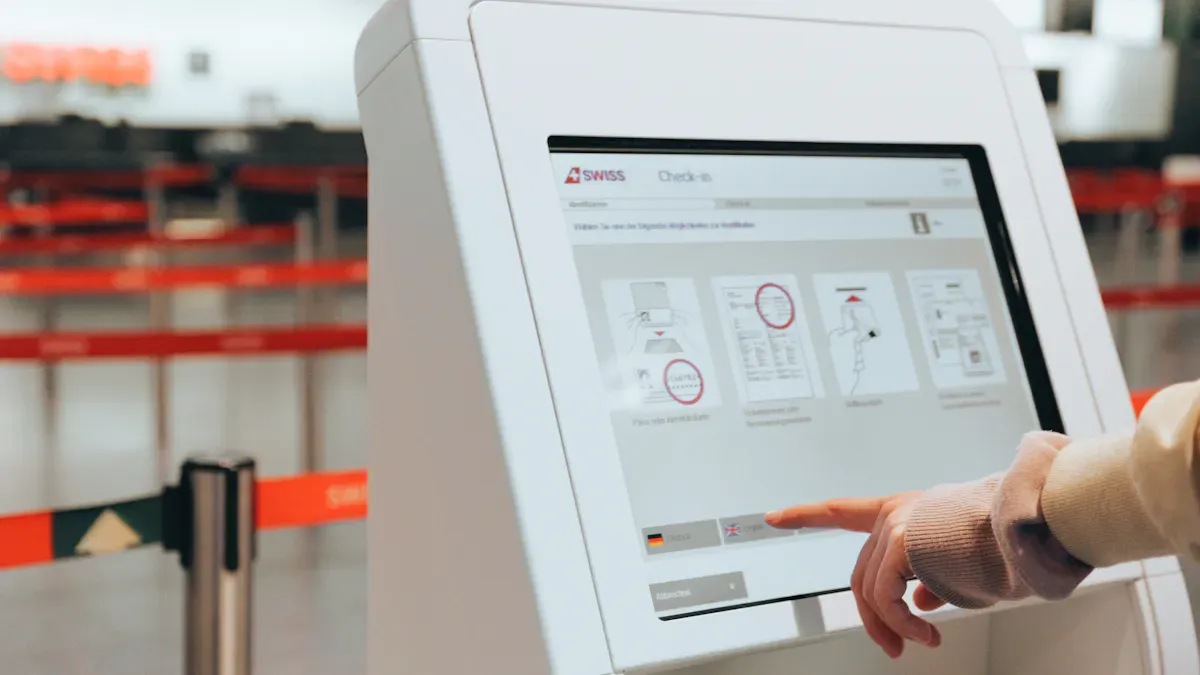
Multi-touch capability
You can interact with LCD display kiosks using more than one finger at a time. Most kiosks support up to 10 touch points. This means you can pinch, zoom, or swipe with both hands. Projected Capacitive (PCAP) touch technology is common. It gives you a fast and accurate response. Multi-touch makes it easy for you to use maps, fill out forms, or play interactive games.
Multi-touch lets several people use the kiosk together.
You can complete tasks faster with gestures like drag and drop.
User-friendly design
LCD display kiosks focus on making your experience simple and enjoyable. You will see high-definition screens that range from 21.5″ to 55″. These displays show clear images and bright colors. The interface uses large buttons and clear labels. This helps you find what you need quickly.
Feature | Benefit |
|---|---|
Intuitive user interfaces | Easy to use and understand |
Mobile payment integration | Fast and secure transactions |
Weather-resistant models | Reliable outdoors and indoors |
LED light bars | Attracts your attention and improves visibility |
You will also find features like cameras, scanners, and NFC for contactless payments. These features make your experience smooth and secure.
Customization options
You can choose a kiosk that matches your brand and needs. Many providers let you change the interface, colors, and logos. Restaurants often use custom screens to show their menu and style. Open frame kiosks let you design the look to fit your space.
Customization Option | Example Use Case |
|---|---|
Interface branding | Restaurant menu and colors |
Physical design | Open frame for unique installations |
Software integration | Connects with ordering or ticketing apps |
Durability and maintenance
LCD display kiosks use strong materials to last in busy places. The screens resist scratches and impacts. You can clean them with strong cleaning agents. They keep working even if they get wet or dirty. Many kiosks have IP65 or higher ratings, so dust and water do not cause problems.
Feature | Description |
|---|---|
Scratch resistance | Keeps working even with surface scratches |
Tamper resistance | Protects against damage and vandalism |
Weather resistance | Works in rain, heat, or cold |
Easy cleaning | Handles strong cleaning agents for hygiene |
You spend less time on repairs and cleaning. This means your kiosk stays ready for use.
Leading brands and models with touch screen functionality
Elo Touch Solutions
You find Elo Touch Solutions at the forefront of touch screen technology. Elo offers LCD display kiosks with versatile sizes and advanced touch features. You can choose from several touch technologies, each designed for specific environments.
Touchscreen Technology | Key Strengths |
|---|---|
Acoustic Pulse Recognition (APR) | Works well with water and contaminants. Supports many input methods. Palm rejection helps during signature capture. |
CarrollTouch | Delivers fast and accurate response. No overlay needed. Performs well in harsh environments. |
IntelliTouch | Scratch-resistant glass. Durable and long-lasting. Widely used in kiosks. |
SecureTouch | Tempered glass for breakage resistance. Ideal for high-security applications. |
Elo LCD display kiosks give you smooth touch experiences and reliable performance. You can use them in banks, retail stores, and hospitals.
LG Electronics
LG Electronics brings stylish design and high performance to LCD display kiosks. You see energy-efficient screens with vivid colors and strong durability. LG offers models with impressive multi-touch support.
Product Model | Screen Size | Multi-Touch Support |
|---|---|---|
55TC3CG-H | 55 inches | Up to 40 touch points |
43UL3G-B | 43 inches | 10-Point Multi-Touch IR Overlay |
You can use the 55TC3CG-H for large spaces. It supports up to 40 simultaneous touch points. The 43UL3G-B fits smaller areas and offers accurate touch with a 10-point overlay. LG LCD display kiosks work well in busy environments like airports and shopping malls.
ViewSonic
ViewSonic stands out with high-resolution displays and flexible connectivity. You get LCD display kiosks built for public use and durability. ViewSonic uses anti-glare and anti-fingerprint coatings to improve clarity.
Feature | ViewSonic Strengths |
|---|---|
Brightness (FHD) | |
Touch Performance | Enhanced clarity and usability |
Design Aesthetic | Modern edge-to-edge zero-bezel glass |
Support | Personalized expert assistance |
You benefit from modern designs and reliable support. ViewSonic kiosks fit well in schools, museums, and retail spaces.
topadkiosk
topadkiosk delivers advanced touch technology and high-definition displays. You can select from versatile configurations, including freestanding, wall-mounted, and countertop models. These LCD display kiosks feature robust materials and secure enclosures.
Feature | Description |
|---|---|
Advanced Touch Technology | Seamless user experiences across many applications. |
High-Definition Displays | Clear and vibrant visuals for better engagement. |
Versatile Configurations | Multiple sizes and mounting options. |
Durable Construction | Withstands heavy use and harsh environments. |
Secure Enclosures | Tamper-resistant designs for safety. |
Comprehensive Support | Assistance from consultation to installation and maintenance. |
You can rely on topadkiosk for LCD display kiosks that perform well in demanding settings.
Displays2Go
Displays2Go offers LCD display kiosks with strong durability and easy maintenance. You see IPS LCD panels with wide viewing angles and excellent color accuracy. These kiosks use projected capacitive touchscreens for superior scratch resistance.
Feature | Details |
|---|---|
Panel Type | IPS LCD, 178-degree viewing angles, great image quality |
Brightness | |
Duty Cycle | 50,000-100,000 hours of continuous operation |
Touchscreen Technology | Projected capacitive, scratch resistant |
Surface Hardness | 7H on Mohs scale |
Comprehensive Support | Unified technical support and remote monitoring |
You can depend on Displays2Go for kiosks that last and stay reliable in high-traffic areas.
Advanced Kiosks
Advanced Kiosks uses several touch screen technologies to meet your needs. You find LCD display kiosks with high sensitivity, durability, and clear displays. These kiosks work well in retail, healthcare, and transportation.
Technology Type | Features | Applications |
|---|---|---|
Surface Acoustic Wave (SAW) | High sensitivity, durability, clarity, multi-touch, water and dust resistance | Retail, Hospitality, Healthcare, Transportation, Education |
Projected Capacitive (PCAP) | Multi-touch, high sensitivity, durability, clear display | Information kiosks, Self-Service Terminals, Retail POS, Industrial Control Panels, Gaming, Medical Devices, Transportation, Hospitality |
Optical | Camera detection, multi-touch, excellent display quality, durability | Public Information Kiosks, Retail Technology, Self-Service, Digital Signage, Information Kiosks |
You can use Advanced Kiosks for interactive information, self-service, and digital signage.
MWE 65 Inch 4K Touchscreen Kiosk
The MWE 65 Inch 4K Touchscreen Kiosk gives you a large, ultra-high-definition display. You see crisp images and vibrant colors. Multi-touch support lets you use gestures like pinch and swipe. The rugged frame protects the kiosk from damage. You can use this model in conference centers, airports, and shopping malls.
Feature | Description |
|---|---|
Screen Size | 65 inches |
Resolution | 4K Ultra HD |
Multi-Touch | Supports up to 10 touch points |
Durability | Rugged frame for heavy use |
You get a kiosk that stands out and handles busy environments.
Premium 32 inch Vertical Kiosk Display
You find the Premium 32 inch Vertical Kiosk Display ideal for restaurants and retail. This kiosk features a commercial-grade touch display with wide viewing angles and 350-nit brightness. You can manage orders and menus remotely with its plug-and-play CMS.
Integrated Touch Ordering System lets customers browse menus, select items, customize orders, and pay independently.
Commercial-grade display ensures visibility in busy spaces.
Plug-and-play order and menu management keeps information accurate.
Rugged, space-saving design fits small to medium-sized locations.
You can improve customer experience and streamline operations with this kiosk.
How to choose the right LCD display kiosk
Choosing the right LCD display kiosk can feel overwhelming, but you can make the process simple by following a few clear steps.
Define your application needs
Start by thinking about how you will use the kiosk. Will it help customers order food, find directions, or pay bills? Each use case needs different features. You should also consider where you will place the kiosk and who will use it. Use the table below to guide your decision:
Factor | Description |
|---|---|
Technology Options | Choose between IR, capacitive, or resistive touch based on your needs. |
Form Factor | Decide if you need a stand-alone, wall-mounted, or table-mounted kiosk. |
Display Size and Orientation | Pick the right screen size and choose landscape or portrait orientation. |
Enclosure Materials | Select strong, weather-resistant materials for public spaces. |
Device Monitoring | Look for remote monitoring to track kiosk health and security. |
Tip: Write down your main goals before you start shopping.
Consider screen size and resolution
Screen size matters. A large screen works well for maps or menus, while a smaller screen fits tight spaces. High resolution makes images and text clear. You want customers to see everything easily, even from a distance.
Evaluate touch technology
Touch technology affects how users interact with the kiosk. Here is a quick comparison:
Feature | Capacitive Touchscreens | Infrared Touchscreens | Resistive Touchscreens |
|---|---|---|---|
Touch Recognition | Finger only | Any object | Pressure needed |
Multi-Touch Support | Yes | Yes | Limited |
Durability | Moderate | High | Moderate |
Clarity | High | Moderate | Low |
Capacitive screens feel smooth and respond quickly. Infrared screens work with gloves or styluses. Resistive screens need pressure and are less common in modern LCD display kiosks.
Check compatibility and integration
You need your kiosk to work with your current systems. Test the software on real hardware. Make sure the network connects well and loads content quickly. Ask your IT team to help with integration and check for any issues early.
Evaluation Aspect | Description |
|---|---|
Compatibility Verification | Make sure software and hardware work together. |
Network Connectivity | Test network speed and firewall settings. |
Integration Testing | Confirm connections with other systems and APIs. |
IT Department Engagement | Involve IT staff from the start. |
Compare pricing and support
Price matters, but support is just as important. Look for a kiosk that fits your budget and offers good technical help. Ask about warranties and maintenance plans. Reliable support keeps your kiosk running smoothly.
Note: Regular maintenance and good support prevent problems like unresponsive screens or ghost touches.
By following these steps, you can choose a kiosk that fits your needs and works well in your environment.
You see LCD display kiosks in many places, helping you interact and get information quickly. The main features include a touchscreen interface, real-time connectivity, and device integration. Trusted brands give you reliable performance and strong build quality. Use the selection guide to match the right technology to your needs.
Feature | Description |
|---|---|
Touchscreen Interface | Easy interaction for all users |
Connectivity | Real-time updates and transactions |
Device Integration | Printers, scanners, and more |
Quick Service Restaurants, retail, healthcare, and banking will use more kiosks in the future.
FAQ
What is a touch screen LCD kiosk?
A touch screen LCD kiosk is a digital device with a display that responds to your touch. You can use it to get information, place orders, or make payments. These kiosks work in many public spaces.
How do I clean a touch screen kiosk?
You can clean the screen with a soft, lint-free cloth. Use gentle cleaning solutions made for electronics. Avoid spraying liquid directly on the screen. Regular cleaning keeps the kiosk working well.
Can I use a touch screen kiosk outdoors?
Yes, you can use outdoor models. Look for kiosks with weather-resistant features like IP65 ratings. These kiosks handle rain, dust, and sunlight. You get reliable performance in outdoor environments.
What sizes are available for LCD touch screen kiosks?
You can find kiosks in sizes from 21.5 inches to 65 inches or larger. Choose a size based on your space and application. Larger screens work well for maps and menus. Smaller screens fit tight areas.
Do touch screen kiosks support multi-touch gestures?
Most modern kiosks support multi-touch gestures. You can pinch, swipe, and zoom with several fingers. Multi-touch makes navigation faster and easier for you.
See Also
Exploring Touch Screen Features in LCD Kiosks for 2026
Essential Characteristics of Today's Touch Screen Kiosks
Top LCD Display Kiosks for Retail Spaces in 2026
Leading Providers of Outdoor LCD Display Kiosks
Evaluating Touch Screen Kiosks for Business Efficiency and Cost
