Interactive Screen With Black Board For Teaching Makes School Days Brighter
Shenzhen TopAdkiosk Display Technology Co., Ltd.
Add.: 2F, Bldg 10, Changfeng Industrial Park, Dongkeng, Fenghuang, Guangming, Shenzhen, China 518132
Mobile/WHATSAPP: 86-138 25769658
Email: marketing@topadkiosk.com topadkiosk@gmail.com
Skype: pghenry1
Wechat: adkioskhenry
English Web.: http://www.topadkiosk.com/
https://www.topkioskdisplay.com/
http://www.ad-kiosk.com/
https://www.toplcddisplay.com/
http://www.multitouchdigitalsignage.com/
https://www.youtube.com/channel/UCYVYNJHxLVEcQD8fuUxXNTA/videos?view_as=subscriber
https://www.facebook.com/TOPADKIOSKSHENZHEN/?ref=bookmarks
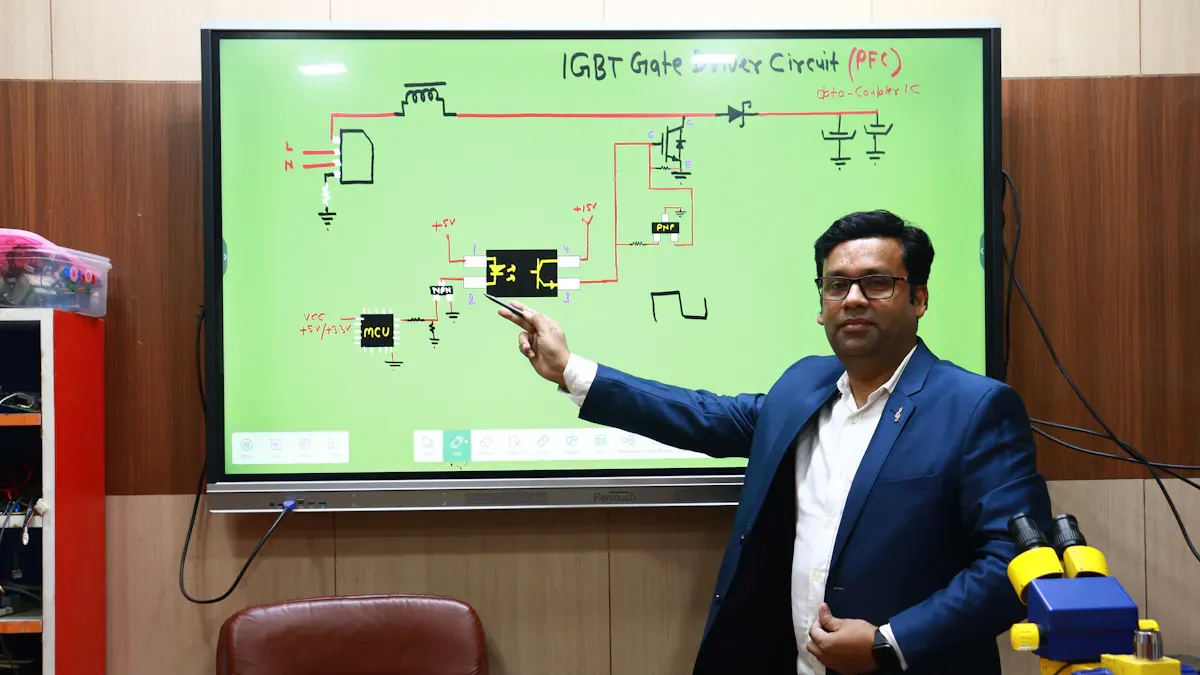
You see your classroom change right away when you use an Interactive Screen With Black Board For Teaching. Students get excited because the bright screens help everyone see better. Teachers can teach faster and show hard ideas in new ways. This tool helps the whole class join in, making school days happier. Mixing old-style writing with interactive apps helps students learn by doing and work together.
Compare the benefits in the table below:
Benefit | Description |
|---|---|
Clearer visibility for every student | Bright, high-contrast screens make things easy to see for all students. This is important for good teaching. |
Faster, smoother lesson flow | The screens let teachers switch between things quickly. This saves time during lessons. |
Dynamic modeling of complex concepts | Interactive panels let teachers show things live and use pictures. This helps students understand hard ideas. |
Whole-class participation | More students join in learning. This helps them work together and take part more. |
Key Takeaways
Interactive screens help everyone see better, so lessons are easier to understand.
Teachers can change how they teach fast, which saves time in class.
Students join in more, and they work together better during lessons.
The technology helps different ways of learning, so all students can do well.
Training and taking care of the interactive screen keeps it working well and helpful.
Interactive Screen With Black Board For Teaching Overview
What Is It?
An Interactive Screen With Black Board For Teaching mixes digital and traditional learning. This tool has a big screen and a touch surface. You can write, draw, and mark things right on the board. It works with stylus pens, your fingers, and even voice commands. You can connect computers, tablets, and other devices easily. The board lets you share things wirelessly and show your device’s screen to everyone. You can save your work and share it with your class. The board works for both in-person and remote learning. You can teach and learn from anywhere.
The table below shows the main parts:
Component | Description |
|---|---|
Large Display Screen | High-resolution LED or LCD, eliminates shadows and glare, 55-85 inches wide |
Touch-Sensitive Surface | Registers input from styluses, fingertips, and objects |
Connectivity | Connects to cloud content, mirrors devices, supports video conferencing |
Real-Time Digital Ink | Allows precise writing, drawing, and annotation |
Multi-User, Multi-Touch | Supports simultaneous interaction from multiple users |
Processing and Software | Specialized software for creation and communication |
Main Features
This board has many cool features. It uses anti-glare glass and eye-care technology to protect your eyes. You can switch between writing with chalk and using the digital board. The camera and microphone help with online classes. The board has great sound and picture quality. You can use built-in tools for quizzes and real-time activities. The board acts like a chalkboard, whiteboard, projector, and computer all in one.
Touch screen works with infrared touch technology
Built-in camera and microphone help you interact more
Anti-glare technology keeps your eyes safe
Dual-mode lets you use both writing styles
You can share your screen wirelessly from different devices
Teachers can write formulas, show videos, and mark diagrams without stopping. Students work together to solve problems and do projects. The board makes it easy to switch between old and new teaching ways.
If you want to know more or get an Interactive Screen With Black Board For Teaching, Shenzhen TopAdkiosk Display Technology Co., Ltd. can help. You can email them at info@topadkiosk.com, visit www.topadkiosk.com, or follow them on Facebook, LinkedIn, and Twitter.
Benefits
Engagement and Participation
Students pay more attention with an Interactive Screen With Black Board For Teaching. The board’s features make lessons fun and help everyone join in. Students do not just listen. They go to the board, answer questions, and work together. This active way keeps everyone focused and excited to learn.
Many students get bored in class, but interactive screens make learning fun.
Teachers see more students joining lessons, not just waiting for rewards.
The board fits different learning styles, so everyone can join in.
Teachers notice student engagement goes up with smart boards.
The interactive board lets students work together and learn from each other.
Using interactive screens helps everyone feel included in class. Students want to share ideas and help each other. This teamwork builds confidence and makes learning more enjoyable.
Visual and Collaborative Learning
You can show pictures, videos, and diagrams on the board. This helps students who learn best by seeing things. The board lets you draw, highlight, and move things around. Students can add their own notes or ideas. This hands-on way helps everyone understand better.
Subject Area | Findings |
|---|---|
Writing | Students think more about their writing and improve their planning and evaluation skills. |
Mathematics | Interactive boards boost positive thinking and problem-solving in math. |
Vocabulary Learning | Students feel more motivated and do better on vocabulary tests. |
Math Achievement | Real-time feedback and activities lead to better math scores and more engagement. |
Interactive screens help students work together. Many students can use the board at the same time. This makes group projects and brainstorming more fun and effective. Students feel more confident sharing their ideas.
Interactive screens let students interact with lessons in real time.
You can use quizzes and polls to get instant feedback.
The board supports visual, auditory, and kinesthetic learners.
Students can annotate and move content, which helps them remember better.
The board encourages teamwork and critical thinking.
Interactive screens with blackboards turn your classroom into a place where everyone learns together. You help students build skills for the future by making lessons active, visual, and collaborative.
Classroom Uses
Lesson Integration
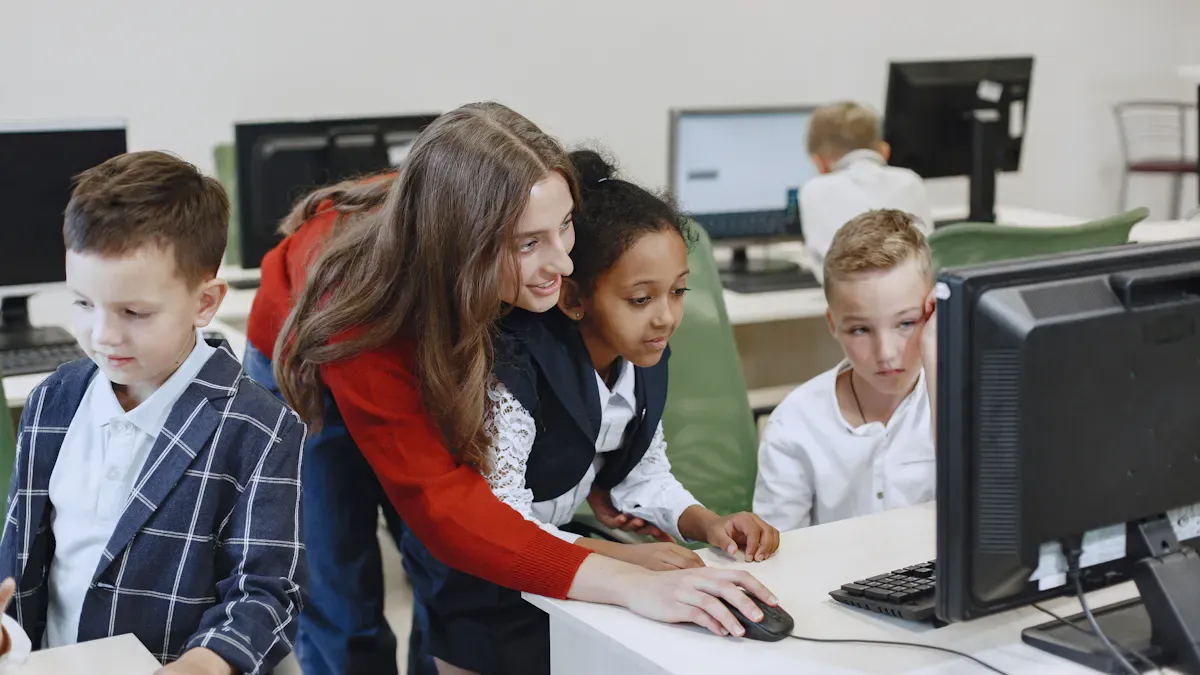
There are many ways to use an Interactive Screen With Black Board For Teaching. This tool makes learning more fun and active. Here are some ways you can use both the screen and blackboard together:
You can run quizzes or polls in real time with apps like Kahoot or Quizizz. Students answer on the screen, and you talk about the results right away.
You can lead group brainstorming. Students walk up and add ideas on the digital whiteboard.
You can tell stories or teach history by moving pictures or events to make timelines.
You can pause a video and write notes or highlight important parts on the screen.
You can play games like Pictionary or Bingo to review words or ideas.
You can set up sorting activities for grammar or science. Students move words or pictures into the right groups.
You can let students show their work on the interactive display. This helps them feel confident and lets everyone learn from each other.
Tip: Try mixing these activities with chalkboard writing for instructions or quick notes. This keeps everyone involved and helps all types of learners.
Blending Traditional and Digital
You can use both old and new teaching ways by using the blackboard and the interactive screen. Start by writing main points or drawing simple diagrams on the blackboard. Then use the interactive screen for videos, quizzes, or group work. This makes lessons more fun and helps students remember better.
Teachers often start by using technology a little at a time. You might use the interactive screen for one part and the blackboard for another. Think about your lesson goals when you pick which tool to use. Give students time to learn how to use the new tools. Training helps you and your students feel ready and sure.
Note: Check often if the technology helps your students learn better. Make small changes if you need to make your lessons better.
When you use both tools, you make a classroom where everyone can join and learn in different ways. The Interactive Screen With Black Board For Teaching helps you make every lesson active, visual, and easy to remember.
Positive Impact
Fun and Interactive Learning
You feel happy when you use the Interactive Screen With Black Board For Teaching. Lessons are exciting and interactive. You can play games, solve puzzles, and join quizzes on the screen. Students move, draw, and write together as a team. You see classmates sharing ideas and working together. Teachers use videos, animations, and bright diagrams to explain hard topics. You get feedback right away from activities, so you learn faster. The board makes learning feel like an adventure. You look forward to each lesson because you know you will join in and try new things.
Tip: Use the board for group challenges or creative projects. You will notice students become more excited and want to take part.
Supporting All Learners
You see that everyone in your class gets a chance to learn and do well. The Interactive Screen With Black Board For Teaching helps students with different needs. The board connects with many educational tools and apps. You can use features like text-to-speech, screen magnifiers, and color changes. These features help students who need extra support. Teachers can change lessons for visual, auditory, or kinesthetic learners. You see classmates helping each other and sharing ideas.
Feature | Benefit for Inclusivity |
|---|---|
Better accessibility | Makes learning easier for all students by using technology. |
Collaborative learning | Helps students work together and join in group activities. |
Integration with tools | Lets students use familiar educational tools for their needs. |
Accessibility in digital learning is important for fairness.
Using accessibility features can make online learning better for everyone.
Helping all students succeed is a main goal.
You feel included and important in your classroom. The board helps teachers build a positive place where everyone can join in. You see students from all backgrounds working together. The classroom becomes a place where you feel safe, respected, and ready to learn.
Tips for Success
Teacher Training
You play a key role in making the most of your Interactive Screen With Black Board For Teaching. To use this tool well, you need strong training and support. Many schools find that professional development helps teachers feel confident and motivated. When you learn how to use interactive screens, you can boost student achievement and make lessons more exciting.
Join workshops that focus on both technology skills and teaching strategies.
Practice using the board in real lessons to build your confidence.
Work with other teachers to share tips and ideas.
Take part in ongoing training sessions to keep your skills fresh.
Use online resources and support groups to solve problems quickly.
Tip: When you connect with other teachers, you learn new ways to use the board and keep improving your lessons.
Maintenance and Access
You keep your interactive screen working well by following simple care steps. Clean the screen every day to remove fingerprints and dust. Check the board each month for updates and make sure everything works right. Once a year, ask a professional to inspect and service the board for top performance.
Wipe the screen gently with a soft, dry cloth each day.
Update software and check calibration every month.
Schedule yearly professional servicing for deep cleaning and testing.
To help all students, use the board’s features for different learning styles. Show videos, play sounds, and let students move things on the screen. Use quizzes and polls to give instant feedback. Switch between the blackboard and digital screen to match your lesson goals.
Let students interact with the board to boost engagement.
Use the board’s accessibility tools for students who need extra help.
Blend traditional and digital methods for the best results.
Note: When you care for your board and keep learning, you make your classroom a place where everyone can succeed.
You notice your classroom feels brighter and more fun with an Interactive Screen With Black Board For Teaching. This tool lets you learn in different ways and work with friends.
Interactive whiteboards help teachers talk with students right away. Teachers can give feedback fast and help students quickly. This works well for both online and in-person classes.
K-12 education gets easier to access and more interesting.
Teachers use new tools to teach each student in their own way.
Students get more chances to work together and share ideas.
You can use these tools to make your classroom lively. Try new ways to teach and help all students do their best.
FAQ
What is an Interactive Screen With Black Board For Teaching?
You use this tool to combine a digital screen with a traditional blackboard. You can write, draw, and show videos or images. This helps you learn in many ways.
How do you clean and care for the interactive screen?
You wipe the screen with a soft, dry cloth. You check for updates every month. You schedule a yearly professional service for the best performance.
Can students use the board at the same time?
Yes! Many students can write or draw together. The board supports multi-touch, so group work becomes easy and fun.
Does the board help students with special needs?
You find many helpful features. The board offers text-to-speech, color changes, and screen magnifiers. These tools support all learners.
What subjects work best with this technology?
You can use the board for any subject. Math, science, language arts, and art lessons all become more interactive and visual.
See Also
Innovative Developments in Interactive Display Tech for 2026
Top High-Resolution LCD Kiosks for Exhibitions You’ll Enjoy
Finding LCD Kiosks with Touch Screen Features in 2026
