Interactive Flat Panel Displays vs Traditional Smartboards – Which Is Better for Classrooms
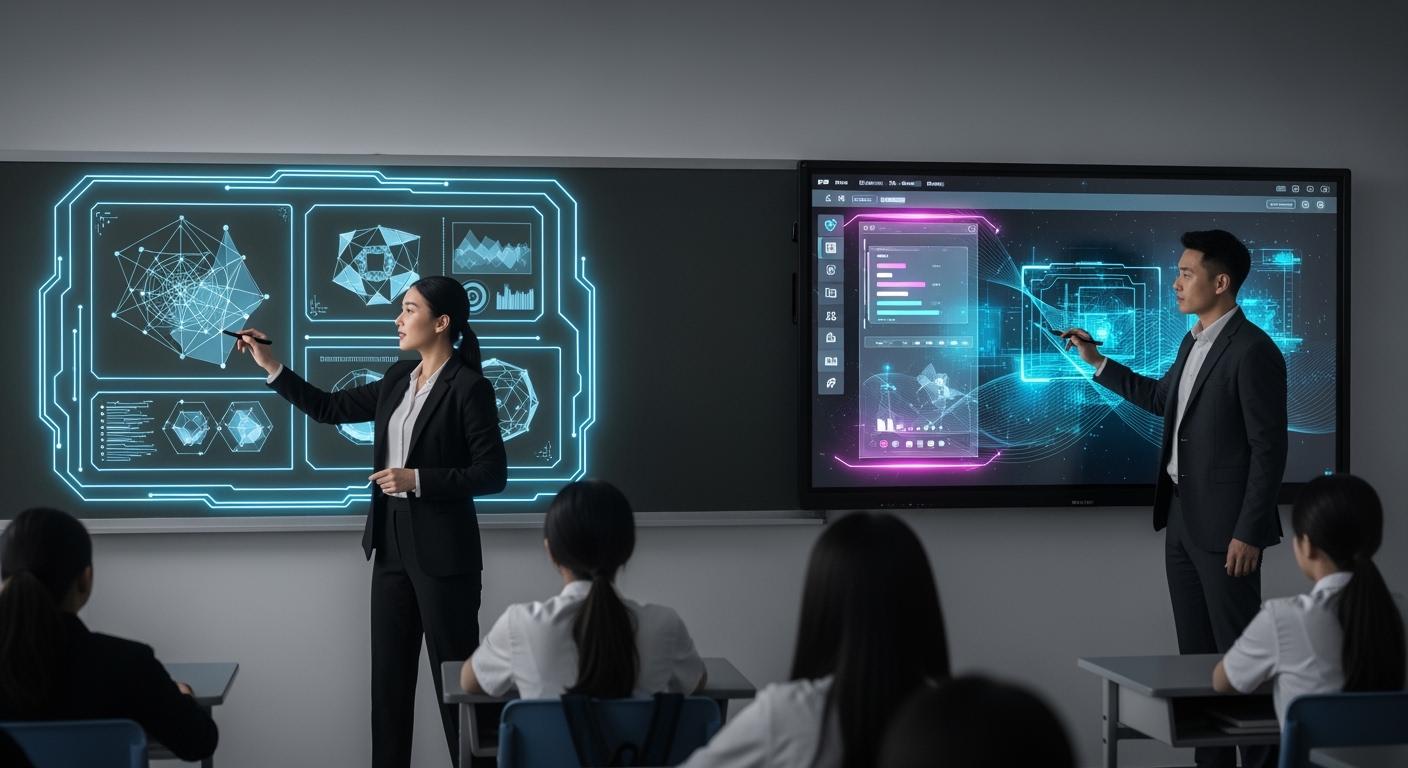
You want the best tech for your classroom. Interactive Flat Panel Display is often the better pick for most classrooms. It has clear pictures and a computer inside. This makes lessons more fun. The new design is easy to use. It helps with digital learning. Teachers say they save hours each week. They also say students learn more with flexible lessons and working together in real time. Group work and using videos make class more interesting. You help the planet by making less waste.
Shenzhen TopAdkiosk Display Technology Co., Ltd.
Add.: 2F, Bldg 10, Changfeng Industrial Park, Dongkeng, Fenghuang, Guangming, Shenzhen, China 518132
Mobile/WHATSAPP: 86-138 25769658
Email: marketing@topadkiosk.com topadkiosk@gmail.com
Skype: pghenry1
Wechat: adkioskhenry
English Web.: http://www.topadkiosk.com/
https://www.topkioskdisplay.com/
http://www.ad-kiosk.com/
https://www.toplcddisplay.com/
http://www.multitouchdigitalsignage.com/
https://www.youtube.com/channel/UCYVYNJHxLVEcQD8fuUxXNTA/videos?view_as=subscriber
https://www.facebook.com/TOPADKIOSKSHENZHEN/?ref=bookmarks
"Since I started using interactive panels, I save over 4 hours a week on lesson planning. All the tools I need are just a tap away." - Ms. Anjali R., a science teacher.
Teachers look at these things:
Engagement
Features
Cost
How it works in class
Key Takeaways
Interactive flat panel displays show bright and clear pictures. This helps students pay attention and learn better. These displays are simple to set up. They do not need much fixing or care. This saves teachers time and work. Interactive panels let many students work together. This helps students learn to work as a team. Buying interactive flat panels costs more at first. But they save money later because they need less fixing. Pick the best technology for your classroom. Look for features that help students learn and stay interested.
Display Technology Overview
Interactive Flat Panel Display Features
Interactive flat panel displays are common in new classrooms. They use LED or LCD screens. The images look bright and clear. You see high resolution, sometimes up to 4K. The picture stays sharp even with sunlight. These panels have a computer inside. You can run apps and open files. You connect to the internet without extra devices. Multi-touch lets many students write or draw together. You can share screens wirelessly from tablets or laptops. Teachers use strong software for lessons and group work. You spend less time setting up and fixing things. The display keeps its brightness steady, so images never look dim.
Tip: Interactive flat panels let you use videos, games, and digital textbooks. This makes lessons more fun for every student.
Feature | Interactive Flat Panel Displays |
|---|---|
Display Technology | LED/LCD touchscreen |
Image Quality | |
Built-in Computing Capabilities | Yes |
Calibration and Maintenance | Minimal required |
Multi-touch Support | Yes |
Wireless Screen Sharing | Yes |
Software Ecosystem | Robust and integrated |
Brightness Consistency | Maintains consistent brightness |
Traditional Smartboard Features
Older classrooms often use traditional whiteboards. These boards need a projector to show images. The projector sits across the room. Images can look dim or blurry when lights are on. Traditional whiteboards do not have a computer inside. You must connect a laptop or desktop to run lessons. Calibration takes time. You have to adjust the board often so touch works right. Multi-touch is limited. Only one student can write or draw at a time. Wireless screen sharing is rare. The software is basic. There are not many tools for interactive lessons. Brightness changes with the room’s lighting. You see shadows and glare from the projector.
Feature | Traditional Whiteboards |
|---|---|
Display Technology | Projector + interactive board |
Image Quality | Projector-dependent, may appear dim in bright settings |
Built-in Computing Capabilities | No |
Calibration and Maintenance | Significant required |
Multi-touch Support | Limited or none |
Wireless Screen Sharing | Limited |
Software Ecosystem | Basic or none |
Brightness Consistency | Varies with ambient conditions |
Interactive flat panels have more features and better image quality. Traditional whiteboards rely on projectors. You spend more time fixing and adjusting them. Interactive flat panels make teaching easier and more effective.
Image Quality and Visual Experience
4K Clarity and High Definition
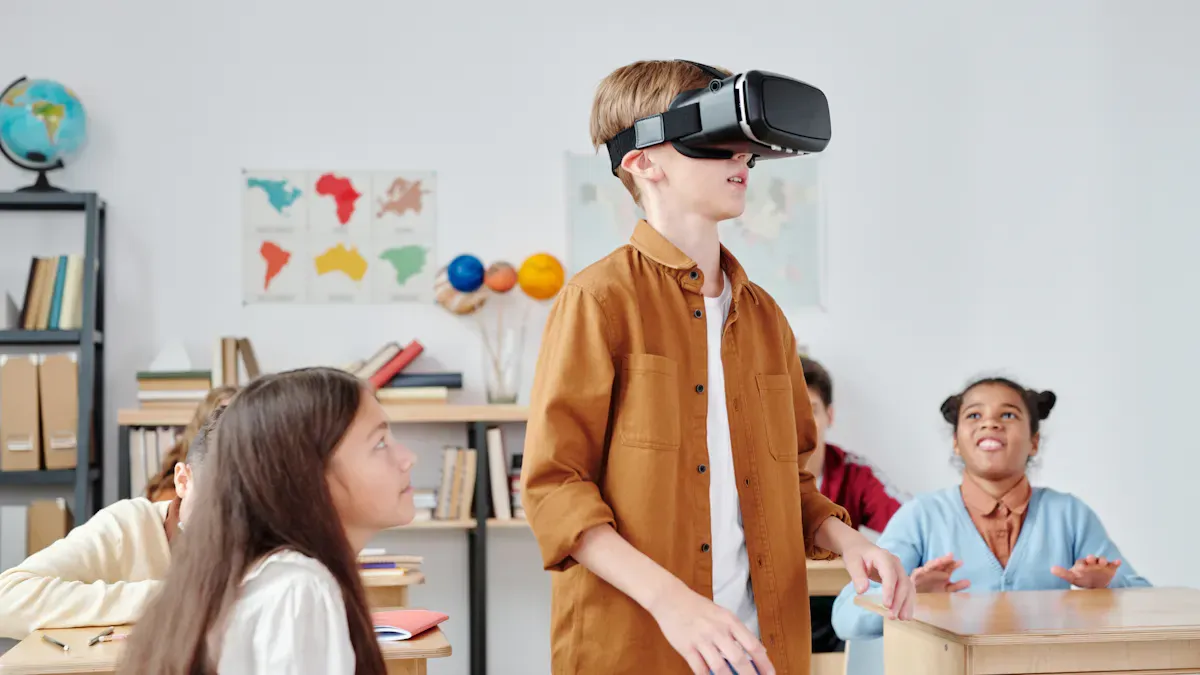
It is important for students to see details. Interactive flat panel displays show sharp pictures and bright colors. Many panels have up to 4K UHD resolution. This means text, diagrams, and videos look clear. Students sitting far away can read everything easily. You do not need to turn off lights or close blinds.
Here is a quick comparison of average resolutions:
Display Type | Average Resolution |
|---|---|
Interactive Flat Panel | Up to 4K UHD |
Traditional Smartboard | Standard HD (varies) |
Interactive flat panels are very bright, usually between 350 and 500 nits. This keeps images easy to see in sunny rooms. Colors look real and lively. You can show science photos, art projects, or math graphs without worry.
Tip: High-definition screens help students pay attention. You can use maps, charts, and videos with good quality.
Projector Limitations
Traditional smartboards use projectors. Projectors do not work well in bright rooms. Pictures can look faded or washed out. You may need to dim the lights or close curtains. This can make students feel less comfortable.
Key differences include:
Interactive flat panels keep pictures bright and clear, even with lots of light.
Projectors lose brightness fast. Sunlight or room lights make the screen hard to see.
Colors on smartboards look dull. Interactive panels show bright and true colors.
Feature | Interactive Flat Panels | Traditional Smartboards |
|---|---|---|
Brightness | 350–500 nits or higher | Lower brightness |
Color Accuracy | Vibrant and true | Less vibrant |
Visibility in Light | Excellent | Poor |
You want students to see and understand every lesson. Interactive flat panels help with clear, bright, and colorful screens.
Ease of Use in the Classroom
Setup and Operation
You want tech that is quick and easy to use. Interactive flat panel displays are simple to set up. You just hang the panel on the wall and plug it in. Then you can start teaching right away. You do not have to line up projectors or mess with lots of wires. Traditional smartboards take more work to set up. You need to put up a projector and connect many cables. You also have to adjust the board so touch works right. This setup can take a long time and may need help from IT staff.
Here are some setup problems:
Projectors must be placed and lined up just right.
Lots of cables (power, VGA/HDMI, USB) can get messy.
You need to calibrate carefully for touch to work.
Interactive flat panels need less care and fixing. You do not have to change bulbs or recalibrate often. Smartboards need you to calibrate and change bulbs more often.
Challenge Type | Interactive Flat Panel Displays | Traditional Smartboards |
|---|---|---|
Simpler installation | Complex setup with multiple components | |
Maintenance Requirements | Fewer consumables | Regular calibration and bulb replacements |
Calibration Needs | Minimal calibration | Requires precise calibration for touch accuracy |
Tip: Pick interactive flat panels if you want to set up fast and do less fixing.
Learning Curve
You want to learn new tech without much trouble. Interactive flat panels have software that is easy to use. You can tap, swipe, and move things on the screen. Most teachers learn the basics in just one lesson. You can use apps, share screens, and write notes with little training. Smartboards can be harder to learn. You have to know how to calibrate and use the projector. Some teachers get upset when the touch does not work right.
It takes less time to learn interactive flat panels. You can start teaching sooner and spend more time with students. Smartboards may need more lessons to learn and fix problems.
Technology Type | Pre-Training Required | Time Duration for Training |
|---|---|---|
Traditional Smartboards | Yes | Longer |
Interactive Flat Panels | Yes | Shorter |
Note: Interactive flat panels let you spend more time teaching and less time fixing things. You feel more sure of yourself and save time.
Engagement and Interactivity
Student Participation
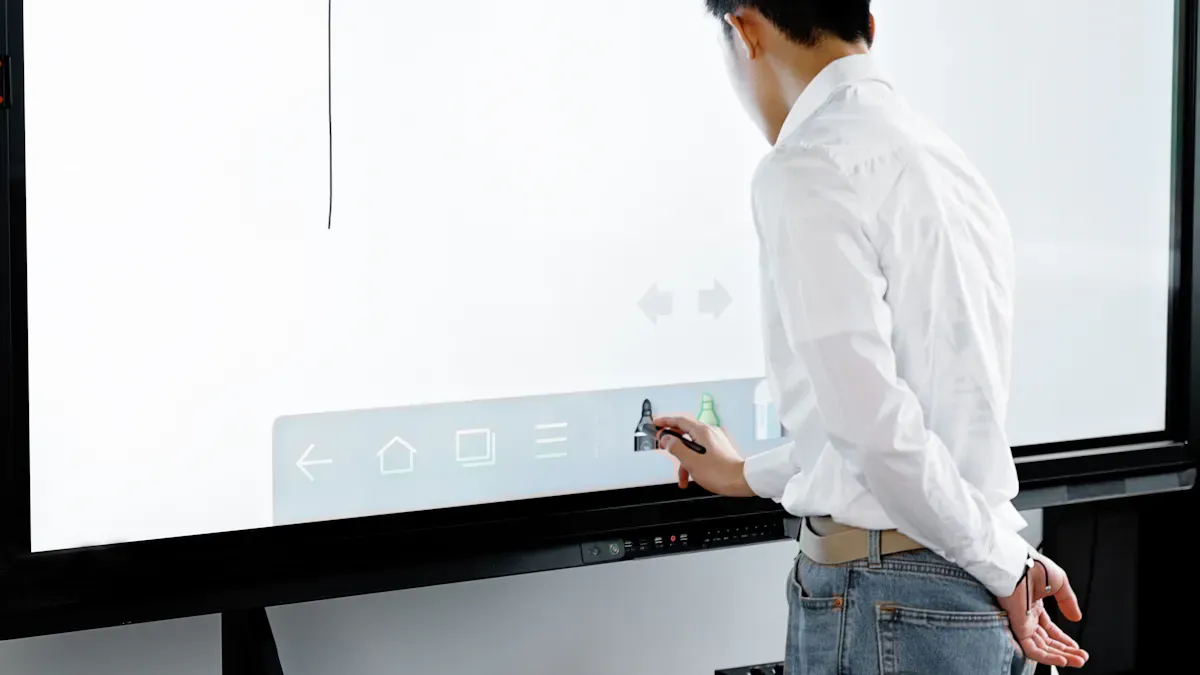
You want all students to join your lessons. Interactive flat panel displays help make this happen. These displays make learning more fun and hands-on. Students feel excited to take part in class. You can have more than one student at the board. They can write, draw, or move things together. This makes lessons more active and interesting.
Interactive displays work for every learning style. Visual learners see bright pictures and clear words. Auditory learners listen to sounds and videos. Kinesthetic learners touch and move things on the screen. You can change activities fast, so everyone stays interested.
Here is a table that shows how interactive displays and traditional smartboards compare:
Feature | Interactive Displays | Traditional Smartboards |
|---|---|---|
Multiple students can engage simultaneously | Limited to single-student interactions | |
Learning Styles | Supports visual, auditory, and kinesthetic | May not cater to all learning styles |
Dynamic Learning Environment | Real-time adjustments and interactive content | Static presentations |
You see that interactive displays let more students join in. You can ask students to solve problems as a team or play games. This live teamwork helps students pay attention and learn better.
Tip: Try using hands-on activities to help students learn. Students remember more when they join in the lesson.
Interactive flat panel displays use many senses at once. You can use videos, sounds, and touch together. This keeps lessons fun and helps students focus. When you use interactive learning, more students join in and remember what they learn.
Collaboration Tools
Teamwork is very important in classrooms today. Interactive flat panel displays give you new tools for group work. You can use real-time features so students work together on projects. For example, students can write on the same screen from different devices. They can share ideas and solve problems as a group.
Here is a table that shows the collaboration tools you get:
Feature | Interactive Flat Panel Displays | Traditional Smartboards |
|---|---|---|
Screen Sharing | Yes | No |
Video Conferencing | Yes | No |
Real-time Collaboration | Yes | Limited |
Remote Participation | Yes | No |
You can show your screen to the whole class or let students show their work. Video calls let you talk to other classes or experts anywhere. This gives students new ways to learn and talk with others.
Interactive flat panels help with group projects. You can give group tasks and watch students work together. These displays make it easy for everyone to join in. You see more teamwork because students feel like they belong.
Interactive displays help students learn by doing.
Students can work together on the same page or drawing.
Real-time teamwork helps students solve problems faster.
You also get new classroom tools like digital whiteboards, polls, and quizzes. These tools make lessons more fun and hands-on. You can change your teaching right away, based on what students need. This makes students pay more attention and do better in class.
Interactive flat panel displays really help students join in. They make your classroom more fun and full of teamwork. You help students build teamwork skills and feel more sure of themselves. With these tools, you make a classroom where every student can do well.
Integration with Digital Classroom Display Solutions
Device and Software Compatibility
You want your classroom display to work with all devices. Interactive flat panel displays make this simple. You can connect tablets, laptops, and smartphones easily. These displays support many apps and digital tools. You can use popular educational software right away. Teachers and students can share screens and files fast. This helps you start lessons without waiting.
Traditional smartboards need extra steps. You must connect a computer to use digital content. Sometimes, software does not work well. This can slow down lessons and make things harder.
Here is a quick look at how each option works with devices and software:
Feature | Interactive Flat Panels | Traditional Smartboards |
|---|---|---|
Integration with Educational Software | Seamless integration with educational software and applications | Relies on external devices for content sharing, potential compatibility issues |
Tip: Pick classroom display solutions that let you use your favorite digital tools without extra setup.
Built-In Computing vs External PCs
Built-in computing changes how you use classroom displays. Interactive flat panel displays have computers inside. You do not need extra PCs or wires. You can open lessons, run apps, and use the internet from the display. This makes your classroom display more efficient and saves time.
Traditional smartboards need an external PC. You must connect and manage more devices. This can cause more problems and cost more money. You also spend more time setting up and fixing things.
Look at these advantages of built-in computing in interactive flat panel displays:
Advantage | Description |
|---|---|
All-in-one | No need for extra devices, making classroom display solutions more efficient. |
Cost-Effective and Eco-Friendly | Lower ongoing costs and less maintenance for your digital classroom display solutions. |
Easy connection with learning management systems and other digital tools. | |
Real-Time Assessment and Feedback | Get instant feedback and adjust lessons to fit your students’ needs. |
You want classroom display solutions that fit into your digital classroom. Interactive flat panel displays help you teach with less trouble and more digital choices. You can focus on your students and use the best digital tools for learning.
Accessibility and Inclusivity
Support for Diverse Learners
You want all students to feel welcome in class. Interactive flat panel displays help students with different needs. You can change how lessons look or sound. Words can be bigger, and you can use voice commands. Students with vision problems can make the screen larger. If moving is hard, touch sensitivity settings help. Assistive devices can connect to the display. You can show lessons as pictures, videos, or text. This helps students learn in their own way.
Here is a quick comparison of features:
Feature | Interactive Flat Panel Displays | Traditional Smartboards |
|---|---|---|
Screen Magnification | Yes | No |
Voice Commands | Yes | Limited |
Customization of Text | Yes | Limited |
Engagement for Disabilities | High | Moderate |
Note: Interactive flat panels give more ways for students with disabilities to join and learn.
Usability for All Students
You want technology that every student can use easily. Interactive flat panel displays make this happen. You can move the display lower for students in wheelchairs. The touch screen lets many students work together. Touch settings can be changed for each student. Voice control helps students who cannot use their hands.
These features help everyone join in. You can connect special keyboards or switches. This makes your classroom more welcoming and fair. Interactive flat panels support accessibility better than traditional smartboards. You give every student a chance to learn and do well.
Maintenance and Durability
Technical Support
You want tech in your classroom that does not break a lot. Interactive flat panel displays need very little care. You do not have to change bulbs or fix the screen often. Most panels work for years with just simple cleaning. If you need help, companies give fast support and easy guides. You can fix small problems by yourself most of the time. This saves you time and keeps your lessons going.
Traditional smartboards need more work. You must change projector bulbs and clean filters often. You have to check and fix the board so it works right. Sometimes, you need IT staff to help with touch or picture problems. These extra steps can stop your teaching. You may wait longer for things to get fixed.
Here is a quick look at how much care each one needs:
Feature | Interactive Flat Panel Displays | Traditional Smartboards |
|---|---|---|
Maintenance Requirements | Minimal upkeep, no bulbs needed | Routine upkeep, bulb replacements |
Lifespan | Approximately 2,000 hours | |
Maintenance Costs | Fewer costs over lifespan | Higher due to bulb and calibration needs |
Initial Cost | Higher upfront investment | Lower initial cost |
Tip: Pick displays that need less care so your class runs better.
Reliability
You want tech that lasts a long time. Interactive flat panel displays can last for many years. Most panels work well for 7 to 10 years. They keep their screen bright and touch working right. You do not have to worry about bulbs burning out or colors fading. The screen stays clear and easy to see.
Traditional smartboards last about 5 to 10 years. Projector bulbs wear out much faster, after about 2,000 hours. The picture can get dim or blurry as the bulb gets old. You may need to fix or replace things more often.
Here is a table that shows how long each one lasts:
Technology | Average Lifespan |
|---|---|
Interactive Flat Panel Displays | 7 to 10 years |
Traditional Smartboards | 5 to 10 years |
You can count on interactive flat panels to work every day. They give you fewer problems and more time to teach. Good tech helps you make a better place for students to learn.
Cost and Value
Initial Investment
When you pick classroom technology, think about the first cost. Interactive flat panel displays cost more at the start. You pay a bigger price right away for these panels. Traditional smartboards are cheaper at first. Many schools choose smartboards because they have less money to spend.
Here is a table that shows the difference:
Item | Initial Investment |
|---|---|
Interactive Flat Panel Displays | |
Traditional Smartboards | Typically lower initial costs compared to interactive displays |
Interactive flat panels cost more when you buy them. You get a new screen, a computer inside, and good software. Smartboards are cheaper, but you need a projector and other devices. You might save money at first, but you do not get the newest features.
Tip: If you want the best technology and better pictures, plan for a higher first cost.
Ongoing Costs
You should think about more than just the first price. Interactive flat panel displays help you save money over time. You do not need to buy new bulbs or fix things often. These panels last longer and need less care. You spend less money on repairs and parts.
Traditional smartboards look cheaper at first. You pay more later for bulbs, fixing, and calibration. Projectors break down faster. You need to change parts a lot. These costs add up and can make your school spend more.
Think about these points:
Interactive flat panel displays may cost more at first but save money later because you do not need to fix them as much.
Traditional smartboards cost less at first but can cost more over time because you need to fix and replace parts.
You save time and money with interactive flat panels. You do not spend as much fixing things and can teach more. Your school gets more value from technology that lasts longer and works better.
Note: Think about the total cost, not just the first price. You make a better choice when you look at both the first cost and the costs over time.
Choosing the Right Classroom Solution
Assessing Needs
You want to find the best display for your class. First, think about how you teach and what your students need. Also, think about your school’s tech plans. Ask yourself these questions:
Do you need clear, sharp pictures for every lesson?
Will your students work together at the board?
How much time can you spend setting up and fixing things?
What devices and apps do you use most?
Here is a table to help you look at the main features:
Feature | Interactive Flat Panels | Smart Boards |
|---|---|---|
Display Quality | Large, high-definition displays | Touch-sensitive surfaces |
User Interface | Intuitive touch interface | User-friendly interface |
Operating Systems | Built-in Android or Windows | Works with educational software |
Educational Apps | Wide range of educational apps | Gesture recognition, multi-touch features |
Tip: Write down the features you need most before you pick.
When to Choose Interactive Flat Panels
Pick interactive flat panels if you want new and easy tech. These displays show bright, clear pictures and respond fast to touch. You can use many learning apps and connect to student devices without wires. Interactive flat panels help keep your classroom neat with fewer cables. They have computers inside, so you do not need extra devices.
Interactive flat panels are best when you want:
Lots of touch and multi-touch use
Easy wireless connections
Fast touch for writing and drawing
One place to store lesson files
A clean classroom with less mess
Here is a quick table to compare:
Feature/Advantage | Interactive Flat Panels | Traditional Smartboards |
|---|---|---|
Interactivity | High, with multi-touch | Limited |
Connectivity | Simplified, often wireless | Needs multiple connections |
User Experience | Fluid, easy to use | Less responsive |
Organization | Minimal cable clutter | Often cluttered |
Note: Interactive flat panels save you time and let students join in more.
When to Choose Smartboards
Choose smartboards if your school has less money or already uses projectors. Smartboards are good for simple lessons and basic touch use. You can use some learning software and gesture controls. If you do not need super clear pictures or lots of features, smartboards can work for you.
Smartboards are best when:
You want to spend less money at first
Your lessons do not need lots of interactive tools
You already have projectors and want to keep using them
You like a simple and familiar setup
Remember: Smartboards are fine for basic needs, but interactive flat panels give you more options for today’s classrooms.
Teacher and Student Feedback
Educator Preferences
You want tools that make teaching easier and save time. Many teachers say interactive flat panel displays help them teach in new ways. Teachers can walk around the room and still control the screen. They can let students lead class talks. Cloud-based tools let teachers plan lessons from any device. This means you do not need to carry papers or USB drives. Teachers like that more students can use the board at once. This makes group work simple and fun.
Here is a table that shows what teachers like and do not like about interactive flat panel displays:
Benefit | Description |
|---|---|
Control lessons from anywhere and let students lead activities | |
Greater Efficiency | Plan lessons on any device and save time |
Increased Interaction & Collaboration | Multi-touch lets more students work together |
Better Student Engagement | Screen sharing and BYOD features help students join in |
Enhanced Support for All Learning Styles | Good for visual, auditory, and kinesthetic learners |
More Inclusive Classrooms | Adjustable stands and write-to-text help all students |
Drawback | Description |
|---|---|
Price | Costs more at first than traditional smartboards |
Need for Technical Support | Sometimes you need IT help for setup or problems |
Need for Teacher Training | Learning new tech can take extra time |
Note: Most teachers say the good things are worth more than the bad. This is true if you want students to join in and have flexible lessons.
Student Experiences
You want every student to feel welcome and excited to learn. Interactive flat panel displays help students see, hear, and touch lessons in new ways. Students can write on the board together. They can share their screens and use their own devices. This makes lessons active and helps students remember more. Students with different learning styles find it easier to join in. Some like to draw, others like to listen or watch videos. The technology helps all these needs.
Students say they feel proud when they show their work to the class. They like working in groups and solving problems together. When you use interactive displays, you help every student join in and do well.
Students join group work at the board.
Students use their own devices to answer questions.
Students with disabilities can change the screen or use voice commands.
Tip: Ask your students what features help them learn best. You might find new ways to use your classroom display.
Interactive flat panel displays work best in most classrooms. The screen shows very clear 4K pictures. The touch works fast and smooth. There is a computer inside for easy lessons.
Feature | Description |
|---|---|
Touch Technology | Very fast touch for more interactivity |
Display Quality | Super clear 4K for better pictures |
Built-in Computing | Easy to use and connects well |
You can show videos, give quizzes, and do group work. This helps all students learn better. Before you choose, think about what you need and how much you can spend. Try these steps: First, test the devices in your classroom. Next, teach teachers and staff how to use them. Last, talk with your school community.
FAQ
What is the main difference between interactive flat panels and smartboards?
Interactive flat panels have brighter screens and quick touch. Smartboards use projectors and need more setup time. Flat panels have computers inside them. Smartboards need other devices to work.
Can you use interactive flat panels with student tablets or laptops?
You can connect tablets and laptops without trouble. Flat panels let you share screens wirelessly. Students can show their work or join activities from their own devices.
Do interactive flat panels help students with disabilities?
You can change screen size and use voice commands. Flat panels let you connect assistive tools easily. Many accessibility features help students with disabilities join lessons.
How long does an interactive flat panel display last?
Flat panels can last up to 10 years. They need little care and fixing. The screen stays bright and touch works well for a long time.
Are interactive flat panels worth the higher price?
You save money as time goes on. Flat panels need fewer repairs and parts. You spend less on fixing things. The technology helps you teach better and lasts longer.
See Also
Exploring The Main Distinctions Between LED And LCD Walls
Key Insights Into The Pros And Cons Of LCD Displays
Top LCD Kiosks For Retail Spaces In 2026
