How to Use Elevator Digital Displays Effectively in 2026
Shenzhen TopAdkiosk Display Technology Co., Ltd.
Add.: 2F, Bldg 10, Changfeng Industrial Park, Dongkeng, Fenghuang, Guangming, Shenzhen, China 518132
Mobile/WHATSAPP: 86-138 25769658
Email: marketing@topadkiosk.com topadkiosk@gmail.com
Skype: pghenry1
Wechat: adkioskhenry
English Web.: https://www.topkioskdisplay.com/
http://www.ad-kiosk.com/
https://www.toplcddisplay.com/
http://www.multitouchdigitalsignage.com/
https://www.youtube.com/channel/UCYVYNJHxLVEcQD8fuUxXNTA/videos?view_as=subscriber
https://www.facebook.com/TOPADKIOSKSHENZHEN/?ref=bookmarks
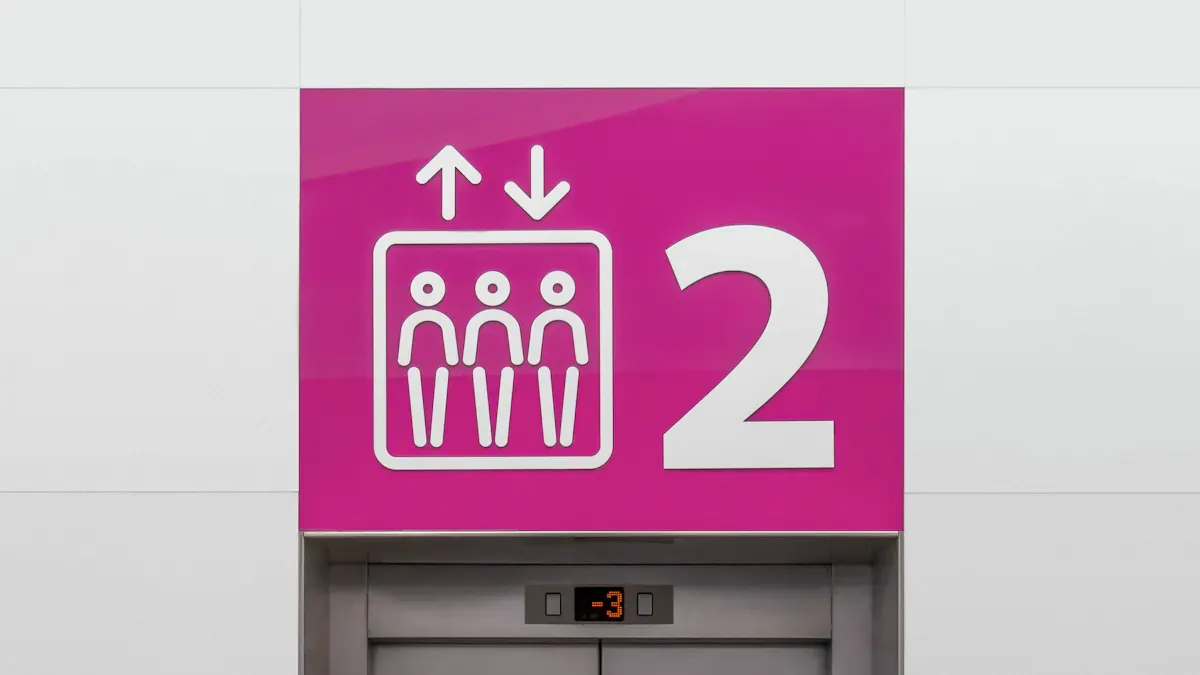
You see elevator digital displays everywhere in 2026. These screens change how you get information inside buildings. Elevator digital signage gives you clear messages. These messages help you stay informed and safe. Short, bold messages grab your attention during a quick ride. The table below shows how these displays make your experience better:
Benefit | Explanation |
|---|---|
Improved Visibility | Digital displays make messages inside easier to see. This helps you not miss updates or get confused. |
Real-time Alerts and Updates | They give urgent messages right away. This is important for safety and fixing problems fast. |
Health and Safety Promotion | Displays show safety reminders and emergency alerts often. This helps everyone remember to stay safe. |
You can learn more about advanced solutions at https://www.topkioskdisplay.com/.
Key Takeaways
Elevator digital displays help people see messages better and stay informed. They show clear messages to everyone. Real-time alerts make things safer by giving quick updates in emergencies. Fun content like videos and news can make elevator rides more fun. Changing the display content often keeps it new and interesting. Digital signage can make money by letting local businesses advertise.
Elevator Digital Display Benefits
Communication and Engagement
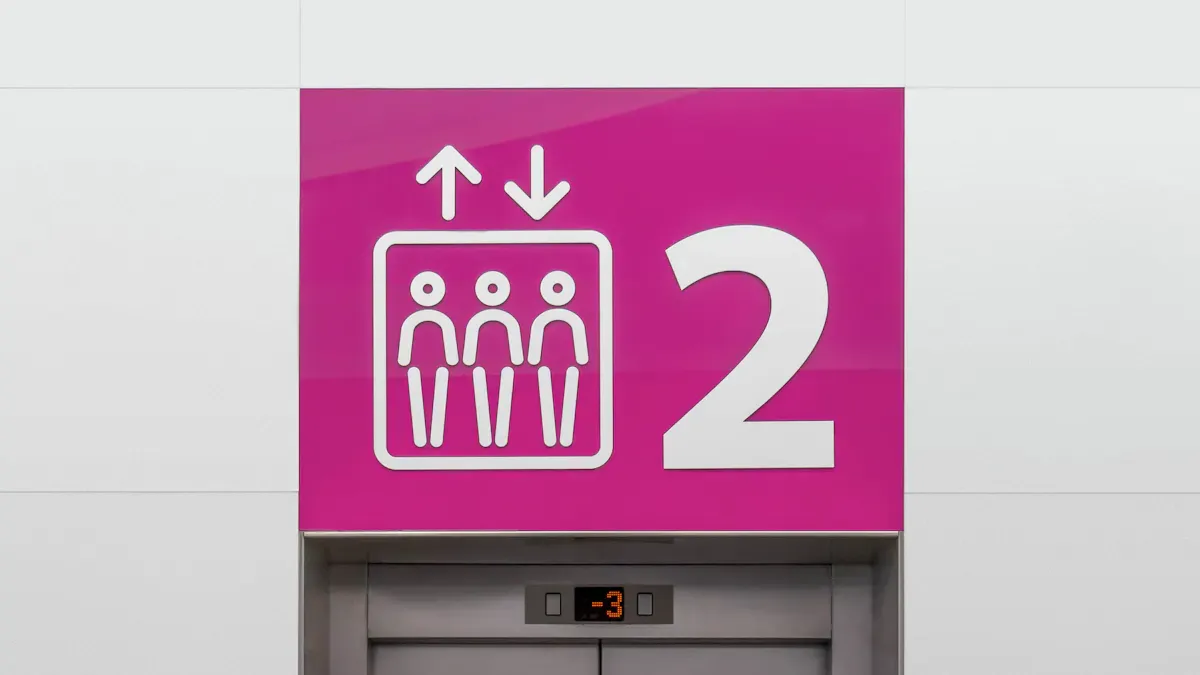
Elevator digital signage helps you share news with passengers. These screens are bright and show moving pictures. This makes people look at them. You can show important news and building updates. This keeps everyone in the elevator informed.
Tip: Use digital signage to give updates right away. This helps everyone know about changes or events fast.
Here are some ways elevator digital signage helps you talk to people:
People see messages every time they ride.
You can send news to everyone quickly.
Modern screens make your building look cool.
You can also show news, weather, or digital wayfinding signage. This makes the elevator ride more fun and helpful. When you use moving content, people pay more attention and feel happy.
Real-Time Safety Alerts
Elevator digital signage helps keep people safe. You can send emergency alerts right away. This is much faster than old signs. With elevator digital displays, you give clear steps during emergencies. People know what to do and where to go.
Benefit | Description |
|---|---|
Gives quick steps during emergencies | |
Immediate broadcast of alerts | Sends alerts right away in real-time |
Reinforcement of safety procedures | Reminds people about safety rules often |
Reduced panic | Clear messages help people stay calm |
You can use digital signage to remind people about safety rules. This helps everyone remember what to do if something bad happens. Real-time alerts stop confusion and help people stay calm.
Revenue and Advertising
Elevator digital signage can help you make money. Many companies want to show ads in elevators. You give them a special place to show their brands and messages. Advertisers count how many people see their ads and pay attention. They also check if more people know their brand or visit their website after seeing the ad.
Advertisers check how many people see and notice ads.
They measure if more people know the brand or want to act.
Tools like TEGNA Attribution link ad views to website visits.
When you use elevator digital signage for ads, you earn more money. You also show tenants and visitors helpful things, like deals or local offers. This makes your building better for businesses and helps you stand out.
Practical Uses of Digital Signage in Elevators
Digital signage in elevators helps you share information in many ways. You can use these screens for ads, safety, building news, and fun. Put elevator displays at eye level inside the cab or in waiting areas. This helps everyone see the screen easily. Smaller screens are better in elevators because they do not feel too big. Lower brightness makes the ride more comfortable for people.
Evidence Description | Impact on Visibility and Engagement |
|---|---|
Elevator waiting areas create a captive audience. | People wait and want something to look at, so they pay attention to the screen. |
Smaller screens are more effective in elevators. | Big screens can feel too much, so people look away. |
Reduced screen brightness is beneficial. | Softer light from the screen makes people feel good and enjoy the ride. |
Average time spent in elevators is 30-60 seconds. | This short time is enough for people to read messages and remember them. |
Advertising and Announcements
Elevator digital signage lets you show ads and news fast. You can update the screen right away with new info or products. This helps you reach everyone, even if they do not check email or see posters.
Tip: Use slideshows and scrolling tickers at the bottom to keep things interesting.
Here are some ways to use digital signage in elevators for ads and news:
Show videos, commercials, and product ads.
Share company news and updates.
Display event times and schedules that link with O365.
Use ad spots for local shops or building services.
Welcome guests with lobby screens and wayfinding signs.
Bright colors and clear pictures make people look at the screen. Use big, bold letters and keep words short—about 7–10 per slide. This helps people read messages quickly during the ride. Clean designs with one main point make the screen easy to understand.
Key Practice | Description |
|---|---|
Keep text minimal | Use only 7–10 words per slide so people can read fast. |
Use large, bold fonts | Big letters help people see from far away in the elevator. |
Avoid overcrowding | Simple layouts with one main idea help people focus. |
Digital screens also help you share building news, like repairs or events. You can change these messages right away, which is faster than paper signs. This saves paper and is better for the environment.
Feature | Digital Displays | Traditional Methods |
|---|---|---|
Update Frequency | Change messages anytime | Need to change by hand |
Engagement | Bright and easy to notice | People often miss them |
Environmental Impact | Uses less paper | Needs lots of printed signs |
Emergency Information and Escape Routes
Elevator digital signage is important for safety. You can use these screens to give clear steps in an emergency. Real-time updates help keep everyone calm and informed. You can show safety tips, escape routes, and alerts right away.
Note: Always use bright colors, big letters, and easy-to-see symbols for emergency messages.
Best ways to show emergency info include:
Say what the emergency is, like fire or power loss.
Use simple commands like "EVACUATE NOW."
Show arrows or maps for exits and stairs.
List meeting spots and how far they are.
Give short rules like "Do not use elevators" and "Help others."
Show emergency phone numbers.
Give floor-by-floor routes if main exits are blocked.
Show paths for people who need extra help.
Feature | Benefit |
|---|---|
Real-time updates | Gives info right away during emergencies, making things clear. |
Clear visual communication | Makes sure everyone understands what to do. |
Safety tips and alerts | Tells people how to leave safely and what rules to follow. |
Multiple communication options | Can use voice, text, and video for different needs. |
Visual confirmation | Shows if the elevator is safe, helping people feel secure. |
You can use digital screens to remind people about safety and show escape paths. This helps everyone know what to do, even if they are scared. Fast, clear steps help people stay calm and safe.
Entertainment and Real-Time Updates
Elevator digital signage can make rides more fun and helpful. People like getting real-time news and fun things to watch during short trips. You can show weather, news, and building updates. These features make the ride better and keep people interested.
Weather tells you what to expect outside.
News keeps you up to date on what is happening.
Ads show local shops and building services.
Company news celebrates workers and special days.
Greetings and holiday decorations make the ride friendly.
Building news shares updates about events or changes.
Real-time updates on elevator screens help you get important info fast. This makes the ride easier and more comfortable. When you use digital screens for news and fun, people remember the good experience.
Tip: Mix fun and useful info to keep people interested and informed.
Digital signage in elevators does more than show ads. You can use it to help people talk, stay safe, and enjoy their ride. When you use digital screens well, everyone in the building has a better experience.
Elevator Digital Signage Content Strategy
Minimal Text and Bold Fonts
You want people to notice your messages on elevator digital displays. Keep your words short and simple so everyone can read them. The 3x5 rule is a good way to do this. You should use only three lines with five words each, or five lines with three words each. This makes your digital signage easy to read and understand.
Rule | Description |
|---|---|
3x5 Rule | Use up to 3 lines with 5 words each. |
Or use 5 lines with 3 words each. |
Bold fonts make your words stand out. Big, bold letters help people see your message from far away. When you use less text and bold fonts, people remember what you say. Elevator digital signs work best when you keep things simple and clear.
Viewing Context | Audience Type | Purpose | Optimization Tips |
|---|---|---|---|
Point of Wait | Give info, entertain, and make waiting feel shorter | - Use looping or interactive content to keep attention |
Dynamic and Relevant Content
You can make your digital signs more fun by using moving and useful content. Videos, pictures, and live data get people to look at the screen. Touchscreens let people interact with the display, which makes the ride more interesting. Interactive rate boards and changing prices also keep people watching. These features use technology to get people involved and make the experience special.
Show videos and pictures to get attention.
Use live data for new information.
Add touchscreens for more interaction.
Show changing prices or rate boards.
Content Management and Scheduling
You need to keep your digital signs new and up to date. Brands that change their content and use holiday themes get 30% more people to remember the messages. For the best results, change your office screens at least once a week. If you use digital signs in factories or places with shifts, update the screens two or three times a day. This keeps your info fresh and helps people know what is going on.
Change content often to keep it fun.
Use holiday themes for more interest.
Plan updates based on your building’s needs.
When you manage your content well, everyone gets the right info at the right time. This plan helps your elevator digital display give the best experience, whether you use it for news, digital wayfinding signage, or safety alerts.
Installation and Support for Elevator Digital Displays
Hardware and Display Selection
You have to pick the right hardware for elevator digital signage. In 2026, the best screens are bright and strong. They also have smart features. Most displays use LED-backlit LCD or TFT technology. These screens show clear images and last a long time. Some models have glass that does not break easily. Some have coatings that stop glare. These things keep your digital signage safe and easy to read, even in bright places.
Here is a table to help you compare important things:
Factor | Description |
|---|---|
Display Size | Bigger screens cost more but show more stuff. |
Resolution | Full HD and 4K make pictures look sharp and clear. |
Brightness | Very bright screens (up to 2500 nits) work well in sunny spots. |
Touchscreen Functionality | Touchscreens let people use digital wayfinding signage. |
Weatherproof Features | Weatherproof screens last longer in tough weather. |
Connectivity Options | Good options help you update and add branding easily. |
When you choose a display, check for high MTBF ratings. Look for wide viewing angles too. These things make your digital signage last longer and easy for everyone to see.
Installation Best Practices
You need to put up your digital signage safely and follow all rules. You can hang screens on walls or build them into elevator panels. Covers protect screens from damage and tampering. Always make sure screens do not block buttons, handrails, or emergency signs.
Best Practice | Description |
|---|---|
Wall-mounted | Put screens on inside panels so they stay in place. |
Embedded | Build screens into walls for a smooth look. |
Use covers to keep screens safe from harm. | |
Integration with Building Systems | Connect screens to alarms for safety. |
Compliance with Local Codes | Follow all building and accessibility rules. |
Safety Considerations | Keep screens away from controls and exits. |
You should hire experts who know elevator rules. This keeps your screens safe and legal.
Technical Support and Accessibility
You need good support to keep your digital signage working well. Remote management lets you change content from anywhere. Multi-zone templates show news, weather, and ads at the same time. Use content management software to plan updates and keep info new.
For accessibility, pick screens with Braille and touchless technology. Smart screens with voice or gesture controls help everyone use them. These features make your digital signage helpful for people with disabilities.
Tip: Choose screens that are tough and easy to support. This saves time and helps everyone in your building.
You can make your building better with smart elevator digital displays. Use short and bold messages so people notice them. Put screens where people look the most. Real-time updates help keep everyone safe and give new info fast. The table below shows how these displays help you:
Outcome Type | Description |
|---|---|
Communication | Sends updates quickly and makes messages fit each person. |
Safety | Gives emergency alerts and helps stop injuries. |
Revenue | Makes more money from ads by reaching more people. |
To see if you are doing well, follow these steps:
Use ROI tools to check what you spend.
Watch important numbers to see how things go.
Look at your results every year.
Change your plan to get better results.
Start using elevator digital signage now to be a leader in 2026.
Top Elevator Digital Display Products in 2026
The main elevator digital display products on the market in 2026 fall into two broad categories, each with a different focus:
Integrated elevator operation & information display systems – Provided by elevator manufacturers. These are essential components of the elevator, responsible for basic operation and information display.
Independent digital signage & advertising displays – Provided by third‑party vendors, mainly used for advertising and information publishing.
The table below gives you a quick overview of the core differences between these two categories.
Category | Product Example | Main Features |
|---|---|---|
Integrated Systems | KONE DX5 Smart Elevator Platform | Deep integration of elevator control, status display, security, and building systems – ultimate stability and safety. |
KONE KSS 800 Signal System | Red Dot Design Award winner. Minimalist design with high‑contrast LED display improving usability and aesthetics. | |
thyssenkrupp Multimedia Display | Basic functions: high‑definition floor display, scrolling ads, voice announcements, emergency call. | |
Independent Signage / Advertising Displays | WeiBang Technology All‑in‑One Display | Wide product line from 8 to 62 inches. Focus on hardware‑software integration, compatible with various elevator control protocols. |
OBOO Building Advertising Display | Models from 15.6 to 23.6 inches. Supports 4G/5G/Wi‑Fi connectivity, remote cluster management, and interactive functions. | |
Keyulong Smart Elevator Media Solution | Industrial‑grade quality. Supports HD video, time‑based scheduling, smart sensors, touch interaction, and facial recognition. |
🛠️ Core Technologies & Market Trends
The evolution of elevator digital display products revolves around the following key technology areas:
Intelligent human‑machine interaction – Beyond basic touchscreens, elevators in 2026 are becoming more proactive. They are equipped with smart sensors that "sense" passengers, and integrated voice recognition supports voice‑controlled calling.
Deep hardware‑software integration – A good display solution is a fusion of hardware and software. For example, WeiBang Technology offers integrated solutions that ensure stability and smoothness during long‑term operation, avoiding issues like ad stuttering.
High‑quality industrial‑grade hardware – Elevator environments demand rugged durability. Many products feature industrial‑grade durability with strong anti‑interference capabilities, ensuring stable operation in complex conditions.
Powerful remote management platform – Remote content publishing, device management, and data analytics via cloud or network have become industry standard.
Openness & customisation – Good solutions are compatible with major elevator brands and control systems, offering rich APIs for third‑party integration or custom development.
❓ Frequently Asked Questions (FAQ)
Q: What is the current state of the elevator advertising display market?
A: The market is primarily driven by operators such as Xinchao Media and Focus Media. Among these, elevator smart LCD screens are the mainstream choice. Xinchao Media has deployed over 700,000 elevator smart screens nationwide, reaching a huge consumer base.
Q: How do I choose a reliable elevator display supplier?
A: Look at the supplier’s technical strength (e.g., Guangdong WeiBang Technology), product line completeness, service and after‑sales support, as well as market reputation and past case studies.
Q: What are the common sizes of elevator displays?
A: Sizes vary widely, covering 8‑inch, 10.1‑inch, 15‑inch, 17‑inch, and even 62‑inch models to suit different elevator types and application scenarios.
Q: What are the main content publishing and management methods?
A: CMS remote publishing has become mainstream. Administrators can upload new content, set playlists, and remotely monitor device status anytime, anywhere – greatly improving management efficiency.
💎 Summary
In short, which product you choose depends on your specific goal. If your priority is the elevator’s own reliability and basic user experience, you should give preference to original elevator brand systems or deeply adapted integrated systems. If your core need is advertising and information publishing, then choose a powerful independent digital signage solution, paying close attention to the ease of use and scalability of its software platform.
Let me know if you would like a more detailed comparison of specific models or pricing information!
FAQ
How often should you update elevator digital display content?
You need to change your content every week. If your building is busy, update it two or three times each day. New content helps people stay interested and learn new things.
Can elevator digital displays show emergency alerts?
Yes, these screens can send emergency alerts right away. Clear messages tell people what to do and where to go if there is an emergency.
Is it possible to earn money with elevator digital signage?
You can make money by selling ad space on your screens. Local stores and brands pay to show ads to people riding in the elevator.
Are elevator digital displays accessible for people with disabilities?
Many new displays have Braille, voice commands, and touchless controls. These features help everyone use the screens without trouble.
See Also
Exploring Innovations in Digital Signage Technology for 2026
Enhancing Restaurant Efficiency with Digital Signage in 2026
Key Benefits of Digital Signage for Business Growth in 2026
A Guide to Installing and Configuring Digital Signage Displays
Selecting the Ideal Video Wall Signage for Singapore in 2026
