How to Choose Weatherproof Digital Signage for Exterior Spaces
Add.: 2https://www.youtube.com/watch?v=hxJ6TnK7kGg&t=78sF, Bldg 10, Changfeng Industrial Park, Dongkeng, Fenghuang, Guangming, Shenzhen, China 518132
Mobile/WHATSAPP: 86-138 25769658
Email: marketing@topadkiosk.com topadkiosk@gmail.com
Skype: pghenry1
Wechat: adkioskhenry
English Web.: https://www.topkioskdisplay.com/
http://www.ad-kiosk.com/
https://www.toplcddisplay.com/
http://www.multitouchdigitalsignage.com/
https://www.youtube.com/channel/UCYVYNJHxLVEcQD8fuUxXNTA/videos?view_as=subscriber
https://www.facebook.com/TOPADKIOSKSHENZHEN/?ref=bookmarks
As long as we have the blueprints, Shenzhen TopAdkiosk Display Technology Co., Ltd no worse than anyone else.
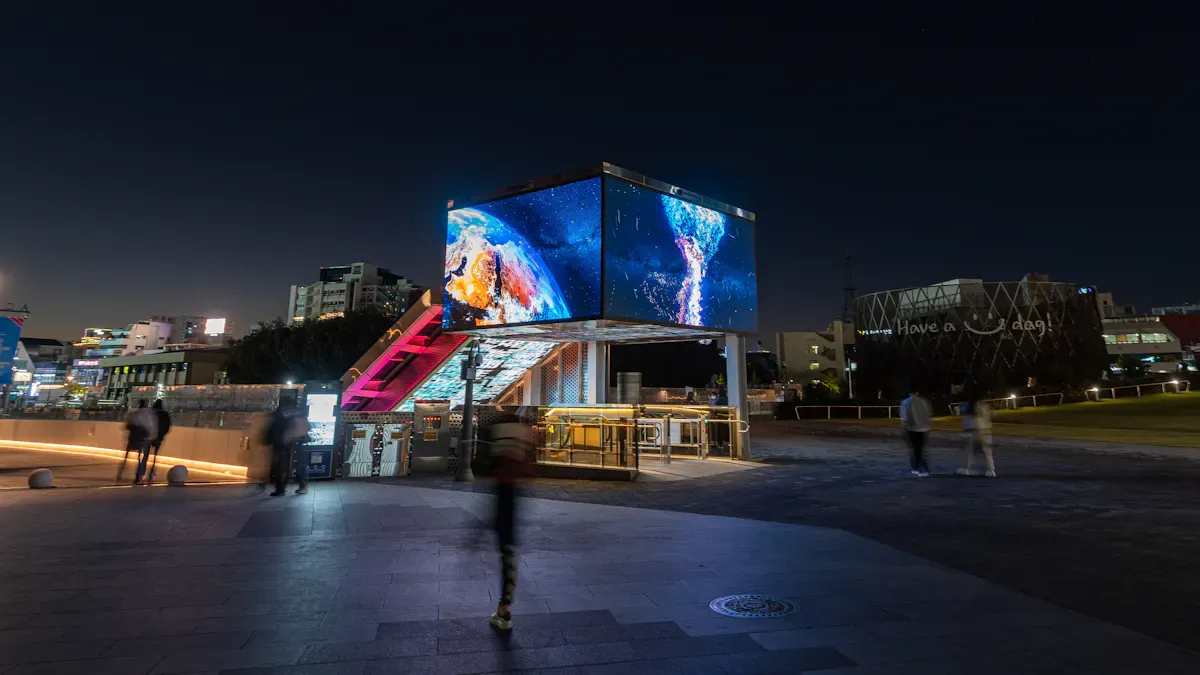
You need digital signage exterior solutions that work well outside. These weatherproof displays protect from heavy rain, snow, and heat. They also handle changing temperatures.
IP55 or IP65 ratings stop dust and water from getting in.
Advanced temperature control systems help the display work well.
Challenge | Impact | Solution Required |
|---|---|---|
Extreme weather | Hurts how it works | Weatherproofing and climate control |
Direct sunlight | Hard to see the screen | High brightness displays |
Temperature fluctuations | Parts can break | Advanced temperature control |
Dust and debris | Hard to see the screen | Sealed enclosures |
It is important for outdoor displays to work well and be easy to use. You can find weatherproof options at https://www.topkioskdisplay.com/.
Key Takeaways
Pick displays with IP65 or higher ratings for the best dust and water protection.
Choose screens with high brightness (4,000-7,000 nits) so you can see them in bright sunlight.
Use strong materials like stainless steel or anodized aluminum to make them last longer and stop weather damage.
Add remote management systems so you can change content and check how the display works from anywhere.
Use tamper-proof features and cameras to keep your signage safe from theft and vandalism.
Environmental Protection for Digital Signage Exterior
IP Ratings and Weather Resistance
You must keep your digital signage exterior safe from rain, snow, wind, and dust. IP ratings show how well your outdoor digital signage can handle these weather problems. A higher IP rating means better protection. Most outdoor digital signage should have at least an IP65 rating. This rating keeps your display safe from dust and strong water jets. If you put signage where there is a lot of snow or flooding, you may need IP66 or IP67.
IP Rating | Dust Protection | Water Resistance | Suitable For |
|---|---|---|---|
IP65 | Fully protected | Resistant to water jets and heavy rain | Storefronts, façades |
IP66 | Fully protected | Protection from heavy rain and water jets | High-exposure locations |
IP67 | Complete dust protection | Temporary water immersion (up to 30 minutes) | Areas with snow buildup |
A weatherproof enclosure with the right IP rating helps your outdoor digital signage work during storms and dusty days. You should always look at the local weather before picking the IP rating for your outdoor display enclosure.
Durable Materials and Construction
You want your digital signage exterior to last a long time. The materials you use are very important. Rust-proof and UV-resistant materials keep your signage strong and looking nice. Here are some good choices:
Anodized aluminum does not scratch easily and does not rust.
Stainless steel, like SUS316, does not rust and works well near the ocean.
UV-proof coatings stop sunlight from making the enclosure weak.
Material | UV Resistance | Notes | |
|---|---|---|---|
Stainless Steel | Excellent | Moderate | SUS304 for most places; SUS316 for marine areas |
Aluminum Alloy | Good | Moderate | Anodized finish protects from rust; lighter than steel |
Outdoor display enclosure materials like aluminum can last more than 10 years. Stainless steel also lasts a long time and gives strong protection. You should not use wood or vinyl for exterior signage because they do not last in bad weather.
Temperature and Climate Adaptability
Outdoor digital signage has to work in hot summers and cold winters. You need displays that work in many temperatures. Standard displays only work from 32°F to 104°F (0°C to 40°C). Outdoor-rated displays can work from -40°F to 122°F (-40°C to 50°C).
Display Type | Operating Temperature Range (°C) | |
|---|---|---|
Standard Display | 32 to 104 | 0 to 40 |
Outdoor Digital Signage | -40 to 122 | -40 to 50 |
You should always check the weather at your site. If you live where it gets very hot or cold, pick a weatherproof outdoor display enclosure with heating or cooling. This keeps your image clear and your signage working all year.
Tip: Checking the climate and environment helps you choose the right digital signage exterior. This means less downtime and saves money on repairs.
Sunlight Readability and Outdoor Digital Signage Visibility
High Brightness and Nits Standards
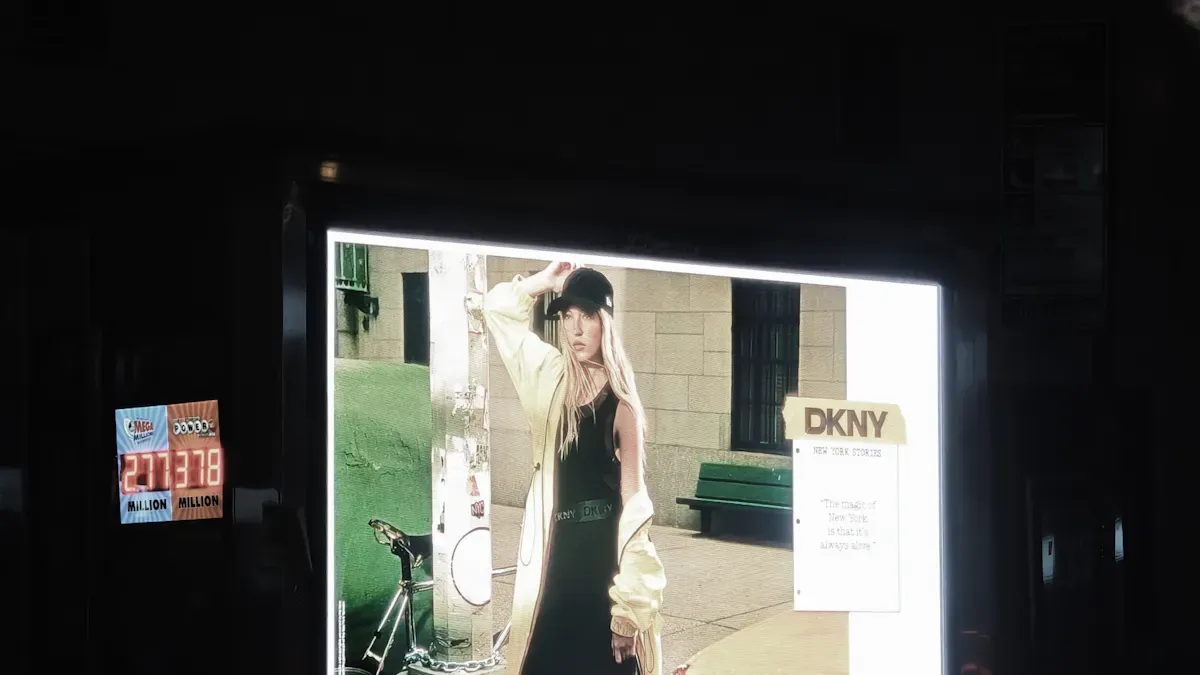
You want your outdoor digital signage to be clear in bright sunlight. Sunlight readability depends on how bright the screen is. Brightness is measured in nits. Outdoor screens need more nits than indoor screens. The table below shows how bright your screen should be:
Environment | Required Brightness |
|---|---|
Outdoor (full sun) | |
Direct sunlight (noon) | 5,000-7,000 nits |
High brightness displays help your message stand out at noon. These screens use LED backlights and cooling systems. They use more power than regular screens. New technology helps lower energy use and costs. Automatic brightness adjustment also saves energy.
Tip: High brightness displays keep your image sharp and clear, even when it is sunny.
Anti-Glare Glass and Screen Coatings
Glare from the sun can make it hard to see your signage. Anti-glare glass and special coatings fix this problem. These coatings cut down reflections and help you see better in sunlight. Here are some features you should look for:
Anti-reflective films help you see by lowering light reflection and making contrast better.
Multi-layer coatings work well in busy places like transportation hubs and kiosks.
Tempered glass with anti-reflective coating blocks heat and keeps the display cool.
Feature | Description |
|---|---|
Impact Resistance | Tempered glass is five times stronger. It is good for tough weather and vandalism. |
Anti-Reflective Coating | Lowers reflectivity below two percent. Blocks seventy-five percent of infrared heat. Reduces glare. |
A strong outdoor display enclosure with these features protects your signage from bad weather and heavy snow. This helps your weatherproof display last longer.
Ambient Light Sensors and Automatic Adjustments
Ambient light sensors help your signage adjust to changing light. These sensors measure the light around your display. They change the screen brightness to match the light. This keeps your signage easy to read day and night. Here are some benefits:
Automatic brightness adjustment keeps your display visible all the time.
Smart controls save energy and make your screen last longer.
Modern outdoor display enclosure designs use these sensors to balance sunlight readability and energy use. You get a display that works well, saves power, and lasts longer.
Content Management and Connectivity
Remote Access and Control
You can control your outdoor digital signage from anywhere. Device management software lets you change your screens without being there. Content Management Systems help you update messages and set times for content. These tools keep your digital signage exterior working well.
You can plan what shows on your screens ahead of time.
You can see problems right away with real-time monitoring.
You can fix some issues without going to the site.
Hospitals and banks use remote management to keep their screens working all the time. You can do this too. It helps you have less downtime and saves money.
Feature | Benefit |
|---|---|
You can manage your screens from anywhere. You do not need to visit the site as much. | |
Real-Time Alerts | You get alerts if there are problems like power loss. This helps you see issues fast. |
Remote Rebooting | You can restart your system from far away. This means you do not need to travel for small problems. |
Energy Efficiency | You can use less power by turning off screens when not needed. This saves money. |
Cloud-based software lets you update many screens at the same time. This keeps your outdoor digital signage new and helpful.
Networking and Power Options
You need to connect your outdoor digital signage to a network. Wired networks are strong and safe for sending updates and controlling your screens. Wireless networks are easy to set up and good for open spaces. The table below shows how they are different:
Networking Type | Description | Reliability Implications |
|---|---|---|
Wired Networks | These are fixed and safe for sending updates and controlling systems. | They are usually more reliable because they are stable and safe. |
Wireless Networks | These are easy to install and move. They are good for places with few buildings. | They might not be as reliable because of signal problems or distance. |
For power, you can use solar-ready displays. These work with solar panels and batteries. Off-grid signage uses solar energy and stores power for night use. Smart power scheduling helps you save energy. These systems are good for parks, remote places, and areas without regular power. A weatherproof outdoor display enclosure keeps your equipment safe and working in all weather.
Choosing a CMS for Outdoor Digital Signage
You need a CMS that is easy to use and safe. Look for these features:
Feature | Description |
|---|---|
Remote Access | Lets you update content from far away. You can control your screens from anywhere. |
Real-Time Updates | Lets you change content right away so your messages are always new. |
User-Friendly Interface | Has a simple design so anyone can use it, even if they are not a tech expert. |
Pick a CMS that can show live data like news, weather, or social media.
Make sure it works with interactive features like touchscreens or sensors.
Choose a CMS that works with different types of hardware.
Look for a CMS that can grow with your network in the future.
Open software with APIs lets you add new tools and connect with other systems.
A good CMS helps your images look great and your content stay fresh. This makes your outdoor digital signage work better and easier to use.
Security and Signage Types
Tamper-Proof Features and Surveillance
You want your outdoor digital signage to be safe from theft and damage. Security features help protect your display. Use a weatherproof enclosure with tamper-proof designs. This stops people from opening or breaking your display. Add anti-theft locks so only trusted staff can get inside. You can also put anti-theft cameras near your signage for extra safety.
Tamper-proof enclosures hide important parts and block unwanted access.
Anti-theft locks keep the display and its parts safe.
Security cameras watch your signage and help stop vandalism.
Surveillance technology makes your security stronger. AI-powered systems can watch your signage in real time. They spot strange behavior fast. The table below shows how these tools help:
Feature | Description |
|---|---|
AI systems watch every area and keep high-risk spots under constant view. | |
Exception-based reporting | AI tools find odd actions that might mean theft or tampering. |
Integrated alerts | The system sends instant alerts to staff for quick action. |
Tip: Use tamper-proof features and smart surveillance together. This keeps your outdoor display enclosure safe in busy or remote places.
Types of Outdoor Digital Signage (LED, LCD, Kiosks, Solar)
You can pick from many types of exterior digital signage. Each type works best in certain places and for different needs. The table below helps you see which type fits your project:
Signage Type | Best Suited For | Key Features |
|---|---|---|
Digital LED Signs | Retail spaces | Bright, eye-catching, good for marketing and info |
Channel Letter Signs | Retail, transit stations | 3D letters, strong brand visibility |
Monument Signs | Parks, corporate campuses | Freestanding, marks entrances, helps with navigation |
Pylon and Pole Signs | Transit stations, highways | Tall, easy to see from far away |
Blade Signs | Urban environments | Sticks out from buildings, easy to spot on sidewalks |
Hanging Signs | Shopping centers, busy streets | Suspended, works well where space is tight |
Outdoor digital signage comes in many forms like LED, LCD, kiosks, and solar-powered displays. You can use a weatherproof enclosure to protect these signs from rain, dust, and sun. Pick the right type for your location. You might need a tall sign for a highway or a kiosk for a park. This helps your message reach more people and keeps your signage working in all weather.
You can find the right digital signage exterior by following some steps. The table below tells you what to do:
Step | What You Need to Do |
|---|---|
Check durability | Choose tough materials and waterproof enclosures. |
Ensure visibility | Pick bright screens and use anti-glare coatings. |
Manage content easily | Use remote control and set brightness to change. |
Secure your signage | Put on tamper-proof locks and use security cameras. |
Make sure your signage fits your local weather and sunlight.
Try not to make mistakes like using bad colors or too few displays.
Focus on durability, visibility, content management, and security for the best results.
1. 🔒 Core Protection: IP & IK Ratings
IP Rating (Ingress Protection)
This two-digit code defines the display's resistance to dust and water intrusion.
Rating | Dust Protection | Water Protection | Best For |
|---|---|---|---|
IP65 | Dust-tight (complete protection) | Water jets from any direction (rain, hose cleaning) | Minimum for most outdoor spaces; standard for general outdoor signage |
IP66 | Dust-tight | Powerful water jets (severe storms, high-pressure washing) | Harsh coastal areas, locations exposed to extreme weather |
IP67 | Dust-tight | Temporary immersion (up to 1 meter for 30 minutes) | Flood-prone areas, transit tunnels |
For reliable outdoor performance, IP65 is the absolute minimum. If the display will be installed in a location that experiences severe storms or is subject to regular pressure washing, consider IP66 or higher instead.
IK Rating (Impact Protection)
The IK rating measures resistance to mechanical impact, defined by IEC 62262. This is especially important for publicly accessible signage vulnerable to vandalism or accidental collisions.
IK08: Withstands 10 joules of impact
IK09: Withstands 20 joules of impact
IK10: Withstands 20 joules of impact withstanding a 5kg weight dropped from 400mm – the highest standard rating
For outdoor public spaces (transit shelters, storefronts, kiosks), IK10-rated screens are strongly recommended.
2. ☀️ Brightness & Visibility
Outdoor signage must overcome sunlight glare to remain legible. Standard indoor TVs (250–400 nits) become completely unreadable in direct sunlight.
Environment | Recommended Brightness | Notes |
|---|---|---|
Full direct sunlight | 2,500–5,000+ nits | Minimum requirement for clear visibility under bright sun |
Outdoor shaded / covered | 1,500–2,500 nits | Covered walkways, awnings, bus shelters |
Outdoor billboards | 5,000–7,000 nits | Long viewing distances require higher brightness |
Highway / roadside | 7,000–10,000 nits | Maximum sunlight exposure, distant viewing |
Auto-brightness adjustment is a valuable feature that uses ambient light sensors to automatically increase brightness during daytime and reduce it at night, optimizing both visibility and energy efficiency.
3. 🌡️ Thermal Management & Temperature Range
Outdoor signage must function across extreme temperature ranges without overheating or freezing. High brightness generates significant heat, making proper cooling essential.
Recommended Operating Range: -30°C to +50°C (or wider) for reliable year-round performance.
Key thermal technologies:
Active cooling: Fans and air conditioning units that regulate internal temperature in hot climates
Passive cooling: Heat sinks and optimized airflow designs that require no moving parts
Heating systems: Internal heaters that prevent components from freezing in sub-zero conditions
Solar-load protection: Displays designed to dissipate heat generated by direct sunlight exposure
Important note: Electronics lifespan roughly halves for every 10°C increase above recommended operating temperature (Arrhenius equation). Prioritize displays with integrated, robust thermal management systems.
4. 🏗️ Structural Materials
Enclosure materials determine the display's resistance to corrosion, physical damage, and long-term weathering.
Material | Characteristics | Best Application |
|---|---|---|
Powder-coated steel | Heavy-duty, impact-resistant, 10+ year outdoor life with proper coating | High-vandalism areas, transit shelters |
Stainless steel (304) | Corrosion-resistant, durable, professional appearance | General outdoor signage, retail storefronts |
Stainless steel (316) | Marine-grade, superior corrosion resistance | Coastal installations, high-humidity environments |
Aluminum | Lightweight, naturally corrosion-resistant | Large displays, applications requiring frequent handling |
For maximum vandal resistance, combine a full-metal enclosure with IK-rated hardened glass (IK08–IK10). Displays with tempered glass shields also provide enhanced protection against impact and deliberate damage.
5. 👓 Anti-Glare & Optical Enhancement
Treatment | Function | Benefit |
|---|---|---|
Anti-Glare (AG) Etching | Creates a matte surface that diffuses reflected light | Reduces distracting reflections, improves readability in bright conditions |
Anti-Reflective (AR) Coating | Reduces mirror-like surface reflections | Minimizes specular glare, improves light transmission through glass |
Optical Bonding | Fills the air gap between glass and LCD with UV-absorbent gel | Eliminates internal reflections, enhances contrast, improves impact resistance, prevents condensation |
For outdoor touchscreen applications, opt for displays with both optical bonding and AG/AR treatments for the best sunlight readability.
6. ✋ Touch Technology for Interactive Signage
For outdoor interactive kiosks (wayfinding, ordering, information), touch technology selection is critical.
Technology | Pros | Cons |
|---|---|---|
IR (Infrared) | Works reliably in rain, with gloves, and with stylus; less affected by sunlight interference | Slightly less responsive than PCAP for fine touch |
PCAP (Projected Capacitive) | Excellent responsiveness, multi-touch support, smartphone-like experience | Requires careful tuning for outdoor use; direct sunlight can cause interference; may not work with thick gloves |
For most outdoor public kiosks where users may be wearing gloves or using the display in wet conditions, IR touch technology is generally preferred.
7. 🏭 Notable Outdoor Digital Signage Manufacturers (2025-2026)
Manufacturer | Specialization | Key Specifications |
|---|---|---|
RisingStar | High-brightness outdoor LCDs | 5,000–10,000 nits, IP65/IK10, -30°C to +55°C |
SunBriteTV | Weatherproof outdoor TVs & signage | Direct sunlight-readable, EST technology prevents blackout |
Peerless-AV | Outdoor kiosks & displays | Xtreme series with -40°C to +60°C operating range |
MWE | Commercial outdoor signage | IP65-rated, 2,500–5,000 nits, stock in USA/Germany |
Sureview | Double-sided outdoor displays | PCAP touch options, IP65, 3,000+ nits brightness |
DynaScan | High-brightness outdoor LCDs | Ultra-high brightness, professional-grade weatherproofing |
LG / Samsung | Commercial outdoor display lines | webOS (LG) and Tizen (Samsung) platforms with outdoor-rated models |
✅ Selection Checklist
Confirm location-specific requirements: Direct sun exposure, typical weather patterns, and vandalism risk
Verify minimum IP rating: IP65 for most outdoor spaces; IP66+ for severe conditions
Verify IK rating: IK08 minimum; IK10 recommended for public areas
Check brightness specifications: ≥2,500 nits for direct sunlight; higher for roadside/billboard applications
Review operating temperature range: Ensure range matches local climate extremes
Confirm thermal management features: Active cooling, heating, or hybrid system appropriate for your climate
Evaluate structural materials: Corrosion-resistant metals appropriate for your environment
Test optical enhancements: Verify anti-glare and optical bonding specifications
Validate touch technology (if interactive): Choose IR for outdoor public use
Review warranty and support: Outdoor displays typically offer 3–5 year commercial warranties
❓ Common Questions
Q: Can I use a standard indoor TV outdoors with a protective cover?
A: Not recommended. Indoor TVs lack high-brightness panels, proper thermal management, and weather-sealed enclosures. Even with a cover, they will quickly fail from heat buildup, moisture ingress, or sunlight damage.
Q: What's more important – higher brightness or anti-glare coating?
A: Both work together. High brightness provides the raw luminance to overcome sunlight, while anti-glare/anti-reflective treatments ensure that light reaching the screen is actually visible rather than washed out by reflections. For direct-sun installations, prioritize brightness first, then optical treatments.
Q: How long do outdoor digital signage displays typically last?
A: Commercial-grade outdoor displays are typically rated for 50,000+ hours (approximately 5–7 years of continuous 24/7 operation) before brightness degrades to 50% of original levels.
Q: Are outdoor displays energy-efficient?
A: High brightness requires significant power. Look for displays with auto-brightness sensors that reduce brightness at night, lowering energy consumption during non-peak hours. Some manufacturers now offer eco-friendly options with lower overall power draw.
FAQ
What does "weatherproof" mean for digital signage exterior?
Weatherproof means your digital signage exterior can handle bad weather. It works in rain, snow, dust, and heat. You should look for high IP ratings and strong materials.
How bright should an outdoor digital signage screen be?
Your outdoor digital signage exterior needs at least 2,500 nits. This brightness helps people see the screen in sunlight. High brightness keeps your message clear all day.
Can you update outdoor digital signage content remotely?
Yes, you can update your digital signage exterior from anywhere. Use a cloud-based content management system. This tool lets you change messages and check status without going to the site.
What materials last longest for exterior digital signage?
Pick stainless steel or anodized aluminum for your digital signage exterior. These materials do not rust and block UV damage. They help your signage last many years outside.
How do you keep outdoor digital signage secure?
You should use tamper-proof locks and strong enclosures for your digital signage exterior. Add security cameras for extra safety. These steps help stop theft and damage.
See Also
Selecting Ideal Outdoor Digital Signage for Your Company
Discovering the Right Outdoor Digital Signage Option
The Benefits of Outdoor Digital Signage for Your Brand
