How to Find the Perfect Outdoor Digital Signage Solution
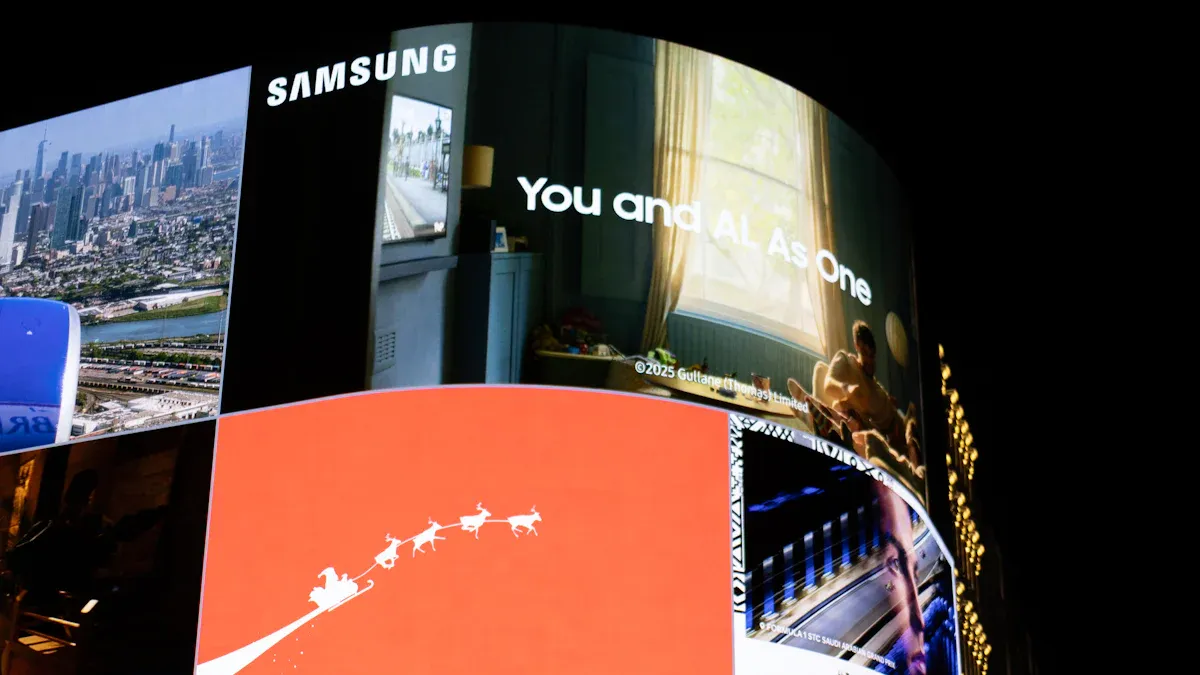
You should think about visibility and durability. Make sure the solution fits your environment. These things are important when picking outdoor digital signage. Many businesses see good results. 64% of digital signage users notice more customer engagement after they install it. You want a display that matches your goals and location. Look at the most important factors:
Factor | Description |
|---|---|
Connectivity | Lets you check and change signage from far away. You can pick wired or wireless options. |
Power Supply | Keeps your display working. Using less energy saves money over time. |
Security and Protection | Protects against vandalism and theft. Tamper-proof cases and cameras help keep it safe. |
Try to balance performance, cost, and value over time. Always think about what you need now. Also, think about how your needs might change later.
Key Takeaways
Pick outdoor digital signage that is easy to see and strong. This helps it work well in your area.
Know who will see your sign and where it will be. This helps you pick the best size and type of content. This way, more people will pay attention.
Buy displays that can handle bad weather and are hard to break. This keeps your signs safe from damage and theft.
Use screens that are very bright and stop glare. This makes your sign easy to see, even when the sun is shining.
Think about how much money you need at first and later on. This helps you take care of your signs and keep them working for a long time.
Define Your Outdoor Digital Signage Needs
Audience and Location
You need to know who will look at your digital signage. First, think about how many people will see it. Think about their age and what they like. For example, a display in a busy shopping area reaches lots of people. These people have different backgrounds. In a dental office, you might want to share tips or explain services. This helps people waiting for their turn.
Use real-time data to change your messages for your audience.
Pick bright colors and bold text so people can read it easily.
Do not use too many things on the screen. Simple pictures and videos work best outside.
Where you put your display is important, too. Busy places need bigger and brighter digital signage. In quiet spots, smaller screens are fine. Always pick a display that fits the place and the people who will see it.
Goals and Content Types
Set clear goals for your outdoor digital signage. Do you want to get new customers, help people find their way, or share news? Your goals will help you choose what to show.
Description | Business Goal | |
|---|---|---|
LED Billboards | Big ads for busy roads and intersections. | Enhance visibility |
Digital Menu Boards | Show menus and change prices fast. | Customer engagement |
Interactive Kiosks | Give directions or product info for self-service. | Real-time communication |
Retail Window Displays | Show products and deals to people walking by. | Customer engagement |
Wayfinding Signage | Help visitors find their way with real-time updates. | Improve user experience |
Pick the right content type for your goal and outdoor space.
Environmental Factors
Outdoor digital signage must handle tough weather. Weather can change fast. You need displays that work in rain, snow, wind, and hot or cold days. Humidity can make water drops inside the screen. This makes it hard to see. High heat can break displays or make them melt.
Environmental Factor | Impact on Digital Signage |
|---|---|
Can break displays or make them melt. | |
Can hurt screens that are not protected. | |
Humidity | Can make water drops that block the screen. |
Pick digital signage with weatherproof cases and sealed gaskets. These keep out water, dust, and other things. Always pick a solution that fits the weather outside.
Visibility and Display Performance
Sunlight Readable Outdoor Digital Signage Display
You want your outdoor digital signage to be easy to see all the time. Sunlight can make it hard to read your message. A sunlight readable outdoor digital signage display fixes this problem. These displays use high brightness and high contrast technology. This keeps your content clear and sharp, even in bright sunlight.
Requirement | Specification |
|---|---|
2,500 nits | |
Recommended brightness | 3,000-4,000 nits |
Best for this location | 4,000+ nits |
High brightness is very important for good visibility. A sunlight readable outdoor digital signage display with at least 3,000 nits will make your images and videos stand out. High-brightness screens also use high contrast technology. This makes colors look bold and text easy to read. It helps you get people’s attention, even on sunny days.
Tip: Pick a sunlight readable outdoor digital signage display with high brightness and high contrast technology. This will help you get the best screen visibility outside.
Anti-glare technology also helps people see your screen better. It breaks up reflected light and cuts down on unwanted images on the screen. This makes your messages clear and easy to read. Anti-glare technology also helps stop eye strain for people walking by. You will get more people to look at your outdoor digital signage.
Mechanism | Effect on Visibility |
|---|---|
Diffusion | Breaks up reflected light, reducing unwanted images. |
Scattering | Leads to about 8% reflection output. |
Cost-effectiveness | Cheaper than anti-reflective solutions. |
A sunlight readable outdoor digital signage display with high brightness, high contrast technology, and anti-glare technology will give you great visibility in any weather.
Resolution and Pixel Pitch
Resolution means how many pixels are on your display. More pixels make images and text look sharper. For outdoor digital signage, you need a sunlight readable outdoor digital signage display with high resolution and high contrast technology. This keeps your content clear, even if people are far away.
Pixel pitch is the space between each pixel. A smaller pixel pitch gives you sharper images for people who are close. A bigger pixel pitch works well if people are far away. You should pick the right pixel pitch for your location and audience.
Pixel Pitch | Viewing Distance | Image Clarity |
|---|---|---|
10mm | Long Distance | Good |
3mm | Close Distance | Excellent |
Ideal For | |
|---|---|
3.9mm–6mm | Building-mounted signage |
Parking lots | |
Large outdoor boards | |
Benefits | Lower cost for large sizes |
Made for long-distance viewing |
Smaller pixel pitch gives you sharper images for close-up viewing.
Larger pixel pitch is better for seeing from far away.
You should also think about the resolution when you pick your sunlight readable outdoor digital signage display. High resolution and high contrast technology make your content look nice and professional. This helps you keep people interested in your message.
Viewing Distance and Angle
Viewing distance changes what size and resolution you need for your display. The shortest viewing distance should be about 3.5 times the height of your display. If people will see your sunlight readable outdoor digital signage display from far away, you can use a bigger pixel pitch and lower resolution. For close-up viewing, pick a smaller pixel pitch and higher resolution.
Make sure your content is easy to see from different distances and angles.
Think about both people walking and people driving when you put your display.
You should also look for things that might block the view, like trees or signs. Put your sunlight readable outdoor digital signage display where nothing is in the way. High brightness and high contrast technology help your display stay clear, even if the sun is shining right on it.
Note: Good viewing angles and high brightness give you great visibility. This means more people will see and remember your message.
Screen visibility depends on having high brightness, high contrast technology, good resolution, and smart placement. When you use a sunlight readable outdoor digital signage display, your outdoor digital signage will always look great.
Durability and Weatherproofing for Outdoor Displays
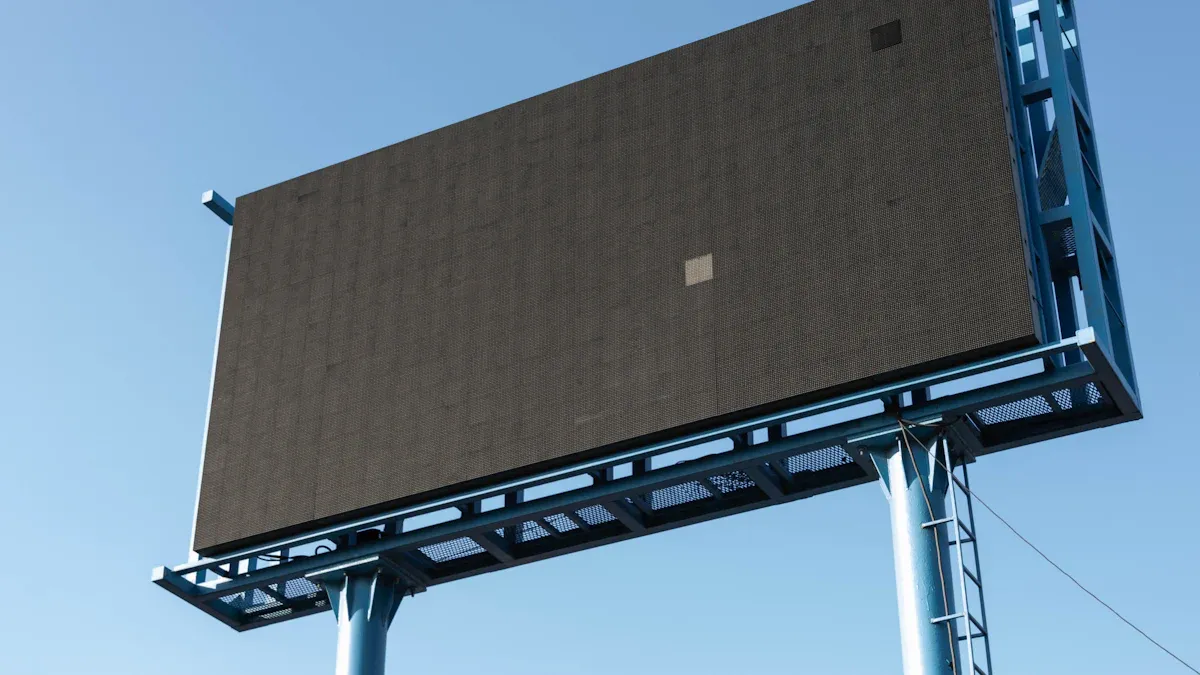
Weather Resistance and Vandal Protection
Outdoor displays must work in all kinds of weather. Weatherproof signage keeps your screens safe from rain, snow, dust, and heat. Most weatherproof signage uses a weatherproof enclosure with an IP65 rating. This rating means water and dust cannot get inside. Your outdoor digital signage can work in very hot or cold weather, from -40°F to 140°F. Sealed enclosures and drainage systems keep water out. UV-resistant materials stop the sun from hurting your screens.
Standard | Requirement |
|---|---|
Weatherproofing | |
Operating Temperature | -40°F to 140°F |
Enclosure Type | Sealed enclosures |
Drainage Systems | Required |
Material Resistance | UV-resistant materials |
Durability | 50,000+ hours in extreme conditions |
You also need to keep your outdoor displays safe from damage and theft. Busy places need extra protection. Shatterproof glass helps protect your screen from breaking. Tamper-proof enclosures use strong materials like stainless steel or reinforced aluminum. Smart security features, like alarms and remote monitoring, help you spot trouble fast.
Feature | Description |
|---|---|
Shatterproof Glass | Strong glass that can take a hit and keep working. |
Tamper-Proof Enclosures | Tough materials that do not break or rust easily. |
Smart Security Measures | Alarms and remote checks to catch tampering and warn staff right away. |
Ruggedized Enclosures | IK09 and IP67 rated aluminum cases for extra strength. |
Toughened Glazing | Scratch-resistant glass for better protection. |
Graffiti Shield | Extra layers to stop scratches and damage. |
Anti-Theft Mechanism | Locking pins keep displays in place and stop theft. |
Tip: Pick weatherproof signage with a weatherproof enclosure and strong security. This keeps your outdoor displays safe from bad weather and people.
Maintenance and Longevity
You want your outdoor displays to last for many years. Regular care helps stop weather from causing problems. Cleaning your screens and checking for issues can stop big repairs. Good thermal management keeps your displays from getting too hot. This helps your outdoor digital signage last longer and saves money.
Outdoor digital signage usually works for about 50,000 hours.
The best outdoor displays can last up to 100,000 hours, which is about 11 years.
Most displays last 10 to 15 years, depending on how you use them and where they are.
Taking care of your displays keeps your messages clear and your viewers interested. Spending time on maintenance can save money on repairs or new screens. Regular care also lowers costs and keeps your ads working well.
Note: Maintenance means more than cleaning. It also means checking seals, updating software, and making sure your weatherproof signage stays strong.
Energy Efficiency
Energy efficient displays help you save money and protect the planet. LEDs use most of their energy for light, not heat, so they last longer. Adaptive brightness sensors lower power use when it is not bright outside. Energy Star-certified devices can save about 4% more energy than regular ones. Smart sensors turn on displays only when needed and change brightness to match the light.
LED displays can use up to 60% less power than old LCD screens.
A hotel with 50 digital displays can save over $3,800 each year by using LED units with light sensors.
Energy efficient displays use up to 80% less electricity than neon or incandescent signs.
Display Type | Energy Efficiency | Carbon Footprint Reduction |
|---|---|---|
LED | Up to 80% more efficient than LCD | Smaller carbon footprint |
Traditional | Less efficient | Larger carbon footprint |
Modern outdoor displays use smart technology to use less energy. This helps your business save money and helps the environment. You can reach your goals and keep your outdoor digital signage working well.
Callout: Energy efficient displays are good for your wallet and the earth. They use less power and last longer, so your weatherproof signage is a smart pick.
Content Management and Security in Digital Signage Exterior
Remote Updates and Software Integration
You need a content management system that is simple to use. This system lets you change your digital signage exterior from anywhere. You can use a computer, tablet, or phone to do this. It helps you keep your digital signage exterior new and updated. Look for these important features:
Key Feature | Description |
|---|---|
Ease of Use | Simple tools make it easy to manage your content. |
Remote Accessibility | Change your digital signage exterior from any device, anywhere. |
Dynamic Scheduling | Set times for your content to play so messages stay fresh. |
Robust Management | Control many screens at once and fix problems fast. |
Remote updates let you control your digital signage exterior network easily. You can plan special content, send alerts, or change ads right away. Central control means you do not have to visit each screen. You can also see problems like blank screens and fix them quickly. This saves time and keeps your displays working well.
Software integration helps your digital signage exterior work with other business tools. You can organize your content better and keep information up to date. Real-time updates keep people interested. Interactive features can make your displays more fun and helpful.
Security Features
You must keep your digital signage exterior safe from hackers and tampering. Good security keeps your screens safe and your messages trusted. Here are some important steps:
Use firewalls and intrusion detection to block threats.
Encrypt data with secure protocols like HTTPS.
Update software often to fix weak spots.
Set strong passwords and use multi-factor authentication.
Lock media players in safe places.
Turn off smart features you do not need.
Restrict HDMI access to stop unwanted changes.
Use wired connections for better security.
Add security locks and limit device communication.
Tip: Check and update your system often to keep your digital signage exterior safe from new dangers.
When you pick a system with strong content management and security, your digital signage exterior will stay reliable and work well.
Cost, ROI, and Support
Upfront vs. Ongoing Costs
You need to look at both the starting price and the long-term costs for outdoor digital signage. The first cost is often the highest. This includes buying the display and paying for installation. Here is a quick look at what you might pay:
Display Type | Cost Range |
|---|---|
$4,000–$10,000+ |
Installation Type | Cost Range |
|---|---|
Complex Installations (video walls) | $1,000 – $10,000+ |
After you set up your display, you will have ongoing costs. These include cleaning, small repairs, and updating your content. Most businesses spend $50–$150 each year for each screen on maintenance. Content updates can take up 15–25% of your total budget. You should plan for these costs so your signage stays fresh and works well.
Cost Type | Description | Estimated Cost/Budget |
|---|---|---|
Cleaning and small fixes | $50–$150 yearly per screen | |
Content Management | Updates and new content | 15–25% of total budget |
Tip: A higher upfront investment can save you money later if you choose durable, energy-efficient displays.
Warranty and Technical Support
You want your outdoor digital signage to work all the time. Good warranty and support help you fix problems fast. Look for warranties that cover parts, labor, and technical help. Some companies offer 24/7 support. This means you can get help any time, day or night. Online guides and FAQs can help you solve small problems yourself. Training programs can teach you how to use your system better.
Common technical issues include power problems, signal loss, or screen errors. Support teams can help you check cables, adjust settings, or fix software. Fast help means your messages stay on the screen and your business keeps running.
Choose a vendor with strong warranty and support.
Ask about training and online resources.
Make sure you know how to get help when you need it.
Note: Reliable support and a good warranty protect your investment and keep your outdoor digital signage working for years.
You can pick the best outdoor digital signage by thinking about your goals, who will see it, and where it will go. Use this checklist to help you decide:
Checklist Item | Why It Matters |
|---|---|
Hardware and software integration | Stops problems with working together |
Reliable hardware options | Works in many places |
Professional installation | Keeps everyone safe |
Easy-to-use CMS | Saves time and helps you be creative |
Platform scalability | Lets you grow later |
Ongoing support | Fixes problems quickly |
Lots of businesses get up to 400% more people interacting and save 30% on costs when they choose the right solution. First, know what you want, set how much you can spend, and talk to trusted vendors for demos. Take your first step and feel sure about your choice!
FAQ
What is the best brightness level for outdoor digital signage?
Pick a display with at least 2,500 nits. If your sign is in direct sunlight, 3,000 nits or more is better. High brightness helps people see your content clearly.
How do you protect outdoor digital signage from weather?
Get a display with an IP65-rated enclosure. This keeps out water and dust. UV-resistant materials and sealed gaskets give extra safety.
Can you update outdoor digital signage content remotely?
Yes, you can update content from far away. Most systems let you use a computer or phone. Remote updates save time and keep your messages new.
How long does outdoor digital signage last?
Most outdoor displays work for 10 to 15 years. Cleaning and taking care of them helps them last longer. Energy-efficient models can last even more years.
Is outdoor digital signage energy efficient?
Many outdoor displays use LED technology. LEDs use less power and last longer. You can save money and use less energy with these displays.
See Also
Selecting Ideal Outdoor Digital Signage for Your Company
The Benefits of Outdoor Digital Signage for Your Brand
Comprehensive Guide to Installing Outdoor Digital Signage
Understanding the Impact of Outdoor Digital Signage Today
Key Considerations for 2026 Outdoor Digital Signage Installation
