How to Choose the Right LED or LCD Display for Shopping Malls
Shenzhen TopAdkiosk Display Technology Co., Ltd.
Add.: 2F, Bldg 10, Changfeng Industrial Park, Dongkeng, Fenghuang, Guangming, Shenzhen, China 518132
Mobile/WHATSAPP: 86-138 25769658
Email: marketing@topadkiosk.com topadkiosk@gmail.com
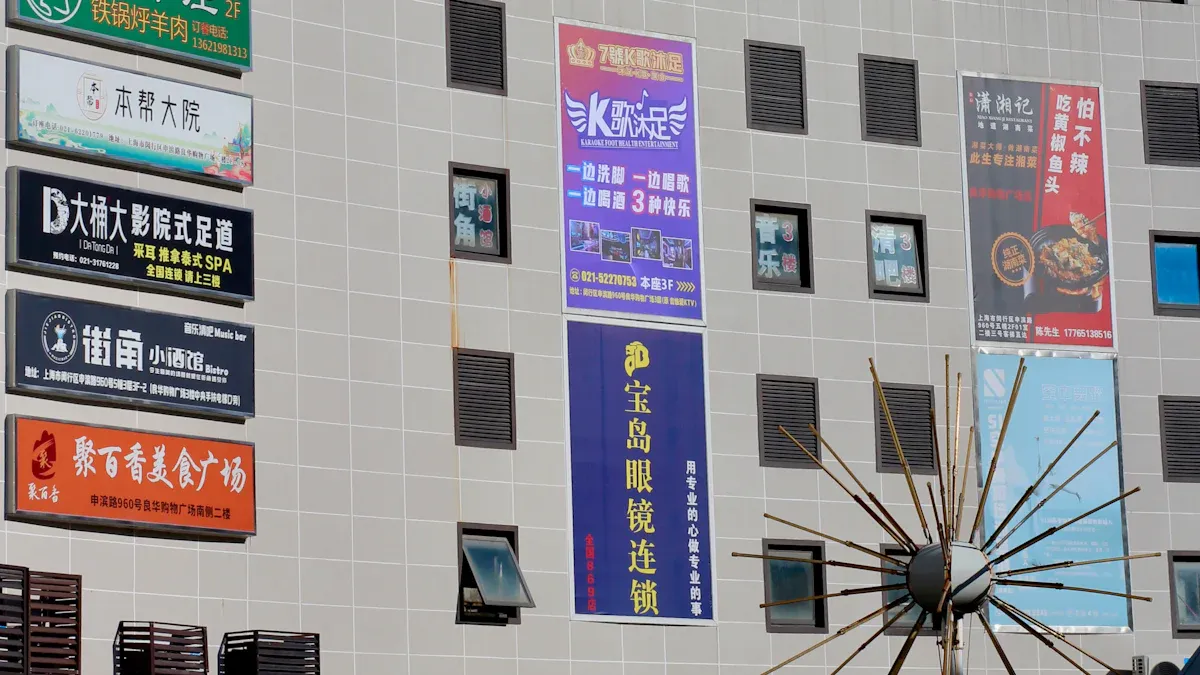
When you pick digital displays for your mall, you should match them to your space and needs. Where you put them, if they are inside or outside, and how good they look are important. You also need to think about things like how bright they are, the pixel pitch, and if you can upgrade them easily. Look at the table below to see some problems you might have with led lcd display projects for malls. These are based on feedback from TOPADKIOSK:
Challenge | Description |
|---|---|
Environmental Conditions | Displays must handle changes in light, temperature, and airflow. |
Compatibility | Displays should work with current systems and allow for future upgrades. |
Cost | Budget limits can affect your options for high-quality displays. |
Size and Proportion | Displays need the right size for the space to stay visible but not overwhelm the area. |
Key Takeaways
Pick displays by thinking about where and why you need them. Put screens in places where lots of people can see them. This helps more people notice the screens.
Think about how bright the screens should be for each place. Indoor displays need between 800 and 1,500 nits. Outdoor displays need between 5,000 and 10,000 nits.
Choose the right pixel pitch for clear pictures. A smaller pixel pitch is good if people stand close to the screen. A bigger pixel pitch works better if people are far away.
Make sure the displays save energy. LED screens use less power and last longer. This saves money and helps the environment.
Plan to take care of the displays and update them. Clean the screens often and update the software. This keeps the screens working well and looking nice.
LED LCD Display Projects for Mall: Types and Differences
LED Display Screens vs. LCD Displays
When you look at led lcd display projects for mall environments, you need to know the main differences between LED and LCD screens. LED displays use light-emitting diodes to create bright, colorful images. LCD displays use liquid crystals and need a backlight. This difference affects how each screen looks and works in your mall.
Here is a quick comparison:
Feature | LCD Display | LED Display |
|---|---|---|
Brightness | 800–6,000+ nits | |
Viewing Distance | 1–10 feet (close-up) | 6+ feet (medium to long) |
Lifespan (Hours) | 30,000–60,000 |
You should also think about pixel pitch. Pixel pitch means the distance between pixels. Smaller pixel pitch gives you sharper images. For led lcd display projects for mall advertising, you might see options like P2.5 (good detail), P2.0 (sharper), or P1.25 (very fine detail). If you want people to see the screen up close, choose a smaller pixel pitch.
Tip: Smaller pixel pitch works best for close viewing, while larger pixel pitch fits bigger spaces where people stand farther away.
Indoor vs. Outdoor Shopping Malls Applications
Your mall’s environment changes what kind of display you need. Indoor led lcd display projects for mall spaces, like corridors or food courts, need screens with 800–1,500 nits of brightness. If your display sits near windows or glass ceilings, you may need up to 4,500 nits. Outdoor led lcd display projects for mall entrances or facades need even more—5,000 to 10,000 nits—to stay visible in sunlight.
Environment Type | Recommended Brightness (nits) |
|---|---|
General Indoor Areas | 800–1,000 |
Indoor with Natural Light | 2,500–4,500 |
Outdoor Facades Facing Direct Sun | 5,000–10,000 |
LED displays handle weather, rain, and temperature changes better than LCDs. They also last longer and cost less to maintain. For outdoor led lcd display projects for mall use, LED screens give you better visibility and durability.
If you want your led lcd display projects for mall to stand out, match the display type and brightness to your space. This helps you get the best results for your mall’s needs.
Key Selection Criteria for LED Display Screens in Shopping Malls
Picking the right led display screens or lcd digital signage can help your mall look better and bring in more people. You need to think about a few important things to make sure you spend your money wisely. Here are the main things you should remember:
Display Location and Purpose
Where you put your led display screens or lcd digital signage is very important. You want to put screens where lots of people will see them and where they will be useful. Here are some tips to help you choose:
Use easy-to-read floor labels so shoppers do not get lost.
Put digital wayfinding signs at doors and busy spots.
Add interactive touchscreen displays to help people find stores.
Make sure all lcd digital signage looks the same everywhere.
Place maps and directories where many people walk by.
The display’s job should match what it can do. For ads and sales, pick bright displays with clear pictures. For wayfinding, use interactive touchscreen displays with simple menus. For public messages, choose led display screens that are easy to see in any light.
Tip: Put commercial led displays in busy places to get more attention and help shoppers find deals or events.
Technical Specs: Brightness, Pixel Pitch, Contrast, Viewing Angle
Technical specs change how your lcd digital signage or led display screens work. Here is a table to help you compare the most important specs:
Specification | Indoor Standard | Outdoor Standard | Why It Matters |
|---|---|---|---|
2,500–10,000 | High-brightness displays stay visible in bright malls or sunlight. | ||
Pixel Pitch (mm) | 1.2–2.5 | 3.9–10 | Smaller pixel pitch gives sharper visuals for close viewing. |
Contrast Ratio | 3,000:1 or higher | 5,000:1 or higher | High contrast makes images and promotional content stand out. |
Viewing Angle | 140°–160° horizontal | Up to 178° | Wide viewing angles let more shoppers see the screen from different spots. |
Always check these specs before you buy anything. Displays with high resolution, strong contrast, and good brightness will make your pictures and videos look great. This helps more people notice your lcd digital signage.
Note: If your led display screens are not bright enough or have low contrast, people may not see them well, especially in bright places.
Installation Flexibility and Upgradeability
Shopping malls often change how they look or move things around. You need led display screens and lcd digital signage that can change too. Flexible installation lets you move or upgrade screens when you need to. Here are some features to look for:
Installation Option | Upgradeability Benefit |
|---|---|
Easy to change for new sales or events. | |
GOB LED Technology | Strong and easy to take care of, so you can upgrade without fixing often. |
Modular Design | Add or remove panels to fit different spaces or ads. |
You can also pick commercial led displays that you can move or roll up. These let you set up new displays fast. Screens that can change help you keep up with new trends and what shoppers want. For more ideas, you can check vendors like TOPADKIOSK that have many flexible and high-quality displays.
Purchasing tip: Modular and light lcd digital signage is easier to put up and lets you upgrade later.
Content Management and Personalization
How you control and change your lcd digital signage content can make your mall special. Interactive touchscreen displays let shoppers look at maps, find stores, or play games. You can use real-time updates to show new sales or events right away. Personalization features, like motion sensors or tracking who is watching, help you show the right content to the right people.
Feature | Benefit |
|---|---|
Touchscreens | Get more people interested with fun wayfinding and games. |
Motion Sensors | Show special ads based on where shoppers walk. |
Real-Time Updates | Change content fast to match what shoppers want or where they go. |
Some lcd digital signage systems can see how long people look at screens or use them. This information helps you make your ads better and get more people to pay attention. You can try different pictures or messages to see what works best for your shoppers.
Tip: Use interactive touchscreen displays to make shopping more fun and help shoppers stay longer in your mall.
If you focus on these main things, you can pick led display screens and lcd digital signage that look great, help your ads, and change as your mall changes.
Maximizing Impact and Reliability in Shopping Malls
Strategic Placement for Visibility
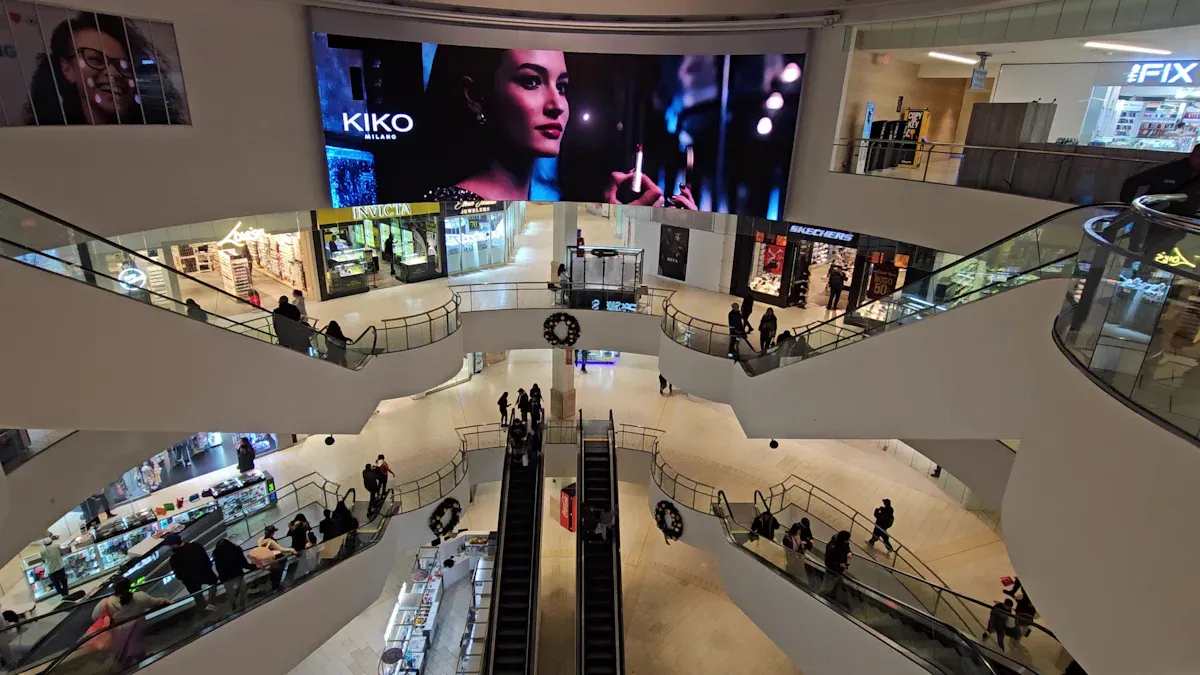
You can make signage more useful by putting screens where people gather. Good spots are entrances, food courts, and elevator lobbies. These places are great for led transparent screen setups. Use horizontal screens for wide videos or ads from stores. Vertical screens fit in small spaces and show scrolling info or work as interactive kiosk displays. The table below shows how each spot helps in a different way:
Purpose | Examples of Content | |
|---|---|---|
Entrances and exits | Get attention when shoppers come or go | Ads, welcome messages |
Food courts and lounges | Show info while people rest or eat | Menus, special deals |
Elevator lobbies | Reach people waiting for elevators | Signs, interactive maps |
Near anchor stores | Use crowds from big stores | Bundle deals, changing retailer ads |
If you use led transparent screen video walls with real-time updates, your signs stay new and interesting. Audience analytics tools help you see if your ads work and let you change your plan.
Energy Efficiency and Cost-Effectiveness
You can save money and help the planet by picking signs that use less power. LED displays, like mini and micro types, use less energy than old screens. LCD displays with smart brightness and timers also save power. Solar-powered led transparent screen signs are good for outside malls.
Technology Type | Energy Efficiency Features | Advantages |
|---|---|---|
LED Displays | Mini/Micro LEDs, use less energy | Brighter, work well in sunlight |
LCD Displays | Smart brightness, timers | Good for the earth, use less power |
OLED Displays | Each pixel lights up alone | Better control, saves energy |
Solar-Powered LED | PV panels make their own power | Less need for grid, great outdoors |
Smart controls and timers help you run signs only when needed. Using less energy means lower bills and helps malls stay green. Over time, strong led transparent screen signs need less fixing and save more money.
Long-Term Maintenance and Compatibility
To keep signs working well, you need to care for them often. Clean screens every week in busy places to keep led transparent screen images clear. Check the area each month to stop overheating. Change what is on the screen often so images do not get stuck. Update software every few months for better safety and speed. Have experts check the signs twice a year to find problems early.
Frequency | Key Benefits | |
|---|---|---|
Screen Cleaning | Weekly/Bi-weekly | Clear images, looks nice |
Environmental Check | Monthly | Stops overheating, lasts longer |
Content Rotation | Every 15–30 minutes | Stops image burn-in, keeps ads fresh |
Software Updates | Quarterly/as released | Works better, safer |
Professional Inspection | Biannually | Finds problems early, less downtime |
Pick signs that work with many systems and let you use cloud management. Modular led transparent screen designs let you upgrade or change ads as your mall grows. Choose vendors who give good support and updates so your signs are ready for the future.
You need to pick a display that fits your mall’s needs and space. Look at things like how bright the screen is and how easy it is to set up. Think about if you can upgrade the display later. The table below shows how rental and fixed LED displays are not the same:
Feature | Rental LED Display | Fixed LED Display |
|---|---|---|
High | Limited | |
Upgradeability | Easy | May need more investment |
Try not to make mistakes like putting the screen in a bad spot or picking the wrong brightness. Do not forget to take care of the display. Work with good vendors who help you after you buy, so your display lasts a long time.
FAQ
What is the best display type for shopping mall advertising?
Pick displays that are very bright for mall ads. LED screens are good for outside. LCD screens are better for inside. Both types help you show ads and deals clearly. This can bring in more people and get them interested.
How do interactive touchscreen displays improve engagement?
Interactive touchscreen displays help shoppers find stores and see deals. People can also play games on them. These displays make shopping more fun. They get more people to use them and pay attention. You can also see how many people use the screens. This helps you change your ads and displays if needed.
What are important considerations for energy efficiency?
Choose displays with smart brightness and timers. LED screens use less power than old screens. Solar-powered kiosk displays are great for outside. Saving energy means you spend less money. It also helps your mall be better for the planet. This is a good tip if you want to save money for a long time.
How can I maximize the impact of tenant advertisements?
Put high-quality displays near doors and big stores. Use real-time updates for ads and deals. Good spots for screens bring in more people. This helps tenants reach more shoppers. It also makes ads work better.
Are there tips for maintaining kiosk displays?
Clean the screens every week. Change the ads and deals often. Update the software every few months. Have experts check the screens two times a year. These steps keep your kiosk displays working well. They also help your ads and store info stay fresh.
See Also
Selecting The Perfect LCD Digital Signage For Your Business In 2026
Finding The Ideal LCD Round Display For Your 2025 Project
Exploring The Main Differences Between LED And LCD Video Walls
Selecting The Most Effective Outdoor Digital Signage For Your Business
