How to Choose the Best Camera LCD Display for Your Needs
Shenzhen TopAdkiosk Display Technology Co., Ltd.
Add.: 2F, Bldg 10, Changfeng Industrial Park, Dongkeng, Fenghuang, Guangming, Shenzhen, China 518132
Mobile/WHATSAPP: 86-138 25769658
Email: marketing@topadkiosk.com topadkiosk@gmail.com
Skype: pghenry1
Wechat: adkioskhenry
English Web.: https://www.topkioskdisplay.com/
http://www.ad-kiosk.com/
https://www.toplcddisplay.com/
http://www.multitouchdigitalsignage.com/
https://www.youtube.com/channel/UCYVYNJHxLVEcQD8fuUxXNTA/videos?view_as=subscriber
https://www.facebook.com/TOPADKIOSKSHENZHEN/?ref=bookmarks
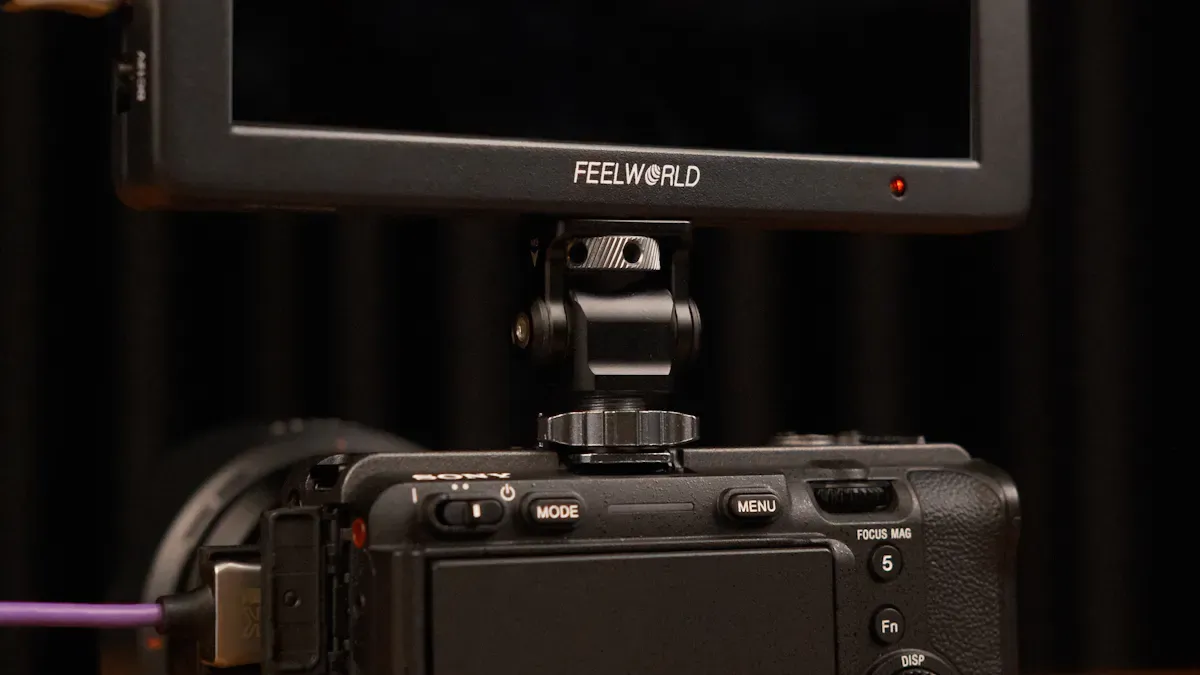
You want the clearest view when you frame your shot. The right camera lcd display can make every detail stand out. Think about how you use your camera and what you need from your display. A bright screen helps you see outside. Sharp resolution lets you focus easily. When you match your display to your style, you get the best results.
Key Takeaways
Think about how you take pictures to pick the right LCD display. Different ways of shooting need different features for good results.
Think about where you will use your camera. Bright screens are important outside, but normal screens are fine inside.
Choose a screen with high resolution and the right size. A 5 to 7 inch screen with high resolution lets you see details well.
Look for features like touch screens and focus peaking. These tools help you work faster and make your shots more accurate.
Make sure the display works with your camera. Check the ports and resolution so you do not have problems connecting.
Identify Your Needs
Shooting Style
The way you take photos changes what you need in a camera LCD display. If you take pictures of people, you want a screen that shows skin colors well. People who shoot landscapes need screens with bright colors and strong contrast. If you take action shots, you need a fast screen that is easy to see when things move quickly.
Here is a table that explains how different settings help you use your LCD display better:
Setting | Description |
|---|---|
Exposure Compensation | Keep this at zero for the best feedback. This stops your photos from being too bright or too dark. |
Color Space | Use Adobe RGB for brighter colors. This makes landscape photos look more real. |
Picture Style | Pick 'Landscape' for sharper and clearer photos. You can see how your photo will look after editing. |
Tip: Change your camera settings to fit what you are taking pictures of. You will see the changes right away on your LCD display.
Environment
Think about where you take most of your photos. It is hard to see your screen in bright sunlight. If you take pictures outside, pick a screen that is very bright. If you take photos inside, a normal screen is fine. Dust, rain, and cold can hurt your screen. Tough screens last longer in bad weather.
Outdoor: Get screens with 2000 nits brightness or more.
Indoor: Normal brightness is good enough.
Extreme weather: Choose screens that can handle tough weather.
Usage Scenarios
Think about how you use your camera. If you look at your photos a lot, you need a big screen. People who make videos like touch screens and focus peaking. If you travel, small and light screens are easier to carry. If you work in a studio, you need a screen that shows colors correctly.
Frequent review: Big screens help you see details better.
Video: Touch screens and focus peaking make things faster.
Travel: Small screens are easy to pack.
Studio: Good color helps with editing.
You get the best photos when your LCD display fits your needs.
Key Features of Camera LCD Displays
Resolution & Screen Size
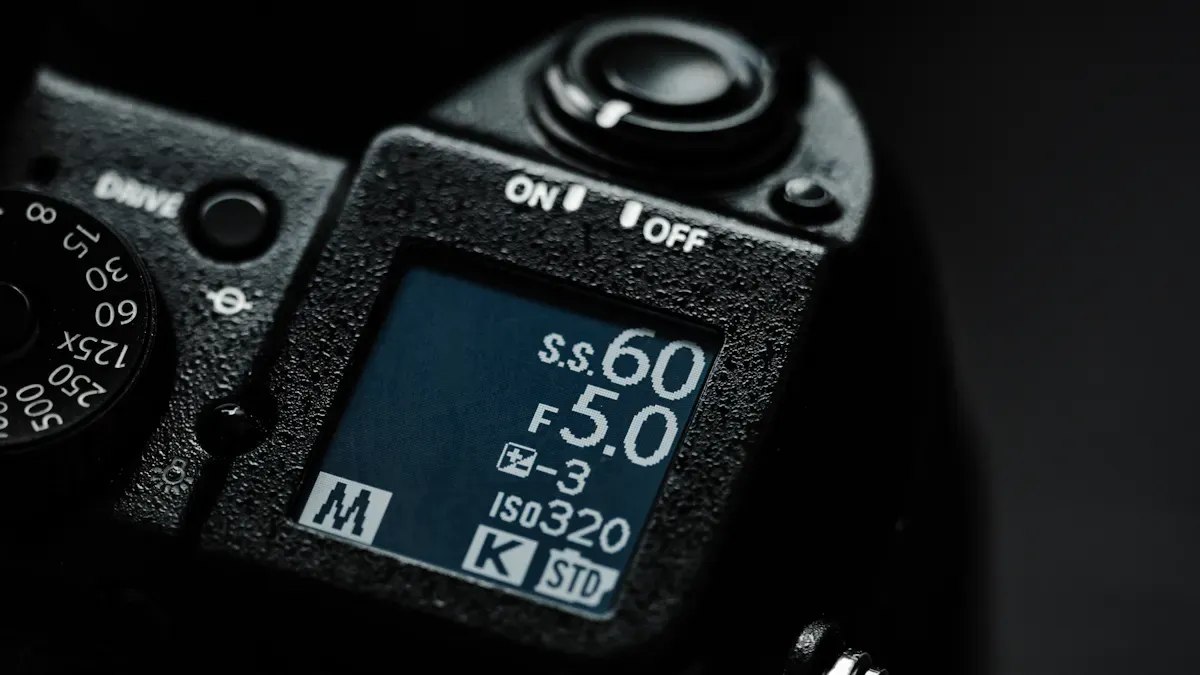
When you pick a camera lcd display, look at resolution and screen size. Resolution shows how clear your pictures will look. High resolution lets you see small details and focus better. Most monitors have 4K resolution, so your photos and videos look sharp. Screen size and resolution work together. A bigger screen helps you check your photos easily. But you need high resolution, or your pictures might look blurry. Many pro monitors are 5 to 7 inches. This size is easy to carry and easy to see.
Feature | Specification |
|---|---|
Resolution | 1920x1080 (Full HD), 3840x2160 (4K) |
Screen Size | 5–7 inches |
Viewing Angles | 178° |
Tip: Pick a monitor with high resolution and a screen size that feels right. You will see your photos and videos clearly, even when you zoom in.
Brightness & Outdoor Visibility
Brightness is important if you use your camera lcd display outside. Brightness is measured in nits. High brightness helps you see your screen in sunlight. If you want to use your display outside, get one with 1500 nits or more. Indoor screens do not need as much brightness. Use this table to compare brightness for different places.
Environment Type | Brightness (Nits) | Description |
|---|---|---|
Indoor Displays | 200–500 | Good for places without sunlight. |
Semi-Outdoor Screens | 500–1,000 | Works in shade with some sunlight. |
Full Outdoor Screens | 1,500+ | Needed for direct sunlight so you can see clearly. |
Monitors with LED backlighting last longer and work better. You get bright, clear images. This helps you use real-time monitoring tools.
Touch & Focus Peaking
Touch screens make things faster. You can tap to focus, swipe to look at photos, and change settings quickly. Focus peaking is a tool that shows which parts of your picture are sharp. This helps you get perfect focus, especially for videos. Touch and focus peaking help you work faster and more accurately. You can use these tools for both photos and videos.
Note: Touch screens and focus peaking are great for monitoring. You save time and get better results.
Color Accuracy & Panel Type
Color accuracy matters when you edit or check your photos. IPS panels give you wide viewing angles and true colors. You see your pictures the way they really look. Monitors with good color accuracy help you judge your photos and videos. You can trust your screen to show skin tones and landscapes right.
Feature | Specification |
|---|---|
LCD Technology | |
Color Accuracy | High |
Panel Type | IPS |
Many pro monitors let you use LUTs. LUTs help you see color grading before you finish editing. You can check how your video will look after editing.
Inputs, Outputs & Connectivity
You need good ports on your camera lcd display. USB-C is the most common port now. You can connect your monitor to your camera or computer easily. USB-C gives you fast data and power. Many monitors also have HDMI, SDI, and headphone jacks. These help you set up your gear the way you want.
USB-C: Fast connection and power.
HDMI: Video input and output.
SDI: Pro video monitoring tools.
Headphone Jack: Listen to audio.
Tip: Look at the ports on your monitor. USB-C works best and fits most devices.
Durability & Build Quality
Durability is important if you use your camera lcd display in tough places. Monitors are tested to make sure they last. Makers use strong parts for better reliability. LED backlighting helps with heat and saves energy. Cases protect your screen from dust and water. Monitors meet shock and vibration rules, so you can use them anywhere. Some monitors use special tricks like changing brightness to last longer.
Aspect | Details |
|---|---|
Environmental Testing | Displays are tested to handle different conditions. |
Component Selection | Good parts help monitors last a long time. |
Thermal Management | LED backlights save energy and keep things cool. |
Protection Against Elements | Cases keep out dust and water, with vents to filter air. |
Shock and Vibration Standards | Monitors meet rules for shock and vibration to keep working. |
Lifespan Extension Techniques | Tricks like changing brightness and saving power help monitors last longer. |
Viewfinder vs. LCD Display: Which Is Better?
You might wonder if you should use a viewfinder or an LCD display. Viewfinders help you frame shots in bright light and give you a direct view. LCD displays have more features like touch, focus peaking, and real-time tools. You can check your photos, change settings, and see your video in high resolution. LCD displays are better for video and advanced tools. Viewfinders are good for fast action and shooting outside. You get more options and accuracy with a camera lcd display.
Note: Use a viewfinder for quick shots in bright light. Pick an LCD display for more tools and high-quality video.
You need to balance quality, features, and price. Choose a monitor that fits your way of working and gives you the best results. You will get clear images, good colors, and reliable tools for every shoot.
Comparing 4K Monitors in 2026
Feature Comparison
You want to find the best monitors for your camera. In 2026, 4k monitors give you sharp resolution and clear images. You can see every detail on the screen. Most 4k monitors have a screen size between 5 and 7 inches. You get high brightness for outdoor use. Many monitors offer touch screens and focus peaking. You can use monitoring tools like LUTs and waveform. These features help you check color and exposure. You also get USB-C, HDMI, and SDI ports for easy connectivity.
Monitor Model | Screen Size | 4k Resolution | Brightness (Nits) | Touch Screen | Monitoring Tools | Ports |
|---|---|---|---|---|---|---|
VisionPro 4K | 7" | Yes | 2000 | Yes | LUT, Waveform | USB-C, HDMI |
ClearView Ultra | 5.5" | Yes | 1800 | Yes | Focus Peaking | USB-C, SDI |
PixelSharp Elite | 6" | Yes | 2200 | No | LUT, Histogram | HDMI, SDI |
Tip: Choose a monitor with high brightness and strong monitoring tools for outdoor shoots.
Pros and Cons
You need to weigh the pros and cons of each 4k monitor. High resolution gives you sharp images. Touch screens make it easy to change settings. Monitoring tools help you see color and exposure. Some monitors have better build quality. Others offer more ports. Large screens help you review photos, but they can be heavy.
Pros:
Sharp 4k resolution
High brightness for outdoor use
Touch screen features
Advanced monitoring tools
Cons:
Bigger screen size can add weight
Some monitors cost more
Not all models have every feature
User Feedback
You can learn from other users. Many photographers say VisionPro 4K gives the best outdoor visibility. ClearView Ultra wins praise for its touch screen and focus peaking. PixelSharp Elite stands out for its strong build quality and monitoring tools. Users like monitors with easy-to-use screens and reliable ports. You get better results when you match your monitor to your camera and shooting style.
Note: Read user reviews before you buy. You will find which 4k monitors fit your needs and offer the best value.
Making the Final Choice
Budget & Value
You want a screen that is easy to carry and not too expensive. It should give you good value for your money. First, write down the features you need most. These might be high resolution, bright screens, or good monitoring tools. Check the prices for each monitor you like. Some camera screens cost more because they have better quality or extra things. You do not always need the most expensive one. Sometimes, a mid-range camera lcd display works best for your budget. Try to find deals if you want to upgrade your camera setup.
Tip: Make a table with your favorite screens. Write down the price, resolution, brightness, and monitoring tools for each one. This will help you see which screen gives you the most for your money.
Compatibility
See if your monitor works with your camera and other gear. Not every camera screen fits all cameras. Look at the ports on your camera and your monitor. You need the right connections for everything to work well. USB-C, HDMI, and SDI are common ports. Make sure your screen supports your camera’s resolution and monitoring needs. Some screens work with many cameras, but others only fit a few models. Pick a display that connects easily and works every time.
Check the ports on your camera and monitor
Match the resolution and monitoring tools
Pick a portable screen for easy setup
Future-Proofing
Think about how your needs could change later. You may want a monitor that lasts a long time. Choose a portable screen with high resolution and strong brightness. Look for new monitoring tools that help you work faster. Some camera screens get updates for better features. A good display should work with new cameras and higher resolution video. You want a screen that stays useful as technology gets better.
Note: Pick a portable monitor with the newest monitoring tools. This will keep your camera setup ready for the future.
You can pick the best camera lcd display by thinking about what you need. Think about how you use your camera and which monitoring tools help you most. The right screen type makes using your camera easier and more fun. Check the table below to see how different LCD articulation types work for different people:
LCD Articulation Type | Benefits | Ideal Users |
|---|---|---|
Tilt-only Screens | Small and good for high or low shots | Landscape photographers who use tripods |
Fully Articulating Screens | Can move in many ways and keeps LCD safe | Portrait or wedding photographers and creators who need to see themselves |
Fixed Screens | Simple, small, and less likely to break | Street photographers who like normal photo styles |
Keep learning about new display technology in 2026. New monitoring features will help you work faster and smarter.
Small and medium screens will get better.
Foldable OLED smartphones and AR/VR devices will become more popular.
Lower prices and new ideas will make things change.
Follow these steps to choose with confidence. Your camera and monitoring setup will help you get clear photos and tools you can trust.
Viewfinder vs. LCD Display for Cameras
The choice between a viewfinder (optical or electronic) and an LCD screen is essentially a trade-off between accuracy and flexibility. Neither is objectively better—it depends on your shooting style and subject matter.
Quick Comparison: OVF, EVF, and LCD
Feature | Optical Viewfinder (OVF) | Electronic Viewfinder (EVF) | LCD Screen |
|---|---|---|---|
How it works | Uses mirrors/prisms to show the actual scene through the lens | Displays a real-time preview from the image sensor on a small built-in screen | Displays a real-time preview from the sensor on the large rear screen |
Live exposure preview | No (you cannot see final exposure/white balance) | Yes – huge advantage for beginners and pros | Yes – same as EVF |
Lag | None (completely real-time) | Very minimal (most modern EVFs are excellent) | Very minimal (some display lag) |
Low light performance | Poor (dark, hard to compose/focus) | Excellent (electronically brightened view) | Excellent (brightened view) |
Bright sunlight | Perfect (no glare) | Great (eyecup blocks ambient light) | Poor (glare makes it hard to see) |
IBIS preview | No | Yes (stabilized view) | Yes (stabilized view) |
Manual focusing | Hard (no focus aids) | Excellent (peaking, magnification) | Excellent (peaking, touch-to-magnify) |
Info overlay | Basic (aperture, shutter, ISO) | Rich (histogram, level, focus aids, etc.) | Rich (same as EVF, plus touch controls) |
Battery life | Excellent (hundreds/thousands of shots) | Fair (300–400 shots CIPA) | Fair (similar to EVF) |
Shooting stability | High (camera braced against face) | High (same) | Lower (arms extended, more prone to shake) |
Creative angles | Limited | Limited (must bring eye to camera) | Extremely flexible (flip/tilt screens) |
Discretion | High (camera close to body) | High (same) | Low (holding camera away is conspicuous) |
Note on battery life: The CIPA rating is a standardized test (including frequent on/off and flash use). Real-world battery life can be much higher if you stay in continuous shooting mode.
Which One Should You Choose?
Choose OVF if:
You shoot fast action (sports, wildlife) – zero lag lets you follow moving subjects intuitively.
You value pure optical clarity and don't want a screen between you and the scene.
Battery life is critical for long outings without recharging.
Choose EVF if:
You want WYSIWYG (What You See Is What You Get) – perfect exposure and white balance preview.
You shoot in very dark conditions – the EVF brightens the scene.
You use manual focus – focus peaking and magnification are game-changers.
You want rich in‑finder data (histogram, level, etc.) without taking your eye off the shot.
Choose LCD if:
You shoot from unusual angles (low to ground, high overhead, waist-level) – a flip/tilt screen is invaluable.
You need touch focus/shoot – great for quick adjustments.
You photograph people and want to interact – not hiding behind the camera builds rapport.
You shoot video – most video work benefits from LCD monitoring.
Summary
Your Priority | Best Choice |
|---|---|
No lag, pure optical view | OVF |
Exposure preview, manual focus, low light | EVF |
Creative angles, touch control, interaction with subjects | LCD (especially articulated) |
Bright sunlight (without glare) | OVF or EVF (LCD fails here) |
Long battery life | OVF |
Video, vlogging, or selfies | LCD (flip screen) |
Bottom Line
Use the viewfinder (EVF or OVF) when you need stability, immersion, and discretion – or when sunlight washes out the LCD.
Use the LCD when you need flexible framing, touch control, or eye contact with your subject.
Most modern mirrorless cameras offer both an EVF and a fully articulating LCD – the real question is which one you'll rely on most. Try both in your real shooting environment to see what feels natural.
If you tell me your primary genres (portraits, sports, travel, video, etc.), I can give you a more specific recommendation.FAQ
What is the best screen size for a camera LCD display?
You should pick a screen between 5 and 7 inches. This size gives you a clear view and is easy to carry. Larger screens help you see details, but smaller ones fit better in your bag.
How do I clean my camera LCD display safely?
Use a soft, dry microfiber cloth. Gently wipe the screen. Do not use water or harsh cleaners. You can buy special screen wipes for electronics.
Can I use any camera LCD monitor with my camera?
Not every monitor works with every camera. Check your camera’s ports and the monitor’s connections. Most cameras use HDMI or USB-C. Always read the manual before buying.
Why does brightness matter for outdoor shooting?
High brightness lets you see your screen in sunlight. If you shoot outside, pick a monitor with at least 1500 nits. You will see your photos and videos clearly, even on bright days.
