How Retailers Can Boost Sales with Interactive Kiosk Solutions
Add.: 2F, Bldg 10, Changfeng Industrial Park, Dongkeng, Fenghuang, Guangming, Shenzhen, China 518132
Mobile/WHATSAPP: 86-138 25769658
Email: marketing@topadkiosk.com topadkiosk@gmail.com
Skype: pghenry1
Wechat: adkioskhenry
English Web.: http://www.topadkiosk.com/
https://www.topkioskdisplay.com/
http://www.ad-kiosk.com/
https://www.toplcddisplay.com/
http://www.multitouchdigitalsignage.com/
https://www.youtube.com/channel/UCYVYNJHxLVEcQD8fuUxXNTA/videos?view_as=subscriber
https://www.facebook.com/TOPADKIOSKSHENZHEN/?ref=bookmarks
You see interactive kiosk solutions in stores everywhere now. Shoppers want quick self-service and digital signs to help find things. Retailers use these interactive kiosk solutions for retail to help sell more and make shopping easier. Look at this table to see how the market is growing:
Year | Market Value (USD) | Market Growth Rate (%) |
|---|---|---|
2024 | 11.81 | |
2033 | 67.2 billion | 7.15 |
Are you ready to learn how these interactive kiosk solutions can help your store?
Key Takeaways
Interactive kiosks make store work easier by doing simple jobs. This lets workers spend more time helping customers. Fast self-service kiosks make shopping better. They cut down on waiting and help people find things quickly. Kiosks help stores sell more by giving product ideas and showing deals. This gets customers more interested. Kiosks collect data to show what customers like. This helps stores give better service and make shopping fit each person. Kiosks work well with systems already in the store. This makes work smoother and gives shoppers a better trip.
Streamlining Operations with Interactive Kiosk Solutions
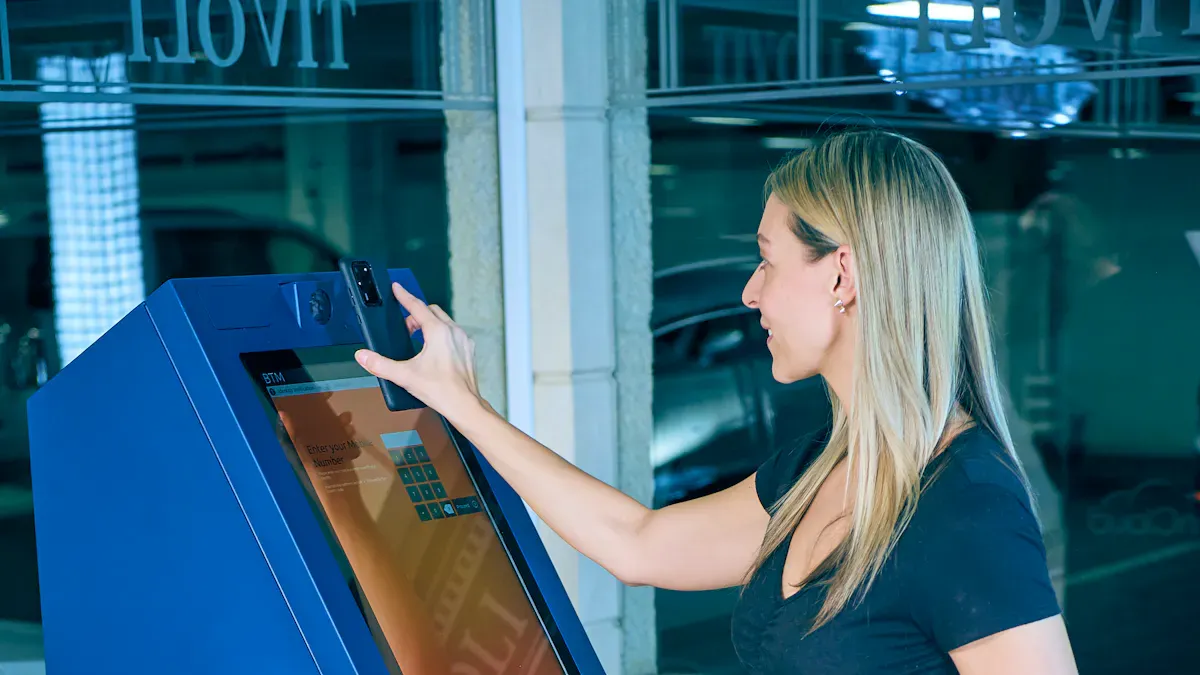
Interactive kiosk solutions can change how your store works every day. These smart tools help you serve more customers. They make service faster and let your team focus on important jobs.
Staff Efficiency
You want your staff to help customers, not do boring tasks. Interactive kiosk solutions take care of many simple jobs. For example, kiosks answer common questions. They show where products are. They give quick tutorials to new employees. This lets your team build relationships and solve real problems.
Kiosks are training tools. They offer interactive tutorials and information databases. Employees can learn new skills right on the sales floor.
They help share knowledge fast. Your team learns about new products or promotions quickly.
Kiosks automate routine tasks. This lowers stress for your staff. A happier team makes shopping better for everyone.
When kiosks handle basic transactions and information requests, your staff can help with harder customer needs. This leads to shorter wait times and fewer mistakes at checkout.
Tip: Make kiosks the first place for customer questions. Your staff will have more time to focus on service.
Task Automation
Think about all the small jobs that take up your team’s time. Price checks, inventory lookups, bill payments, and customer check-ins. Interactive kiosk solutions automate these tasks. This makes your store run smoother.
Kiosks handle repetitive jobs like customer check-in and sharing information. Your staff can focus on jobs that need a human touch.
They filter out simple questions. Employees only step in when their skills are needed.
Kiosks make transaction management easier. This helps you avoid slowdowns during busy hours.
Here’s a quick look at common challenges and how kiosks fix them:
Operational Challenge | Solution Provided by Kiosks |
|---|---|
Transaction bottlenecks | Easier transaction management |
Staffing shortages | Automation means you need fewer staff |
Visitor confusion | User-friendly screens guide customers |
Administrative delays | Automation makes processes faster |
You also save money with interactive kiosk solutions. They use less power than old systems. They need less maintenance. Lower energy costs and fewer repairs mean you can spend more on growing your business.
Automating routine jobs like checkouts and product questions lowers labor costs.
Kiosks help you schedule fewer people during slow times.
Commercial Android PC devices in kiosks use less power. This makes them good for the environment and saves money.
When kiosks handle simple jobs, your team can do what matters most. Your store runs better, saves money, and keeps staff and customers happy.
Enhancing Customer Experience
Fast Self-Service
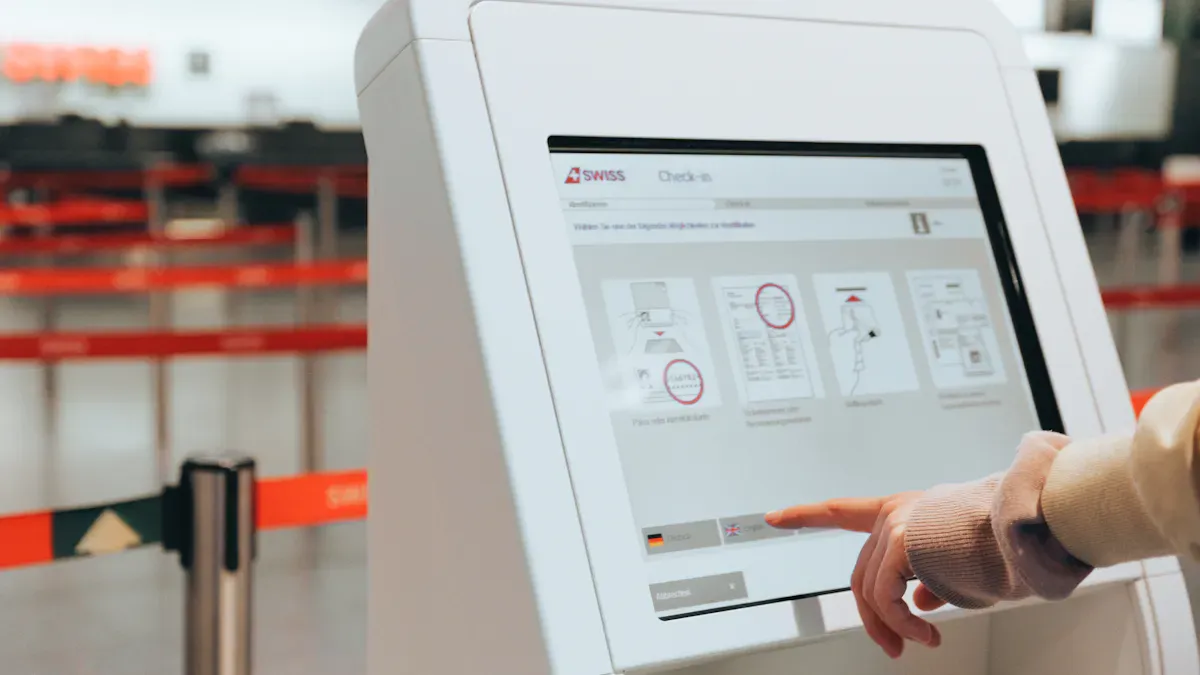
Shopping should be easy and fast. Interactive kiosk solutions help make this happen. You can use touch screens to check what is in stock. You can place orders and pay for things quickly. You do not have to wait in long lines. You do not need to look for someone to help you. You get what you want right away.
Stores see big changes when they use fast self-service kiosks. Here is how some stores got better at making customers happy:
Retailer | |
|---|---|
PDQ Chicken | 25% increase in average ticket size, improved order accuracy, reduced wait times |
McDonald’s | Higher average checks, improved customer flow, enhanced brand perception |
Panera Bread | Over 50% of transactions via digital orders, higher average order values, increased customer loyalty |
Self-service kiosks do more than just make things faster. They help you order what you want. They also make your visit better and more fun.
Tip: Try a self-service kiosk next time you order. You might find new menu items or deals you did not know about!
Digital Signage & Wayfinding
Big stores can be hard to walk through. Digital signage and wayfinding kiosks make it easy. You tap the screen, and the kiosk shows you where to go. You can find products, services, or even the restroom in just a few seconds.
Here is how these tools help you:
Interactive digital signage is like a helper. It gives you product info fast.
You can learn about services and get answers without waiting.
Wayfinding systems use clear signs. They show you where to go and help you spend more time shopping.
You get to control your shopping trip. You spend less time looking for things. You spend more time having a good experience. Interactive kiosk solutions keep you interested and happy from the start.
Increasing Engagement and Sales
Product Discovery
You want to find new products when you shop. Sometimes, you walk into a store and feel lost. Interactive kiosk solutions help you discover items you might not notice. These kiosks show videos, recipes, and brand stories right where you shop. For example, you might see a cooking video near the meat section. The kiosk tells you what ingredients you need and where to find them. This makes shopping more fun and helps you try new things.
Kiosks also highlight best-sellers, new arrivals, and special deals. You can tap the screen to learn more about a product. If you shop in a big store, kiosks guide you to what you want. You spend less time searching and more time enjoying your visit.
Here are some real-life examples of how kiosks boost engagement:
Case Study | Description | Key Outcomes |
|---|---|---|
ClairVista Kiosks | Virtual interactive services for shoppers | Lower staffing costs, better service, happier customers |
Paddy Power Kiosk | Digital kiosks for customer engagement | More interaction, higher satisfaction |
3D kiosks for property sales | More sales, faster deals, better customer experience |
Promotions & Upselling
You love a good deal. Kiosks make it easy to see special offers and get suggestions for what to buy next. They use smart technology to show you items that go well together. For example, if you buy a shirt, the kiosk might suggest a matching hat or shoes. This helps you find things you need and sometimes things you did not know you wanted.
Kiosks use customer data to give you personal recommendations.
They show deals and bundles that fit your shopping style.
Studies show that these features can boost sales by over 10%.
Many kiosks now use AI to make suggestions even smarter. Nearly 58% of kiosks have AI that helps you make choices faster. These kiosks increase upselling chances by 30% and cut down your decision time by 25%. You get what you want quickly, and stores see higher sales.
Tip: Next time you shop, check out the kiosk for deals and new products. You might find something special!
Personalized Shopping
Customer Insights
Data Collection
Have you ever wondered how stores know your favorite things? Interactive kiosk solutions help stores gather helpful information when you use them. These kiosks keep track of what you search for. They record what you buy. They note when you visit the store. This data helps stores learn about your needs. It makes shopping easier for you.
Here are the main types of data kiosks collect:
Type of Data Collected | Description |
|---|---|
Customer Preferences | Shows what products you like based on your kiosk interactions. |
Transaction Behaviors | Tracks how you buy things and your shopping patterns. |
Service Efficiencies | Measures how well kiosks work and how happy customers feel. |
Peak Usage Times | Finds out when kiosks get used the most, helping stores plan better. |
Popular Products | Lists which items get picked or bought most often through the kiosk. |
Kiosks also gather information about how you use them. This helps stores make kiosks work better. You get a smoother shopping trip. Stores learn what you want.
Note: Stores must keep your information safe. They only collect what is needed. They encrypt your data. They tell you how your data is used.
Analytics
After stores collect your data, they use analytics to make smart choices. Analytics show which products sell best. They show when people shop. They show how customers use kiosks. Stores use this information to increase sales. They make shopping easier for you.
Here is how stores use kiosk analytics:
They track sales and transactions to improve self-service.
They study how you use kiosks to make them better.
They personalize offers and recommendations for you.
They pick better hardware using performance data.
They use AI to spot theft and keep stores safe.
Strategy | Description |
|---|---|
Helps stores change self-service and operations for better results. | |
Studying User Interaction Data | Makes kiosks easier and more fun to use. |
Personalizing User Experience | Offers deals and products just for you. |
Informed Kiosk Design Decisions | Picks hardware that works best for customers. |
Analyzing Theft Attempts | Uses AI to keep stores safer and protect products. |
You get better service from smarter stores. Retailers use insights to help you. Everyone benefits from interactive kiosk solutions!
Adaptability and Security
Flexible Integration
Stores need to keep up with new shopping trends. Interactive kiosk solutions help stores do this easily. These kiosks work with the systems you already use. You do not need to buy all new equipment. Kiosks can connect to your inventory, payment, and loyalty programs. Customers can check if items are in stock. They can place orders and pay at the same kiosk. Kiosks help connect online and in-store shopping. Shoppers can return things they bought online at the kiosk. Payment details update right away, so records are always correct.
Kiosks let people order online if something is sold out.
They help customers shop faster and wait less.
Payment information goes straight to your main system.
Customers can check what is in stock and finish orders in different ways.
Here is a table that shows how kiosks help with omnichannel retail:
Benefit | Description |
|---|---|
Seamless Integration | Order online, pick up in-store, or return items easily. |
Enhanced Engagement | Personalized content and loyalty management boost interaction. |
Operational Efficiency | Fewer staff needed, fewer mistakes, faster checkout. |
Inventory Management | Real-time inventory checks and orders across channels. |
Kiosks can use new technology as it comes out. Some stores have AI-powered suggestions, virtual try-ons, and smart mirrors. Augmented reality helps you see products before you buy them. In the future, kiosks may use face recognition, voice commands, and IoT for even smarter shopping.
Smart kiosks help your store get ready for new changes.
Security Features
Stores want customers to feel safe when they shop. Kiosks protect customer information and keep stores secure. They use encrypted data so no one can steal details. Multi-factor authentication checks who is using the kiosk for important actions. Locked panels and strong cases stop people from breaking in.
IT teams can watch kiosks from far away and fix problems quickly.
Privacy controls and session management keep data safe.
Updates and patches stop new threats from causing harm.
VPNs and firewalls keep network connections safe.
Here is a table that shows common threats and how kiosks stop them:
Threat Type | Description | Mitigation Strategy |
|---|---|---|
Browser Escape | Breaking out of locked browsers | Lockdown configuration and testing |
Physical Tampering | Unauthorized access to hardware | Secure panels and BIOS password protection |
Network Attacks | Exploiting network vulnerabilities | Segmentation and firewall rules |
Data Exposure | Exposing personal info to others | Session management and privacy controls |
Malware Introduction | Installing malicious software via USB | Disable USB ports or restrict access |
You can feel calm knowing your store and customers are safe. Kiosks stay updated and ready for anything that happens.
You can boost sales, make your store run smoother, and keep shoppers happy with interactive kiosk solutions. These tools help you engage customers, collect useful data, and give people more control over their shopping. If you want to get started, try these steps:
Check what your customers need and how your store is set up.
Pick easy-to-use kiosks with strong security.
Train your team and test kiosks in real store conditions.
You’ll see your business grow and your shoppers come back for more.
FAQ
What can you do with an interactive kiosk in a retail store?
You can check prices, find products, place orders, and pay for items. Kiosks help you get information fast. They make shopping easier and more fun.
How do kiosks help boost sales?
Kiosks show you deals, suggest products, and make checkout quick. You see more options and buy more. Stores use kiosks to increase sales and keep you coming back.
Are interactive kiosks safe to use?
Yes! Kiosks use strong security. Your data stays private. Stores use encryption, locked screens, and regular updates to keep everything safe.
Can kiosks give you personalized offers?
Absolutely! Kiosks remember your choices. They suggest products you like and show you special deals. You get a shopping experience made just for you.
Do kiosks work with other store systems?
They do. Kiosks connect with inventory, payment, and loyalty programs. You can check stock, pay, and earn rewards all in one place.
See Also
6 Essential Guidelines for Selecting Kiosks in Various Settings
Discover 10 Unexpected Applications for Touch Screen Kiosks in 2026
Top LCD Kiosks for Retail Spaces to Consider in 2026
Key Characteristics to Look for in Modern Touch Screen Kiosks
7 Strategies to Enhance Customer Interaction Using Digital Signage
