How Digital Drive Thru Menu Boards Improve Efficiency in 2026
Shenzhen TopAdkiosk Display Technology Co., Ltd.
Add.: 2F, Bldg 10, Changfeng Industrial Park, Dongkeng, Fenghuang, Guangming, Shenzhen, China 518132
Mobile/WHATSAPP: 86-138 25769658
Email: marketing@topadkiosk.com topadkiosk@gmail.com
Skype: pghenry1
Wechat: adkioskhenry
English Web.: https://www.topkioskdisplay.com/
http://www.ad-kiosk.com/
https://www.toplcddisplay.com/
http://www.multitouchdigitalsignage.com/
https://www.youtube.com/channel/UCYVYNJHxLVEcQD8fuUxXNTA/videos?view_as=subscriber
https://www.facebook.com/TOPADKIOSKSHENZHEN/?ref=bookmarks
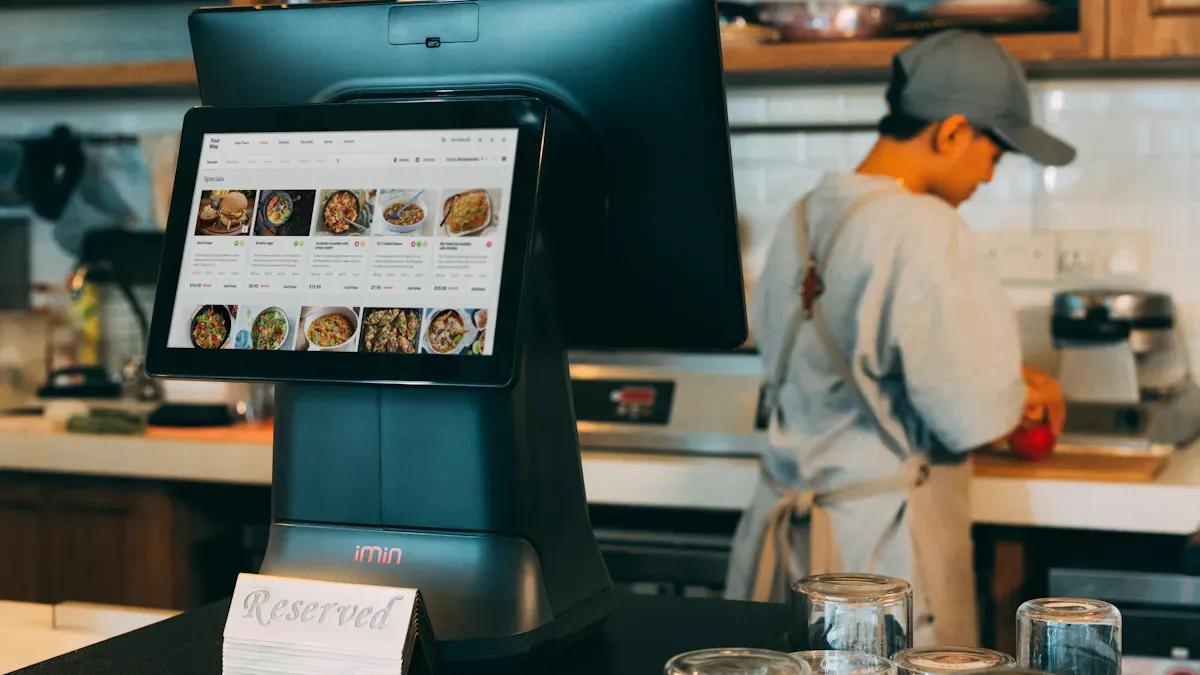
Digital drive thru menu boards use screens and smart software to display menus and deals to customers in their cars. These digital drive thru menu boards can update instantly, allowing people to see new items or special offers right away. The boards help you take orders faster, reduce wait times, and boost sales. Recent data shows restaurants with digital drive thru menu boards and voice-AI can serve up to 18 cars per hour, with order accuracy exceeding 95%.
Statistic Description | Value |
|---|---|
Order accuracy with AI-powered lanes | >95% |
Cars processed per hour with voice-AI | 17–18 cars/hour |
Fastest chains average completion time | 4–4.5 minutes |
You might worry about the price, learning how to use digital drive thru menu boards, or whether they fit your brand. Many owners share these concerns:
Not knowing much about digital drive thru menu boards technology
Unsure if the investment in digital drive thru menu boards is worth it
Afraid they will regret buying digital drive thru menu boards
However, digital drive thru menu boards often help you increase sales, lower printing costs, and streamline operations.
Key Takeaways
Digital drive thru menu boards help people order faster. They show clear menus and changing content. This makes wait times shorter by 15%. These boards help make orders more correct. They use real-time confirmation and voice recognition. This means orders are right over 95% of the time. Digital displays can help restaurants sell more. Sales can go up by 3-10% with upselling and showing special deals. Digital menu boards make work easier for staff. Workers can spend more time making food, not fixing mistakes. Buying digital menu boards saves money on printing. It also makes customers happier overall.
Speed and Throughput with Digital Drive Thru Menu Boards
Faster Ordering
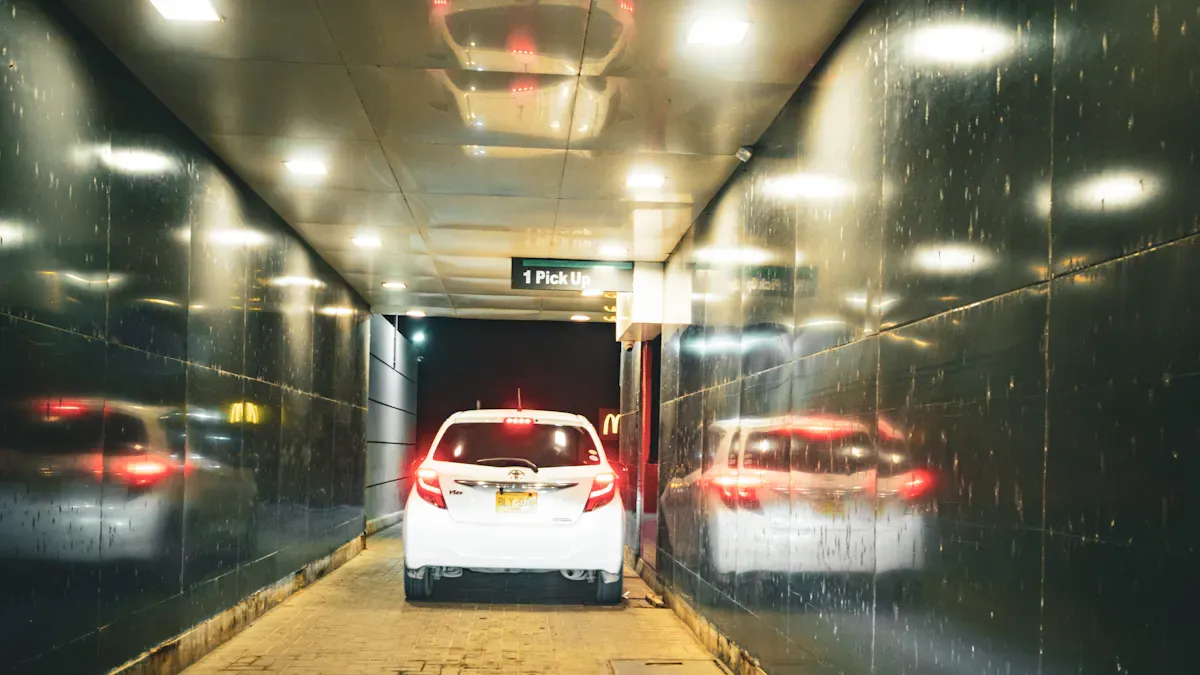
You want your drive-thru to be fast. Digital drive thru menu boards help you do this. These screens show menu items in a neat way. Customers can see what you sell without any trouble. This makes ordering go faster. Studies say wait times drop by 15% with digital menu boards. People spot new deals and items right away. They do not waste time looking for their favorites. Bright offers and clear menus help people pick what they want. This means they order faster and feel sure about their choices.
Tip: Show your bestsellers or special deals with dynamic content. This keeps your menu interesting and gets people’s attention.
Reduced Wait Times
Long lines can make customers upset. Digital drive thru menu boards help lines move faster. The screens are easy to read, so people do not pause at the speaker. More cars get through the line in less time. You can change your menu right away if you need to. If you run out of something, you can take it off the menu fast. This stops confusion and keeps the line moving. Research shows digital menu boards help you serve more people during busy times. Clear screens and quick updates make this possible.
Evidence Description | Impact on Decision-Making |
|---|---|
Clear visible guidance reduces confusion and hesitation. | Leads to quicker order placements and improved operational efficiency. |
Queue-friendly content and helpful prompts keep customers informed. | Reduces frustration and supports staff, maintaining fast service during peak hours. |
Even small reductions in hesitation at the speaker can lead to shorter queues. | More cars served per hour, enhancing overall efficiency in the drive-thru process. |
Effective upselling through clear visuals and calls to action. | Presents the right offer at the right moment, facilitating quicker decision-making for customers. |
Increased Throughput
You want to help as many customers as you can, especially when it is busy. Digital drive thru menu boards make ordering smooth and quick. The screens use smart layouts and fun features to show lots of menu items. This keeps things simple and helps people choose fast. More cars can get through the drive-thru every hour. Quick Service Restaurants say they sell more and work better with digital menu boards. Speed and efficiency are important for your business today, so digital technology is a good idea.
Digital drive thru menu boards show many items at once, so choices are easier.
They keep the menu neat, so people do not get confused.
Bright screens help people order fast, which means more cars get served.
You also make customers happy by using content that changes for the time of day or special events. This makes your drive-thru fun and brings people back. Digital drive thru menu boards are not just about speed—they help everyone have a better time when they visit.
Order Accuracy and Operational Efficiency
Enhanced Order Accuracy
You want every order to be correct the first time. Digital drive thru menu boards help you do this. These systems show each menu item in a clear way. Customers can see what they are picking. When you add voice recognition, people can say their orders out loud. This helps stop mistakes, even if there is noise around. Digital order confirmation screens let customers see their order right away. They can check their choices before they pay. This step stops confusion and wrong orders. You save food, time, and money. Many restaurants use computer vision and video analytics now. These tools watch the process and find mistakes early.
Feature | How It Improves Accuracy |
|---|---|
Customers check their order before paying, so there are fewer mistakes and less food waste | |
Voice recognition integration | People can order in their own words, even if it is noisy |
Computer vision and video analytics | Technology checks orders and finds errors quickly |
Note: Using digital drive thru menu boards with voice recognition makes ordering easier and more correct for everyone.
Streamlined Operations
Digital drive thru menu boards do more than just show food. They help your team work faster and better. With digital displays, you can set up your menu in a smart way. Customers find what they want quickly. This means they ask fewer questions and spend less time at the speaker. Order confirmation spots on the menu board let people check their order again. This step cuts down on mistakes and keeps the line moving. Staff feel less stress because the system helps with taking orders. Voice recognition records what people say, so your team does not have to repeat or guess.
Evidence Type | Description |
|---|---|
Voice recognition lets people order fast, so staff feel less pressure and wait times go down. | |
Reduced Errors | AI voice ordering helps stop mistakes by recording orders the right way. |
Digital displays that are organized help you avoid mix-ups. Customers make quick choices and know what they want. Your team can focus on making food instead of fixing mistakes. This means you serve more people and work better. When you use digital drive thru menu boards, you make things smoother for your team and your customers.
Tip: Keep your digital menu boards clear and up to date. This small change can help a lot with accuracy and efficiency.
Sales Growth and Upselling with Drive-Thru Digital Menu Boards
Dynamic Promotions
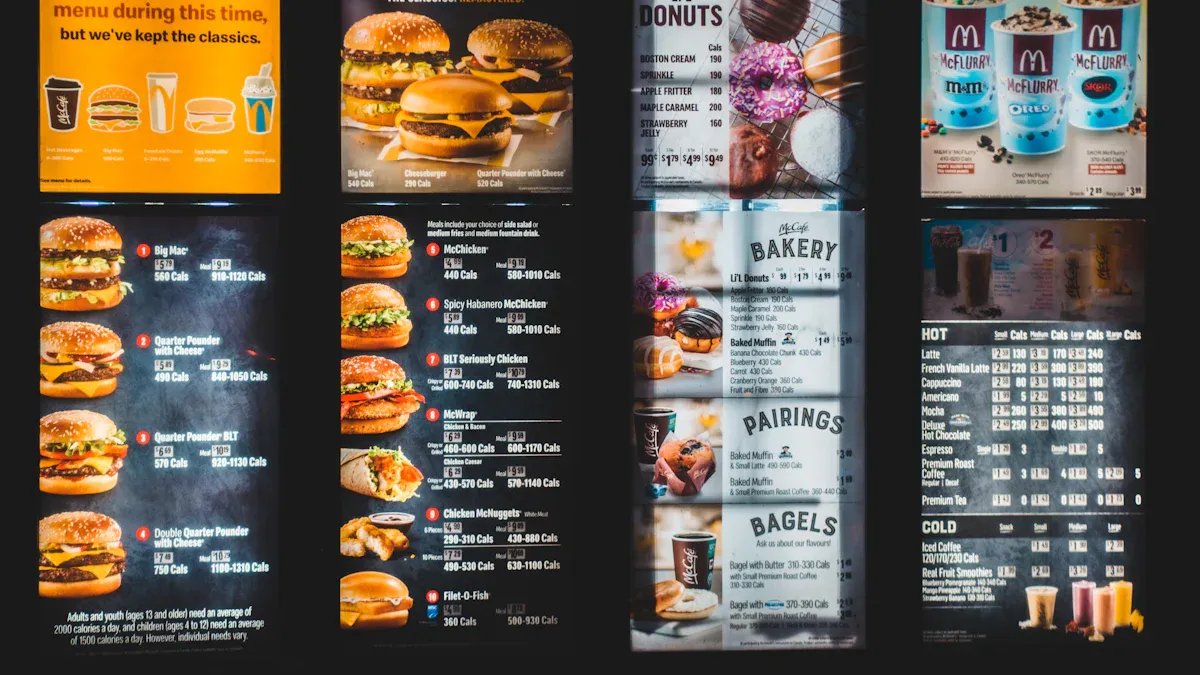
Drive-thru digital menu boards can show deals that change during the day. This lets you highlight special offers, combos, and limited-time deals. Customers see these deals right away, so sales go up. You can update your menu fast with digital displays. You can react to what customers want without waiting. Digital drive thru menu boards make your deals easy to see and more appealing.
Description | Example | |
|---|---|---|
Anchoring | Show a high-priced item first so others look cheaper | Display a $15 gourmet burger first, so the $12 burger seems like a good deal. |
Scarcity | Show limited items to make people hurry | “Only available for the next 2 hours!” next to a lunch combo makes people buy quickly. |
Suggestive Selling | Encourage customers to add extras | Suggest, “Make it a combo with fries and a drink for just $2 more!” |
Social Proof | Show popular choices to help customers feel confident | Flash “Customer Favorite!” next to some menu items. |
Interactive Customization | Let customers change their orders with touchscreens | Add extra cheese or toppings for a small charge. |
Timed Prompts | Suggest items based on the time or meal | At 3 PM, show a coffee and pastry combo with “Perfect for your afternoon pick-me-up!” |
Gamified Engagement | Add fun games to get people to spend more | Show a spinning wheel where customers can win discounts for trying premium items. |
Increased Order Value
Drive-thru digital menu boards help you sell more food by making your menu exciting. Digital deals can raise your average order by 5–10%. Customers buy more when they see bright pictures and moving effects. You can promote desserts and fancy drinks. This helps your business earn more money.
Digital menu boards are easy to see and grab attention.
You can change prices and items fast.
Ordering is simple for customers and staff.
Aspect | Explanation |
|---|---|
Moving effects and bright pictures make people notice and want high-margin items. | |
Upselling and Cross-Selling | Digital boards help sell extras like desserts and fancy drinks. |
Digital menu signs can help orders be correct and make service faster, showing deals to customers in line.
Upselling Opportunities
Drive-thru digital menu boards help you upsell more items. Studies say digital boards can make check sizes go up by 25%. Showing specials and expensive items can boost sales by 3-5% at the drive-thru. Digital technology makes your menu easy to change and quick to update. Customers see new deals and upgrades, so they spend more.
Digital drive thru menu boards help you get more customers.
You can boost sales with fast updates and changing content.
More money comes from promoting extras and combos.
Drive-thru digital menu boards give you ways to grow sales and make your drive-thru earn more.
Enhanced Customer Experience and Brand Impact
Interactive Displays
You want customers to have a good time at your drive-thru. Interactive displays on digital drive thru menu boards help make this happen. These displays use bright pictures, easy layouts, and quick updates. You can show menu changes, prices, and deals right away. This helps customers see new choices and decide fast. The table below shows how these features help:
Feature | Benefit |
|---|---|
Dynamic content updates | Menu and price changes happen fast, so info stays correct |
Improved visual appeal | Fun graphics and moving pictures help customers pick quickly |
Streamlined ordering process | Simple layouts mean fewer mistakes and faster orders |
Personalized interactions | Special messages and deals make each visit feel unique |
You can add fun things like rewards or quizzes. Social media links on the screen help people feel part of a group.
Improved Satisfaction
You want customers to leave feeling happy. Digital drive thru menu boards help by making everything clear and simple. Customers see menu items better and choose faster. Mistakes happen less because the screens are easy to read. Wait times go down, and people feel more connected to your brand. Here are ways digital menu boards make customers happier:
Customers find menu items fast and order with ease.
Fewer mistakes mean people are more satisfied.
Quick, easy ordering keeps lines short.
Bright, moving screens grab attention and make visits fun.
Using digital technology gives customers a better experience and makes them want to come back.
Brand Enhancement
You want your brand to be special. Digital menu boards show your business is modern and cares about quality. Customers see your drive-thru as smart and up-to-date. This builds trust and loyalty. People who like technology notice your effort to make things better. A strong brand image helps you get new customers and keep old ones.
Tip: Always keep your digital displays fresh and current. This shows you care about every part of the customer experience.
Cost and Implementation of Digital Menu Boards
Investment and ROI
You might think digital menu displays cost a lot at first. The price can seem high, but you save money later. Restaurants can save about $39,000 each year for ten locations. This happens when they switch from paper menus to digital ones. You do not pay for printing, shipping, or installing paper menus anymore. Digital menu displays help you sell more by 3-5%. You can show items that make more money and let customers change their orders. Staff fix fewer mistakes, so things run smoother and lines get shorter.
Here are some savings for a chain with ten stores:
Shipping costs: $9,000 each year
Installation costs: $6,000 each year
How much you earn back depends on different things:
Factor | Description |
|---|---|
Operational Efficiency | Digital menu displays make ordering faster, so you serve more people in less time. |
Customer Experience Improvements | Clear screens help customers like your restaurant more. |
Dynamic Content Updates | You can change menus and deals fast to get attention and sell more. |
Strategic Placement | Putting boards where drivers can see them helps a lot. |
Readable Design | Big letters and bright colors make choices easy. |
Data-Driven Insights | Data helps you change your menu for better results. |
Installation and Maintenance
You need to plan before putting up digital menu displays. Start with a map of your site and drawings that follow local rules. If you rent, get permission from the owner. Getting permits can take two to six weeks. Problems like power outages, broken parts, or network issues can happen. You can fix many problems by keeping paper menus as backups, checking wires, restarting machines, or calling for help.
Staff Training
Your team needs to learn how to use digital menu displays. Teach them to put boards where people can see them. Make sure menus are easy to read. Show how to organize items for quick choices and use moving pictures to get attention. Staff should learn to use data to change menus and keep customers coming back. You can connect digital menu displays to your order system to make things work better and let customers change their orders.
Tip: Use clear menus and smart placement to help customers order fast and enjoy their visit.
Digital drive-thru menu boards let you help more people. They cut down on mistakes and help you sell more food. You get quicker service and easy-to-read screens. Smart upselling helps you earn extra money. In the future, new tools like AI and voice automation will make things even better. Menus will change for each person and show what they like.
Trend | Description |
|---|---|
AI-Powered Ordering | Orders are faster and more correct when it is busy |
Personalized Digital Menus | Menus change for each person and time of day |
Vision AI-Enabled Intelligence | Tracks orders and cars to give better service |
Digital boards can show deals and reward loyal customers. They help people want to come back again. Make your drive-thru smarter and more fun to stay ahead.
Start planning your upgrade now so you can meet what customers want in 2026! 🚗💡
What Are Digital Drive‑Thru Menu Boards?
Digital drive‑thru menu boards are electronic, screen‑based displays used at quick‑service restaurants (QSRs) to show menus, prices, promotions, and order confirmations to customers in the drive‑thru lane. Unlike traditional static boards (printed posters or plastic panels), digital boards use high‑brightness LCD or LED screens that can be updated remotely and instantly.
They are typically installed at the ordering point (near the speaker) and sometimes include a secondary order confirmation screen facing the customer. Many systems also integrate with the restaurant’s point‑of‑sale (POS) system, kitchen display system (KDS), and even voice‑ordering AI.
⚙️ How Do They Work?
A digital drive‑thru menu board system consists of three core components working together:
1. Hardware – The Physical Screens
Outdoor‑rated displays – Drive‑thru boards must withstand sun, rain, heat, and cold. They use high‑brightness screens (typically 1,500–3,000+ nits) and weatherproof enclosures (IP65/IP66).
Media player – A small computer (built‑in or external) that stores and plays the content.
Optional order confirmation screen – A secondary display (often smaller) mounted after the ordering point so customers can verify their order.
2. Software – The Content Management System (CMS)
A cloud‑based or on‑premise platform that allows restaurant managers to create, schedule, and update menu content from any device.
Key features include:
Dayparting – Automatically switch menus for breakfast, lunch, dinner, and late night.
Promotion scheduling – Run limited‑time offers, combo deals, or upsell messages at specific times.
Real‑time updates – Change prices, add/remove items, or mark “sold out” instantly.
3. Integration – Connecting to Other Systems
POS integration – When a cashier rings up an order, the menu board can highlight related upsell items. Price changes in the POS automatically sync to the board.
Inventory integration – Automatically grey out items that are out of stock.
Order confirmation display – Shows the exact order the cashier entered, reducing miscommunication.
🔁 Step‑by‑Step Workflow
Customer pulls up to the ordering speaker.
The digital menu board displays the current daypart menu (e.g., breakfast or lunch) with clear images, prices, and promotional messages.
The customer places an order.
The order confirmation screen (if present) shows what the cashier entered – the customer can verify and correct immediately.
The order is sent to the kitchen display system.
Meanwhile, the menu board can show an upsell prompt (“Add a dessert for $1.99”) before moving to the payment screen.
All of this happens within seconds, and the content can be changed remotely without printing new posters.
✅ Key Benefits
Benefit | How It Helps |
|---|---|
Faster service | Clear visuals + automatic upselling reduce decision time. |
Fewer errors | Order confirmation screens + real‑time inventory sync prevent mistakes. |
Higher sales | Strategic combo promotions and urgency countdowns increase average ticket size. |
Labour savings | No more manual poster changes at 2 AM. |
Consistent branding | Every location shows the same updated menu instantly. |
📋 Example Hardware Specs (Typical)
Component | Specification |
|---|---|
Brightness | 1,500–3,000 nits (sunlight readable) |
Protection rating | IP65 (dust‑tight, water‑resistant) |
Operating temperature | -20°C to +70°C |
Screen size | 32″ to 55″ (landscape or portrait) |
Media player | Built‑in Android or external BrightSign / Intel NUC |
💡 Summary
A digital drive‑thru menu board is an outdoor‑rated electronic display that shows dynamic, remotely updatable menus and promotions. It works by combining high‑brightness hardware, a cloud‑based CMS for content scheduling, and integration with POS/inventory systems to reflect real‑time pricing and availability. The result is faster, more accurate, and more profitable drive‑thru operations.
FAQ
What are digital drive thru menu boards and how do they work?
Digital drive thru menu boards use screens to show menus. You control them with software. You can change prices and deals fast. Customers see clear pictures and easy words. This helps them order quickly and get their food right.
How do digital menu boards improve order accuracy?
Digital menu boards show each item clearly. Customers see their choices and check their orders on the screen. This lowers mistakes. Voice recognition and order confirmation help your team get every order correct.
Are digital drive thru menu boards hard to install?
You can install digital menu boards with help from experts. They set up the boards, wires, and software. Most systems have guides and support. You can use your new boards soon after they are installed.
Will my staff need special training?
Your staff will need some training. Most systems are simple to learn. Training covers menu changes, fixing problems, and using new features. Many companies give videos and support to help your team feel ready.
Can digital menu boards help increase sales?
Yes! You can use digital menu boards to show deals, combos, and new items. Bright pictures and moving graphics grab attention. Customers often buy more when they see these offers.
See Also
Enhancing Restaurant Efficiency With Digital Signage Solutions 2026
Key Benefits Of Digital Signage For Business Growth 2026
Exploring Current Trends In Digital Signage For 2026
Leading Digital Signage Innovations Transforming Retail Experience 2026
