How 3D LED Fans Create Stunning Holographic Visuals
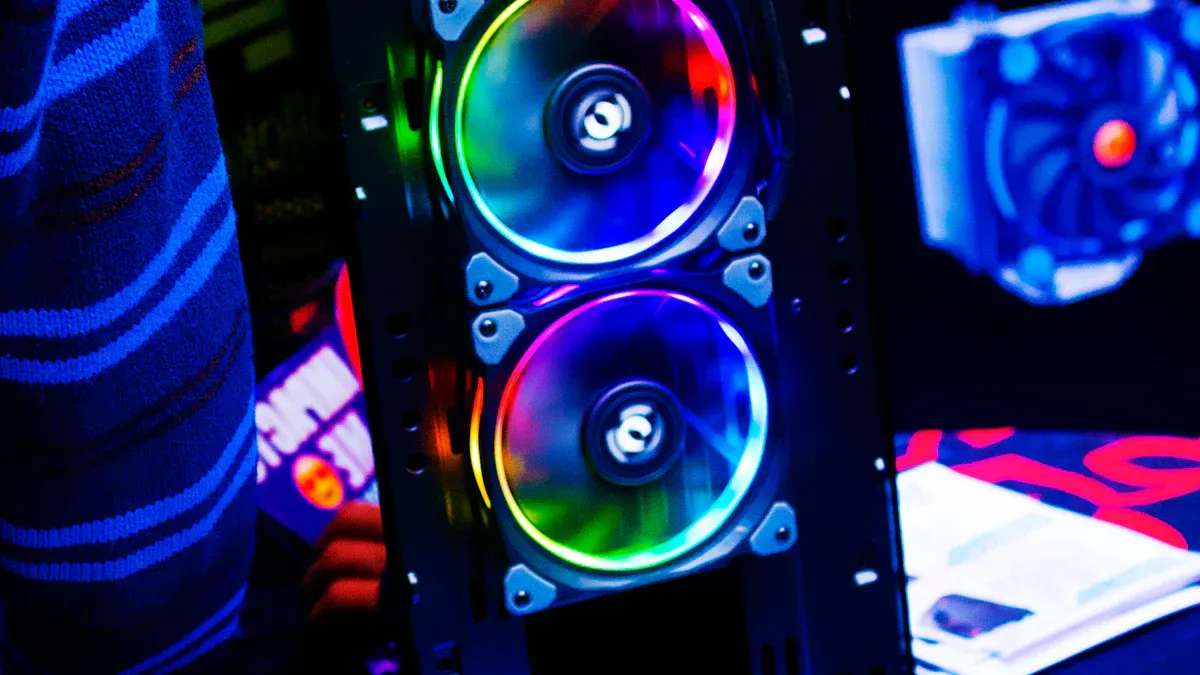
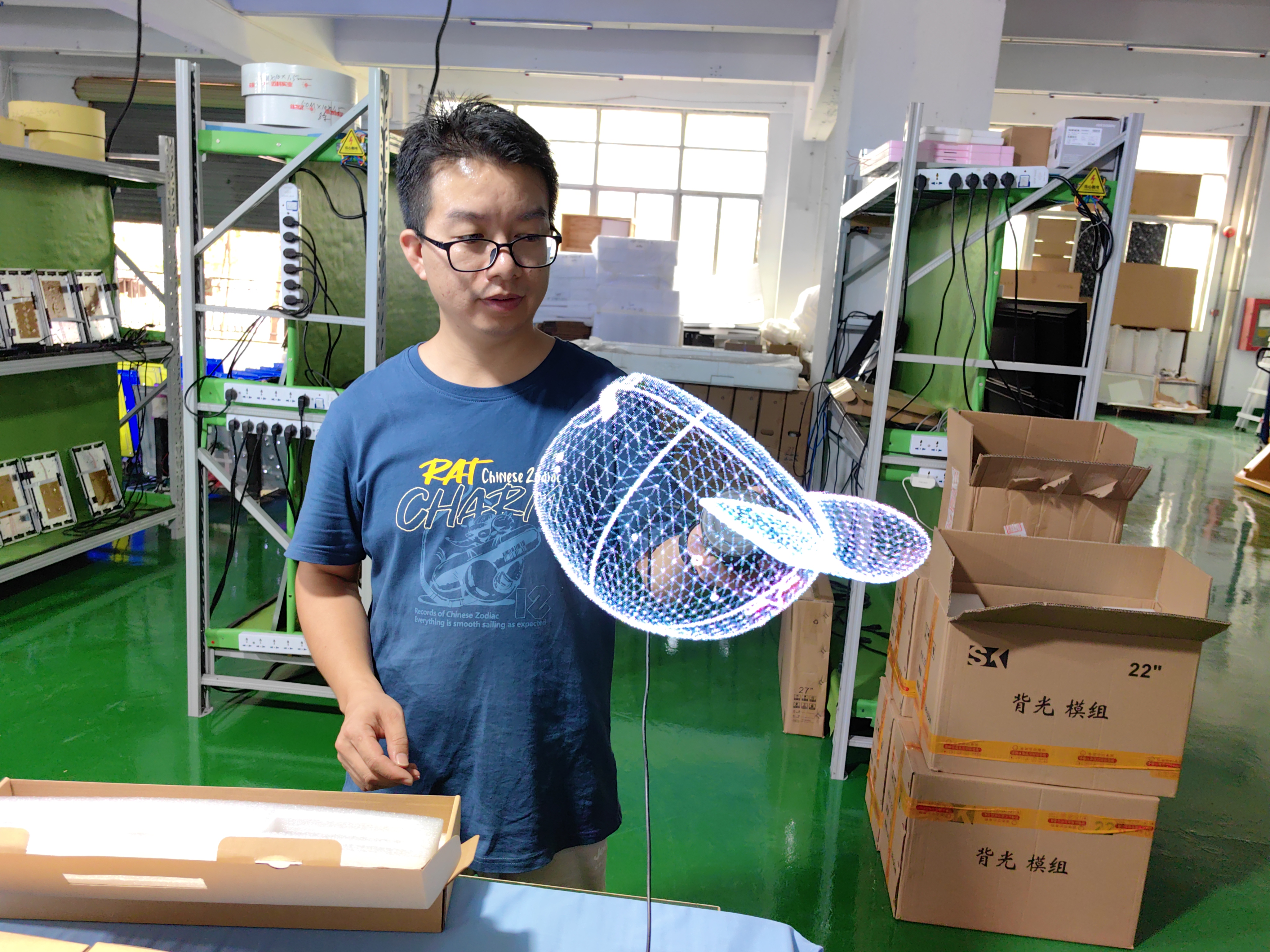
You see stunning holographic visuals when a 3d led fan spins its blades at high speeds. The fan uses a powerful motor that rotates the blades at over 400 RPM. Tiny LED lights flash in a precise pattern at microsecond intervals. Your eyes cannot follow each flash, so the images blend together. This effect, called persistence of vision, tricks your brain into seeing a floating, 3D image.
The blades spin fast enough to create a stable picture.
LED lights flash in sync with the spinning blades.
Your eyes retain each image for a moment, making the visuals look solid and real.
Key Takeaways
3D LED fans create stunning visuals by spinning blades and flashing LEDs, tricking your brain into seeing floating images.
The persistence of vision effect allows you to perceive high-definition images as solid and real, enhancing your viewing experience.
You can easily upload and customize content for 3D LED fans, making them versatile for advertising and events.
Proper synchronization between the fan's speed and the video frame rate is crucial for clear and stable holographic displays.
3D LED fans are cost-effective and easy to maintain, making them a great choice for engaging audiences in various settings.
3D LED Fan Technology
Motor and LED Basics
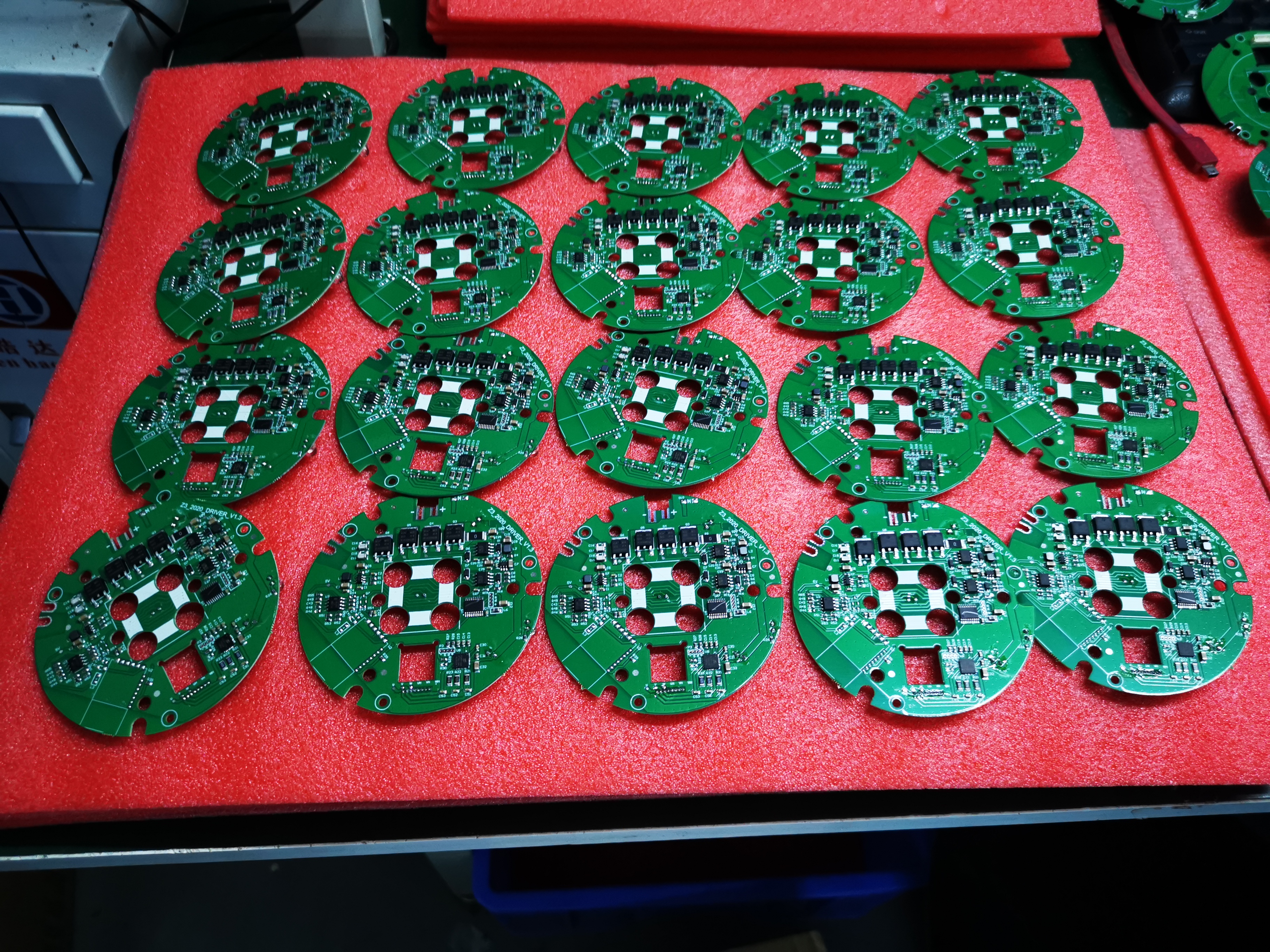
You interact with a 3d led fan that combines powerful motors and advanced LED lights. The motor spins the fan blades at speeds between 1000 and 1200 RPM. Some models reach even higher speeds to make the visuals smoother. The blades hold rows of RGB LEDs. These LEDs flash in a programmed sequence at microsecond intervals. You see bright, colorful images because the LEDs can produce millions of colors.
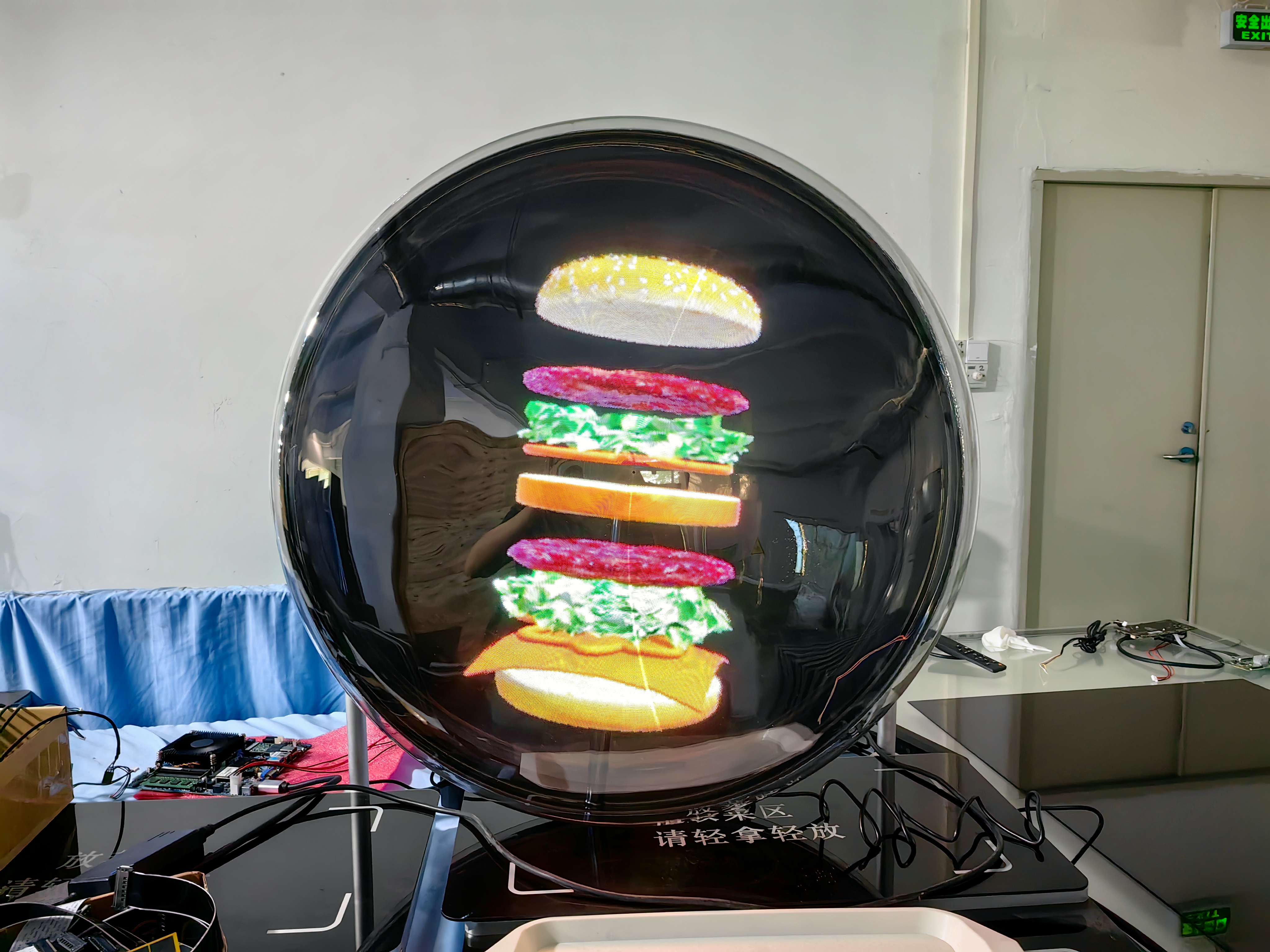
Component | Contribution to Image Formation |
|---|---|
RGB LEDs | Create vibrant, high-definition images by flashing in programmable patterns. |
High-speed rotation | Spins at up to 1200 RPM, matching the frame rate of video content for smooth visuals. |
Synchronization tech | Keeps LED flashes in sync with blade rotation, making the display stable and flicker-free. |
Tip: The placement of LEDs on the blades helps display video content as the fan spins, bringing animations to life.
Persistence of Vision
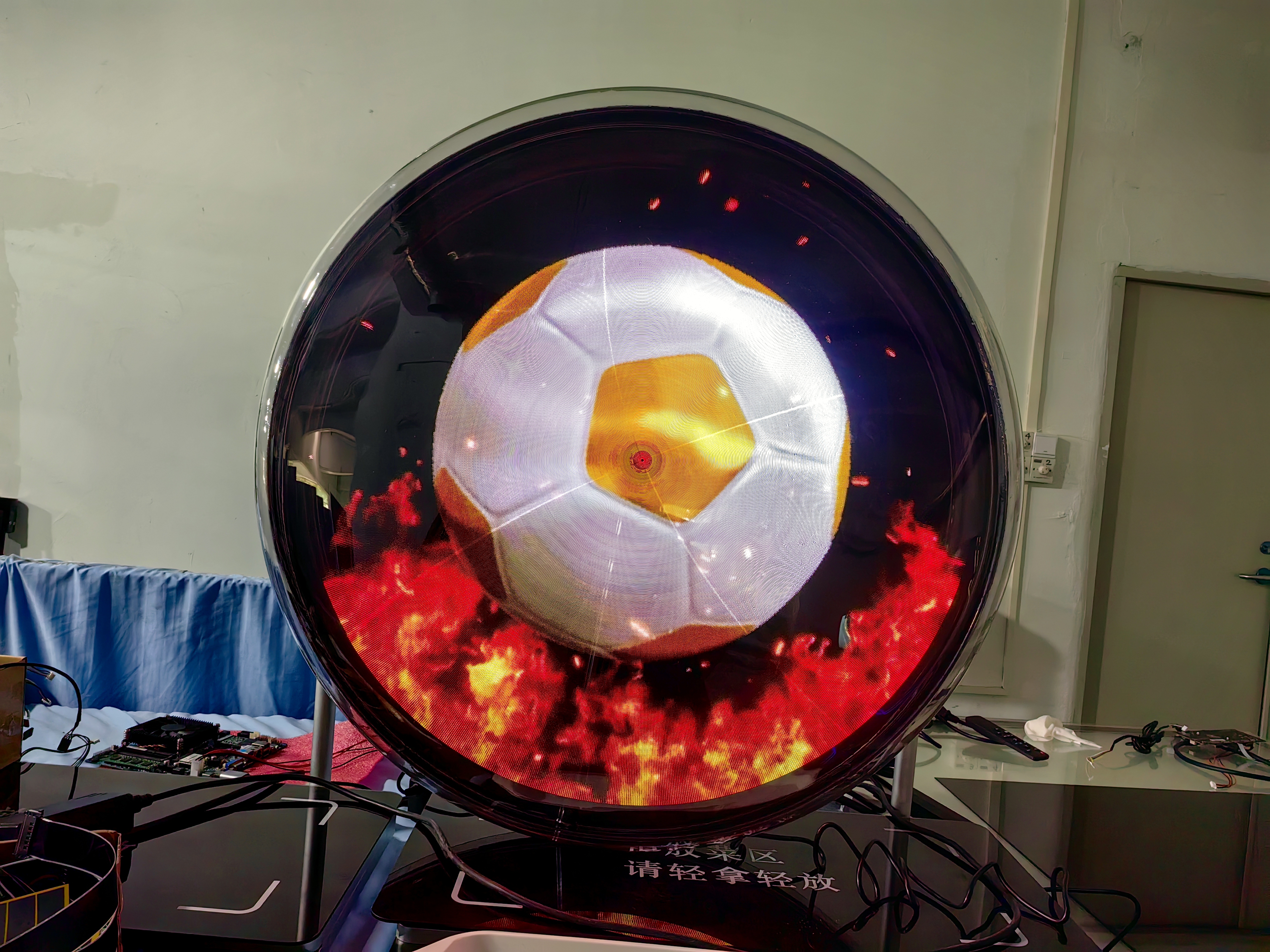
You experience the magic of persistence of vision every time you watch a 3d led fan. Your eyes cannot process each flash from the LEDs individually. Instead, your brain blends the rapid flashes into one continuous image. The fan spins quickly, and the LEDs flash in a specific order. This synchronization creates the illusion of a stable, three-dimensional picture floating in mid-air.
You see a series of flashing lights as one solid image.
The display operates at high frame rates, making the visuals smooth.
Scientific studies show that this effect allows multiple viewers to see the same image from different angles.
Note: The persistence of vision effect is the reason you perceive moving images on screens and holographic displays.
Creating Depth
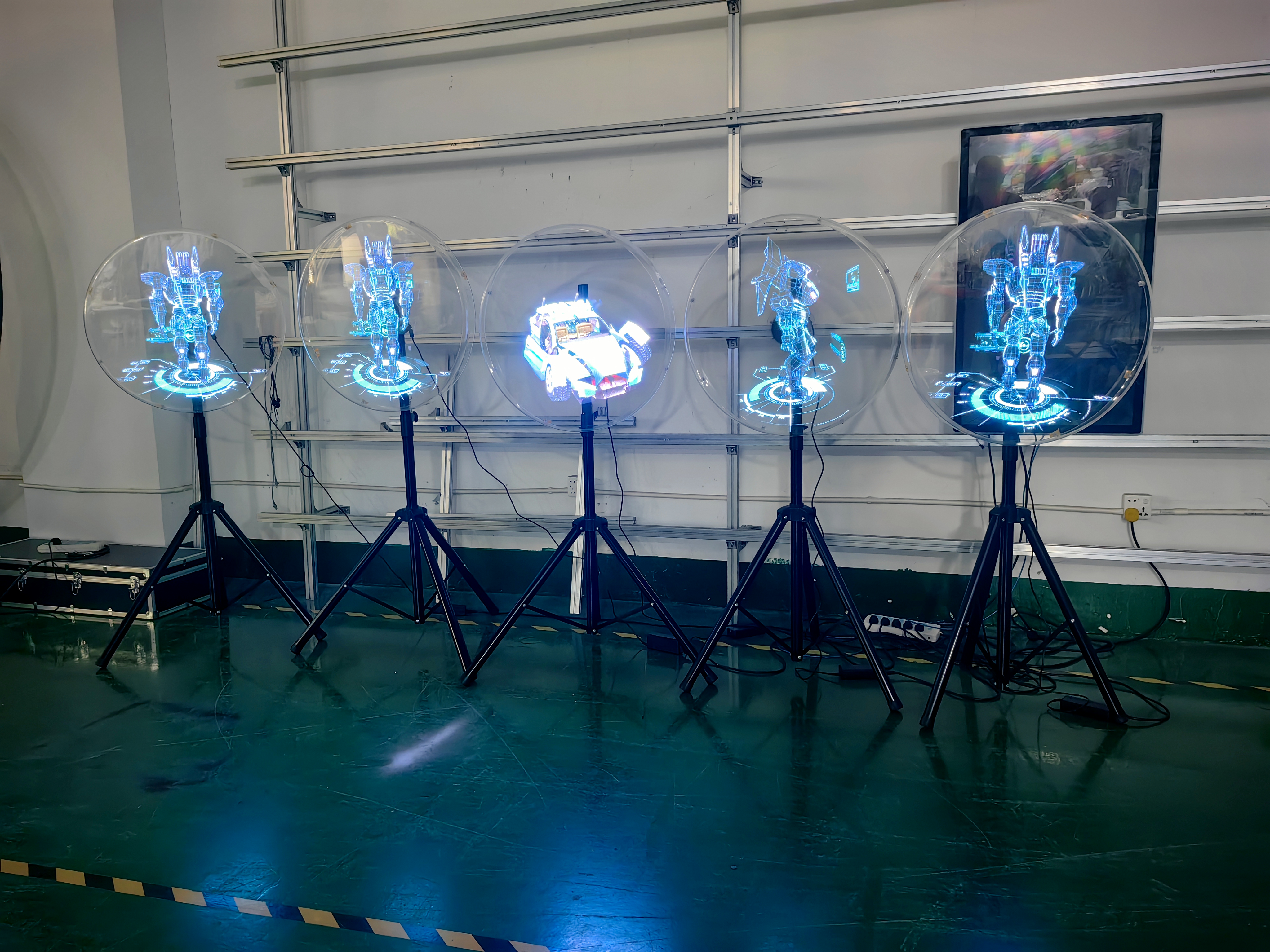
You notice that the images from a 3d led fan look three-dimensional. The fan uses several techniques to create this sense of depth. The rapid spinning of the blades and the flashing LEDs work together to form a floating image. Your eyes get tricked into seeing height, width, and perspective.
Spinning LED lights make the image appear to float in mid-air.
Optical illusions help your brain perceive depth and volume.
Projection mapping techniques add layers and complexity to the visuals.
When you stand in front of the fan, you see a volumetric illusion. The technology uses fast oscillations and precise timing to make the image look real and solid. You can view the display from different angles, and the image remains stable.
How It Works
Image Uploading
You can easily upload images or videos to a 3d led fan system. The process starts when you select the content you want to display, such as a brand logo or a product video. You need to make sure your file is in a supported format. Most fans accept mp4, mov, avi, png, and jpg files. Some models also support gif files, but others do not.
Here is a simple step-by-step guide:
Choose your image or video.
Check that your file is in a compatible format.
Connect your phone or computer to the fan using Wifi.
Open the Lumina app on your device.
Upload your content through the app.
The app converts your file to the right format for the fan.
Your content will play in a loop, usually in alphabetical order.
Tip: Always check the user manual for your fan model to see which file formats work best.
Supported file formats for popular systems include:
Fan Model | Supported Formats |
|---|---|
HOLO FAN | mp4, png, mov, jpg |
Pepper's Ghost | mp4, avi, wmv, mov |
Synchronization
You see smooth and stable visuals because the fan synchronizes the LED lights with the spinning blades. The motor spins at high speeds, often over 400 RPM. The LEDs flash in a programmed sequence at microsecond intervals. This timing matches the rotation speed of the fan.
High-speed motors create the illusion of a floating image.
LED lights flash in sync with the rotation.
The frame rate of your video must match the fan’s speed to avoid flickering.
If the video frames and fan speed do not align, you may notice flickering or unstable images. This can break the 3D effect and make the display look less impressive. You can solve this by adjusting the frame rate or using the recommended settings in the app.
Note: Synchronization is the key to a clear and stable holographic display.
3D Illusion
You experience the 3D illusion when the fan’s spinning blades and flashing LEDs work together. Each LED represents a part of the image. As the blades rotate, the LEDs light up in patterns that form shapes and objects. Your eyes cannot see each flash separately. Instead, you see a complete object floating in the air.
Rapidly rotating LED lights create the illusion of depth.
The moving arm with LED strips helps your eyes see a full object.
The persistence of vision effect makes the image look solid and three-dimensional.
Holographic fans use visual cues like brightness, color, and movement to trick your brain. You see objects with height, width, and depth, even though they are just patterns of light. The 3d led fan makes these visuals possible by combining technology and optical science.
Callout: The illusion works best when you view the fan from different angles. You can walk around the display and still see the 3D image floating in space.
Setup and Customization
Installation
You can install a 3d led fan in your store, event space, or home. Start by choosing a location with enough space around the fan. Place the fan above head height if it does not have a cover. This keeps people safe from the spinning blades. Use strong brackets and screws to secure the fan to a wall or ceiling. Make sure the power source is reliable and dry. Unplug the fan when you do not use it.
Tip: Always follow the manufacturer’s instructions for mounting and wiring. Certified products reduce the risk of electrical shock and fire.
Customizing Visuals
You can create custom holographic visuals using special software tools. These programs help you design and upload your own images or videos. Follow these steps to build your display:
Choose a software tool that supports 3D holographic visuals.
Design your content using the program’s templates and editing features.
Save your file in a format supported by your fan.
Upload your content to the fan using WiFi or a mobile app.
Preview and adjust your visuals for the best effect.
Note: Use tips from the software guide to improve brightness, color, and animation speed. This makes your display more eye-catching.
Safety
You must keep safety in mind when operating a 3d led fan. Install the fan at a height that prevents contact with people. Use an enclosure in public spaces to protect viewers from the blades. Leave enough space around the fan to avoid injury from debris. Never use the fan in wet conditions. Unplug the fan when not in use.
Improper installation may cause electrical shock.
Loose fans can fall and cause accidents.
Certified installation reduces dangerous incidents.
Callout: Always use certified products and follow safety guidelines to protect yourself and others.
Applications
Advertising
You can use a 3d led fan to make your advertisements stand out. These fans create hyper-realistic visuals that seem to float in mid-air. People walking by will stop and look because the images look so real. Many companies use these fans to show products, logos, or special offers. For example, Volkswagen Mexico used holographic fans during their 50th anniversary. This campaign brought more customers and media attention. Starbucks in Norway also used these fans to advertise cold drinks. Their sales increased four times after using this technology.
3D visuals attract more attention than regular signs.
You can display moving images and animations.
The fan works well in stores, malls, and exhibitions.
Tip: Place the fan where people can see it easily, such as near entrances or checkout areas.
Events
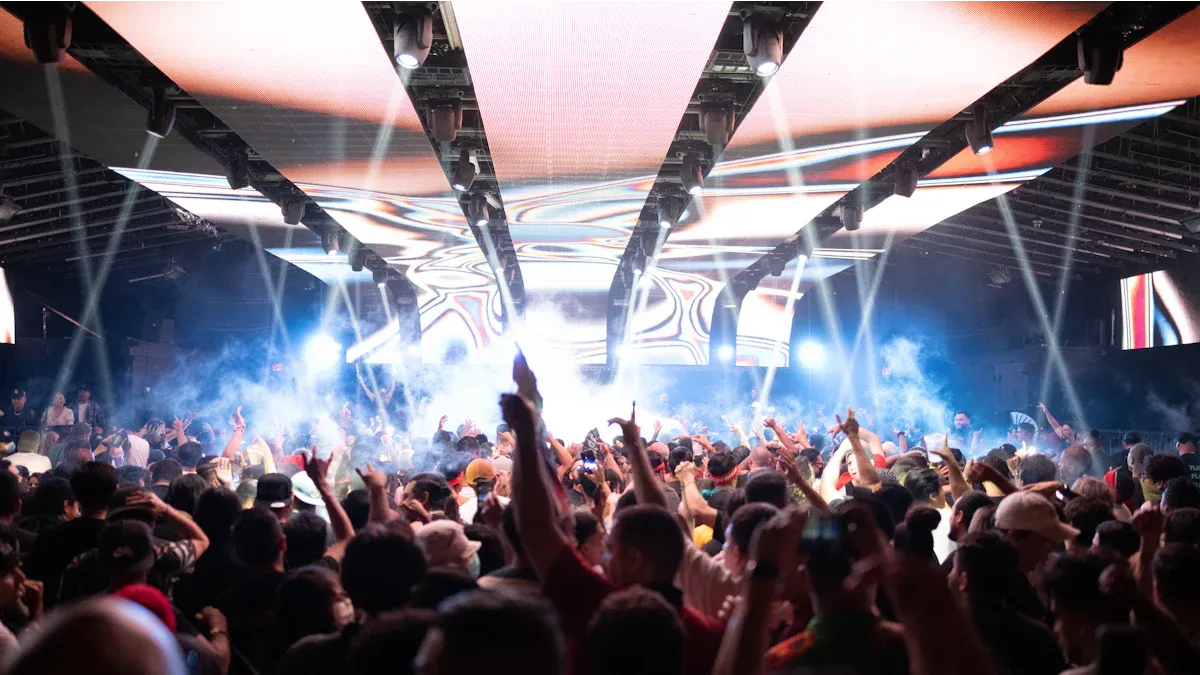
You can make your event unforgettable with a 3d led fan. These fans project 3D images that float in the air, creating an immersive experience. At live events, the visuals grab everyone’s attention and make the atmosphere exciting. You can use them for concerts, product launches, or trade shows. The fans can show dynamic visuals that match the theme of your event. In the entertainment industry, these fans help enhance stage performances and create unique environments.
The audience feels more engaged.
The visuals can match music or special effects.
You can change the display for different parts of the event.
Note: Holographic fans work better than traditional signs because they keep people interested and make the event more memorable.
Benefits
You get many benefits when you use a 3d led fan for displays. These fans are cost-effective and easy to maintain. They create high-definition visuals that look real and exciting. You can use them in many places, such as stores, events, and exhibitions. The fans help you save money compared to other holographic displays.
Feature | 3D LED Fans | Holographic Cabinets |
|---|---|---|
Cost | Higher | |
Maintenance | Easy | May need full replacement |
Application Areas | Advertising, events | Malls, museums, exhibitions |
You can update the visuals anytime.
The fans work well for both small and large spaces.
They help you engage your audience and boost sales.
Callout: 3D LED fans offer a unique way to capture attention and create memorable experiences for your audience.
You see how a 3d led fan uses fast-spinning blades and LED lights to create holographic visuals that float in mid-air. The technology gives you dynamic displays, smooth images, and versatility in many settings.
Key Point | Description |
|---|---|
Dynamic Displays | You engage with eye-catching visuals for advertising and entertainment. |
Persistence of Vision | You view high-definition images that appear real and solid. |
Versatility | You use these fans in different lighting and event spaces. |
You can expect future fans to offer smart features, better image quality, and eco-friendly designs. New uses in education, tourism, and art will help you experience digital content in exciting ways.
FAQ
How do you clean a 3D LED fan?
You turn off the fan and unplug it. Use a soft cloth to wipe the blades and LEDs. Avoid water or harsh chemicals. Clean the fan every month to keep the visuals bright.
Tip: Always check the user manual for cleaning instructions.
Can you use a 3D LED fan outdoors?
You should use the fan indoors. Most models do not work well in rain or wind. If you need outdoor use, choose a fan with a weatherproof cover.
Location | Recommended Use |
|---|---|
Indoors | ✅ Yes |
Outdoors | ⚠️ Only with cover |
What file formats can you upload?
You can upload mp4, mov, avi, png, and jpg files. Some fans also support gif files. Always check your fan’s manual for the full list of supported formats.
mp4
mov
avi
png
jpg
Is it safe to touch the fan while it spins?
You should never touch the fan when it spins. The blades move very fast and can cause injury. Always turn off the fan before handling it.
Alert: Keep children and pets away from the fan during operation.
How do you fix flickering images?
You adjust the frame rate of your video to match the fan’s speed. Use the recommended settings in the app. Flickering often means the video and fan are not in sync.
Note: Stable visuals need proper synchronization between the fan and your content.
See Also
Exploring The Popularity Of 3D LED Fans In 2025
Understanding Hologram Boxes: Functionality And Applications Explained
Comparing LED, LCD, OLED, And QLED Display Technologies
