How Government Digital Signage Transforms Communication in Public Facilities
Shenzhen TopAdkiosk Display Technology Co., Ltd.
Add.: 2F, Bldg 10, Changfeng Industrial Park, Dongkeng, Fenghuang, Guangming, Shenzhen, China 518132
Mobile/WHATSAPP: 86-138 25769658
Email: marketing@topadkiosk.com topadkiosk@gmail.com
Skype: pghenry1
Wechat: adkioskhenry
English Web.: http://www.topadkiosk.com/
https://www.topkioskdisplay.com/
http://www.ad-kiosk.com/
https://www.toplcddisplay.com/
http://www.multitouchdigitalsignage.com/
https://www.youtube.com/channel/UCYVYNJHxLVEcQD8fuUxXNTA/videos?view_as=subscriber
https://www.facebook.com/TOPADKIOSKSHENZHEN/?ref=bookmarks
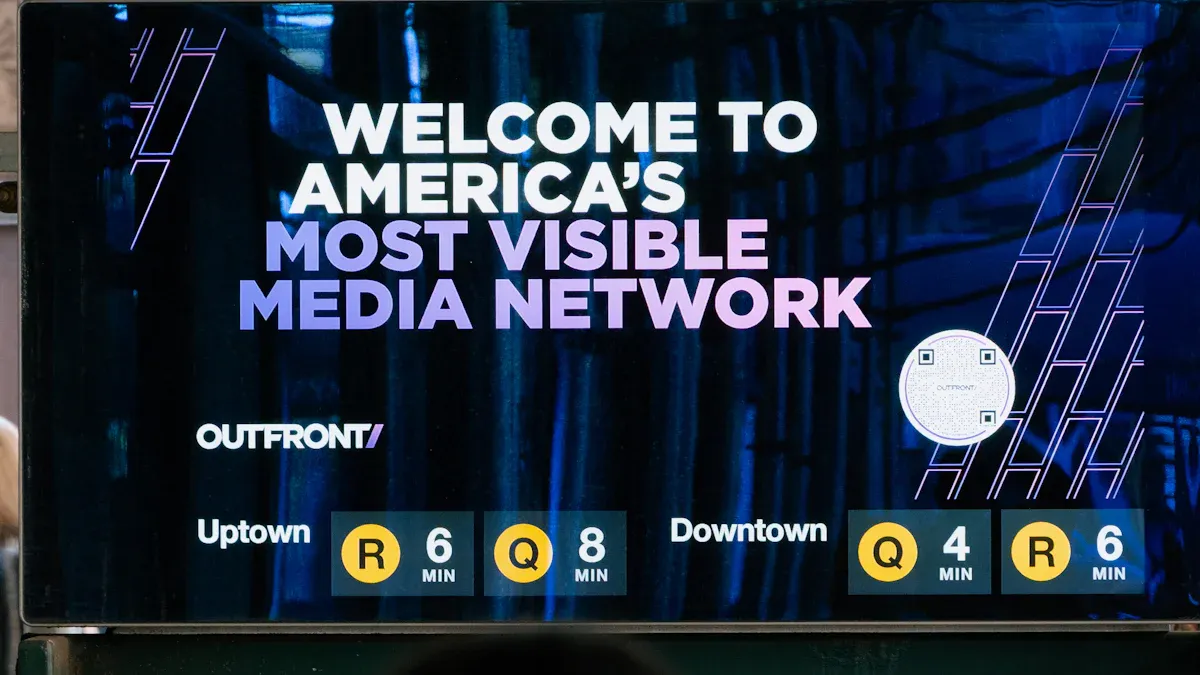
You see clear and quick messages from the government when you look at government digital signage in public places. These screens give you updates and emergency alerts right away. This helps keep you safe and lets you know what is happening. Pictures and videos catch your eye and make it easy to remember important things. For example, 72% of travelers say digital signage helps them find their way. Also, 96% of students remember what they see on these screens. Digital signage can also make waiting feel shorter by more than 35%. This makes your visit easier. When you go to a community center or city office that uses solutions from https://www.topkioskdisplay.com/, you see how these tools help people talk to each other and get more involved.
Statistic | Description |
|---|---|
72% | Travelers who find airport digital signage helpful for navigation. |
96% | Students who notice and recall content from digital signage on campus. |
>35% | Reduction in perceived wait times due to digital signage implementation. |
Key Takeaways
Government digital signage gives updates and alerts right away. It helps keep people safe during emergencies.
These screens help share messages about services, events, and deadlines. They make information easy for everyone to find.
Digital signage helps people get involved by showing community events and programs. It encourages citizens to join in.
Accessibility features help everyone understand the information. This includes people with disabilities.
Using digital signage needs careful planning and managing content. It also needs checking often to make sure it works well and people are happy.
Benefits of Government Digital Signage
Real-Time Updates and Alerts
You see digital signage in government buildings that gives you updates right away. These screens show emergency alerts and news as soon as things happen. If there is a storm or fire, digital signage tells you what to do fast. This keeps you safe and helps you know where to go. Staff can use digital signage to share evacuation steps and weather warnings quickly. You do not have to wait for printed signs or slow announcements. This technology helps keep people safe and makes sure everyone knows what is going on.
Digital signage helps keep people safe by giving real-time updates and emergency alerts. This technology lets staff share important information right away, like evacuation steps and weather warnings. It is very important for keeping people safe during emergencies.
Enhanced Effective Communication
Government digital signage makes messages clear and easy to read. You see news about services, deadlines, and events on bright screens. More people see these messages than old paper signs. Staff can update information on many screens at the same time. You get the newest news without waiting or getting confused. This way, you trust your community more.
Benefit | Description |
|---|---|
Real-Time Updates | Digital signage can deliver immediate alerts about emergencies, ensuring timely communication. |
Improved Citizen Engagement | Digital signage captures 400% more views than traditional signs, enhancing public awareness. |
Cost-Effective Communication | Agencies can update content across multiple locations from one system, saving time and resources. |
Multilingual Support | Digital signage can rotate messages in various languages, promoting inclusivity. |
Enhanced Wayfinding | Interactive displays help visitors navigate large public buildings efficiently. |
Digital signage connects government places together. You see clear information about services, which helps bring your community together and makes sure everyone gets important news.
Increased Public Engagement
Digital signage helps you join government programs and events. You learn about new events, programs, and health rules from these screens. You see voting details, bus schedules, and service changes. This makes it easier for you to join meetings and stay involved. Digital signage helps you feel part of your community and join in more.
Use Case | Description |
|---|---|
Upcoming Community Events | Broadcasts details about local events to encourage attendance and participation. |
New Public Programs and Policies | Informs citizens about new initiatives, fostering awareness and involvement. |
Health and Safety Guidelines | Provides essential information that promotes public health and safety, encouraging compliance. |
Public Transportation Schedules | Keeps citizens informed about transit options, facilitating access to government services. |
Election Information | Ensures citizens are aware of voting details, promoting civic engagement. |
Weather Updates | Offers timely information that can affect community activities and safety. |
Service Changes | Communicates changes in government services, helping citizens stay informed. |
Community Information Sharing | Displays local attractions and initiatives, enhancing community knowledge and engagement. |
Digital signage makes it easy to see and remember information. You notice more details and remember them better. In Botswana, digital signage showed ticket numbers and service updates, making waiting better. Tokyo Haneda Airport uses digital signage to give real-time updates, which helps travelers have a better experience.
Evidence Type | Description |
|---|---|
Increased Awareness | Digital signage enhances public awareness of government services, leading to higher participation in programs and initiatives. |
Civic Engagement | Provides a platform for citizens to engage with government through public meetings and events, fostering community involvement. |
Accessibility | Ensures information is accessible to all citizens, including those with disabilities, promoting inclusivity in government communication. |
Improved Accessibility
Digital signage helps everyone get information, even people with disabilities. You see screens with sound, captions, and visual alerts. These features help you understand messages if you have trouble seeing or hearing. Digital signage uses big letters and high contrast to make screens easy to read. Many government buildings have Braille instructions and screen reader support. This makes government messages open to more people.
Accessibility Feature | Description |
|---|---|
Audio Output | Transforms on-screen information into spoken words for blind users. |
Braille Instructions | Provides tactile guidance for visually impaired individuals. |
Screen Reader Integration | Compatible with software like JAWS or NVDA for blind users. |
Captions for Video Content | Ensures deaf users can access video information. |
Visual Alerts for Audio Notifications | Accompanies audible alerts with visual indicators for those who are hard of hearing. |
User-Friendly Design | Uses easy-to-read fonts and appropriate contrast ratios to enhance readability. |
Emergency Communication | Combines audible and visual alerts to ensure safety for all users during emergencies. |
Digital signage also helps with language barriers. In Singapore, digital kiosks let you pick your language. Toronto has systems with over 10 languages for its many people. Dubai gives directions and city news in many languages for visitors. You see sound and visual clues that make it easy for everyone to find their way.
Tip: Digital signage solutions give real-time updates in many languages. This keeps you informed and makes government messages easy for all to understand.
Digital Signage Solutions in Public Facilities
City Halls and Offices
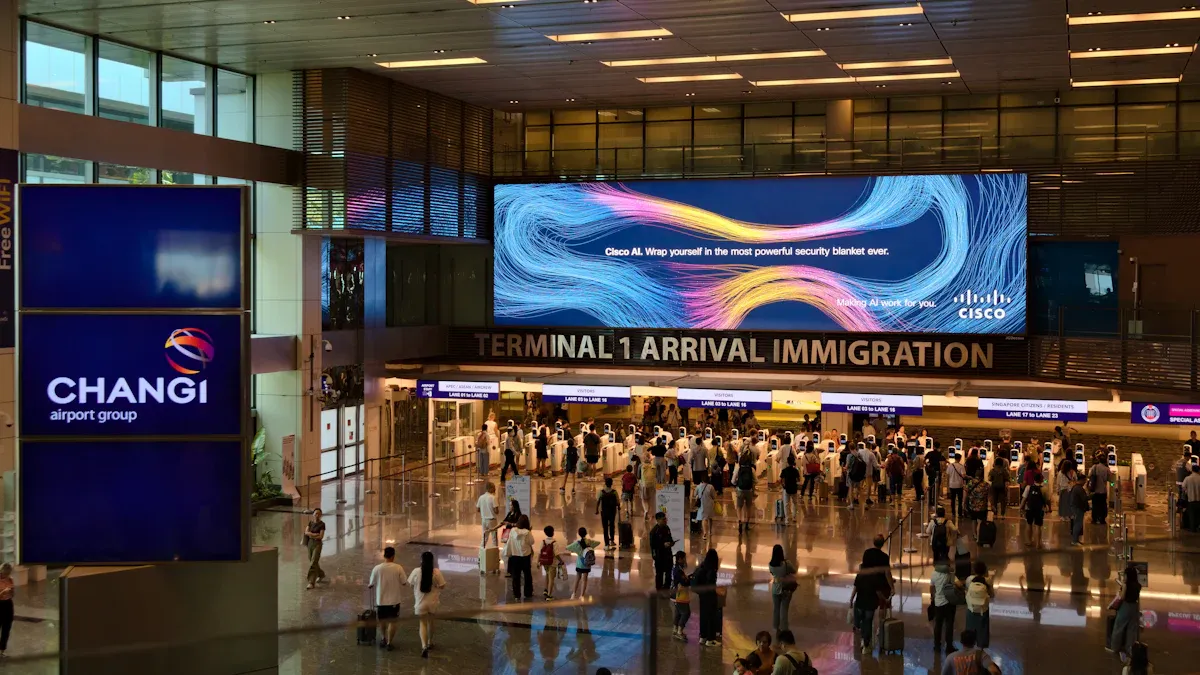
When you go to city halls or government offices, you see digital signage solutions that help you. These screens welcome you and show you where to go with digital directories. You can look at queue numbers and know which department is next. Urban kiosks give you air quality, traffic news, and event updates right away. In public health offices, appointment screens tell you when it is your turn. Emergency dashboards help staff act fast in urgent times.
Evidence Type | Description |
|---|---|
Digital signage gives the public information right away, making communication clear and open. | |
Wayfinding | Screens help visitors find their way in big buildings, so they do not get lost. |
Emergency alerts | Systems share important news fast during emergencies, keeping people safe. |
You see service hours, meeting times, and new rules on these screens. This helps you stay in touch with government news and be part of your community.
Transit Hubs and DMVs
At transit hubs and DMVs, digital signage solutions keep you updated and moving. You get bus or train times, delays, and news right away. These screens show live wait times and help control crowds by sending people to less busy spots. Interactive screens help you find your way in big stations.
Role of Digital Signage | Description |
|---|---|
Real-time Information | Gives quick updates that make travel better and helps things run smoothly. |
Crowd Management | Shows wait times and sends people to open areas to stop crowds. |
Reducing Cognitive Load | Gives clear updates, so you can focus on your trip. |
Enhancing Passenger Trust | Updates all the time, so you trust the system and feel less confused. |
Operational Efficiency | Helps staff and travelers work together and makes the station better. |
You do not need paper flyers or posters anymore. Digital signage changes these places into lively spaces that help government services and get people involved.
Libraries and Health Centers
In libraries and health centers, digital signage solutions help you learn and stay safe. You see events, new books, and online classes on the screens. Health centers use digital signage to share health tips, vaccine reminders, and mental health help. These screens often show messages in many languages, so everyone can understand.
Screens show health campaigns where you need them most.
Interactive displays let you learn about health or library programs.
Wellness corners share mental health tips and good quotes.
Real-time updates on rules and alerts keep you in the know.
Digital signage in these places turns waiting into learning. You get clear and new information that helps you stay healthy and make good choices.
Features for Effective Communication
Dynamic Content
You see dynamic content on digital signage. The screens change based on what is happening around you. They show updates, important news, and clear messages. You learn about local events, safety alerts, and new programs. This helps you trust what the government says and feel close to your community.
Real-time updates give you news and emergency alerts fast.
Interactive content lets you give feedback and join in.
Clear messages make things easy to understand.
Community events and programs get more attention, so more people join.
When digital signage gets updated often, you trust it more. You know your government shares news quickly and openly. This helps you feel safe and part of your community.
Interactive Displays
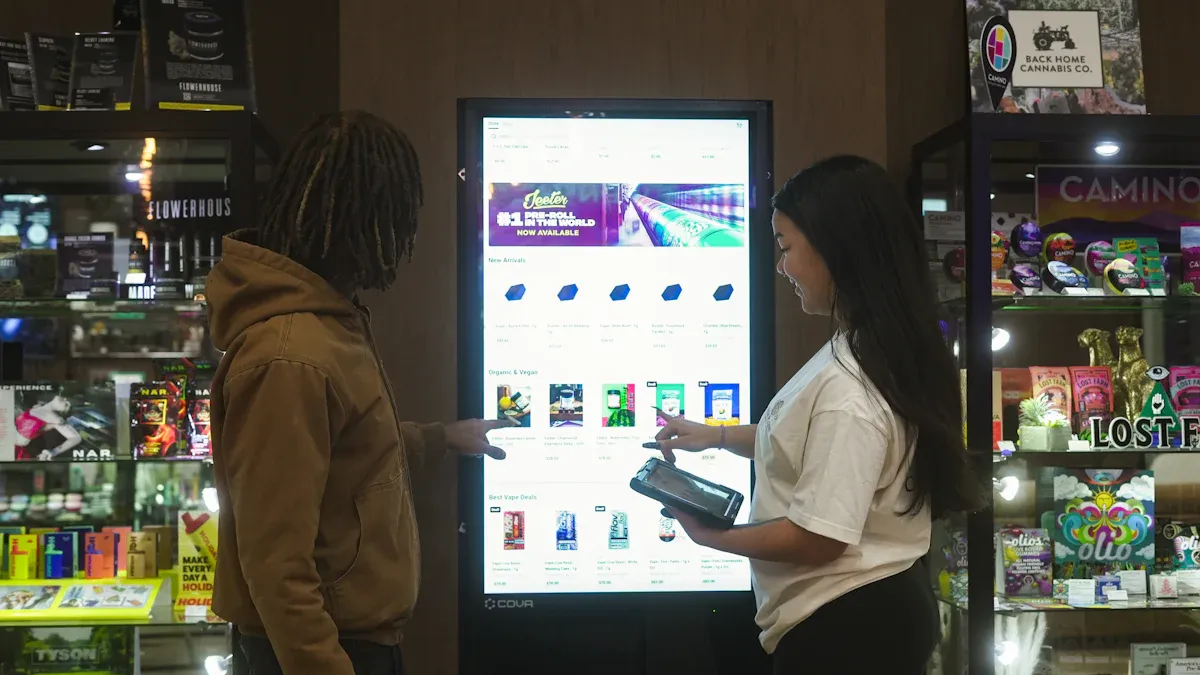
Interactive displays help you find information by yourself. You use touchscreens to check maps or look up services. You can also get details about programs. These displays give you answers fast, so you do not have to wait for staff.
Benefit | Description |
|---|---|
Improved Communication | You get clear and quick updates in public spaces. |
Increased Engagement | You interact with content and join activities. |
Enhanced Safety | You see emergency alerts right away, which keeps you safe. |
Cost-Effectiveness | You help reduce paper waste and save money. |
Accessibility | You find information in different languages and formats. |
Self-service ticketing and wayfinding maps make your visit easier. You feel happy because you can do things on your own.
Multilingual Support
Multilingual support makes digital signage useful for everyone. You can pick your language on many screens. Most government digital signage in cities supports three to six main languages. This helps people from different backgrounds understand messages.
Multilingual support helps you feel included and important.
Clear messages reach everyone, even during emergencies.
Signs use cultural sensitivity so all users feel comfortable.
Mass notification systems can add more languages if needed.
You see that government digital signage makes sure everyone gets important news.
Integration with Public Service Systems
Digital signage works with public service systems to give you updates. These screens connect with ticketing and emergency alert systems. You get instant news during emergencies, like weather warnings or safety tips.
Digital signage shows updates in many languages for non-English speakers.
Connecting with CRM and ticketing systems helps manage visitors.
Emergency alert systems like FEMA, RAVE, and National Weather Alerts send messages to screens.
Cloud networks let you see alerts for your location, like tornado warnings and safe routes.
You get fast, correct, and easy-to-understand information. This makes government communication better and keeps your community safe.
Implementing Digital Signage Solutions
Planning and Assessment
You need to set goals before you start your digital signage project. Talk with staff and people in your community to learn what they want. Pick the hardware and software that match your goals. Put screens in busy places like hallways or near courtrooms. Make sure everyone can use the displays by following accessibility rules. Plan your content so the right message goes to the right people in the right place.
Set your project goals first.
Ask people what they need.
Pick the best hardware and software for your project.
Put screens where lots of people go.
Make displays simple for everyone to use.
Plan your content for your audience.
Content Management
You should use bright colors and bold pictures to get attention. Keep your messages short and easy to read. Use real photos of your community. Add icons so people understand fast. Update news and weather with RSS feeds. Connect social media to show live posts. Change your content at different times of day.
Best Practice | Description |
|---|---|
Use High-Contrast Colors | Make text easy to read. |
Be Bright and Bold | Catch attention in busy places. |
Minimize Text | Keep messages short and simple. |
Show Diversity | Use images of your community and staff. |
Use Icons | Help everyone understand fast. |
RSS Feeds | Update news and weather automatically. |
Social Media Integration | Share real-time posts and encourage dialogue. |
Dayparting | Match content to audience needs at different times. |
Overcoming Challenges
You might have problems like cost and rules. You need to explain why you are spending money on digital signage solutions. Follow all rules about what you can show. Make sure your messages are respectful to all cultures. Keep your goals clear so no one gets confused. Pick screens and systems that are easy to use and last a long time. Plan for fixing and updating your screens.
Money problems can make starting hard.
Rules may limit what you can show.
Being respectful stops problems.
Clear goals help your team work well.
Good hardware and software save money later.
Tip: Take your time to plan. Do not rush when you install. Make your goals clear and check if your project is working.
Measuring Success
You check how people use the screens to see if you are doing well. Look at how happy people are and if they use the screens. Count how many people see and use your content. See if you save money on printing and work. Check if staff talk better and follow safety rules. Watch if more people come in or wait less.
Metric Type | Description |
|---|---|
Engagement metrics | Screen usage, dwell time, QR code scans. |
Operational savings | Less printing and labor, faster updates. |
Employee outcomes | Better internal communication and safety compliance. |
Customer behavior | Changes in foot traffic and satisfaction. |
Return on Objective | Customer satisfaction, brand awareness, engagement. |
You use these numbers to make your digital signage better. This helps your community get government services and makes communication stronger.
You notice that digital signage changes how you get news in public places. These screens help the government share messages quickly and clearly. Real-time alerts keep you safe and tell you about events and services. Digital signage lets you join your community and makes talking to everyone simple. You can trust these tools to make public service better and keep you updated.
📈 Core Value: Modernizing Public Service
Real-time Emergency Alerts: Critical for safety. Digital signage can be integrated with systems like IPAWS to automatically override all content with life-saving instructions during crises. It guides people through all emergency phases, from preparedness drills to post-disaster recovery.
Streamlined Operations & Cost Efficiency: It drastically reduces reliance on expensive, static paper signage. Centralized CMS platforms enable instant, remote updates to any screen across a campus, lowering long-term costs and ensuring consistent messaging.
Enhanced Citizen Experience: It empowers visitors with interactive directories to find offices, reduces perceived wait times with engaging content, and supports inclusivity with ADA-compliant multilingual content and text-to-speech features.
Improved Internal Communication: Digital signage fosters a more connected workforce by displaying employee recognition, promoting wellness programs, announcing training, and integrating with room booking systems to optimize space.
🏛️ Government Use Cases: In Action
Courthouses: Streamline visitor access with real-time case schedules, courtroom locations, and department directories.
City/County Offices: Provide transparent meeting agendas, legal notices, and service promotions to the public.
Agencies (DMV/Social Services): Reduce queues and staff burden with interactive self-service for form downloads, appointment scheduling, and real-time process updates.
Legislative Buildings: Modernize communication via senator-specific screens, live legislative session streaming, and event promotion.
Public Libraries: Promote community programs, events, and new acquisitions while offering digital catalog access.
⚙️ Key Considerations for a Successful Implementation
Implementing digital signage effectively requires addressing key technical and operational needs:
Centralized CMS: The system's brain. It must support role-based access, automated content scheduling, and multi-site management.
Cybersecurity: Non-negotiable. Solutions require encrypted content delivery, network segmentation, regular updates, and enterprise-grade security to prevent breaches.
Accessibility (ADA Compliance): Must meet Section 508 standards, support text-to-speech, high-contrast modes, and integrate with assistive listening devices.
Sustainability: Many governments now require energy-efficient displays (e.g., EPEAT-certified) and sustainable practices.
Digital signage is a strategic investment that transforms government buildings into more responsive, efficient, and citizen-centric hubs. If you have a specific type of government facility in mind, I can provide more tailored insights.
FAQ
What is government digital signage?
Government digital signage means electronic screens in public places. These screens show news, alerts, and directions. They help you know what is happening and keep you safe.
How does digital signage improve public safety?
Digital signage gives emergency alerts very fast. You see warnings about storms, fires, or other dangers. This helps you know what to do and where to go.
Can digital signage help people who speak different languages?
Yes! Many digital signs let you pick your language. You get important messages in words you understand. This makes things fair for everyone.
Is digital signage easy for people with disabilities to use?
Digital signage has sound, captions, and big letters. Some screens work with screen readers. These features help everyone get the message.
See Also
Innovative Outdoor Digital Signage Shaping Urban Environments
The Impact of Digital Signage on Modern Communication
Utilizing Outdoor Digital Signage to Enhance Business Visibility
