Free digital signage software for Android is trending in 2026
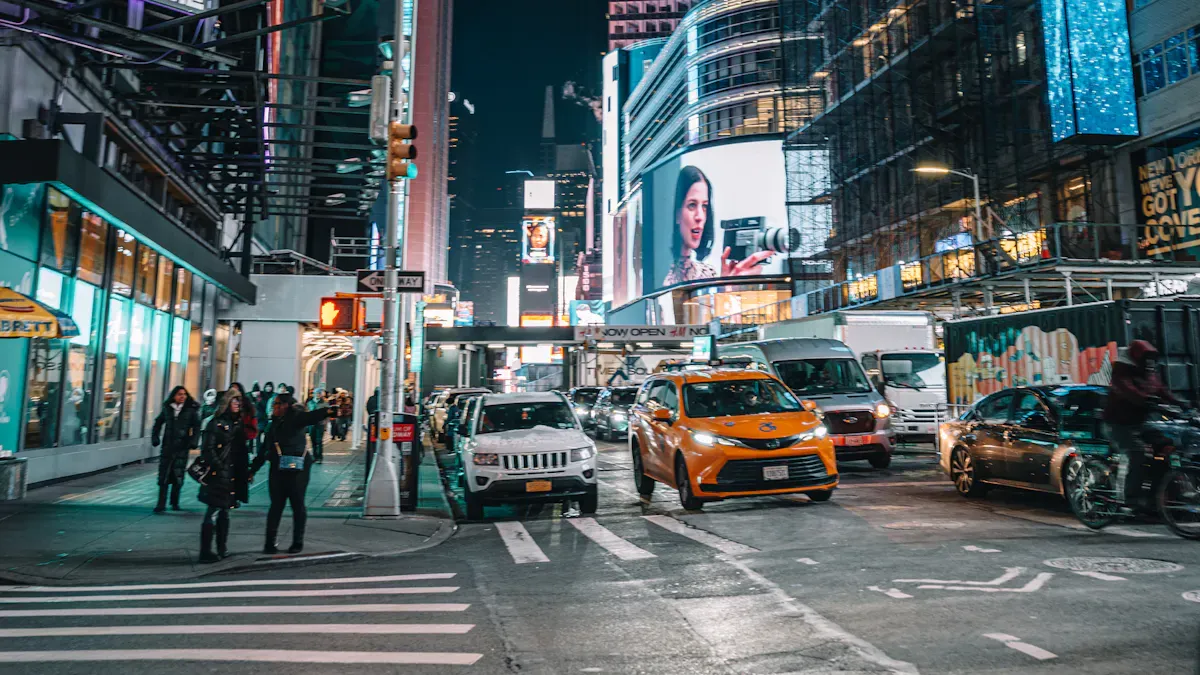
You see AbleSign, PosterBooking, and EasySignage a lot in 2026. These apps help make free digital signage software for android easy and cheap. Businesses, schools, and groups use them to share news, tell about events, or greet guests. Try these tools and see your digital screens look exciting.
Shenzhen TopAdkiosk Display Technology Co., Ltd.
Add.: 2F, Bldg 10, Changfeng Industrial Park, Dongkeng, Fenghuang, Guangming, Shenzhen, China 518132
Mobile/WHATSAPP: 86-138 25769658
Email: marketing@topadkiosk.com topadkiosk@gmail.com
Skype: pghenry1
Wechat: adkioskhenry
English Web.: http://www.topadkiosk.com/
https://www.topkioskdisplay.com/
http://www.ad-kiosk.com/
https://www.toplcddisplay.com/
http://www.multitouchdigitalsignage.com/
https://www.youtube.com/channel/UCYVYNJHxLVEcQD8fuUxXNTA/videos?view_as=subscriber
https://www.facebook.com/TOPADKIOSKSHENZHEN/?ref=bookmarks
Key Takeaways
Free digital signage software for Android saves money. It is easy to get. Businesses and schools can share information. They do not need to spend a lot.
Setting up digital signage is fast and simple. You do not need special skills. Most people can show content quickly. It takes less than 10 minutes.
New features in 2026 make digital signage better. Integration with business systems helps a lot. Smart scheduling keeps content new and useful.
What is Free Digital Signage Software for Android?
Definition and Main Features
You may ask what free digital signage software for android does. It changes your Android device into a smart screen. The screen can show messages, videos, or pictures. You can pick what shows on each screen from one place. This software helps you control screens in stores, schools, or offices. You do not need to spend more money.
Here are some main features you get in 2026:
Cross-platform support lets you use many operating systems.
Centralized remote management means you control everything from one dashboard.
Kiosk mode keeps your device only in signage mode.
Content scheduling and real-time updates help you plan and change displays fast.
Scalability lets you manage one screen or many screens.
Reporting and monitoring show how your screens are working.
Integration capabilities connect with APIs for new content.
Peripheral and hardware control lets you use extra devices for more choices.
Why Android Devices Are Ideal for Digital Signage
Android devices make digital signage simple for everyone. They are small, so you can hide them behind screens. You can power them with USB ports, which makes setup easy. Android media players cost less because the operating system is open-source. The interface is easy to use, so you can update content fast.
Check out this table to see why Android is a good choice:
Feature | Description |
|---|---|
Connectivity | Wi-Fi, Bluetooth, Ethernet, USB, HDMI for flexible setup |
Power Management | Outlets, PoE, battery options for easy power setup |
Durability | Water and dust resistance for outdoor use |
Screen Brightness | High brightness for clear viewing |
Touchscreen Capability | Interactive displays with different touch types |
You get strong performance and good power use. Android devices work great for business displays and touch screens.
Why Free Digital Signage Software for Android is Trending
Cost Savings and Accessibility
You want to save money and still get great results. Free digital signage software for android helps you do just that. Many paid options charge by the screen or limit your features. With free tools, you can start with no cost and upgrade only if you need more. Take a look at this table to see how free options compare:
Software | Cost Structure | Key Features |
|---|---|---|
Juuno | $5 per screen monthly | Unlimited users, content scheduling |
Yodeck | Free for one screen | Free players on annual plans |
Free or trial available | Starter plans, limited features |
You also get easy access. You can use these apps on many Android devices. Over 100,000 screens in more than 190 countries now run on free digital signage software for android. Even small businesses and schools with no tech team can set up and update their screens.
Ease of Use and Quick Setup
You do not need to be a tech expert. Most free digital signage software for android comes with a simple guide. You pick your device, download the app, sign up, and start making playlists. The design studio uses drag-and-drop, so you can create content fast. Many users say they set up their screens in minutes. A private school even shared how easy it was to update announcements and events.
Free to download from Google Play
Works with many Android devices
Clean, easy-to-use interface
No special skills needed
Innovations in 2026
You see new features every year. In 2026, integration with business systems stands out. You can connect your screens to calendars, social media, or news feeds. This means your content always stays fresh and relevant. The software now supports more hardware, so you can use touch screens or add sensors. Scheduling tools have become smarter, letting you plan content for different times and places. These updates make your digital signage more powerful and flexible than ever.
Tip: Try connecting your digital signage to your business tools. You will save time and keep your screens up to date.
Top Free Digital Signage Software for Android in 2026
AbleSign Overview, Pros, Cons
You want a tool that is easy to use. AbleSign gives you that. The creators wanted to make digital signage simple and cheap. You do not pay for each screen, so you save money. AbleSign works well for stores, schools, and offices.
AbleSign is free if you stay under the Fair Use Limits. You can use up to 250 screens.
You can manage up to 250 screens for free. If you use more screens or break the rules, you might get blocked. AbleSign is known for being reliable and easy.
Unique Selling Points | Limitations |
|---|---|
Reliability | |
Ease of use | Restrictions if you go over fair use |
No per-screen fees | N/A |
Limit of 250 screens
Restrictions if you go over fair use
PosterBooking Features and Benefits
PosterBooking makes setup fast and easy. You install the app, enter a code, and your screen is ready. You do not need tech skills. PosterBooking lets you use Google Slides, so you can show presentations from your Drive. You can start your own signage business with white-label branding.
Feature/Benefit | Description |
|---|---|
Quick Setup | Install the app, enter a code, and your screen is ready. No tech skills needed. |
White-Label Branding | Start your own signage business with your company name. |
Google Slides Support | Show presentations from your Drive without changing files. |
Free Screens | Get 10 free screens, more than most other apps. Great for small shops and nonprofits. |
User-Friendly | Simple interface for churches, restaurants, and small shops. |
Upgrade Options | Paid plans give you unlimited storage, 4K uploads, and background music. |
You get 10 free screens, which is good for small shops and nonprofits. The interface is friendly, so you can use it in restaurants, churches, or schools. If you want more features, you can upgrade.
EasySignage Setup and Limitations
EasySignage turns your Android device into a digital sign. You need a device with at least a 4-core processor and 4 GB RAM. The device must run Android 13 or higher. You get the best results with a camera that has 1080p resolution and at least 10 frames per second.
Requirement | Specification |
|---|---|
Processor | Minimum 4-core or higher |
Memory | At least 4 GB RAM |
Operating System | Android 13+ (64-bit) |
Camera Resolution | Recommended 1080p (Full HD) |
Camera Frame Rate | Minimum 10 frames per second (FPS) |
EasySignage works for most screens, but there are some limits:
No Advanced Power Management: You cannot control power cycles or reboot times.
Limited Background Operations: Smart TVs may pause apps when idle, stopping playback.
Storage and Memory Limits: TVs have less storage and RAM, so performance can drop.
24/7 Operation and Device Lifespan: TVs are not made for nonstop use, so they can overheat or get screen burn-in.
You can set up EasySignage quickly, but you must check your device specs.
Pyrosign Free Forever Option
Pyrosign is free forever. You do not need to worry about hidden fees. Pyrosign lets you manage screens from a simple dashboard. You can schedule content, update displays, and watch your screens. Pyrosign is good for small businesses and schools that want a free solution.
Pyrosign stays free, so you can focus on your content and not your budget.
Opensignage Compatibility
Opensignage works with Android devices. You can use it on tablets, media players, and smart TVs. The platform does not list Android versions or device models, so you may need to test your device. Opensignage gives you flexibility, so you can pick the hardware you want.
Comparison Table of Key Features
You want to compare these tools. Here is a table that shows the main features, usability, and support for top free digital signage software for android in 2026:
Software Name | Key Features | Usability | Support |
|---|---|---|---|
AbleSign | Reliable, easy to use, no per-screen fees, up to 250 screens | Simple dashboard, quick setup | Community support |
PosterBooking | Quick setup, Google Slides, white-label, 10 free screens | User-friendly, fast onboarding | Upgrade options available |
EasySignage | Device scheduling, content management, Android 13+ required | Needs device specs, easy setup | Online guides |
Pyrosign | Free forever, content scheduling, monitoring | Simple interface, no hidden fees | Email support |
Opensignage | Flexible device compatibility, basic signage features | Works on many Android devices | Community forums |
Play Digital Signage | Flexible content management, offline capabilities, security features | User-friendly interface | First screen free for life |
OnSign TV | Cloud-based management, real-time updates, analytics integration | Initial setup can be complex | 14-day free trial available |
Look Digital Signage | Customizable templates, multi-platform support, content moderation | Versatile for many industries | 14-day free trial available |
You can pick the software that fits your needs. Each platform has something special. Free digital signage software for android gives you choices for every budget and skill level.
Tip: Try a few apps to see which one works best for your screens. You can switch if your needs change.
Choosing the Best Free Digital Signage Software for Android
Key Selection Criteria
When you choose free digital signage software for android, you want it to work for you. There are some important things you should check:
Description | |
|---|---|
Android TV Support | Lets you use Android Smart TVs (Android 7.0+) as digital signage screens. |
TV Power Management | Schedules power on/off times to save energy and extend device life. |
Live Streaming Integration | Shows YouTube, Facebook Live, or RTSP streams with your regular content. |
Group Management | Controls many screens from one dashboard, whether you have 2 or 1000+. |
Team Collaboration | Shares account access with others, perfect for franchises or big teams. |
Content Organization | Keeps your images, videos, and playlists neat and easy to find. |
You need to see if the software works with your devices. It should help you keep your content organized and simple to manage.
Use Cases and Scenarios
Digital signage can be used in lots of places. Here are some ways people use it:
Sector | |
|---|---|
Retail & Showrooms | Show new products, run sales, or update messages when items change. |
Restaurants & Cafés | Show menus for breakfast, lunch, or dinner, highlight allergens, or show wait times. |
Corporate & Campuses | Share news, dashboards, or meeting room schedules. |
Healthcare & Education | Help visitors, post important news, or send emergency alerts. |
Think about where you want to put your screens. Each place will need something different.
Decision-Making Tips
Here are some tips to help you pick the best software:
Make sure it works with all your Android devices.
Choose a system that is easy to use and has templates.
Pick cloud-based software so you can update screens from anywhere.
Look for interactive features if you want touchscreens.
Check for good security and regular updates.
Pick a solution that lets you add more screens later.
Use content scheduling to plan what shows on your screens.
Compare prices for cloud and on-premise options.
Tip: Try a demo or free plan first. This helps you see if the software is right for you before you decide.
Quick Start Guide for Free Digital Signage Software on Android
Step-by-Step Setup Instructions
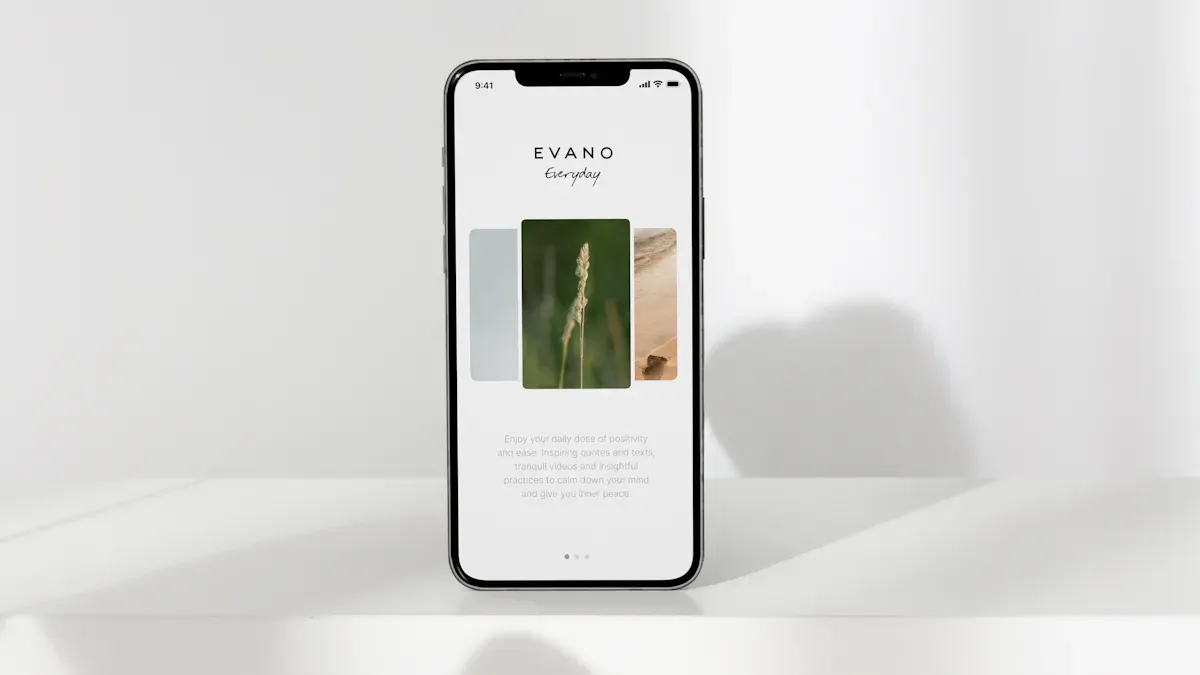
You want to get your screens up and running fast. Here’s how you can set up free digital signage software for Android in just a few steps:
Figure out how many screens you need and where you want to place them.
Pick a free plan that matches your needs. Most apps let you start with one or two screens at no cost.
Sign up for a free account on your chosen platform.
Download the player app, like PiSignage or Look, from the Google Play Store onto your Android device.
Connect your Android device to your display and make sure it has internet access.
Open the app on your screen. You’ll see a pairing code.
Enter this code into your dashboard on the web to link your device.
Upload your images, videos, or slides. Build a playlist and use smart scheduling to plan when things show.
Hit publish. Your content will appear on your screens right away.
Tip: You can set up your first screen in less than 10 minutes if you have your content ready.
Best Practices for Beginners
You want your digital signage to look great and work smoothly. Here are some best practices to follow:
Best Practice | Why It Matters |
|---|---|
Keeps your audience interested and shows your brand is active. | |
Use Ethernet for permanent setups | Gives you a stable connection, so your screens never go offline. |
Check hardware specs before setup | Makes sure your device runs smoothly without lag or glitches. |
Use smart scheduling from the start | Shows the right message at the right time and avoids old or irrelevant content. |
If you follow these tips, your free digital signage software for Android will help you grab attention and keep your screens fresh every day.
You see free digital signage software for Android getting popular in 2026. It helps people save money and makes setup simple. Yodeck and Screenly OSE are top apps. They are easy to use and show clear, full HD pictures.
Feature | Screenly OSE | Yodeck |
|---|---|---|
Core CMS Features | Images, videos | Scheduling |
Full HD Resolution | Yes | Yes |
Compatibility | Raspberry PI only | Multi-content support |
User-Friendly | No | Yes |
Pricing | Free for one screen | Free for one screen |
You can count on these tools. Capterra gives Yodeck a 4.9 rating. G2 gives it a 4.8 rating. Try these apps to make your screens look great. If you want more help, check out guides from Yodeck, Rise Vision, and PosterBooking.
Yodeck: Easy guides, free templates, and a free plan.
Rise Vision: Demo and a tour of the platform.
PosterBooking: Shows the best free Android signage apps.
Want better displays? Try free digital signage software for Android and see how it works.
FAQ
How do you start using free digital signage software for Android?
First, get the app from Google Play. Make an account and connect your device. Then upload your pictures or videos. Your message will show on the screen right away.
Can you use free digital signage software for Android on any device?
Most apps work on Android tablets, TVs, and media players. Always check what the app needs before you install it.
Tip: Try a demo first. This helps you see if the software is right for you.
What features do you get with free digital signage software for Android?
Feature | Description |
|---|---|
Scheduling | Set times for your content |
Remote Control | Change screens from anywhere |
Templates | Make displays quickly |
See Also
Exploring Emerging Digital Signage Trends For 2026
Popular Digital Signage Solutions Gaining Attention In 2026
Innovations In Digital Signage Technology Coming In 2026
