What Are the Essential Remote Management Features in LCD Kiosks
Ahttps://www.youtube.com/watch?v=MZwXSgIbeswhttps://www.youtube.com/watch?v=ZoQxpfdyo64dd.: 2F, Bldg 10, Changfeng Industrial Park, Dongkeng, Fenghuang, Guangming, Shenzhen, China 518132
Mobile/WHATSAPP: 86-138 25769658
Email: marketing@topadkiosk.com topadkiosk@gmail.com
Skype: pghenry1
Wechat: adkioskhenry
English Web.: https://www.topkioskdisplay.com/
http://www.ad-kiosk.com/
https://www.toplcddisplay.com/
http://www.multitouchdigitalsignage.com/
https://www.youtube.com/channel/UCYVYNJHxLVEcQD8fuUxXNTA/videos?view_as=subscriber
https://www.facebook.com/TOPADKIOSKSHENZHEN/?ref=bookmarks
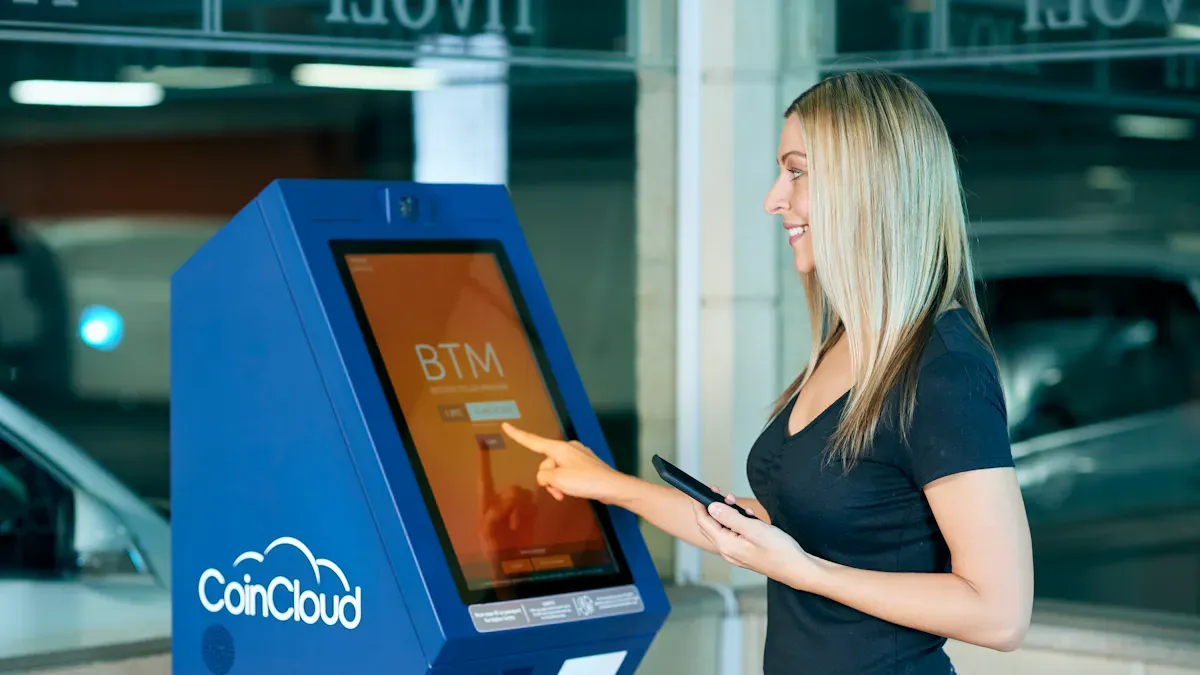
You use an LCD kiosk with remote management features to provide interactive screens, live updates, and special experiences for your customers. Important features like remote reload, screenshot capture, dashboard control, custom alerts, multi-user access, and analytics help your digital signage kiosks operate effectively. A main dashboard reduces downtime, enhances security, and increases customer engagement, as shown below:
Feature | Impact on Downtime | Impact on Security | Impact on User Engagement |
|---|---|---|---|
Centralized Dashboard | Cuts downtime | Makes security better | Helps engagement |
Content Updates | Stops disruption | N/A | Keeps content fresh |
System Monitoring | Checks uptime | Warns about problems | N/A |
Remote Troubleshooting | Fixes problems fast | N/A | N/A |
Touchscreen, interactive wayfinding, and strong connections enhance self-service kiosks and improve customer experiences. You can rely on the LCD kiosk with remote management features to extend the lifespan of kiosks, ensure safety, and make them more enjoyable to use while leveraging analytics to boost user interest.
Key Takeaways
Remote management features let you control kiosks from any place. This saves time and helps stop long breaks in service.
Real-time monitoring lets you find problems early. This keeps kiosks working well and makes users happier.
Customizable alerts help you act fast when there are problems. This keeps people safe and kiosks ready to use.
Analytics give you helpful information about how people use kiosks. This helps you make better content and improve customer experiences.
Multi-user access keeps things safe by letting you set who can do what. This protects important information from the wrong people.
Real-Time Status Monitoring
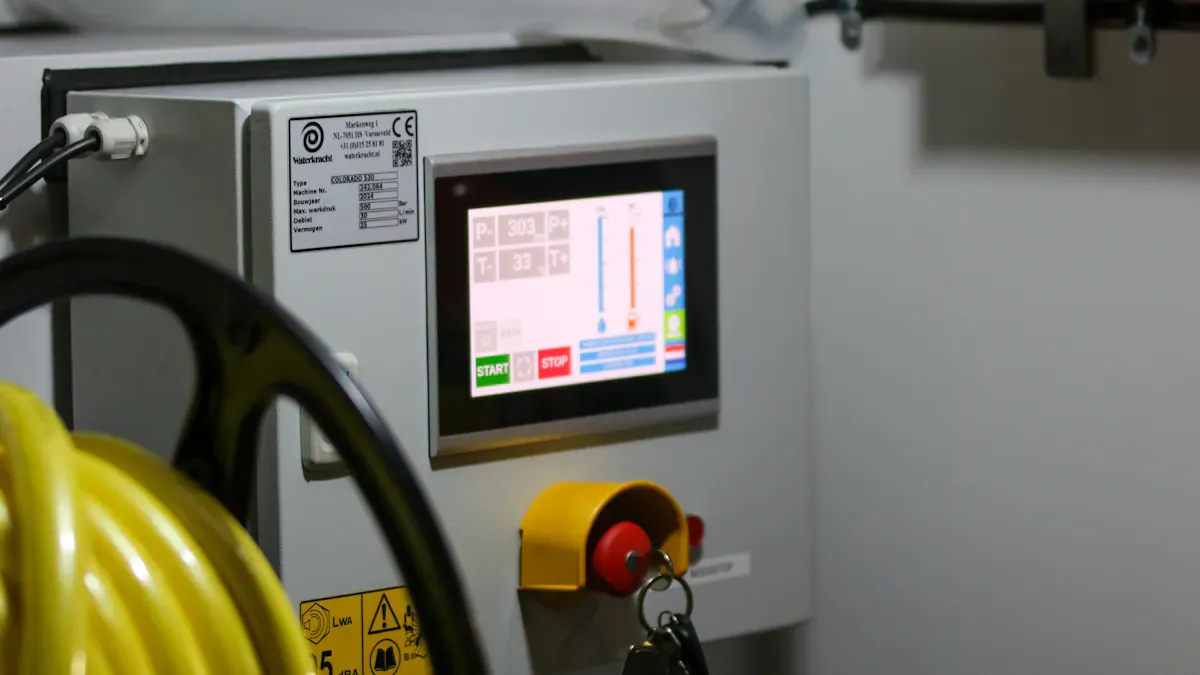
Real-time status monitoring helps your kiosks work well. It lets you find problems before customers notice them. You can look at data like uptime and error rates. You also check how the hardware is working. Sensors watch temperature, humidity, and light. Event logs show updates and repairs. Streaming data tells you how people use the kiosks right now.
Continuous Performance Tracking
You watch performance to keep kiosks reliable. You gather different numbers to see how well they work. The table below shows how each number helps you do better:
Metric Type | Description | Impact on Efficiency |
|---|---|---|
Usage Metrics | Shows how users interact with kiosks. | Helps you find popular features and improve experience. |
Performance Metrics | Monitors hardware health and stability. | Lets you fix problems early and reduce downtime. |
Uptime | Measures how often kiosks stay online. | Builds trust and keeps your operations running smoothly. |
Device Telemetry | Tracks device conditions all the time. | Gives your IT team a clear view to solve issues quickly. |
You use these numbers to plan repairs and updates. This helps you stop delays and keep kiosks ready for customers.
Issue Detection and Response
Remote management helps you find issues fast. Alerts tell your team if a kiosk crashes or slows down. You can check error logs and restart systems from far away. Finding problems early stops bigger failures. Cloud management lets you update software on many kiosks at once.
Some common problems are setting up new devices by hand, slow updates, and not seeing device health. Old software can make kiosks unsafe. Automatic updates help you follow rules and keep kiosks safe. You save time and money by fixing things fast. This keeps customers happy.
Remote Control Functions in LCD Kiosks
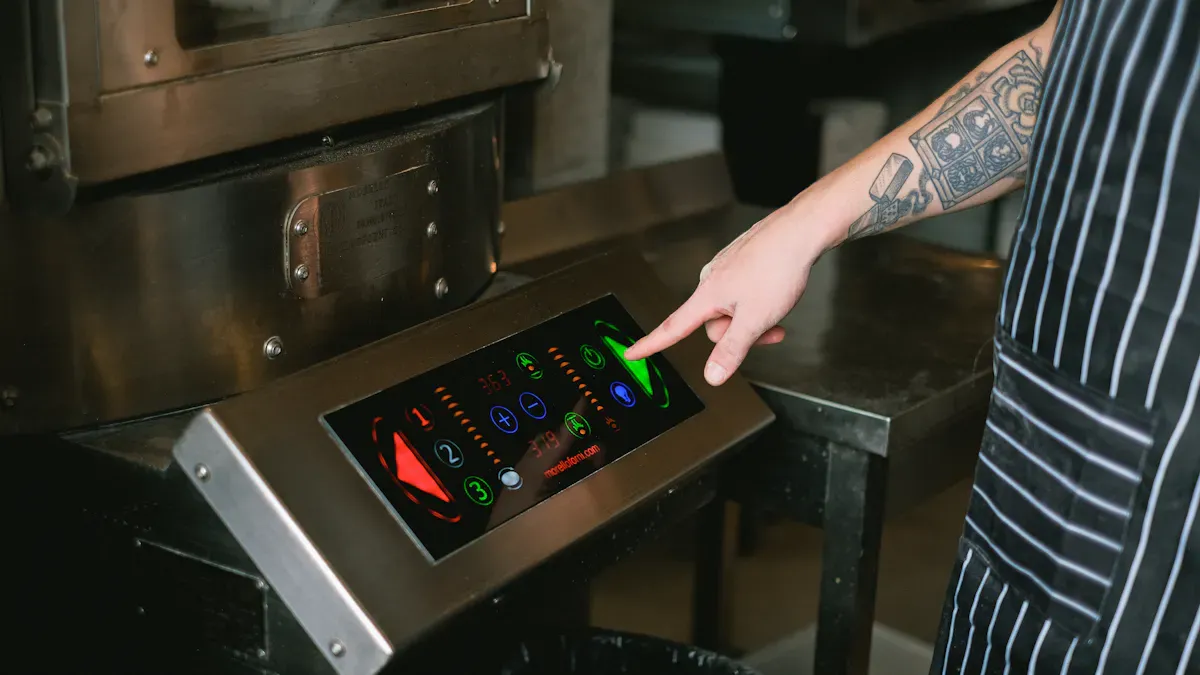
Remote control functions let you manage kiosks from far away. These features help you keep devices safe and fix problems fast. They also make sure users have a good time.
Remote Reload and Logout
Remote reload sends the kiosk back to the main screen. This is helpful if the kiosk freezes or needs to restart. Remote logout is good for safety. If someone forgets to log out, you can end their session from another place. This keeps other people from seeing private stuff. In busy places like airports or stores, remote logout keeps user data safe.
Kiosks that do not log out users can show private data.
Hackers might use this to get into accounts.
Remote logout keeps kiosks safe in public places.
Screenshot Capture
Screenshot capture lets you see what is on the kiosk screen right now. You can use it to check for mistakes or see what users see. To use screenshot capture, you add a JavaScript API to the kiosk’s webpage and change app settings. Screenshots go into a special folder on the device. This helps you fix problems without being there.
Many people use screenshot capture to fix problems fast and see what is on the screen when something goes wrong.
Dashboard-Based Control
A dashboard lets you manage all kiosks in one place. You can show or hide things on the screen, reload devices, and control features with one click. This saves time and work. You do not need to go to each kiosk. You can update content, check system health, and fix problems from your desk.
Here is a table of important remote control functions:
Function | Description |
|---|---|
One place to watch and manage all kiosks. | |
Content Updates | Send new content or settings without going to each kiosk. |
System Monitoring | Track uptime and user actions, get alerts for problems. |
Remote Troubleshooting | Find and fix problems from anywhere, including reboots and changes. |
Remote control functions help your kiosks work well, stay safe, and make users happy.
Customizable Alerts and Multi-User Access
Setting Alarms for Quick Response
Customizable alerts help keep kiosks safe and working. These alarms let you act fast if something goes wrong. You can set alerts for emergencies, system errors, or connection problems. Real-time emergency alerts send messages to the right places. Color-coded templates make alerts easy to see and understand. This helps people stay safe and respond quickly.
Quick alerts protect kiosks and help users stay safe.
Customizable alerts work with your IT systems. You can connect alerts to emergency communication systems. This lets you send warnings to certain areas based on what is happening. You cut downtime and save money. You also build trust and follow legal rules. The table below shows how these alerts help:
Benefit | Impact Level | Example |
|---|---|---|
Faster Emergency Response | High | |
Legal Risk Reduction | Medium | Meets OSHA or industry rules |
Public Confidence | High | Stakeholders trust you more after crisis |
Downtime Reduction | High | Saving minutes keeps revenue safe |
Multi-User Management and Permissions
Multi-user access lets you choose who uses your kiosks. You set permissions for each person. This keeps kiosks safe and stops people from getting in without permission. You can use app-based kiosk mode or website kiosk mode. Devices only run approved apps or websites. You block users from changing settings. You filter keyboards and block shortcuts.
You must manage user sessions well. This stops data leaks and follows privacy rules. Strong security and durability are important. Different operating systems need special setups. For Windows, use accounts with low permissions. For Android, set up fully managed devices. For Apple, supervise the device.
Best Practice | Description |
|---|---|
Devices only run one approved app or several apps. | |
Website kiosk mode | Devices only go to the company website or needed websites. |
Prevent end users from tampering with settings | Filter keyboards and block shortcuts. |
OS specific best practices | Windows: low permission accounts; Android: fully managed; Apple: supervised device. |
Multi-user management makes things more complex. You must balance security, connection, and interactivity. You protect data and keep kiosks working well. You also support touchscreen and connection options. This helps kiosks last longer and stay strong.
Analytics for LCD Kiosk with Remote Management Features
Usage Data and Reporting
Analytics tools help you see how people use your lcd kiosk with remote management features. These tools show if your self-service kiosks are worth the money. You can find out how many people use the kiosks. You also see how long they use them. You learn which parts of the interactive displays are most popular. Remote monitoring software lets you get data from many kiosks at once. This makes it simple to manage digital signage kiosks in different places.
Clear Channel Airports uses remote monitoring software to watch over 100 kiosks in more than 25 airports. They make reports for each group of kiosks and use the results to make smart choices.
You can check important numbers to see how your kiosks are doing:
Metric | Description |
|---|---|
Total sessions per kiosk | Counts how much people use each kiosk |
Completion vs. abandonment | Shows if users finish or leave early |
Average time per session | Tells how long people use the kiosk |
Peak usage hours | Helps you plan when to have more staff |
Transactions per day | Shows how busy your kiosks are |
Uptime and downtime | Checks if kiosks work well or have problems |
Error frequency | Finds out if there are many technical issues |
App crashes | Shows if the software is stable |
Peripheral failures | Points to hardware problems |
You can also see which wayfinding features people use most. This helps you make connections better and give customers a good experience.
Improving Engagement with Insights
You can use what you learn from analytics to get people more interested. When you know what customers like, you can change your lcd kiosk with remote management features to help them. For example, you can update content or add new interactive wayfinding choices. Checking reports often shows what content works best. It also shows what does not work. This helps you make better choices.
Impact Area | Evidence |
|---|---|
Higher product adoption | People use products more when they like the interactions |
More satisfying experiences | Special messages make customers happier |
Marketing alignment | Plans match what customers want |
Faster service | Analytics help people find things faster |
Smarter decisions | Data helps you run things better |
85% of customers like stores that give them special experiences.
You can count total sessions, unique users, and average time spent.
You can see which wayfinding paths are used the most.
You use these facts to make your lcd kiosk with remote management features more useful and fun. This helps customers enjoy using them and helps your business do better.
You need remote management features to help kiosks work well. These tools let you change content and check devices from anywhere. You can fix problems without being at the kiosk. This saves time and money for your business. It also makes sure every customer has a good experience. Studies show remote management lowers downtime. It helps you get more use from your kiosks. Look at the table below to help you pick new kiosks for your needs.
Criteria | Why It Matters for Kiosks and Customer Experience |
|---|---|
Remote Management | Keeps kiosks updated and working for every customer |
Analytics and Insights | Shows how customers use kiosks and what they like |
Reliable Performance | Makes sure kiosks always help the customer |
You should check your kiosks now. Talk to vendors about these features.
LCD Kiosks with Remote Management Features
LCD kiosks with remote management capabilities allow you to manage all your devices efficiently through a cloud platform, just like managing computers. This means you can remotely update content and systems without being on‑site, and maintain unified, proactive control over your entire distributed network of kiosks.
📡 What Are Remote Management Features?
Remote management features enable businesses to manage all networked LCD kiosks from a single central platform. The core value lies in two areas:
Content Management – Through a cloud‑based Content Management System (CMS), you can create, edit, schedule, and push content to selected or all kiosks with one click, ensuring fast, unified messaging to customers.
Device Management & Monitoring – A central management console provides real‑time visibility into device status, health, network connectivity, and other key metrics. This allows operations teams to proactively identify issues and take action, significantly reducing maintenance costs and downtime.
🛠️ Core Remote Management Features
A robust remote management system typically integrates the following key capabilities:
Category | Features |
|---|---|
Remote Updates & Scheduling | Remote software, OS, and firmware updates; schedule content playback by specific date/time or intervals; emergency override; remote adjustment of volume, brightness, and other settings. |
Real‑time Monitoring & Alerts | Central dashboard for device online/offline status, CPU/memory/storage usage, and live screen preview; automatic alerts for device offline or errors. |
Security & Management | Kiosk mode (app‑lock) to prevent unauthorised access; remote screenshot capture; API integration with POS, ERP, and other existing systems for data sync (menus, prices, inventory). |
Remote Control & Diagnostics | Remote reboot; send remote commands; remote desktop access for deep troubleshooting; generate detailed usage and sales reports for analytics. |
🚀 Leading Solutions in 2026
Depending on your needs, you can choose between integrated hardware+software solutions or pure software platforms.
Integrated Hardware & Software Solutions
These providers offer all‑in‑one solutions with guaranteed compatibility – ideal for fast deployment of a complete kiosk network.
Company | Features / Solutions | Best For |
|---|---|---|
KIOSK Information Systems | KioCloud RMS and KNECT IoT – powerful remote monitoring platforms with custom alerts, component‑level monitoring, and remote reboot. | Enterprise‑scale deployments needing deep customisation and high reliability. |
Meridian Kiosks | MzeroManage – monitors device health, custom alerts, diagnostics, and analytics reporting. | Retail, healthcare, transportation – cross‑geography centralised management. |
Advanced Kiosks | Zamok™ software suite – remote and real‑time control; push updates, control UI, manage hardware from a central console. | Retail, government, or corporate environments requiring high control and custom UI. |
RedyRef | ENGAGE IoT management platform – centralised management and monitoring for all kiosks. | Various commercial applications including digital signage and video walls. |
Philips T‑Line | Supports Power‑over‑Ethernet (PoE) and 4G connectivity for flexible deployment; remote updates simplify content management. | Retail stores, restaurants, hotel lobbies – where cabling simplicity matters. |
Posiflex EK‑2120 | Managed via Esper device management platform – unattended remote control, troubleshooting, and repairs from anywhere. | Android‑based retail/restaurant chains needing strong remote debugging. |
DynaScan | Total Control Cloud – device health monitoring, alerts, power telemetry, and remote power cycling. | Outdoor high‑brightness LCD signage networks. |
Pure Software Platforms & Standalone CMS
These focus on powerful software that can run on existing or third‑party hardware – maximum flexibility for those who already have hardware or want an open system.
Company | Features / Solutions | Best For |
|---|---|---|
SiteKiosk (Provisio) | SiteKiosk.Online – combines secure kiosk locking, digital signage, and remote management for Windows/Android. SiteRemote module offers remote configuration and full status monitoring. | Public computers/kiosks needing strong security lockdown and comprehensive remote monitoring. |
KioWare | Powerful Remote Management Server – device grouping, health monitoring, reporting, push updates; remote reboot, heartbeat commands, etc. | Technical teams needing deep device‑level control and open API for custom integrations. |
Pickcel | Cloud platform – control all digital signage from a central CMS; monitor device health, network status, remote content updates; supports kiosk mode. | Cost‑effective, fast setup for medium to large digital signage networks. |
TelemetryTV | Cloud platform – manage thousands of devices; centralised content, device, and user permission control; upload interactive content and deploy updates remotely. | Large fleets requiring high interactivity and cloud‑native unified management. |
ScreenCloud | Hardware‑agnostic remote management; cross‑platform (e.g., ChromeOS) kiosk mode locking; remote reboot, screenshot, offline alerts. | Organisations using or planning to use ChromeOS devices for kiosks. |
OptiSigns | Cloud platform – turn any screen into a remotely managed smart kiosk; 160+ apps, 1000+ templates; remote commands (reboot, system settings). | Small to medium businesses needing fast start with rich templates and app ecosystem. |
Yodeck | Cloud platform – remote screen management; remote monitor power on/off; monitor playback and player status; single dashboard control. | Entry‑level and small deployments needing high ease‑of‑use and value. |
PosterBooking | Free cloud platform – up to 10 screens; remote monitoring, content updates, device online/network status via CMS dashboard. | Startups, small merchants, or pilot projects with limited budget and few screens. |
Spectrio | Cloud CMS – remote updates, custom playlists, interactive touchscreen experiences. | Retail, restaurant, hospitality – enhancing customer experience through interactivity. |
Raydiant | All‑in‑one location experience platform; Kiosk Builder APP – remote device monitoring, menu scheduling, POS sync. | Restaurant, retail – tightly integrating kiosks with POS and marketing. |
💡 How to Choose the Right Remote Management Solution
Define your needs and budget – If content distribution is your primary goal, focus on a strong CMS. If device monitoring and system stability are critical, prioritise solutions like KioWare or KIOSK Information Systems.
Check hardware compatibility – If you already have hardware, choose a pure‑software solution (e.g., SiteKiosk). If starting from scratch, an integrated vendor solution offers better compatibility and support.
Assess scalability – If your business grows quickly and you may need to manage hundreds or thousands of devices, enterprise‑grade platforms like KioWare or TelemetryTV are better suited.
Try before you buy – Most providers offer free trials. Experience the workflow and verify that features meet your requirements.
Other important factors – Evaluate whether the solution provides an API for integration with your existing systems, and check the quality of technical support and documentation.
LCD kiosks with remote management capabilities are essential tools for digital transformation and operational efficiency. I hope this guide helps you find the right solution. If you share your specific use case and approximate number of devices, I can offer more targeted recommendations.
FAQ
What are remote management features in kiosks?
Remote management features let you control and monitor kiosks from anywhere. You can update software, check device health, and fix problems without being on-site. These tools help you keep kiosks running smoothly and reduce downtime.
How do remote alerts help with kiosks?
Remote alerts notify you when kiosks have issues. You get messages for errors, low supplies, or security problems. This helps you act fast and keep kiosks safe and available for users.
Can you update content on all kiosks at once?
Yes, you can update content on all kiosks at the same time. Remote management tools let you send new images, videos, or information to many kiosks with one action. This saves time and keeps kiosks up to date.
Why is multi-user access important for kiosks?
Multi-user access lets you give different people permission to manage kiosks. You can set roles for IT staff, managers, or support teams. This keeps kiosks secure and makes sure only trusted users change settings.
How do analytics improve kiosks?
Analytics show how people use kiosks. You can see which screens get the most touches, how long sessions last, and when kiosks are busiest. This information helps you improve kiosks and make better choices for your business.
See Also
Essential Characteristics Of Today's Touch Screen Kiosks
Effective Solutions For Common Kiosk Problems And Maintenance
Top Rated LCD Kiosks For Retail Spaces In 2026
