How double sided kiosk digital totem works with cloud CMS to update content
Shenzhen TopAdkiosk Display Technology Co., Ltd.
Add.: 2F, Bldg 10, Changfeng Industrial Park, Dongkeng, Fenghuang, Guangming, Shenzhen, China 518132
Mobile/WHATSAPP: 86-138 25769658
Email: marketing@topadkiosk.com topadkiosk@gmail.com
Wechat: adkioskhenry
English Web.: http://www.topadkiosk.com/
https://www.topkioskdisplay.com/
http://www.ad-kiosk.com/
https://www.toplcddisplay.com/
You can update ads on a double sided kiosk digital totem with a cloud CMS. This lets you control the content from far away. You can change information right away from any place. More businesses are using cloud CMS now. The number of digital signs using this technology is rising.
You learn how double sided lcd kiosk digital totem works with cloud CMS. This makes managing content quick and easy.
Key Takeaways
You can control your double sided kiosk from anywhere. Use a cloud CMS to make updates fast. You do not need to be at the kiosk.
You can upload content for both screens easily. Use the CMS to set times for ads. This helps more people see them.
You can watch your kiosks from far away. The cloud CMS dashboard lets you check how ads are doing. You can fix problems from any place.
You can make customers more interested with interactive content. Use touch screens to show maps, deals, and product info.
You can keep things safe with strong passwords and encrypted connections. This protects your content and keeps updates private.
Double sided kiosk digital totem and cloud CMS
What is a double sided kiosk digital totem
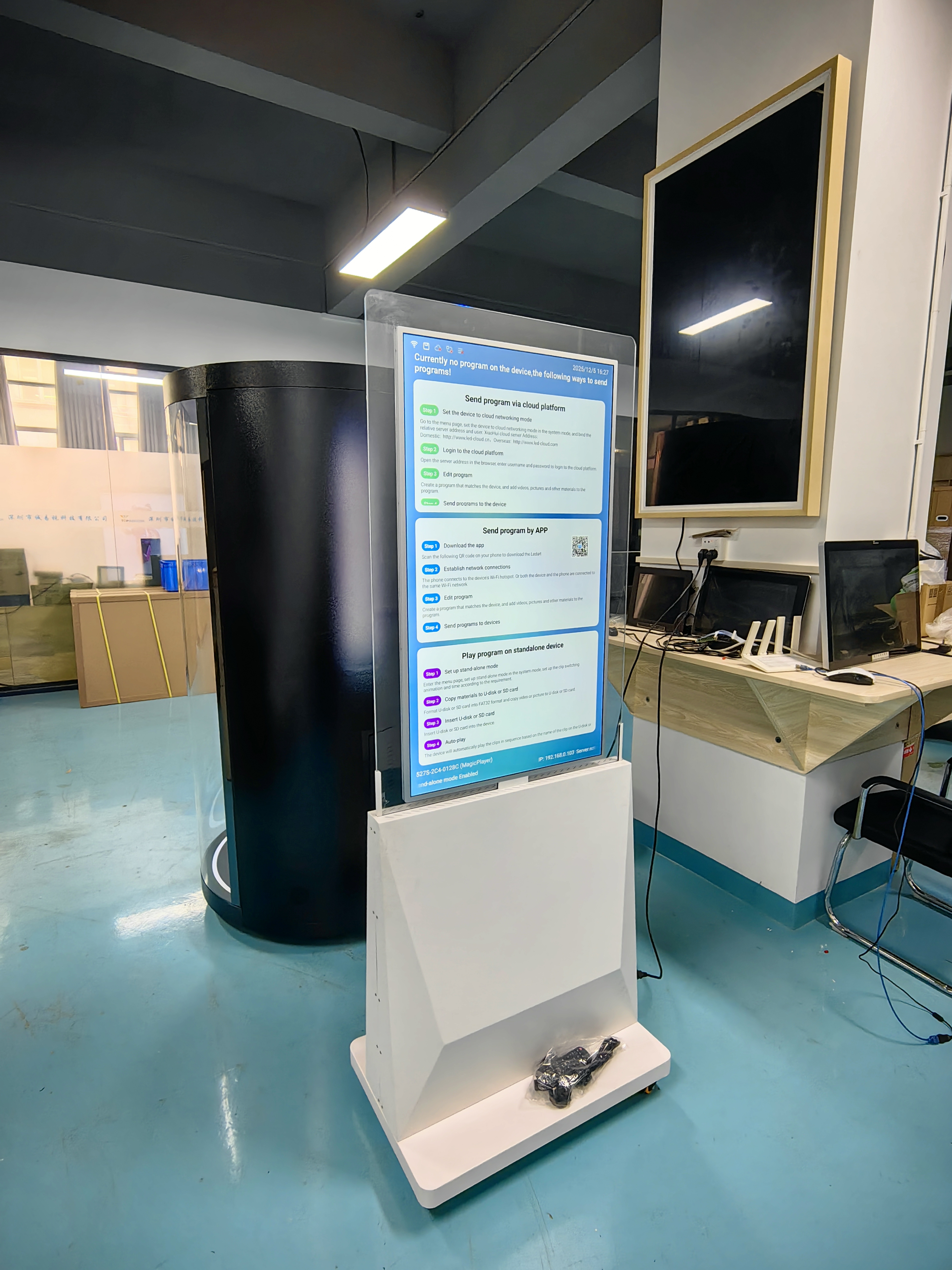
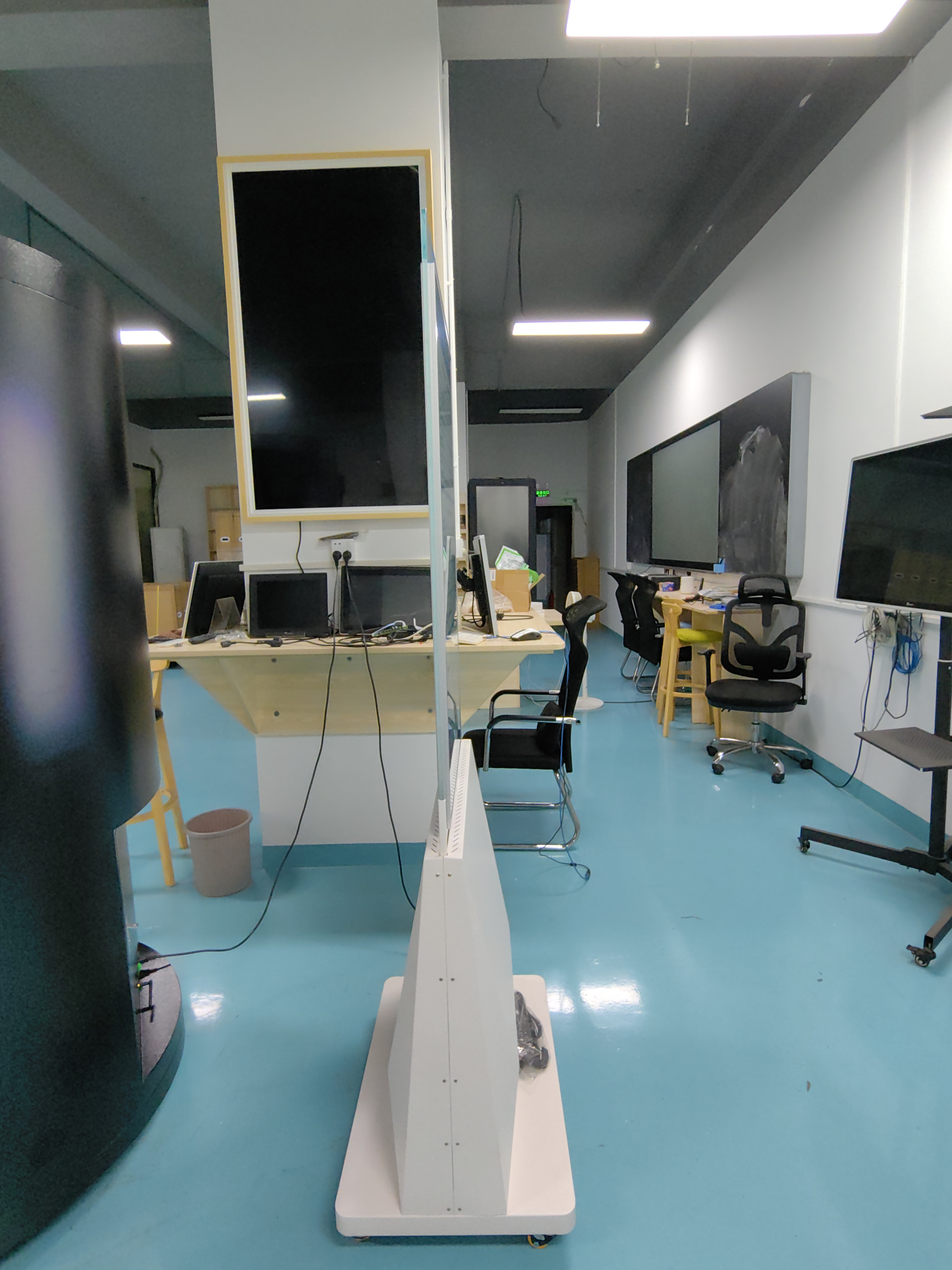
You see double sided kiosk digital totem displays in malls, airports, and stores. These tall screens show information on both sides. One side can face people walking in, while the other side faces those leaving. You can use these totems to show ads, maps, or news. The screens use LCD technology for bright and clear images. You control what appears on each side. This makes it easy to reach more people at once.
Cloud CMS overview
A cloud CMS is a tool that helps you manage digital content from anywhere. CMS stands for Content Management System. You log in to the cloud CMS using a computer or tablet. You can upload pictures, videos, or text. The cloud CMS stores your content safely online. You do not need to be near the kiosk to make changes. You can update your ads or messages from your office or even from home.
Tip: With a cloud CMS, you can schedule when ads appear. This helps you show the right message at the right time.
Roles in content updates
You use the double sided kiosk digital totem and cloud CMS together to update advertising content quickly. The cloud CMS lets you pick what to show on each screen. You can send new ads or information to both sides at once. If you want, you can show different content on each side. The cloud CMS sends your updates to the totem over the internet. You do not need to touch the kiosk. This saves you time and helps you keep your information fresh. You can also check if your ads are showing correctly by looking at the cloud CMS dashboard.
You control content from anywhere.
You update both screens at the same time.
You keep your ads up to date and interesting.
Connecting to cloud CMS
Network setup and device registration
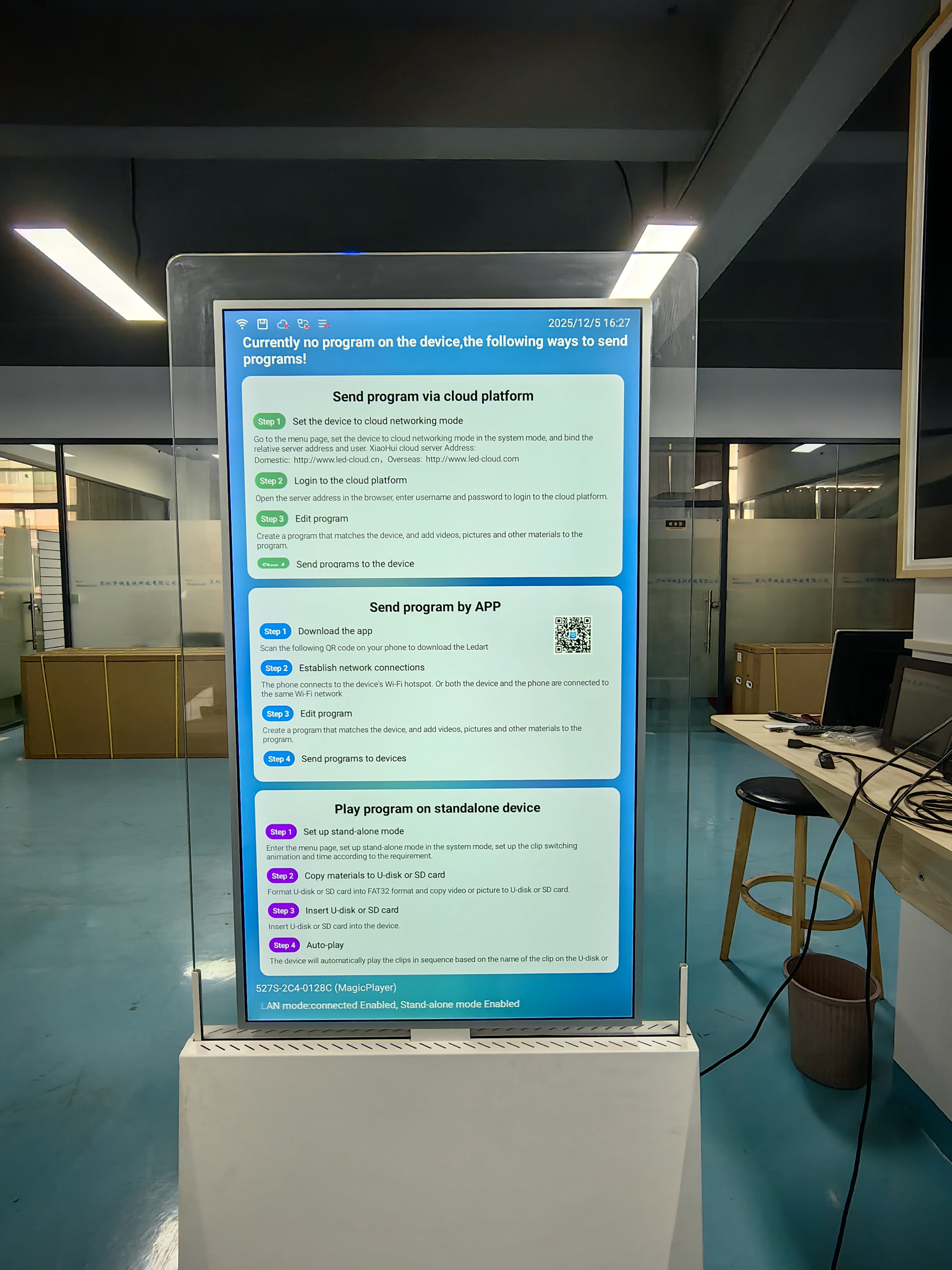
You must connect your double sided kiosk digital totem to the internet first. Most kiosks can use WiFi, wired Ethernet (RJ45), or LTE-4G. You pick the best way for your location. The system usually uses Android 7.1. This makes it simple to use and set up.
Feature | Description |
|---|---|
Internet Connection | WiFi, RJ45, LTE-4G |
System | Android 7.1 |
After you connect the kiosk, you need to register it with your cloud CMS. You type in a special code or scan a QR code. This step links your kiosk to your account. Now you can control the screens from anywhere.
Authentication and security
You have to keep your content safe. When you connect your kiosk to the cloud CMS, you use secure logins and passwords. The system checks who you are before you make changes. This stops people who should not get in.
Security Risk Type | Description |
|---|---|
Risks related to unauthorized access and attacks | |
Data Privacy | Concerns regarding the protection of sensitive information |
You should make strong passwords and change them often. Many systems also use encrypted connections. This keeps your data private as it moves between your device and the cloud.
Data sync process
Your kiosk and cloud CMS work together to keep content updated. The system uses WiFi, Bluetooth, or NFC for mobile interactivity and data integration. You can manage content from far away and set ads to play at certain times.
Feature | Description |
|---|---|
Connectivity | NFC, Bluetooth, and WiFi for mobile interactivity and data integration. |
CMS Integration | Android-based cloud media CMS for content control and integration. |
Remote Management | Manage content remotely using a cloud-based CMS platform. |
Dynamic Scheduling | Supports dynamic scheduling for content display. |
Real-time Updates | Allows for real-time updates and targeted advertising. |
You see your changes on the screens almost right away. This helps you keep your ads new and interesting.
Updating content on double sided kiosk digital totem
Uploading and scheduling content
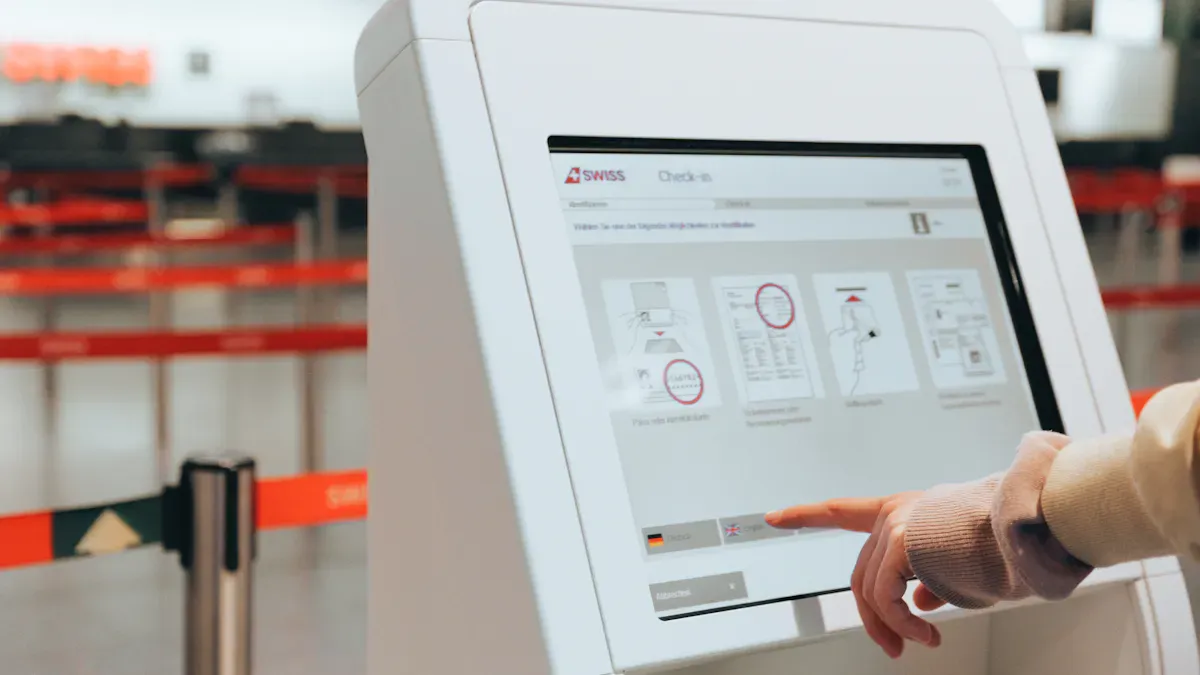
You start by logging into your cloud CMS dashboard. You see a simple menu where you can upload images, videos, or text. You click the "Upload" button and choose your files. The system stores your content safely in the cloud.
Next, you decide when you want your ads or messages to appear. You use the scheduling tool in the CMS. You pick the date and time for each piece of content. You can set ads to play during busy hours or show special messages in the evening. The CMS lets you plan days or weeks ahead.
Tip: Use the calendar view in your CMS to see all your scheduled content at a glance. This helps you avoid overlapping ads and keeps your messages organized.
Delivering updates to both screens
When you finish uploading and scheduling, you choose which screen shows each message. The double sided kiosk digital totem lets you display the same content on both sides or different content on each side. You select "Screen A" for one ad and "Screen B" for another. You can also choose to show the same ad on both screens for maximum impact.
The cloud CMS sends your updates to the kiosk over the internet. The system uses real-time syncing, so your changes appear on the screens almost instantly. If you need to change something quickly, you can update your content from your phone or computer. The double sided kiosk digital totem will show the new information right away.
Step | Action |
|---|---|
1. Upload | Add images, videos, or text to the CMS |
2. Schedule | Set times for each ad or message |
3. Assign Screens | Choose which screen shows each content piece |
4. Sync | CMS sends updates to the kiosk instantly |
Remote monitoring and management
You do not need to stand next to your kiosk to check if everything works. The cloud CMS gives you a dashboard to monitor your double sided kiosk digital totem from anywhere. You see which ads are playing and if both screens are online. If there is a problem, the system sends you an alert.
You can also use remote tools to restart the kiosk or change the schedule. This helps you fix issues fast and keep your content fresh. You save time because you do not travel to each location. You control many kiosks from one place.
Note: Remote management makes it easy to update, monitor, and control your digital signage network. You keep your ads up to date and your audience engaged.
Cloud CMS benefits for double sided kiosks
Real-time and remote updates
With a cloud CMS, you can change your screens from anywhere. You do not have to go to each place. You can update ads, times, or info right away. If you want to show something new, just log in and change it. The double sided kiosk digital totem will show the new content fast. This saves time and keeps your messages new. You can also check your screens and fix problems from far away.
Interactive and dynamic content
You can make your kiosks more fun with interactive and moving content. People can touch the screens to see maps, event info, or product details. This helps them have a better time and keeps them interested. You can also learn what people like and how they use the kiosk. The table below lists some main benefits:
Benefit | Description |
|---|---|
Enhanced Advertising Revenue | Dual screens double ad inventory and allow for targeted, rotating content, increasing yield per unit. |
Improved Customer Experience | They serve as interactive information kiosks for wayfinding, promotions, and event listings. |
Data Collection & Analytics | Integrated sensors can provide anonymized foot traffic data and engagement metrics. |
Operational Efficiency | Remote content management reduces the need for physical updates and manual labor. |
In stores, you can use these kiosks to get shoppers’ attention, share product info, and help with checkout. Here are some ways people use them:
Show bright, moving ads to attract people.
Help customers find things or learn about deals.
Let shoppers buy things or check out by themselves.
In places like airports or stations, these kiosks show real-time schedules, directions, and events. They work well outside and in busy spots.
Customization and scalability
You can change each kiosk to fit what you need. You pick what shows on each screen and when it shows. You can control one kiosk or many at the same time. The table below shows how these kiosks work in different places:
Feature | Description |
|---|---|
Type | MECO 32” Double-Sided Outdoor Interactive Kiosk |
Purpose | Designed for outdoor advertising, retail, smart cities, transportation hubs |
Display | Dual 32-inch high-brightness touch displays |
Technology | Embedded Intel i5 PC, HD audience analytics camera |
Functionality | Delivers seamless interactivity and real-time audience engagement |
Visibility | 360° visibility for maximizing advertising ROI |
You can add more kiosks as your business grows. You manage all of them from one cloud CMS. This gives you lots of control and options.
You can quickly change ads on double sided kiosk digital totems with a cloud CMS. This tool lets you control your screens from far away and see changes right away. The table below explains how smart connections and AI features help more people pay attention:
Feature | Description |
|---|---|
Lets you update screens from anywhere using WiFi, Ethernet, Bluetooth, or 4G/5G. | |
AI-powered content delivery | Uses real-time audience data to show the best content and get people interested. |
Integrated with media mea CMS | Lets you manage content, set times for ads, and update screens fast to keep people engaged. |
Lots of companies want to use more digital signs and connect them to management tools. You can be ready for the future by trying cloud-based ways to control your digital screens.
87% of hotels want to add more digital screens in three years.
63% are linking digital signs with their property management tools.
Cloud CMS makes it simple to keep your ads new, fun, and easy to control from anywhere.
FAQ
How do you update ads on both sides of the kiosk?
You log in to your cloud CMS. You upload your ad content. You choose which screen shows each ad. The system sends updates to both sides instantly. You see your changes right away.
Can you schedule different ads for each screen?
Yes! You pick unique ads for each side. The cloud CMS lets you set different schedules. You control what shows and when. This helps you target different audiences at the same time.
Do you need to be near the kiosk to change content?
No. You manage everything from your computer or phone. The cloud CMS works online. You can update ads from anywhere, even if you are far from the kiosk.
Is it safe to update advertising content through the cloud?
Yes. The system uses secure logins and encrypted connections. Only you and trusted users can make changes. Your ads stay safe while you update them.
A double-sided LCD kiosk digital totem works with a Cloud CMS through a straightforward, automated system. You control everything from a web browser or app, and the totem automatically syncs and displays your updates without needing to be physically nearby .
⚙️ The Core Components
To understand the process, it helps to know the two main parts of the system :
Component | What It Is | Where It Lives |
|---|---|---|
Cloud CMS (Content Management System) | The central software platform. It's like the "brain" where you upload, schedule, and manage all your advertising content. | On the internet (the cloud). You access it via a web dashboard on your computer or phone . |
Media Player | A small computer built directly into the digital totem. Its job is to receive the content from the CMS and play it on the screens. | Inside the digital totem itself . |
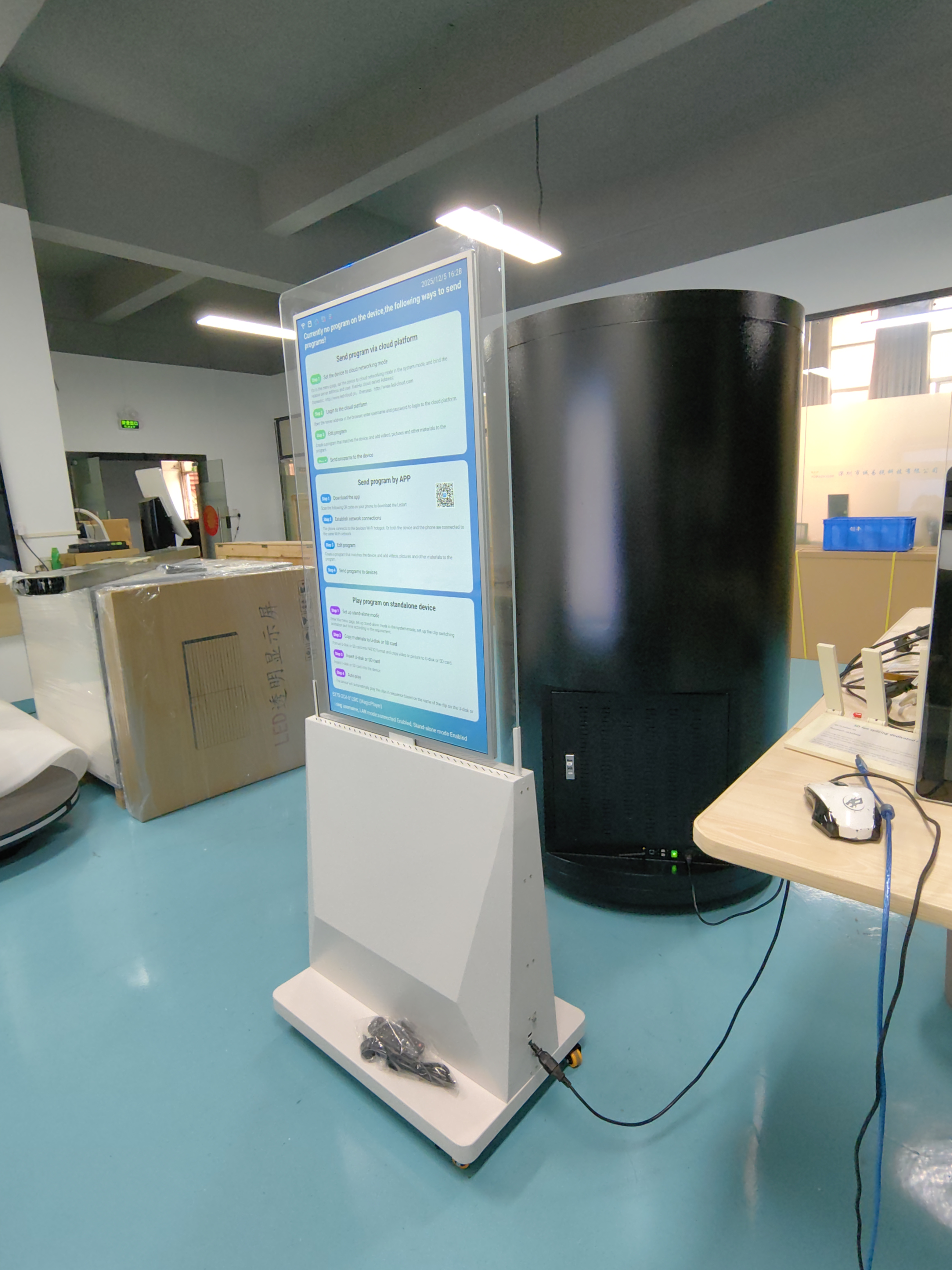
🔄 Step-by-Step Workflow
Here is how a new advertisement gets from your computer to the double-sided screen:
You Upload Content: You log into your Cloud CMS dashboard and upload your new advertising images or videos.
You Build & Schedule a Playlist: Using the CMS's tools, you create a playlist. You can easily drag and drop content to arrange it . A key feature for a double-sided totem is that you can assign different content to each screen if you wish .
The Totem Syncs: The digital totem is constantly connected to the internet via Wi-Fi or Ethernet . It regularly "phones home" to the CMS to check for any new instructions or content.
Content is Downloaded and Played: When it finds a new playlist, the totem downloads it and stores it on its internal memory. It then starts playing the new ads on both sides according to your schedule .
Here's a visual representation of that flow:
💡 What This Means for You
This cloud-based setup provides several important benefits for managing advertising content:
Remote Management: You can update ads on totems in dozens of different locations instantly from a single dashboard .
Scheduling (Dayparting): Set different ads to play at specific times. For example, you can show breakfast ads in the morning and switch to lunch promotions automatically in the afternoon .
Independent Control: For a double-sided totem, the cloud system allows you to control each screen independently, showing different ads on each side simultaneously .
Real-Time Monitoring: The CMS lets you see if each totem is online and playing content correctly, and even capture a live screenshot of what's on the screen
See Also
Exploring Essential Characteristics of Today's Touch Screen Kiosks
Step-by-Step Guide to Installing Digital Signage Locally
In-Depth Analysis of Various In-Store Digital Signage Options
Seven Strategies to Enhance Customer Interaction via Digital Signage
Understanding the Functionality of Outdoor Digital Signage Today
