Which Digital Signage Software Fits Manufacturing Needs Best
Shenzhen TopAdkiosk Display Technology Co., Ltd.
Add.: 2F, Bldg 10, Changfeng Industrial Park, Dongkeng, Fenghuang, Guangming, Shenzhen, China 518132
Mobile/WHATSAPP: 86-138 25769658
Email: marketing@topadkiosk.com topadkiosk@gmail.com
Skype: pghenry1
Wechat: adkioskhenry
English Web.: https://www.topkioskdisplay.com/
http://www.ad-kiosk.com/
https://www.toplcddisplay.com/
http://www.multitouchdigitalsignage.com/
https://www.youtube.com/channel/UCYVYNJHxLVEcQD8fuUxXNTA/videos?view_as=subscriber
https://www.facebook.com/TOPADKIOSKSHENZHEN/?ref=bookmarks
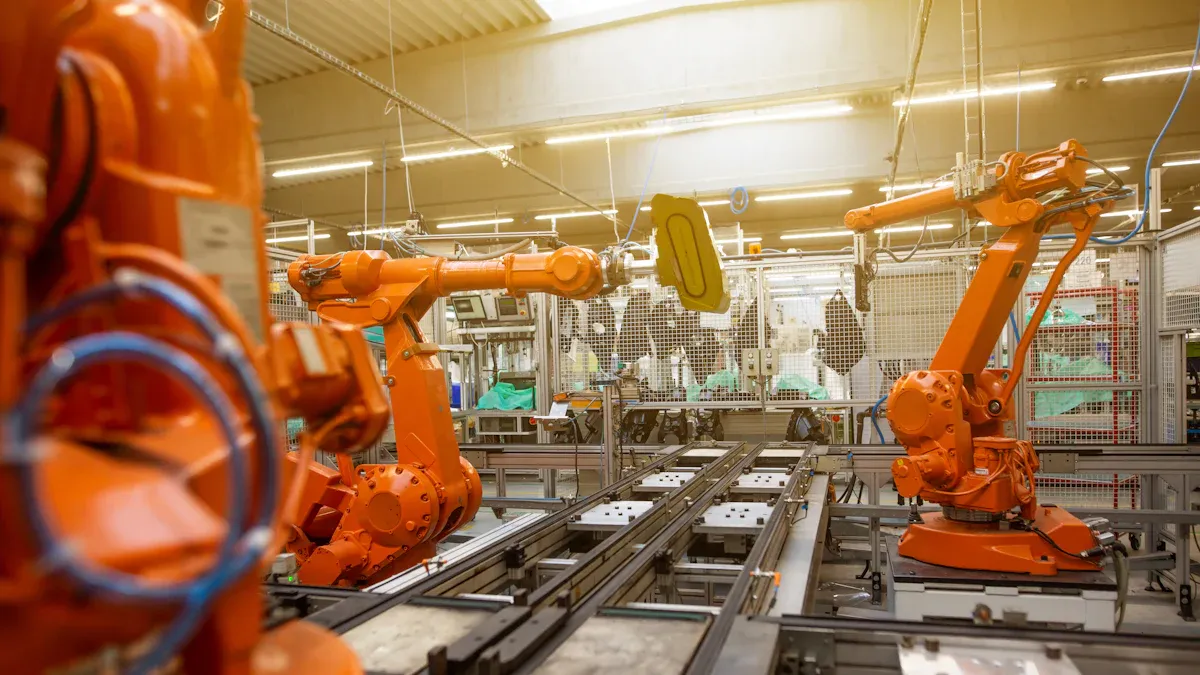
If you're looking for the best digital signage for manufacturing, you'll want to consider top software options for your factory in 2026. Kitcast, ScreenCloud, Yodeck, OptiSigns, and Rise Vision stand out as the leading choices. These digital signage solutions are easy to set up and use, seamlessly integrating with other tools. They provide excellent value for your investment and can be controlled from your phone, ensuring convenience. Additionally, they offer robust security features. When selecting the right digital signage for manufacturing, it's essential to consider factors like real-time data, safety, and scalability to meet your evolving needs. The right digital signage will enable you to share news quickly and enhance collaboration among your teams.
Key Takeaways
Pick digital signage software that works with real-time data. This lets you see production and safety alerts right away.
Find software that lets you manage it on your phone. You can change content and send alerts from any place.
Choose a solution that can grow with your factory. Your digital signage should get bigger as your needs change.
Make sure your software has strong security features. Good security keeps your data safe and follows safety rules.
Look for easy-to-use options with helpful support. Simple software saves time and keeps your team updated.
Digital Signage for Manufacturing: Key Requirements
Real-Time Data Integration
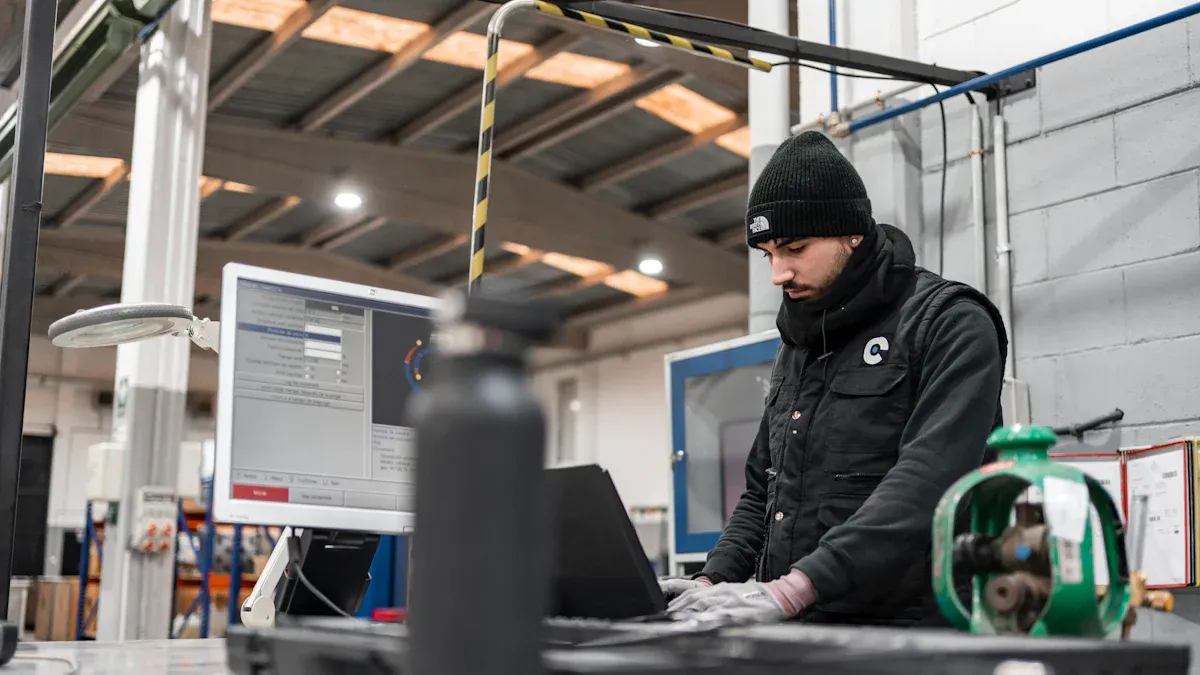
Digital signage for manufacturing should show real-time data. This means you can see things like production numbers and safety alerts right away. When you connect the software to machines, you get updates fast. You can check output counts and see if there are any problems. This helps you fix issues before they get worse. You can also share safety rules and important notices with everyone. This keeps all workers up to date and working together.
Real-time data integration lets you see everything happening. It helps you find problems and make work better. You can guess what products you need and react quickly to changes.
Industrial Reliability and Durability
Digital signage for manufacturing needs to work in hard places. Screens should be bright, so you can see them in sunlight. Outdoor screens need IP65 certification to block dust and water. Strong cases keep screens safe from dirt and heat. Good hardware and software make sure messages are always clear. This way, your team sees safety and work updates, even in tough spots.
Remote and Mobile Management
You can manage digital signage for manufacturing from anywhere. Cloud-based software lets you change content on your phone or computer. You can plan messages, check screens, and send updates fast. Plant managers can approve things or send alerts without leaving their desk. This makes it easy to keep everyone informed and connected.
Benefit | Description |
|---|---|
Remote accessibility | Update content from any device with internet |
Real-time updates | Push changes instantly to all displays |
Mobile-optimized | Manage signage on the go |
Scalability and Multi-Site Support
As your company grows, your digital signage for manufacturing should grow too. Pick software that works with many screens and places. One dashboard lets you control content everywhere. You can share safety rules with all sites and let each team update their own boards. This helps every location stay informed and work together.
Security and Compliance
Security is very important for digital signage for manufacturing. Top software uses two-factor authentication and user controls. Data encryption keeps your information safe. Regular checks and backup plans protect your system. Digital signage also helps you follow rules by showing safety tips and emergency alerts. This makes your workplace safer.
Leading Digital Signage Software in 2026
Kitcast: Ease of Use for Enterprise Manufacturing
Kitcast is a good choice for factories. It works right away when you set it up. Floor managers can use Kitcast without needing special lessons. The software keeps screens working even when the factory is busy. Kitcast lets you send emergency alerts to all screens fast. Safety is always important with Kitcast. The controls are simple, but the software is strong. Leaders trust Kitcast to help teams talk and stay updated.
Kitcast is reliable in factories.
Floor managers can change content quickly.
You can send safety alerts to every screen.
Kitcast is powerful and easy to use.
ScreenCloud: Flexible App Integrations
ScreenCloud lets you connect many apps and tools. You can share updates and send messages to your team. You can show achievements and keep workers happy. This helps everyone talk and work together. The table below shows how ScreenCloud helps factories:
Benefit Description | Impact on Manufacturing Operations |
|---|---|
Workers get important news fast. This keeps them safe and helps work go smoothly. | |
Targeted messaging | Only the right workers see the right messages. This makes information more useful. |
Enhanced employee culture | Workers see their achievements. This makes them feel proud and happy at work. |
ScreenCloud helps you send the right news to the right people. You can use app connections to make updates happen automatically.
Yodeck: Cost-Effective for Small Operations
Yodeck is great for small factories. It costs less than other software. You can use the free tier to start without spending money. If you pay for a year, you get a free Raspberry Pi player. This saves money and makes setup easy. Yodeck lets you change screens without hard steps. You can share news and keep your team updated.
Yodeck costs less than other options.
The free tier is good for small factories.
Annual plans give you a free Raspberry Pi player.
You can change content easily and keep your team updated.
OptiSigns: Mobile Management Features
OptiSigns lets you manage screens from your phone. You can use over 1000 free templates to make content. OptiSigns works with many devices and systems. The app is easy to use anywhere. You can change content fast and set times for updates. Teams can work together with multi-user permissions. You see real-time reports to check how content does. Kiosk mode and sensors help you show the best content to viewers.
Use over 1000 free templates for content.
Works with many devices and systems.
Manage screens from anywhere.
Easy app for content changes.
Change content quickly.
Set times for content updates.
Teams can work together.
See real-time reports.
Kiosk mode and sensors help show content.
Rise Vision: Cloud-Based Content Management
Rise Vision uses the cloud to manage content for factories. You get updates in real time, so safety and production numbers are always new. Rise Vision pulls data from your systems automatically. This makes it easy to show important news when workers need it. You can set different content for different areas. This helps workers see what matters most and stay updated.
Real-time updates keep safety and production numbers new.
Data pulls from your systems automatically.
Easy management of screens.
Set content for different areas.
Tip: Rise Vision helps you show the right news in the right place. Your team stays safe and knows what is happening with fresh updates.
Digital Signage Software Comparison
Feature Overview for Manufacturing
You want digital signage software that helps on the factory floor. Each software has special features for manufacturing. Kitcast sends emergency alerts right away and is good for big companies. Skykit lets you control many screens and shows live dashboards. Rise Vision is fast to set up and sends messages quickly.
Here is a table that lists important features for manufacturing:
Software | Best For | Ease of Use | Emergency Alerts | Multi-Platform |
|---|---|---|---|---|
Kitcast | Enterprise Manufacturing | Very High | Instant Override | Yes (Full Support) |
Skykit | Large Scale Deployments | Medium | Standard | No (Chrome OS focus) |
Rise Vision | Quick Setup & Communication | High | Built-in | Yes (Multiple Platforms) |
You can use digital signage software to share safety rules. It also shows production numbers and sends live notifications. This helps workers get updates fast and stay informed.
Integration and Compatibility
You need software that works with your devices and systems. Kitcast works with Apple TV, Android, Amazon Fire OS, BrightSign, Samsung, LG, ChromeOS, and more. OptiSigns works with any screen or hardware. ScreenCloud connects with many apps and helps you manage lots of screens. Yodeck is cheap and easy to use. Rise Vision uses templates and alerts for quick messages.
Software | Hardware Compatibility | Key Features |
|---|---|---|
Kitcast | Apple TV, Android, Amazon Fire OS, BrightSign, Samsung, LG, ChromeOS, and more | Clean interface, quick publishing, broad hardware compatibility |
OptiSigns | Any screen, any hardware | Fast setup, practical content management system |
ScreenCloud | Supports multiple third-party applications | Designed for enterprise environments, effective for communication across multiple screens |
Yodeck | Widely compatible with various digital signage setups | Cost-effective, simple rollout, free trial access |
Rise Vision | Strong in screen sharing and emergency alerts | Long-established company with a focus on templates and alerts |
You can connect your digital signage software to machines and data sources. This lets you show live numbers, shift times, and accident-free days. Everyone stays updated and can make choices faster.
Pricing and Value
You want to know the price before you pick. Most basic plans start at $10 per screen each month. You can try the software for free. Full setup costs, with hardware and software, are $1,000 to $5,000 per screen. This price covers everything you need.
Basic plans start at $10 per screen per month.
Free trial is available for new users.
Full setup costs range from $1,000 to $5,000 per screen.
Digital signage software gives value by helping teams talk and see real-time data. You can show events, safety rules, live alerts, and Power BI numbers. This helps your factory run smoothly.
Support and Maintenance
You need good support to keep screens working. Many companies give training and help you start. Support teams answer fast during emergencies. You can ask for customer references to check service quality.
Here is a table that shows support and maintenance services:
Service Type | Description |
|---|---|
Third-Party Maintenance | Providers offer installation, regular checks, updates, and repairs. |
Built-In Hardware Diagnostics | Brands include tools for monitoring hardware health and performance. |
Regular Maintenance Checks | Visual inspections and scheduled reboots help prevent failures and maintain reliability. |
Onboarding processes and dedicated training.
Responsive support teams during emergencies.
Customer references help you evaluate service quality.
You can trust digital signage software to keep content fresh and screens working. Regular checks and hardware tools help stop problems before they start.
Tip: Pick software with strong support and easy maintenance. This keeps your screens working and your team updated.
Which Solutions Fit Different Manufacturing Scenarios?
You need to match software to your factory. Kitcast is best for big companies with many screens. Skykit is good for large factories that grow fast. Rise Vision is great for quick setup and fast messages. OptiSigns and Yodeck are best for small factories and saving money. ScreenCloud helps you connect apps and manage screens in many places.
Kitcast: Best for enterprise manufacturing and instant alerts.
Skykit: Ideal for large-scale deployments and real-time dashboards.
Rise Vision: Good for quick setup and emergency communication.
OptiSigns: Works well for mobile management and flexible content.
Yodeck: Perfect for small factories and simple rollout.
You can use digital signage software to help teams talk, share news, and stay safe. Pick the one that fits your needs and helps your factory work better.
Choosing the Right Solution
Evaluation Checklist
You want to pick the best software for your factory. Use this checklist to compare different digital signage options. Each point helps you focus on what is important for your team and workplace.
Checklist Item | Importance |
|---|---|
Integration of hardware and software | Makes sure everything works together and stops blame if things break. |
Reliability of hardware | Different places need special equipment to work well. |
Professional installation | Bad setup can cause safety problems and more repair calls. |
User-friendly content management systems | A hard-to-use CMS wastes time and stops new ideas. |
Scalability | The system should grow as your company gets bigger. |
Ongoing support | Needed to keep screens working and protect your money. |
Total cost of ownership | Think about all costs, not just the first price. |
Tip: A checklist helps you see which software keeps your screens working and your content new every day.
Common Manufacturing Scenarios
You can use digital signage software in many ways at your factory. The table below shows common uses and which software works best. This helps you match features to your needs and talk better with your team.
Scenario | Description | Software Solution |
|---|---|---|
Equipment Monitoring | Shows machine data in real time to help work faster. | Yodeck |
Safety and Compliance | Gives clear warnings and rules for safety. | Yodeck |
Targets and Productivity | Shows goals and targets to help everyone do their best. | Yodeck |
Break Room Signage | Shares fun and helpful info for staff during breaks. | Yodeck |
Staff Morale and Motivation | Uses screens to thank staff and make them feel good. | Yodeck |
Special Events and Notices | Shares news about events and updates quickly. | Yodeck |
Training | Plays videos for training and company news. | Yodeck |
Wayfinding Signs | Helps visitors find their way around the factory. | Yodeck |
Note: You can use screens to share safety tips, show goals, and celebrate staff. This helps everyone know what is happening and feel good at work.
Vendor Questions
Before you decide, ask vendors these key questions. Their answers will help you see if the software fits your needs and if support is good.
Can your CMS be managed from different places?
How often do you give new updates?
What apps or tools work with your software right away?
What security certificates does your software have?
What if we want to change to a new vendor later?
Asking smart questions helps you find a partner who will help you now and later.
Final Recommendation
Best-Fit Options by Manufacturing Need
You want digital signage software that fits your factory. Each software works best for a different goal. The table below shows which option is good for each need:
Manufacturing Need | Recommended Solution | Why It Fits |
|---|---|---|
Compliance & Safety | Kitcast, Rise Vision | Strong emergency alerts and compliance tools |
Scalability | ScreenCloud, Kitcast | Easy to add screens as your business grows |
Cost-Efficiency | Yodeck, OptiSigns | Low monthly cost and free hardware options |
Mobile Management | OptiSigns | Manage screens and content from your phone |
Multi-Site Control | ScreenCloud | Cloud-based tools for managing many locations |
Picking the right digital signage hardware and software keeps your team safe. It helps everyone get news fast and makes management easier. Over time, you save money and get more value.
Next Steps for Implementation
You can start using digital signage with a few easy steps:
Try a pilot program in one part of your factory.
Pick software that lets you group screens and schedule content by shift.
Make sure screens work offline, so you never miss messages.
Use emergency alerts to show important news right away.
Support different languages for teams who speak other languages.
Keep screens interesting, especially in break rooms.
Ask your team for feedback to make things better.
Test support by talking to the vendor’s help team.
Connect your system to other tools for smooth updates.
Tip: Do not show too many numbers at once. Simple and clear messages help workers pay attention and understand.
With the right digital signage software, you can talk to your team better. You boost safety and keep everyone informed. Good management and strong support help your system work well every day.
You want to pick the best digital signage for your factory. The top choices in 2026 are easy to set up. They send strong emergency alerts fast. These tools help your team know what is going on. Use the checklist and compare options to see what works for you. Try a demo or free trial before you choose. The table below lists the most important features:
Feature | Benefit |
|---|---|
Hardware Choices | Works with many devices |
Templates | |
Integration | Connects with Google and Microsoft tools |
Emergency Alerts | Sends instant safety messages |
Support | Fast help and free training |
Good digital signage helps your team share news and stay safe every day.
How Digital Signage Improves Communication in Manufacturing Facilities
Digital signage is transforming noisy, paper‑dependent shop floors into visual, fast‑responding, safety‑oriented smart work environments. It not only solves the pain points of traditional communication (easily ignored, delayed, hard to quantify) but also delivers measurable value in efficiency, safety, and operations.
📢 1. Breaking Information Silos – Real‑Time, Unified Communication
Traditional manufacturing relies on morning meetings, paper bulletin boards, two‑way radios, or verbal supervisor instructions – information is easily distorted or missed. Digital signage changes communication from “point‑to‑point” to “one‑to‑many”.
Real‑time KPI visualisation – Display Overall Equipment Effectiveness (OEE), production count, scrap rate, plan attainment etc. on large shop‑floor screens. Everyone can see them at a glance, fostering healthy competition and proactive attention to production status.
Instant notifications & directives – When production plans change, rush orders arrive, or equipment fails, supervisors can push messages to all screens with one click, avoiding delays and misunderstandings from cascade announcements.
Standardised shift handovers – Screens in handover areas show completion status, pending issues, equipment state, safety notes – reducing information loss from verbal handovers.
Value: Eliminates information delays, ensures all teams work from the same information baseline, and improves collaboration efficiency.
🛡️ 2. Strengthening Safety Alerts & Compliance Reminders
Factory environments have risks such as mechanical hazards, chemicals, high temperatures, and noise. Digital signage delivers safety information proactively, prominently, and frequently – far more effective than static posters.
Real‑time safety alerts – Integrated with sensors or industrial control systems, screens automatically switch to red warning pages when smoke, toxic gas, temperature anomalies, or equipment faults occur, showing exact location and emergency measures (e.g., “Smoke alarm in Building 3 – evacuate immediately”).
Daily safety tips – Loop short, punchy safety animations at employee entrances, break areas, and production lines: “Wear safety glasses”, “Lockout/Tagout steps”, “Watch for forklifts”.
Incident case studies – Show recent industry or internal incidents (anonymised), analyse root causes and preventive measures – helping employees learn from others’ mistakes and strengthening safety culture.
Compliance displays – Show ISO certifications, EHS policies, PPE requirements – ready for internal audits and external inspections.
Value: Significantly reduces accident rates, improves safety compliance, protects worker lives and company assets.
📈 3. Supporting Lean Manufacturing & Continuous Improvement
Lean management emphasises problem visualisation and waste elimination. Digital signage is the most direct tool for “visualisation”.
Andon alarm visualisation – When a quality issue or breakdown occurs, workers pull the Andon cord; the screen highlights the station number and fault type so supervisors and technicians can respond instantly – reducing downtime.
Kaizen suggestion showcase – Scroll excellent employee improvement cases, recognising contributions and spreading best practices – encouraging all to participate.
5S score display – Show red/yellow/green status for each area (Sort, Set in order, Shine, Standardise, Sustain) – promoting self‑discipline and mutual oversight.
Skills matrix display – Show each employee’s certified skills – helping shift leaders allocate manpower, especially during absences or cross‑training periods.
Value: Speeds up problem response, drives grassroots improvement culture, increases operational flexibility.
👥 4. Enhancing Internal Communication & Employee Engagement
There is often a gap between “office” and “shop floor”. Digital signage closes that distance, making frontline workers feel valued and informed.
Company news & recognition – Display employee of the month (photo + story), team event photos, customer thank‑you letters, work anniversaries – building belonging and pride.
Policy & benefit notices – Scroll annual leave policies, meal card recharge dates, health check schedules, shuttle bus timetables – replacing paper postings everywhere.
Knowledge base & SOPs – Place screens near key workstations to loop standard operating procedure (SOP) animations, changeover guide videos – new hires or temporary workers can learn on demand, reducing training costs.
Two‑way interaction (QR code feedback) – Screens show QR codes; employees scan to anonymously report hazards, submit improvement ideas, or vote. Management collects data and responds publicly – closing the loop.
Value: Increases employee satisfaction and retention, reduces information asymmetry, builds a transparent and trusting organisational culture.
📊 5. Supporting Training & Skill Development
Manufacturing faces skill gaps and high turnover. Digital signage is a low‑cost, highly accessible training tool.
Micro‑learning – In break areas or near time clocks, play 3–5 minute safety operation videos, equipment inspection points – reinforcing knowledge during short idle moments.
New employee orientation – During the first week, screens loop factory layout, emergency escape routes, common material locations, quality requirements – accelerating onboarding.
Multi‑language support – For factories with foreign workers, create content in multiple languages (English, Spanish, Vietnamese, etc.) ensuring all understand critical information.
Value: Shortens new‑hire ramp‑up time, reduces training costs, improves consistency of standardised operations.
💎 Summary: Measurable Benefits of Implementation
Traditional Pain Point | Digital Signage Solution | Typical Quantitative Improvement |
|---|---|---|
Information delayed half a day or more | Real‑time production directives, equipment fault alerts | Changeover / fault response time reduced 30‑50% |
Safety posters ignored, repeated incidents | Dynamic safety tips + real‑time alerts | Workplace injury rate reduced 40‑60% |
Workers unaware of KPIs, no drive to improve | Real‑time OEE, scrap rate, etc. | Production efficiency increased 10‑20% |
Paper notices piled up, important info missed | Unified electronic bulletins, scheduled push | Internal notice read rate from <20% to >80% |
New employee training time‑ and labour‑intensive | Looped SOP videos, safety highlights | On‑boarding training time reduced 30% |
In today’s competitive manufacturing environment, digital signage is no longer just a “screen”. It is a strategic visual hub connecting management intent with shop‑floor execution. Its payback period is typically less than 12 months – a low‑barrier, high‑return first step toward Industry 4.0 and lean manufacturing.
FAQ
How does digital signage improve communication in manufacturing facilities?
Digital signage lets you share news quickly. You can show safety alerts and updates. Team messages appear for everyone at once. This helps your team stay safe and know what is happening.
Can you manage digital signage screens from your phone?
Yes, you can use your phone to update screens. Many software options let you change content and send alerts. You can check screens from anywhere. This makes managing screens fast and simple.
What types of content can you display on factory digital signage?
You can show safety tips and production numbers. Shift schedules and emergency alerts can be displayed too. Training videos and company news are possible. Staff achievements help keep your team interested.
Is digital signage secure for factory use?
Most digital signage software uses strong security tools. Two-factor authentication and data encryption protect your information. These features keep your system safe from threats.
How much does digital signage software cost for manufacturing?
Basic plans cost about $10 per screen each month. Some providers give free trials. Full setup with hardware costs $1,000 to $5,000 per screen.
See Also
Easily Set Up and Customize Your Digital Signage Software
An In-Depth Look at In-Store Digital Signage Options
Best Digital Signage Solutions for Retailers in 2026
