Comparing the top self-ordering kiosk systems for restaurants
Add.: 2F, Bldg 10, Changfeng Industrial Park, Dongkeng, Fenghuang, Guangming, Shenzhen, China 518132
Mobile/WHATSAPP: 86-138 25769658
Email: marketing@topadkiosk.com topadkiosk@gmail.com
Skype: pghenry1
Wechat: adkioskhenry
English Web.: https://www.topkioskdisplay.com/
http://www.ad-kiosk.com/
https://www.toplcddisplay.com/
http://www.multitouchdigitalsignage.com/
https://www.youtube.com/channel/UCYVYNJHxLVEcQD8fuUxXNTA/videos?view_as=subscriber
https://www.facebook.com/TOPADKIOSKSHENZHEN/?ref=bookmarks
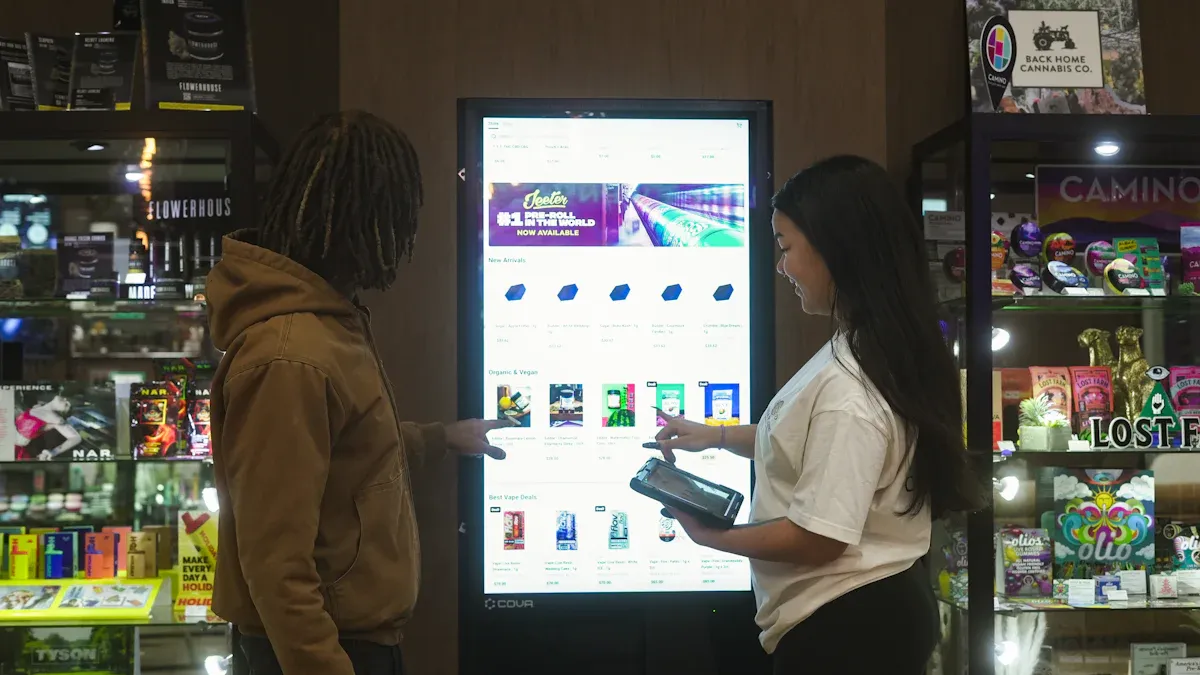
If you're looking to compare self-ordering kiosk systems in 2026, the top picks include Otter, Toast, Square, GRUBBRR, and Clover. These kiosks utilize AI technology to enhance their performance and improve order accuracy by up to 30%. Self-service options are particularly popular among many people in the U.S., especially Generation Z. When you compare self-ordering kiosk systems, be sure to evaluate their features, pricing, and unique offerings. For more information, visit https://www.topkioskdisplay.com/.
Key Takeaways
Check important features like how easy it is to use, how you can change the menu, and if it works with POS.
Think about how much it costs, including the price of the machine and any extra fees, so you can pick one that fits your money plan.
Search for special things like AI and real-time analytics to make customers happier and help your restaurant work better.
Pick a kiosk that looks good in your restaurant and helps your customers, so your service and their happiness get better.
Learn about new things like automation and order management, so your restaurant stays good and works well.
Evaluation Criteria for Self-Ordering Kiosk Systems
When you compare self-ordering kiosk systems, you should look at a few key things. These points help you pick the right system for your restaurant. They also make sure you spend your money wisely.
Features Overview
First, check what each system can do. Look for an easy-to-use screen, menu changes, and smooth POS integration. The best kiosks help you sell more, are simple to use, and work for all ages. They also give you good reports and data. Here is a quick comparison:
Feature | Description |
|---|---|
User-friendly interface | Simple for everyone, even kids and older people. |
Menu customization | Lets you change menu items and layout fast. |
POS integration | Works well with your current point-of-sale system. |
Upselling capabilities | Suggests extra items to help you sell more. |
Reporting and analytics | Shows what customers like to order most. |
Hardware durability | Handles lots of use and fits your space. |
Support and onboarding | Gives training and help when you need it. |
Pricing Models
Self-ordering kiosk systems have different prices. Some charge once for hardware. Others have monthly software or support fees. Here is a simple breakdown:
Kiosk Type | Price Range (USD) |
|---|---|
Standalone Kiosks | $1,500 - $5,000 |
Wall-Mounted Kiosks | $1,200 - $4,000 |
Tabletop Kiosks | $1,000 - $3,500 |
Outdoor Kiosks | $2,500 - $8,000 |
Custom Kiosks | $2,000 - $10,000 |
You should also think about extra costs, like network upgrades or staff training.
Pros & Cons
Each system has good and bad points. Here are some common ones:
Advantages | Disadvantages |
|---|---|
Cuts wait times and makes things faster | Costs a lot to set up and keep running |
Helps you sell more with upselling | Might not match every restaurant’s style |
Makes orders more accurate | Can mean fewer jobs for some staff |
Gives customers a personal experience | Needs updates and support often |
Unique Innovations
New kiosk systems use AI to suggest menu items and connect with loyalty programs. These features help you earn more and keep customers coming back. Real-time POS integration sends orders right to the kitchen. This makes service quicker and more accurate. Touchscreens and data help you make smart business choices.
Best Use Cases
Self-ordering kiosks work in many restaurants. Quick-service places use them to speed up lines. Casual and fancy restaurants let guests order when they want. Kiosks can go at entrances, counters, or tables. They help you make fewer mistakes, sell more, and keep customers happy.
Tip: Always pick a system that fits your restaurant’s size, style, and what your customers need.
Compare Self-Ordering Kiosk Systems: Leading Brands
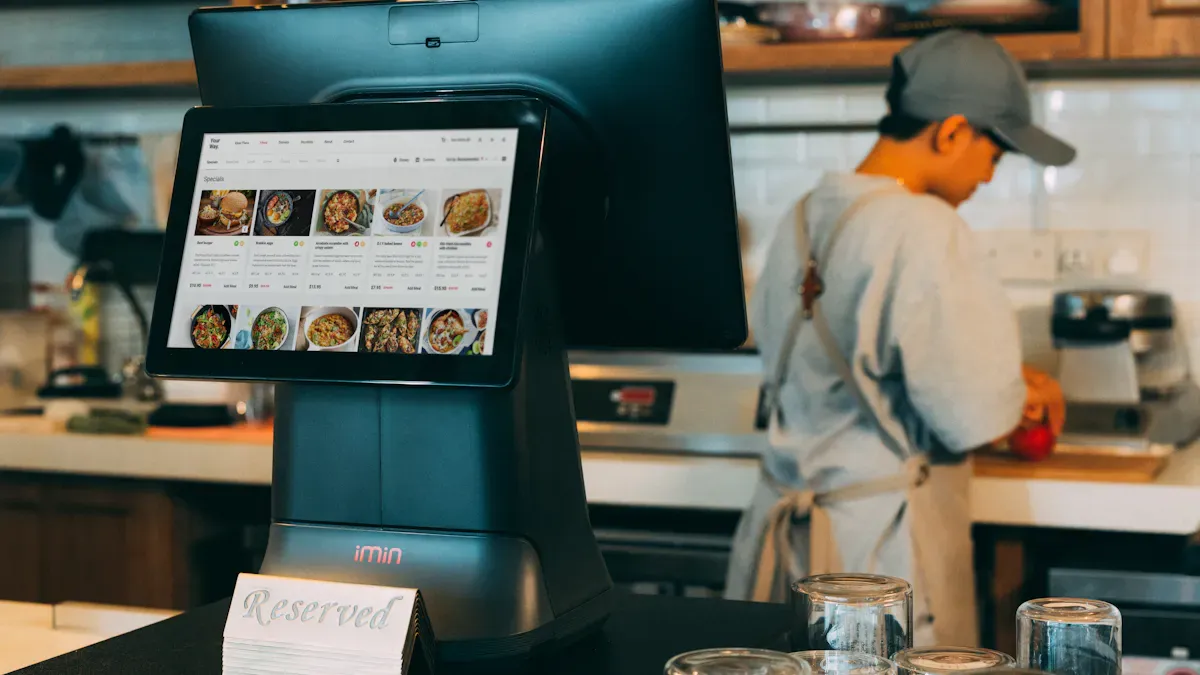
When you look at self-ordering kiosk systems, check the top brands. Each brand has special features, prices, and new ideas. This section shows how these kiosks work for different restaurants.
INFI Restaurant Kiosk
INFI is different from other self-ordering kiosk systems. Privacy screens keep your information safe. ADA compliance means voice prompts and screens that move help everyone. Prices go from $1,000 to $7,000 for each unit. You can pick small kiosks for tight spots or big ones for busy places. INFI uses AI to suggest menu items and connect with loyalty programs. The system changes in real time and looks at what customers do. You can use INFI kiosks in many locations. Support and updates help your restaurant run well.
Feature/Aspect | Description/Details |
|---|---|
Privacy Screens | Keeps customer information safe during transactions |
ADA Compliance | Voice prompts and screens that move for everyone |
Cost Range | $1,000 to $7,000 for each unit |
Suggests items and changes for customers | |
Loyalty Integration | Connects with loyalty programs |
Scalability | Easy to use in many places |
Vendor Support | Gives support and updates |
Tip: INFI is good for fast-casual restaurants and chains that want fewer mistakes and faster service.
KIOSK Information Systems
KIOSK Information Systems makes customers happier and orders more correct. You can make things run smoother and spend less on workers with these kiosks. The system lets customers change their orders. You get quick order processing and payment automation. Prices depend on what you need, but starting costs are higher. Maintenance and updates matter for long use. KIOSK Information Systems cares about rules and data management. You can compare self-ordering kiosk systems by seeing how KIOSK Information Systems fits healthcare and retail.
Strengths | Weaknesses |
|---|---|
Better customer happiness | High starting cost |
More correct orders | Needs maintenance and updates |
Runs smoother | |
Less money spent on workers |
Best for: Big restaurants and businesses that need rules and data management.
Olea Kiosks
Olea Kiosks have cool and safe designs. You can change these kiosks to match your restaurant’s look and needs. The easy interface makes ordering simple for everyone. Olea kiosks work with your POS system and help sell more during ordering. Accessibility features let all customers use the kiosk. Olea kiosks make lines shorter and check-in faster. Staff can do harder jobs because the kiosk takes care of simple orders. You can use data from Olea kiosks to make customer experiences better.
Feature/Aspect | Description |
|---|---|
Cool Design | Safe and stylish, fits any restaurant |
Customization Options | Change branding and functions |
Easy to Use | Simple for customers |
POS Integration | Works with your POS system |
Upselling Features | Helps sell more during ordering |
Accessibility | Made for all customers |
Note: Olea is great for restaurants that want a modern look and flexible branding.
Pyramid Computer
Pyramid Computer helps you save money by automating tasks. You can make ordering 40% faster and have fewer mistakes. These kiosks bring in more customers and bigger orders with upselling. You get helpful data for marketing. Pyramid’s POLYTOUCH® kiosks save space and work well with your systems. You can use these kiosks in many types of restaurants. The easy interface makes ordering simple. When you compare self-ordering kiosk systems, Pyramid is good for being flexible and working with other systems.
Unique Selling Points | Limitations |
|---|---|
Saves money with automation | None listed |
Makes ordering 40% faster | |
Fewer mistakes in orders | |
Attracts more customers | |
Bigger orders with upselling | |
Helpful data for marketing |
Best for: Restaurants of any size that want flexible and fast self-ordering.
ACRELEC
ACRELEC uses smart computer vision analytics. You get real-time info for drive-thru and can track cars. This tech removes blind spots and makes things smoother. ACRELEC wants to help restaurants earn more money. You can compare self-ordering kiosk systems by looking at ACRELEC’s tracking and analytics. These kiosks are good for fast-food and drive-thru restaurants.
Feature/Innovation | Description |
|---|---|
Computer Vision Analytics | Real-time info for drive-thru |
End-to-End Tracking | Tracks cars and customers |
Revenue Growth | Made to help restaurants earn more |
Callout: ACRELEC is best for drive-thru restaurants with lots of customers.
REDYREF
REDYREF kiosks make checkout faster and lower labor costs. You get more correct orders and a better customer experience. These kiosks help you turn tables faster and earn more money. REDYREF gives lots of ways to customize and cares about design and function. The kiosks work with many devices and software. Accessibility features follow ADA rules. You might have less personal experience and more risk of theft. When you compare self-ordering kiosk systems, REDYREF is good for customization and working with other systems.
Advantages | Disadvantages |
|---|---|
Faster checkout | Less personal experience |
Lower labor costs | More risk of theft |
More correct orders | |
Better customer experience |
Feature | REDYREF | Competitors |
|---|---|---|
Customization | Lots of ways to customize | Not many ways to customize |
Design | Cares about style and function | Sometimes less focus on design |
Integration Capabilities | Works with many devices and software | May not work with many devices |
Accessibility Features | ADA rules followed, has accessibility | Often does not have full accessibility |
Software Solutions | Made in-house, easy to use | Often uses outside software |
Best for: Restaurants that want custom solutions and better efficiency.
Toast Self-Service Kiosk
Toast Self-Service Kiosk works with Toast POS. You can place and change orders, making wait times shorter. The hardware meets basic needs and is reliable. Prices start at $1,000 for hardware and $69 each month for software. Transaction fees are 2% to 2.75% plus $0.15 per transaction. Toast has a Tap device for contactless payments. You might have hardware problems and less payment flexibility. Toast is best for quick-service and restaurants with many locations. You can compare self-ordering kiosk systems by looking at Toast’s prices and software.
Feature | Benefit |
|---|---|
Works with Toast POS | Makes things faster and better for customers |
Self-service kiosks | Lets customers place and change orders |
Standard hardware | Reliable and simple to use |
Feature/Price | Toast Self-Service Kiosk | Other Systems |
|---|---|---|
Hardware Cost | Starts at $1,000 | Changes by system |
Software Cost | Starts at $69/month | Changes by system |
Transaction Fees | 2% to 2.75% + $0.15 per transaction | Changes by system |
Unique Feature | Toast Tap device for contactless payments | Changes by system |
Best For | Quick-service and many locations | Changes by system |
Best for: Restaurants that want fast, easy self-ordering and simple POS integration.
Tip: Always compare self-ordering kiosk systems to find the best one for your restaurant.
Restaurant Kiosk Comparison Summary
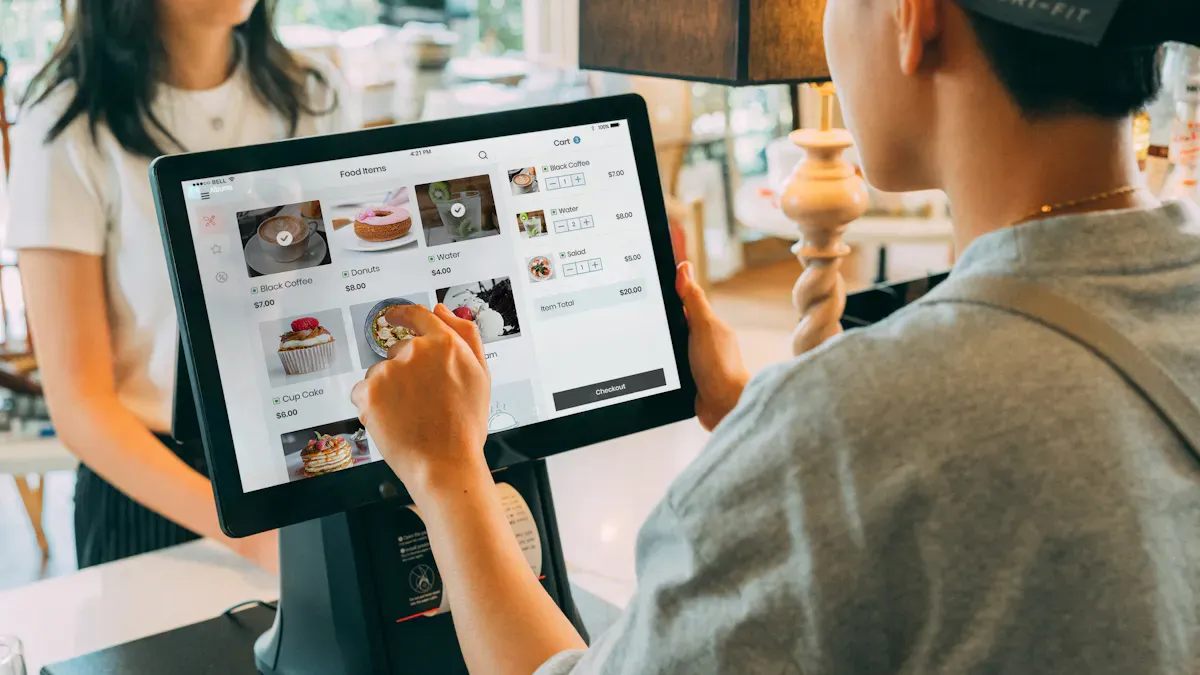
Comparison Table
This table helps you see how top self-ordering kiosk systems are different. It lists the main features, price range, and which restaurants each brand is best for.
Brand | Main Features | Price Range | Best For |
|---|---|---|---|
INFI | AI upselling, privacy, ADA | $1,000-$7,000 | Fast-casual, chains |
KIOSK Info Systems | Custom orders, automation | High (custom) | Large restaurants, compliance |
Olea | Custom design, easy interface | Varies | Modern, branded restaurants |
Pyramid Computer | Fast orders, data, flexible | Varies | All sizes, fast service |
ACRELEC | Drive-thru analytics, tracking | Varies | Drive-thru, high traffic |
REDYREF | Custom, fast checkout, ADA | Varies | Custom needs, efficiency |
Toast | POS integration, contactless | $1,000+ $69/mo | Quick-service, multi-location |
Key Differences
When you look at these kiosk systems, you will see some big differences. Some kiosks use AI and data to help restaurants. Others let you change the design more. Prices can be very different because of features and hardware. Some brands are better for big restaurants. Others are good for small or new places. If a kiosk works with your POS or kitchen system, it can help your restaurant run better. ADA and privacy features make sure all customers are safe.
Tip: Make sure the kiosk fits your restaurant and what your customers need before you buy it.
Best Fit by Restaurant Type
Pick a kiosk system that matches your restaurant and goals. Here are some ideas:
Kiosks with fast screens and payment are best for quick-service restaurants.
Bigger screens with upselling and cool looks are good for casual dining.
Kiosks that handle lots of orders and are easy to use help busy places.
Choose a kiosk with a good user experience, menu changes, and works with your systems.
Think about how your restaurant works, how big it is, and if you want to grow.
If you pick the right kiosk, your restaurant can work better, customers will be happier, and you can make more money.
Trends in Self-Service Kiosks for Restaurants
AI and Automation
You see big changes in self-service kiosks because of AI and automation. These tools help you speed up self-ordering and make fewer mistakes. AI can suggest menu items based on what you like. This means you get a better customer experience every time you use self-service kiosks. Many restaurants use AI to track what sells best. You can compare self-ordering kiosks by looking at how they use AI to boost sales and help staff. Some kiosks even use voice commands. This makes self-ordering easier for everyone. Restaurant automation now helps you serve more people with less effort.
Unified Order Management
Unified order management is a new trend in self-service kiosks. You can handle orders from kiosks, mobile apps, and online menus in one place. This makes self-ordering simple for you and your staff. You do not need to check many screens. Some self-service kiosks send orders right to the kitchen. This means food comes out faster. You can compare self-ordering kiosks by checking how well they connect with your POS and kitchen systems. Unified systems help you avoid mistakes and keep your restaurant running smoothly.
Customer Experience Enhancements
Self-service kiosks now focus on making your customer experience better. Many kiosks use QR menus. You scan a code and start self-ordering from your phone. This gives you more control and less waiting. Some self-service kiosks let you pay with your phone or card. You can also see pictures of food before you order. These features help you feel happy and come back again. When you compare self-ordering kiosks, look for ones that make ordering fun and easy. Self-service kiosks with good design and fast screens improve your day at the restaurant.
Tip: Choose self-service kiosks that use the latest trends. This helps you stay ahead and keep your customers satisfied.
You can choose INFI or Toast for fast-casual and quick-service restaurants. Olea and REDYREF work well for custom branding. ACRELEC fits drive-thru needs. To pick the right kiosk, list your goals, compare features, and check support options. Always review pricing and future trends. Focus on systems that boost ROI and match your restaurant’s workflow.
Tip: Stay updated on AI and automation. These trends can help your restaurant grow.
Top Self-Ordering Kiosk Systems: An Overview
This table offers a high-level comparison of the leading providers.
Provider | Best For | Capterra Rating (Out of 5) | Key Hardware | Base Software Fee (Monthly) | Standout Features |
|---|---|---|---|---|---|
Toast | Full-service, quick-service, cafes | 4.1 | Proprietary terminal | Varies (integrated plan) | All-in-one ecosystem, robust offline mode, integrated payments |
Square | Small businesses, cafes, burger shops | 4.6 | Proprietary tablet stand | Free with base POS | Free software, easy setup, photo-driven menu, 30% faster order entry |
Rezku | Busy, growing restaurants | 4.6 | Hardware agnostic | Varies (contact for pricing) | Designed to reduce wait times, lower labor costs, and improve order accuracy |
Lightspeed | Retail, hospitality (customization) | 4.0 | Hardware agnostic | Starting around $99 | Highly customizable interface, robust reporting, multi-location management |
Revel Systems | Chains and franchises | 3.7 | iPad-based | Varies (contact for pricing) | Strong for enterprise-level operations, comprehensive feature set |
Eats365 | Modular, multi-channel operations | N/A | Hardware agnostic | Varies (modular pricing) | Modular POS, kiosk, QR ordering, online ordering; scalable |
Restroworks | Growing QSR and fast-casual chains | N/A | Hardware agnostic | Varies (contact for pricing) | Hardware-agnostic kiosk software, boosts check sizes up to 35% |
Otter | Fast food, QSR | N/A | Countertop & freestanding | Varies (contact for pricing) | Seamless POS integration, orders flow directly to kitchen |
Chowbus | Asian & ethnic restaurants in North America | N/A | Hardware agnostic | Varies (contact for pricing) | Focus on brand expression, member activation, real-time marketing |
Applova | Cloud-based unified platform | N/A | Hardware agnostic | Varies (contact for pricing) | Analytics, loyalty, engagement; unified platform |
Foodhub | UK takeaways and independent restaurants | N/A | Hardware agnostic | Varies (contact for pricing) | Built for food businesses; direct POS flow |
Deliverect | Multi-channel order management | N/A | Hardware agnostic | Varies (contact for pricing) | Integrates kiosk, online, and third-party delivery orders |
📝 Deeper Dive: How the Top Contenders Stack Up
Here’s a more detailed look at the leading solutions.
Toast: Toast offers a comprehensive ecosystem that handles everything from front-of-house to back-of-house operations. Its kiosk integrates seamlessly, and the system works offline, ensuring you never miss a sale. It's an all-in-one solution, which can be a major advantage or a lock-in, depending on your perspective.
Square: Square is known for its simplicity and low barrier to entry. The base POS software is free, and its kiosk solution is easy to set up and use. It's an excellent choice for smaller operations or those already using Square for payments.
Rezku: Rezku focuses on solving operational pain points: wait times, labor costs, and order errors. It is a strong choice for busy restaurants looking for efficiency gains and has a high user rating (4.6/5).
Lightspeed: Lightspeed is praised for its high degree of customization. If you have a complex menu or specific workflows, Lightspeed's flexibility is a major asset. It's ideal for businesses that want to tailor the kiosk experience to their brand.
Revel Systems: Revel is an iPad-based POS that scales well for multi-location operations. It's a solid choice for franchises or chains that need a consistent, enterprise-grade solution across all sites.
Eats365: Eats365 takes a modular approach. You can start with a POS and add kiosks, QR ordering, or online ordering as needed. This is ideal for growing restaurants that want to scale their technology stack over time without switching providers.
Restroworks: Restroworks offers a hardware-agnostic software platform, meaning you can use it with various hardware. Its key claim is boosting check sizes by up to 35% through smart upselling features.
Otter: Otter provides a complete system where orders from the kiosk flow directly into the POS and kitchen display system (KDS), eliminating manual entry errors and saving time.
Chowbus: Chowbus tailors its system to the specific needs of Asian restaurants, including features like menu translation, combo meal setup, and integration with popular delivery platforms.
Applova: Applova is a cloud-based platform that unifies POS, kiosk, online ordering, and loyalty programs into a single dashboard, offering a comprehensive view of your business.
Foodhub: Foodhub positions itself as a complete solution for UK takeaways, with a focus on streamlining operations and offering competitive rates.
Deliverect: Deliverect is a master of integration. Its kiosk solution is designed to work seamlessly with your existing POS and other ordering channels, making it a great choice if you already have a tech stack in place.
🖥️ Major Hardware Suppliers
If you prefer a software-agnostic approach, you can source hardware directly and pair it with your chosen software.
SUIE: A China-based manufacturer since 2000, offering OEM and ODM services for self-order kiosks.
Netoptouch: Provides all-in-one customizable kiosks that integrate a receipt printer, barcode scanner, and POS-compatible interfaces.
Posiflex: A well-known brand for POS hardware, now offering AI-driven self-ordering kiosks with voice interaction.
Hongzhou: An ISO9001-certified manufacturer providing a range of ordering and payment kiosks.
Touchwo: Known for rugged, high-quality capacitive touch displays suitable for high-use environments.
Flytech: Offers modular kiosks like the K670, where components can be swapped out as your needs evolve.
Tuocang: Provides all-in-one Android kiosks that integrate a thermal printer, barcode scanner, and RFID reader.
Telpo: Showcases restaurant kiosks with high-speed printers and modular designs for EMV and NFC payments.
💰 Understanding the Cost Landscape
Your investment will have two main components: hardware and software. Hardware can range from a few hundred to several thousand dollars per unit, while software is typically a monthly subscription.
Provider | Hardware Cost (Estimate) | Software Fee (Monthly) |
|---|---|---|
Toast | $1,000+ (proprietary) | Included in plan (starting ~$100/mo) |
Square | $349 (stand) + iPad | Free with base POS (or paid upgrade) |
Rezku | Variable (BYO or purchased) | Varies |
Lightspeed | Variable (BYO or purchased) | Starting ~$99 |
Eats365 | Variable (BYO or purchased) | Varies (modular pricing) |
Generic Android Kiosk | $800 - $2,000+ | $0 - $130 (software subscription) |
⚖️ Key Decision Factors for Your Restaurant
Menu Complexity: Simple burger or coffee shops may do well with Square. Complex pizzerias or Asian restaurants need robust modifier support, which systems like Toast or Chowbus handle better.
Integration Needs: If you have an existing POS, check compatibility. Solutions like Deliverect are designed for seamless integration, while Toast and Square offer complete ecosystems.
Budget & Scale: For a single-location startup, Square's free software is appealing. For multi-location growth, Toast's scalability or Eats365's modularity may be a better long-term investment.
Business Size: For a single-location startup, Square's free software is appealing. For multi-location growth, Toast's scalability or Eats365's modularity may be a better long-term investment.
Future-Proofing: Look for features like AI-powered upselling, which is becoming more common and can significantly boost average order value.
💡 Tips for Choosing Your Kiosk
Identify Your "Must-Haves": List your non-negotiable features, like specific payment methods or loyalty integration.
Check Your POS Compatibility: This is often the biggest technical hurdle. Ensure the kiosk software can integrate smoothly.
Factor in All Costs: Compare the total cost of ownership, including hardware, software, payment processing fees, and installation.
Think About Your Space: Determine the best kiosk type for your layout: countertop, freestanding, or wall-mounted.
Request Demos: Most providers offer free demos. Use them to test the user experience for yourself.
💎 Conclusion
Choosing the right self-ordering kiosk is a strategic decision that can reshape your restaurant's efficiency and profitability.
FAQ
What is a self-ordering kiosk system?
A self-ordering kiosk system lets your customers place orders and pay without help from staff. You can use a kiosk system to speed up service, reduce mistakes, and give guests more control. Many restaurants choose a kiosk system for better efficiency.
How do I choose the best kiosk system for my restaurant?
You should compare each kiosk system by looking at features, pricing, and support. Check if the kiosk system works with your POS. Think about your restaurant’s size and style. A good kiosk system fits your needs and helps you serve customers faster.
What are the main benefits of using a kiosk system?
A kiosk system can cut wait times, boost order accuracy, and increase sales with upselling. You get helpful data from a kiosk system. Many restaurants see higher profits after adding a kiosk system. You also save on labor costs.
Are there any drawbacks to installing a kiosk system?
You may face high setup costs with a kiosk system. Some customers prefer talking to staff. A kiosk system needs regular updates and support. Compare each kiosk system’s pros and cons before you decide. Some systems may not match your restaurant’s style.
How does a kiosk system improve customer experience compared to traditional ordering?
A kiosk system gives your guests more control and less waiting. You can show menu photos and suggest items. Many kiosk systems let you customize orders easily. Compared to old methods, a kiosk system makes ordering faster and more fun.
See Also
Evaluating Touch Screen Kiosks for Business Efficiency and Cost
Six Essential Tips for Selecting Interactive Kiosks
Comparing Pricing of Freestanding LCD Kiosks from Top Brands
Understanding Self-Service Kiosks: Functionality and Benefits
