How to Choose the Right LCD Video Wall for Your Space in 2026
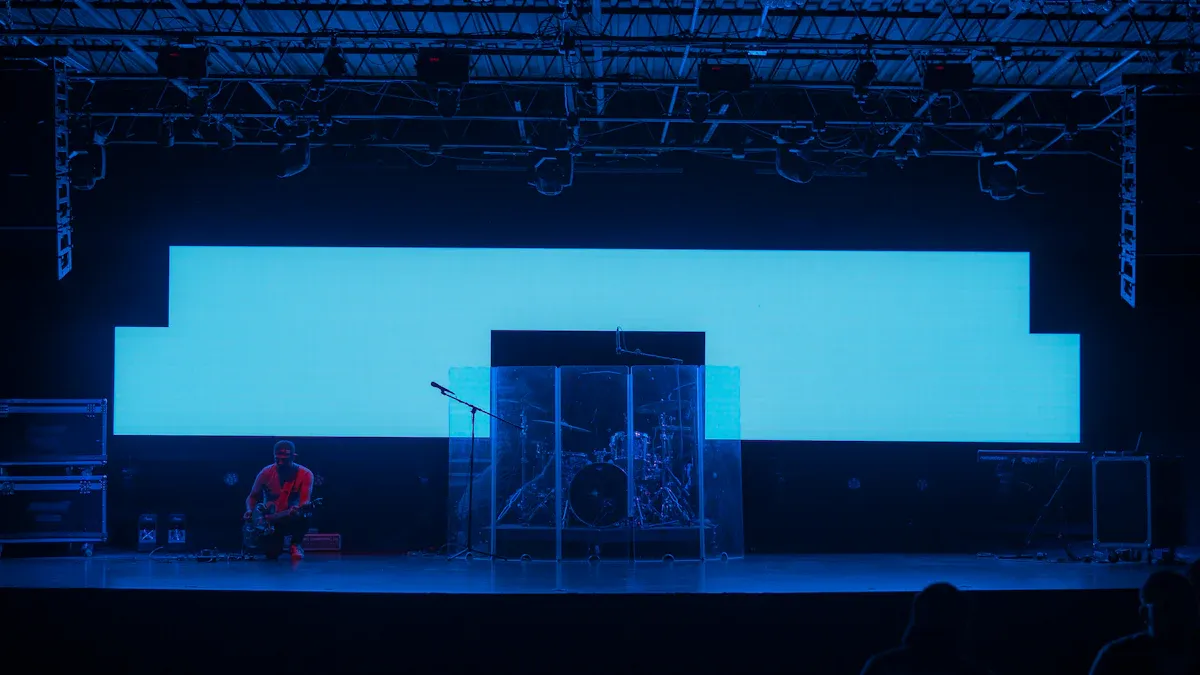
When you plan your first video wall, think about your goals. Some groups use an lcd video wall to help people talk or get customers interested. For example, video walls can show live data or cool pictures. North America uses lcd video walls the most, but Asia-Pacific is growing quickly. Look for smooth pictures, good brightness, and clear resolution for a great look. Your lcd display should fit your space and give people the best view.
Key Takeaways
Think about your goals before picking an LCD video wall. Decide if you want to show information, display ads, or make a fun screen. Measure your space and how far people will sit from the screen. This helps you pick the best size and picture quality for your video wall. Pick LCD or LED depending on what you need. LCD costs less and works well inside. LED is brighter and works better outside. Choose a high resolution and lots of pixels for clear pictures. This makes sure people see sharp images, even up close. Make a plan for easy fixing and taking care of your video wall. A modular design lets you fix or upgrade parts fast, so your video wall keeps working.
LCD Video Wall Technology
What Is an LCD Video Wall?
An lcd video wall is a big screen made from many lcd panels. It can show one large image or many smaller ones at once. These walls are used in control rooms, stores, and public places. The lcd panels have a special backlight for bright and clear pictures. You see sharp details and real colors, so it is easy to notice important things.
Here’s a quick look at how lcd video wall technology is changing by 2026:
Dimension | Description | Expected Trends by 2026 |
|---|---|---|
Screen Technology | OLED and MicroLED for better contrast and efficiency | Flexible and transparent screens become more common |
Resolution | Higher resolutions, up to 8K | More 8K content available |
Interactivity | Touch and gesture features | More collaboration with interactive video walls |
Content Management | Advanced software for easy content control | AI-driven content personalization |
Integration | Connects with IoT devices for real-time data | More digital platform connections |
LCD vs. LED: Which Is Right for Your Space?
You might not know if lcd or led is best for your video wall. Both types have good points, but they work for different needs. Look at this table to see how they are different:
Aspect | LCD Video Walls | LED Video Walls |
|---|---|---|
Cost | Less expensive | Most expensive option |
Image Quality | Sharper up close | Better from a distance |
Brightness | Very bright, great for indoors | Extremely bright, perfect for outdoors |
Installation | Needs careful setup due to bezels | Lightweight, easy to move |
Power Requirements | Needs less power than led | Needs more power |
An lcd video wall has high resolution, so it is good for showing small details in meeting rooms or control centers.
Led video walls are best outside because they are very bright and easy to see from far away.
If you want to spend less money, lcd is usually the better pick. Led walls cost a lot more.
Tip: Led displays use 40-60% less power than lcd, so they save more energy for big outdoor setups.
Key Benefits of LCD Displays
There are many good things about picking an lcd display for your video wall:
High resolution and sharp pictures help you see details.
Lcd panels work well in different lighting, so your content always looks nice.
These displays are not too expensive, which is good if you need to save money.
Lcd video walls are flexible. You can use them inside or outside, depending on the panel.
They last a long time if you take care of them, like checking for dead pixels and keeping them cool.
Lcd displays make great visuals, so they are good for control rooms, stores, and public places.
If you want something that is clear, reliable, and saves money, an lcd video wall is a smart choice for most spaces.
Assessing Your Space for a Video Wall
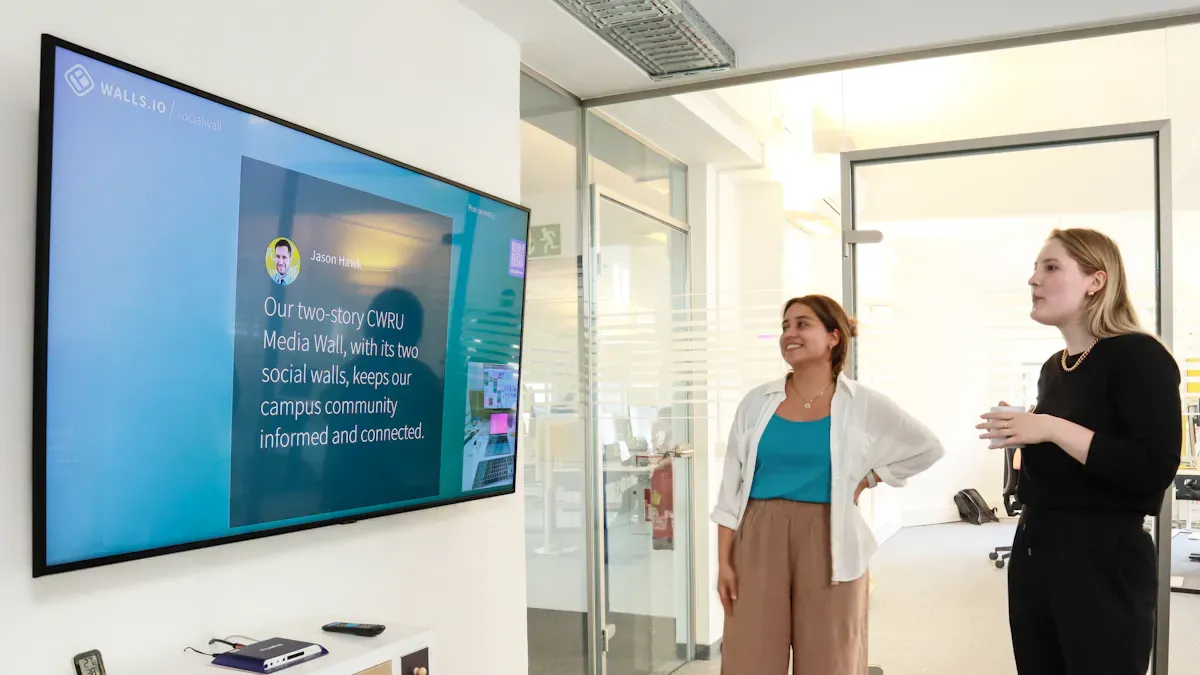
Before you pick a lcd video wall, you need to look at your space and think about what you want to do with your display. Do you want to share data in a control room, show ads in a store, or create a cool welcome wall in your lobby? Your goals will help you decide the best size, resolution, and setup for your video wall.
Measuring Space and Viewing Distance
Start by measuring the wall where you want to put your display. Use a tape measure to check the width and height. Make sure you have enough room for the lcd panels and any frames or mounts. Next, figure out how far people will stand or sit from the screen. This is your viewing distance.
Here’s a handy table to help you match viewing distance with the right screen size:
Viewing Distance | Minimum Size | Recommended | Large Format |
|---|---|---|---|
3-6 ft (1-2m) | 24" | 32-43" | 49-55" |
6-10 ft (2-3m) | 43" | 49-55" | 65-75" |
10-15 ft (3-5m) | 55" | 65-75" | 85-98" |
15-25 ft (5-8m) | 75" | 85-98" | Video Wall |
25-50 ft (8-15m) | 98" | Video Wall | LED Wall |
50+ ft (15m+) | Video Wall | LED Wall | Large LED |
You can also use this quick formula: screen diagonal is about five times the viewing distance in feet. For example, if people stand 10 feet away, you want a screen that is about 50 inches across. If you plan to show lots of text or detailed images, pick a higher resolution like 4K, especially if people will be close to the screen.
Tip: Mount the center of your lcd display at eye level for the best view. If your space is bright, choose a display with higher brightness.
Choosing Video Wall Size and Aspect Ratio
The size and shape of your video wall should fit your space and match your goals. A wide, short room works best with a wide video wall. A square room might look better with a more square display. Think about how many lcd panels you want to use and how you will arrange them. Common setups are 2x2, 3x3, or even 4x4 grids.
The aspect ratio is also important. Most modern content looks best on a 16:9 screen. If you use older 4:3 content, you might see black bars on the sides. Ultra-wide screens, like 21:9, make movies and games feel more exciting. If you want to show lots of data at once, a bigger wall with a higher resolution helps everyone see clearly.
Here are some steps to help you pick the right size and aspect ratio:
Measure your wall and check the room layout.
Decide what kind of content you will show.
Pick a layout that fits your space and your content.
Make sure the resolution is high enough so people do not see pixels, even up close.
Draw a simple plan to see how your content will look on the wall.
Note: The right aspect ratio makes your content look sharp and fills the screen. If you pick the wrong ratio, your images might look stretched or have black bars.
Indoor vs. Outdoor LCD Video Wall
You need to know if your lcd video wall will go inside or outside. Indoor displays do not need to handle rain, dust, or bright sunlight. Outdoor displays must be tough. They need to be waterproof and weatherproof. This means they have special coatings and strong cases to keep out water, dust, and dirt. Outdoor lcd displays also need to handle hot and cold weather, strong winds, and bright sun. Some even have cooling or heating systems inside.
If you put your video wall outside, make sure it has UV protection. This keeps the colors bright and stops the screen from fading. The display must be strong enough to stay safe in storms or high winds.
Tip: Always check the specs for outdoor lcd displays. Look for waterproof ratings and strong cases. This keeps your investment safe and working for years.
By thinking about your space, your goals, and where you will put your lcd video wall, you can pick the right size, resolution, and setup for your needs.
LCD Video Wall Selection Criteria
When you want to pick the best lcd video wall, you need to look at more than just the screen. You want a display that gives you a seamless and immersive image, fits your space, and lasts for years. Let’s break down the most important things to check before you buy.
Resolution and Pixel Density
High resolution is key if you want sharp details and clear text. If people stand close to your lcd, you need more pixels packed into each inch. This is called pixel density. A higher pixel density means you won’t see tiny dots or lines, even up close. You get a smooth, seamless look that makes your content pop.
Here’s how you can check if the resolution and pixel density are right for your space:
Think about how far people will stand from the lcd video wall.
Choose a high resolution like 4K or even 8K for big walls or close viewing.
Look for screens with small pixel pitch (the space between pixels) for the best image quality.
Test sample content on the display to see if everything looks crisp.
Tip: If you plan to show lots of data or detailed images, always go for higher resolution. This helps everyone see your content clearly, no matter where they stand.
Brightness and Color Calibration
Brightness matters a lot, especially if your lcd video wall sits in a bright room or outside. If your display is too dim, people will struggle to see your content. You want a screen that stays bright and easy to read, even in sunlight.
Check out this table for the best brightness levels:
Application Type | Recommended Brightness (nits) |
|---|---|
Outdoor DOOH, stadiums, transportation hubs | 3000–6000+ |
Critical Requirements | High contrast under sunlight, Automatic brightness adjustment, Power and thermal control |
For indoor spaces, you can pick a lower brightness, but always test the display in your real lighting. Some lcd video walls come with automatic brightness controls. These keep your screen looking good all day.
Color calibration is just as important. You want every panel to match in color and brightness. If one part of your wall looks different, it can ruin the seamless effect and distract your viewers.
Color calibration makes sure all displays in your lcd video wall match in color and brightness.
Mismatched colors or brightness can distract people and break the immersive image.
Good calibration is a must for a seamless experience across your whole wall.
Note: Always ask your vendor about factory color calibration and if they offer on-site adjustments. This keeps your lcd looking great for years.
Build Quality and Reliability
You want your lcd video wall to last. Build quality tells you how strong and reliable your display will be. Look for commercial-grade panels, strong frames, and smart cooling systems. These features help your wall run longer and need less fixing.
Here’s a quick guide to what makes a display reliable:
Indicator | Professional Standards | Generic Products |
|---|---|---|
Panel Selection | A+ Grade Original Panels, Pixel Defect Rate <0.0001% | Grade A or Mixed Panels |
Backlight System | Professional LED Beads, 50,000-hour Lifespan | Commercial LED Beads, 30,000-hour Lifespan |
Heat Dissipation | Full Aluminum Alloy + Intelligent Temp Control | Basic Heat Dissipation |
Factory Testing | 72-hour Aging Test + Color Calibration | 8-24 Hour Standard Testing |
Certifications | CCC, Energy Efficiency, ISO Certifications | Basic or No Certifications |
Most professional lcd video walls last between 50,000 and 60,000 hours. That’s about 5 to 7 years of use. If you pick a high-quality display, you’ll spend less on repairs and enjoy better performance.
Lifespan (hours) | Lifespan (years) |
|---|---|
50,000 - 60,000 | 5 - 7 |
Tip: Ask about the Mean Time Between Failures (MTBF). A higher MTBF means your lcd will run longer without problems.
Budget and Total Cost
Your budget shapes what kind of lcd video wall you can get. Prices change based on size, resolution, and extra features. Here’s what you might expect to spend in 2026:
Project Size | Size (SQM) | Pixel Pitch | |
|---|---|---|---|
Small Indoor Wall | 10–15 | P1.5–P2.5 | $25,000 to $60,000 |
Medium Corporate Wall | 15–30 | P1.5–P2.5 | $60,000 to $140,000 |
Large Venue/Command Center | 30–60+ | P1.2–P1.9 | $140,000 to $350,000+ |
But don’t forget about the total cost of ownership. This includes more than just the display. You need to think about energy use, software, and repairs.
Description | |
|---|---|
Energy Consumption | Energy-efficient panels save money over time. |
Maintenance Contracts | Service agreements cover check-ups and keep your lcd running well. |
Content Management Software | You may pay yearly fees for the software that runs your wall. |
Potential Repairs | Set aside money for fixing parts like power supplies or modules after the warranty ends. |
Note: Spending more on a high-quality lcd video wall can save you money in the long run. You’ll have fewer repairs and lower energy bills.
When you look at these criteria—resolution, brightness, color, build quality, and cost—you set yourself up for a great experience. Take your time to test different displays, ask questions, and think about how your lcd will work in your space. This way, you’ll get a seamless, high resolution, and reliable video wall that fits your needs.
Video Wall Installation and Maintenance
Mounting and Structural Needs
When you put up lcd video walls, you must make sure they are safe. Use a strong mounting system to hold the display in place. This stops it from falling and keeps people safe. Ask a licensed engineer to check if your wall can hold the weight. The wall must be strong enough for the size of your panels. If your video wall is outside, think about wind and snow. These can push on the wall and make it less stable. You may need deep concrete bases or ground anchors to keep it steady.
Check the site before you start. Look at the wall and see if it is strong. Make sure you have enough power for the display. Leave space for air to move and for repairs. Pick a spot where everyone can see the screen. Avoid putting the wall behind things that block the view. Follow the maker’s instructions to set up the panels. This helps people see the screen from good angles.
Here’s a table that shows different mounting types and their safety rules:
Mount Type | Max Load (kg) | Deflection Limit | Certification |
|---|---|---|---|
Ceiling | 45 | 1:360 | EN 1991-1-4 |
Wall | 68 | 1:240 | AS/NZS 1170 |
Freestanding | 120 | 1:180 | IBC 1607.8 |
Tip: Pick panels with vents so air can flow. Use rubber pads to stop shaking. This helps your lcd video walls last longer.
Service Access and Long-Term Support
To keep your lcd video walls working, plan for easy repairs. Choose designs that let you reach each panel without trouble. Modular setups make fixing and upgrading simple. Extra power supplies help your display stay on if one breaks. Health checks help you find problems early.
Many makers offer long service plans. These can give you phone help, remote checks, and repairs at your place. Some plans last over ten years. You get fast parts and know what you will pay, so you can plan your budget.
Keep your system new by updating hardware and software often. Using energy-saving parts lowers your bills and helps nature. Regular checks and quick fixes keep your display looking good and working well.
Note: Ongoing service keeps your lcd video walls working well and makes them last longer.
Choosing the right video wall starts with knowing your space, goals, and budget. Before you decide, review these key factors:
Resolution and pixel pitch
Configuration and mounting
Indoor or outdoor use
Brightness and contrast
Refresh rate
Weather resistance
Maintenance needs
Power use and brand reputation
Budget
A checklist helps you cover every detail. For the best results, talk with experts. They can match your needs, check your setup, and help you plan for the future.
FAQ
What is the difference between lcd video walls and dvled?
You see lcd video walls use liquid crystal displays. dvled stands for direct-view LED. dvled gives brighter colors and works well outdoors. lcd video walls show sharp details and cost less.
How do I clean my lcd video wall?
You can use a soft, dry cloth. If you see smudges, try a screen-safe cleaner. Never spray liquid directly on the panels. Always turn off the display before cleaning.
Can I use lcd video walls outside?
Yes, you can use lcd video walls outside. Make sure you pick panels made for outdoor use. Look for waterproof and weatherproof features. These keep your display safe from rain and sun.
How long do lcd video walls last?
Most lcd video walls last five to seven years. You get longer life if you keep them cool and clean. Check for dead pixels and update software to help your display stay strong.
Do lcd video walls need special software?
You need software to control what shows on your lcd video walls. Some systems use simple apps. Others use advanced programs for big setups. Ask your vendor for the best option.
See Also
Selecting The Ideal LCD Digital Signage For Your Business
Finding The Perfect Video Wall Digital Signage In Singapore
Selecting The Optimal LCD Round Display For Your Project
