A Step-by-Step Guide to Selecting and Setting Up Outdoor Digital Signage
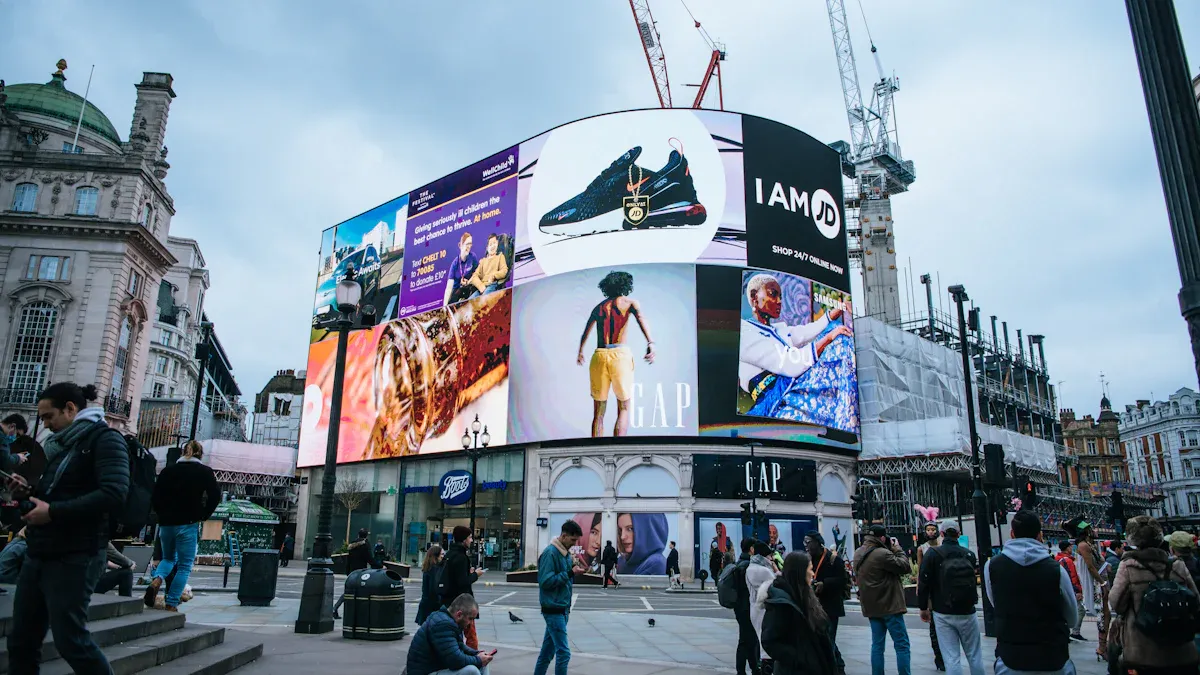
You want your message to stand out and reach more people. Outdoor digital signage offers you a powerful tool. In fact, 64% of users report increased customer engagement after installing these displays. When you start this journey, you will face some challenges:
You may find it hard to connect new signage with your current systems.
Local rules about sign size or brightness can be strict and different in every city.
Getting permits and making your site ready takes careful planning.
You need to keep your content fresh, or your display will lose its impact.
A careful, step-by-step approach helps you avoid these problems and makes your signage last longer.
Key Takeaways
Set your goals and know your audience first. This helps your content connect and get attention.
Pick the best display type for your area. LED displays are brighter and last longer. LCDs cost less but are not as strong.
Put your signage in the right spot. Place it at eye level where many people walk. This helps more people see and notice it.
Choose a good content management system (CMS). This lets you update and control your signage from anywhere.
Always look at local rules and get needed permits before you set up. This keeps you out of trouble and follows the law.
Assessing Needs and Site Conditions
Define Objectives and Audience
You should know your goals before picking a display. Ask yourself what you want your outdoor digital signage to do. Do you want to share information, advertise, or help people find their way? Think about who will see your sign. Knowing your audience helps you make content that gets noticed and makes people act.
Factor | Description |
|---|---|
Visibility | Displays must be easy to see in bright light, so they need to be very bright. |
Environmental Conditions | Hardware must handle different weather, so it stays strong and works well. |
Audience Engagement | Knowing who will see your sign and where it is helps you use signage better. |
You should also think about how your sign looks in different lighting. Brightness is important, especially if your sign faces the sun. Try different angles to make sure people can read it from many places. When your goals match your audience and the environment, your signage works better.
Evaluate Location and Environment
Where you put your sign changes how many people see it. Check the area at different times of day. Look at where the sun shines and where shadows are. Signs in sunlight need screens with at least 2,500 nits of brightness to be seen.
Tip: Put your sign at eye level and where most people walk for the best results.
Foot traffic numbers help you choose the best spot. Signs in busy places get more views. Digital signs get 400% more views than regular signs. Eight out of ten people have gone into a store for the first time because a digital sign caught their attention.
Weather matters a lot too. Rain, snow, and dust can hurt electronics. Pick a spot that lets you use weatherproof covers and protects from hot or cold temperatures. This helps your outdoor digital signage last longer and look good.
Choosing Outdoor Digital Signage
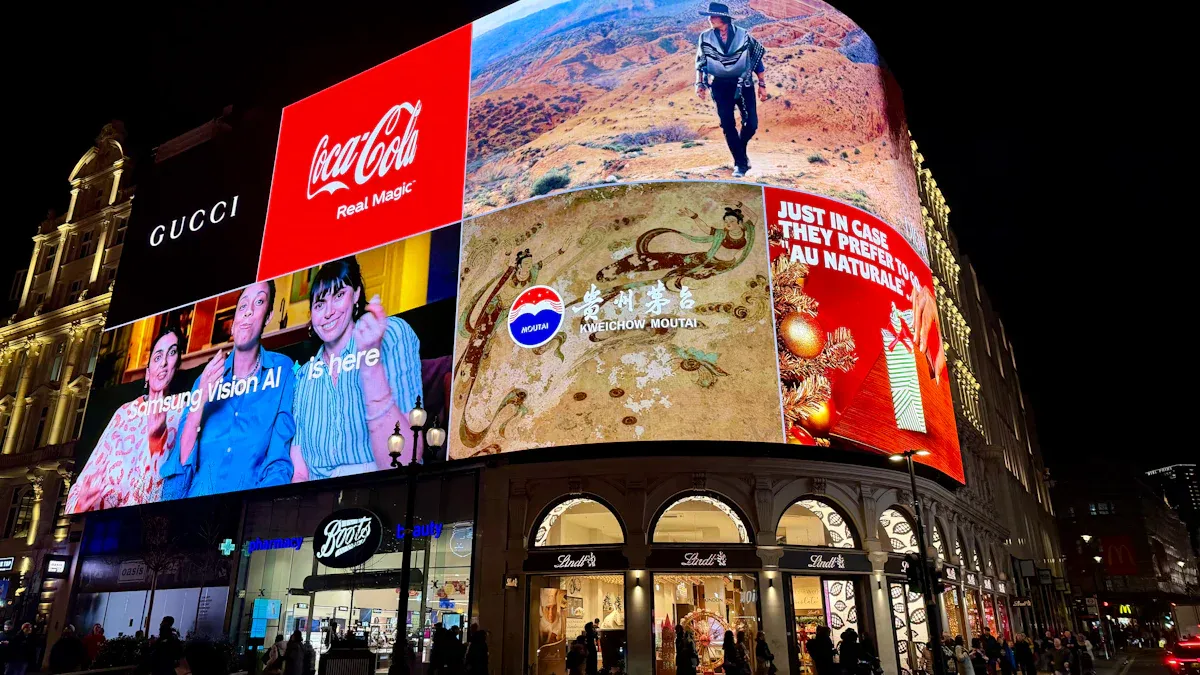
Compare Display Types and Sizes
You have to pick the best display for your outdoor digital signage. The two main types are LED and LCD. Each one has good and bad points. The table below shows how they do with weather and how bright they are:
Feature | LED Displays | LCD Displays |
|---|---|---|
Durability | Better waterproof, dustproof, and temperature resistance | Less durable in extreme conditions |
Visibility | Brightness up to 10,000 CD/M2 | Brightness typically 1,000-2,500 CD/M2 |
LED displays are strong in tough weather. They stay bright even when the sun is shining right on them. LCD displays cost less money and use less energy. But they might not last as long outside.
Screen size is important too. You want people to notice your message in busy places. The table below can help you pick the right size:
Screen Size | Best For |
|---|---|
55 inches | Digital advertising, information displays, and wayfinding in outdoor spaces |
49 inches | Shopping malls, airports, stadiums, and outdoor events with high traffic |
32 inches | Retail window displays, public transportation stations, and restaurants |
21.5 inches | Small retail stores, kiosks, and food courts |
Tip: Bigger screens get more attention in crowded places. Smaller screens are better for small spaces or when people are close.
Consider Orientation and Placement
You need to think about where and how you put your display. How you set it up makes it easier to read. Brightness is very important. The table below shows how bright your screen should be for different lighting:
Lighting Condition | Minimum Brightness (nits) | Preferred Brightness (nits) |
|---|---|---|
Shaded Exteriors | 1,500–2,000 | N/A |
Direct Sunlight | 2,500 | N/A |
High-Glare Zones | N/A | 3,000–4,000 |
You want your outdoor digital signage to be easy to see all the time. Put your display where lots of people walk or drive by. Here are some tips for the best placement:
Put signage in busy spots so more people see it.
Make sure the display is at the right height and angle for your audience.
Turn the display so sunlight does not make it hard to see.
Note: If you keep glare away and put your display at eye level, more people will see your message.
Select Content Management System
You need a good content management system (CMS) to control your outdoor digital signage. A strong CMS lets you change your content from anywhere. It should also work as you add more screens. Look for these features:
Cloud-based access so you can update from far away
Role-based permissions to decide who can make changes
Content scheduling that works in different time zones
Playlist management that lets you show urgent messages first
Asset libraries to keep your branding the same
A good CMS keeps your content showing even if the internet stops working. Automatic updates and alerts help you fix problems fast. Remote tools make your work easier. The table below shows how these tools help:
Remote Management Tool | Benefit |
|---|---|
Live screen status monitoring | Real-time oversight of display health |
Remote reboot and diagnostics | Quick troubleshooting |
Remote brightness controls | Optimal visibility in changing light |
Proof-of-play reporting | Confirms content is displayed as scheduled |
Content scheduling and updates | Timely and relevant information |
System health dashboards | Overview of operational status |
Tip: Pick a CMS that lets you control many screens at once. This saves you time and keeps your displays fresh.
Technical and Safety Considerations
Weatherproofing and IP Rating
You have to keep your display safe from bad weather. Rain, dust, and wind can hurt screens and electronics. Outdoor digital signage needs to meet tough rules to last outside. You should get enclosures with an IP65 rating. This rating means your display blocks all dust and water jets from any side. IP65 displays are best for places with lots of dust, wind, and rain.
IP65 rating stops water and dust from getting in.
Displays stay safe during storms and windy weather.
Screens last longer and do not need fixing as much.
A strong enclosure keeps your signage safe all the time. You will not have to fix problems as often and your equipment lasts longer. This saves you money and keeps your display working well. An outdoor display enclosure also blocks UV rays and dirt. Your signage stays bright and easy to see for a long time.
Tip: Always look at the IP rating before you buy a display for outside.
Vandalism and UV Protection
You need to protect your signage from people and the sun. Sometimes people try to break or mess with screens. Strong materials help stop this from happening. The table below shows the best materials for keeping your display safe:
Material | Description |
|---|---|
High-strength glass that can take hard hits and does not break easily. | |
Steel LCD Enclosure | Very strong and stops people from breaking in, so it is the best for enclosures. |
Tamperproof Locks | Stops people from stealing, making your display safer. |
Tamper-Proof Enclosures | Made from tough materials like stainless steel or strong aluminum, so they do not break or rust. |
Fiberglass Embedment | Good for weatherproofing and can be fixed if someone tries to damage it, so it lasts longer. |
Shatterproof glass keeps your screen safe from hits. Steel enclosures and tamperproof locks stop thieves. Fiberglass embedment stands up to bad weather and can be cleaned if damaged. UV-resistant materials keep the sun from fading your display. Your signage stays bright and easy to read.
Note: Use UV-resistant coatings to keep your screen colors bright and clear.
Ventilation and Overheating Prevention
Heat can make your display stop working. You need to keep your equipment cool to stop problems. Here are some ways to keep your display from getting too hot:
Put your equipment in the right place. Shade helps keep your display cooler.
Use fans and forced convection cooling. These move air and help cool your display.
Use a heat exchanger. This tool moves heat from inside to outside the enclosure.
Use an air conditioning unit. AC units are good for systems that get very hot.
Good ventilation keeps your outdoor digital signage working well. Fans and cooling systems stop your screens from overheating. You will not have to pay for repairs as much and your display lasts longer.
Tip: Check your cooling system often to make sure it works well.
Installation and Maintenance
Site Preparation and Mounting
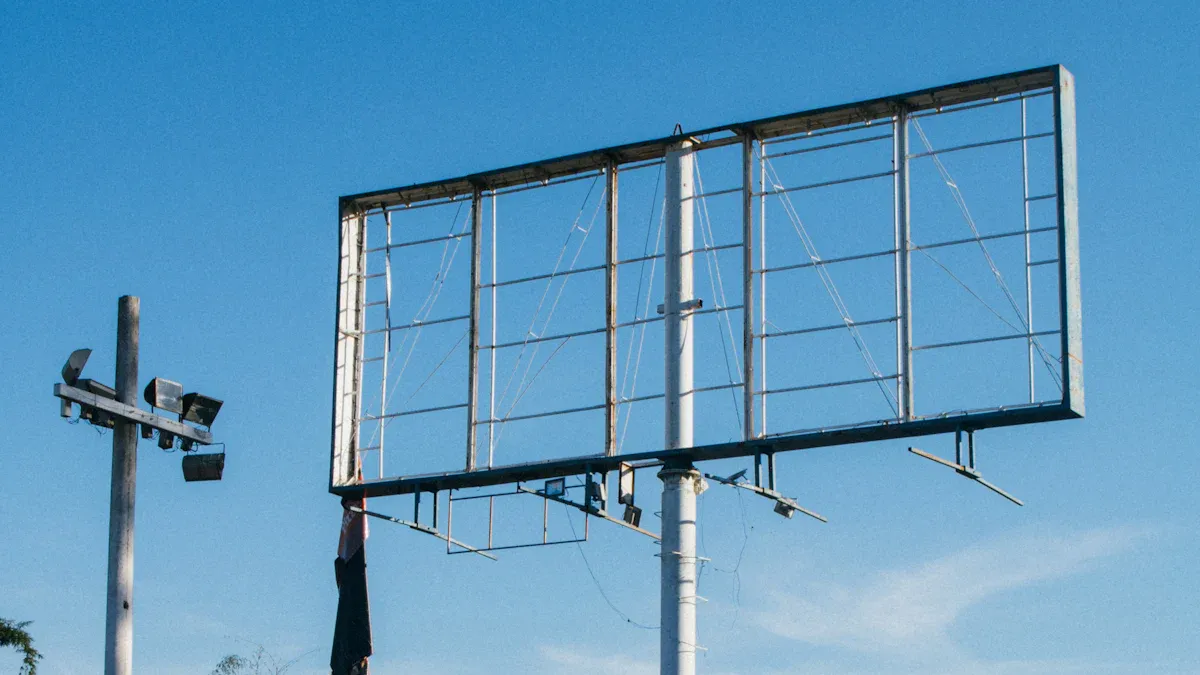
You have to get your site ready before you put up outdoor digital signage. First, do a site survey to see if the spot is good for your sign. Make sure you have the right electrical setup with outdoor-rated connections and GFCI protection. Check if the area can handle strong wind or earthquakes. Use rust-proof materials like stainless steel or powder-coated steel to protect your sign from weather. Strong poles and brackets help your sign stay up in high winds. Secure mounting keeps your display safe from people who might try to damage it.
Do a site survey to see if the spot is good.
Make sure you have the right electrical setup.
Use anchors, bolts, and brackets that do not rust.
Build a strong base for signs that go on the ground.
Make a plan so you can reach your sign for repairs.
Tip: Always get the right permits and follow local rules before you start putting up your sign.
Wiring and Power Setup
You need to set up wiring and power the right way to keep your sign safe and working. Work with a certified electrician to put in breaker panels and follow the rules in your area. Use the right wire size so you do not have overloads or fire risks. Outdoor digital signage usually uses 120 or 277 volts. Most signs work best with a 20 amp circuit just for them.
Power Type | Description |
|---|---|
120 or 277 volt | The sign can use either voltage, depending on what you have. |
20 amp dedicated circuit | This is best for most signs to make sure they get enough power. |
Backup power helps your sign keep working if the power goes out. This means your ads and messages will still show.
If you do not follow the rules for electricity, your sign could break sooner or even cause a fire.
Testing and Ongoing Maintenance
You need to test your sign after you put it up. Check the screen, make sure the content plays, and look for any errors or warnings. Plan regular maintenance to keep your sign working well. Clean the screens, check wires, and look at schedules every week. Test the network, update software, and check power every month. Do deep cleaning and full checks every three months.
Frequency | Main Tasks |
|---|---|
Daily | Look at the screen, make sure content plays, and check for errors or warnings. |
Weekly | Clean the screen, check wires, test the network, restart players, and look at schedules. |
Monthly | Test the network and UPS, update software, check power, review content, back up data, and run system checks. |
Quarterly/Seasonal | Deep clean, check all power, look at logs, check weather protection, review security, and see if hardware is getting old. |
Regular maintenance helps your outdoor digital signage last longer and keeps your message easy to see.
Legal and Supplier Considerations
Permits and Zoning
You must check local rules before putting up a sign. Cities and towns have their own laws for signs. These laws say where signs can go, how big they can be, and how bright they can shine. Zoning laws decide if you can use digital signs in certain places. Here is a table that shows what permits you need for different signs:
Type of Signage | Permit Requirements |
|---|---|
Illuminated Signs | Needs an electrical permit for safe installation and to follow local codes. |
Billboards | Needs zoning permits for height, size, and placement. May need an environmental check. |
Digital Displays | Must follow brightness and energy rules to stop light pollution. |
Storefront Signs | Needs building code permits and must meet safety rules, especially in areas with bad weather. |
Zoning laws also affect where you can put your sign. Here are some important points:
Zoning laws decide where signs can go and what kind you can use.
Each zone, like residential or commercial, has its own rules for sign size, height, and lighting.
Residential areas have stricter rules to keep the area looking nice.
Commercial zones let you use bigger and brighter signs.
Rules about size and height stop signs from blocking views or making things messy.
Some places, like historic districts, have extra rules to protect how buildings look.
Tip: Always talk to your local planning office before you start your project.
Choosing a Supplier or Installer
You need a supplier and installer you can trust. Look for companies with a good history and strong support. Use this table to help you pick:
Criteria | Description |
|---|---|
Vendor Reliability | Check how often their products fail and how fast they fix problems. |
Support Services | Look at the help they offer, like fast repairs and good customer service. |
Project Management Capabilities | Make sure they help with site checks, permits, installation, and training. |
Proven Track Record | Find out if they have done good work before and are stable as a company. |
Safety & Regulatory Compliance | Make sure they follow all safety rules and have the right certificates. |
Check if the installer has the right training. Some important certifications are:
Certification Name | Description |
|---|---|
Digital Signage Certified Expert | Shows strong knowledge of digital signage technology. |
Digital Sign Technician (DST) | Proves skill in installing and fixing digital signs. |
CompTIA Network+ | Covers basic networking, which is important for digital signs. |
Cisco CCNA | Focuses on networking solutions that help digital signs work. |
Note: Installers with IT or network backgrounds and who know popular signage software can fix problems faster and keep your system running.
You can get good results with outdoor digital signage if you follow each step. Always think about your area, what your equipment needs, and the rules in your city. Getting help from experts makes things easier and helps you do better at every part:
Phase | |
|---|---|
Strategy and Design | Look at what you need, check the site, pick the system, and plan your content. |
Professional Installation | Get the place ready, put up the display, connect the system, and test everything. |
Training and Optimization | Teach users, watch how it works, give support, and see how well it does. |
If you plan your setup well, you get lots of good things:
More people will notice your ads and come to your business.
People will see your brand more and trust it.
You can get people to buy things they did not plan to buy and get them interested.
You can change your ads easily and get value for a long time.
FAQ
What is the best way to keep outdoor digital signage safe from weather?
You should choose a display with an IP65 rating. This rating means your sign blocks dust and water. Always use a weatherproof enclosure for extra protection.
How often should you update content on your outdoor digital sign?
You should update your content at least once a week. Fresh content keeps people interested. Use a content management system to schedule updates easily.
Do you need a permit for outdoor digital signage?
Yes, you need a permit in most cities. Check with your local planning office before you install your sign. Rules can change based on your location.
How do you clean an outdoor digital display?
Turn off the display first.
Use a soft, dry cloth to wipe the screen.
For tough spots, use a damp cloth with mild soap.
Never spray water directly on the screen.
Can you control multiple signs from one place?
Feature | Benefit |
|---|---|
Central Control | Manage many signs at once |
Remote Updates | Change content from anywhere |
You can use a cloud-based CMS to control all your signs from one dashboard.
See Also
Selecting Ideal Outdoor Digital Signage Solutions for Your Company
Understanding the Functionality of Outdoor Digital Signage Today
A Step-by-Step Guide to Setting Up Local Digital Signage
Easily Installing and Configuring Digital Signage Software
Selecting Top Outdoor Signage Options for Your Business in 2025
