How to Choose the Right Customizable Kiosk Design Service for Your Business
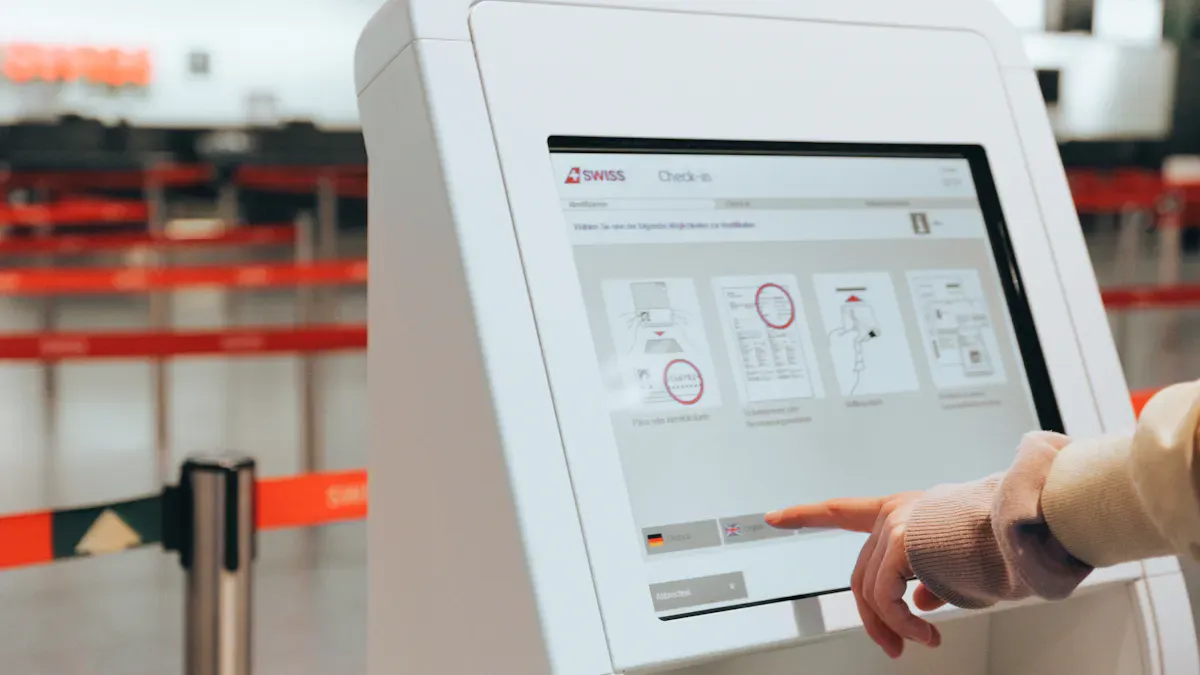
You want your business to stand out and run smoothly. Picking the right touch screen kiosk can help you reach more customers and make things easier. Customizable kiosk design services let you choose tailored kiosk solutions that fit your goals. Visit http://www.topadkiosk.com/ to see how a touch screen kiosk can boost your business.
Key Takeaways
Know what your business needs before picking a kiosk. Figure out your main goals, like helping customers or selling more.
Pick features that make using the kiosk better. Check for touchscreens, safe payments, and software that works well together. These things help your business run smoother.
Look at different suppliers and see how much they know. Pick ones who can change things for you, help with tech, and talk clearly.
Identifying Your Business Needs for Kiosk Solutions
Defining Operational Goals and Use Cases
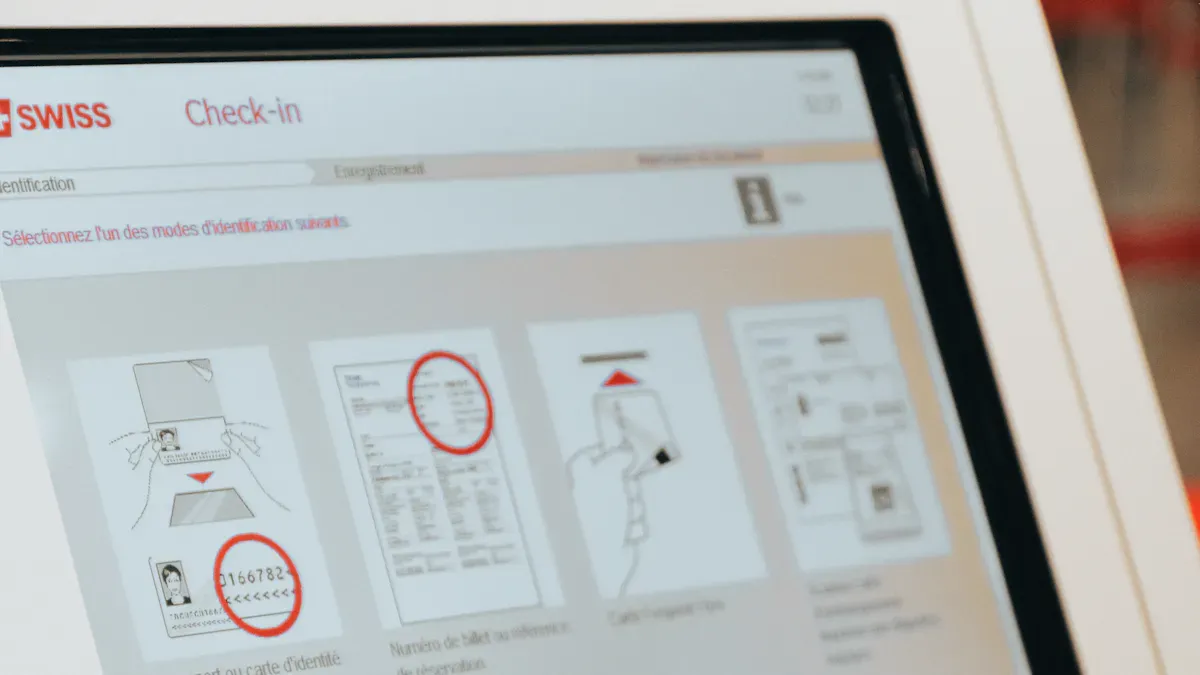
First, think about what your business needs. What do you want your kiosk to help with? Some businesses want faster check-ins. Others want to sell more or give customers information. Here are some common goals for using customizable kiosks:
Source | Key Insights |
|---|---|
Make things easier for users and fit into your work | |
Custom Retail Kiosks | Do jobs automatically, save money, and help you grow |
Kiosk Analytics | Show you sales numbers and how customers use the kiosk |
Different businesses use kiosks in their own ways. Food service kiosks help people order quickly. Healthcare kiosks make it easier for patients to check in. You should pick a use case that matches your needs.
Matching Features to Business Needs
After you know your goals, choose features that help your business. Here are some features many people like:
Touchscreen interface
Secure payment processing
Customizable software
Integration with POS systems
Remote monitoring
Order customization
Loyalty program support
A kiosk that is easy to use makes customers happy. It also helps your business work better. You can collect data to make your services even better.
Considering Space and Accessibility
Think about where you will put your kiosk. It should be easy for everyone to use. Follow ADA rules so people with disabilities can use it too. Put the kiosk where people can see and reach it. If your space is small, pick a smaller kiosk. Privacy is important, especially in healthcare or busy places.
Tip: Watch how people walk in your space and make sure the kiosk does not block anyone. Good placement helps your business and meets your needs.
Evaluating Customizable Kiosk Design Services and Suppliers
Comparing Self-Service Kiosk Suppliers
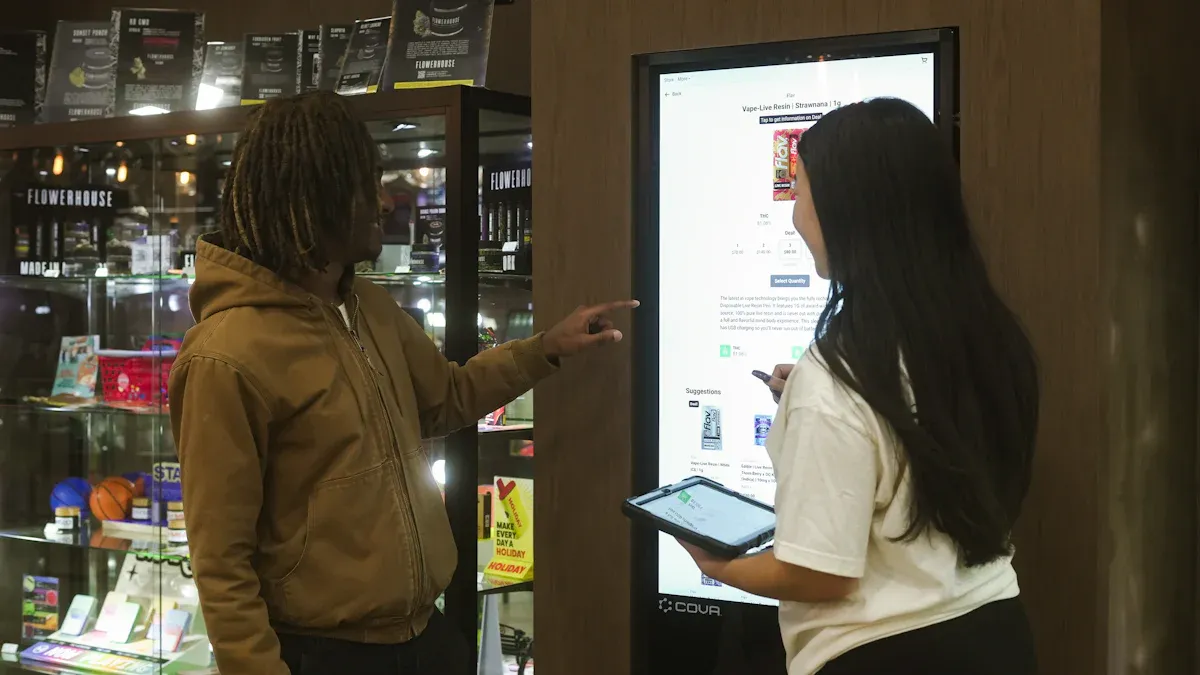
Picking the right self-service kiosk suppliers is important. You need a partner who knows your needs. They should give you customizable kiosk design services that match your goals. Start by checking out the top suppliers and what they offer. Here’s a simple comparison:
Supplier Name | Customization Features |
|---|---|
CSA Self-Service Solutions | Flexible, custom-designed solutions: free-standing, wall-mounted, countertop models |
KIOSK Information Systems | Wide range of standard and custom kiosks, plus software solutions |
Aurionpro Solutions Limited | Custom kiosks for onboarding, payment, and more |
You should also look at each vendor’s experience and reputation. Good self-service kiosk suppliers have a strong history in retail kiosk manufacturing. They have technical skills and deliver on time. Look for these important features:
Criteria | Description |
|---|---|
Specialized Experience | Proven history with interactive kiosks and durable touch screen kiosk builds |
Technical Expertise | Skilled in electronics, materials, and software integration |
Production Capacity | Can handle your project size and timeline |
Design & Engineering | Offers innovative, functional, and customizable designs |
Financial Stability | Stable vendors avoid disruptions |
Transparent Communication | Keeps you in the loop and builds trust |
Security & Data Protection | Protects customer data with strong security |
Compliance & Adaptability | Meets industry standards and adapts to new tech |
Tip: Ask for references and case studies from each vendor. This helps you see how their interactive kiosks work in real businesses.
Assessing Technology Integration and Software Compatibility
When you choose customizable kiosk design services, you want your touch screen kiosk to work with your current systems. Good software integration helps your business run better and gives customers a good experience. Here are some important technology integrations:
Component Type | Description |
|---|---|
Card readers | EMV-certified, NFC for contactless payments (Apple Pay, Google Pay) |
Barcode scanners | 2D imaging for QR codes, even on shiny phone screens |
Thermal printers | Reliable, high-quality receipts, presenter function to prevent jams |
Cameras | For video chat or ID checks |
Connectivity Options | Wired Ethernet, Wi-Fi, 4G/5G for outdoor interactive kiosks |
Integration with Systems | POS, CRM, booking, payment gateways, queue management |
Your self-service kiosk suppliers should offer software that connects with your business tools. This includes directories, databases, payment processors, and content management platforms. The best customizable kiosk design services give you APIs and SDKs for easy software integration. This lets you make custom apps and connect your interactive kiosks to CRM, inventory, and scheduling tools.
Compatibility Aspect | Description |
|---|---|
Works with your operating system and hardware | |
Integration Capabilities | Connects with your business systems like POS and payment processors |
API Availability | Good documentation makes integration easier |
Note: Integration can be hard. Make sure your vendor helps with technical problems and supports you during setup. This makes sure your touch screen kiosk works well with your business systems.
Data security is very important. Your vendor should follow privacy laws like GDPR and CCPA. Look for clear privacy policies on your information kiosks. Ask about security features like biometric authentication and real-time breach detection.
Reviewing Cost, ROI, and Support
Cost is important, but you want good value, not just a low price. Customizable kiosk design services can be basic or advanced. Here’s what you might pay:
Rugged outdoor touch screen kiosk with payment: $5,000–$15,000+
Monthly software licenses: $50–$200
Payment processing fees: 2–3% per transaction
Clear pricing should include hardware, software, customization, onboarding, and customer support. Ask your self-service kiosk suppliers for a full price list.
When you buy interactive kiosks, you want a good return. Studies show that self-service kiosks can raise average ticket size by 8% to 30%. Many businesses see ROI in 12–18 months, especially when kiosks focus on customer value and automation.
Metric | Value |
|---|---|
Typical ROI timeframe | 12–18 months |
Increase in average ticket size | 8–30% higher |
Support is just as important as price. Good service means fewer problems. Look for these support options:
Hardware and field support
Operating system management
Remote monitoring and real-time alerts
Preventive maintenance to reduce failures
Warranty Type | Typical Term | What’s Covered | Common Exclusions |
|---|---|---|---|
Standard OEM Warranty | 12 months | Parts & labor for major components | Consumables, accidental damage, bugs |
Extended Warranty | 3–5 years | Advance replacement, phone support | Consumables, improper use |
Service Contract | Multi-year | Preventive maintenance, monitoring | Wear & tear, unauthorized modifications |
Callout: Clean and maintain your touch screen kiosk often. Dirty equipment is the main reason for failures.
Before you buy, test the kiosks for ease of use and performance. Let real customers try the interactive features. Watch for any problems with the touch screen or interface. This helps you find issues early and make the customer experience better.
“Testing with real users helps you find and fix problems before you launch. Experience and clear instructions help a lot.”
Think about long-term value too. The best customizable kiosk design services give you modular, scalable solutions that grow with your business. They make it easy to upgrade as technology changes. Look for smooth software integration, low total cost of ownership, and a design that matches your brand for a better customer experience.
Factor | Explanation |
|---|---|
Future Adaptability | Modular solutions grow with your business and new tech |
Total Cost of Ownership | Consider ongoing costs like maintenance and downtime |
Integration Capabilities | Smooth software integration reduces service interruptions |
Customer Experience | Design should match your brand and delight your customer |
Tip: Build a good relationship with your vendor. Good communication and clear service terms help you get the most from your customizable kiosk design services.
You want your kiosk to fit your business goals. Start by outlining your needs, budget, and vision with a supplier:
Step | Description |
|---|---|
Share your goals and budget with experts. | |
Vision Exploration | Talk about what you want your kiosk to do. |
Ask for a demo, test the features, and check real customer feedback. Track how people use your kiosk and keep improving. This way, you get the most value and happy customers.
Customizable kiosk design services stand out by transforming standard solutions into tailored tools that drive tangible value—aligning with your brand, streamlining operations, and elevating user experience. Below are the core advantages and key customization highlights, optimized to emphasize unique value:
Brand Synergy & Identity Reinforcement: Fully bespoke UI, material, and aesthetic customization ensures the kiosk seamlessly integrates with your brand’s visual identity (colors, logos, design language), turning it into a powerful, consistent brand touchpoint—far more impactful than generic kiosks.
Operational Efficiency That Saves Time & Costs: Tailored hardware (form factor, peripherals) and software (system integration, custom workflows) streamline operations—reducing manual labor, eliminating disjointed processes, and cutting long-term maintenance costs (durable, purpose-built components last longer).
User-Centric Design for Maximum Satisfaction: Intuitive navigation, multi-language support, and accessibility features (ADA compliance) cater to all demographics, reducing user frustration and boosting satisfaction—critical for high-traffic spaces like airports, retail, or public facilities.
Unmatched Flexibility & Scalability: Modular hardware and customizable software adapt to your evolving needs—easily add new features (payment, wayfinding, promotions), adjust content remotely, or expand to new locations without costly overhauls.
Seamless Environmental Integration: Bespoke size, shape, and finish ensure the kiosk blends naturally with your space (airport terminals, retail lobbies, hospitals), avoiding visual clutter and enhancing the overall environment.
End-to-End Support for Peace of Mind: From consultation and prototyping to deployment and post-launch maintenance, professional support ensures your custom kiosk meets industry standards (CE, FCC, ADA) and delivers reliable performance long-term.
Tangible ROI & Long-Term Value: Purpose-built design reduces downtime, lowers maintenance costs, and drives additional value (e.g., targeted promotions, self-service efficiency)—delivering a higher return on investment compared to one-size-fits-all kiosks.
By focusing on your unique goals, customizable kiosk design services turn standard tools into strategic assets—enhancing brand presence, optimizing operations, and delivering a superior experience for both your business and your users.
Henry Fang
General Manager
Shenzhen TopAdkiosk Display Technology Co., Ltd.
Add.: 2F, Bldg 10, Changfeng Industrial Park, Dongkeng, Fenghuang, Guangming, Shenzhen, China 518132
Mobile/WHATSAPP: 86-138 25769658
Email: marketing@topadkiosk.com topadkiosk@gmail.com
Skype: pghenry1
Wechat: adkioskhenry
English Web.: http://www.topadkiosk.com/ FAQ
What features should you look for in a customizable kiosk?
You should check for touchscreen, payment options, software integration, and ADA compliance. Ask about remote monitoring and easy updates.
How long does it take to install a kiosk?
Most kiosks install in one day. Custom designs may take longer. Your supplier can give you a clear timeline.
Can you upgrade your kiosk later?
Yes, you can add new features or software. Many kiosks offer modular parts. Ask your supplier about upgrade options.
See Also
6 Essential Guidelines For Selecting Interactive Kiosks
Finding The Ideal LCD Kiosk Installation Service Nearby
Selecting The Perfect Event Kiosk Rental For You
Selecting Long-Lasting LCD Kiosks For Malls In 2026
Comparing Touch Screen Kiosks For Business Performance And Value
