The Ultimate Guide to LCD Gaming Monitors
Shenzhen TopAdkiosk Display Technology Co., Ltd.
Add.: 2F, Bldg 10, Changfeng Industrial Park, Dongkeng, Fenghuang, Guangming, Shenzhen, China 518132
Mobile/WHATSAPP: 86-138 25769658
Email: marketing@topadkiosk.com topadkiosk@gmail.com
English Web.: http://www.topadkiosk.com/
https://www.topkioskdisplay.com/
https://www.toplcddisplay.com/
http://www.multitouchdigitalsignage.com/
https://www.youtube.com/channel/UCYVYNJHxLVEcQD8fuUxXNTA/videos?view_as=subscriber
https://www.facebook.com/TOPADKIOSKSHENZHEN/?ref=bookmarks
Are you trying to find the best LCD Monitor for gaming in 2026? You want monitors that are fast, have good colors, and make games look smooth. Here are some of the top monitors you should look at:
MSI MPG 271QR QD-OLED X50 (500Hz refresh, low input lag, bright colors)
ASUS ROG Swift PG27AQWP-W
Alienware AW2525HM
Picking the right screen is important. Look at these main things:
Factor | Why It Matters |
|---|---|
Refresh Rate | Makes games look smoother and helps you react faster |
Less blur so pictures stay clear | |
Resolution | Pictures look sharper but may need a strong computer |
Connectivity | Lets you connect your favorite devices easily |
You should have a monitor that fits your style and helps you play better.
Key Takeaways
Pick a monitor with a high refresh rate. This makes games look smoother. Try to get at least 144Hz for fast games.
Think about the resolution that works for you. 1080p costs less money. 4K looks amazing and clear.
Find monitors with IPS panels. These show bright colors. They also let you see from different angles. IPS panels give the best experience.
Make sure your monitor has modern ports like HDMI 2.1. This helps your monitor work with your gaming devices.
Choose a monitor that fits your gaming style. Fast games need quick screens. Games with stories look better with sharp images.
Best LCD Monitors 2026
Top Overall Picks
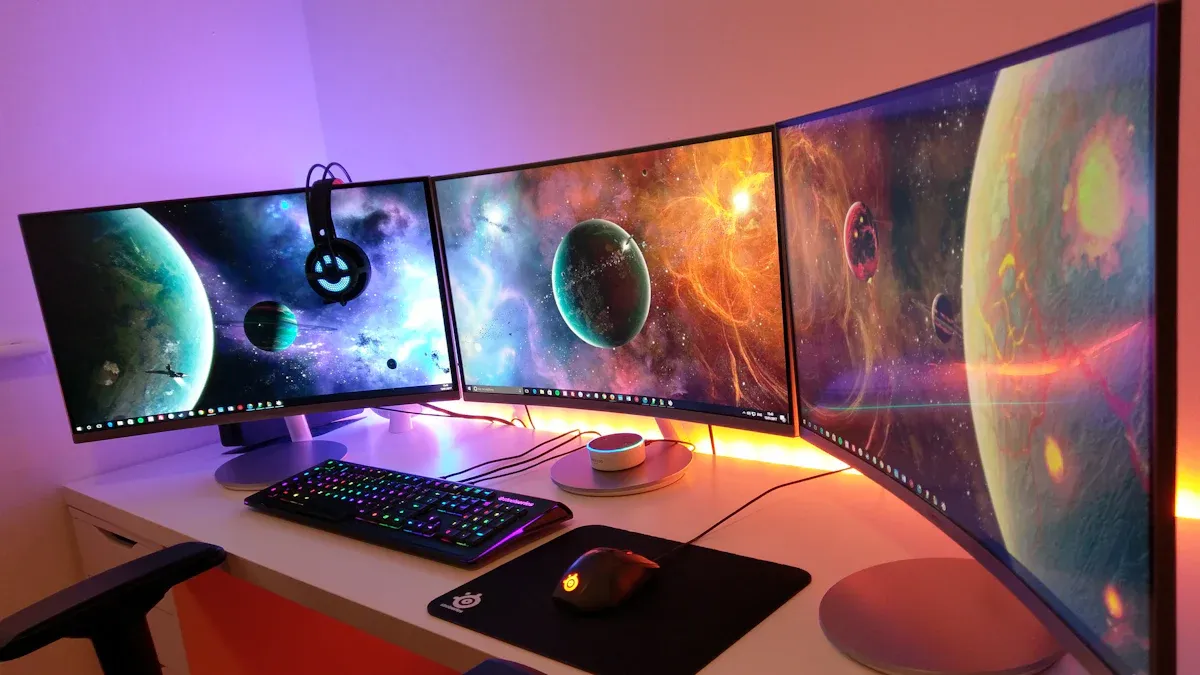
You want the best LCD Monitor for gaming in 2026. Let’s look at the top models that gamers love right now. These monitors stand out because they offer sharp visuals, fast refresh rates, and great color accuracy.
Model | Resolution | Refresh Rate | Panel Type | Key Features |
|---|---|---|---|---|
ASUS ROG Swift OLED PG27UCDM | 3840x2160 | 240Hz | OLED | Ultra-fast, vivid colors |
Asus ROG Swift PG27AQWP-W | 2560x1440 | 360Hz | IPS | Smooth motion, wide viewing |
Alienware AW2525HM | 1920x1080 | 500Hz | IPS | Lightning-fast, low input lag |
Asus ROG Swift PG27AQDP | 2560x1440 | 360Hz | IPS | High refresh, ergonomic stand |
LG UltraGear EVO AI 39GX950B | 3840x2160 | 240Hz | IPS | AI-enhanced, immersive sound |
Tip: Most gamers prefer monitors with modern connections like HDMI 2.1 and DisplayPort 1.4. These ports help you get the best refresh rates and picture quality.
You also want a monitor that supports at least 99% sRGB for vivid colors. Adjustable stands and VESA mounts make your setup more comfortable. Many gamers now use adjustable arms to keep their desks tidy and focus better.
High Refresh Rate Models
If you play fast-paced games, you need a high-refresh-rate LCD Monitor. These monitors make motion look smooth and help you react quickly. When you pair a high-refresh-rate monitor with a strong graphics card, you get the best gaming experience.
A higher refresh rate means less motion blur and more responsive gameplay. You see every move clearly, and your actions feel instant. This can give you an edge in competitive games.
Here are some popular setups for high refresh rates:
1920x1080 144Hz: Intel Core i5-11600K, Nvidia GeForce RTX 3060, 8GB RAM
1920x1080 240Hz: Intel Core i7-11700K, Nvidia GeForce RTX 3070, 16GB RAM
1920x1080 360Hz: Intel Core i9-11900K, Nvidia GeForce RTX 3080, 32GB RAM
Monitors like the Alienware AW2525HM and Asus ROG Swift PG27AQWP-W offer refresh rates up to 500Hz and 360Hz. You get smoother motion and lower input lag, which can make a big difference in your gameplay.
Best 1080p LCD Monitors
You might want a 1080p LCD Monitor if you care about price and performance. These monitors cost less and work well with most gaming PCs. You don’t need a super expensive graphics card to enjoy fast and clear visuals.
A 1080p monitor gives you reliable performance for years. You save money upfront and avoid spending more on powerful hardware. If you want to play games without breaking the bank, 1080p is a smart choice.
Higher resolution monitors like 2K and 4K look amazing, but they need stronger computers. You pay more for the monitor and the parts to run it. For budget gamers, 1080p monitors are the best value.
Flagship and Innovative Choices
If you want something new and exciting, check out the flagship LCD Monitors for 2026. These models push the limits with big screens, high resolutions, and fast refresh rates.
Monitor Model | Size | Resolution | Refresh Rate | Panel Type | Contrast Ratio | Response Time | Price |
|---|---|---|---|---|---|---|---|
Samsung S40FG75 | 40" | 5120×2160 | 180Hz | VA | 3000:1 | 1ms GtG | $1,200 |
Acer XZ403CKR | 40" | 5120×2160 | 180Hz | VA | 3300:1 | 1ms GtG | $1,000 |
These monitors offer huge screens and sharp images. You get immersive gameplay and fast response times. If you want the best visuals and performance, these flagship models are worth a look.
Note: Shenzhen TopAdkiosk Display Technology Co., Ltd. is a notable LCD Monitor manufacturer. They offer a wide range of gaming displays. You can contact them at sales@topadkiosk.com, visit their website www.topadkiosk.com, or follow their social media profiles on LinkedIn and Facebook.
You have many choices for your next LCD Monitor. Pick the one that fits your gaming style, budget, and setup. The right monitor can help you play better and enjoy your games more.
Choosing an LCD Monitor
Refresh Rate & Response Time
When you pick a gaming monitor, refresh rate and response time matter a lot. The refresh rate tells you how many times the screen updates each second. If you play fast games, look for at least 144Hz. Competitive players often choose 240Hz or even 360Hz for super-smooth action. Response time shows how quickly pixels change color. Lower numbers mean less blur. For esports, aim for 0.5-1ms. If you play action or mixed games, 1-4ms works well. You get clearer images and faster reactions.
Gaming Type | Response Time | Refresh Rate | Best For |
|---|---|---|---|
Esports | 0.5-1ms | 240Hz+ | Fast-paced competition |
Action/Mixed | 1-4ms | 144-240Hz | Smooth, sharp gameplay |
Story/Casual | 3-8ms | 60-144Hz | Immersive experiences |
Tip: Always check the specs before you buy. Many gamers recommend this to avoid surprises.
Resolution & Screen Size
Resolution means how sharp your games look. Higher resolutions like 1440p or 4K give you crisp images, but they need a strong graphics card. If you play single-player games and want to feel part of the world, a bigger screen and higher resolution help a lot. For competitive games, you might want a smaller screen with a lower resolution for higher frame rates. Think about your budget and what games you play most. Sometimes, a 1080p monitor gives you the best value and smoother performance.
Panel Types Explained
You will see three main panel types: IPS, VA, and TN. IPS panels show bright colors and look good from any angle. VA panels have deep blacks and strong contrast, but sometimes feel slower. TN panels react the fastest but have weaker colors and viewing angles. Most gamers now pick Fast IPS panels for a good mix of speed and color. OLED panels are also popular for their amazing colors, but they cost more.
Panel Type | Pros | Cons |
|---|---|---|
IPS | Great color, wide angles | Blacks not as deep |
VA | High contrast, good color | Slower, narrow angles |
TN | Fastest, affordable | Poor color, bad angles |
Connectivity & Features
Modern monitors come with lots of ports. Look for HDMI 2.1 and DisplayPort 1.4 if you want high refresh rates and top performance. Some monitors have USB hubs, speakers, or special gaming features like G-SYNC or FreeSync. These extras can make your setup easier and your games smoother.
Budget Tips
You do not need to spend a fortune for great gaming. Many entry-level models offer 95% of the performance at half the price. If you play competitively, try a 240Hz Fast IPS LCD Monitor. Focus on the features you need most and make sure your monitor matches your PC. This way, you get the best value without overspending.
Top LCD Monitors by Category
Best Overall LCD Monitor
You want a monitor that does everything well. The KTC M27P6 stands out in 2026. It gives you a sharp 4K picture and a 160Hz refresh rate. If you switch to 1080p mode, you can boost the refresh rate up to 320Hz. You get nearly 800 nits of brightness, so games look clear even in bright rooms. The USB-C input lets you charge devices like your Steam Deck while you play. This monitor works for both gaming and work. The only downside is that KTC is a newer brand, so customer support is still untested.
If you want a monitor that handles everything from fast shooters to creative work, this is a great pick.
Best Budget LCD Monitor
You do not need to spend a lot to get a good gaming experience. The Alienware AW2525HM gives you a 500Hz refresh rate and low input lag. You get smooth motion for fast games. The 1080p resolution means you do not need a top-end graphics card. This monitor is perfect if you want speed without breaking the bank.
Pros: Super-fast refresh, affordable
Cons: Lower resolution, basic features
Best for: Competitive gamers on a budget
Best 4K LCD Monitor
The ASUS ROG Swift OLED PG27UCDM brings you 4K resolution and a 240Hz refresh rate. You see every detail in your games. Colors look vivid, and motion stays smooth. This monitor works well for both single-player adventures and esports.
Pros: Sharp image, fast refresh, great colors
Cons: Higher price, needs a strong PC
Best for: Gamers who want top visuals
Best Ultrawide LCD Monitor
If you want to feel surrounded by your game, try an ultrawide monitor. These displays give you more space and a wider view. Many ultrawide monitors in 2026 come with G-SYNC compatibility, low latency, and high refresh rates. You get tear-free gaming and smooth graphics. Features like Reflex Analyzer and esports mode help you play your best.
Ultrawide monitors are perfect for racing games, flight sims, and multitasking.
Best LCD Monitor for Consoles
Console gamers need a monitor with high refresh rates, HDMI 2.1, and great color. The LG UltraGear EVO AI 39GX950B fits these needs. You get 4K resolution, 240Hz refresh, and multiple ports. The adjustable stand helps you find the right angle. This monitor works well for both PlayStation and Xbox.
Feature | Gaming Monitors | Regular Monitors |
|---|---|---|
Refresh Rates | Up to 240Hz at 2K, 144Hz at 4K | Standard rates |
Panel Type | IPS, VA, OLED | Basic panels |
Connectivity | HDMI 2.1, DisplayPort | Fewer ports |
You can find the right LCD Monitor for your style, budget, and setup. Pick the one that matches your needs and enjoy your games even more.
LCD Monitor Comparison Table
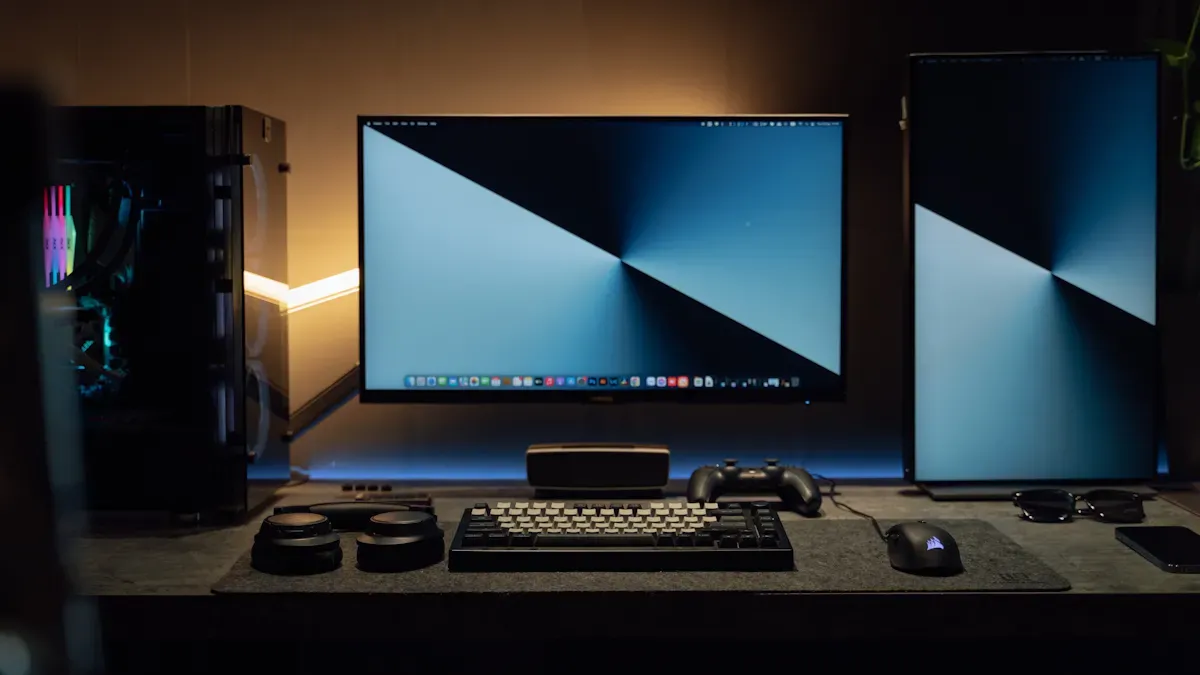
You want to compare the best gaming monitors side by side. This table helps you see the main specs at a glance. You can spot which monitor fits your needs and budget. Check out the refresh rates, resolutions, and price points. If you play fast games, look for high refresh rates. If you love sharp visuals, pick a monitor with 4K or higher resolution.
Monitor Model | Price Point | Resolution | Refresh Rate | Size | Panel Type |
|---|---|---|---|---|---|
AOC Q27G3XMN | Competitive | 1440p | 180Hz | 27" | IPS |
AOC Q27G40XMN | Competitive | 1440p | 180Hz | 27" | IPS |
Asus ROG Strix Pulsar XG27AQNGV | Premium | 1440p | N/A | 27" | IPS |
MSI MAG 274QPF X30MV | Attractive | 1440p | 300Hz | 27" | IPS |
AOC U27G4XM | Competitive | 4K | 160Hz | 27" | IPS |
Gigabyte M27UP | Competitive | 4K | 160Hz | 27" | IPS |
MSI MPG 274URDFW E16M | N/A | 4K | 160Hz | 27" | IPS |
Asus ROG Swift PG27UCDM | Premium | 4K | 240Hz | 27" | OLED |
LG 45GX950A | N/A | 5K2K | 165Hz | 45" | IPS |
Tip: If you want a monitor with both speed and clarity, try a 4K model with a refresh rate above 160Hz. You get smooth gameplay and sharp images.
You can find more options from Shenzhen TopAdkiosk Display Technology Co., Ltd. They offer a wide range of gaming displays. If you need help, you can reach them at marketing@topadkiosk.com or visit their website at www.topadkiosk.com.
Choosing the right LCD Monitor makes your gaming setup better. Use this table to pick the monitor that matches your style and budget.
Which LCD Monitor Is Right for You?
Choosing the right LCD Monitor can feel tricky, but you can make it simple by thinking about your gaming style, your setup, and your budget. Here’s how you can narrow it down:
If you love fast-paced games like shooters or racing, you want a monitor with a high refresh rate and low response time. This helps you see every move and react quickly. Look for at least 240Hz refresh rate and 1ms response time.
If you enjoy story-driven games or open-world adventures, you might care more about sharp images and bright colors. A higher resolution like 1440p or 4K will make your games look amazing.
If you play on a console, check for HDMI 2.1 ports and a refresh rate that matches your system. This gives you smooth graphics and less lag.
If you want to save money, a 1080p monitor with a solid refresh rate still gives you great performance. You don’t need the most expensive gear to have fun.
Tip: Always check if your computer or console can handle the monitor’s resolution and refresh rate. This way, you get the best performance without wasting money.
Here’s a quick table to help you match your needs:
Gaming Style | What to Look For | Best For |
|---|---|---|
Competitive/Fast | 240Hz+, 1ms, 1080p/1440p | Esports, shooters |
Immersive/Story | 144Hz+, 4K, IPS/OLED | RPGs, adventure games |
Console Gaming | HDMI 2.1, 120Hz+, 4K | PS5, Xbox Series X/S |
Budget-Friendly | 144Hz+, 1080p, Fast IPS | All-around gaming |
Think about your desk space and how you like to sit. A bigger screen can be cool, but make sure it fits your setup. If you want to keep things simple, pick a monitor that matches your favorite games and your wallet.
You know your style best. Trust your gut, check the specs, and pick the monitor that makes you excited to play. Happy gaming! 🎮
You now have the tools to pick the best LCD gaming monitor for 2026. Remember, higher refresh rates don’t always mean better performance. Think about your games, your hardware, and your budget.
Choose IPS or quality VA panels for comfort and color.
Don’t overspend on features you won’t use.
Trust your needs. Make a choice that fits your style. Enjoy every game with confidence! 🎮
FAQ
What refresh rate should I pick for gaming?
You want at least 144Hz for smooth gameplay. If you play fast games or compete online, try 240Hz or higher. Your graphics card must support these speeds for the best results.
Do I need a 4K monitor for gaming?
You do not need 4K to enjoy games. 1080p and 1440p monitors look great and run well on most PCs. 4K gives you sharper images, but you need a strong computer to keep up.
What is the difference between IPS, VA, and TN panels?
IPS panels show bright colors and wide angles. VA panels have deep blacks and strong contrast. TN panels react fastest but have weaker colors. Most gamers pick IPS for the best mix of speed and color.
Can I use a gaming monitor with my console?
Yes! Just check for HDMI 2.1 ports and a refresh rate that matches your console. Many monitors work great with PlayStation and Xbox.
Where can I find more info or support for LCD monitors?
You can contact Shenzhen TopAdkiosk Display Technology Co., Ltd. for help or questions. Visit www.topadkiosk.com or email marketing@topadkiosk.com. They offer a wide range of gaming displays and support.
See Also
Selecting The Ideal Gaming Monitor For Your Configuration
Finding The Perfect LCD Rack Monitor For Your Requirements
Selecting The Top LCD Round Display For 2025 Projects
Best OLED Monitors To Purchase For Exceptional Display Quality
