How LCD Display Kiosks Make Airport Navigation Easier for Passengers
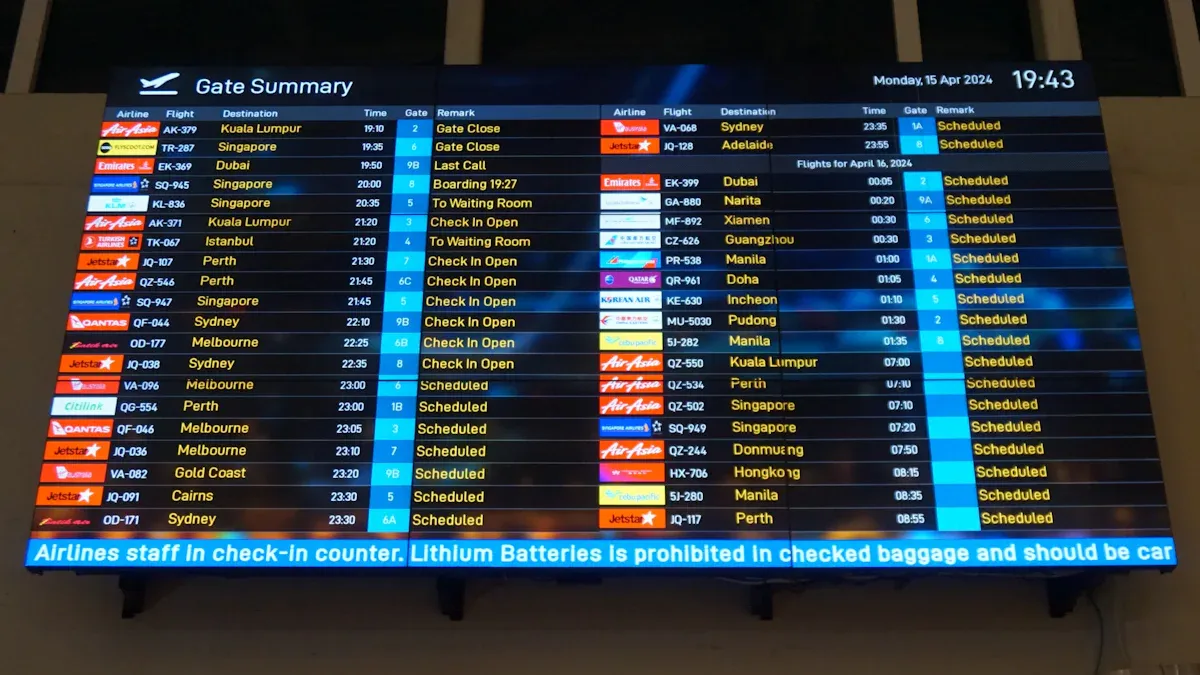
Navigating airports is much easier with digital wayfinding kiosks, which offer numerous benefits of using LCD display kiosks for wayfinding in airports. These kiosks provide you with up-to-date information and assist you with directions, ensuring you can follow the best path for your journey. You receive personalized directions and tools to help you find your way, enhancing your overall experience at the airport. These kiosks are accessible to all travelers, including those with special needs. By utilizing LCD display kiosks in airports, you can feel less anxious and receive assistance more quickly. For more information, visit http://www.topadkiosk.com/.
Key Takeaways
LCD display kiosks show directions and maps right away. This helps passengers find their way in airports fast. These kiosks use many languages. This helps travelers from all over understand where to go. Accessibility features help everyone use the kiosks. High-contrast screens and audio help people with disabilities. Passengers get updates about flights and wait times. This lowers stress and helps them make good choices. LCD display kiosks make airports better for everyone. They help people move easily and find things they need.
Common Airport Wayfinding Challenges
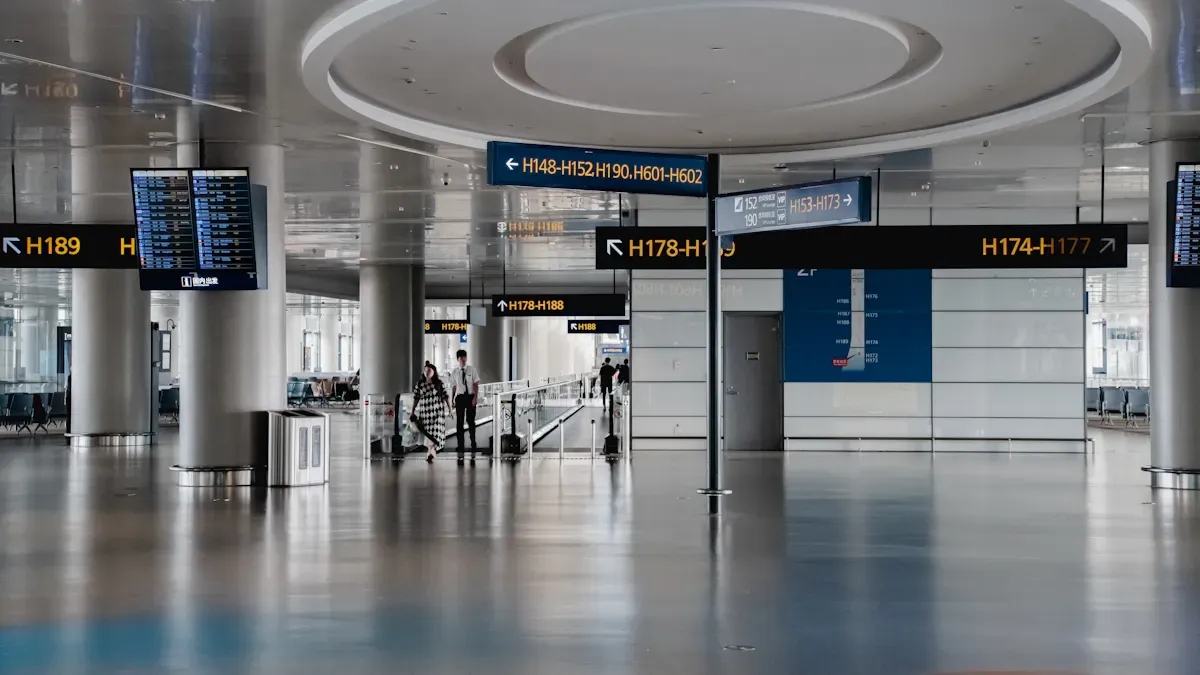
Complex Layouts and Signage Issues
Airports are often very big and spread out. This makes it hard to find your way fast. Many people walk around security and gates, which makes it crowded. Sometimes, your gate changes and you do not get a warning. This can make you feel lost and slow down your trip. It also makes it tough to get the right directions.
Tip: Always look at official displays for new flight updates so you do not miss changes.
Here is a table that shows how tricky layouts can change your trip:
Challenge | Description |
|---|---|
Labor Costs | More people means more money spent, which can hurt service. |
Information Outdated | Closed restaurants or gate changes can give you wrong directions. |
Fragmented Systems | Different systems for flights and maps can make you confused. |
Language and Communication Barriers
You might go to airports where people do not speak your language. This makes it hard to find your way. You may not understand signs or what people say if there is no English. It can be hard to order food or ask for help. Using ticket machines or rideshare apps can also be tricky. If there is an emergency, it is even more important to talk clearly.
Staff who speak many languages can help you feel calm.
Signs and announcements in many languages help you find your way.
Good language help lets you get directions faster.
Accessibility for All Passengers
If you have a disability, airports can be extra hard. It is not always easy to find wheelchair routes. Some screens do not work with screen readers or sound help. High-contrast screens help if you cannot see well. Simple screens are good for people with thinking problems. Some airports now have tactile maps, braille signs, and quiet zones to help more people.
People with mobility, vision, or thinking problems need better help to find their way.
Airports that add these things make travel easier and faster for everyone.
How LCD Display Kiosks Enhance Passenger Experience
Real-Time Directions and Interactive Maps
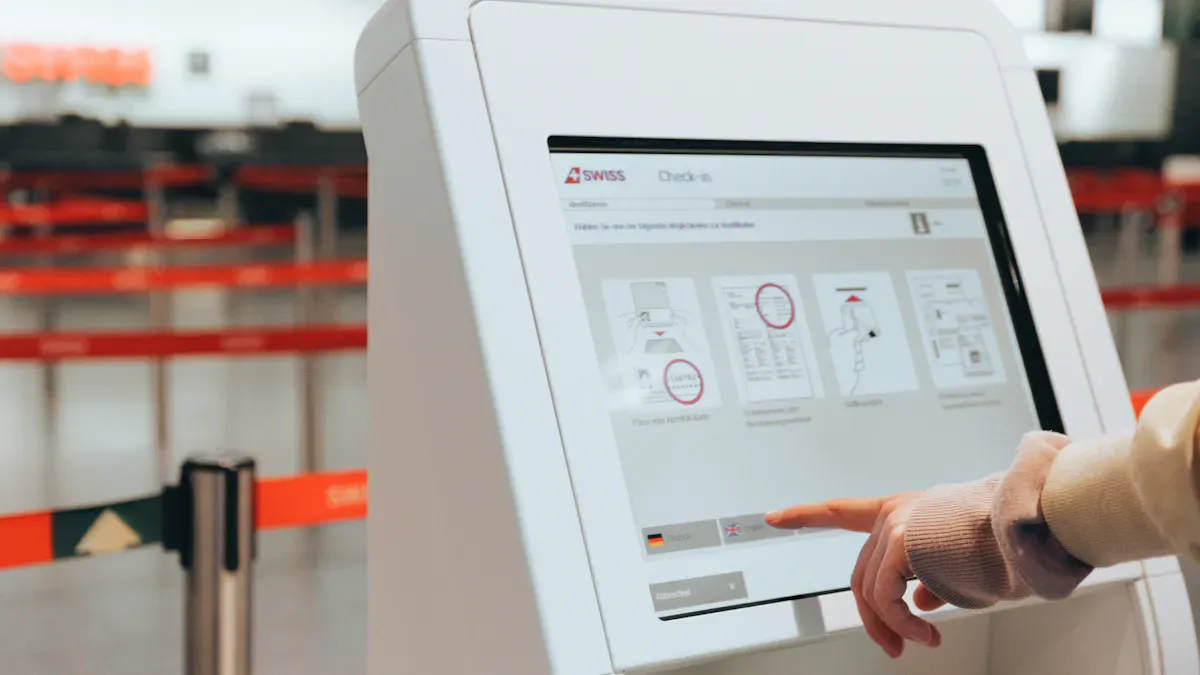
LCD display kiosks help you find your way faster in airports. The screens are big and clear, so you can see maps easily. You touch the screen to get directions from where you are to your gate or another place. This makes finding your way simple and quick. You do not need to ask airport staff for help. This saves you time and stops confusion.
Here is a table that shows how these features help you:
Feature | Benefit |
|---|---|
Large, high-resolution screens | Provides clear visibility of maps and directions, enhancing user experience. |
Interactive maps | Allows users to engage directly with the kiosk for personalized navigation. |
Step-by-step directions | Reduces confusion by guiding users through their journey. |
Multi-language support | Accommodates diverse passenger demographics, improving accessibility. |
Accessibility options | Ensures usability for visually or hearing impaired individuals. |
Real-time updates | Keeps passengers informed about changes, reducing anxiety and missed flights. |
You can scan your boarding pass to find your gate and see animated routes. The kiosks let you search for food, bathrooms, or stores. You get help just for you, and you do not have to wait in line. This makes your trip smoother and less stressful.
Touchscreen kiosks show you real-time flight and airport service info.
You can see the fastest way and skip crowded spots.
Smart-route technology and clear directions help you feel sure as you walk in the airport.
Multilingual and Accessible Features
Airports have people from many countries. LCD display kiosks support many languages, so you can pick the one you know best. This makes it easier for everyone to find their way, no matter where they are from. You do not have to worry about missing news if you do not speak the local language.
Kiosks also have special tools for people with disabilities. Here is a table that shows some of these helpful tools:
Feature | Description |
|---|---|
Tactile Signs | Raised letters or characters that can be read by visually impaired individuals. |
Assistive Listening Devices | Systems that help hearing-impaired passengers receive audio information. |
Visual Alerting Devices | Devices that provide visual signals for important announcements or notifications. |
Electronic Information Displays | Displays that provide information in a visual format, aiding comprehension for hearing-impaired. |
Large Print and Braille Materials | Information provided in large print and Braille to assist visually impaired travelers. |
High Contrast Written Information | Written materials designed with high contrast to enhance readability for visually impaired users. |
You can use these features to get the info you need in a way that works for you. This makes airports friendlier and helps everyone travel with confidence.
Protocols, Wait Times, and Useful Updates
You need to know about security rules and how long lines are. LCD display kiosks give you real-time updates on security and wait times. You see the newest info as soon as it changes. This helps you plan your time and avoid surprises.
Feature | Description |
|---|---|
Real-time Updates | LCD kiosks provide real-time updates on security protocols and wait times through enhanced connectivity options. |
Security Protocols | Advanced encryption protocols ensure secure handling of sensitive information. |
Wait Times | The kiosks can display current wait times, improving user experience and operational efficiency. |
When you see real-time updates, you can make better choices. You know if your gate changes or if there is a delay. This lowers stress and helps you feel in control of your trip. You do not have to worry about missing news. The info is always new and easy to find.
Note: Real-time info on airport screens helps you make smart choices. You stay up to date about flights, security lines, and gate changes. This makes you less stressed and your trip easier.
LCD display kiosks change how everyone finds their way in airports. You get clear, real-time info, language support, and tools for all needs. This makes your airport visit easier, faster, and more fun.
Benefits of Using LCD Display Kiosks for Wayfinding in Airports
Smoother Passenger Flow and Reduced Congestion
When you walk into a busy airport, you see lcd display kiosks right away. These kiosks help you move through crowds faster. They show you the best way to go and give real-time updates. This helps you skip long lines and crowded places. Airports with these kiosks notice people move better. For example:
Improvement Type | Measurement |
|---|---|
Average Transaction Time | |
Processing Time per Kiosk | Under 3 minutes |
Ticket Transactions Handled | Over 40% of all transactions |
You get easy directions, so you reach your gate quickly. The kiosks also make security and boarding less stressful. Here is how they help with crowds:
Evidence Description | Impact on Congestion at Airports |
|---|---|
Displays support the smooth flow of millions of people each year. | Helps manage large passenger volumes effectively. |
Timely messages are shown where needed. | Ensures passengers receive important information promptly. |
Dynamic signage at TSA checkpoints lowers stress. | Directly addresses stress at critical points like security. |
Improved Access to Amenities and Services
Lcd display kiosks help you find shops, food, and bathrooms. You can search for what you want and get step-by-step directions. This saves time and makes your trip better. Kiosks also show special deals from airport stores. This helps you find new places to shop or eat.
Evidence Type | Description |
|---|---|
Interactive Kiosks | These kiosks provide immersive, two-way experiences that engage travelers, allowing for personalized offers and promotions. |
Information Display | Digital signage and kiosks deliver real-time information and targeted messages, enhancing passenger experience and engagement. |
You see more options and get info fast. This makes your airport visit easier and more fun.
Support for All Traveler Types
Everyone can use lcd display kiosks in airports. Families, older people, and business travelers all find them helpful. Most people like self-service because it is quick and simple. About 66% of users like kiosks for speed and less stress. Wait times can drop by up to 40%.
Kiosks also help people with special needs. You find things like:
Audio help for people with vision problems.
High-contrast screens for better seeing.
Easy routes for people who have trouble walking.
Airports with these kiosks show they care about everyone. Lcd display kiosks make airports work better, help more people, and make travel more fun for all.
LCD display kiosks make it easy to find your way in airports. You get updates right away and can use maps that you touch. The kiosks show you each step to take. This helps you feel less worried and makes your trip better. Old signs are sometimes hard to understand. Digital kiosks give you clear info and help you move faster. Experts say kiosks are good for checking in, finding flights, and getting directions. You can do things by yourself and save time. Try an LCD display kiosk next time you go to the airport to make your trip easier.
Key benefits of LCD display kiosks for airport wayfinding: Deliver an exceptional passenger experience with intuitive interactive maps and multi-language support to ease travel anxiety; provide real-time, accurate updates (flight status, gate changes) seamlessly integrated with FIDS; ensure efficient, inclusive navigation via step-by-step routing and accessibility features; cut long-term operational and maintenance costs by replacing expensive printed signs; reduce staff workload and ease peak-hour congestion with 24/7 self-service; drive additional revenue through targeted ads while strengthening the airport’s professional brand image; offer flexible scalability with easily adjustable content and features; and elevate the airport’s competitiveness with a modern, innovative digital wayfinding solution.
Henry Fang
General Manager
Shenzhen TopAdkiosk Display Technology Co., Ltd.
Add.: 2F, Bldg 10, Changfeng Industrial Park, Dongkeng, Fenghuang, Guangming, Shenzhen, China 518132
Mobile/WHATSAPP: 86-138 25769658
Email: marketing@topadkiosk.com topadkiosk@gmail.com
Skype: pghenry1
Wechat: adkioskhenry
English Web.: http://www.topadkiosk.com/
FAQ
What is digital wayfinding in airports?
Digital wayfinding helps you get around airports. These systems show maps on screens. You can find gates, shops, and services. Airport digital signage is on kiosks and screens. This makes it easy for everyone to find their way.
How do kiosk navigation systems help passengers?
Kiosk navigation systems give you directions step by step. You touch the screen to pick where you want to go. The system shows you the best way. You can find food, restrooms, and airport services. This saves you time and helps you feel less stressed.
Are airport digital signage and kiosk navigation systems easy to use?
Yes, these systems are simple to use. The screens are bright and easy to read. You can choose your language. People with special needs get extra help. You just follow the steps on the screen. Airports make these tools for all travelers.
Can digital wayfinding help if my gate changes?
Digital wayfinding gives you updates right away. If your gate changes, the screens show you new directions. You do not miss any important news. Passengers always know where to go and get to the right gate fast.
Why do airports use digital wayfinding and airport digital signage?
Airports use these tools to help people move easily. They make it faster to find gates and services. You do not get confused or lost. Airports want everyone to have a better trip and stay informed with these systems.
See Also
Top Touch Screen LCD Kiosks Available in 2026
Effective LCD Kiosks That Enhance Retail Sales Performance
Must-Have High-Resolution LCD Kiosks for Your Exhibitions
