The advantages and disadvantages of LCD video walls
Add.: 2F, Bldg 10, Changfeng Industrial Park, Dongkeng, Fenghuang, Guangming, Shenzhen, China 518132
Mobile/WHATSAPP: 86-138 25769658
Email: marketing@topadkiosk.com topadkiosk@gmail.com
Wechat: adkioskhenry
English Web.: http://www.topadkiosk.com/
https://www.topkioskdisplay.com/
http://www.ad-kiosk.com/
https://www.toplcddisplay.com/
When you look at an lcd video wall, you notice some clear strengths and weaknesses right away. You get great value, sharp images, and steady performance, plus you save on energy bills. On the flip side, you might spot the lines where screens meet and find setup a bit tricky. So, when you weigh the advantage and disavantage of lcd video wall, it helps you pick what works best for your space.
Key Takeaways
LCD video walls give good value. They show clear images and save energy. This makes them a smart choice for displays.
You should think about the bezel seams you can see. These seams can break up the look of the images.
Setting up an LCD video wall is not easy. You might need a pro to help set it up right.
You must take care of LCD video walls often. This helps them work well and stay clear for a long time.
Check the viewing angle limits of LCD video walls. The image can look worse if you look from the side.
lcd video wall advantages
Cost and affordability
If you need a display that fits your budget, an lcd video wall is a good choice. It gives you a lot for your money. The first cost is usually less than other big displays, like LED walls. You also save money later because lcd video wall panels last a long time and use less energy. When you think about the total cost, you look at more than just the price. You also think about how much you will spend on electricity and fixing things.
Tip: Always look at both the starting price and what you will pay over time before you choose.
Here’s a quick look at how different panels compare:
Panel Type | Annual Energy Cost | Expected Lifespan | ||
|---|---|---|---|---|
Standard Commercial Panels | 450W | $1,102 | 30,000 hours | N/A |
HDFocus Efficiency-Optimized Panels | 320W | $784 | 60,000 hours | $1,590 |
You can see that picking an efficient lcd video wall helps you save a lot of money over the years.
High resolution and image quality
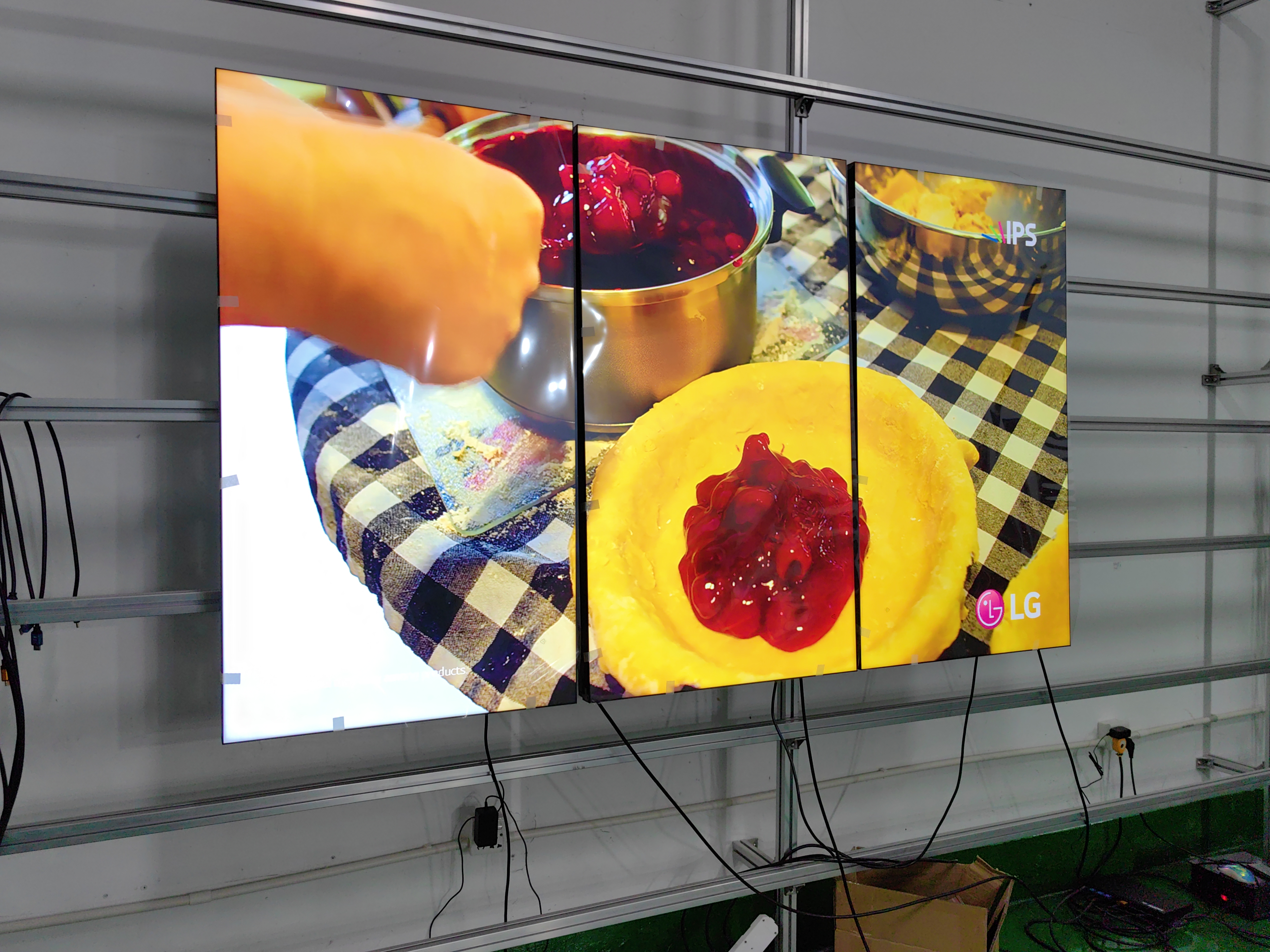
If you want clear pictures and easy-to-read words, an lcd video wall is a great pick. These displays have lots of pixels, so images look sharp even up close. You can get lcd video wall systems with Full HD, 4K, or even 8K resolution. This makes them great for control rooms, meeting spaces, and stores where details are important.
Here’s how lcd video wall technology compares to other options:
Technology | Pixel Density | Resolution | Viewing Distance | Advantages | Disadvantages |
|---|---|---|---|---|---|
LCD Video Walls | High | Full HD, 4K, 8K | Best viewed up close | Sharp image quality, lower initial cost | Bezels create visible lines, lower brightness |
LED Video Walls | Very High | Extremely high | Best viewed from a distance | Bright, seamless display, energy efficient | Higher initial cost, potential image retention |
Projection Systems | Variable | Depends on projector | Requires controlled lighting | Excellent scalability, portable | Lower brightness, higher maintenance requirements |
lcd video wall works best when you need to show detailed pictures or data. It is perfect for indoor places where people stand close to the screen.
Reliability and availability
You want your display to work every day without trouble. An lcd video wall is reliable because it uses strong backlight modules and good parts. Most panels last about 50,000 hours or more if you take care of them. Some special panels can last up to 60,000 hours. This means you can use your display for many years before you need to replace anything.
Long lifespan (often 50,000 hours or more)
Reliable performance for 24/7 operation
Easy to find replacement parts and service
You can trust your lcd video wall to keep working, even in tough places.
Energy efficiency
Saving energy is good for your wallet and the earth. An lcd video wall uses less power than many other displays, especially if you pick efficient panels. Using less power means you pay less for electricity, and your system does not get as hot. This also helps you save money on cooling.
Here’s a quick comparison of power use:
Technology | Power Consumption (kW/m²) |
|---|---|
LCD | 13.5 |
LED | 7.2 |
LED walls use even less energy, but lcd video wall systems are still very efficient. They give you a good mix of cost, picture quality, and reliability. Over five years, you can save more than $1,500 on energy with the right panel.
Note: Using less energy means your lcd video wall is a smart pick for big spaces or if you need it on for a long time.
lcd video wall disadvantages
Visible bezel seams
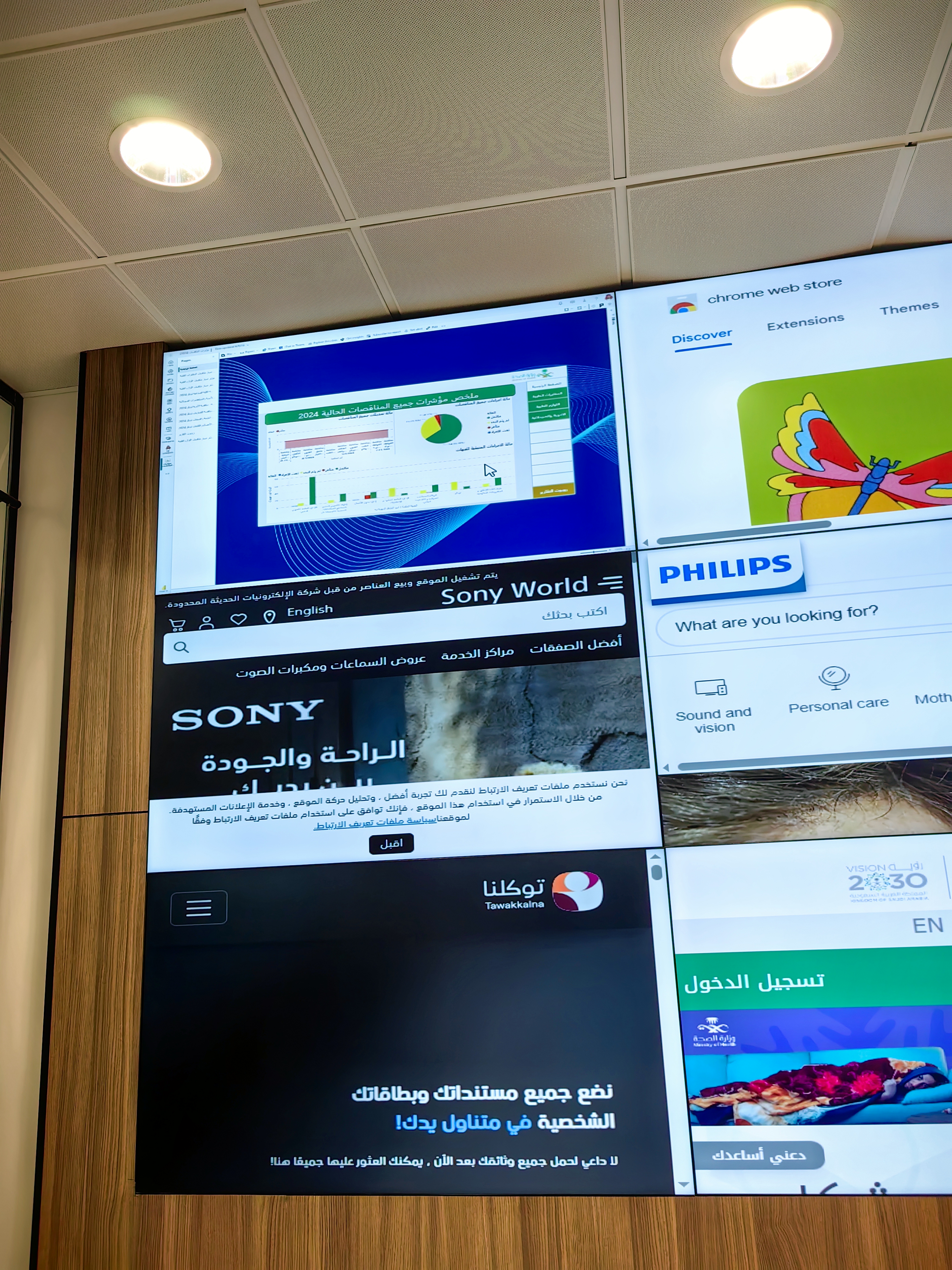
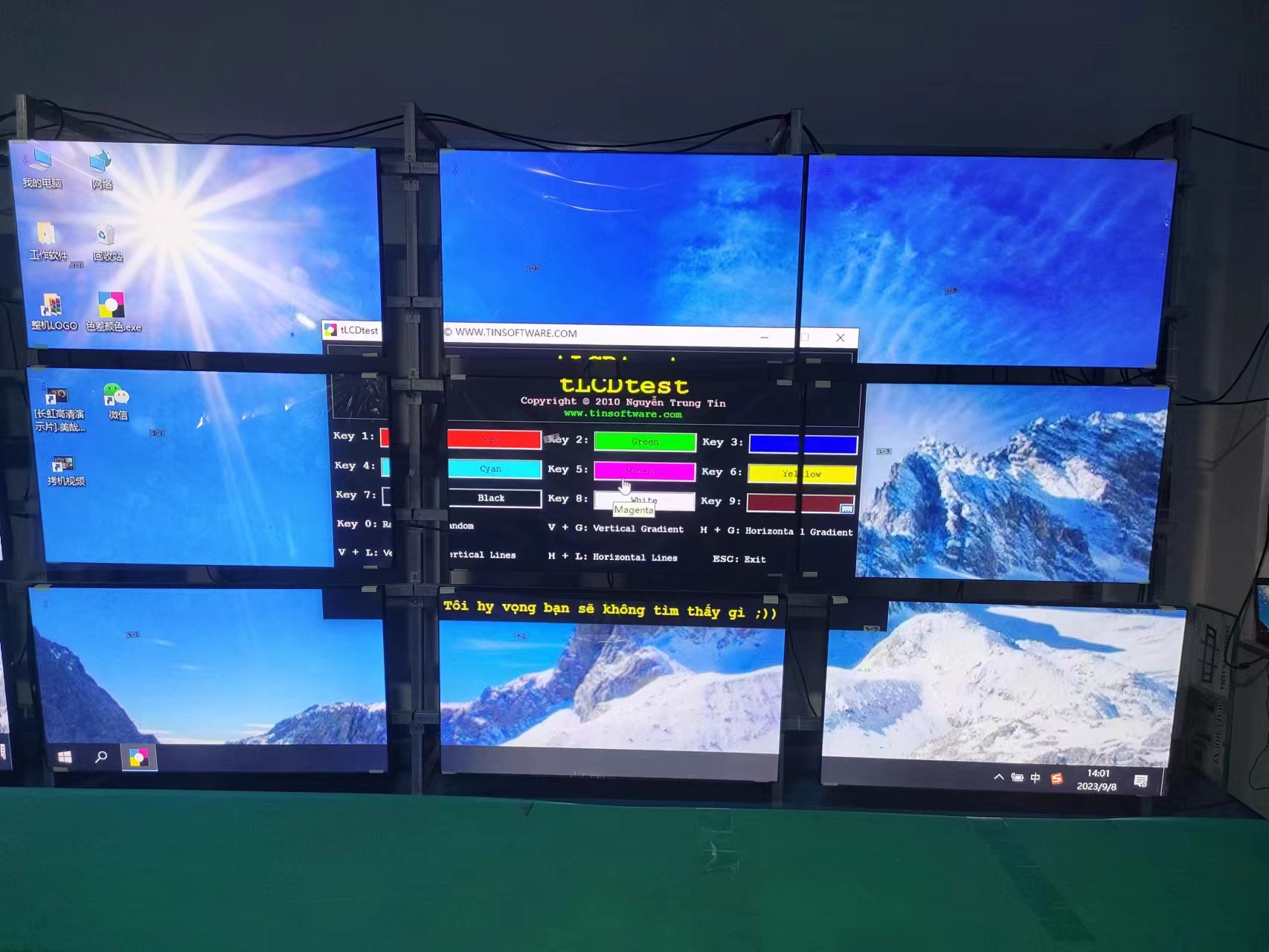
When you look at a video wall, you might notice thin lines where each screen meets the next. These lines are called bezel seams. In most current-generation panels, the width of these seams is about 7.3mm. Even with ultra-narrow bezels, you can still see small breaks in the picture. These seams can interrupt the flow of images or videos, especially if you display one large picture across the whole wall. Thicker bezels make these lines more obvious, which can distract you from the content. Ultra-narrow bezels, usually under 1mm, help reduce this effect, but even then, you might spot some interruptions. If you want a display that looks like one big screen, these seams might bother you.
Note: Even the thinnest bezels can create visible lines, so you should think about how important a seamless look is for your space.
Installation complexity
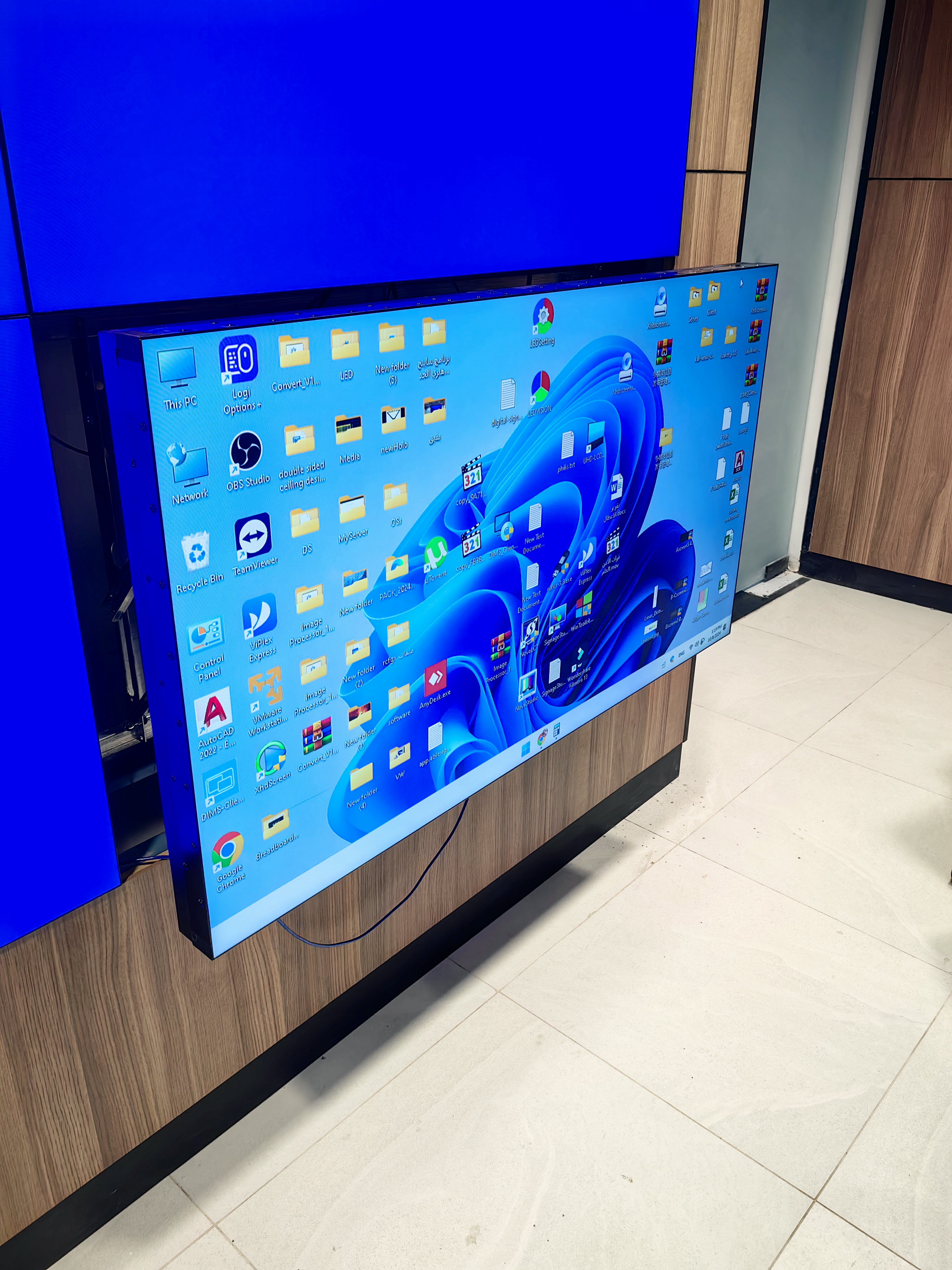
Setting up an lcd video wall is not as simple as hanging a single TV on the wall. You need to plan carefully and use special tools. Each panel must line up perfectly with the others. If you want ultra-narrow bezels, you need advanced engineering and strong frames to keep everything in place. Sometimes, installers use clean rooms and special bonding methods to make sure there are no air gaps. You also need to think about heat. Video walls can get warm, so you need smart fans and good airflow. The mounting system must allow for tiny adjustments, so every panel fits just right.
Here’s a table that shows some of the main technical challenges:
Challenge | Description |
|---|---|
Ultra-Narrow Bezel Technology | Needs precision engineering, strong frames, and advanced bonding to keep bezels small. |
Optical Bonding | Uses clean rooms and special tools to remove air gaps and make screens tougher. |
Thermal Management | Requires smart fans and planning to keep the system cool during long use. |
Mounting Systems | Needs micro-adjustments and strong support for easy service and perfect alignment. |
If you want a smooth setup, you may need help from experts who know how to handle these challenges.
Maintenance needs
Once your lcd video wall is up and running, you need to keep it in good shape. Regular care helps your display last longer and look its best. Here are some common tasks you might need to do:
Clean the screens often to remove dust and keep the picture clear.
Check for signs of wear or damage from the environment.
Update the software and firmware to make sure everything works well.
Make sure air can flow around the panels to prevent overheating.
Schedule professional check-ups to catch problems early.
You also need to look inside sometimes. This means checking cables, removing dust, and making sure the panels do not have light leaks or pixel problems. Compared to some other display types, lcd video wall systems may need more frequent panel replacements, especially if you use them a lot. In busy places like stores, maintenance costs can go up if panels fail more often. If you need a display that runs all day, you should plan for these extra care steps.
Viewing angle limitations
When you stand right in front of an lcd video wall, the colors and contrast look great. If you move to the side, though, you might notice the colors change or the picture looks less sharp. This happens because lcd panels can shift colors and lose contrast when viewed from an angle. Other display types, like LED or projection systems, usually keep their image quality even if you look from the side.
Display Type | Viewing Angle Limitations |
|---|---|
LCD Video Walls | Can suffer from color and contrast shifts when viewed from an angle. |
LED Displays | Maintain better image quality across a wider range of viewing angles. |
Projection Displays | Maintain better image quality across a wider range of viewing angles. |
If your audience will view the screen from many different spots, you should think about how important wide viewing angles are for your needs.
Display technology comparison
lcd video wall vs LED wall
You might ask which is better for you: an lcd video wall or an LED wall. Both have good points, but they work best in different ways. Look at this table to see how they are different:
Feature | LCD Video Walls | LED Video Walls |
|---|---|---|
Brightness | High, but not as high as premium LED setups | Very high, great for bright rooms and outdoors |
Color Reproduction | Good, with vibrant colors | Excellent, vivid colors from the light source |
Image Quality | Sharp images, best for close viewing | Can look pixelated up close, but great for big spaces |
Cost | Lower initial cost | About 30% higher upfront, but lower long-term costs |
Ownership Cost | $4,000–$5,000 per sq. meter over 5 years | 42% lower TCO after 5 years |
If you need a screen for a bright place or outside, LED walls are best. If you want clear pictures up close and want to spend less at first, an lcd video wall is a smart choice.
lcd video wall vs single large display
Are you picking between a video wall and one big screen? Here is how they are not the same:
Feature | Single Large Display | LCD Video Wall |
|---|---|---|
Cost | Usually more expensive | More affordable |
Flexibility | Fixed size and shape | Can build many shapes and sizes |
Installation | Simple to install | Needs careful setup |
Image Quality | No bezels, seamless image | May see bezel lines |
Space | Needs lots of room | Fits in tighter spots |
Light Tolerance | Can struggle in bright rooms | Handles ambient light better |
A single big screen looks smooth, but it costs more and takes up more space. Video walls let you make cool shapes and fit in small places.
lcd video wall vs projection
Projectors can make big pictures, but they are not the same as video walls. Here is a quick look at how they compare:
Aspect | LCD Video Walls | Projection Systems |
|---|---|---|
Cost | Less expensive than LED walls | Usually the most expensive option |
Maximum Size | Popular sizes up to 16’ x 10’ | Can go even bigger, no real limit |
Installation | Fast, often done in a day | Can take several days |
Brightness | Good for indoors, not waterproof | Super bright, great for outdoor events |
Power Use | Needs more power per screen | Uses less power overall |
Space and Loading | Heavy, may need freight elevators | Lightweight, easy to move |
Projectors are good for very big events, but they need dark rooms and take longer to set up. lcd video wall systems are quicker to put in and look nice in bright indoor places.
Tip: Think about your space, your money, and how you want people to see your content before you pick.
Choosing lcd video wall
Environment suitability
You want your display to look great and last a long time. Start by thinking about where you will use it. Indoor and outdoor spaces need different features. Check out this table to see what matters most:
Aspect | Indoor LCD Displays | Outdoor LCD Displays |
|---|---|---|
Brightness | Lower, fits indoor lighting | Very high, fights sunlight glare |
Protection | Not weatherproof | IP55+ keeps out rain and dust |
Structure | Standard mounts work | Needs strong frames, anti-seismic |
Lightning Safety | Not needed | Must have for outdoor use |
Hot or cold weather can change how your display works. High heat can make colors fade. Cold can slow down the screen. Humidity can cause damage over time. Bright sunlight or UV rays can also shorten the life of your display.
Installation requirements
Think about how long you want your display to stay in one spot. Permanent setups use strong wall mounts and stay in place for years. Temporary setups use mobile stands and let you move the display when you need to. Here’s a quick look:
Aspect | Permanent Setup | Temporary Setup |
|---|---|---|
Mounting | Professional wall mounts | Mobile, easy to move |
Maintenance | Pop-out mounts for easy service | Quick setup and teardown |
Access | Fixed, planned for service | Easy to reconfigure |
Permanent displays work well in offices or stores. Temporary ones are great for events or trade shows.
Total cost of ownership
You want to know how much you will spend over time. The total cost of ownership includes more than just the price tag. Here are some things to keep in mind:
Energy use: Pick energy-saving panels to lower your bills.
Maintenance: Service contracts help keep your display running well.
Software: You may need to pay for content management tools each year.
Repairs: Set aside money for fixing parts that wear out.
Tip: Planning ahead helps you avoid surprises and keeps your display working longer.
Application scenarios
Where you use your display changes what features you need. Here are some common places and what to look for:
In retail, use video walls to grab attention with bright ads and cool demos.
In control rooms, show important data so teams can make fast decisions.
In public spaces, share updates like flight times or event info.
You get high-resolution images, thin bezels, and dynamic displays that keep people interested. The right lcd video wall can boost sales, help teams work better, or keep crowds informed.
When you think about a lcd video wall, you see strong points like sharp images, energy savings, and steady performance. You also notice things like bezel lines and setup steps. Before you choose, look at what matters most for your space. Here’s a quick table to help you compare:
What to Check | Why It Matters |
|---|---|
Reliability | Works well for many years |
Image Quality | Clear and bright visuals |
Installation Needs | Fits your space and budget |
Warranty | Protects your investment |
Take your time, ask questions, and pick the best fit for your needs.
FAQ
What is an LCD video wall?
An LCD video wall is a group of LCD screens placed side by side. You control them as one big display. You can show one large image or many smaller ones. People use them in stores, offices, and control rooms.
How do I clean my LCD video wall?
Use a soft, dry cloth to wipe the screens. Do not spray water or cleaner directly on the panels. If you see smudges, use a screen-safe cleaner. Always turn off the display before cleaning.
Can I use an LCD video wall outdoors?
You can use special outdoor LCD video walls. These have weather protection and higher brightness. Regular indoor models do not work well outside. Sunlight and rain can damage them.
How long does an LCD video wall last?
Most LCD video walls last about 50,000 hours. If you use them eight hours a day, they can last over 15 years. Some panels last even longer with good care.
What content can I show on an LCD video wall?
You can show almost anything—videos, images, live feeds, or data. Many people use them for ads, dashboards, or presentations. You control the layout with special software.
See Also
Pros and Cons of Using LCD Display Screens
Key Distinctions Between LED and LCD Video Walls Explained
Selecting the Perfect LCD Video Wall for Your Area in 2026
