Advantages and Disadvantages of LCD Display Screens
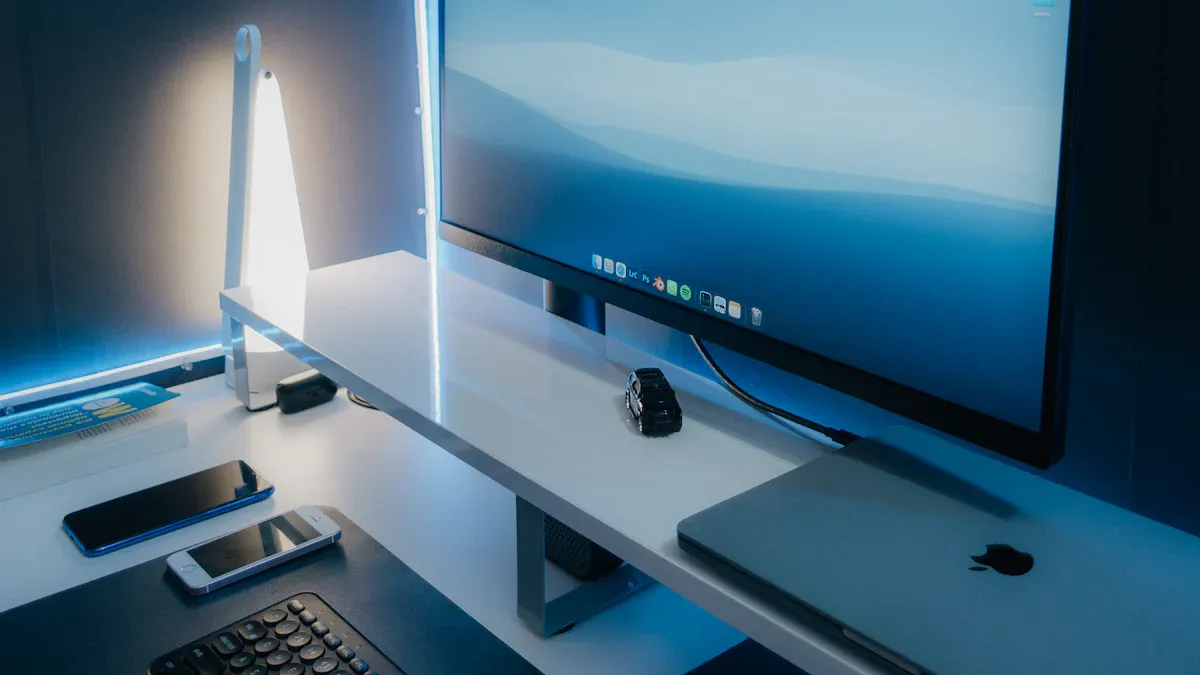
You see lcd display screens at home, school, and work. Many people like these screens because they show sharp pictures. The images look clear and have high detail. These screens use less energy. They do not have burn-in problems. Some people see that the viewing angles are not wide. Bigger screens can cost more money. If you want a good and steady screen, lcd display screens work well for daily use.
Weaknesses | |
|---|---|
Very High Resolutions | Kind of Costly for the Size |
Great Picture | Viewing Angle is Small |
Saves Energy | |
No Burn In |
Key Takeaways
LCD screens show clear and sharp pictures. They are good for home and work every day.
LCD monitors use less energy. This helps you save money on your electric bill. It also keeps your room cooler.
LCD screens have limited viewing angles. The picture looks worse if you look from the side.
For gaming, choose LCD monitors with low response times. This stops blurring and ghosting from happening.
Be careful with LCD monitors. They are fragile and can break easily if not handled gently.
Advantages of LCD Display Screens
Clarity and High Image Quality
Lcd monitors show clear and sharp images for daily use. Text and pictures look easy to read and watch. Lcd screens have good resolution and details. They are better than some other screens, but OLED can show darker blacks and more contrast. The table below compares lcd with other screen types:
Display Technology | Image Clarity | Resolution | Contrast Ratio | Viewing Angles |
|---|---|---|---|---|
OLED | Superior | High | Excellent | Wide |
LCD | Good | Moderate | Good | Limited |
Lcd monitors work best when you sit right in front. Many people pick lcd because it works well at home and at work.
Energy Efficiency of LCD
Lcd monitors use less power than many other screens. This helps you save money on your electric bill. For example, a 24-inch lcd monitor uses about 50 watts. Using less power means lcd screens are good for long hours. They also make less heat, so your room stays cooler.
Tip: Using lcd monitors that save energy helps the planet and saves you money.
Slim and Lightweight Design
Lcd monitors are thin and light. You can move and set them up easily. Most lcd screens between 13 and 16 inches weigh under 4 pounds. You can put them on small desks or hang them on walls. The flat shape saves space and makes your room look neat.
Resolution | Weight (lbs) | Portability Level | |
|---|---|---|---|
13-14" | 1920x1080 | 2.8-3.5 | High |
16" | 2560x1600 | 2.8-3.5 | Moderate |
Environmental Benefits
Many lcd screens meet strong environmental rules. Companies follow standards like ISO 14001 and RoHS. These rules help cut down on bad chemicals and make recycling better. You help the environment by using these screens. Some factories use special systems to save energy and treat waste. Old lcd monitors with CCFL backlights may have a little mercury, so recycle them the right way.
Certification/Standard | Description |
|---|---|
ISO 14001 | Environmental management system standard that helps organizations improve their environmental performance. |
RoHS | Restriction of Hazardous Substances directive that limits the use of specific hazardous materials in electrical and electronic equipment. |
High Brightness in LCD Monitors
Lcd monitors can get very bright. This helps you see the screen in sunny rooms or outside. Most indoor lcd screens have 200 to 400 nits of brightness. Some outdoor lcd screens can go over 1,000 nits. Lcd screens are good when you need to see well in bright places.
Display Type | Full-Screen Brightness | Peak Brightness | Suitability in Bright Conditions |
|---|---|---|---|
LCD | Over 1000 nits | 1500-2500 nits | Excellent for outdoor use |
OLED | 150-250 nits | 800-1300 nits | Limited in full-screen brightness |
LED | High | High | Ideal for outdoor use |
Low Heat Emission
Lcd monitors do not get very hot when you use them. Their backlights use less energy and make less heat than old screens. This keeps your desk cool and you do not need extra fans. Less heat also helps your monitor last longer.
Affordable Pricing
Lcd screens cost less now than before. New technology and more people buying them make prices drop. You can find lcd monitors in many sizes and prices. Big screens still cost more, but most lcd monitors are a good deal for home, school, or work.
Trend/Factor | Description |
|---|---|
Market Growth | The global LCD panel market is projected to grow at a CAGR of 8.9% from 2025 to 2031. |
Technological Improvements | Continuous advancements in technology contribute to the affordability of LCDs. |
Note: Lcd screens give you a good mix of price, quality, and features.
Disadvantages of LCD Display Screens
Limited Viewing Angles
You may notice that lcd screens do not look the same from every angle. When you sit directly in front of the display, the picture quality stays clear and bright. If you move to the side, the image can lose brightness and colors may shift. Most lcd display screens have a typical viewing angle of about 178 degrees. However, when you view the screen from more than 30 degrees off-center, the image quality drops. In group settings, like a conference room with a 65-inch display, people sitting at the ends of a long table may see faded colors or less detail. IPS panels improve this issue and offer better color and wider viewing angles, but traditional lcd monitors still struggle in this area.
Viewing angles for lcd screens: ~178 degrees
Noticeable image drop-off beyond 30 degrees
Group viewing can lead to uneven picture quality
Slow Response Time
Response time measures how quickly a pixel changes from one color to another. If you use your lcd for gaming or watching fast videos, slow response times can cause ghosting or blurring. This means fast-moving objects leave a trail behind them, making the action look less sharp. Different lcd panels have different response times:
Panel Type | Average Response Time (ms) |
|---|---|
TN | 3-4 |
IPS | 4-6 |
VA | 8-12 |
Slower response times can cause ghosting and blur.
Fast-paced games and videos may look less smooth.
Some lcds use overdrive circuits to improve speed, but this can create new problems like inverse ghosting.
LCD screens usually respond slower than LED screens. This can make a big difference if you play competitive games where every millisecond counts.
Low Contrast Ratio
Contrast ratio shows the difference between the darkest black and the brightest white on your screen. Most lcd screens have a contrast ratio between 1000:1 and 5000:1. If the contrast ratio is low, dark scenes may look washed out and you lose detail. OLED displays have much higher contrast ratios, even reaching infinite contrast because they can turn off pixels completely. QLED screens also offer better contrast than traditional lcd monitors.
Display Type | Contrast Ratio Range |
|---|---|
LCD | 1000:1 to 3000:1 |
OLED | Theoretically infinite |
QLED | 3000:1 to 7000:1 |
OLED: Infinite contrast, deeper blacks
QLED: 3000:1 to 7000:1
A low contrast ratio can make movies and games look flat, especially in dark scenes. You may miss out on the depth and detail that higher contrast brings.
Backlight Bleed
Backlighting is what lights up the liquid crystal display. Sometimes, the backlighting leaks around the edges or corners of the screen. This is called backlight bleed. You may see bright spots or halos, especially when the screen shows dark images. About 33% of IPS monitors have complaints about backlight bleed. For creative professionals, 30% have stopped using IPS screens because of this problem. Less than 40% of consumer lcds meet strict TÜV standards for backlighting.
Statistic Description | Value |
|---|---|
IPS monitors with backlight bleed complaints | ~33% |
Creative professionals abandoning IPS due to backlight bleed | 30% |
Consumer-grade products meeting TÜV standards | <40% |
Backlight bleed causes bright spots or halos, most visible in dark scenes.
Uneven backlighting can distract you and lower the overall image quality.
The problem is more noticeable when you watch movies or play games in a dark room.
Color Accuracy Issues
Color accuracy is important if you work with photos, videos, or design. LCD screens can have color shifts or uneven brightness. The Delta E value shows how close the screen's color is to real life. Lower numbers mean better accuracy.
Delta E Range | Description |
|---|---|
ΔE < 1.5 | Professional-grade quality |
ΔE 2.0 - 3.0 | Excellent for design |
ΔE 3.0 - 5.0 | Acceptable for general use |
ΔE > 5.0 | Clear deviation |
ΔE 2.0 - 3.0: Good for design
ΔE 3.0 - 5.0: OK for office work
ΔE > 5.0: Colors look wrong
If your lcd has poor color accuracy, you may see colors that are not true to life. Designers may make mistakes in their work. Video editors may find it hard to match colors. Photographers may not see the real results of their edits. This can affect the final quality of your projects.
Fragility of Liquid Crystal Display
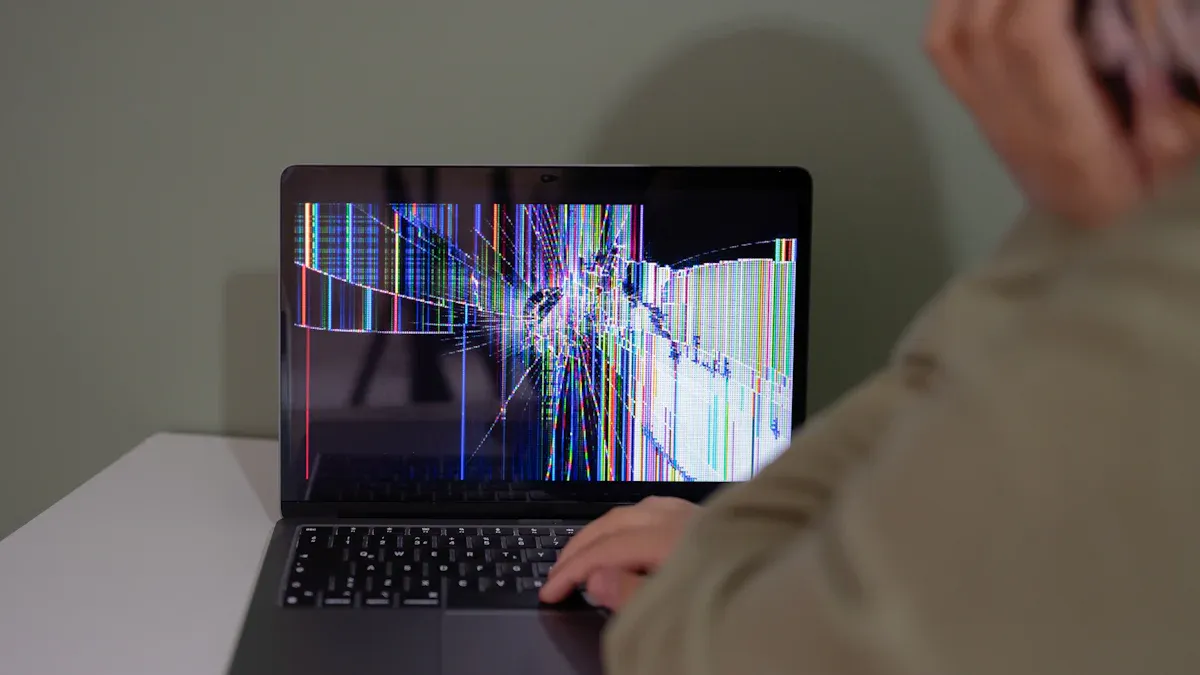
The liquid crystal display inside your lcd is delicate. The screen uses glass and liquid crystals, which can break or get damaged if you press too hard or drop the monitor. You may see cracks, pressure marks, or spots on the screen. Even gentle pressure can cause temporary distortion. Sharp impacts can cause permanent damage. This fragility means you need to handle your lcd with care to protect its lifespan and avoid costly repairs.
LCD screens can crack or show pressure marks.
Glass and liquid crystals are sensitive to force.
Permanent damage can happen with heavy impacts.
Poor Performance in Dim Lighting
Backlighting in lcd screens helps you see the image, but it can also cause problems in low-light rooms. When you use your lcd in a dark space, you may notice uneven lighting or glowing edges. Backlight bleed becomes more obvious, and the contrast ratio feels even lower. Colors may look less vibrant, and black areas can appear gray. This can make watching movies or playing games in the dark less enjoyable. You may also find it harder to see fine details or enjoy deep blacks, which affects the overall picture quality.
Note: If you often use your lcd display screen in dim lighting, you may want to consider other display types for better performance.
Everyday Use and User Concerns
LCD Monitors for Gaming
You want a monitor that keeps up with fast games. LCD monitors give you good refresh rates and clear images. Many gamers use lcd monitors because they show smooth motion. You see less blur when you play racing or shooting games. Some lcd monitors have special gaming modes that boost picture quality. You can find monitors with low response times and high refresh rates. These features help you react quickly in games. If you play in a bright room, lcd monitors stay bright and easy to see.
Tip: Look for lcd monitors with a refresh rate of at least 60Hz for casual gaming. For competitive gaming, 120Hz or higher works best.
Professional Work with LCD
You need a monitor that shows sharp text and clear images for work. LCD monitors help you read documents and edit photos. Many offices use lcd monitors because they offer good energy efficiency. You save money on your electric bill when you use lcd monitors for long hours. Designers and editors like lcd monitors for their stable picture quality. Some lcd monitors have special settings for color accuracy. You can adjust the display to match your work needs.
Task | LCD Monitor Feature | Benefit |
|---|---|---|
Office Work | High resolution | Sharp text |
Design | Adjustable color | Better accuracy |
Editing | Stable brightness | Clear images |
Usability in Various Lighting
You use lcd monitors in different places. LCD display screens work well in bright rooms. The screen stays clear even when sunlight hits it. You see the display easily in classrooms or offices. In dim rooms, lcd monitors may show some backlight bleed. You notice glowing edges or faded blacks. If you use lcd monitors in low light, you may want to adjust the brightness. Some lcd monitors have settings for night mode. These settings help reduce eye strain.
Maintenance and Durability
You want your monitor to last a long time. LCD monitors need gentle care. Clean the screen with a soft cloth. Avoid pressing hard on the display. LCD monitors have a good lifespan if you handle them carefully. You protect the monitor by keeping it away from sharp objects. Traditional lcd monitors are less fragile than older screens, but you still need to be careful. If you see dust or smudges, wipe them off gently. You can extend the lifespan by using lcd monitors in safe places.
Note: Regular cleaning and careful handling help your lcd monitor stay in good shape and keep picture quality high.
You see many strengths in LCD display screens, such as clear images, energy savings, and slim design. You also notice some drawbacks, like limited viewing angles and color accuracy issues. Think about your needs before you choose a monitor. If you want a screen with a long lifespan and affordable price, LCD may fit your daily use.
Consider your budget, image quality, and how you plan to use the screen. Weigh each feature to find what works best for you.
FAQ
What makes lcd monitors different from other monitors?
You see lcd monitors use liquid crystals to show images. Other monitors like OLED use organic materials. LCD monitors need backlighting to make the screen bright. You get clear pictures and good energy savings with lcd monitors.
How does backlighting affect the display on lcd monitors?
Backlighting lights up the lcd monitors. You notice bright screens in sunny rooms. Sometimes, backlighting causes uneven light or backlight bleed. You see glowing edges or faded spots. Backlighting helps you see colors better on the monitor.
Why do lcd monitors sometimes show wrong colors?
You may see wrong colors if the monitor has poor color accuracy. LCD monitors can shift color when you look from the side. Backlighting can change how colors appear. You get better color accuracy with monitors that have special settings.
Can lcd monitors work well for gaming?
You use lcd monitors for gaming because they show smooth motion. The monitor gives you fast refresh rates. You see clear images and bright screens. Backlighting keeps the display easy to see. Some lcd monitors have gaming modes for better color and speed.
How do you keep your lcd monitor in good shape?
You clean the screen with a soft cloth. Avoid pressing hard on the monitor. You protect lcd monitors from sharp objects. Backlighting lasts longer if you use the monitor in safe places. You get better color accuracy by adjusting settings.
Tip: Handle your lcd monitor gently to keep the display and color quality high.
See Also
Exploring LCD Display Screens: Functionality and Features Explained
Comparing OLED and LCD Displays: Key Differences Explained
Key Distinctions Between LED and LCD Video Walls Uncovered
