Top Trends in Self-Service Kiosks for the Modern Retail Landscape
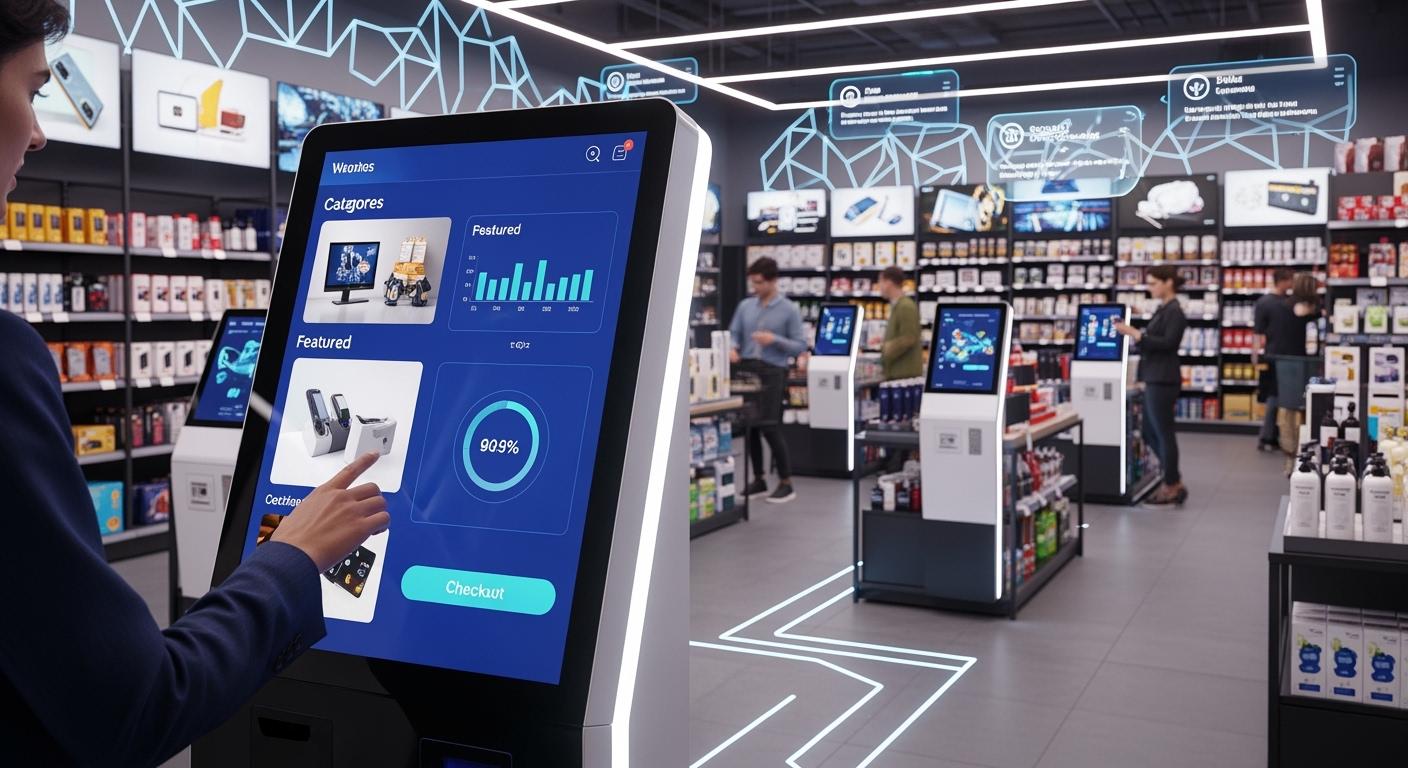
You now see self-service kiosk technology doing more than showing things. It lets people buy things right away and helps stores get more customers. Small, customizable kiosks can fit in small places and use special software. The newest trends help stores work faster and better. They also make shopping nicer for customers. The numbers show this is true: 66% of U.S. shoppers and 84% of Generation Z like kiosks. The market will grow quickly.
Shenzhen TopAdkiosk Display Technology Co., Ltd.
Add.: 2F, Bldg 10, Changfeng Industrial Park, Dongkeng, Fenghuang, Guangming, Shenzhen, China 518132
Mobile/WHATSAPP: 86-138 25769658
Email: marketing@topadkiosk.com topadkiosk@gmail.com
Skype: pghenry1
Wechat: adkioskhenry
English Web.: http://www.topadkiosk.com/
https://www.topkioskdisplay.com/
http://www.ad-kiosk.com/
https://www.toplcddisplay.com/
http://www.multitouchdigitalsignage.com/
https://www.youtube.com/channel/UCYVYNJHxLVEcQD8fuUxXNTA/videos?view_as=subscriber
https://www.facebook.com/TOPADKIOSKSHENZHEN/?ref=bookmarks
Trend | Description |
|---|---|
Kiosks now let people buy things, not just look at them. | |
Right-Sizing Hardware | Stores pick small, easy-to-use kiosks. |
OEM/ODM Customization | Special hardware fits what each business needs. |
Key Takeaways
Self-service kiosks let customers buy things by themselves. This makes shopping easier and more fun.
AI technology gives shoppers special suggestions. This makes shopping feel unique and helps stores sell more.
Contactless and cashless payments make buying things faster. This also makes customers happier.
Smart kiosks use real-time data to give better service. They also help stop mistakes for customers and stores.
Sustainable kiosk designs and predictive maintenance cut down on waste. They also make kiosks work better and last longer.
AI in Self-Service Kiosks
Self-service kiosks help you order, pay, and get help without waiting for workers. You can find them in fast food places, grocery stores, and airports. These digital kiosk display systems use advanced ai to make shopping and eating out quicker and simpler. Now, ai is changing how you use self-service kiosks. It makes them smarter and more useful for customers and stores.
Personalization and Upselling
Ai-driven self-service kiosks can know who you are and suggest things you might like from your past orders. This gives you digital ordering that feels special to you. For example, when you use a transactional kiosk at a fast-food place, it might show your favorite meal or offer a new side you may enjoy. This helps the store sell more and makes you feel important.
"Retailers who use ai will be ahead in changing the industry and will have a big advantage over others," says Dr. Jason Corso, CSO and co-founder of Voxel51.
Here is how ai-powered personalization helps you and the store:
Benefit | Description |
|---|---|
Kiosks use algorithms to look at your past choices and suggest menu items just for you, which helps sell more. | |
Increased Customer Delight | Personalization makes customers feel special, so they are happier and want to come back. |
Enhanced Sales Opportunities | Ai suggests extra items you may like, so people buy more each time. |
You see these restaurant technology trends in many places. Ai in digital ordering helps you find what you want faster and try new things.
Voice and Facial Recognition
Ai also brings voice and facial recognition to self-service kiosks. You can use your voice to order or ask for help, making digital ordering even easier. Smart kiosks use facial recognition to make check-ins faster and safer. This technology is used in travel, hotels, and kiosks in stores.
Ai-powered front desks use facial recognition for touchless check-ins.
Biometric technology, like facial recognition, makes it easier and quicker to check in at kiosks.
Ai also helps with advanced item recognition, real-time speech recognition, and personal suggestions. These features make kiosk technology work better and be easier to use. As ai keeps getting better, you will see self-service kiosks become even more important for digital ordering and customer service.
Contactless and Cashless Self-Checkout
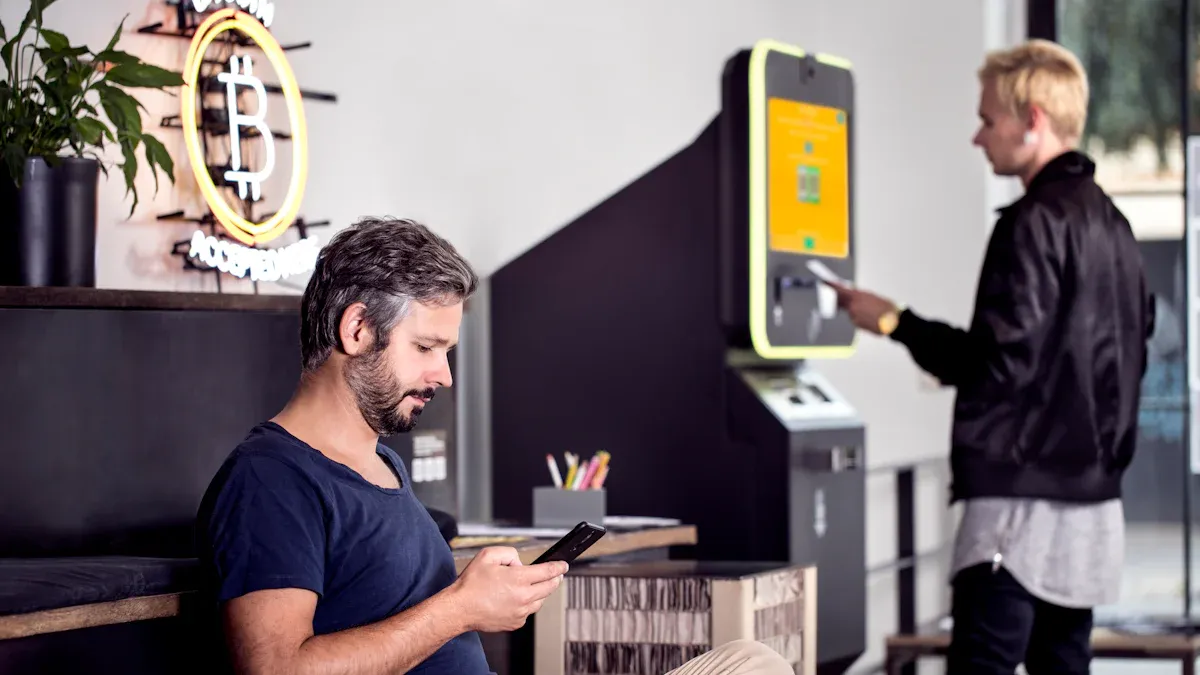
Self-service kiosks are changing how people pay in stores. Most shoppers use self-checkout because it is faster and easier. Cashless self-checkout now makes up 65% of the market. This shows that digital ordering and contactless payments are very common in stores today.
Mobile and Biometric Payments
You can pay with your phone or your face at self-checkout. Mobile and biometric payments give you a touch-free way to pay. These options make shopping easier for everyone. You do not need to touch buttons or use cash. You can use your phone number or a mobile pass to identify yourself. This helps you order quickly and safely.
Mobile and biometric payments let you finish paying faster.
The system remembers what you like, so it feels personal.
Stores learn what you like and can give you better deals.
You feel happier and more involved when you use these new self-checkout systems. Stores also do better because you spend more and come back again.
Security and Fraud Prevention
Security is very important when you use self-checkout. Stores use many ways to keep your information safe and stop fraud. The table below lists some common security steps:
Security Measure | Description |
|---|---|
Data Protection | Keeps your data safe and stops data leaks. |
Compliance with Regulations | Follows rules like CCPA and GDPR to protect your privacy. |
Cybersecurity Measures | Uses strong tools to keep hackers out of kiosks. |
Regular Security Audits | Checks the system often to find and fix problems. |
Software Updates | Updates software to fix security issues and make it safer. |
End-to-End Encryption | Protects your payment from start to finish. |
PCI DSS Compliance | Meets payment safety rules for the industry. |
User Session Timeout Protocols | Logs you out quickly so no one else can use your session. |
Stores also use end-to-end encryption, regular updates, and session timeouts. These steps help you trust self-service kiosks and use digital ordering without worry.
Micro Markets and Smart Stores
Self-Service Kiosk Expansion
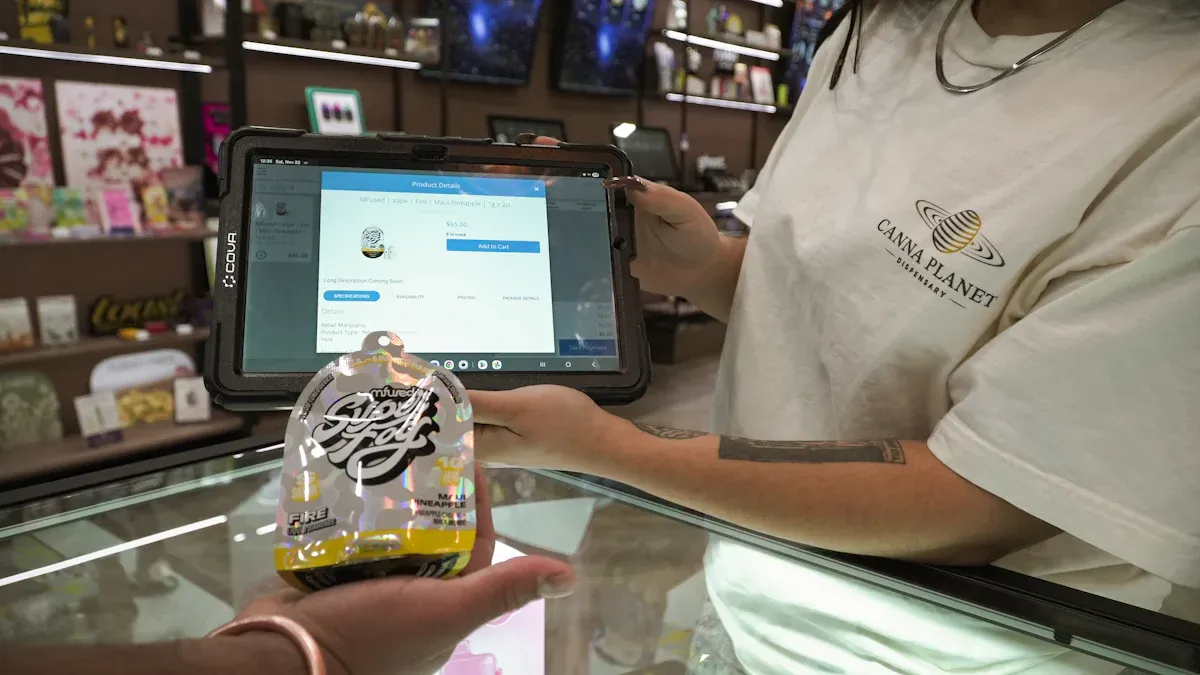
Micro markets and smart stores are showing up everywhere now. These places use self-service kiosks to help you shop faster. You can find them in gyms, offices, and quick-service restaurants. You walk in, pick what you want, and pay without waiting for help. Micro markets have open shelves and digital kiosk display systems. You look around, scan your items, and pay in just a few seconds. Smart stores use anti-theft technology to keep shopping safe, even if no staff are there. These stores give you quick access and make shopping better.
The self-service kiosk market was worth USD 10.78 billion in 2023.
Experts think it will grow by 11.86% each year until 2031.
In gyms, self-service kiosks let you buy snacks and other things on your own.
Micro markets use integrated kiosks so you can check out quickly.
Smart stores use intelligent kiosks for safe shopping without staff.
These new store types help you save time and give you more choices.
Automated Shopping Experiences
Automated shopping uses kiosk technology to give you more control. You get greetings and suggestions based on what you bought before. Operators can manage many kiosks from one cloud dashboard. They can update products and fix problems right away. You see new things like voice activation and facial recognition. These features make shopping safer and more fun.
Feature | Description |
|---|---|
Personalized Experiences | Kiosks use AI to suggest products and greet you by name. |
Centralized Management | Operators control all kiosks remotely and update them quickly. |
Emerging Technologies | Voice, facial recognition, and mobile integration improve security and engagement. |
Digital ordering in micro markets and smart stores makes shopping smooth. You use self-service kiosks to shop, pay, and leave without waiting. You see these changes in many places, like quick-service restaurants and gyms. The future of shopping will use intelligent kiosks and integrated kiosks to make things easier for you.
Smart Aisles and Self-Checkout Innovation
Checkout-Free Shopping
Stores are changing the way you shop now. Smart aisles use kiosk technology so you do not need to wait in line. RFID tags keep track of your items as you walk around. You grab what you want, and the system charges you right away. Smart carts use computer vision to scan your things. You pay fast and do not have to stand in line. Scan-and-go apps let you use your phone to scan items, but sometimes stores have trouble with things that are not scanned.
Many stores use self-checkout systems that work with AI. These systems can tell what an item is even if it does not have a barcode. They make your checkout faster and help stores keep track of what they have. You can use touchless payment options that make shopping safer and quicker. Digital kiosk display systems show you your total and let you pay right away. You see self-checkout in places like Amazon Fresh, Hudson Group, and Dollar General. These stores say people buy more and spend more money. Customer happiness is high, reaching 89% with smart carts.
Year | Market Size (USD) | CAGR (%) | Key Drivers |
|---|---|---|---|
2024 | 1.91 billion | 12.0 | Automation, efficiency, cashless payments |
Integration with Retail Systems
You get more benefits when self-service kiosks connect with retail systems. Integrated kiosks link to POS, inventory, and CRM platforms. This helps you see updates on what is in stock and prices right away. You make fewer mistakes and your order goes smoothly. Intelligent kiosks share data with business systems. You see what is in stock and get your order fast.
Stores do best when they connect kiosks with their other systems. You get easy-to-use screens that make digital ordering simple. Stores give you help if something goes wrong. You have a better shopping trip because the system works well. Self-checkout gets better when kiosks show real-time inventory. You see fewer errors and pay faster.
Smart aisles and self-checkout innovation help you shop faster and easier. You have more control and enjoy shopping in a modern way.
Self-Service Kiosks in New Sectors
Travel and Hospitality
You now see self-service kiosks in airports, hotels, and even cruise terminals. These kiosks help you check in, print boarding passes, and choose seats without waiting in line. In hotels, you can use a kiosk to check in, get your room key, or even order room service. This technology speeds up your journey and gives you more control over your travel plans. You do not need to wait for staff to help you. You can use digital ordering to request extra towels or book a taxi from the lobby kiosk. Many hotels use kiosks to offer local recommendations and maps, making your stay smoother and more enjoyable.
Tip: When you use a kiosk in a hotel, you can skip the front desk and go straight to your room.
Gaming and Entertainment
You find self-service kiosks in arcades, movie theaters, and amusement parks. These kiosks let you buy game cards, reload credits, and purchase tickets without using cash. You can avoid long lines and spend more time having fun. Staff can focus on helping guests who need extra support, which makes your visit better. Kiosks also give you many choices, like picking games or snacks quickly. Venues use real-time data from kiosks to learn what you like and improve your experience.
You get faster service and more options.
Venues keep more guests because lines move quickly.
Staff can help where it matters most.
You can pay and play without cash.
Many arcades now use cashless systems. You buy or reload a game card at a kiosk, then tap to play. This makes everything safer and easier for you. The trend toward cashless operations helps venues track sales and reward loyal customers.
Self-service kiosks continue to change how you travel, stay, and play. You get more choices, faster service, and a better overall experience.
Hardware and Sustainability Trends
Modular and Eco-Friendly Design
New self-service kiosk hardware helps stores and the planet. Many companies use plastics that can be recycled. They also use modular parts. You can change or upgrade one part without tossing the whole kiosk. Stores save money and make less electronic waste. Modular kiosk systems make upgrades easy and cost less to fix. Strong parts last longer, so stores do not buy new kiosks often. Hardware uses less power, which lowers energy bills.
Tip: Pick kiosks with modular designs to make them last longer and cut waste.
Here is a table that shows the newest hardware and how it helps the planet:
Advancement Type | Contribution to Sustainability |
|---|---|
Eco-friendly designs | Cuts waste and makes energy use better |
Energy-efficient components | Uses LED lights, low-power chips, and screens that sense motion to save energy |
Digital solutions | Lets you do things without paper, so less paper is used |
Modular designs | Lets you swap parts, so kiosks last longer and make less waste |
Solar panels | Uses sunlight, so stores need less regular power |
Kiosk technology also uses materials that can be recycled. It has features that save energy. These changes help stores spend less and protect nature.
Predictive Maintenance
Predictive maintenance keeps kiosks working well. You avoid big repairs by checking kiosks often. Cleaning and training staff help kiosks last longer. Proactive care means kiosks break down less and your shopping is better. Regular checks help find problems early. Software updates keep payment safe and fast. Staff training helps workers fix simple issues quickly.
Here are some ways to make kiosks last longer:
Check kiosks often to find problems early.
Clean kiosks to keep them working well.
Teach staff to fix problems.
The table below shows how these ways help:
Maintenance Strategy | Benefit |
|---|---|
Find signs of damage early | |
Software updates | Keep systems safe and working well |
Staff training | Help staff fix problems quickly |
Hardware checks | Stop big breakdowns by fixing issues early |
Documentation of inspections | Guide how to care for kiosks |
Smart kiosks use predictive maintenance to stay reliable. You get better service and stores save money. Kiosk technology keeps getting better, making shopping easier and greener.
Analytics and Performance
Real-Time Data Insights
Analytics tools help you make kiosks work better. These tools show you what is happening right now. You can see sales and how people use kiosks. You can also find problems fast. This helps you fix things before they get worse. You can make smart choices with this data.
Here are some helpful real-time data insights:
You can see what items sell the most.
You can learn how customers use the kiosks.
You can use data to make shopping feel special for each person.
You can check how each part of the kiosk works.
You can use AI cameras to spot theft.
These insights help you make digital ordering easier for everyone.
Area of Focus | Description |
|---|---|
Tracking Transactions and Sales | You can see which products sell best and change your plan. |
Studying User Interaction Data | You can learn how people use kiosks and make them better. |
Making Informed Decisions About Design | You can pick the best hardware to save money and work faster. |
Informing Infrastructure Decisions | You can find and fix network or hardware problems quickly. |
Capturing Theft Attempts | You can use AI to watch for theft and keep your store safe. |
ROI Measurement
You want to know if kiosks help you make money. You can check return on investment (ROI) with easy steps:
Add up all the costs, like buying and fixing kiosks.
See how much you save by needing fewer workers and making more sales.
Use the ROI formula to check if you are earning more than you spend.
You can also look for:
Faster service and shorter lines.
Fewer mistakes when using kiosks.
Happier customers who come back again.
Tip: Check your data often. This helps you see patterns and make changes that help you do better.
You can use analytics to make good choices and get more from your kiosks.
Implementation Challenges and Best Practices
Staff Training and Change Management
You need to help your staff feel comfortable with new self-checkout technology. Many workers worry about learning new systems. You can make this easier by giving clear instructions and hands-on practice. Show your team how to use the screens, fix simple problems, and help customers. Use short training sessions and step-by-step guides. You can also set up a buddy system so experienced staff can help others. When you listen to your team’s questions, you build trust and reduce stress.
Tip: Celebrate small wins when your team learns something new. This keeps everyone motivated.
You should also explain why self-checkout matters. Tell your staff how it helps customers and makes their jobs easier. Change can feel hard, but support and good communication make it smoother.
Integration with Legacy Systems
You may worry about connecting new self-checkout systems to your old technology. Many stores use iPad-based self-service kiosks to replace outdated POS systems. These kiosks work well with your current setup and give you more flexibility. You can add new features without starting over. In banks, self-checkout kiosks connect directly to core systems. This means you get real-time updates and all your records stay correct.
To make integration easier, follow these steps:
Check what systems you already use.
Pick kiosks that work with your software.
Test everything before you go live.
Train your IT team to handle updates and fixes.
Step | Why It Matters |
|---|---|
Review systems | Avoids surprises and saves time |
Choose compatible | Makes setup faster |
Test before launch | Finds problems early |
Train IT staff | Keeps things running smoothly |
You can keep your store running well by planning ahead. Good integration means your self-checkout works with your other tools, so you give customers a smooth shopping trip.
You notice stores are changing a lot with self-service kiosk technology. These new trends help stores fix problems when there are not enough workers. They also help stores work faster and sell more things.
Trend | Benefit |
|---|---|
Faster service | Customers feel happier |
Order accuracy | Stores make fewer mistakes |
Upselling opportunities | Stores earn more money |
It is smart to check your systems and try new features. You can use data to make things better. The future will have more AI, contactless payments, and smart stores. If you keep learning about new trends, you will stay ahead.
FAQ
What is a self-service kiosk?
A self-service kiosk is a digital machine that lets you order, pay, or get information without help from staff. You use a touchscreen or scanner to finish your tasks quickly.
How do self-service kiosks help stores?
Self-service kiosks speed up checkout, reduce lines, and let you shop at your own pace. Stores use them to save time, lower costs, and improve your shopping experience.
Are self-service kiosks safe to use?
Yes, self-service kiosks use strong security tools. They protect your payment and personal data with encryption and regular updates. You can use them with confidence.
Can you pay with your phone at a self-service kiosk?
You can pay with your phone at most self-service kiosks. Many kiosks accept mobile wallets, QR codes, and contactless cards. This makes checkout fast and easy.
Where can you find self-service kiosks?
You find self-service kiosks in many places. Look for them in grocery stores, airports, hotels, gyms, and arcades. They help you order, pay, or get tickets without waiting.
See Also
Essential Characteristics of Today’s Touch Screen Kiosks
Exciting Outdoor Kiosk Innovations to Watch in 2025
Six Essential Tips for Selecting Interactive Kiosks
